Simple Sketch Pro
 Chipp Walters
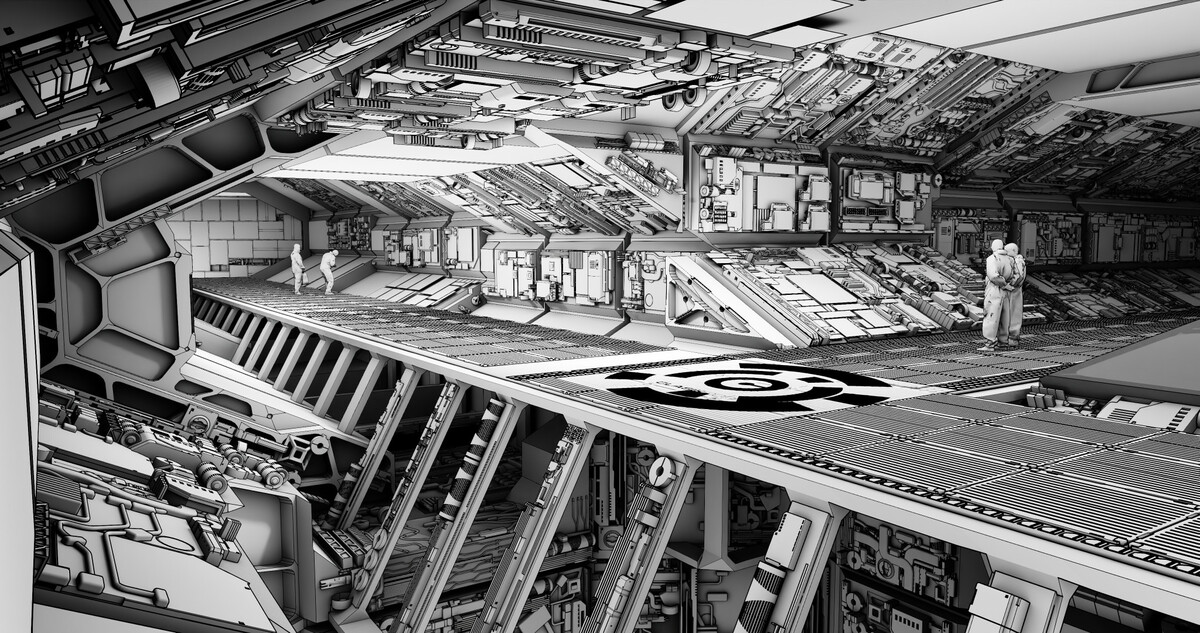
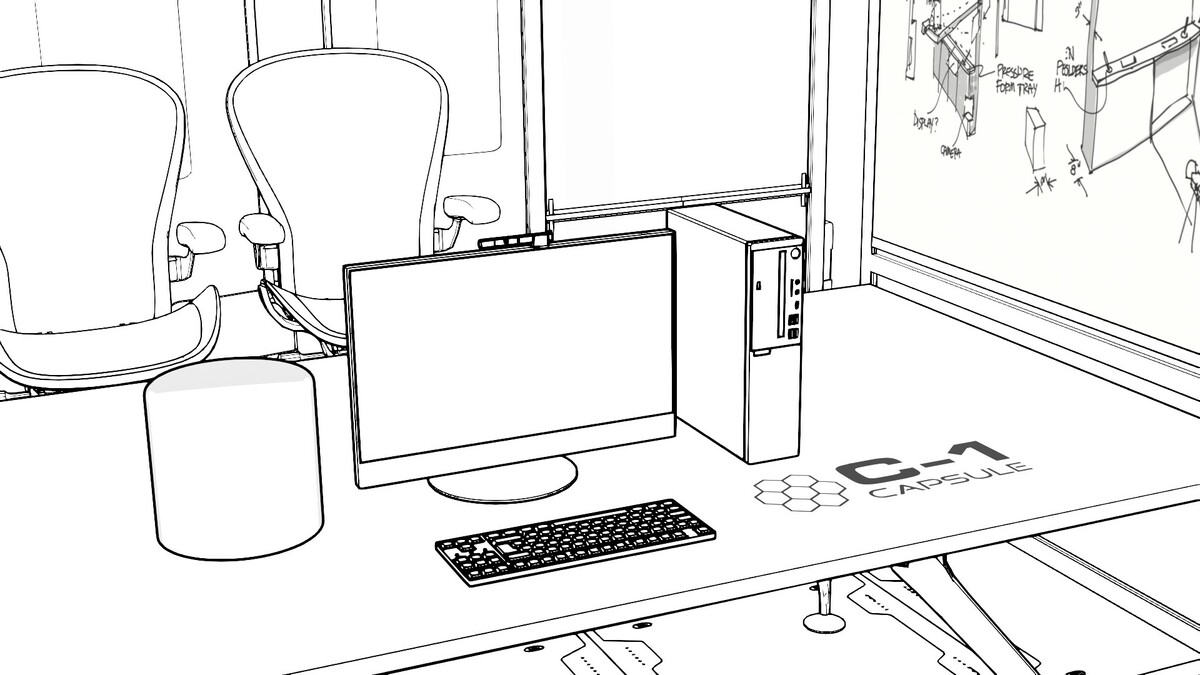
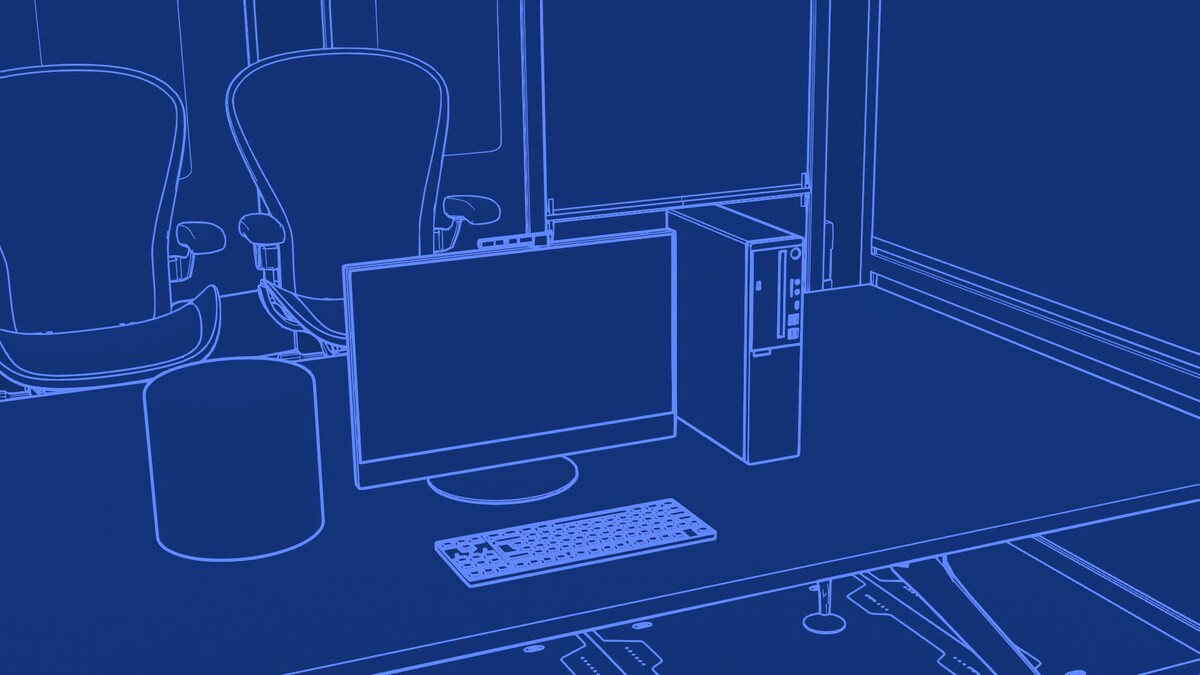
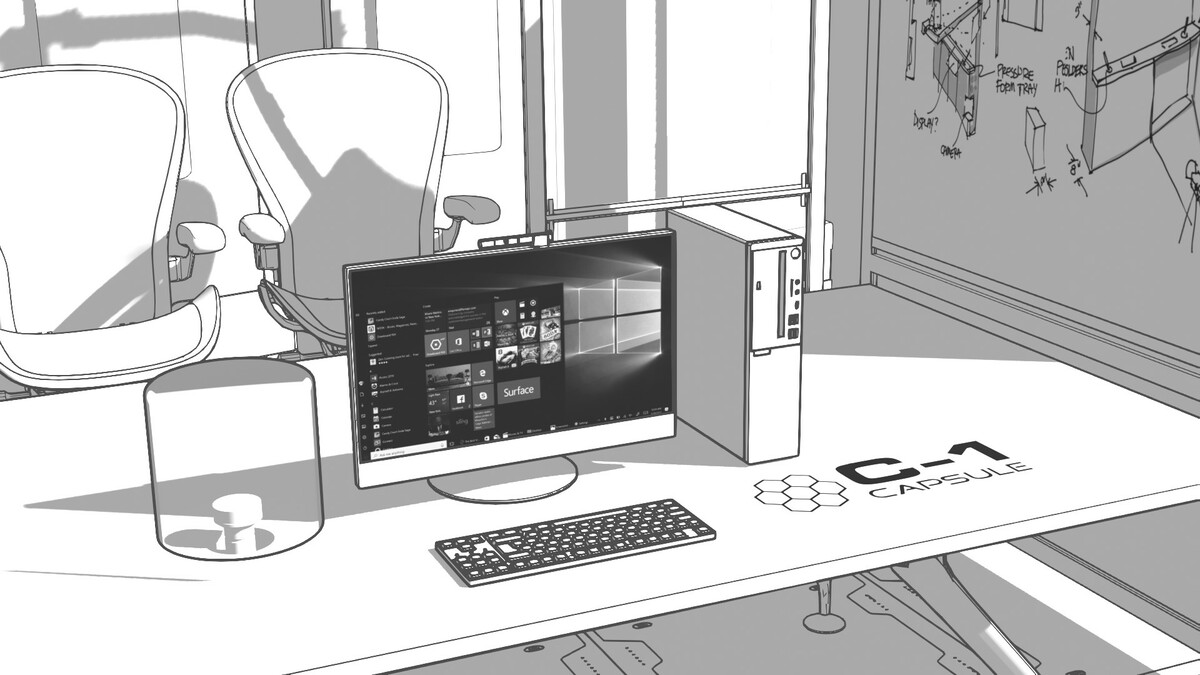
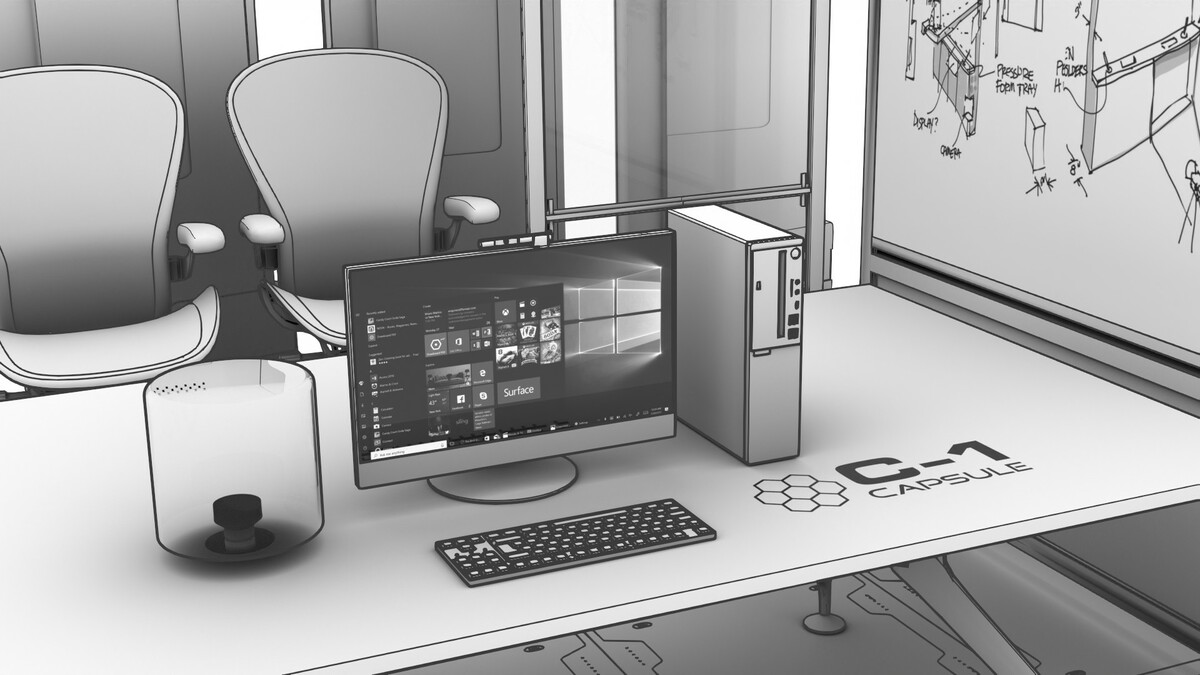
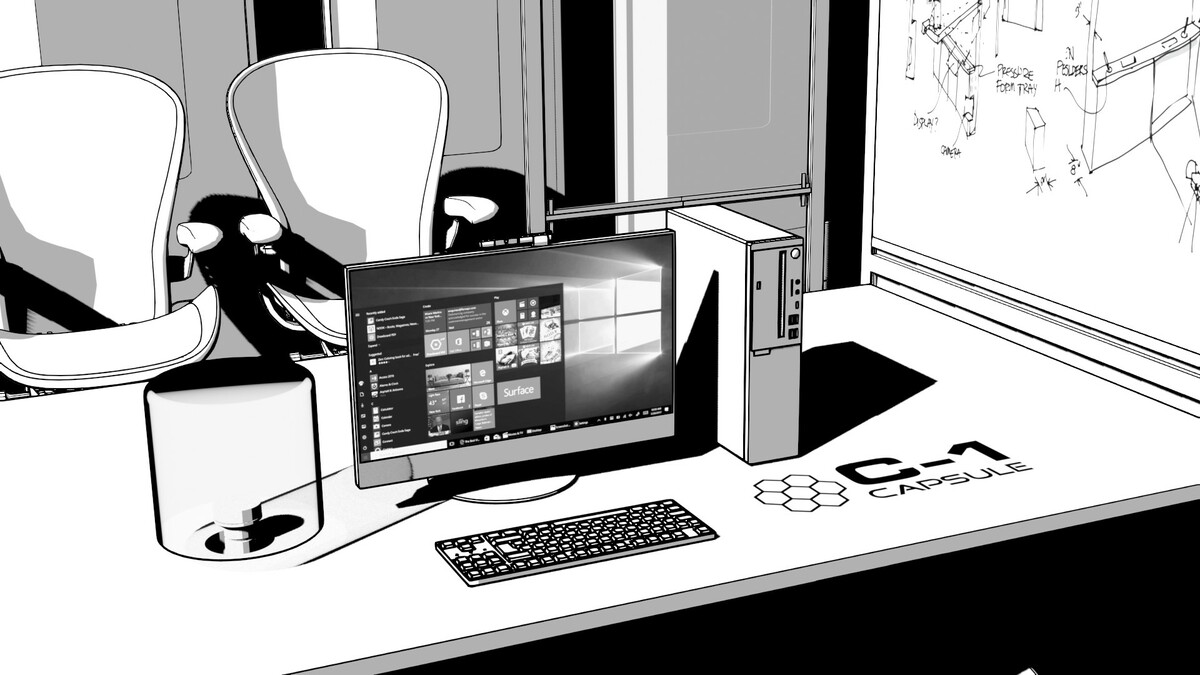
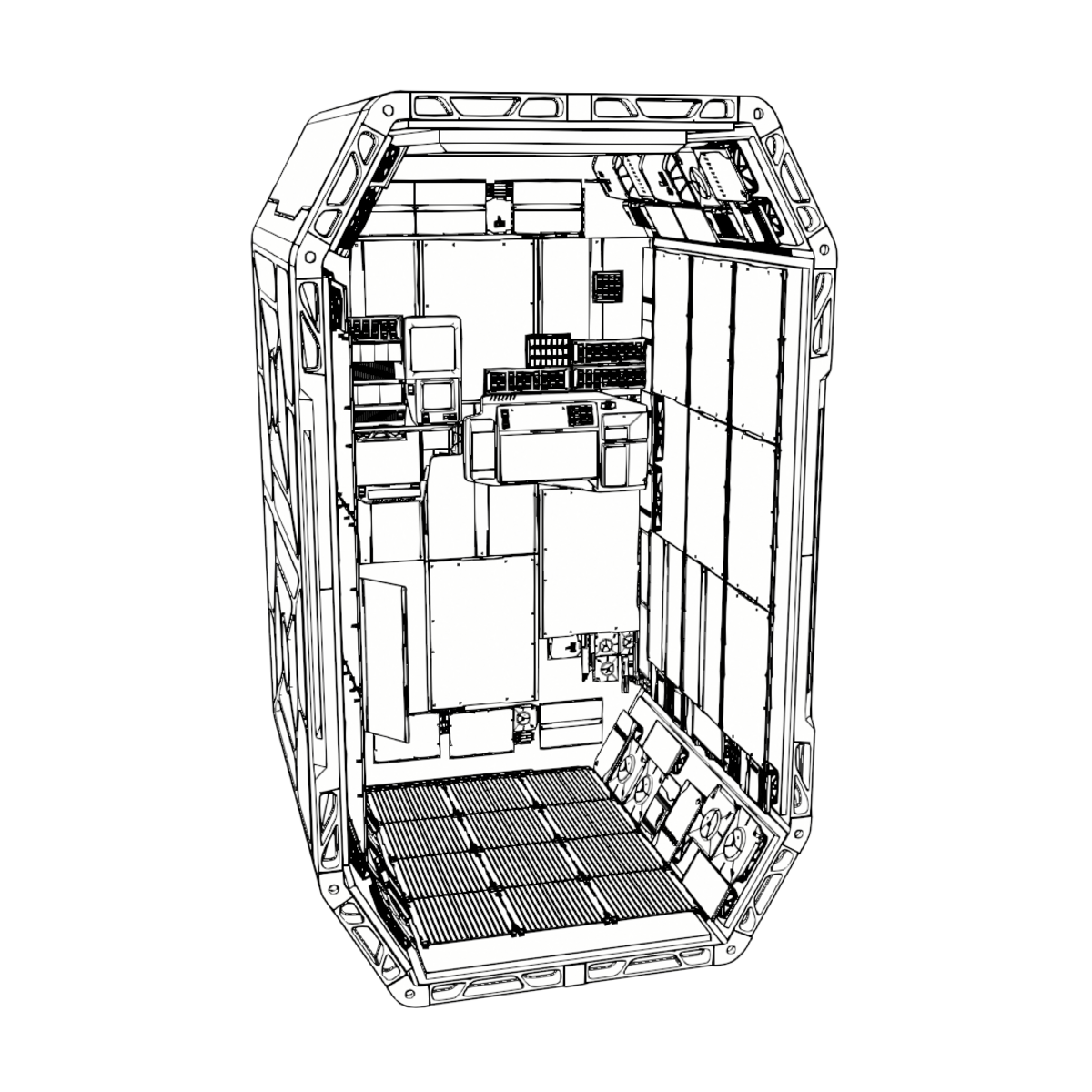
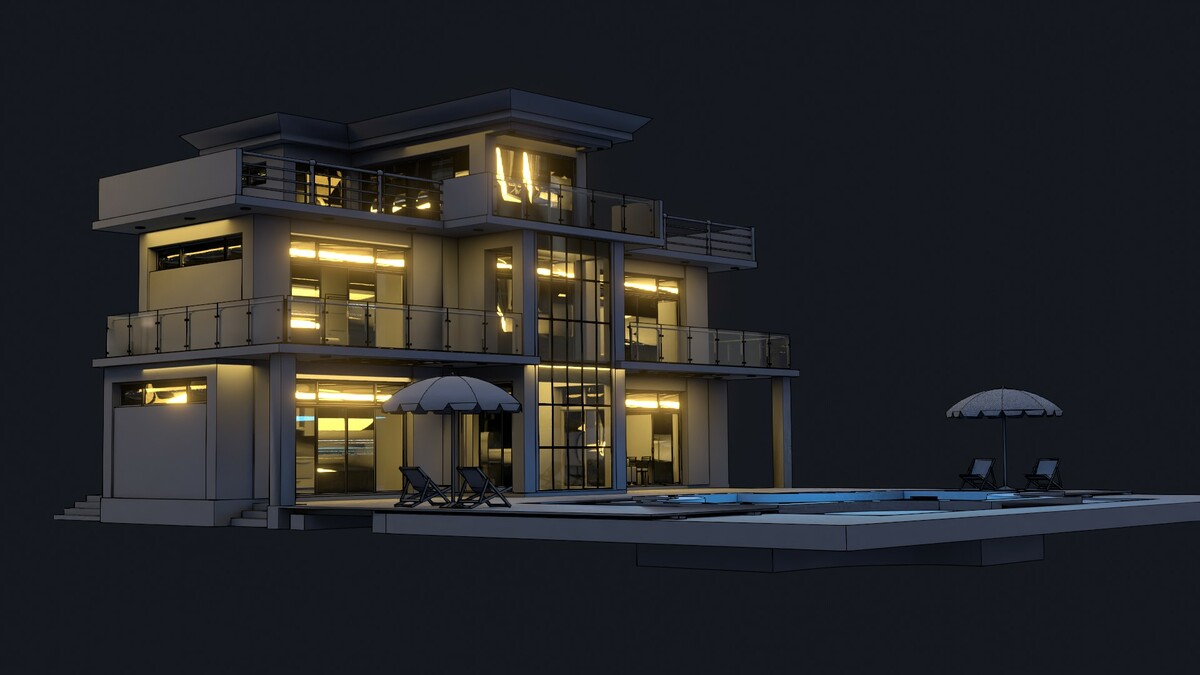
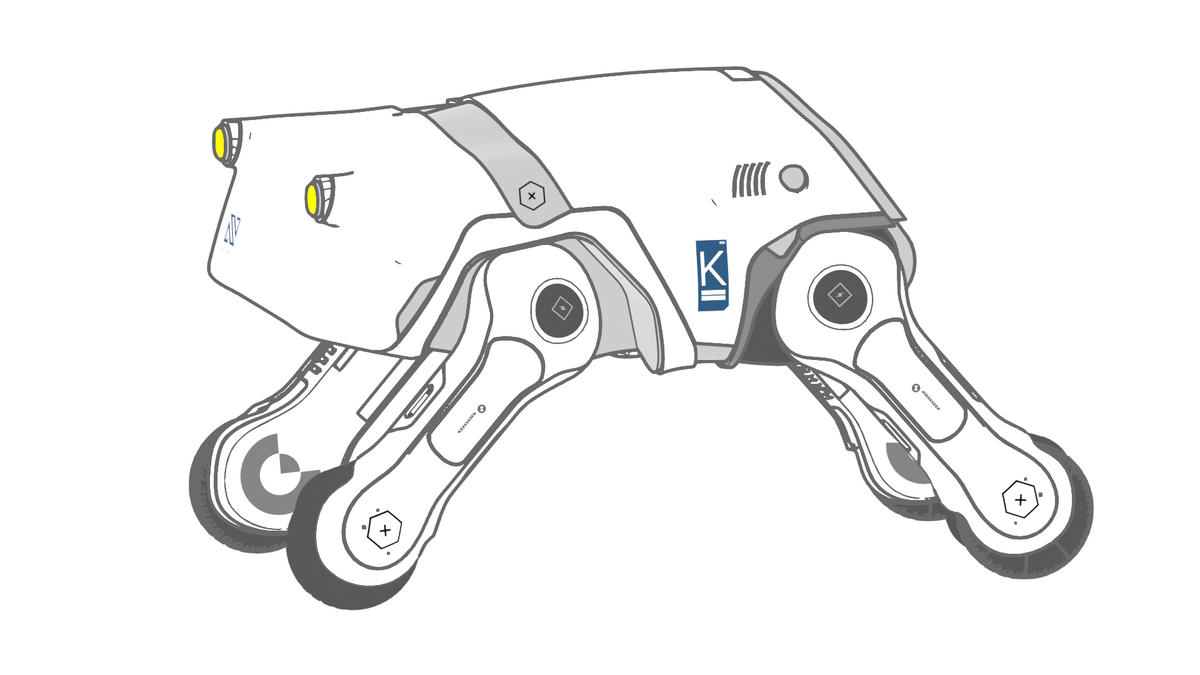
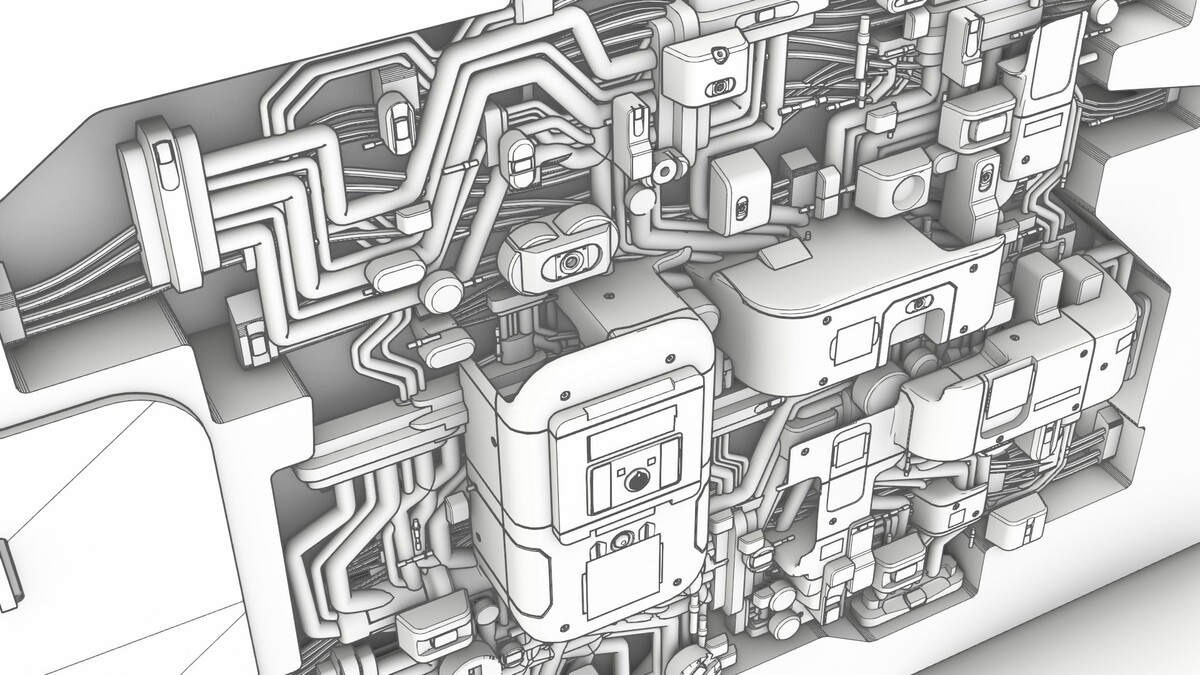
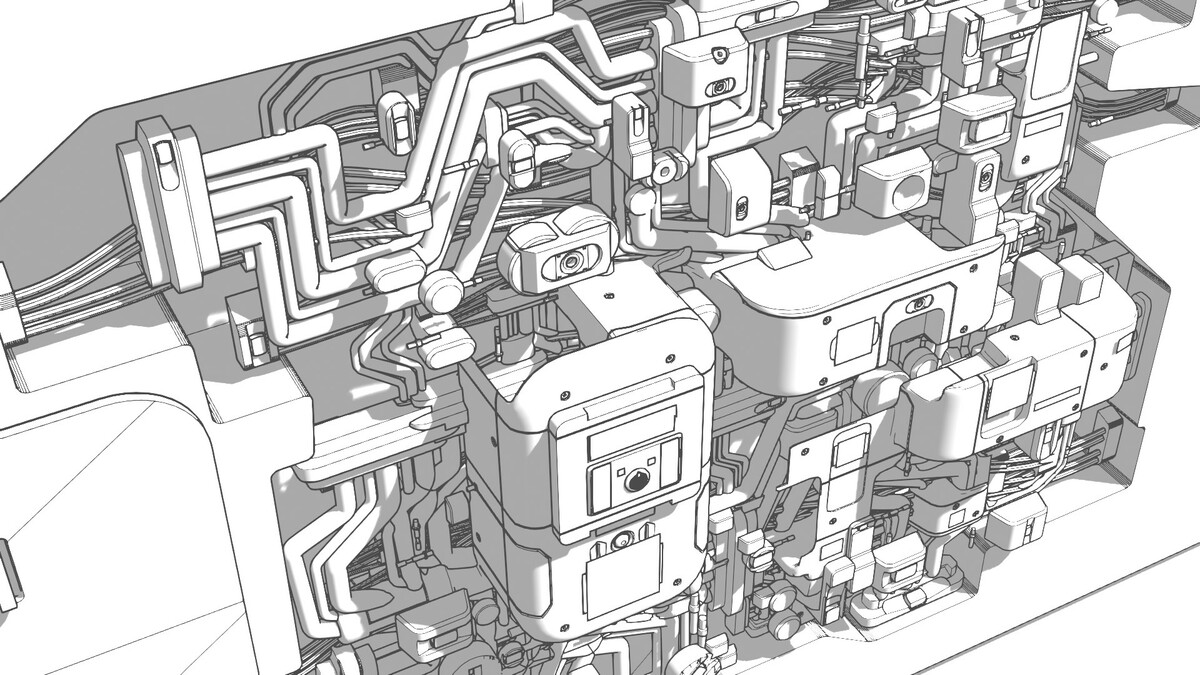
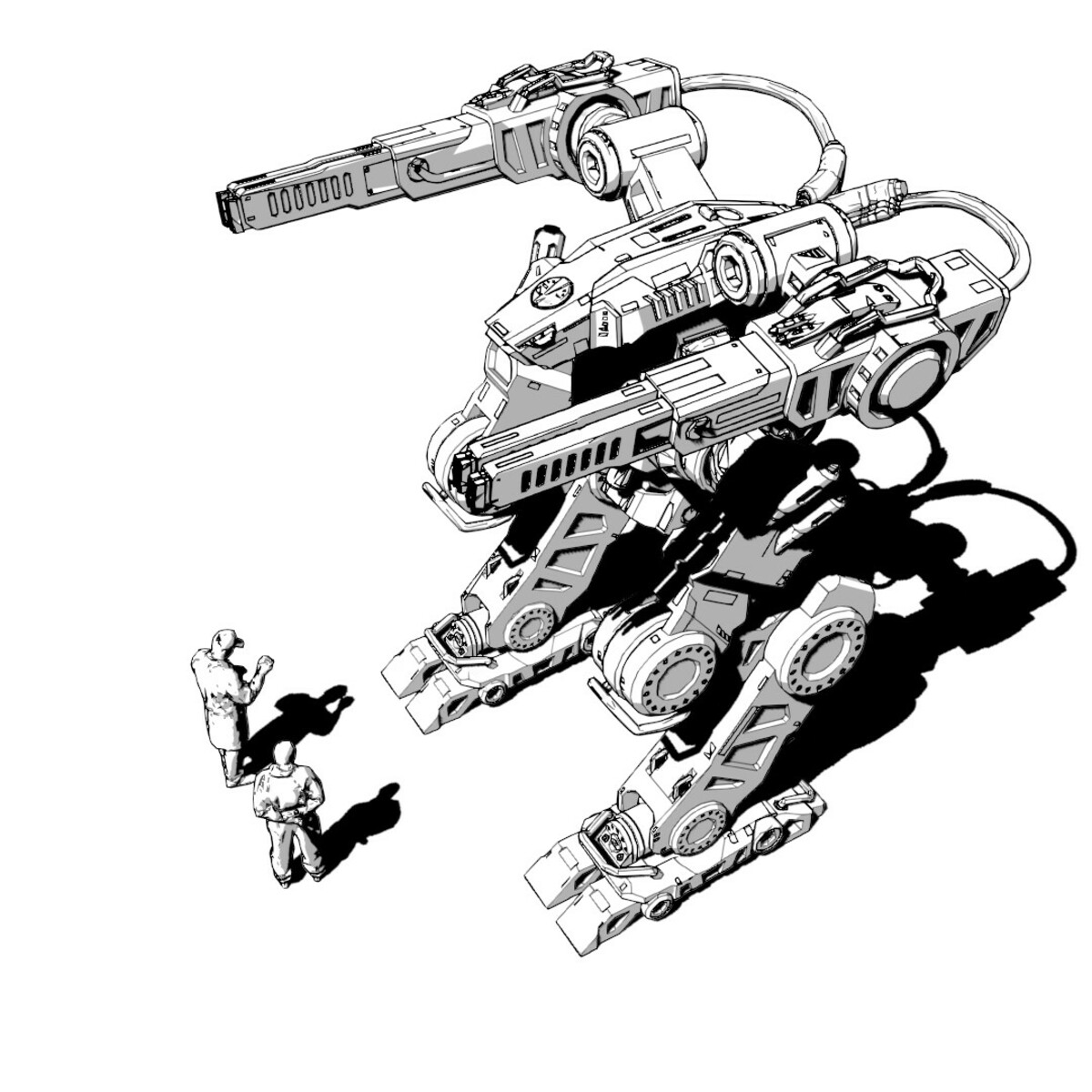
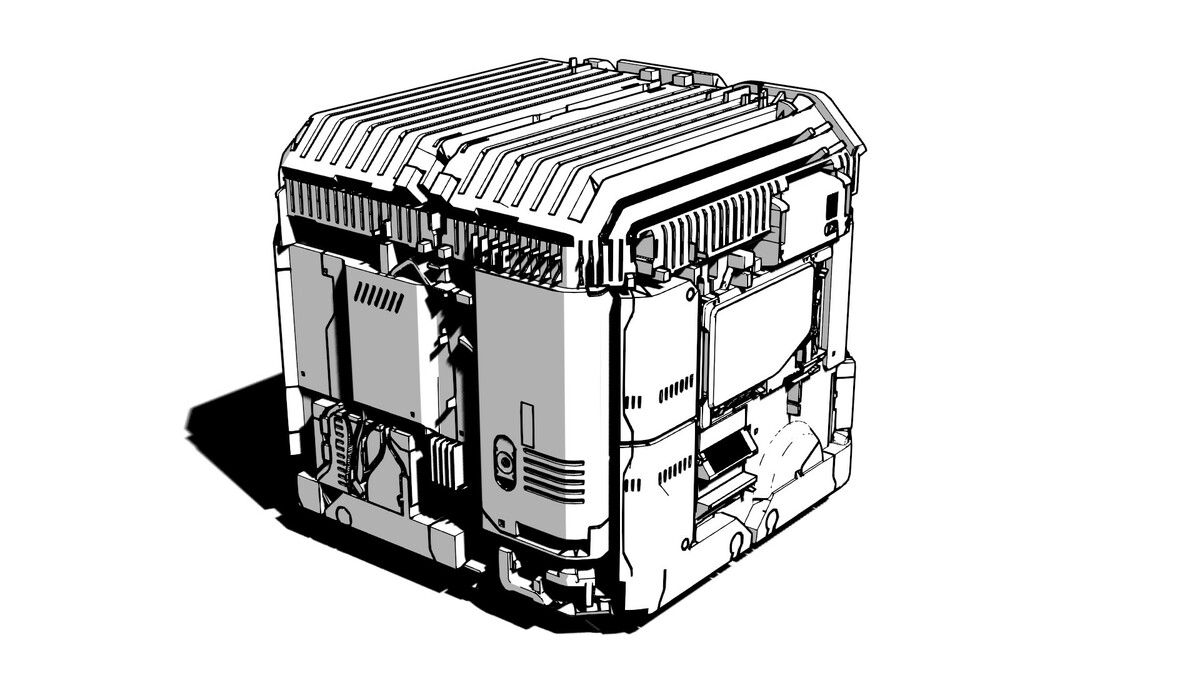
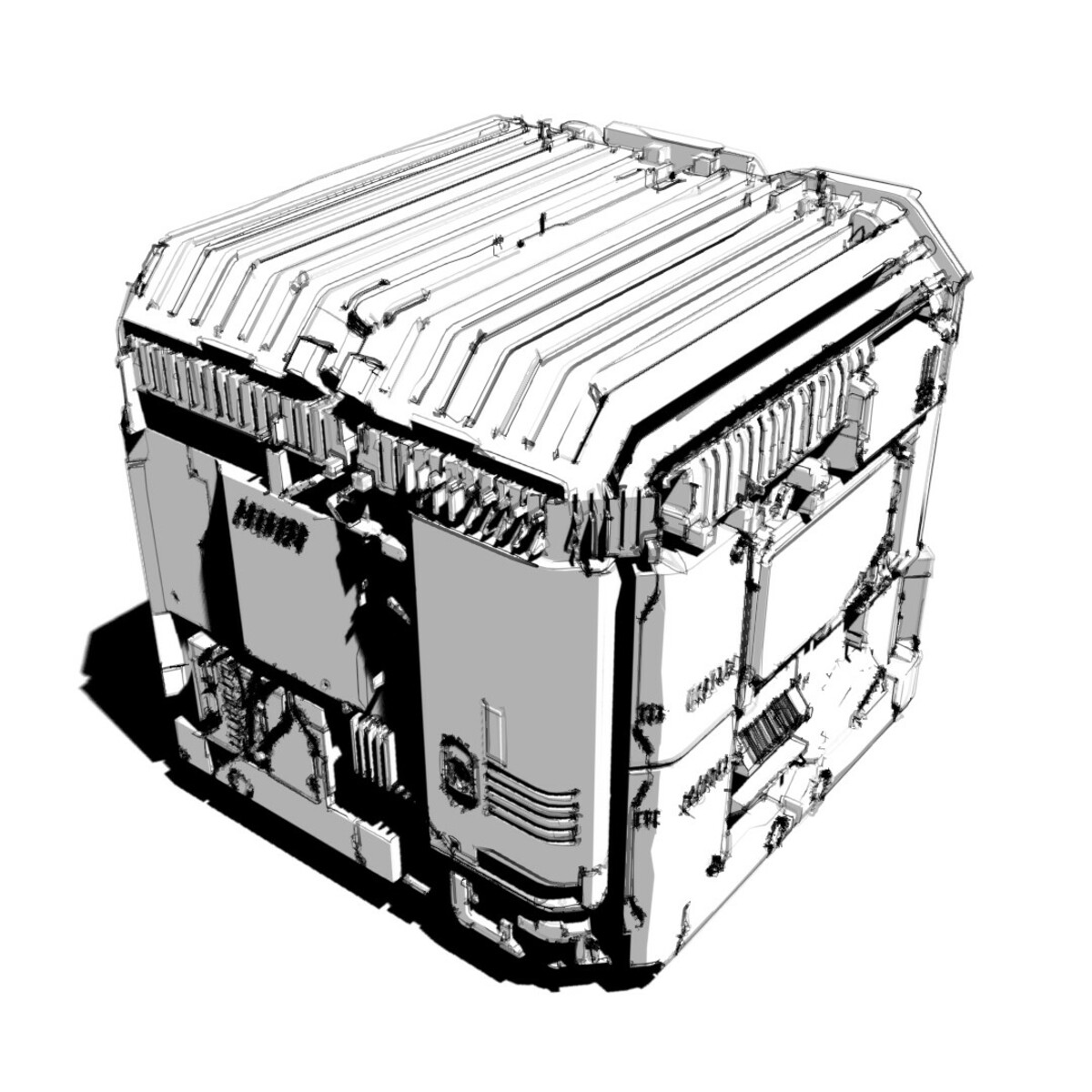
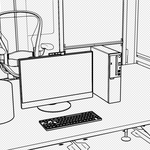

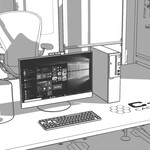
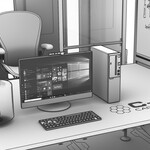
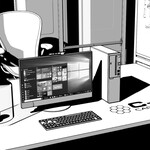
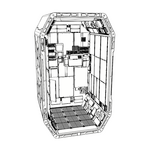
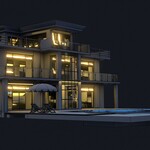
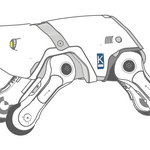
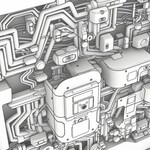
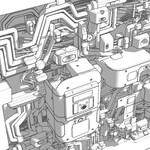
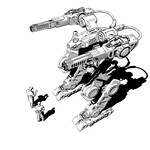
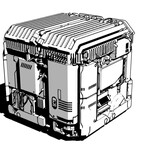
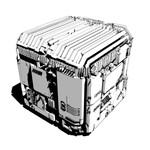
Does SSP work with my existing scene, or do I need to set one up for it?
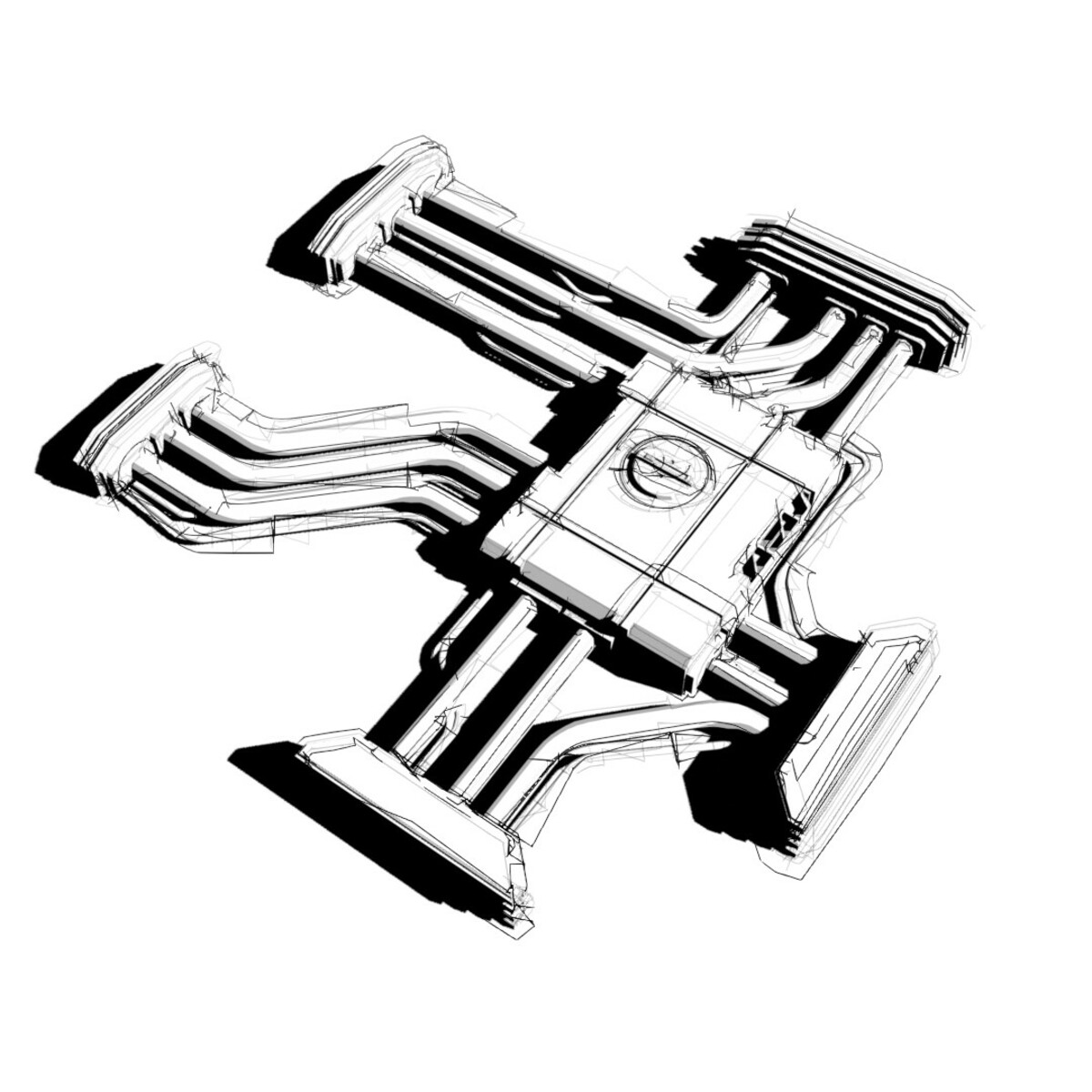
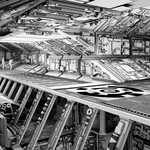
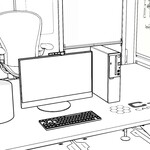
It's built for your existing scene — your models, your lights, your materials. Presets overlay; they don't overwrite. Objects like glass and decals can keep their own material inside any preset with one click (Toggle Material Prop).
Do I need to know Grease Pencil or Line Art to use it?
No. Behind each preset sits everything you'd otherwise wire by hand — Line Art modifiers, material and world overrides, color management tuned for clean black-on-white. SSP sets all of it from one click in one sidebar tab.
Will it handle a big production scene?
Yes — with the documented large-scene workflow. Line art recalculates when you change settings, which takes time on heavy scenes, so SSP gives you viewport-visibility toggles for the thick and thin lines: tune on one or two objects, then render everything with line visibility off in the viewport but on in the render.
Can lines stay the same width no matter how far objects are from the camera?
Yes — turn on Screen Space and every line holds a fixed on-screen width, set in pixels (1–200). It needs an active scene camera (the panel warns you if none is set), and if weights ever look off after a camera change, toggling the checkbox refreshes them.
Can I control which lines appear?
Fully. The crease-angle slider adds or drops interior lines (180 shows every edge, 0 leaves only the silhouette), you can mark specific edges Sharp or Freestyle to force them on, and any object can be excluded from line art with one button. The silhouette always draws.
Can I render just the lines, with no background?
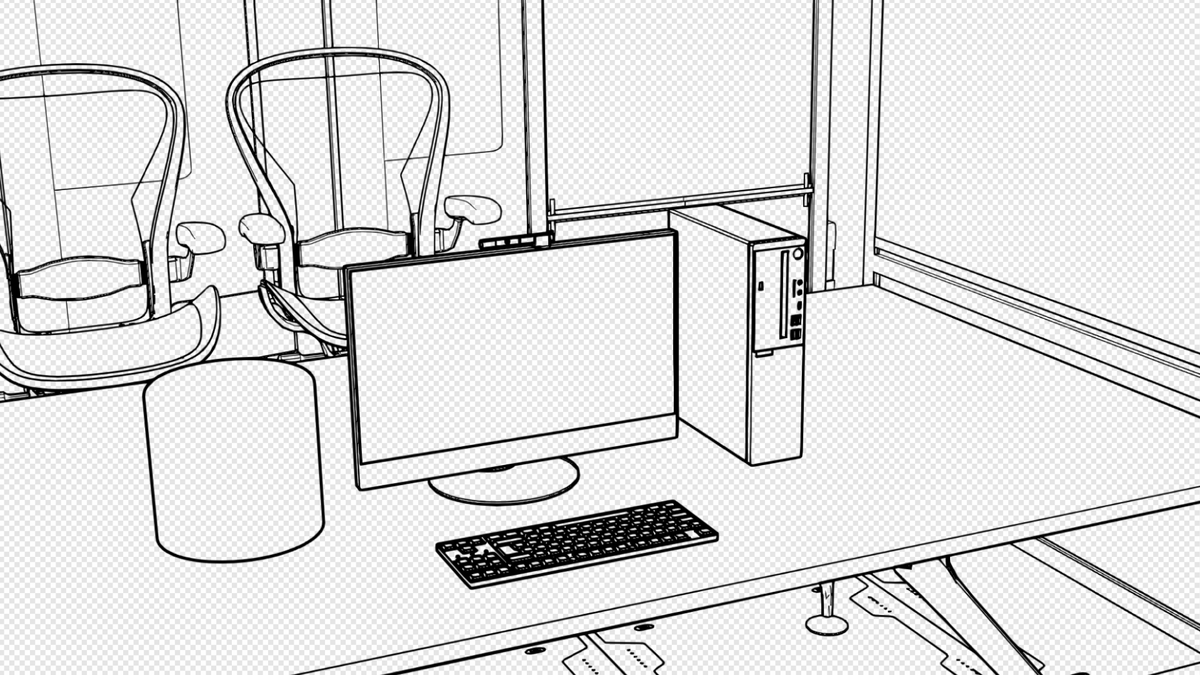
Yes — that's the Lines Only preset. Save as PNG with alpha and drop it straight into your comp. One honest caveat: objects mostly outside the camera view can leave stray lines; if that happens, render Black & White as an alpha/selection channel for compositing.
Do I need a special lighting setup for the shaded presets?
No. Sketch Style and Comic bring their own sun object — press the Select Sun button, tap R twice, and drag to aim the shadows interactively. Background strength darkens or lightens them.
Where do I get help if I'm stuck?
The Discord at cw1.me/discord has a dedicated simple-sketch-pro channel with a human on the other end — the same support that's stood behind KIT OPS since 2019.
$25
 Included
Includes 12 months of
- Support from Chipp Walters
- Product updates
Extend this product’s Support Period +12 months: 25% of product price
Have questions before purchasing?
Login to message
| Blender Extension Compatible | Yes |
| Sales | 1200+ |
| Rating | 13 ratings |
| Published | over 1 year ago |
| Blender Version | 4.3 - 5.2 |
| Extension Type | Add-on |
| Render Engine Used | Eevee |
| License | GPL |
Discover more products like this
animated cell 2d-cartoon line art grease pencil add-on Artistic Line Rendering comic line-drawing