 simmoroi




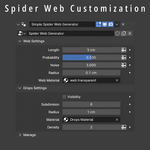
Simple Spider Web is an add-on for Blender 4.0+ based on geometry nodes. This add-on helps to create a simple Spider Web in just a few clicks and allows you to customize the Spider Web to your needs. Download the Blend file and start creating Spider Webs right away.
🕸 How to Use the Simple Spider Web Generator Add-on in Blender
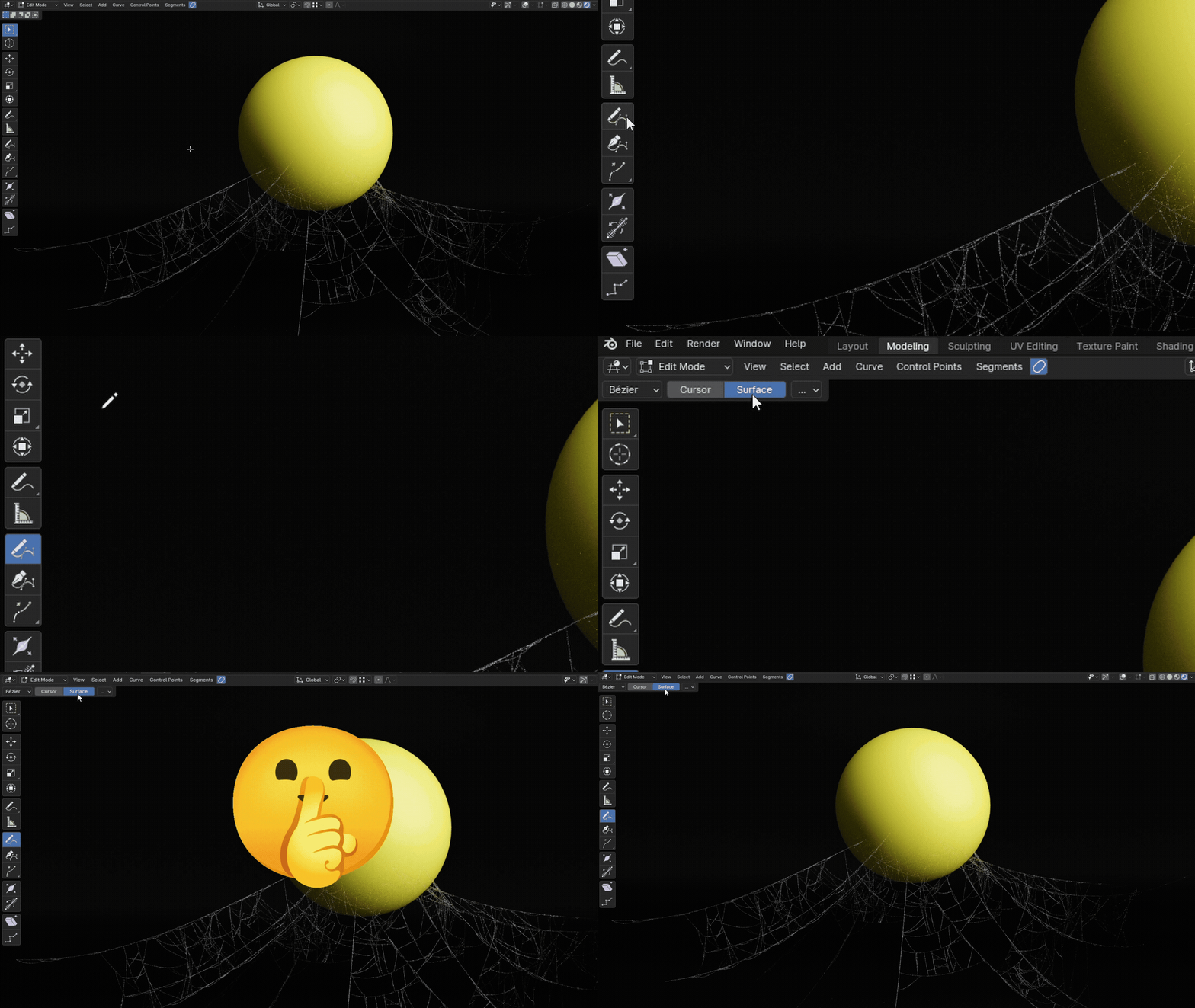
1️⃣ Copy the object named Simple Spider Web Generator into your project.
2️⃣ Select this object in your scene.
3️⃣ Press Tab to enter Edit Mode.
4️⃣ Delete all existing vertices to start fresh (X → Delete Vertices).
5️⃣ Switch to the Freehand Spline tool.
6️⃣ Change its Method of Projection: Depth from Cursor to Surface to draw directly on your scene geometry.
7️⃣ Draw across your scene to create your custom spider web shape.
✨ Now your unique spider web is ready!
You can adjust all parameters and materials to suit your needs.
Length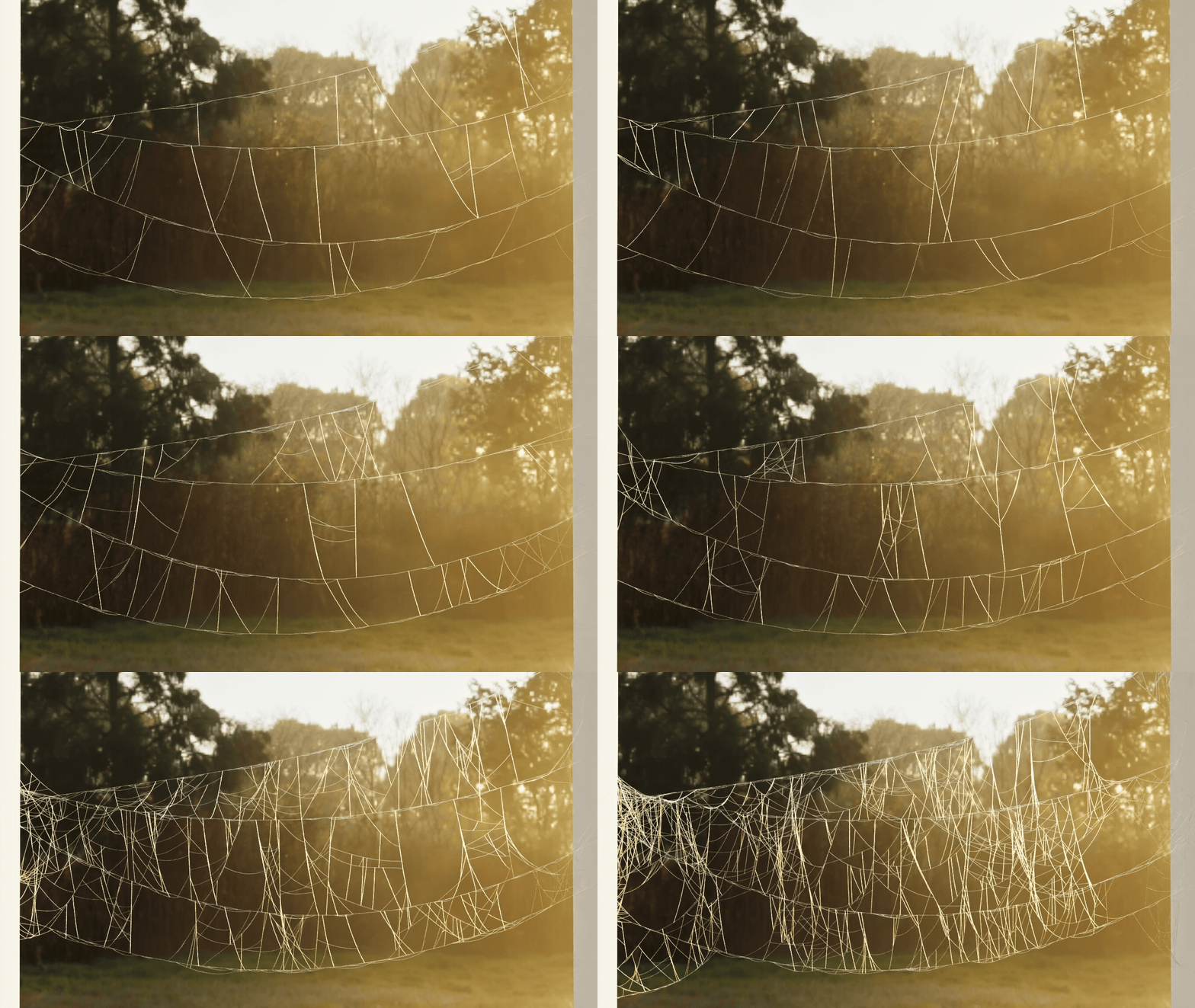
Probability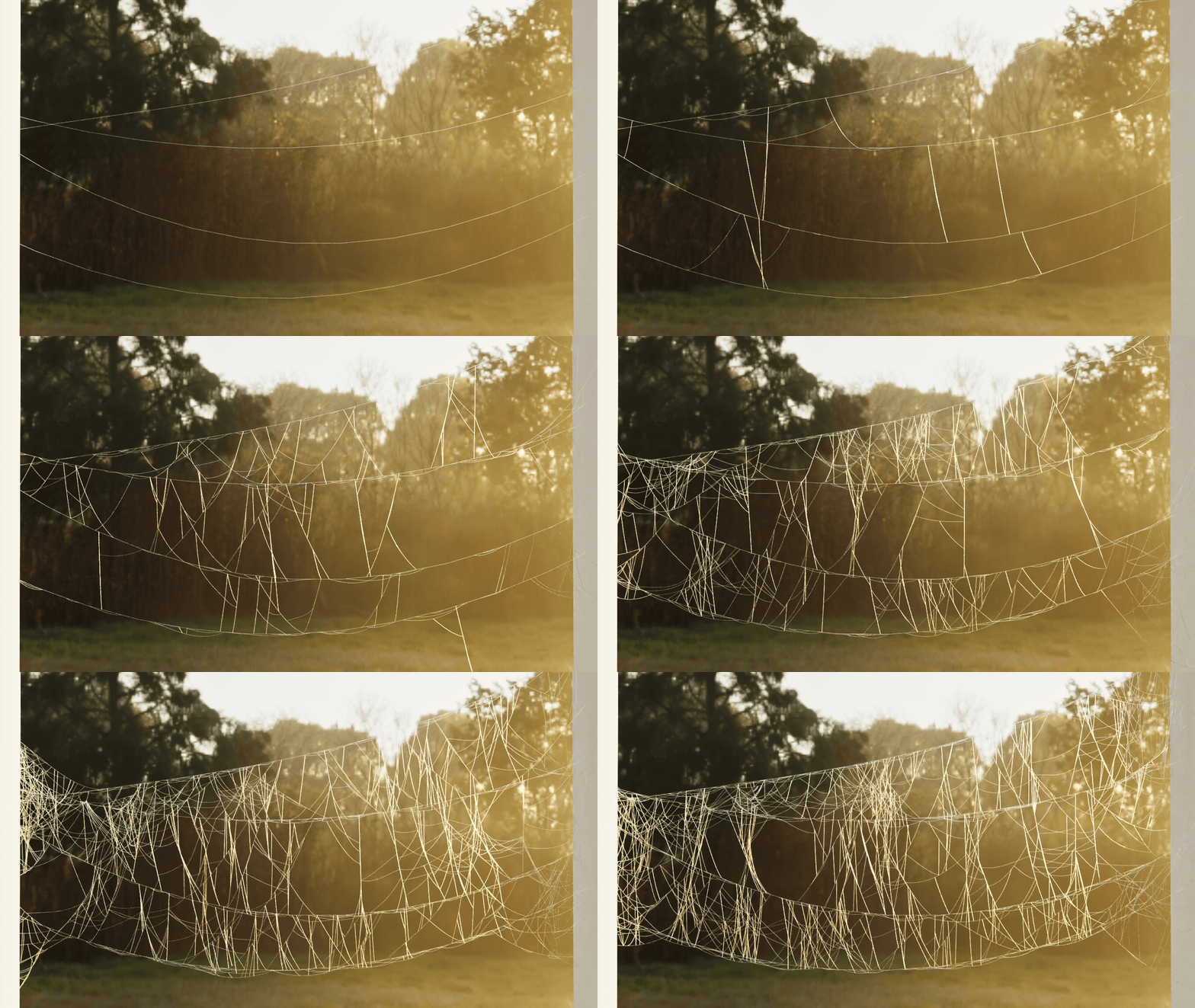
Noise
Radius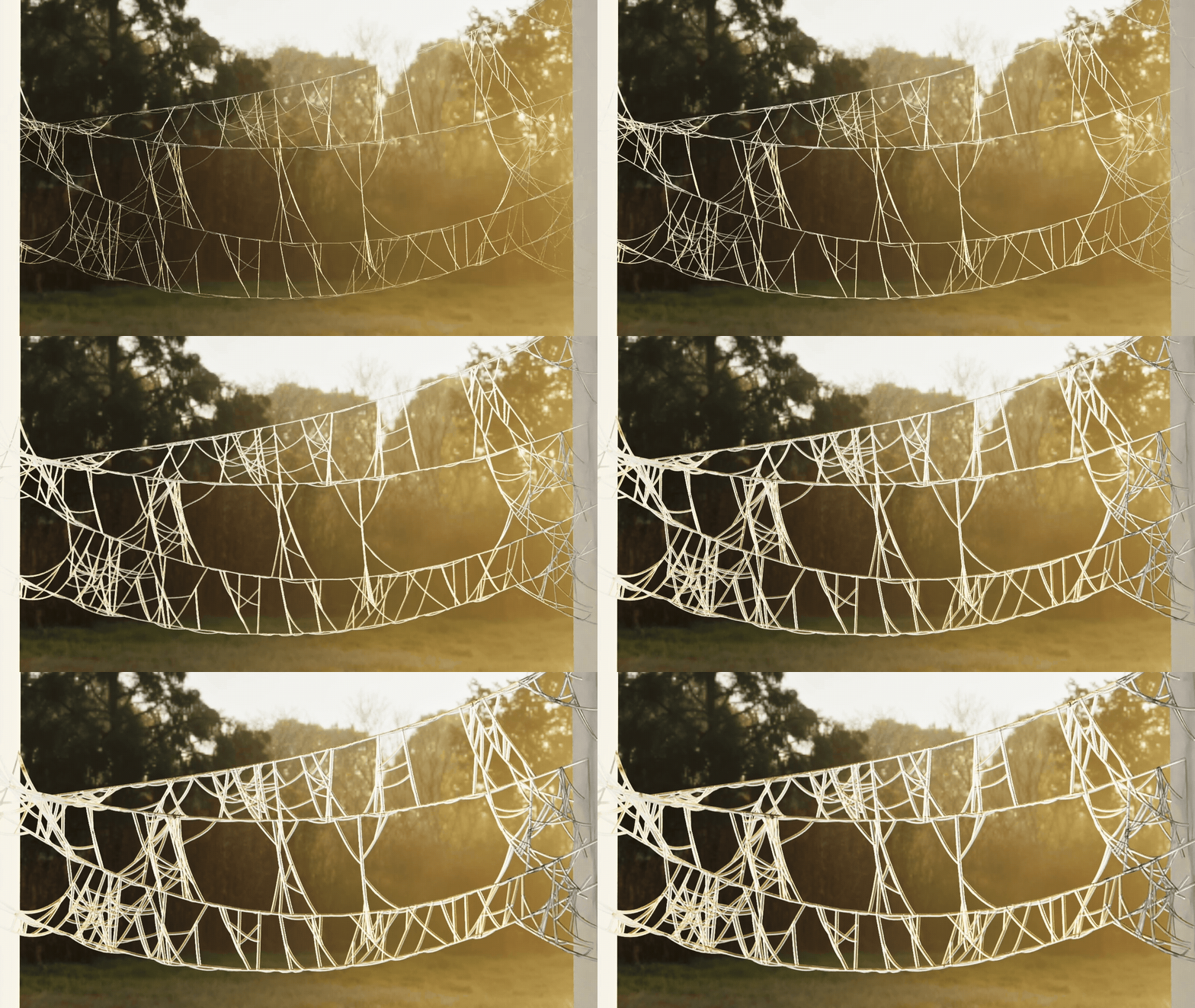
Drops Density
Don't forget to change Method of Projection: Depth from Cursor to Surface to draw directly on your scene geometry.