Simple Wall Add-on for Blender:
The Problem:
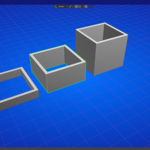
Building architectural layouts in Blender is tedious. You find yourself constantly switching between Edit Mode and Object Mode, meticulously extruding faces, and wrestling with the 3D cursor just to block out a simple floor plan.
Want to change a wall's width after you've built it?
Too bad—that means a painful manual rebuild.
The Solution:
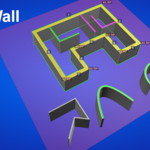
Simple Wall transforms Blender into an intuitive architectural sketching tool.
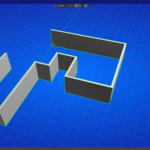
It allows you to draw walls, arcs, and rectangles as easily as using a pen on paper, with the precision of CAD software.
Create in Seconds, Not Minutes:
- Draw Walls Like a Pro:
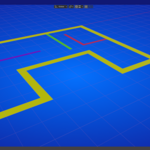
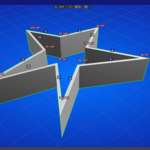
Click to place points. See a live preview of the wall’s width and length as you draw.
Press O for orthographic constraints, or type a number to set an exact length.
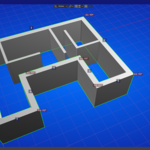
Right-click, and a perfect 3D wall is born.
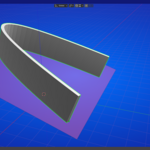
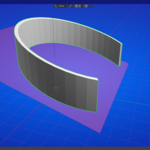
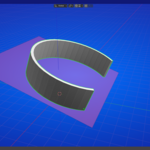
- Curved Arcs, No Math:
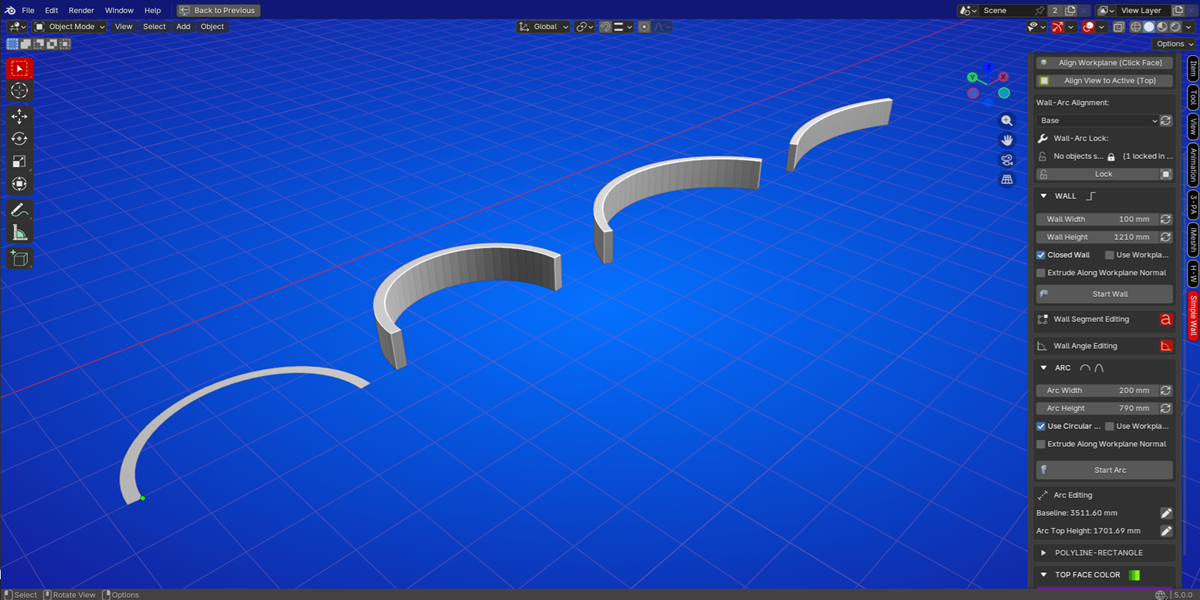
Create arched hallways, curved glass walls, or rounded corners with just three clicks.
Use the mouse wheel to adjust smoothness instantly.
- Smart Rectangles & Polylines:
Need a quick floor plan or a reference line?
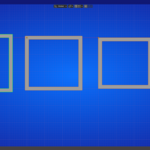
Draw filled or open polylines and rectangles with the same powerful snapping and numeric input tools.
This is where Simple Wall leaves traditional modeling in the dust.
Live Updates:
Select a wall and change its Width, Height, or Alignment (Top/Middle/Base) from the panel.
The mesh updates instantly. No rebuilding. No hassle.
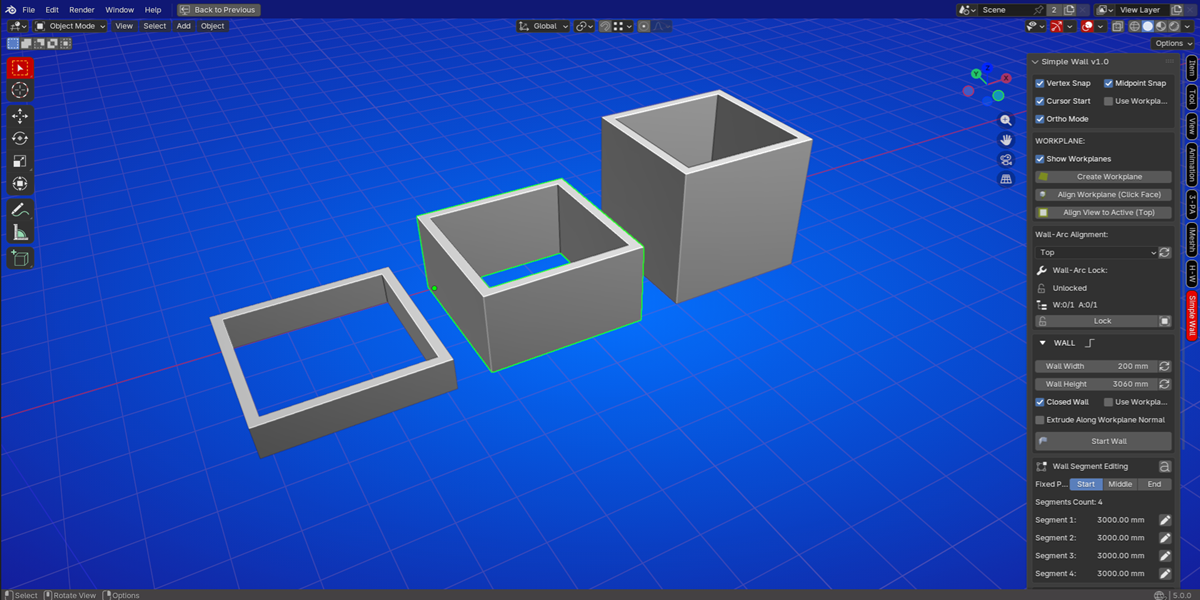
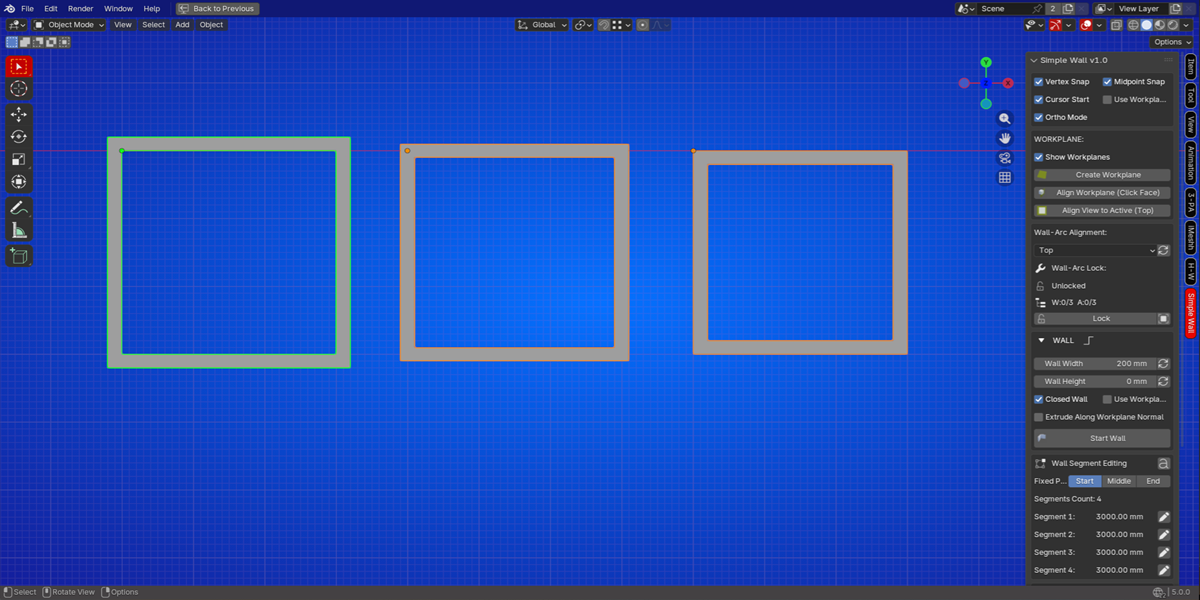
Non-Destructive Segment Editing:
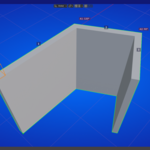
See the length and angle of every wall segment labeled right in the viewport.
Need to tweak a specific wall?
Click the edit icon next to the segment, and change just that part of your design.
- Dynamic Arcs: Adjust the baseline length or the arc height of any curved wall in real-time.
The geometry perfectly recomputes itself while preserving your other dimensions.
- Workplanes: Create a reference plane on any surface (floor, wall, or custom angle) and draw directly on it.
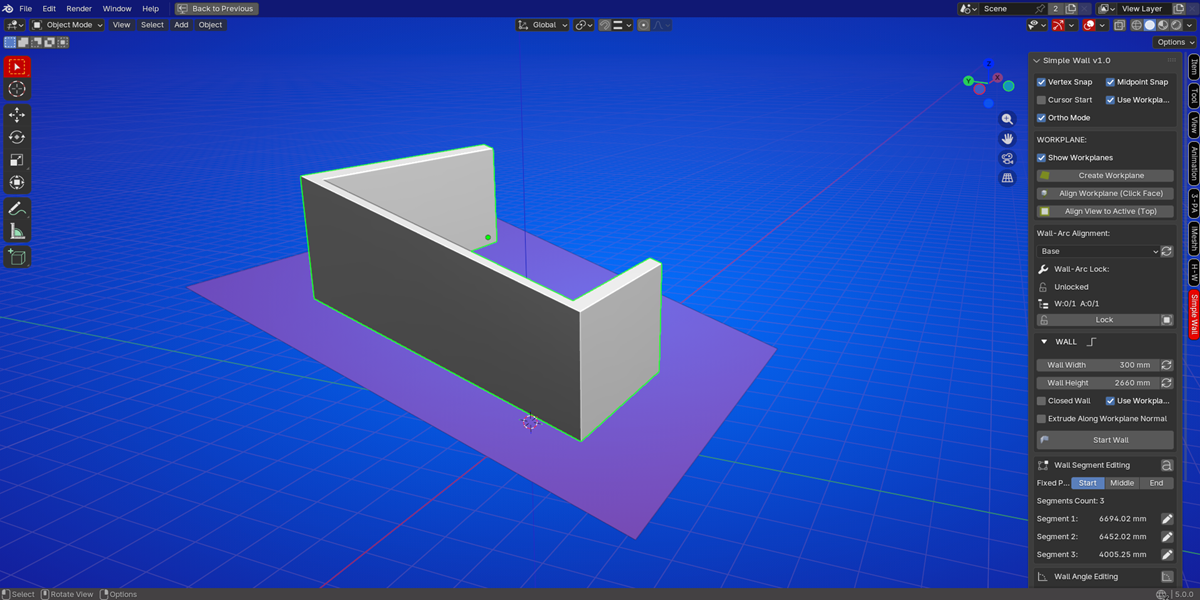
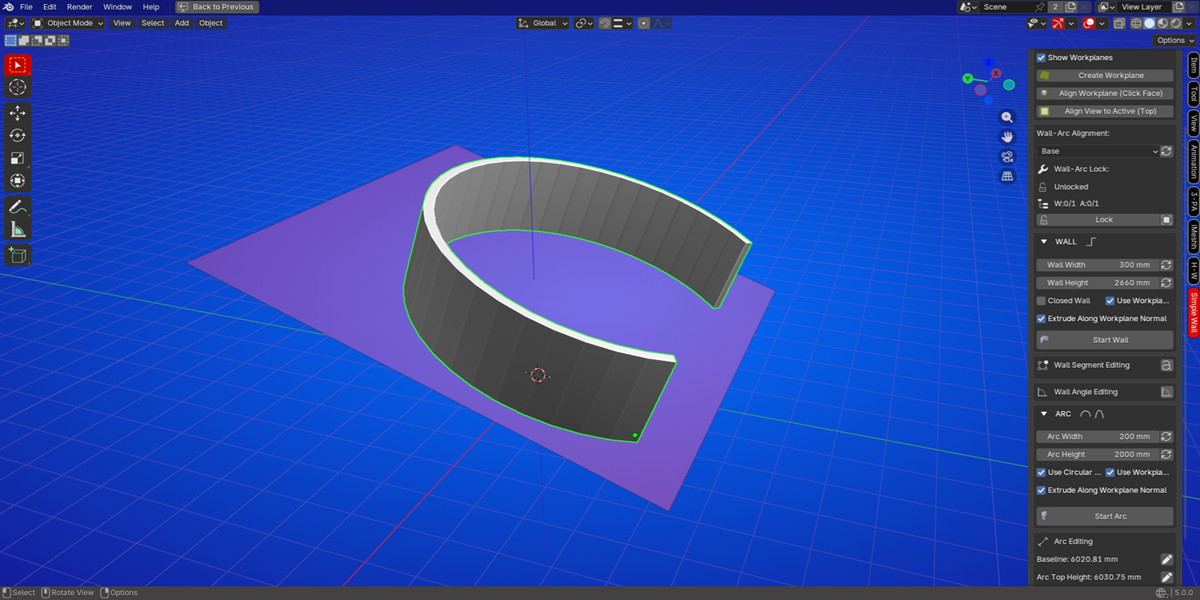
Perfect for creating baseboards, crown molding, or complex 3D sketches.
Smart Snapping: Snap to vertices, edge midpoints, or a user-defined grid. Combine with numeric input for millimeter-perfect accuracy.
Full Unit Support: Works seamlessly with Blender's Metric or Imperial units. See lengths in meters, centimeters, feet, or inches.
🔒 Professional-Grade Features
Lock System: Accidentally select the wrong object?
Lock your finished walls and arcs. They become "read-only," preventing you from accidentally changing their width or height.
A handy orange lock icon floats above protected objects so you always know what's safe.
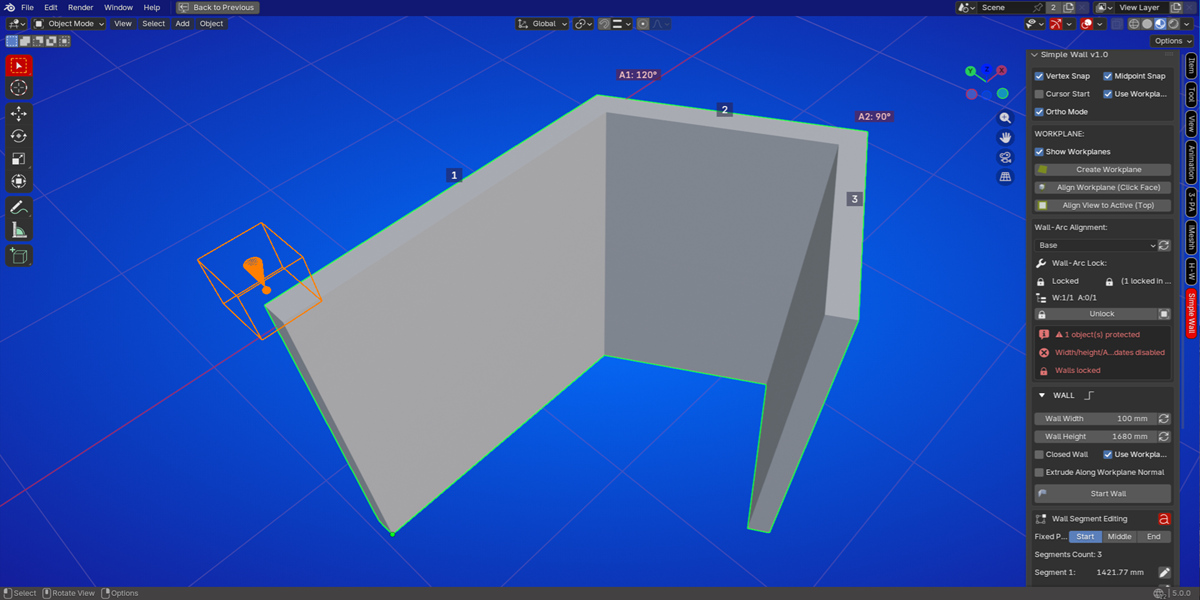
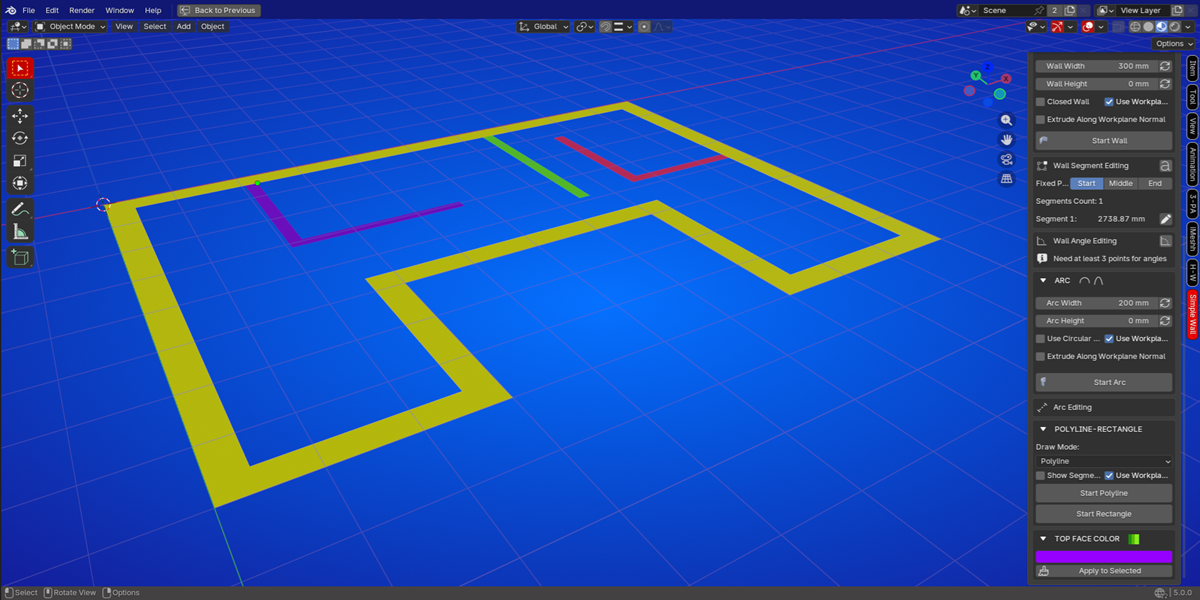
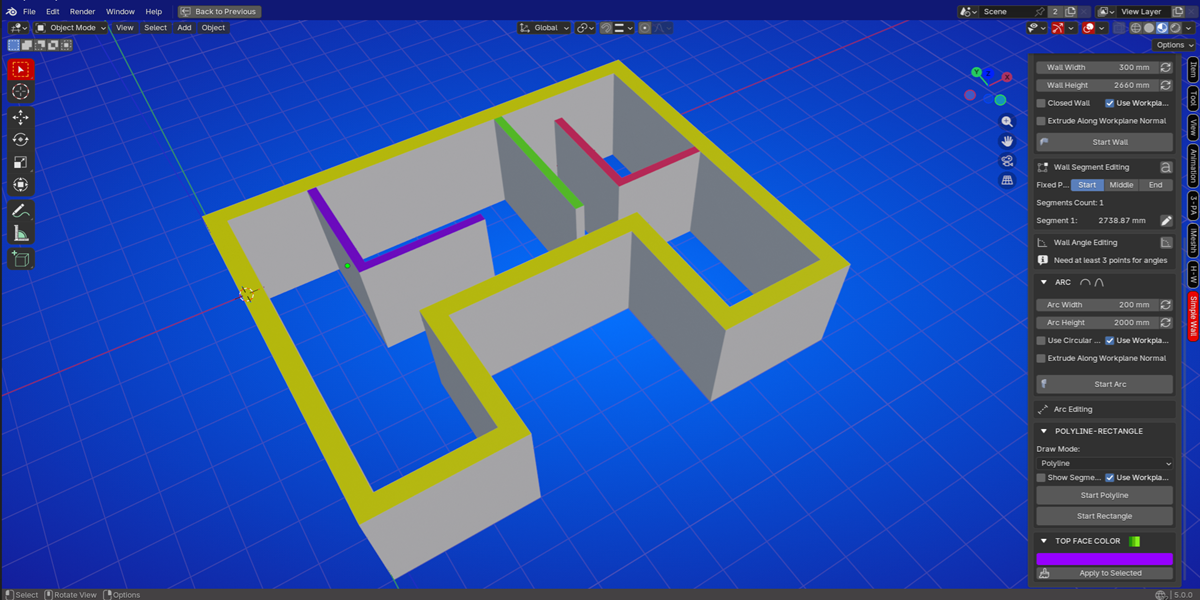
Color-Coded Top Faces:
Assign colors to the top of your walls and arcs with one click. Perfect for presentations, material IDs, or simply visualizing your floor plan.
Who is it for?
Architects & Designers: Block out floor plans, elevations, and massing models in a fraction of the time.
Game Environment Artists: Rapidly prototype building layouts and level geometry.
3D Generalists: Create walls, fences, pathways, and curved structures without complex modeling.
Educators & Beginners: An intuitive way to learn architectural modeling in Blender without a steep learning curve.
What You Get:
Simple Wall v1.0 Add-on for Blender 4.2+ - 5.0+
Complete workflow for Straight Walls, Curved Arcs, Polylines, and Rectangles
Interactive Drawing Tools with live previews
Post-creation Editing for width, height, alignment, segments, and angles
Workplane System for drawing on any surface
Locking & Visual Indicators for a non-destructive workflow
Changelog v1.0:
- Initial release
 KVD
KVD