Simplify+ Add-On - Viewport Perfomance

Cosmo Mídias in Animation


Item Rating

This item has an average rating of 4 from 5 ratings by the community.

80%
0%
0%
20%
0%

Purchase this item to leave a review!

  • tomashjorth
    9 months ago

    Works great, no issues on my end.

  • ohya
    10 months ago

    Simple and very useful.

  • paul
    about 1 year ago

    Excellent add on that I use everyday. I work in large scenes and also in Octane render. So with depth of field and big geometry counts Simplify + really helps to speed up my workflow. I can choose a few different areas and isolate quickly and check on the render, it also makes the viewport better, I can concentrate on a piece of geometry quickly, changing materials, sculpting on one item with the thousands others hidden. Also animation, its takes away the lag. Honestly couldn't live without this add on. Indispensable.

  • Sergey Khorovodov
    almost 2 years ago

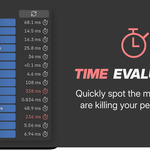
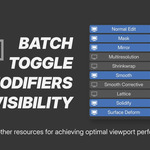
    Works straight off the box. Instantly gave me a good idea on what's slowing down the playback. Never thought that a few dozen bevel modifiers could result in such a drastic dip in framerate. The function to disable all modifiers in one click is very helpful too. A very nice addition would be the ability to either apply certain modifiers (especially handy for stuff like boolean and bevel) or disable them in renders.

  • Cidolphus
    about 1 year ago

    I gave it a good test run. Few projects back to back but here's my experience.

    Pros
    - It can make performance slightly faster on heavier scenes that involve heavy modifier use.
    - The TRIAL version is compact and more efficient than the PRO version imo. Contains a few "laggy" modifiers that are commonly encountered. I'd recommend sticking to that version.

    Cons
    - The PRO menu is too large (It lists every single toggleable from important ones like Subdivision to less important ones like Wave modifiers) and increases scroll time in the render properties. Example "I just want to turn off multiresolution modifiers but I need to scroll through the list to find it.

    - Npanel is customizable* and you can remove modifiers you don't care about for the Npanel only. However it must be set with each new scene. If you start a scene, that's the list you start with so if you change your mind later, you need to start a completely new default scene.

    - Encountered issues with batch rendering. Simplify+ seems to stop Shakifys camera modifiers at batch render time. So if you have complex camera movement and it looks good in the viewport and in-app rendering, but you batch render it, it will stop camera movement. Wasted hours hunting down the cause of this and it turned out to be this addon. I advise to disable it and batch render. Happens with the Trial version as well.

    - Encountered issues with Simplicage using this addon. Even if the modifiers in Simplify+ allow it, it can sometimes prevent collisions and mesh deformers from working correctly with the addon Simplicage. Again, wasted hours trying to figure out whats wrong with Simplicage and Blenders internals, just to find out its this addon once again. Have not encountered this with the Trial version thankfully.

    Overall, Two Stars cause the trial version is about as good as it gets.

    • Cosmo Mídias

      about 1 year ago

      - Addons Clash.
      It would have been very nice if you have contacted us before writing your review so we could at least tried investigating your issue. Addon clashing is something we cannot forseen unless a user shares its exepriences. You are still welcome to contact us to share your cases.

      - "The PRO menu is too large(...)"
      The add-on was thought be operated though the N-panel though, where you can customize the exposed buttons.
      Since there were a few user prefering to use the properties tab, we've been working a solution to reflect the same settings over N-panel and Properties tab.

      - " (...) Npanel is customizable, however it must be set with each new scene."
      Thas is not true. If you have saved in the preferences the default buttons to be exposed when you start a new blend file/scene it should come exposed like so in the N-panel.

      I understand you have had frustrations during use, but again, next time try to contact the add-on developer before writing reviews. It might change completely how things turns out for both.

      Thank you,
      Cosmo.

  • Displaying 5 ratings
  • 💵 ~45% in savings! ❤️ Fully Featured ✨ Free Updates 🤝 Priority support 🚀 Direct impact on development

    $99.90
  • 💵 ~35% in savings! ❤️ Fully Featured ✨ Free Updates

    $39.99
  • ❤️ Fully Featured ✨ Free Updates

    $29.99
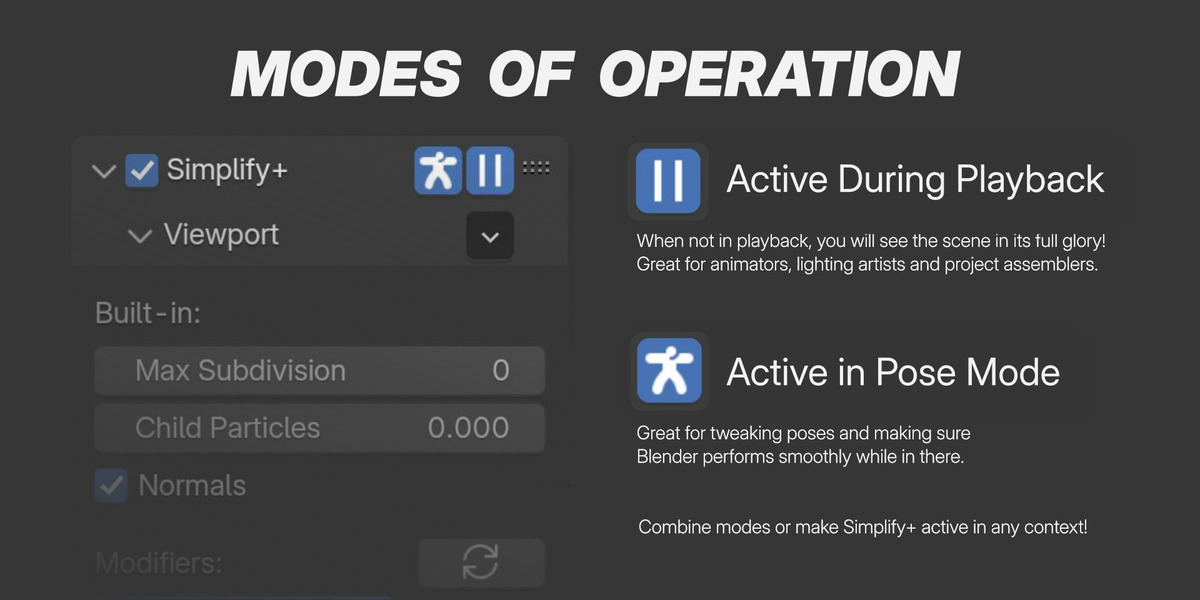
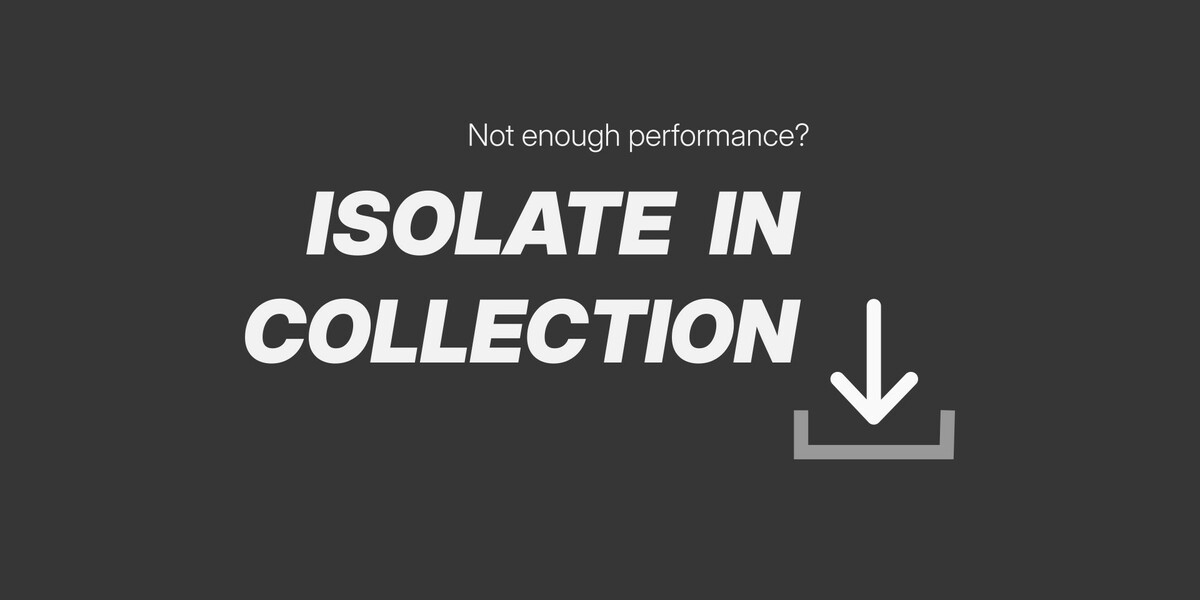
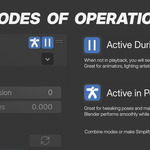
  • 💔 No Active in Playback feature (and Timeline Scrub) 💔 No Active in Pose Mode feature 💔 No Simplify Normals in Blender Versions before 4.1 💔 No Simplify Merge in Mirrors 💔 No Isolate in Collection and Utility features 💔 Only 6 types of modifiers toggles

    $0
$99.90

Support Period Included

Includes 12 months of

Extend this product’s Support Period +12 months: 25% of product price

Have questions before purchasing?
Login to message

Details
Blender Extension Compatible Yes
Sales 300+
Downloads 100+
Rating
5 ratings
Published about 2 years ago
Blender Version 3.0 - 5.1
Extension Type Add-on
License GPL