 VjaceslavT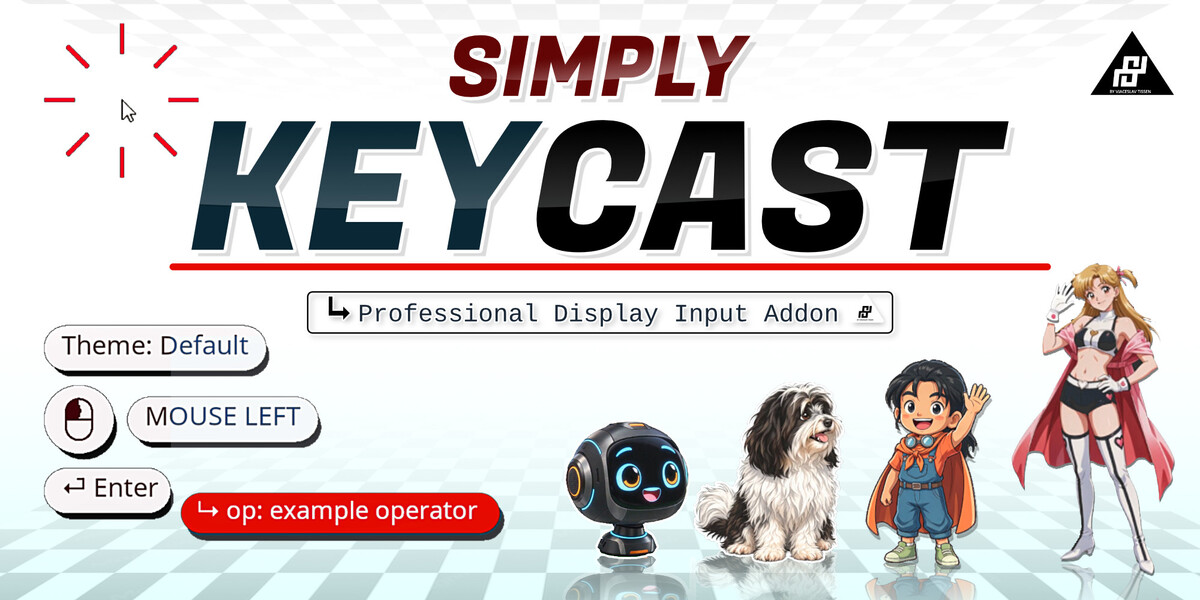

Simply KeyCast
Professional Display Input Addon - by Vjaceslav T. known for Simply Cloth Blender Addon!
The professional key & mouse overlay for Blender tutorials, YouTube videos and live presentations. Simply KeyCast shows exactly what you press and click, right on screen, so your audience never has to guess how you did it.
WHO IT'S FOR
for Blender tutorial creators, YouTubers, livestreams, course instructors and presentations, so viewers can follow exactly what you pressed and clicked without you having to say it out loud.
This is the first release version of this Addon. There could be some bugs or issues which not appear in my side. Please contact me if you find some bugs or issues by "contact creator" on my creator page!
I really recommend to support the developer (nutti) of the popular free addon: Screencast Keys!
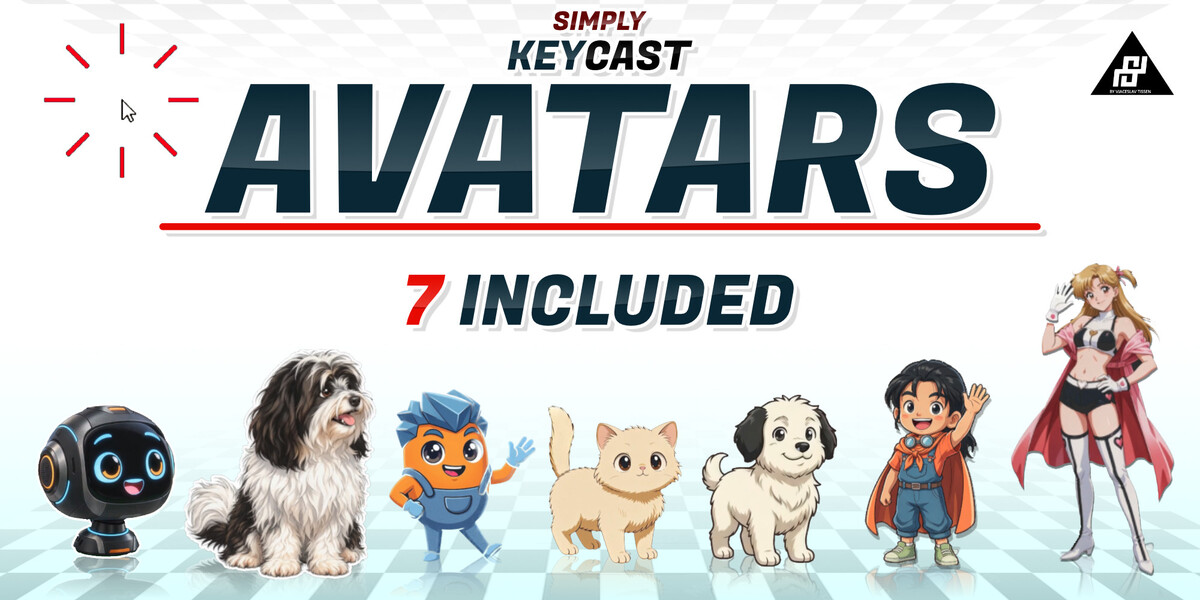
AVATARS
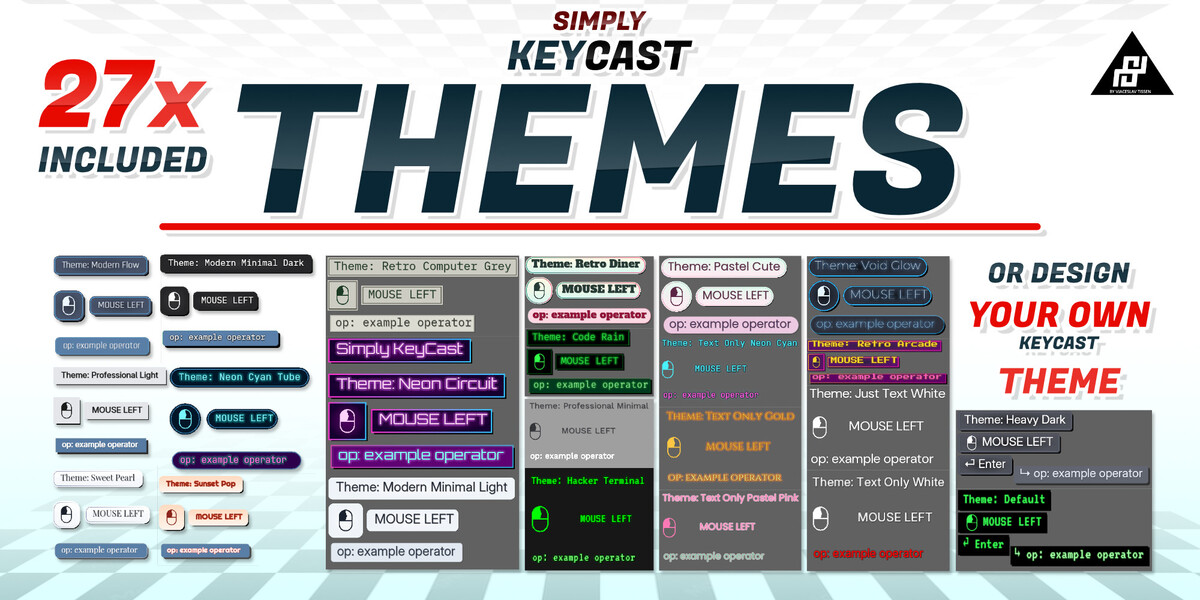
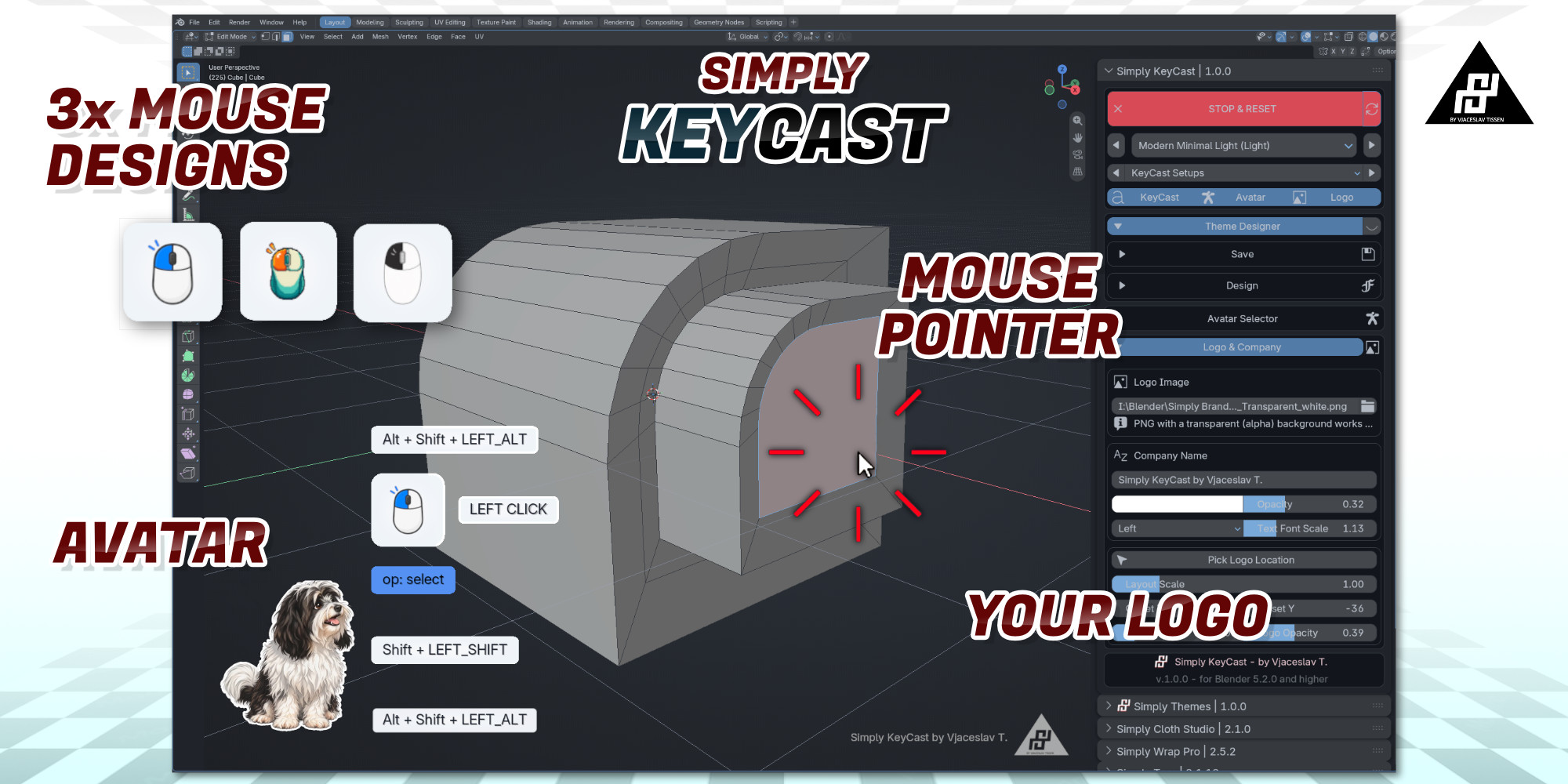
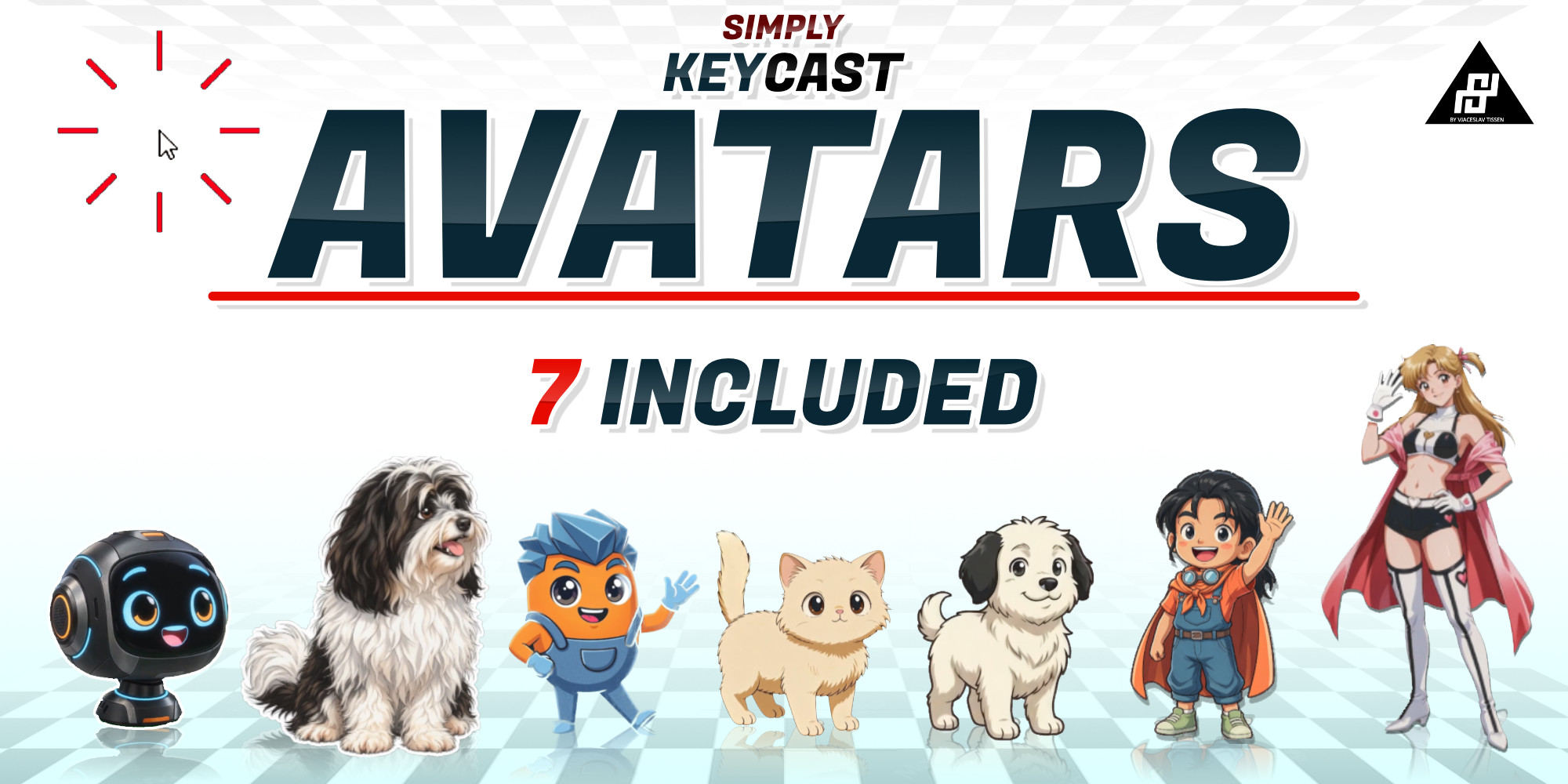
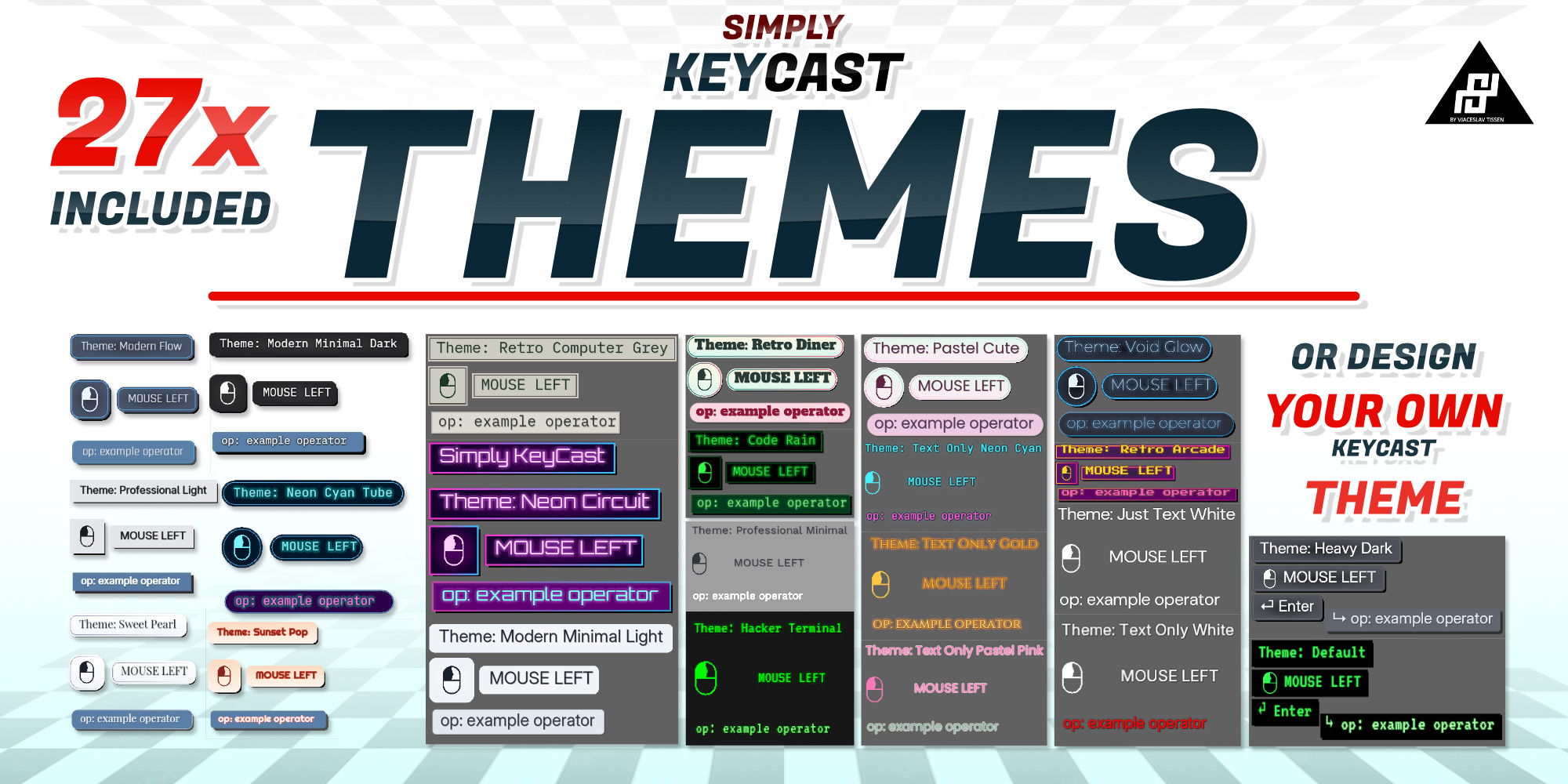
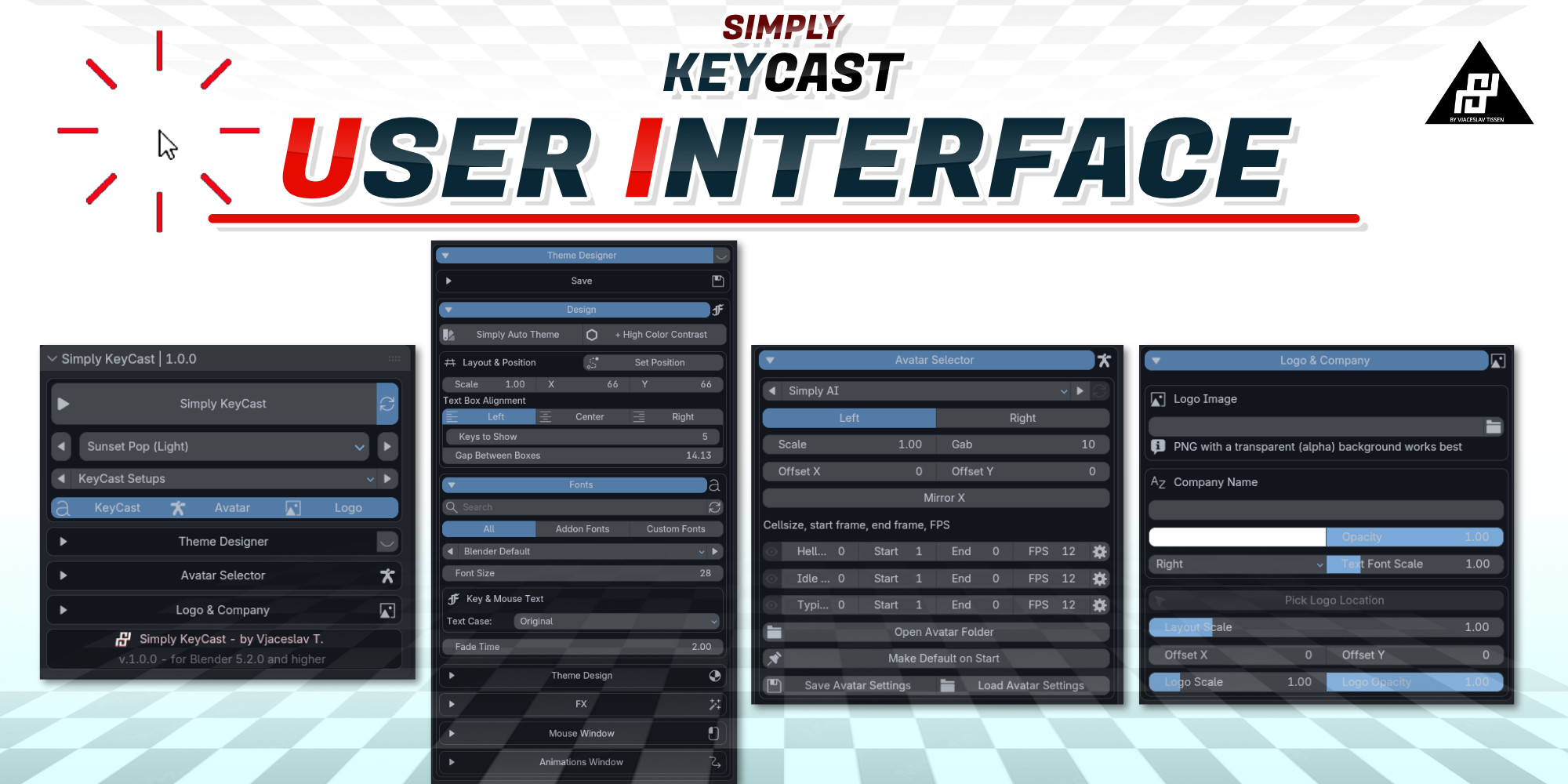
Its standout feature is the animated avatar system: add personality to your overlay with characters that react with idle, typing and greeting states. Alongside the avatars, you get 27 included themes and an easy custom theme designer, animated click highlights at the actual click position, custom fonts, logo overlay, and layout controls that keep the whole thing looking clean instead of thrown together.
FEATURES
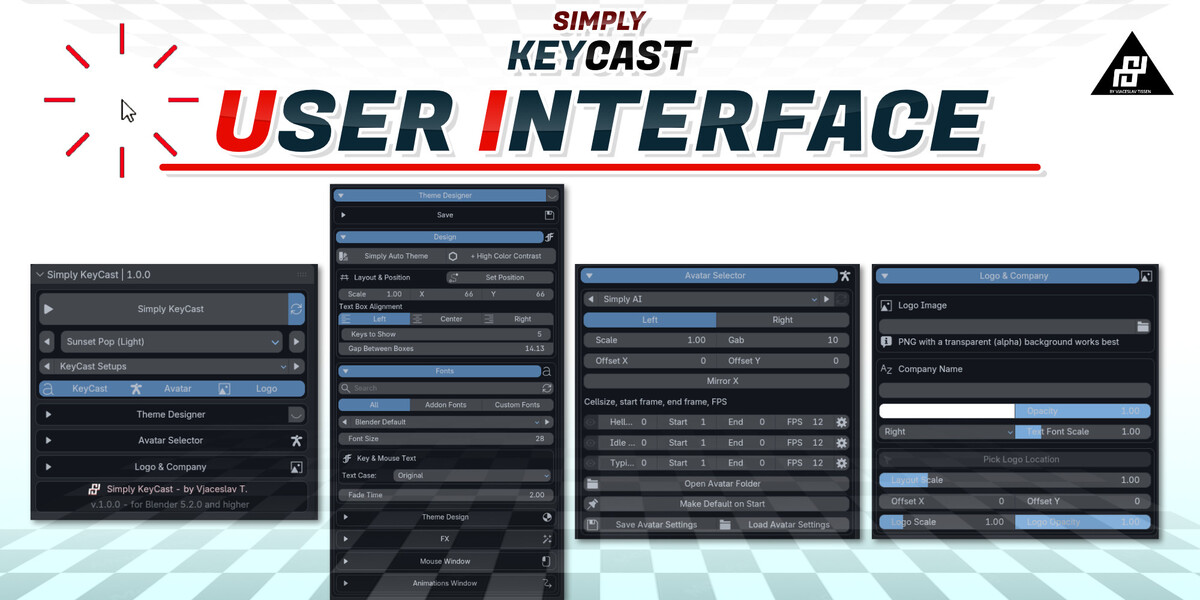
- Create Custom KeyCast Theme with one click from your current Theme
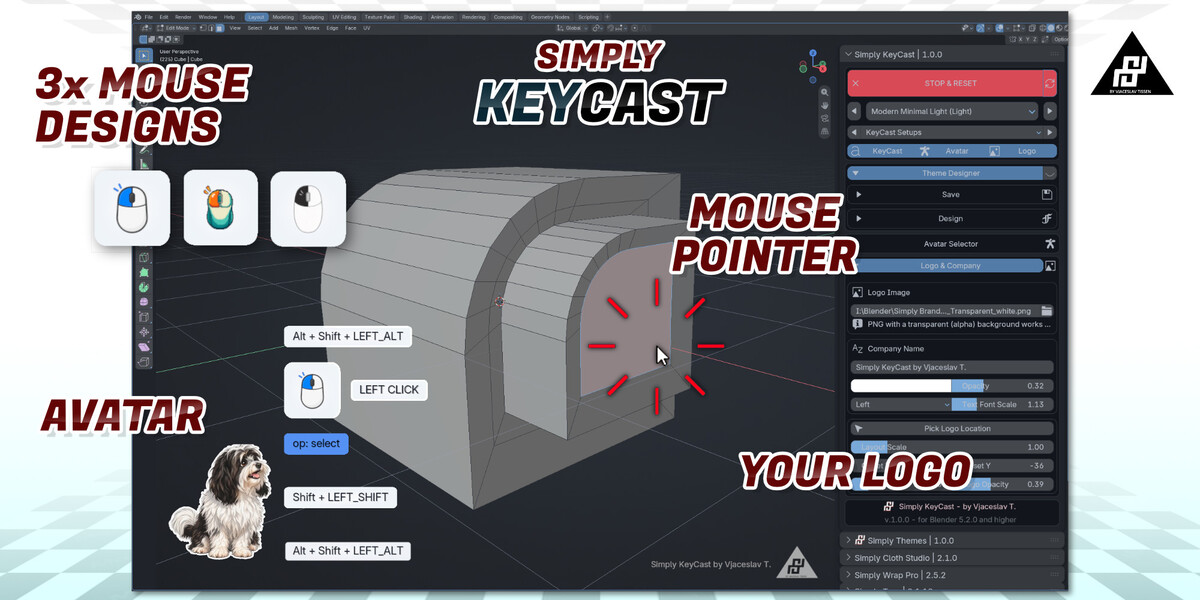
- Real-time key, hotkey combo, operator and mouse-click display
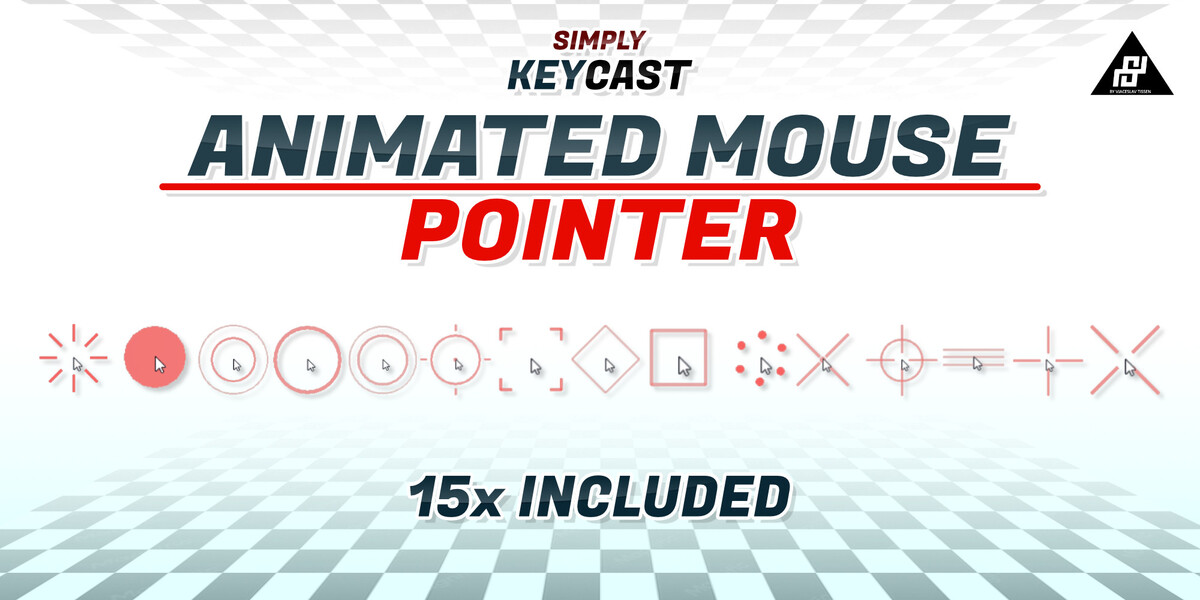
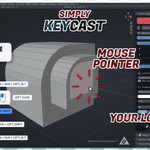
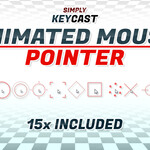
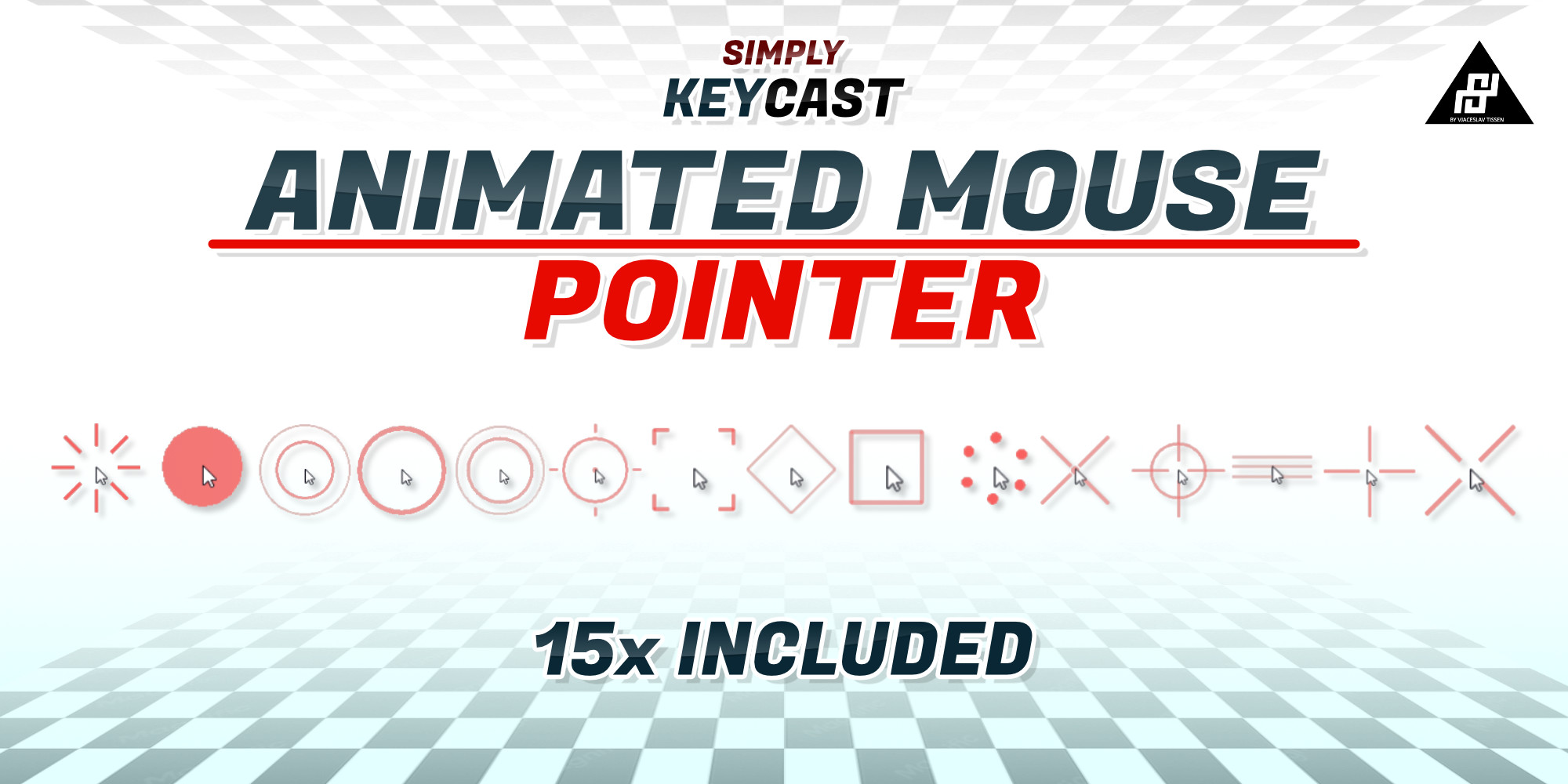
- 17 click-position highlight effects (rings, ripples, crosshairs, target, scan lines, sparkles and more), color/size/duration/line width all configurable and theme-matched
- Animated avatars (cat, dog and more) with idle, typing and greeting states - the signature Simply KeyCast feature - or turn them off for a plain overlay
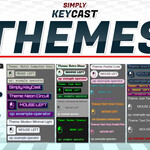
- 27 built-in themes plus an easy custom theme designer (colors, glow, shadow, stroke, bevel, gradient, vignette) that you can save and reuse
- 37 bundled fonts, or point it at your own font folders - fully licensed and open source! Licenses include in zip!
- Left / center / right text alignment with matching mouse-icon placement
- Company or channel logo overlay with position, scale and rotation
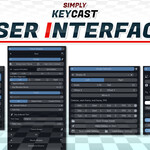
- Adjustable position, size, fade time, display count and text case
- Save, load, import and export full KeyCast setups
CREATOR SUPPORT
If you run into any issues while adding or customizing a theme or creating custom avatar, get in touch with me
REQUIREMENTS
Blender 5.2.1 or higher.
