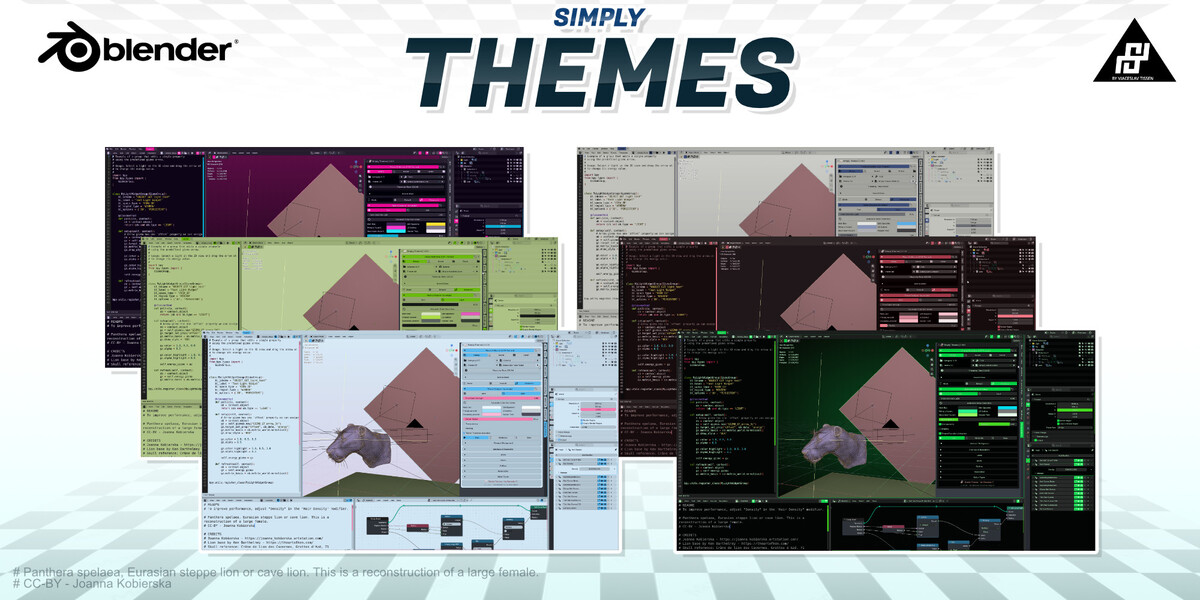
Simply Themes
 VjaceslavT



SUPPORT CHECKLIST
1. Confirm Blender 5.2.0 or newer.
2. Confirm Simply Themes is installed and enabled.
3. Check the selected source and category.
4. Confirm custom folders contain XML theme files.
5. Save the blend file before restarting Blender.
6. Include any Blender error message when requesting support.
WHAT BLENDER VERSION IS REQUIRED?
Simply Themes requires Blender 5.2.0 or newer.
WHERE ARE SAVED THEMES STORED?
Themes saved by the add-on are stored in its themes/simply/user folder.
Use Export to create a copy for backup or sharing.
HOW DO I REMOVE UNSAVED CHANGES?
Click the reset icon in the Theme Designer header. This reloads the
selected theme.
HOW DO I USE MY OWN XML THEMES?
Click the plus button next to Theme Collection, choose a folder, then
switch the source to Folder. The folder must contain Blender XML theme
files.
HOW DO I CHANGE ONLY ONE BLENDER EDITOR?
Open Advanced > Editor Types, choose the editor, load its current colors,
and enable Customize This Editor. Changes then apply to that editor only.
WHAT IS THE DIFFERENCE BETWEEN DEFAULT AND ADVANCED MODE?
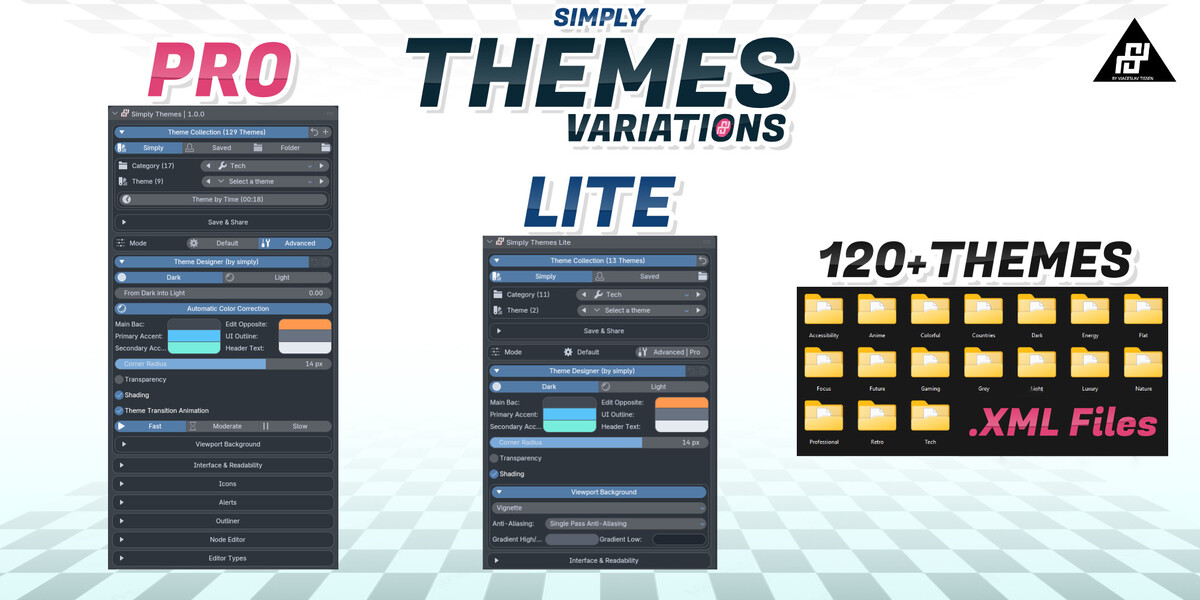
Default provides the main palette, readability, interface, and viewport
controls. Advanced also exposes editor-specific, icon, alert, Outliner,
and Node Editor settings.
HOW DO I MAKE A CUSTOM THEME?
Select a bundled theme as a starting point, open Theme Designer, edit the
colors and controls, then open Save & Share and click Save Theme.
HOW DO I APPLY A THEME?
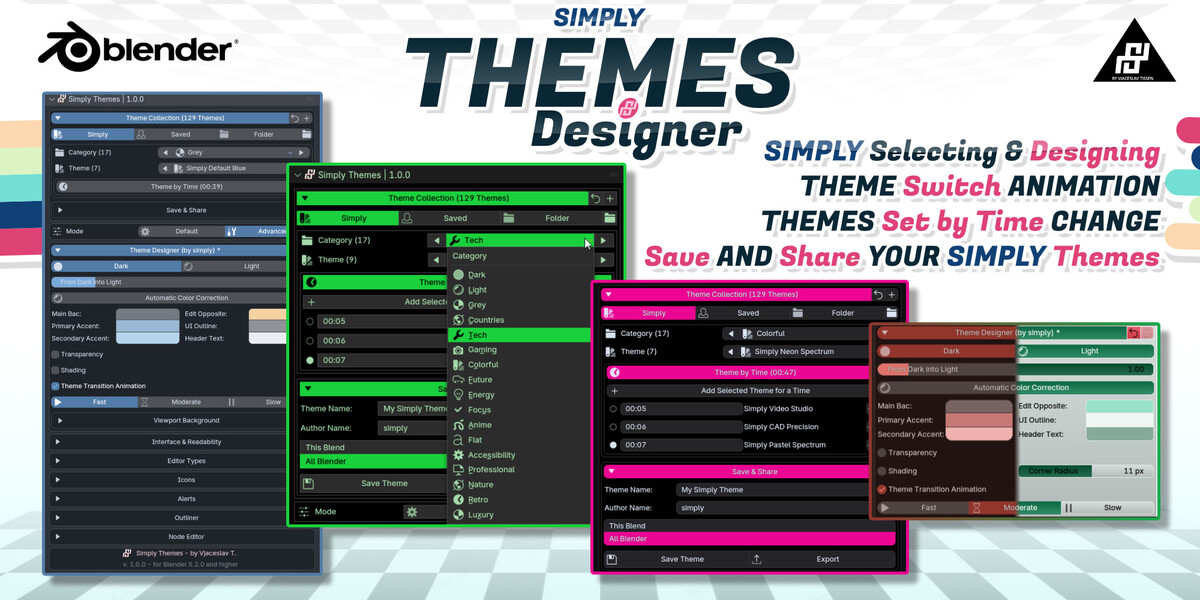
Open Theme Collection, choose Simply, select a category, and choose a
theme. The selected theme is applied immediately.
HOW MANY BUNDLED THEMES ARE INCLUDED?
The current collection contains 129 themes across 17 categories. The
counters in the panel update automatically when the collection changes.
HOW DO I INSTALL SIMPLY THEMES?
In Blender, open Edit > Preferences > Get Extensions. Open the menu in
the upper-right corner, choose Install from Disk, select the Simply Themes
ZIP file, and enable the extension.
 Included
Includes 12 months of
- Support from VjaceslavT
- Product updates
Extend this product’s Support Period +12 months: 50% of product price
Have questions before purchasing?
Login to message
| Blender Extension Compatible | Yes |
| Dev Fund Contributor | |
| Published | about 2 months ago |
| Blender Version | 5.2 |
| Extension Type | Add-on |
| Render Engine Used | Cycles, Eevee, Luxrender |
| License | Mit |