 Yashvanth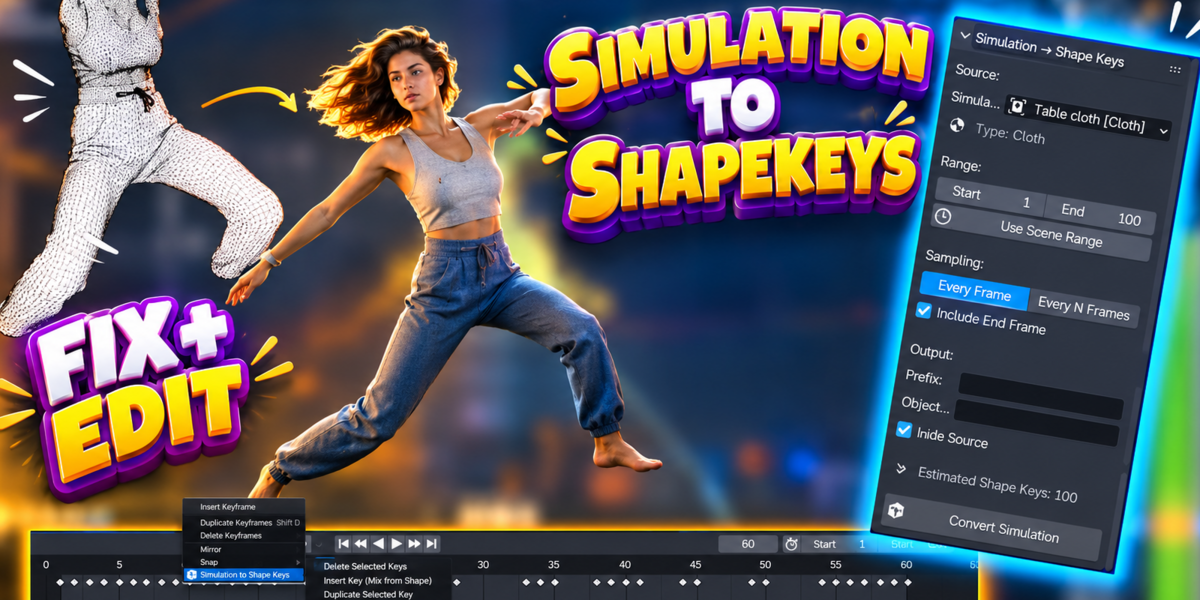
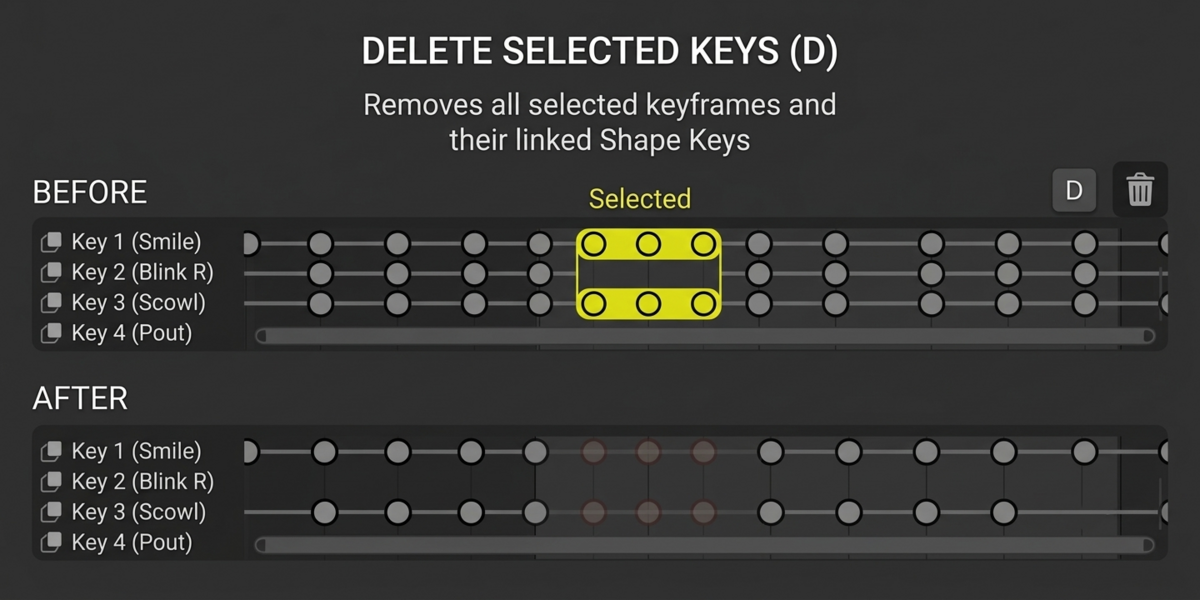
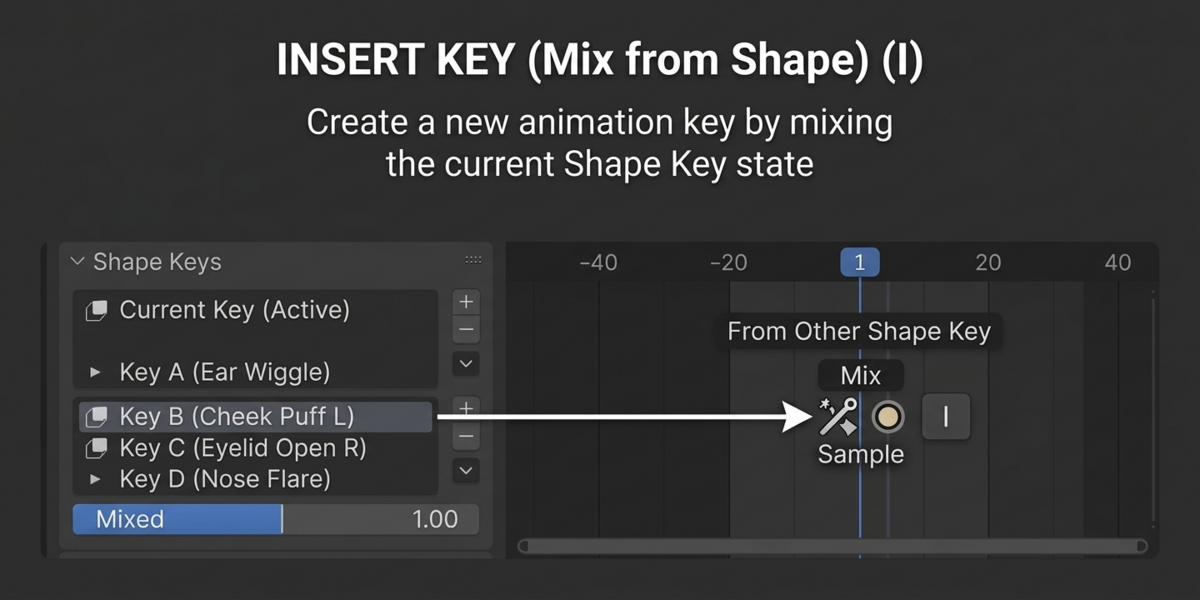
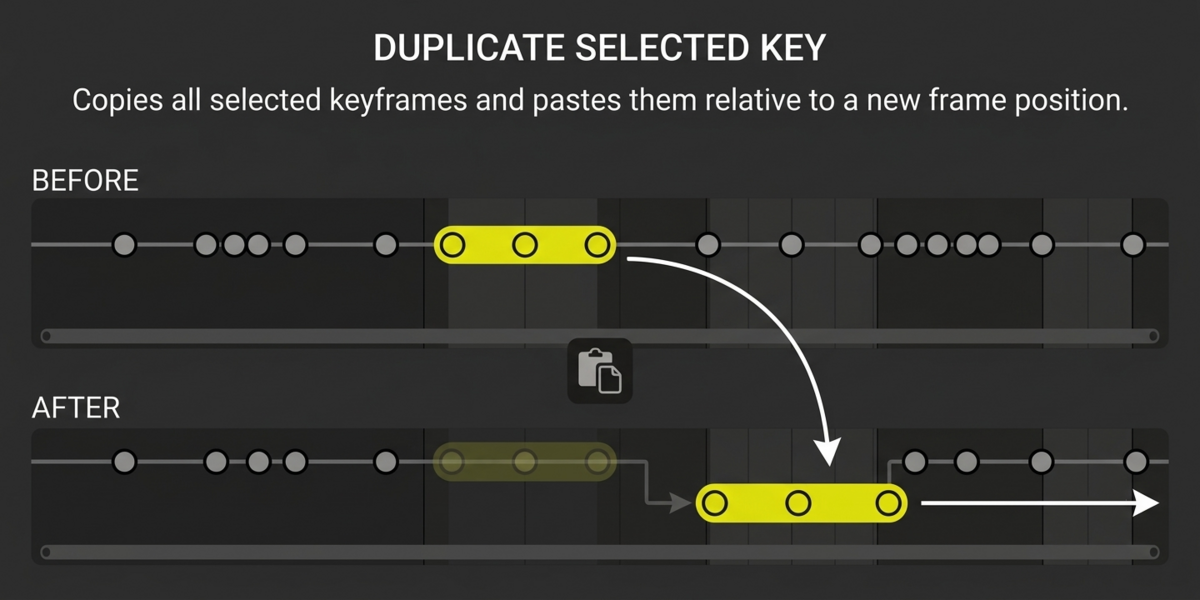
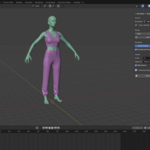
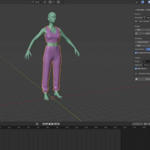
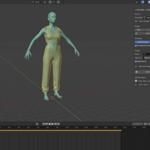
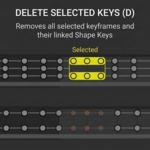
Can I assign my own shortcuts?
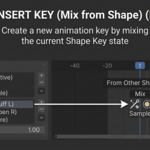
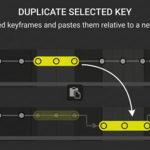
Yes. The Full Version provides customizable shortcuts for Insert, Delete, and Duplicate directly in the addon preferences, so you can perform key editing without repeatedly opening the addon UI.
Can I fix a simulation without simulating again?
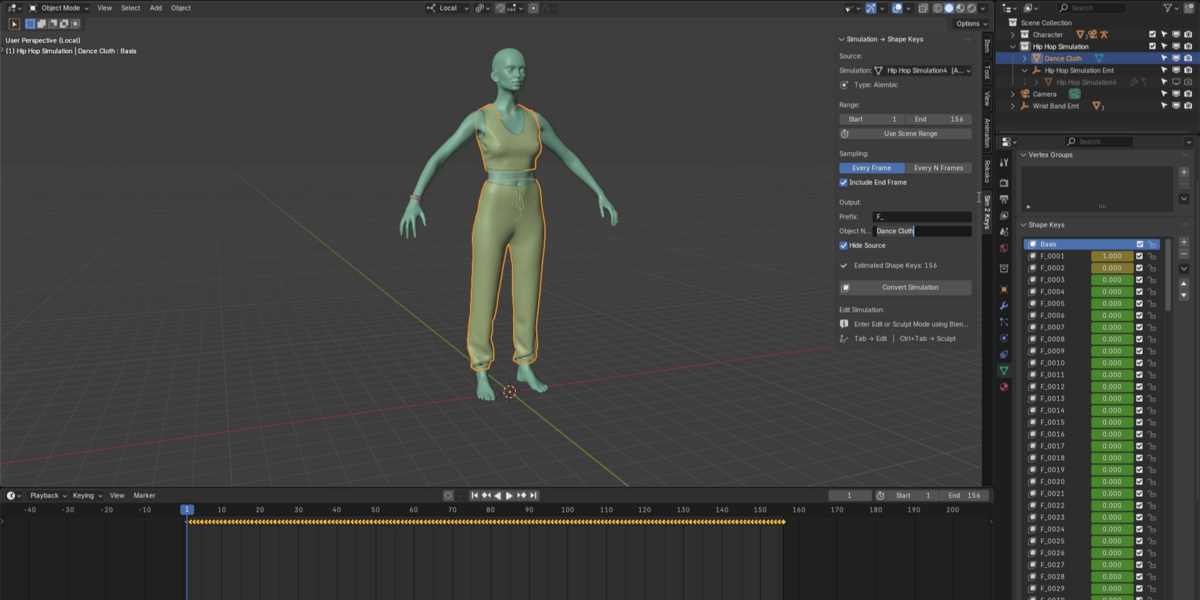
Yes. After conversion, you can edit, sculpt, insert, duplicate, or delete generated keys without needing to rebuild the original simulation for every correction.
What is Object Output?
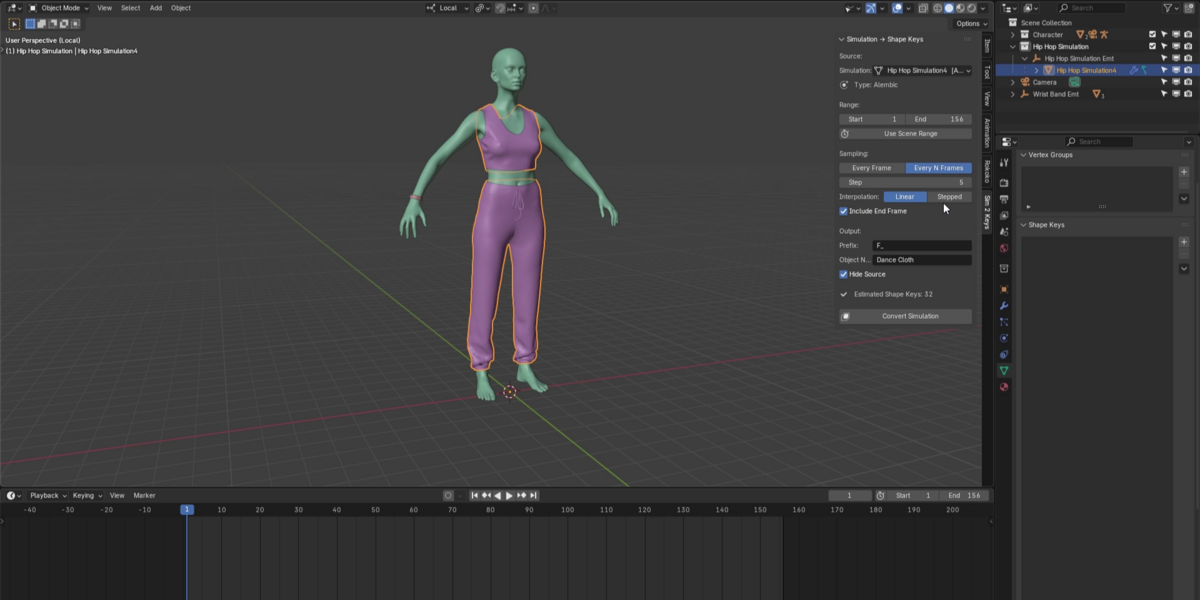
It determines where the generated editable animation is created, allowing you to keep the simulation source separate from the output.
What does Snap to Keyframe do?
It lets you quickly jump the timeline to generated animation keys for precise inspection and editing.
What does Timeline/Shape Key Sync mean?
The addon maintains the relationship between the animation key and its generated Shape Key so they remain part of the same logical animation structure.
Does it replace simulation?
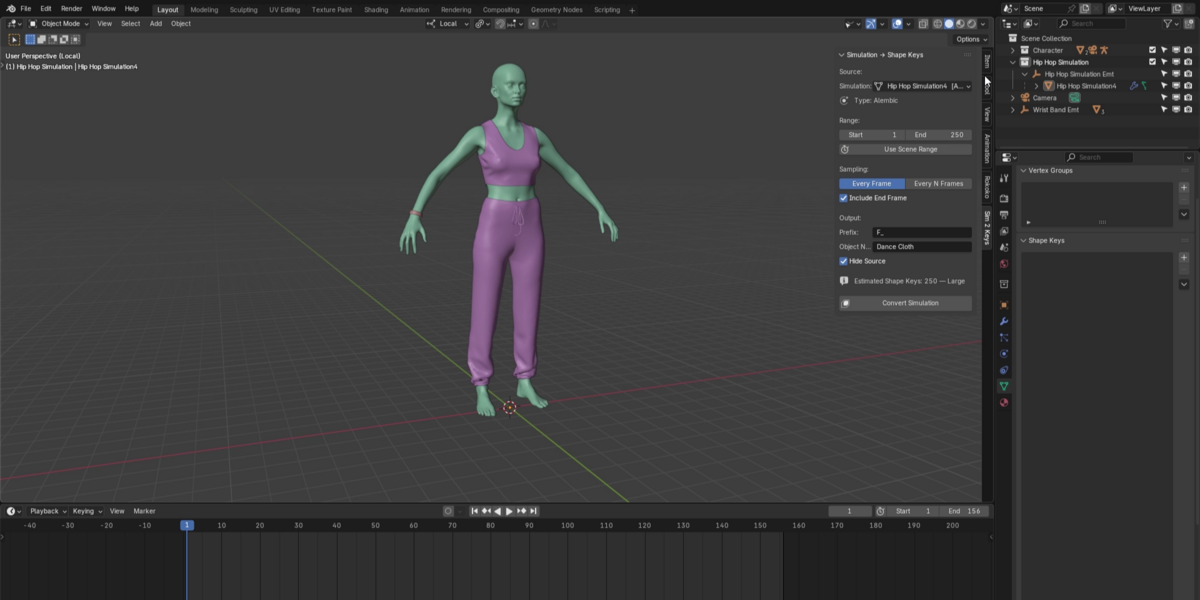
No. It uses simulation as the starting point and converts the result into something more controllable.
Have questions about this product?
Login to message
| Blender Extension Compatible | Yes |
| Published | about 2 months ago |
| Blender Version | 4.0 - 5.2 |
| Extension Type | Add-on |
| Render Engine Used | Cycles, Eevee |
| License | GPL |

Discover more products like this
blender3d shapekeys 3dmodeling alembicconverter ClothSimulation characteranimation BlenderAddon AnimationTools 3danimation meshcache simulationtoshapekeys softbodyphysics