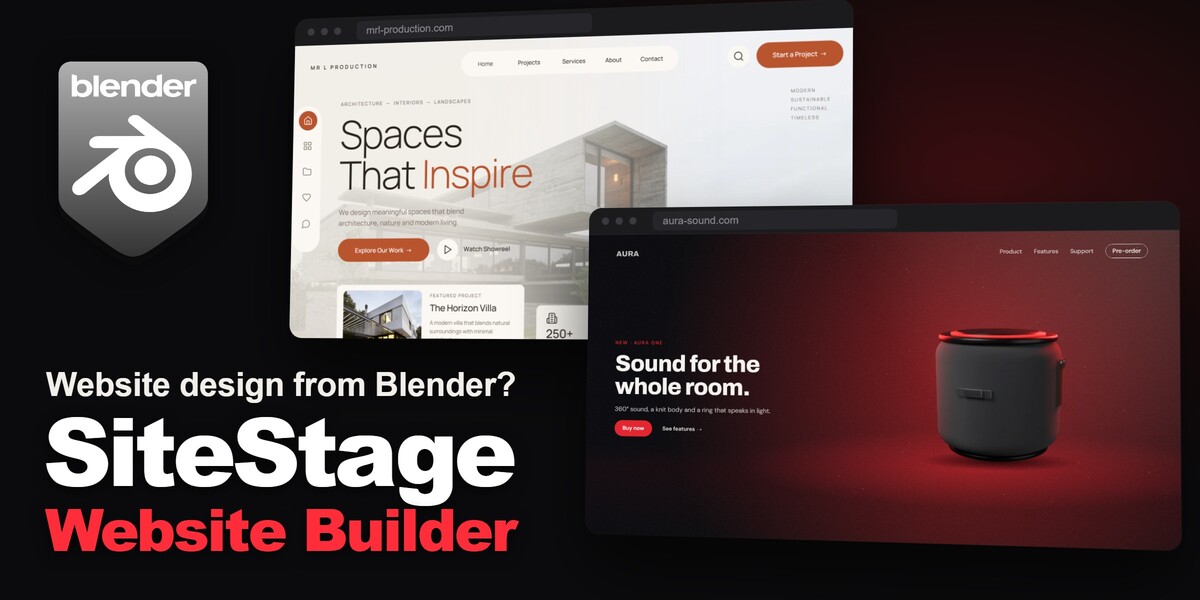
SiteStage - Website Builder
 GPolygon Design
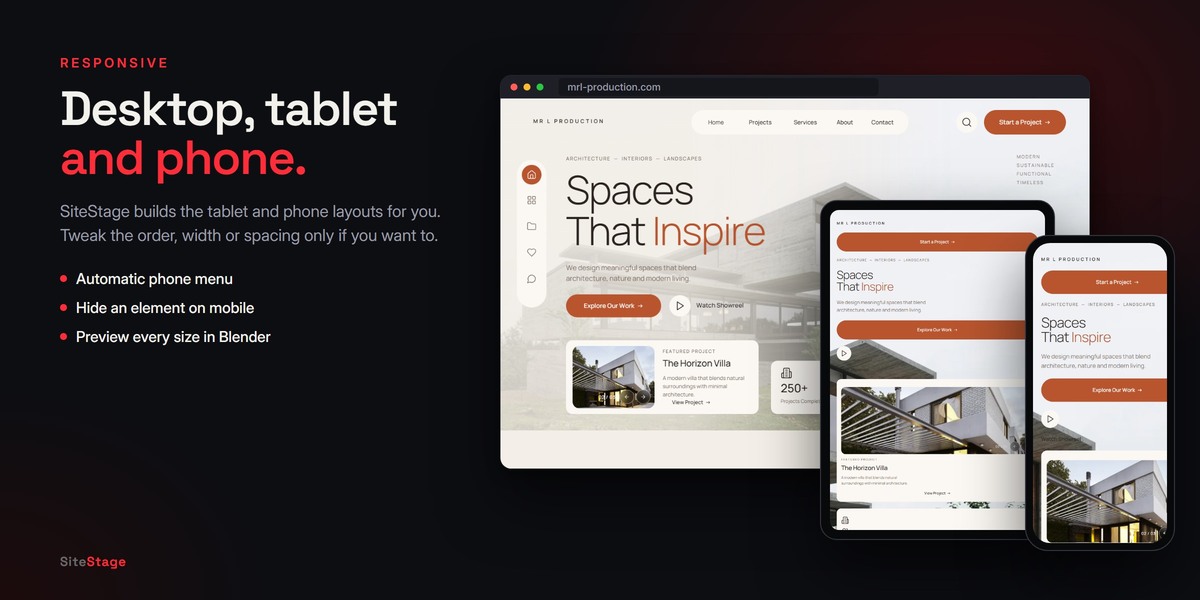




Q: Do I need to know HTML or CSS?
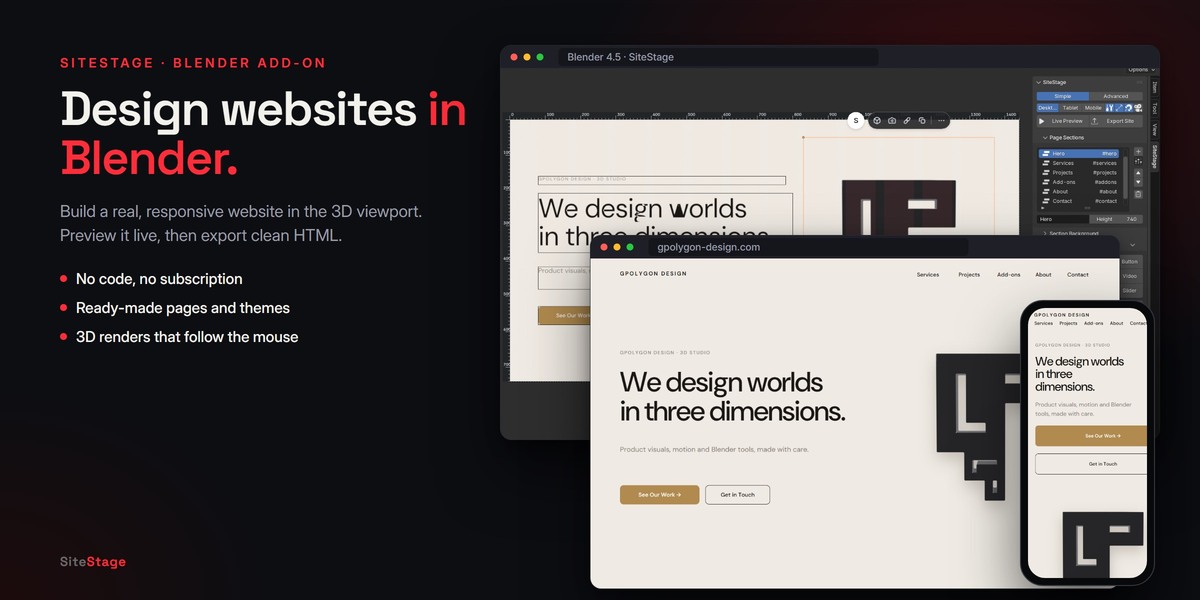
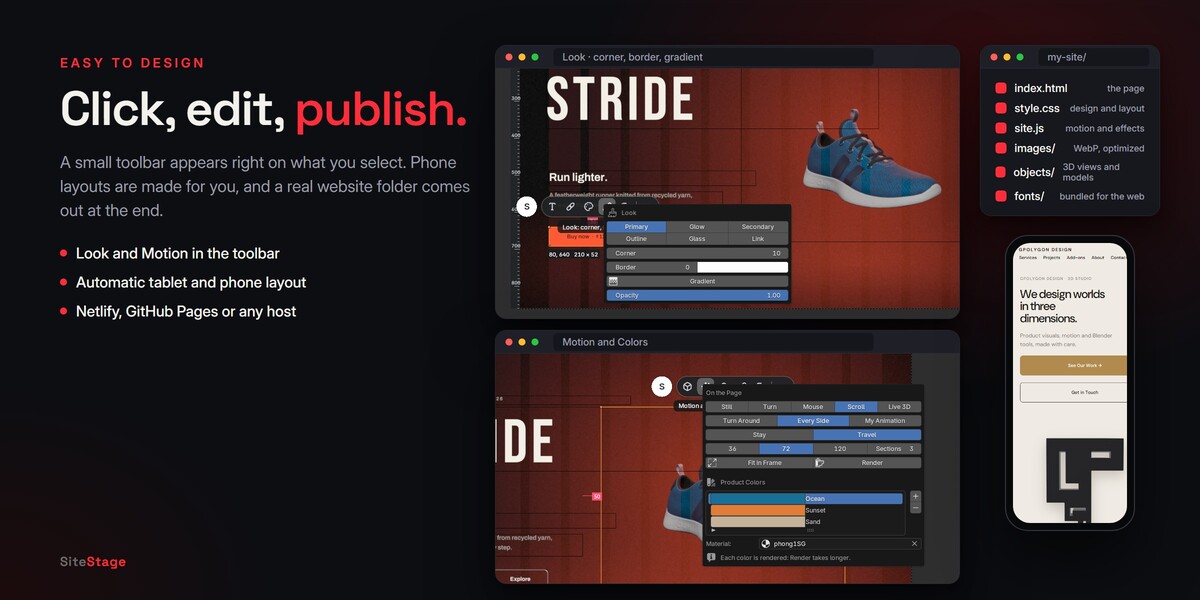
A: No. You design in Blender and SiteStage writes the code. The exported code is clean and readable if you want to edit it later.
Q: Can I use the result commercially?
A: Yes. The bundled fonts use the SIL Open Font License and the icons use the ISC license; both allow commercial websites. The websites you make are yours.
Q: Is it one page or a whole website?
A: Each design is a one-page website made of sections, with a menu that scrolls to each section. For more pages, make another design and export it to its own folder, then link the pages with Web links.
Q: Can I move my project to another computer?
A: Yes. Save (.bsb) packs the design and every media file into one file. Open (.bsb) opens it.
Q: Image or Looping Video: which should I use?
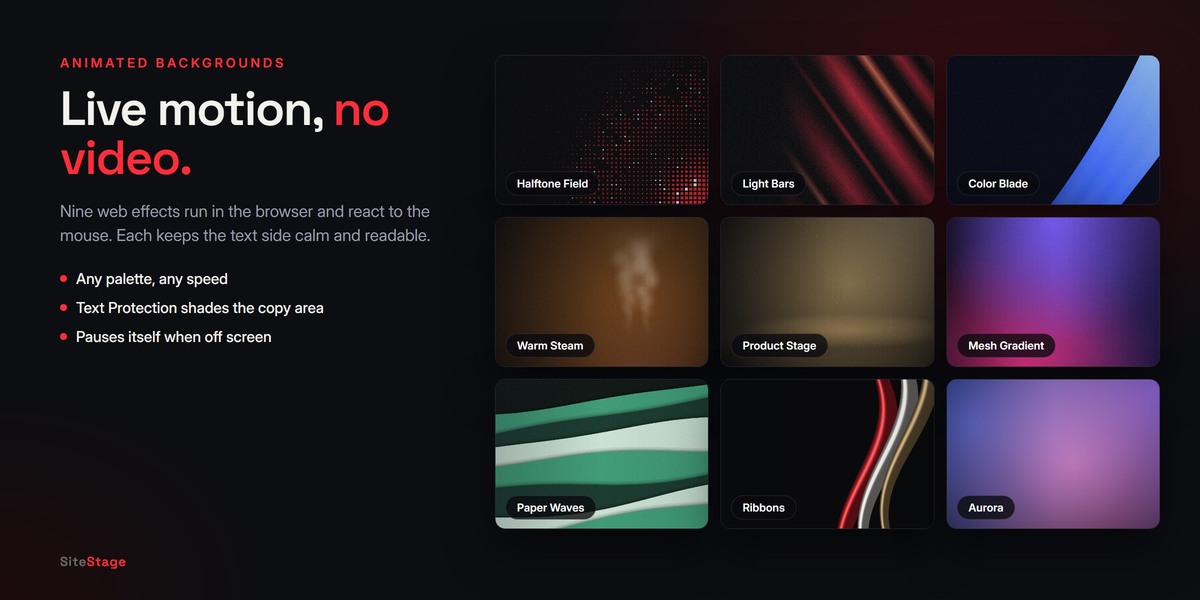
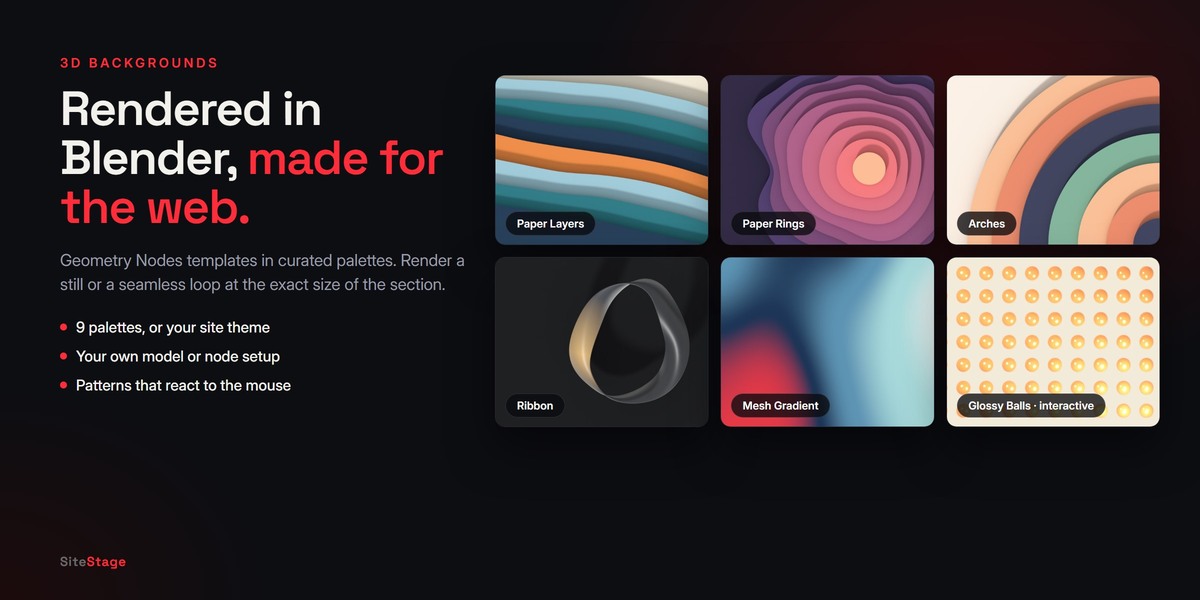
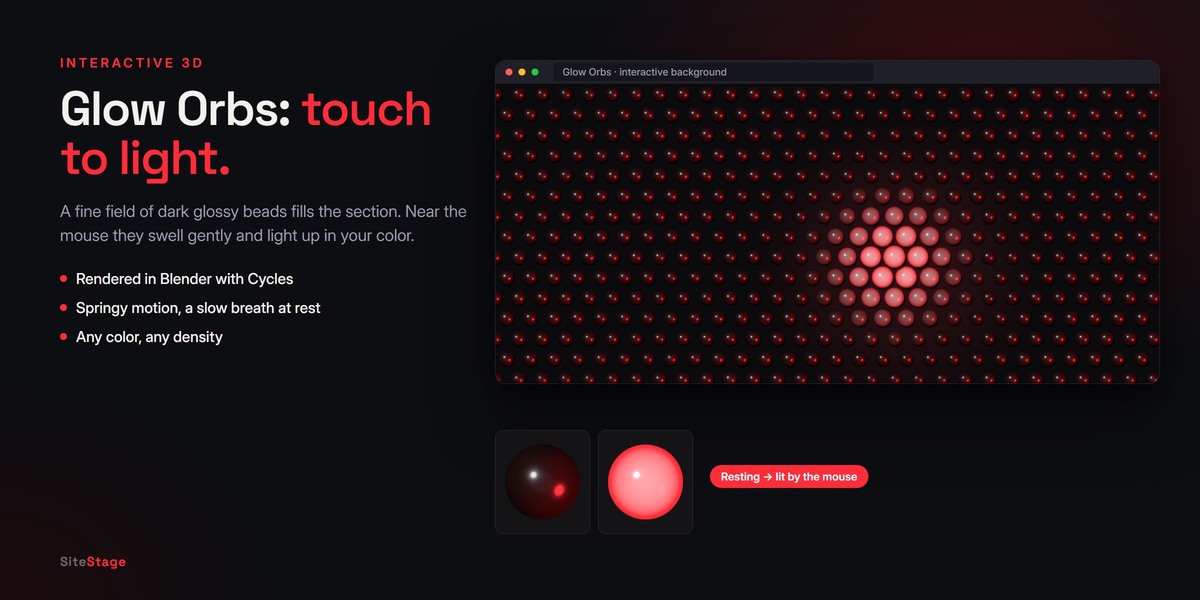
A: An image is lighter and loads fastest. A looping video adds motion but makes the page heavier. For motion without a video, try the web effects or the interactive patterns.
Q: I changed my design. How do I update the website?
A: Press Export Site again, then upload the folder again.
Q: Can I start from a blank page?
A: Yes. Choose Blank Page in Create New Site, then add sections with + or the Ready-Made Section menu.
Q: Where is SiteStage after installing?
A: In the 3D Viewport sidebar: press N and click the SiteStage tab.
Q: Which Blender versions are supported?
A: Blender 4.2 or newer. SiteStage is tested on 4.2 LTS, 4.5 LTS, 5.1 and 5.2 LTS.
Have questions about this product?
Login to message
| Blender Extension Compatible | Yes |
| Dev Fund Contributor | |
| Published | 8 days ago |
| Blender Version | 4.2 - 5.2 |
| Extension Type | Add-on |
| Render Engine Used | Cycles, Eevee |
| License | GPL |
Discover more products like this
website builder portfolio landing page 3d product product page geometry nodes Web Design ui html interactive 3D background css