 Color Variations of Eldorado - cvELD -
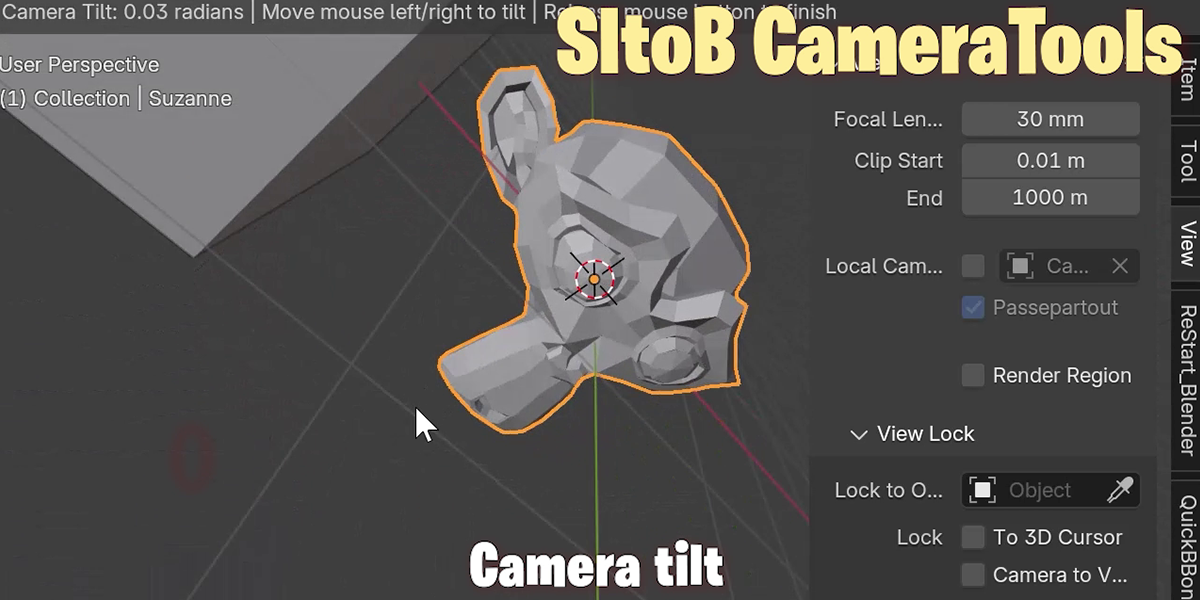
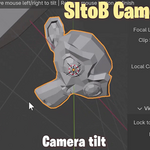
SItoB Camera Tools
Softimage to Blender Camera Tools.
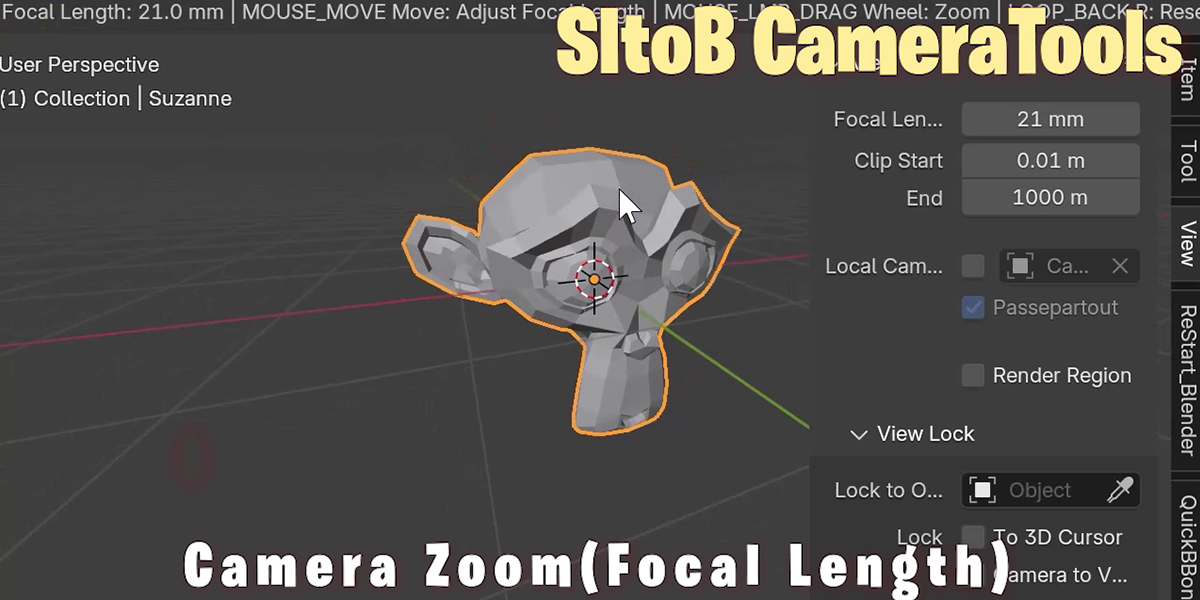
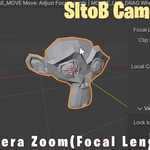
Camera Zoom View
This feature adjusts the camera's zoom and rotation centered on the selected object or element.
Usage:
Launch the tool and move the mouse left/right to adjust focal length
Use mouse wheel to zoom in/out
Hold right-click and move mouse to rotate view
Press R key to reset view
Press ESC key to exit
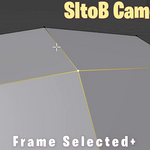
Frame Selected Plus
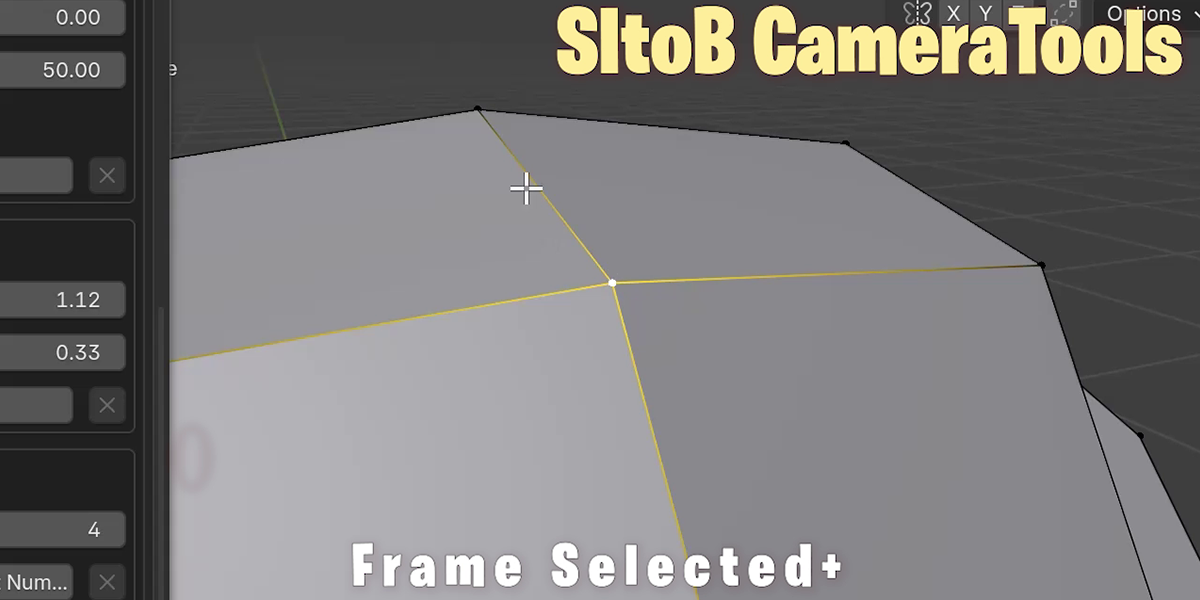
This function frames the selected object or element, with improved behavior for single vertex selection.
Usage:
Select object or element
Execute the tool to automatically adjust view to selection
MemoCam
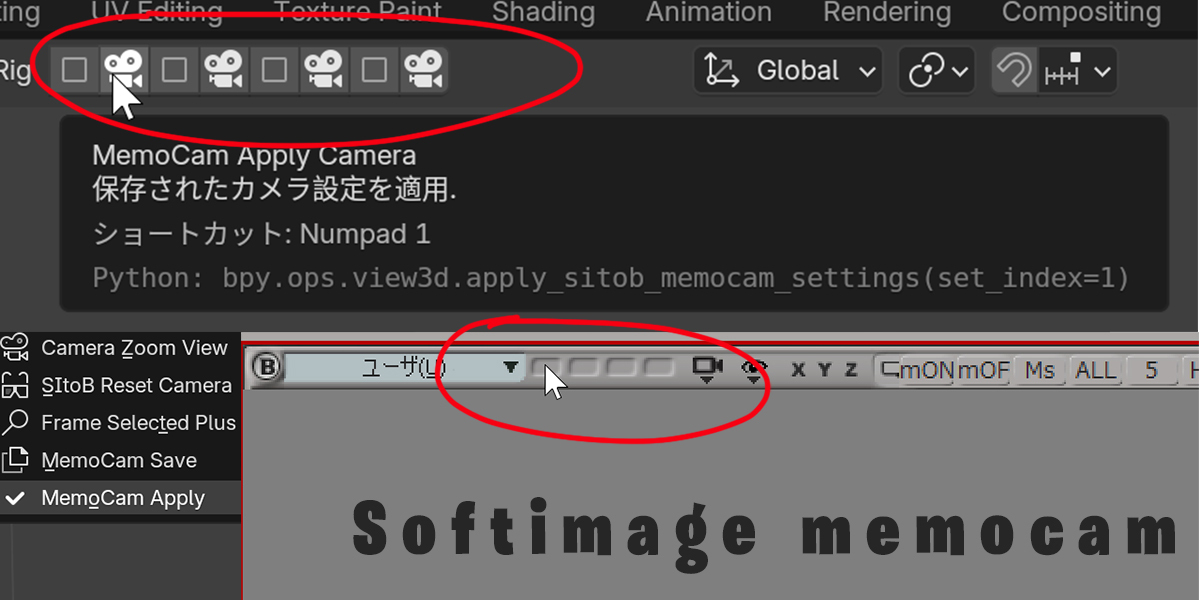
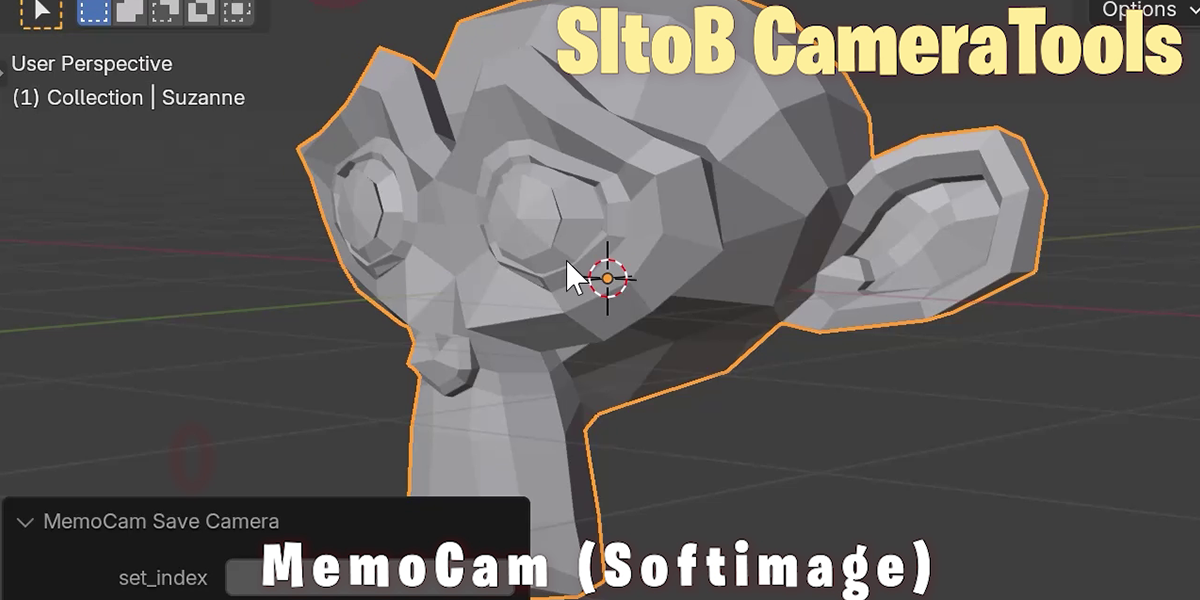
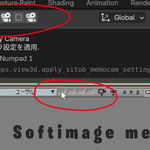
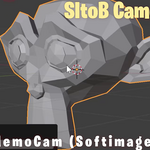
A feature that allows saving and recalling camera settings. Settings are overwritten each time the checkbox is ticked.
As an example, a JSON file with camera matrices is saved in your Blender configuration folder:
C:\WorkGroup\config\username\cvELD_MemoCamera.json
Usage:
Save camera settings: Click checkbox icon
Apply saved settings: Click camera icon
Up to 4 settings can be saved
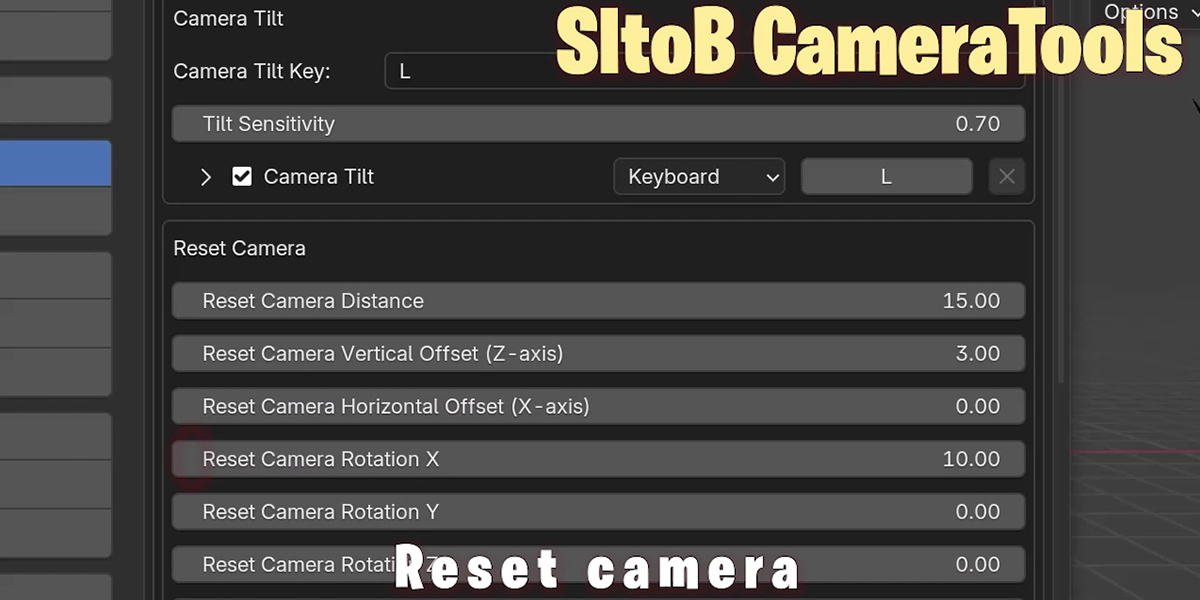
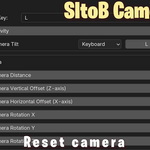
Reset Camera
These tools are only available in the 3D viewport.
Moves the user camera or active camera to a predetermined position from the start.
In preferences, you can set position, rotation, and focal length to reset the camera to your preferred state with just one button click.
SItoB_AutoHotKey.ahk
This AutoHotkey script is designed to mimic Softimage camera operations in Blender. It only functions when Blender is active, allowing rotation, pan, and zoom of the 3D view using S or F5 keys combined with mouse buttons, without using the Alt key. Additional shortcuts like M+XButton1 and Shift+middle-click are also included. This script enables those familiar with Softimage to work more comfortably in Blender.