SizeFit — Export GLB or USDZ Under a File-Size Budget, With the Cost Measured in Millimetres and Colour
 Skava



SizeFit
v1.0.0 · Blender 4.2 LTS and later (tested on 4.2.9 and 5.2.2) · Windows / macOS / Linux
1. What it does
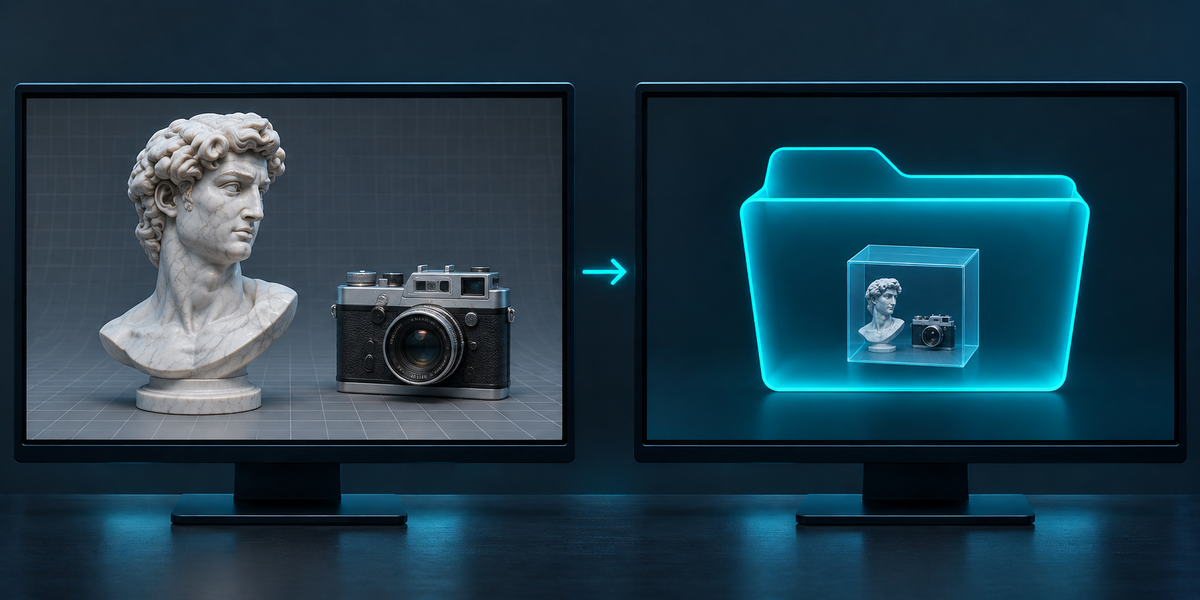
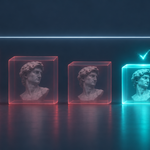
SizeFit exports the selected objects to GLB or USDZ under a file-size budget. It tries settings from the gentlest to the hardest, keeps the first file that fits, and measures what that compression cost: how far the shape moved, in millimetres, and how much each texture changed.
2. Installing
Edit, Preferences, Add-ons, the arrow in the top right corner, Install from Disk, pick the downloaded archive, tick the checkbox. The panel is in the 3D Viewport sidebar (N), tab SizeFit.
3. Quick start
- In Object Mode, select the objects to export (meshes; an armature can be selected with its skinned meshes; cameras and lights in the selection are left out of the file; curves, text, surfaces and metaballs are refused with a reason: convert them to meshes first, Object, Convert, Mesh).
- Set Budget (MB) and Format, choose a Folder.
- Press Export Within Budget. The panel lists every step tried with its size, the file written, and the cost.
4. The ladder
- GLB: as is; Draco mesh compression; Draco and WebP images; Draco, WebP and images at most 2048, 1024, 512, 256 px. With Web Compression off: as is, then images at most 2048, 1024, 512, 256 px (PNG and JPEG as in your scene).
- USDZ: as is; images at most 2048, 1024, 512, 256 px.
- Allow Mesh Reduction (on by default): after the smallest images, the mesh at 50%, 25% and 10% of its triangles (Blender's Decimate, collapse; in USDZ a Subdivision Surface last in the stack stays a subdivision the viewer applies, and the reduction is made on the mesh under it). Off: SizeFit never touches the mesh, and says so when even the smallest images are over the budget.
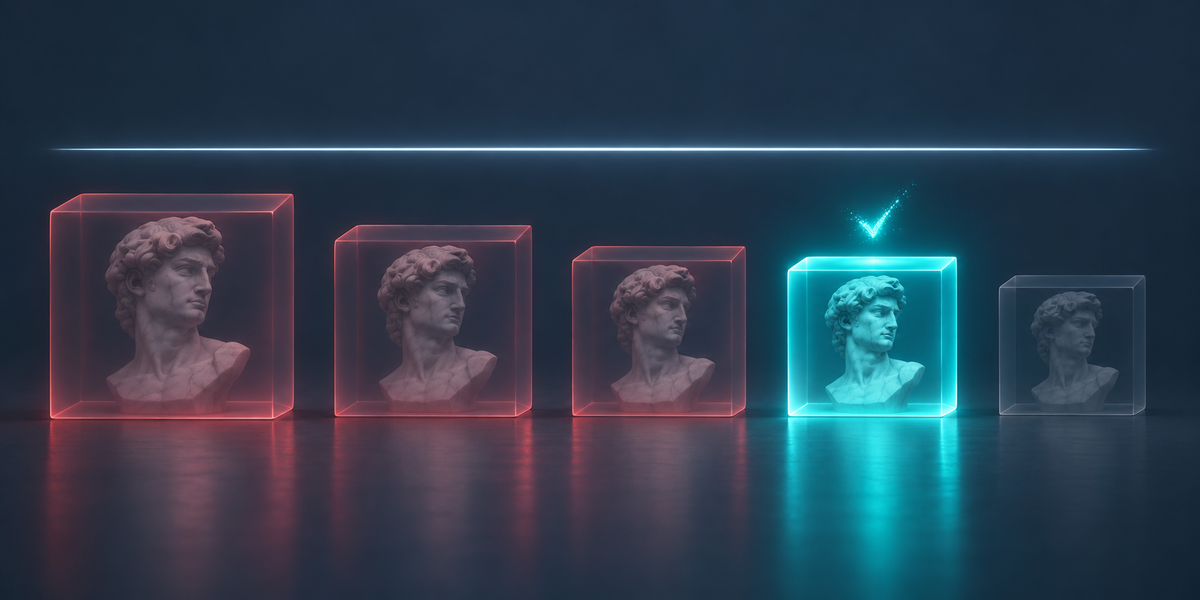
- Steps are tried in this order and the first one that fits is written. Every step's size is listed, so you see how close the gentler steps came.
- The budget is in decimal megabytes (1 MB = 1,000,000 bytes), the way stores and upload forms count. A budget that no step reaches is refused in words, with the size the hardest step gave; no empty folder is left behind.
5. What the file needs to open
- Draco meshes and WebP images are glTF extensions, and Blender marks them as required: a viewer that does not read them refuses the whole file. three.js (with its Draco loader), model-viewer and Babylon.js read both. Godot 4 does not read Draco; some engines and stores read neither.
- The panel shows the extensions the written file requires, or that it needs none. If your target does not read them, turn off Web Compression (Draco, WebP): the file then has neither Draco nor WebP (a texture moved or scaled with a Mapping node still asks for KHR_texture_transform, which the panel names), and the ladder reaches the budget with smaller images and, if allowed, a lighter mesh.
- USDZ files use no extensions; our test USDZ files were checked against Apple's AR rules (see Measured).
6. The cost
- Shape: the cost of the compression, file against file. The first step (as is) is kept as the reference; the written file and the reference are opened in your scene for a moment (and removed afterwards with everything they brought) and 60,000 points are sampled on each surface. The panel shows the largest distance between them (the worst point) and the distance 95% of the points are within, in millimetres of your scene's units, and the triangle count before and after (of the surface the viewer shows: in a USDZ with a subdivision, the subdivided surface, not the cage stored in the file). Whatever Blender's exporter does to a rig (a skin written in its bind pose, a mesh on a bone, a lattice or a hook) is the same in both files, so it is not counted as compression; if the as-is step fits, the cost is zero (the panel shows 0.00 mm).
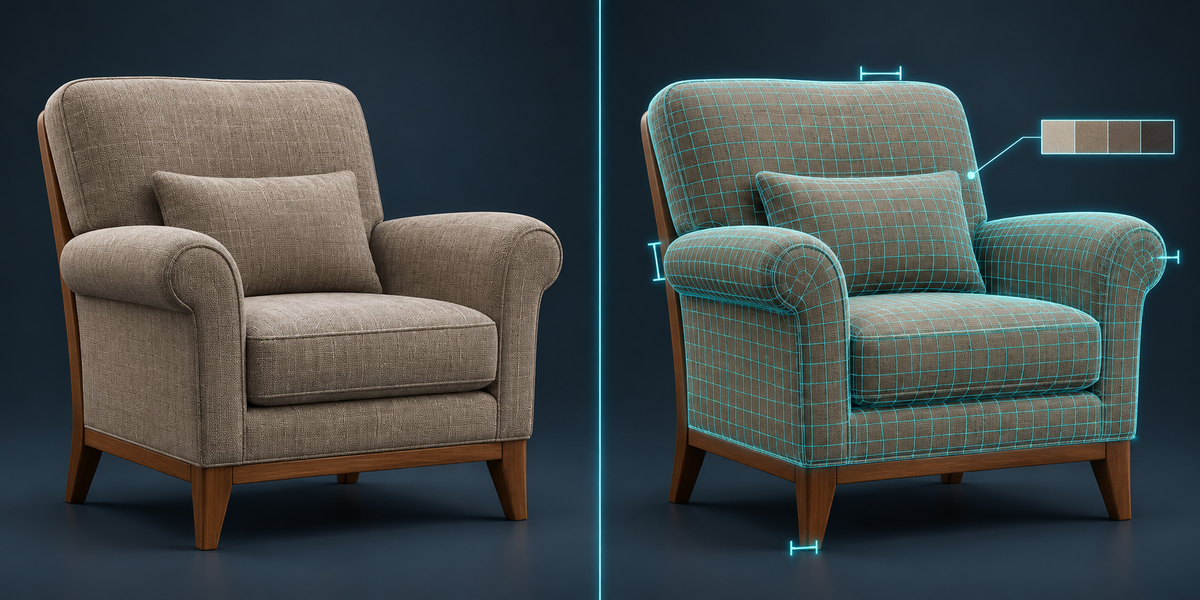
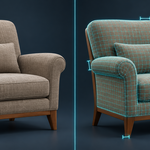
- Colour: every colour texture of the file is compared with yours at your resolution: ΔE (CIEDE2000, median and 95th percentile; 1.0 is what the eye just notices); a cut-out texture (leaves, a fence) is measured on its visible pixels.
- Data maps (roughness, metallic, occlusion, normal): the difference out of 255, median and 95th percentile. glTF packs roughness, metallic and occlusion into the channels of one image; each map is compared with its own channel.
- A texture SizeFit could not find in the file is listed by name. If the file is written but the measuring fails, the file stays and the panel says why the cost is missing.
7. Warnings in the panel
- WebP could not hold every image: Blender's glTF exporter cannot write some images as WebP (a colour with its alpha packed into one image). That step is written again with JPEG images, and the file is checked: no texture in it is left without its image.
- Material '…': its Alpha goes through a … node: Blender's glTF and USD exporters write the image's own alpha and leave out an Invert, Math or Map Range on its way, so the transparency in the file differs from your scene (a multiply by a number survives in GLB). Bake the alpha into the image.
- Material '…': its Base Color is built through nodes: a colour mixed from several images (a Mix node with a mask, for example) cannot be carried by Blender's exporters; they write one of the images, sometimes the mask. SizeFit reads the written file and names the image that arrived as the colour. Connect the colour image straight to Base Color, or bake the colour first.
- Material '…': the height map … goes through a Bump node: Blender's glTF and USD exporters write a Bump height map as the normal map, so the file's shading is wrong even though the image itself arrives intact; a normal map wired into the Bump's Normal input is not written at all. Bake the height into a normal map and connect it with a Normal Map node.
- Materials '…', '…' get the same name in the file: Blender 4.2 writes non-Latin material names into a USDZ as underscores, so two Cyrillic or Greek names of the same length look alike there and SizeFit cannot tell whose colour arrived. A material that builds its Base Color through nodes is then named for you to check by eye; Latin material names avoid it.
- The colour of '…' arrives changed: a colour texture differs by more than ΔE 10 in the file, which is not compression.
- The colour of '…' changed a lot at this step: a colour texture connected straight to Base Color differs by more than ΔE 10 after its image was re-encoded (WebP) or made smaller: fine detail is lost at that step. Raise the budget for a gentler step.
- Skinned to '…', which is not selected: the file has no skin and the mesh arrives in its rest pose, not the pose you see. Select the armature too, or apply the Armature modifier for a still pose.
- Linked from a library: linked meshes cannot be reduced; the mesh steps are skipped.
- '…' has shape keys and modifiers: Blender's exporters apply the modifiers (Mirror, Subdivision…) and drop the shape keys. Apply the modifiers yourself, keeping the shape keys, before you export. If a GLB comes out with no shape keys at all, the panel says so.
- Mesh reduction leaves meshes with shape keys whole: Decimate would remove the shape keys, so those meshes keep all their triangles; the other meshes are reduced.
- Image not reduced: an image of a material or node group linked from a library (Blender would still write the original), or UDIM tiles, keeps its size on every step; the panel names it.
- In the file but not compared: an image in the written file SizeFit found no source for.
- Not used by the shader the format carries: an image that never reaches the Principled BSDF (a displacement map into the Material Output, for example), or one into Emission Strength, which glTF and USD keep as a plain number. glTF has no place for it and USD may not write it, so it is not in the file; that is the format, not the compression.
- Shape not compared: the file's meshes could not be found after importing it; the file is written, its shape cost is unknown.
- The model in the file is … m across, your scene says …: the size is read from the file (a GLB as Blender's importer builds it, a skinned character placed by its joints as glTF intends; a USDZ with its metres per unit) and compared with your scene; a file twice the size of your scene or more, or half or less, is said, compared with the scene as it stands and in its rest pose (unit mistakes are factors of 2.54, 100 or 1000).
- … arrived at … px, larger than the … px step: an image reached the file larger than the step meant.
8. Your scene and your folders
- Smaller texture copies, the Decimate modifier and, for scenes not in metres, a temporary scale exist only while a step is written; afterwards images, modifiers, positions, rotations (also angles past 360°), selection and the active object are as they were. The imported copy used for measuring is removed with everything it brought.
- Each export makes a new folder <name>_SizeFit (then _2, _3 …) inside the folder you chose; nothing that is already there is replaced.
- Scene units are kept: a scene in centimetres exports at its real size, in GLB and in USDZ (Blender 5.x's USD exporter takes a Blender unit for a metre; SizeFit scales for it), and the size is checked in the written file. An animated object at the top of the export is placed, for the file only, under an Empty named SizeFit_units that carries the unit scale, so its animation travels the right distance too; in your scene nothing changes. In a scene not in metres (GLB, and USDZ on Blender 5.x, where SizeFit scales for the file), an object at the top of the export that has constraints, hangs from a bone, or is animated and deformed by an armature parent is refused with a reason (select its parent too, apply the constraints, or set the unit scale to 1), and so is an object linked from a library, or one shaped by an object outside the export (an Armature, Curve or Hook modifier pointing at something you did not select): select that too, or set the unit scale to 1.
- Curves, text, surfaces and metaballs are refused with a reason: Blender's exporters do not write them reliably (glTF leaves out metaballs, USD curves and, on Blender 4.2, text). Convert them to meshes first (Object, Convert, Mesh); then they are measured like any mesh. Instances (a collection shown by an Empty, Geometry Nodes instances, particles, vertex or face instancing) are refused with a reason: make them real first (Object, Apply, Make Instances Real, or Realize Instances in Geometry Nodes). Images inside node groups are reduced and compared like any other.
9. Limits
- SizeFit uses Blender's own glTF and USD exporters and what they can write: no KTX2/Basis textures, no meshopt.
- Mesh reduction is Blender's Decimate (collapse); it can be visible on thin parts at 10%. A part with too few faces to reduce is kept whole and named; a mesh that still ends up with no faces in the file is named as lost. The shape number tells you how much.
- Animation is exported as Blender's exporters write it; SizeFit measures the shape in the current frame, file against file.
- Meshes with shape keys are not reduced (Decimate would drop the shape keys); SizeFit says so by name. If most of the size is such meshes, a tight budget is refused in words instead of being missed silently.
- A very heavy scene takes a while: each step is a full export by Blender's own exporter. A file over 250 MB (the written one or the uncompressed reference) is written but not opened again to measure, so that Blender does not run out of memory; the panel says the cost is not measured. Measured on a CC0 tree scene: 506 MB as a GLB as is, 112 MB with Draco, written within the budget, cost not measured.
- Blender 5.2.0 to 5.2.2 can crash while quitting after a glTF export, with or without SizeFit (we reproduced it with Blender's exporter alone and no add-ons; 4.2 and 5.1 do not). The files are already written by then.
10. Measured
- 44 production models (CC0 library: props, furniture, statues, tools), Blender 4.2.9 and 5.2.2, budget 45% of each model's own GLB size: 43 fitted, all at the step Draco, WebP images (images and mesh not reduced); the worst point of the shape moved 0.012% of the model's size (median 0.003%); colour textures median ΔE 1.05, worst 1.85. One bust, whose only mesh has shape keys, was refused in words with the size the hardest step gave (shape-key meshes are not reduced).
- Every written GLB: Khronos glTF Validator 2.0, 0 errors. Every written USDZ: opened and rendered in SceneKit on macOS; Pixar usdchecker with ARKit rules passed on all but one, a skinned mesh exported without its armature (Blender's USD exporter writes a skeleton binding the checker rejects; SizeFit warns: select the armature too).
- Your scene after every export: the same objects, vertices, modifiers, images in the materials, positions, rotations and selection (compared by a fingerprint of the scene before and after).
Have questions about this product?
Login to message
| Published | about 3 hours ago |
| Blender Version | 4.2 - 5.2 |
| Extension Type | N/A |
| License | GPL |