SizeFit — Export GLB or USDZ Under a File-Size Budget, With the Cost Measured in Millimetres and Colour
 Skava

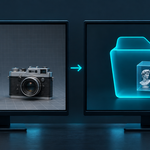
Nothing that stays. Smaller texture copies and a Decimate modifier exist only while a file is written, and everything is put back: images, modifiers, positions, rotations and selection are compared before and after every export in our tests.
No. It uses Blender's own glTF and USD exporters and runs entirely inside Blender.
A GLB written with Draco or WebP opens only where both are read: three.js, model-viewer and Babylon.js do; Godot 4 does not read Draco. The panel names the extensions your file requires. Turn off Web Compression and the file has neither Draco nor WebP.
It says so, with the size the hardest step gave, and leaves no empty folder. Allow Mesh Reduction, or raise the budget.
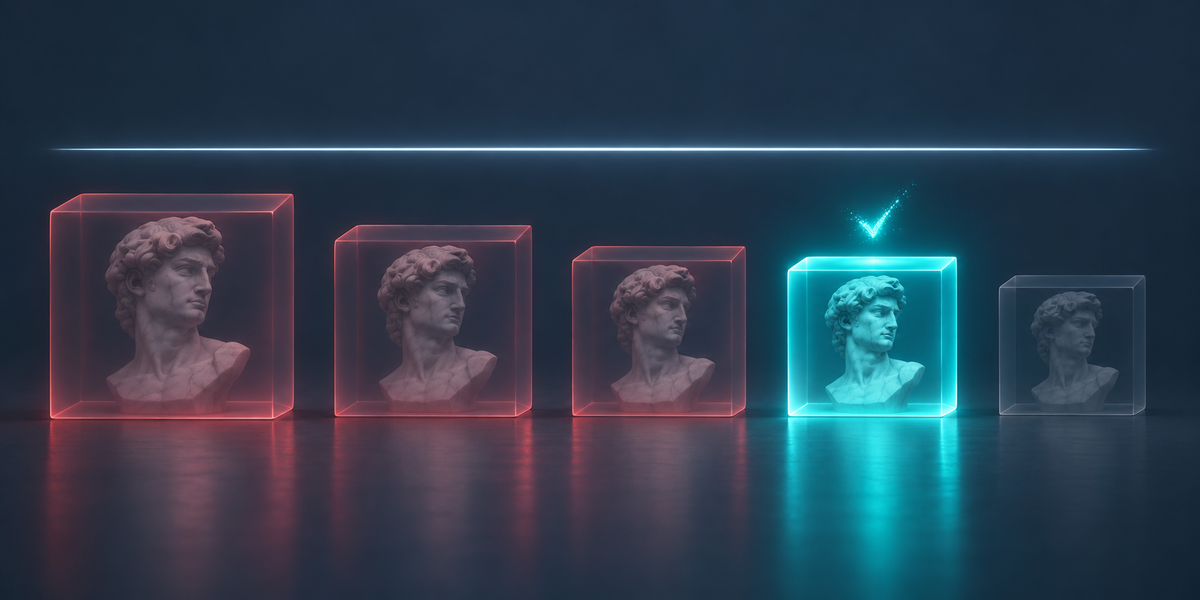
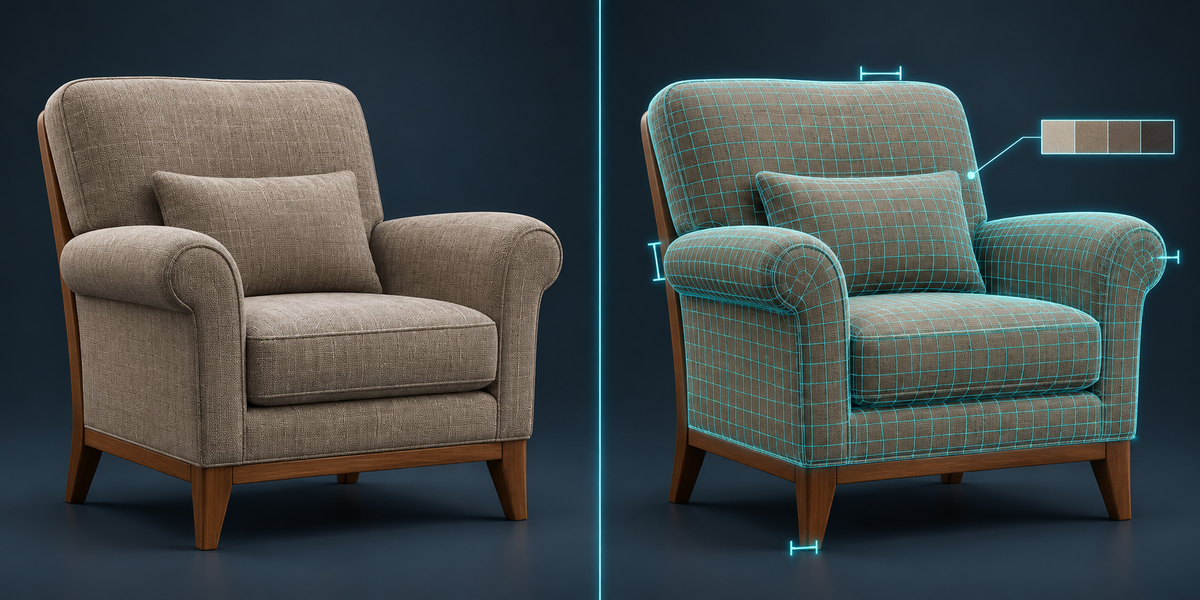
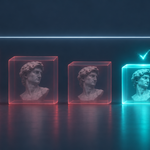
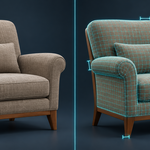
The written file and the same export left uncompressed are opened in your scene for a moment (and removed with everything they brought) and compared: 60,000 points on each surface for the shape (worst point and 95% in mm), and ΔE 2000 for every colour texture (1.0 is what the eye just notices). Roughness, metallic and normal maps are compared as data.
Then its Base Color is built through nodes (a Mix with a mask, for example). Blender's exporters write one image there, sometimes the mask. SizeFit reads the file and names the material and the image that arrived; connect the colour image straight to Base Color or bake it.
Our test USDZ files open and render in Apple's own 3D engine (SceneKit, the one Quick Look uses on a Mac) and pass Pixar's usdchecker with ARKit rules, except a skinned mesh exported without its armature (Blender's USD exporter writes a skeleton binding the checker rejects; SizeFit warns: select the armature too). Images are reduced like for GLB; there is no Draco in USDZ.
No. Everything runs locally in Blender.
Have questions about this product?
Login to message
| Published | about 3 hours ago |
| Blender Version | 4.2 - 5.2 |
| Extension Type | N/A |
| License | GPL |