 Skava
Skava


Download the .py file. In Blender open Edit > Preferences > Add-ons, click the drop-down arrow in the top-right corner and choose Install from Disk (in Blender 4.0 and 4.1 the button is called Install), then pick the downloaded file. Tick the checkbox next to the add-on to enable it. Press N in the 3D Viewport and open the Skava tab in the sidebar.
The documentation lists compatibility up to Blender 4.5. Newer versions are not listed.
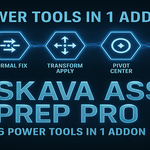
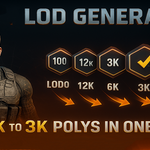
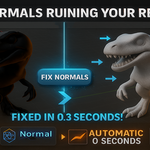
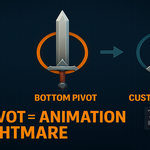
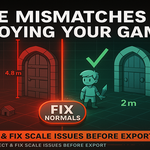
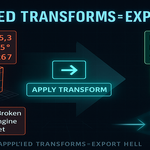
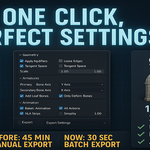
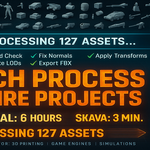
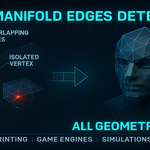
It prepares assets for game and VFX pipelines: Check Manifold highlights non-manifold geometry, Fix Normals recalculates normals and applies smooth shading, Apply Transforms applies location, rotation and scale, Center Pivots offers Bounding Box, Bottom Center and Center of Mass, scale validation checks against Unity, Unreal or a custom scale, LOD generation creates 1 to 5 levels while keeping the original, and batch export writes FBX, OBJ or glTF 2.0.
According to the documentation, it runs all checks in sequence and fixes the issues it finds. Warnings are printed to the system console.
The product page lists the license as GPL.
Have questions about this product?
Login to message
| Published | about 1 year ago |
| Blender Version | 3.0 - 4.5 |
| Extension Type | N/A |
| Render Engine Used | Cycles, Eevee |
| License | GPL |
Discover more products like this
batch-export game ready unity-unreal Workflow Automation manifold check LOD generation pivot center normals fix asset-preparation scale validation optimization tools Production Pipeline