 Skava
Skava


Download the .zip file and do not unpack it. In Blender open Edit > Preferences > Add-ons, click the drop-down arrow in the top-right corner and choose Install from Disk (in Blender 4.0 and 4.1 the button is called Install), then pick the downloaded file. Tick the checkbox next to the add-on to enable it.
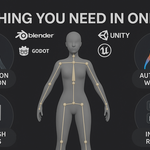
The product description says it is built for Blender 4.0 and newer, and the page lists compatibility up to Blender 4.5.
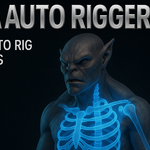
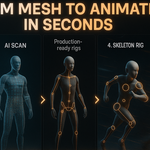
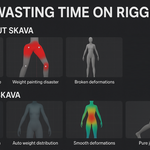
It generates an armature for a selected mesh when you click Generate Rig. The product page lists three rig types (Humanoid, Quadruped and simple skeletal chains), IK/FK controls and automatic weight painting.
No. The product page states it has no external dependencies.
The product page lists the license as GPL.
Have questions about this product?
Login to message
| Sales | 20+ |
| Published | about 1 year ago |
| Blender Version | 3.0 - 4.5 |
| Extension Type | N/A |
| Render Engine Used | Cycles, Eevee |
| License | GPL |
Discover more products like this
weight transfer control-rig armature generator n-panel addon rigify alternative Quick Rigging game ready rig pose mode setup character setup auto-rig bone automation Animation ready