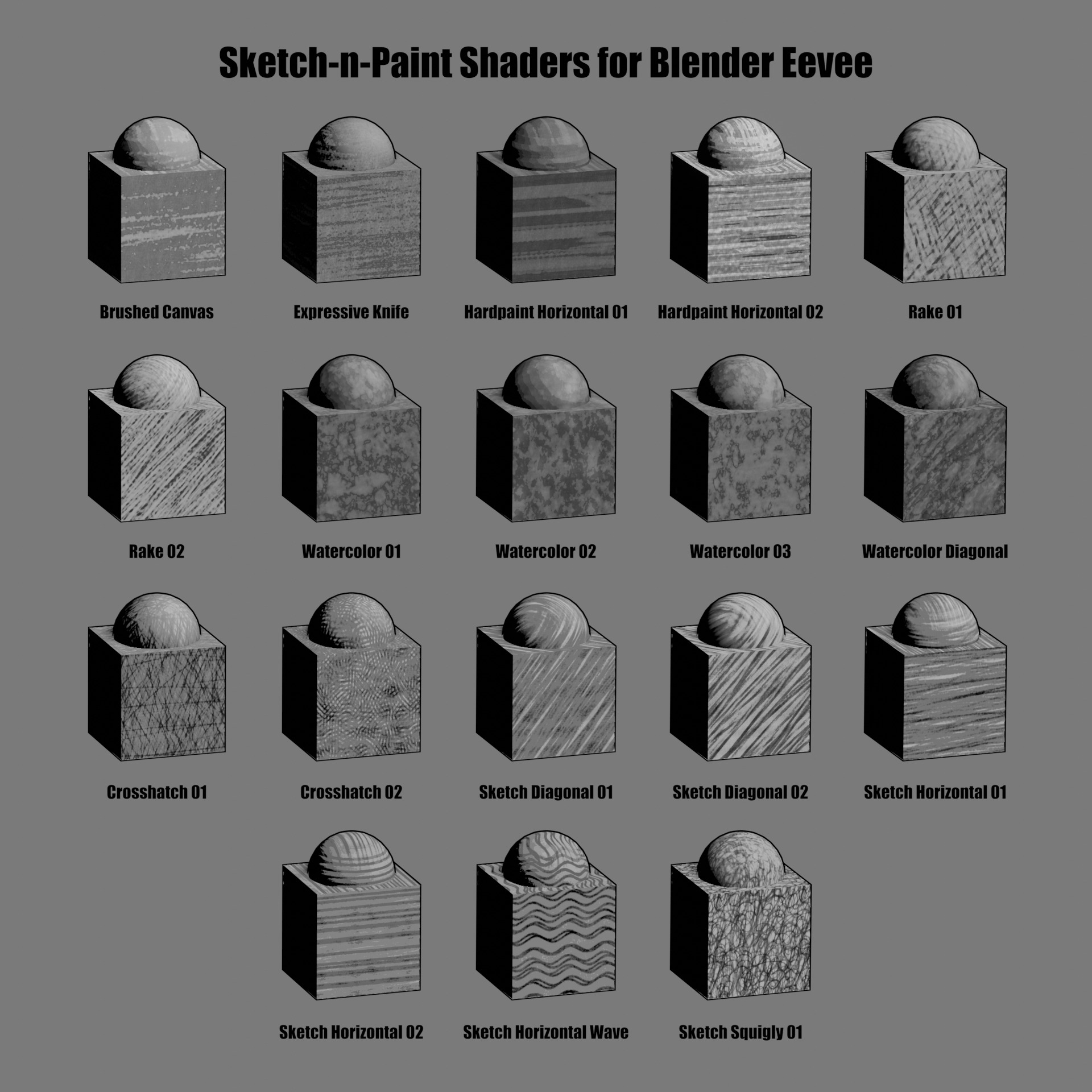
Sketch-N-Paint Shader Pack
 Cyan Los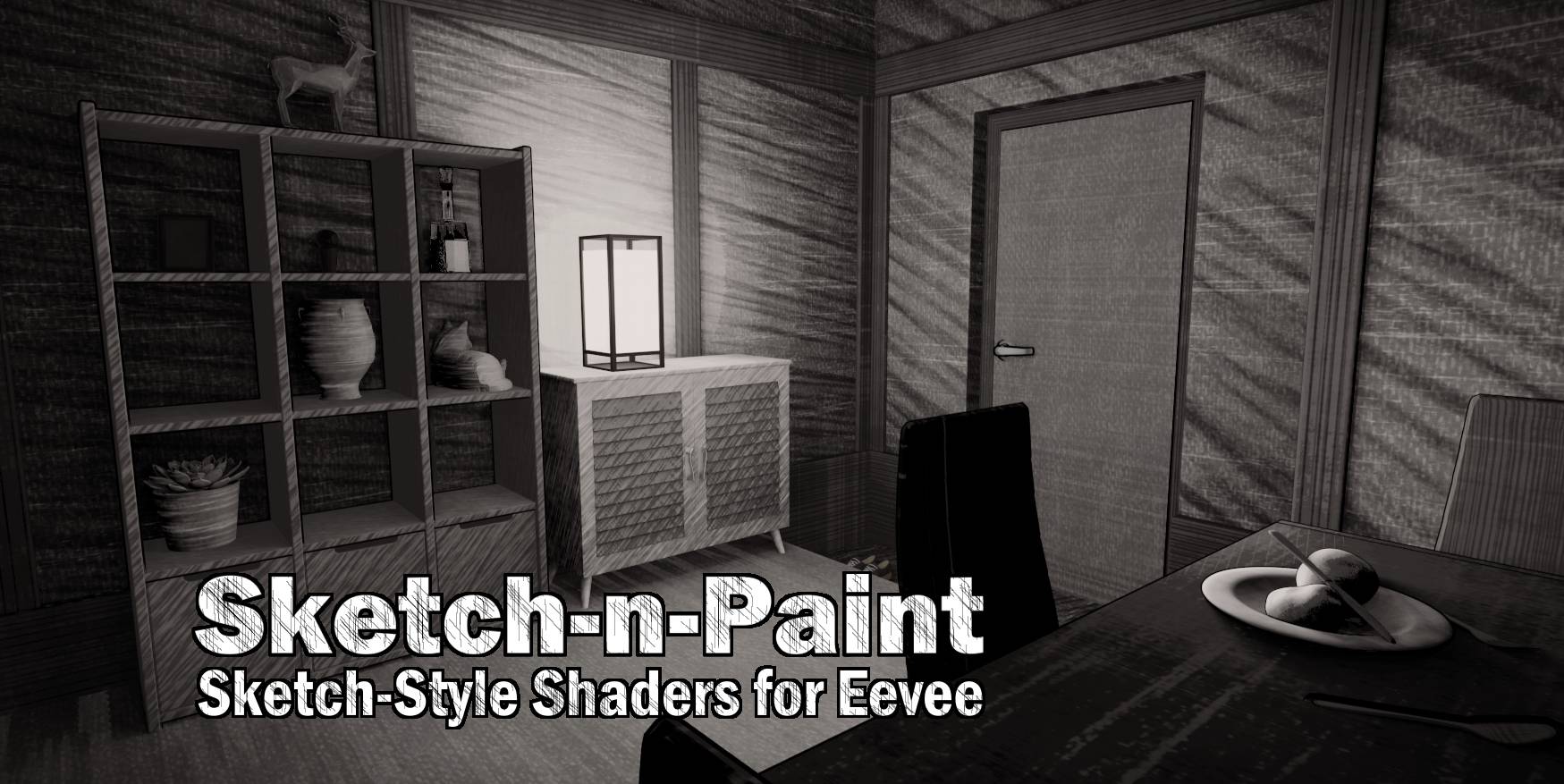
HOW TO USE
Just extract the zip file, and copy the .blend file to a place your Asset Browser can access it. Then, it's just a matter of drag-and-drop via the Asset Browser in any project of your choice.
HOW TO ACCESS ONLY THE TEXTURES
Go to File > External Data > Unpack Linked Libraries, and select a folder you'd like to unpack the textures to.
HOW TO STACK MULTIPLE SHADERS FROM THE PACK
First, make sure that the two shaders you want to use are already in the scene, even if they're not being used. The quickest way is to simple drag-and-drop them onto the object.
Second, go to the Node Editor, and create a new material. Delete the Principled BSDF and add an Emission node. If you see Add > Group, you will notice those particular shader node-groups in there. Simple add them into the Shader Editor, and connect them with a Mix RGB node before plugging it back into the Emission node.
Have questions about this product?
Login to message
| Sales | 50+ |
| Dev Fund Contributor | |
| Published | over 4 years ago |
| Blender Version | 3.0 |
| Render Engine Used | Eevee |
| License | Royalty Free |

Discover more products like this
animation tree illustration ink storyboard texture watercolor comicbook painting style dark outline outlines overlay indie Art Non Photorealistic Rendering non-photorealistic sketch-n-paint hardpaint procedural toon drawing sketch effect materials inkwood illustrator shaders stylized bnpr Cartoon draw eevee lineart Hand-crafted hatching traditional comic Material paint retro pack Shader textures NPR