Sketch N' Carve Ultimate Bundle: Appetite for (3D) Construction
 Sahin Ersoz


Although "K" is assigned for "Sketch_N_Carve", you can change it to something else you prefer.
SketchNCarve is found under "Object" menu in Object Mode, and under "Draw" menu in Draw Mode.
Right click on the name and select "Remove Shortcut".

Right click on the name again and select "Assign Shortcut".

Choose a letter available (single letter is best) and type it.
Under Edit menu, open "Preferences" menu and save your preferences (if it is not set to Auto Save). You are good to go!
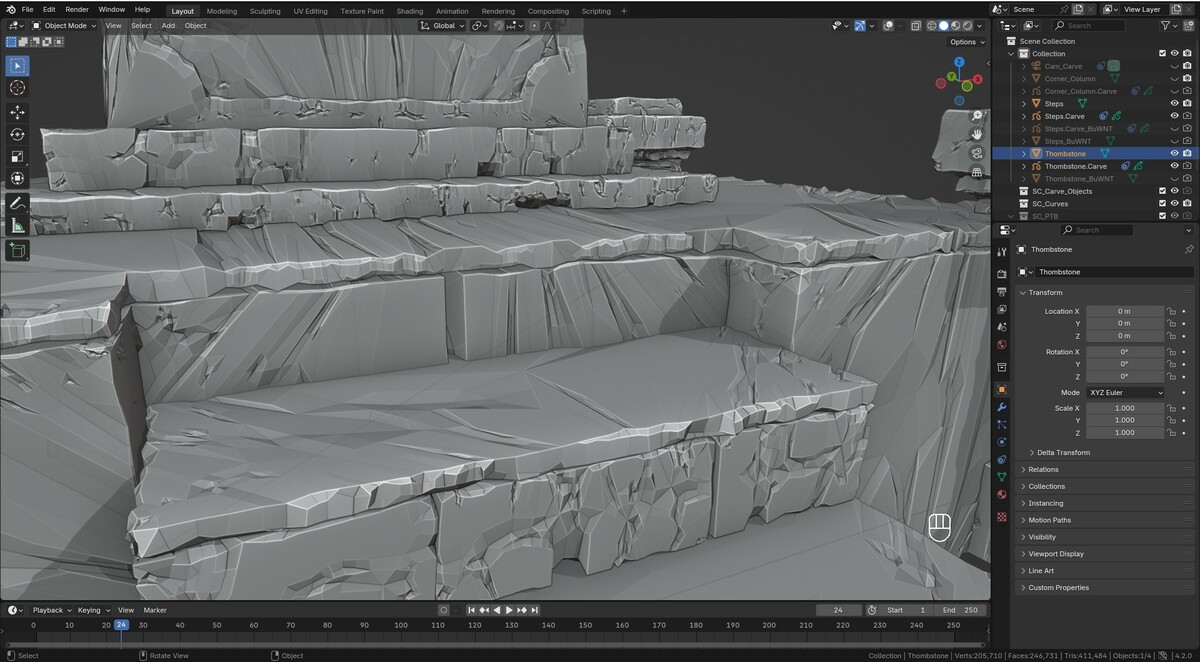
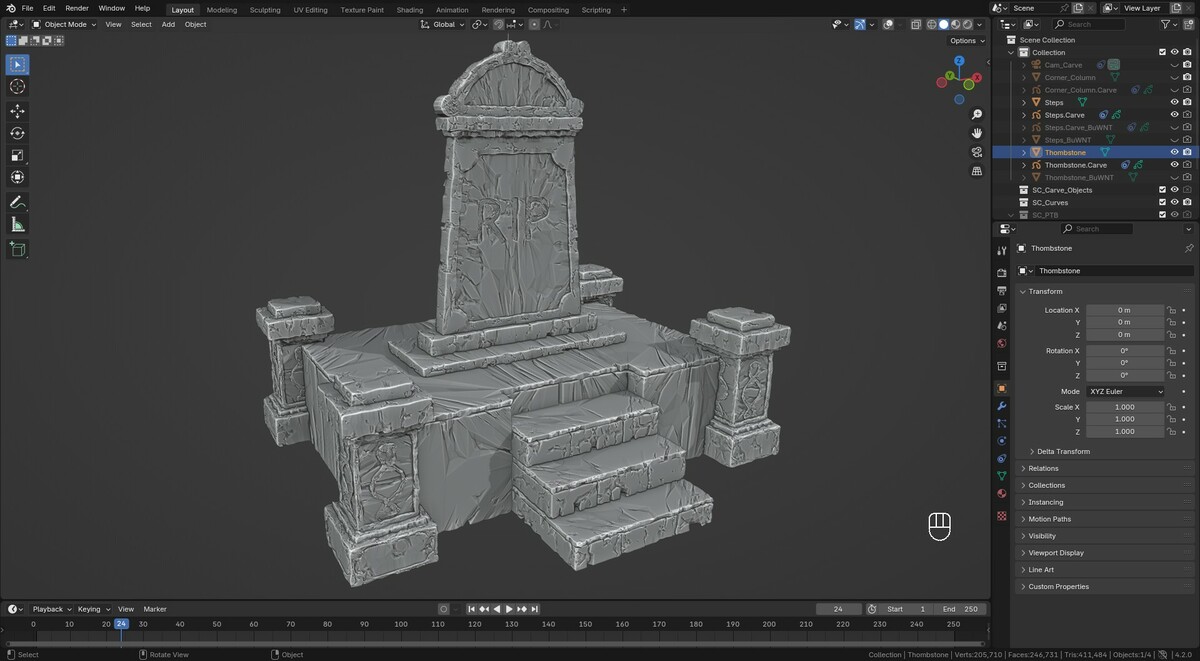
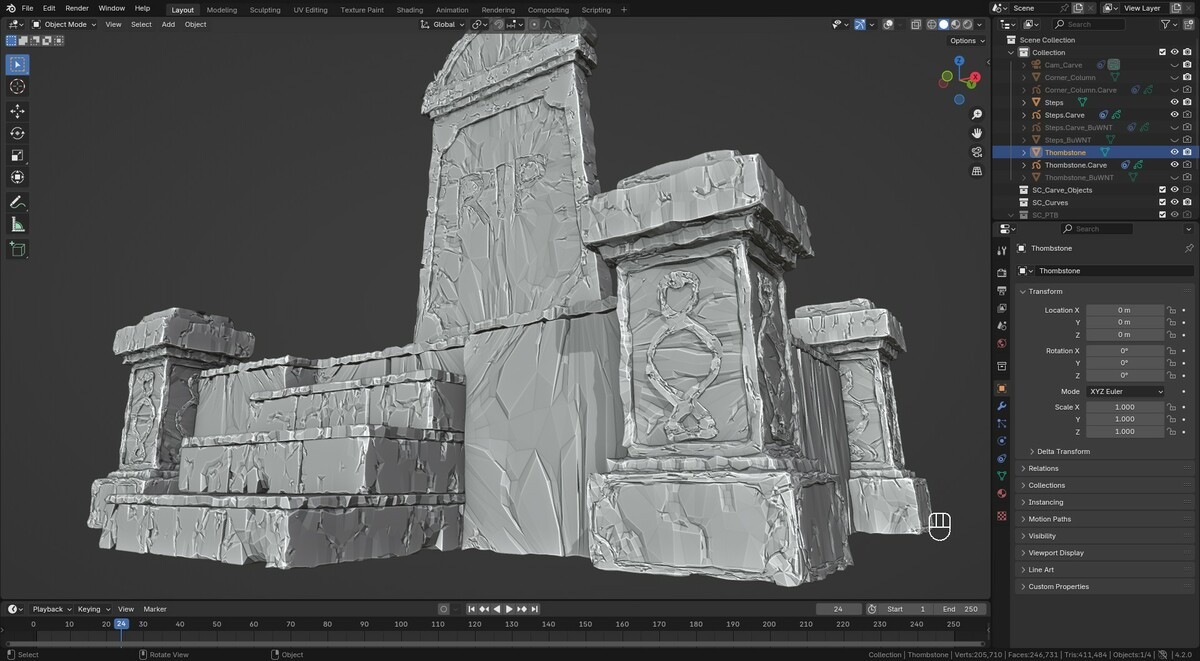
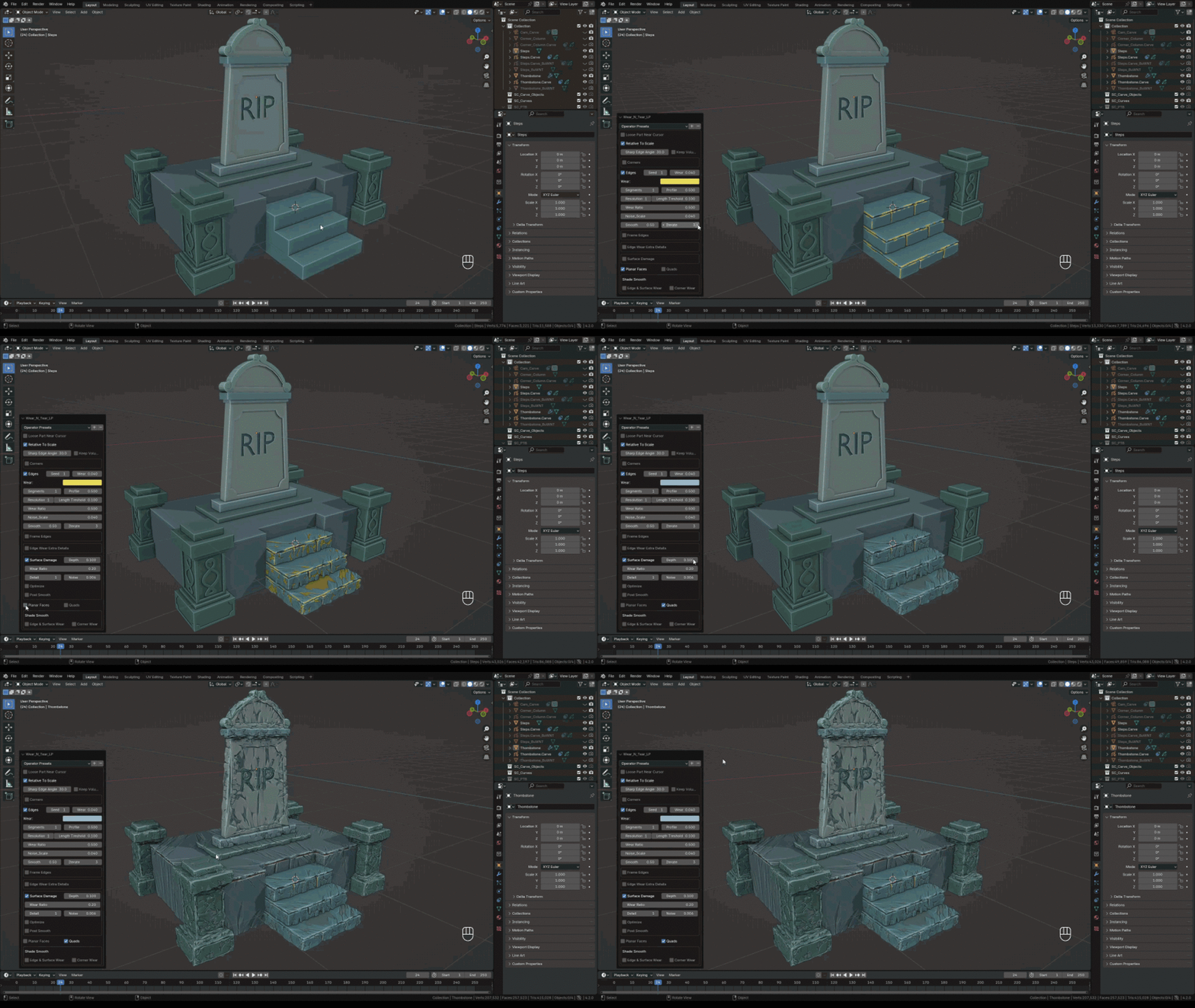
Materials are applied automatically with random colors. Main purpose of the materials is to make geometry selections easier (using the "select" button below the materials panel in edit mode), particularly after some complex and overlapping boolean operations. However you still need to make UV maps, SketchNCarve is only a modeling tool so far.
Blender is translating add-on generated commands also, which causes errors. Please turn off "New Data" option found under Preferences/Interface/Translation.

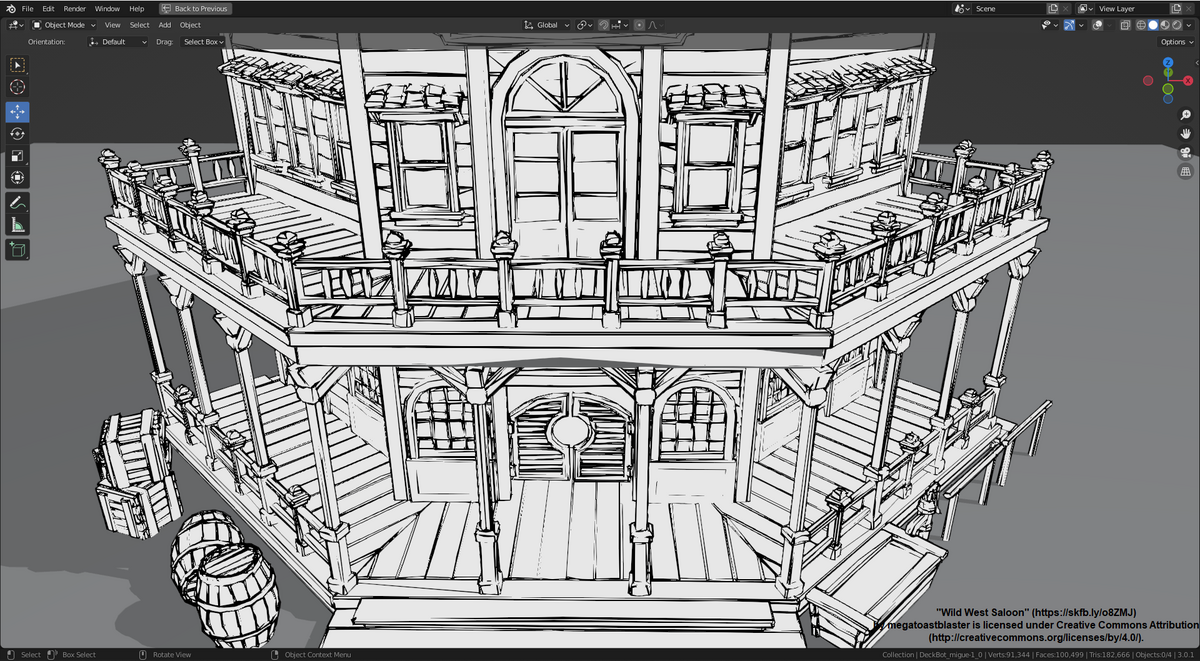
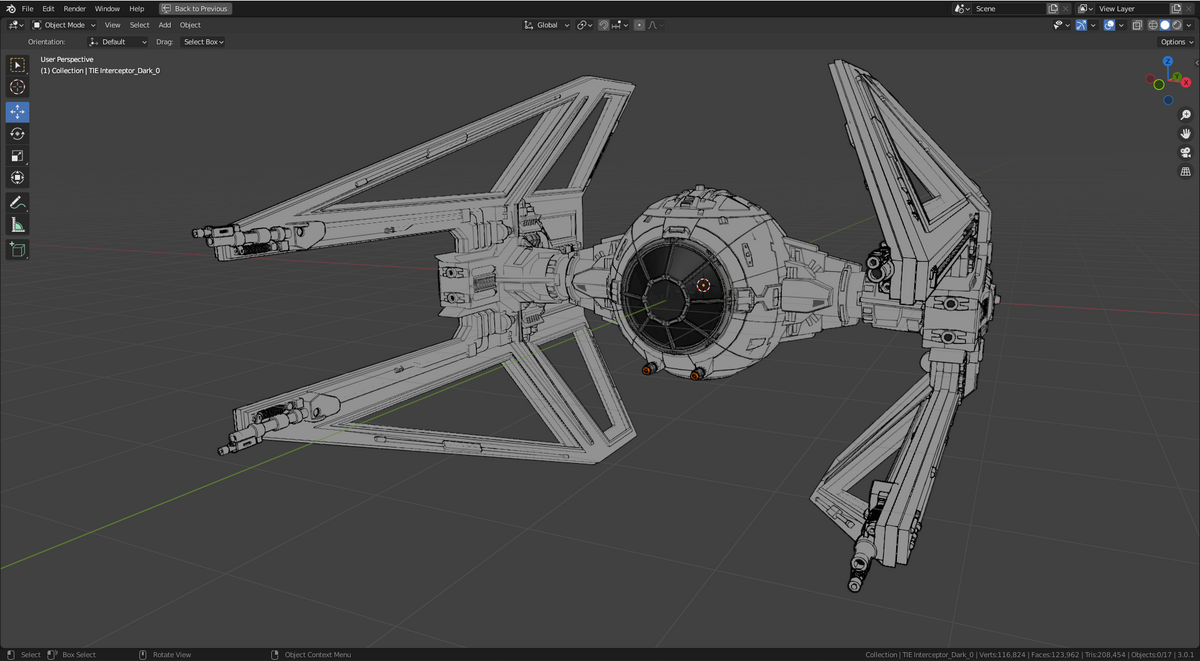
Line Art modifier is view dependent and generates lines only on the faces that are facing the camera. GP From Mesh is more like the Blender's convert tool, with the difference of being able to filter for sharp edges and intersections.

Discover more products like this
hardsurface rigid body physics 3d animation greasepencil cloth simulation 2d animation 3d modeling