Sky Paint - Procedural Sky Generator
 Casey_Sheep
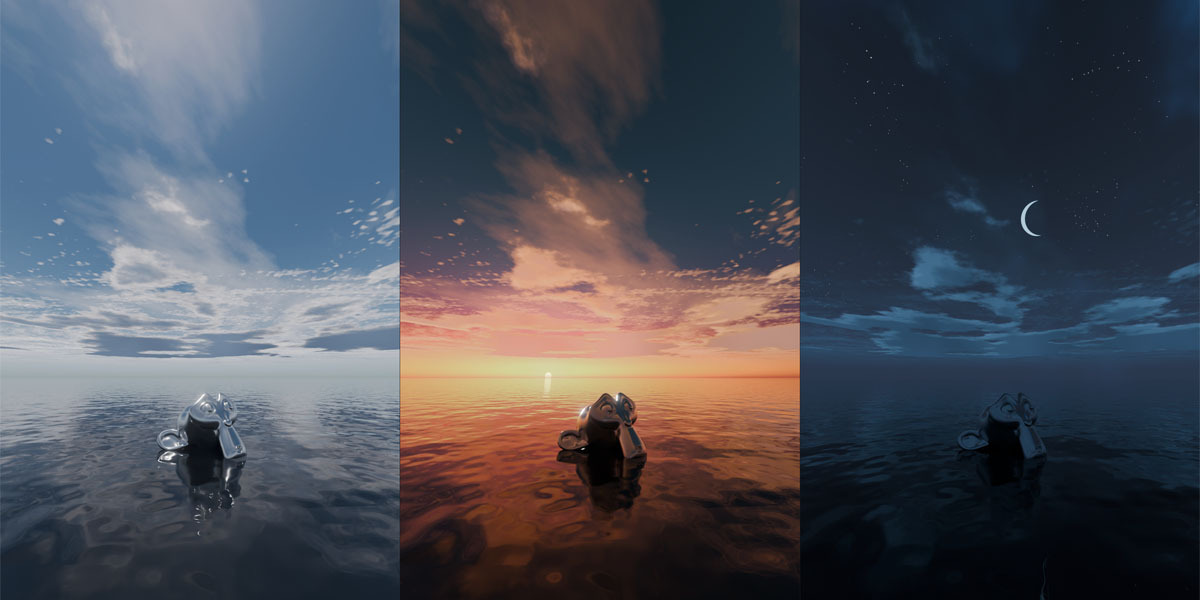






1. Install SkyPaint
1. Download SkyPaint_v1_0_0.zip. Keep the file zipped; you do not need to extract it.
2. Open Blender and go to Edit > Preferences.
3. Select Add-ons in the left sidebar.
4. Open the menu in the upper-right corner and choose Install from Disk....
5. Locate and select SkyPaint_v1_0_0.zip, then click Install from Disk.
6. Search for SkyPaint in the Add-ons list and enable its checkbox. Close Preferences to return to your scene.
2. Set Up Your Sky
In the 3D View, press N to open the Sidebar. Find the SkyPaint panel and click Setup SkyPaint. Your sky is now ready to use.
3. Adjust the Shaders
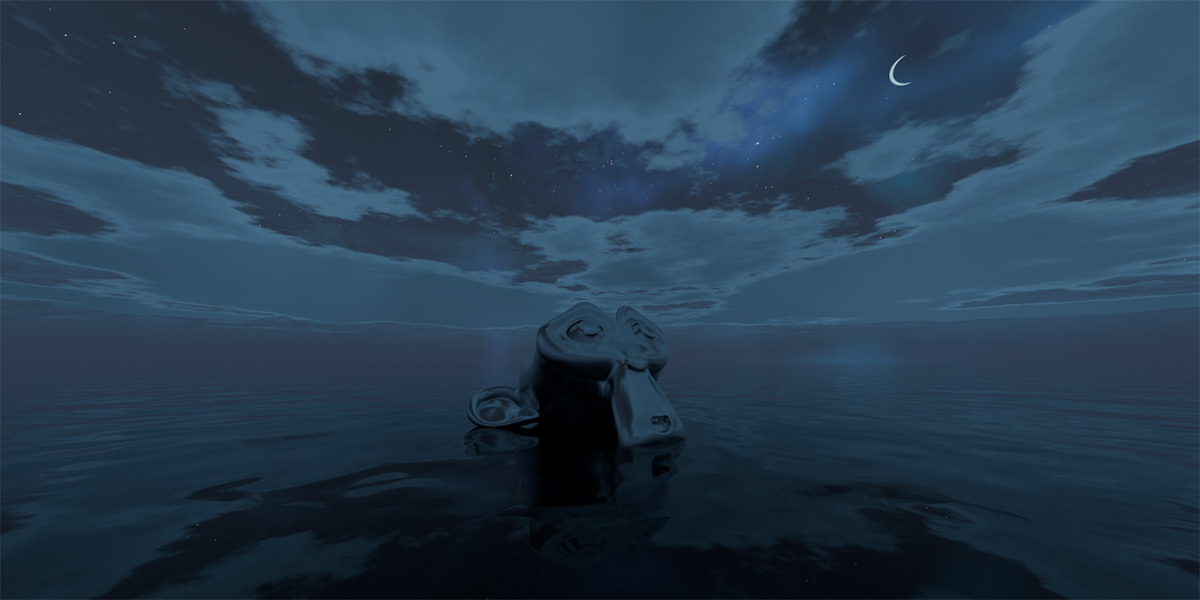
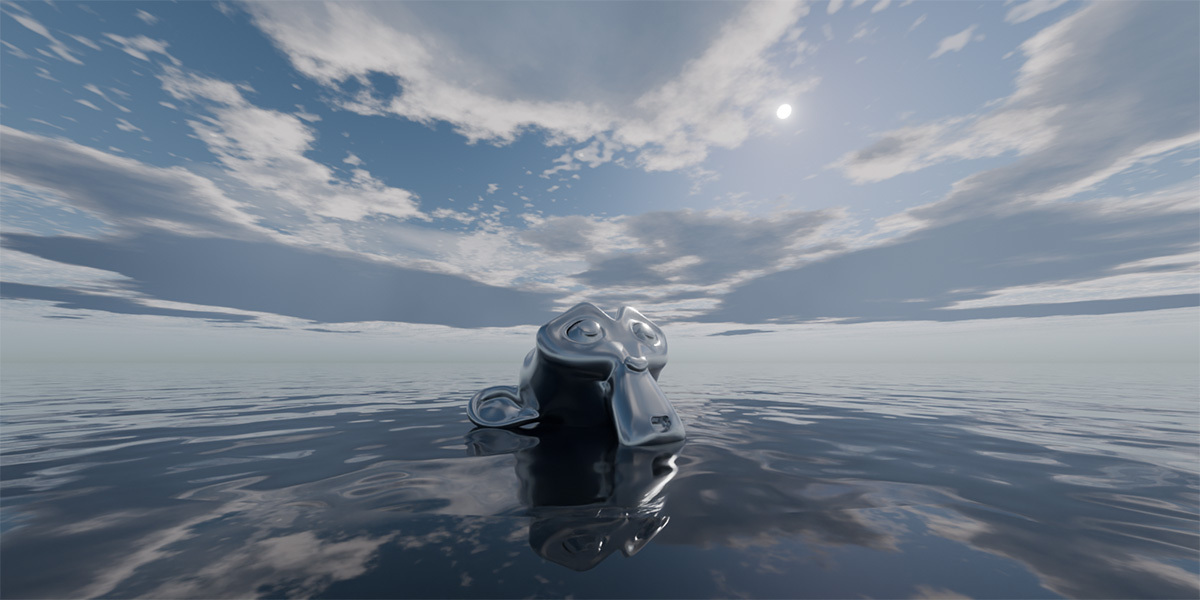
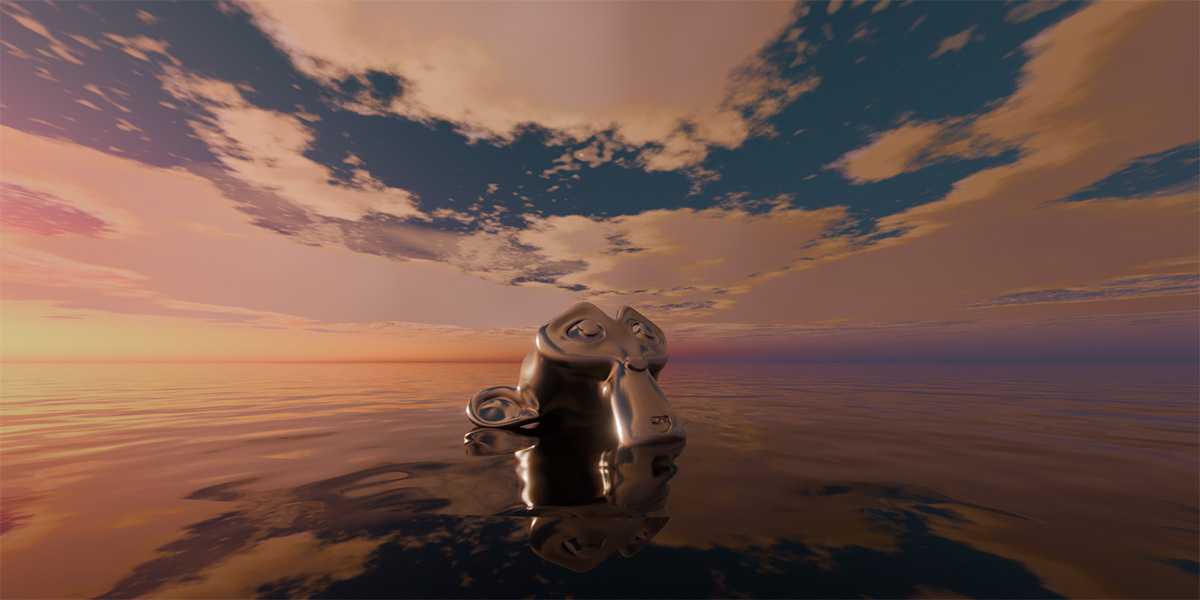
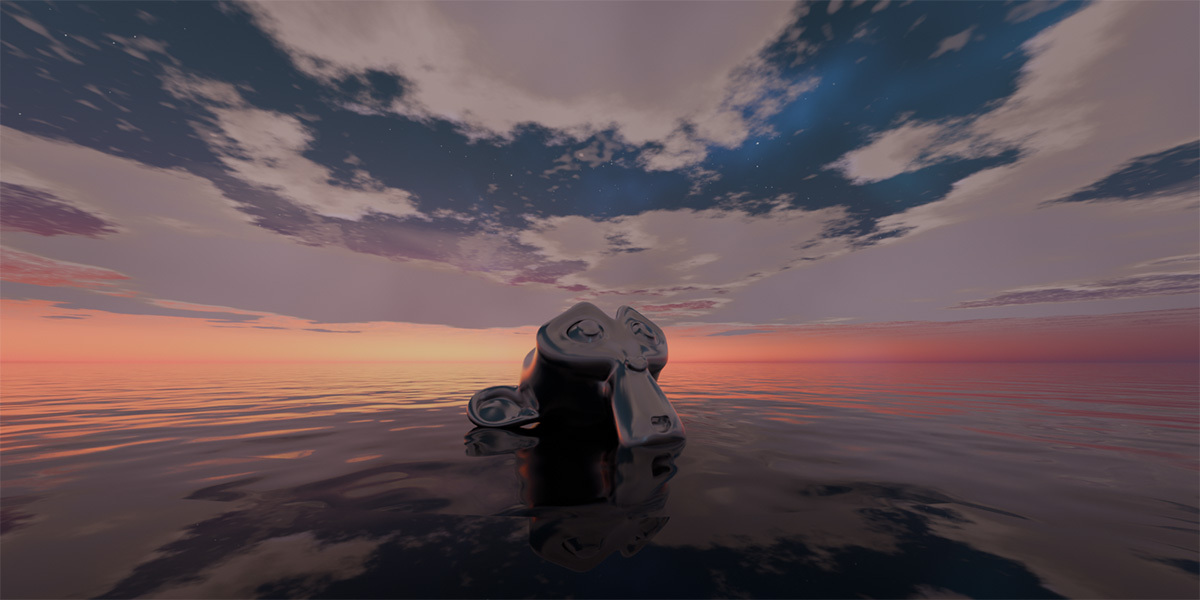
Adjust the Shaders parameters in the SkyPaint panel to create the look you want.
4. Control Time & Lighting
Select the sun light named Sky_Paint_Sun_Light and rotate it to change the sky’s time of day and lighting direction.
-
$24
Blender Add-on | 100% Procedural | Eevee & Cycles
Have questions about this product?
Login to message
| Sales | 30+ |
| Dev Fund Contributor | |
| Published | about 12 hours ago |
| Blender Version | 4.5 - 5.2 |
| Render Engine Used | Cycles, Eevee |
| License | GPL |