 SkdSam

Meet your next atmosphere
The sky sets the scene.
Make it yours.
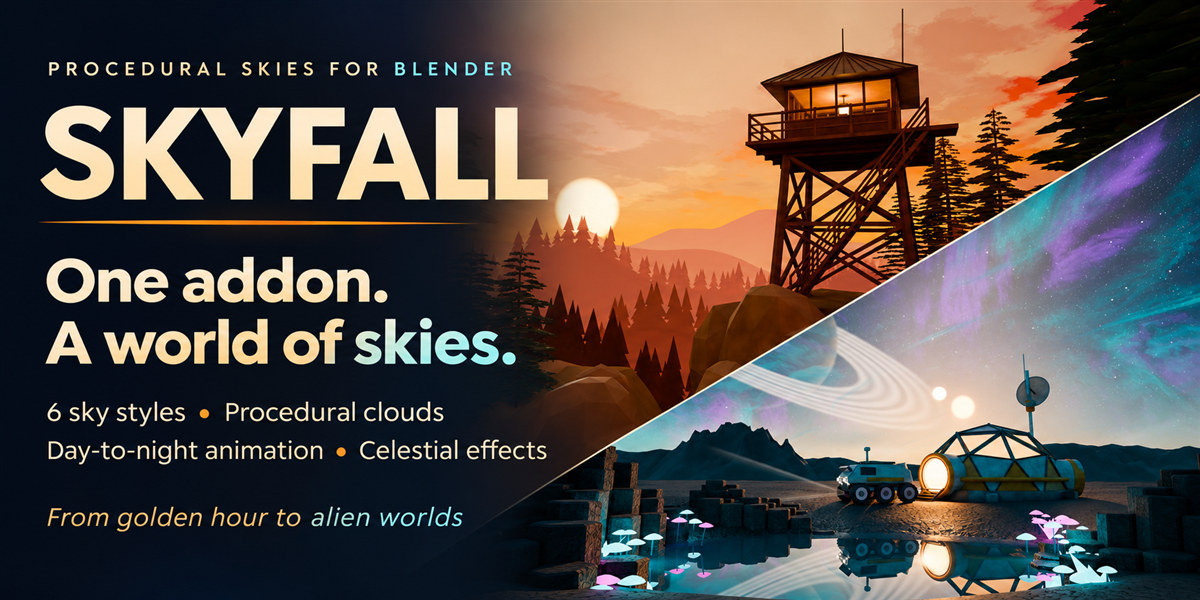
Build natural daylight, illustrated sunsets, neon nights and worlds beyond Earth. Skyfall brings procedural skies, clouds, celestial bodies and lighting controls together inside Blender. Start with a style, choose a preset, then shape the atmosphere to fit your shot.
Choose a look. Shape the light. Let it move.
Pick a style or built-in preset, tune the sun and clouds, and use live preview or frame drivers when your scene needs motion. Save your own settings as JSON presets to keep a look ready for your next project.
Included with Skyfall
The showcase scenes come with the addon.
The scenes used in the addon images are included with Skyfall. Open them in Blender to explore the setups, try different skies and see how changes to the atmosphere transform a scene.
Fine-tune your own look
Use an included scene or your own project as a starting point. Adjust sky colours, sun and moon positioning, clouds, lighting and effects to create a custom sky that fits your shot.
Save your custom skies
Save your fine-tuned settings as your own named presets. Reload a favourite look later, or export and import JSON presets to bring your custom skies into another project.
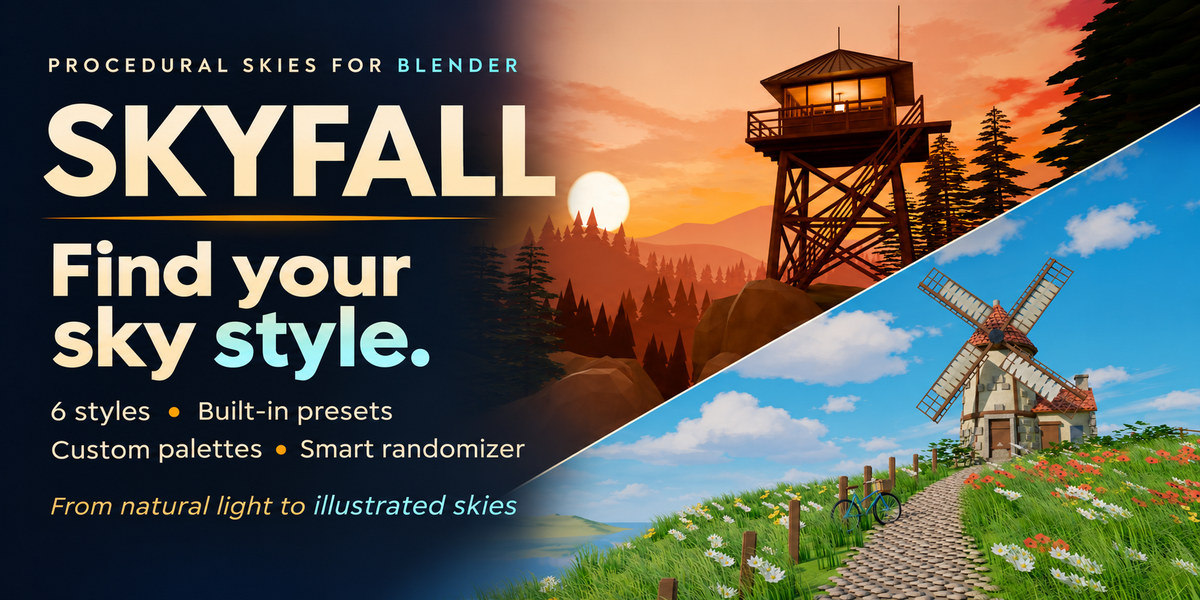
Find your visual language
From soft illustration to bold atmosphere.
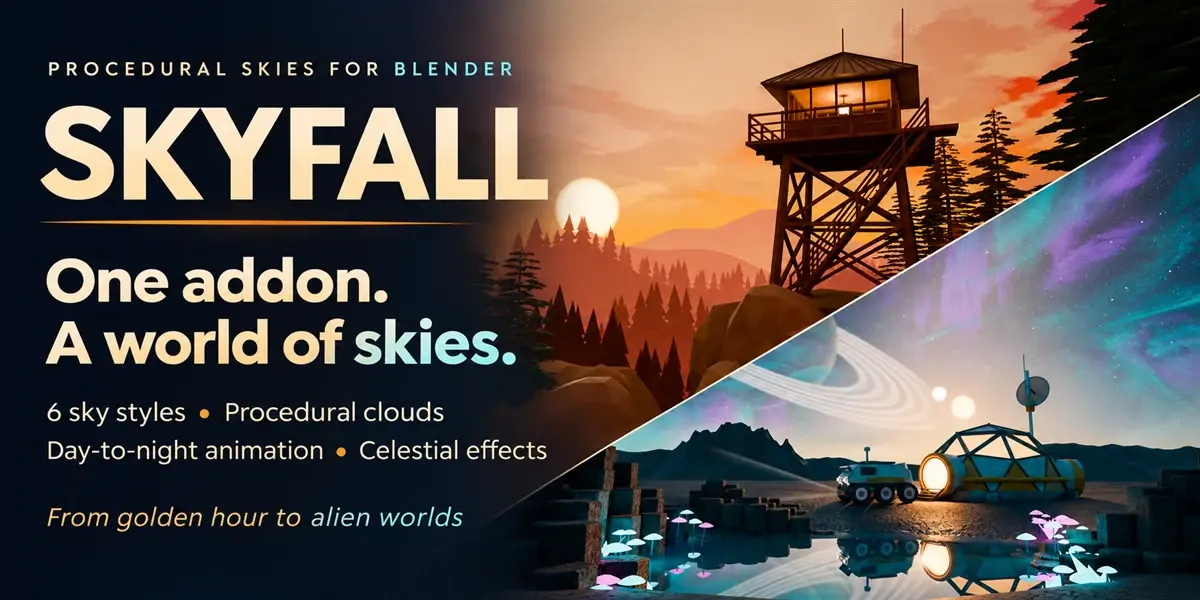
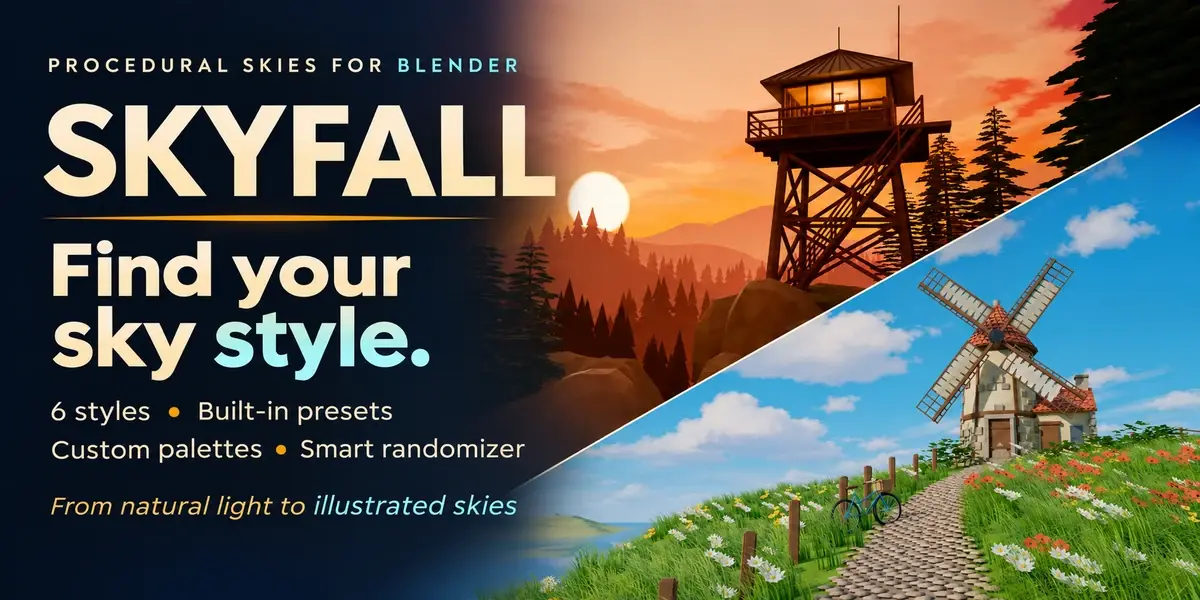
Six style families cover Real World, Cartoon, Animation, Cyberpunk, Fantasy and Alien World. Presets load coordinated skies, palettes, cloud settings and lighting; the smart randomizer and palette tools help you explore variations.
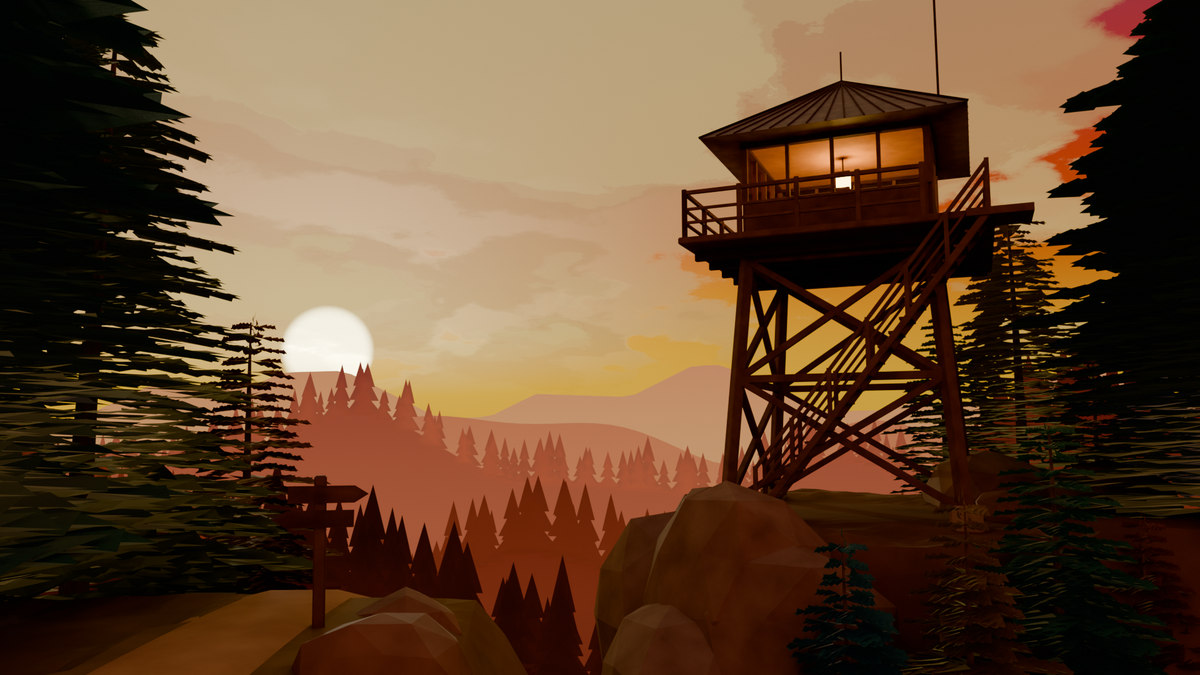
Golden lookout
Warm light and layered forest silhouettes.
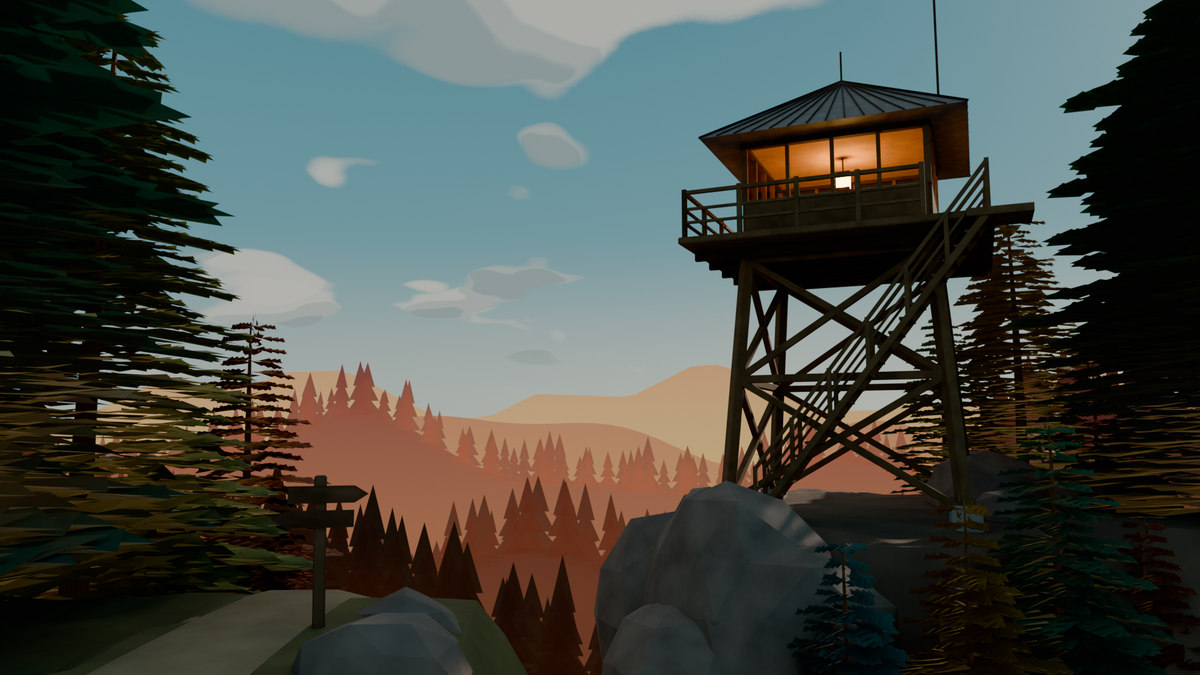
A different mood
A second lookout treatment, created with the same scene.
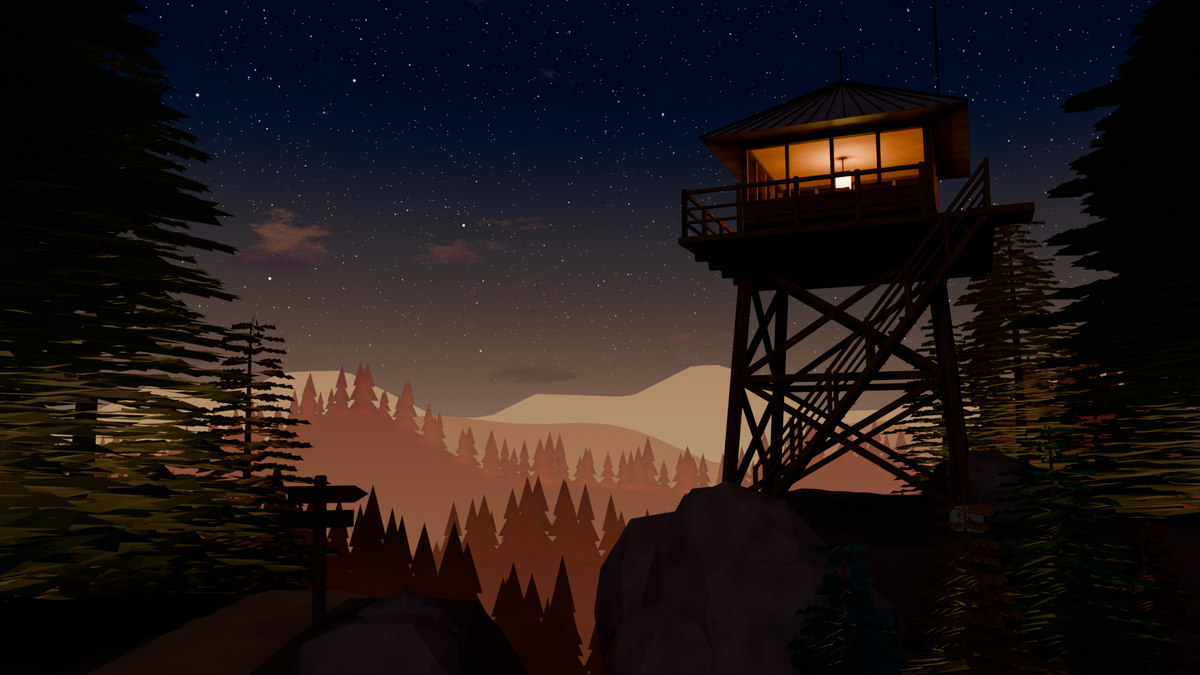
Another horizon
Explore a different palette and sky treatment.
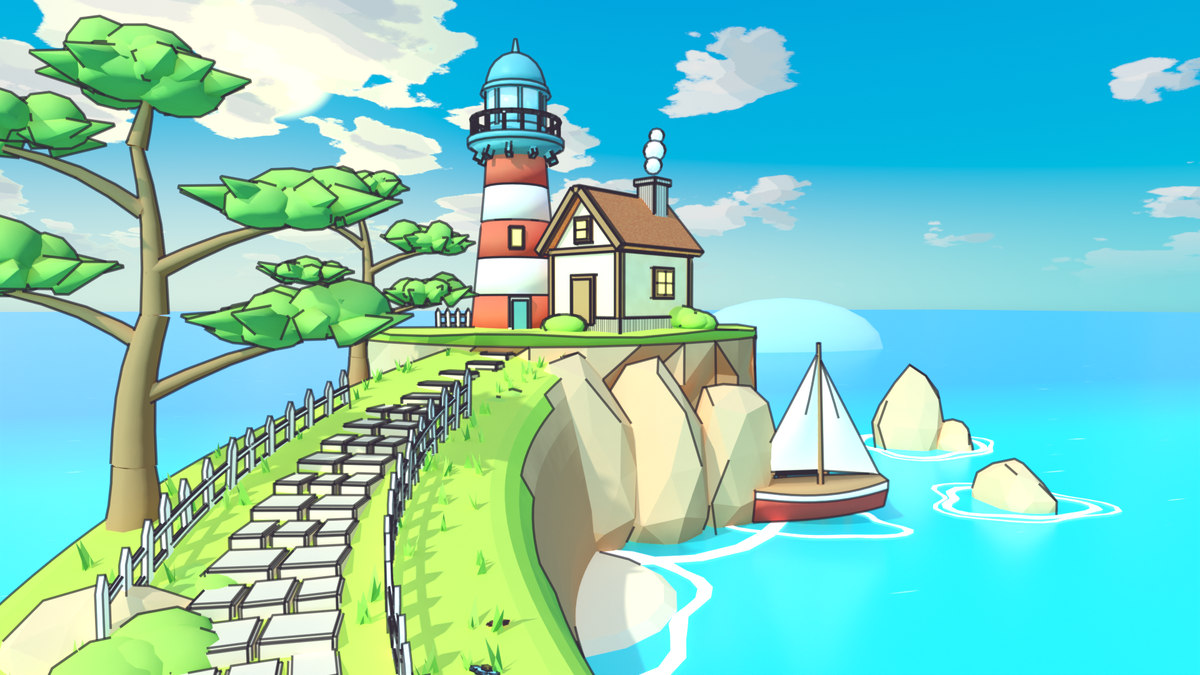
Graphic skies
A stylised sky look from the reference collection.
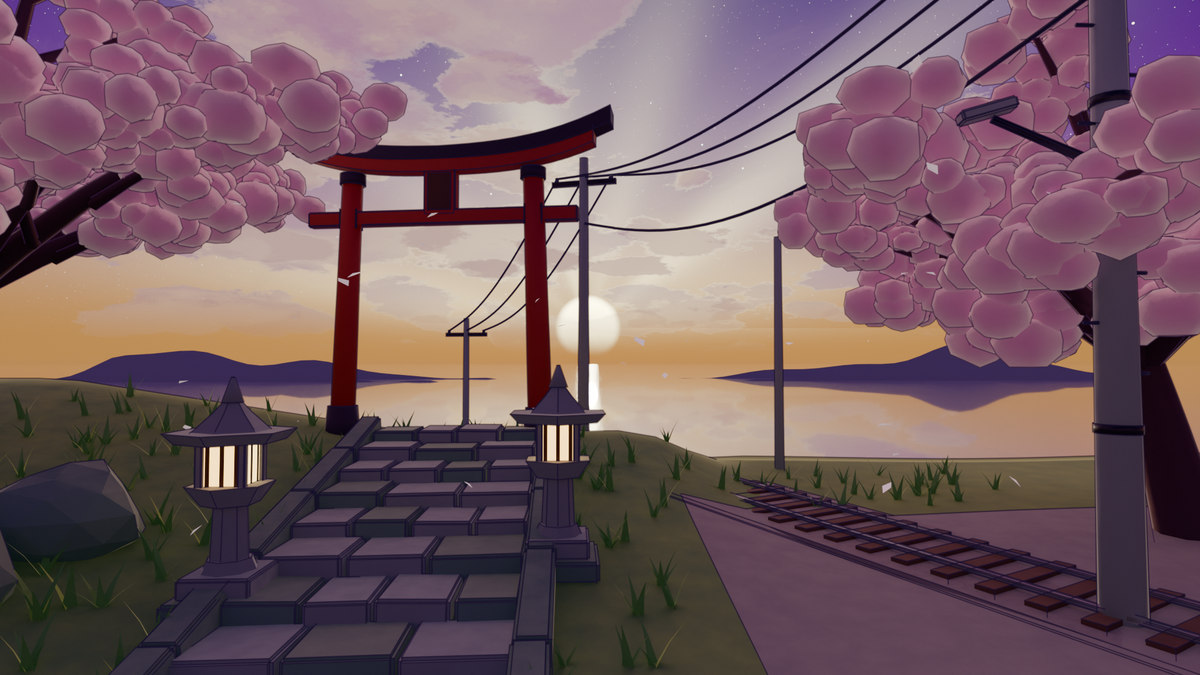
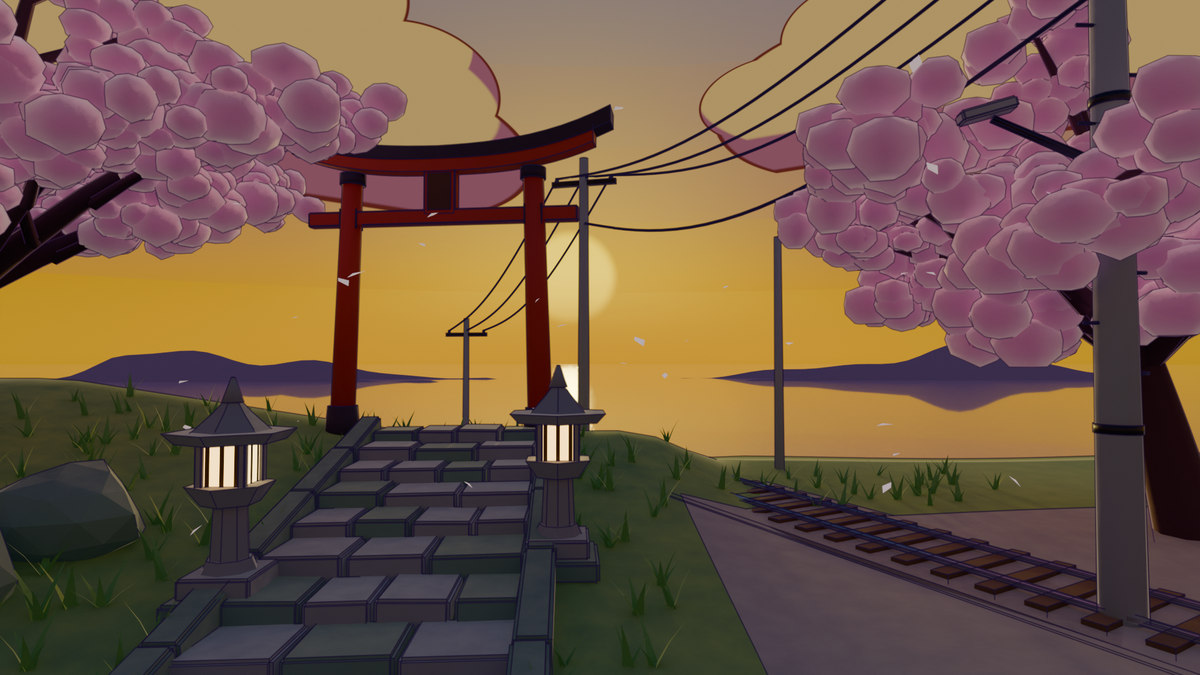
Illustrated atmosphere
A shrine scene under a stylised sky.
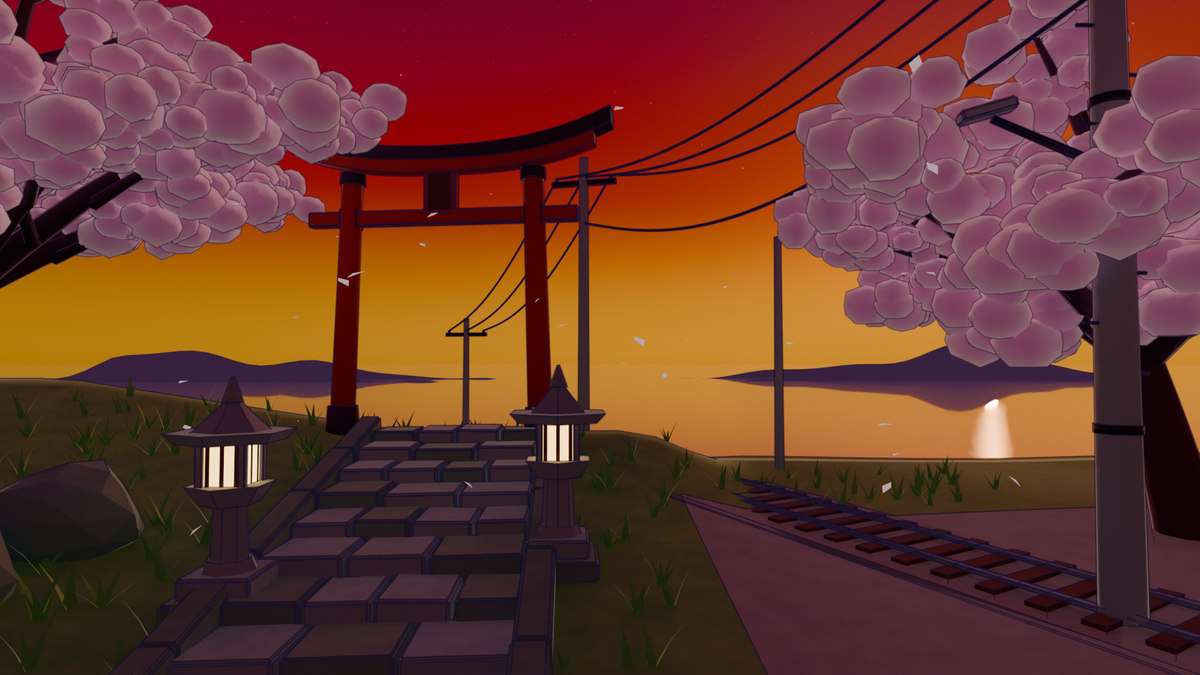
Palette variation
Shift the sky palette while keeping the scene familiar.
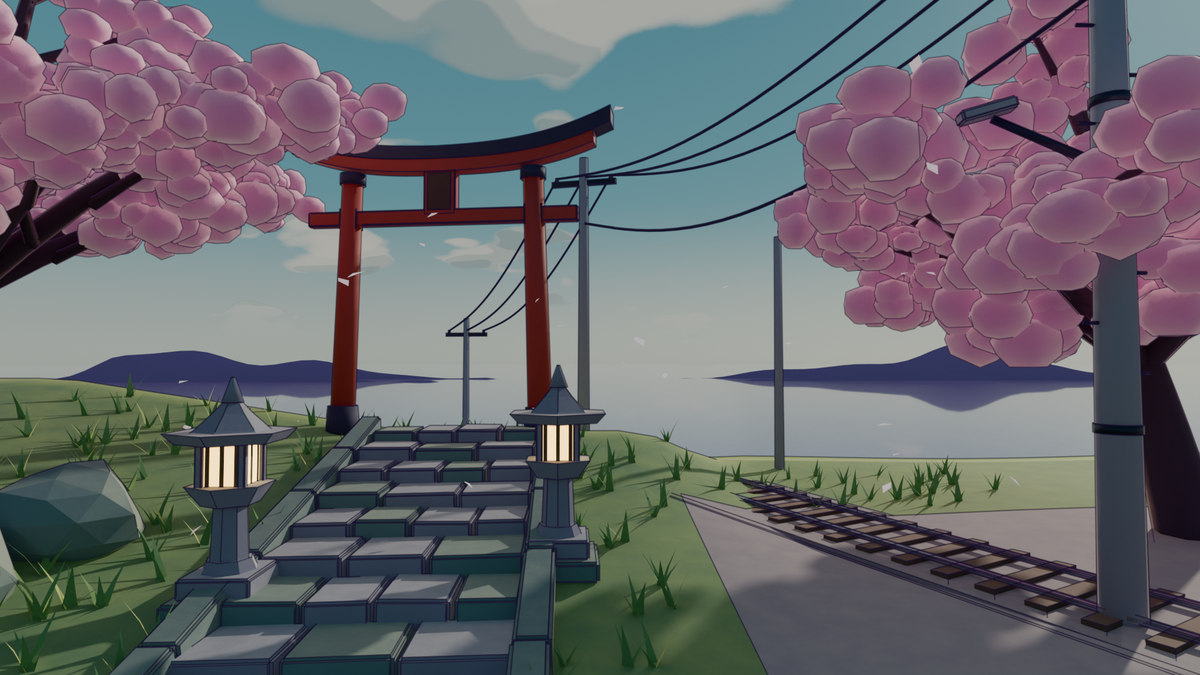
A new sky treatment
Give the same environment a different atmosphere.
Another illustrated look
Build a visual direction around your sky.
Clouds with character
Shape the sky above your scene.
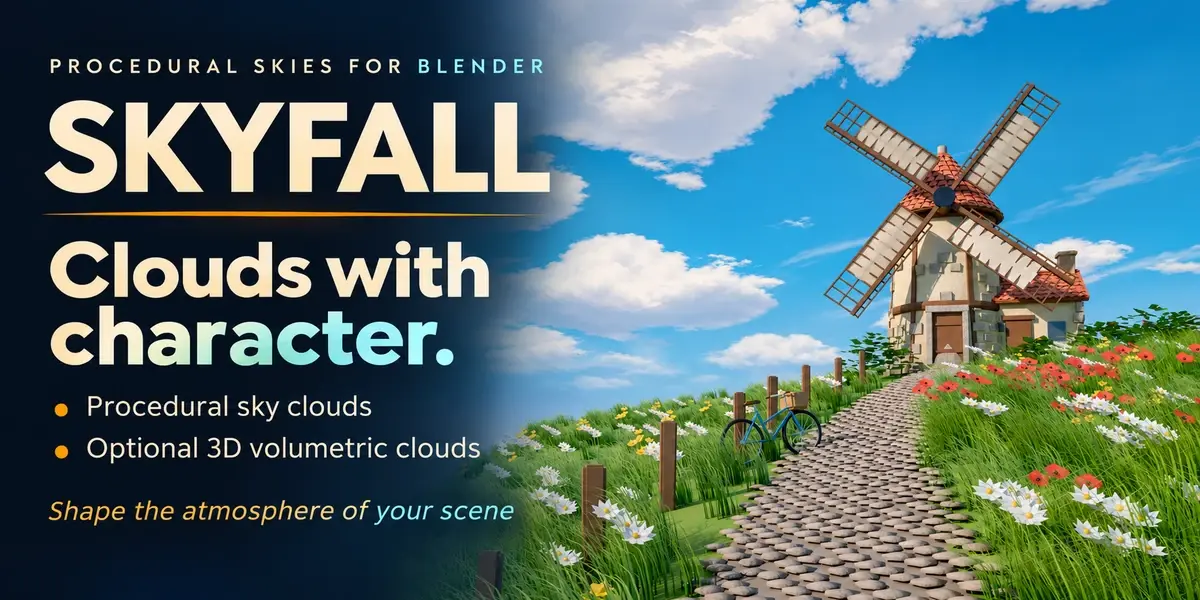
Control cloud coverage, softness, sculpted billows, layer mix and motion. Keep the sky smooth or push the clouds toward a painted or cel-shaded finish. For clouds that need a physical place in your scene, add optional 3D hero clouds or generate a cloud deck.
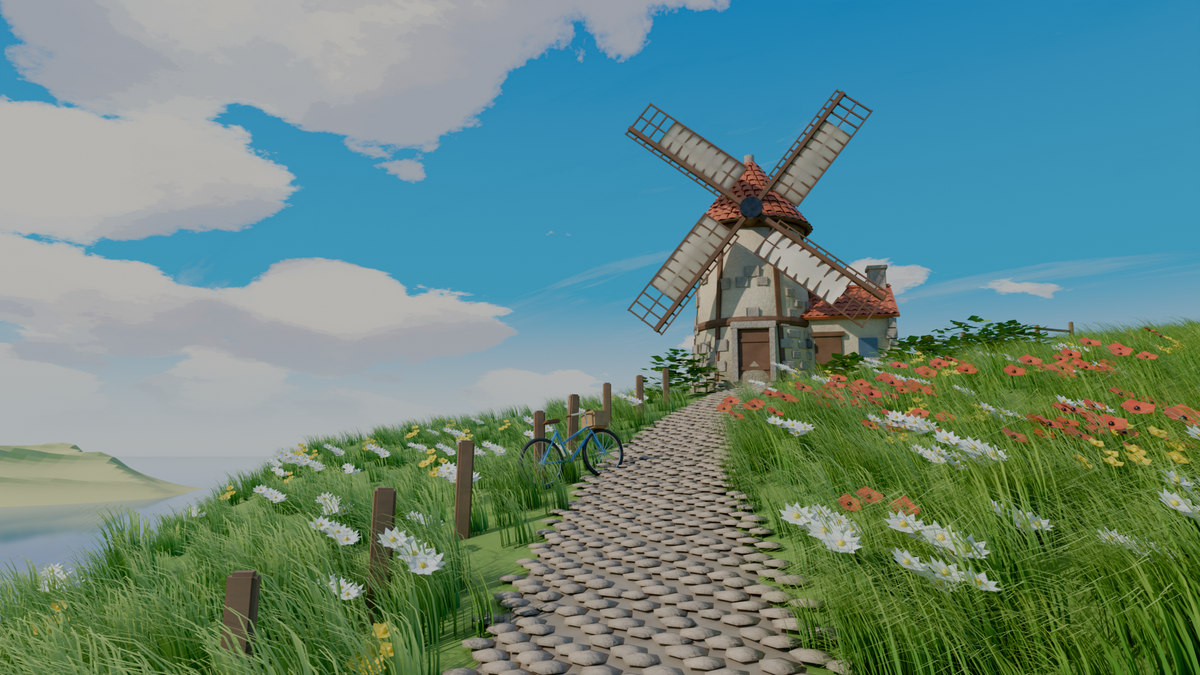
Meadow daylight
Broad cloud shapes over the windmill meadow.
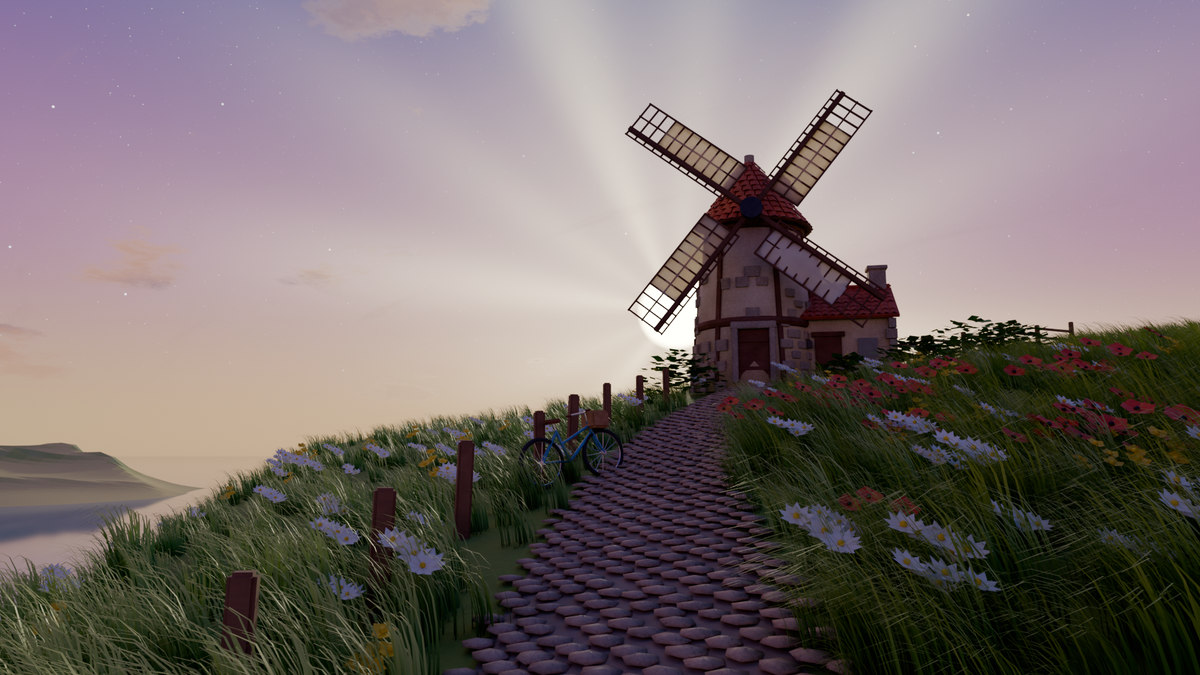
Painterly variation
A different sky treatment for the windmill scene.
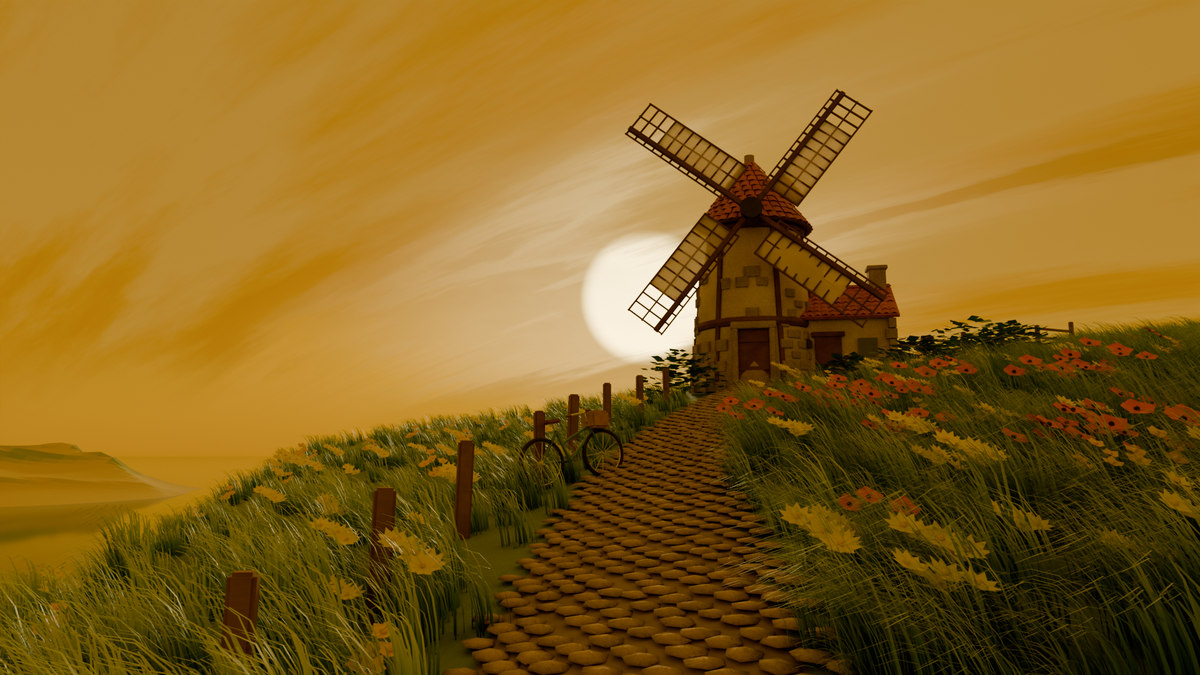
A shift in atmosphere
Explore colour and cloud variation.
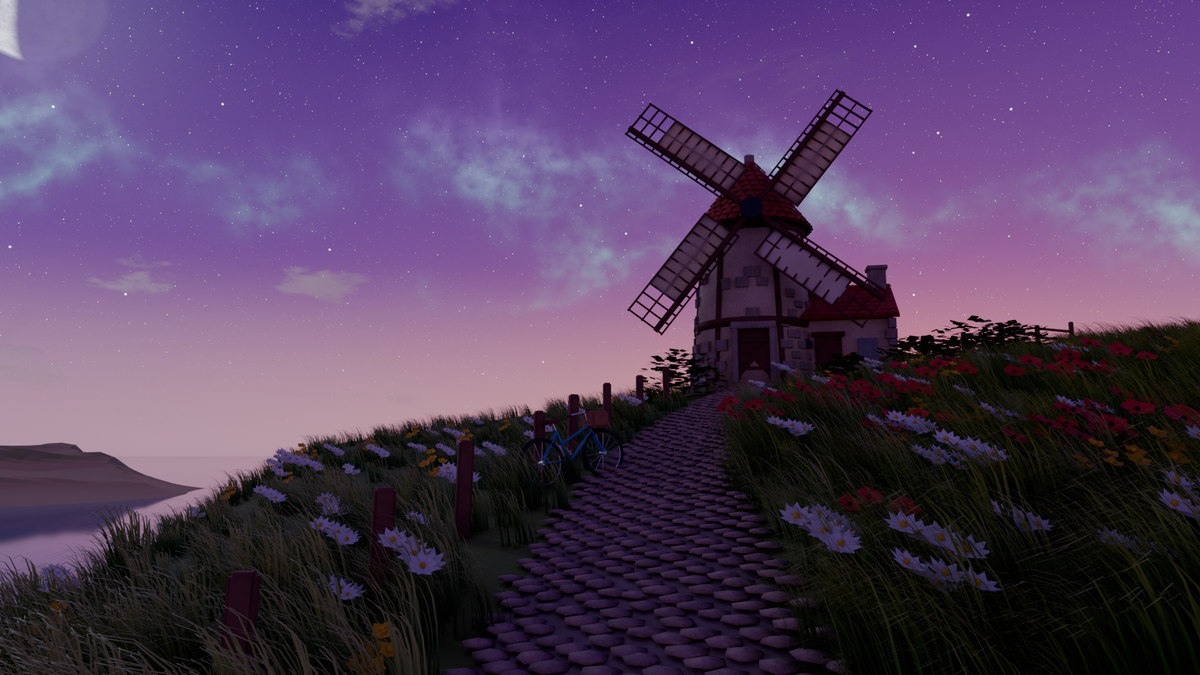
Your next look
Another preset-led direction for the meadow.
Two cloud workflows: World-shader clouds create a distant procedural sky. Optional 3D volumetric clouds create scene geometry for closer shots and spatial interaction.
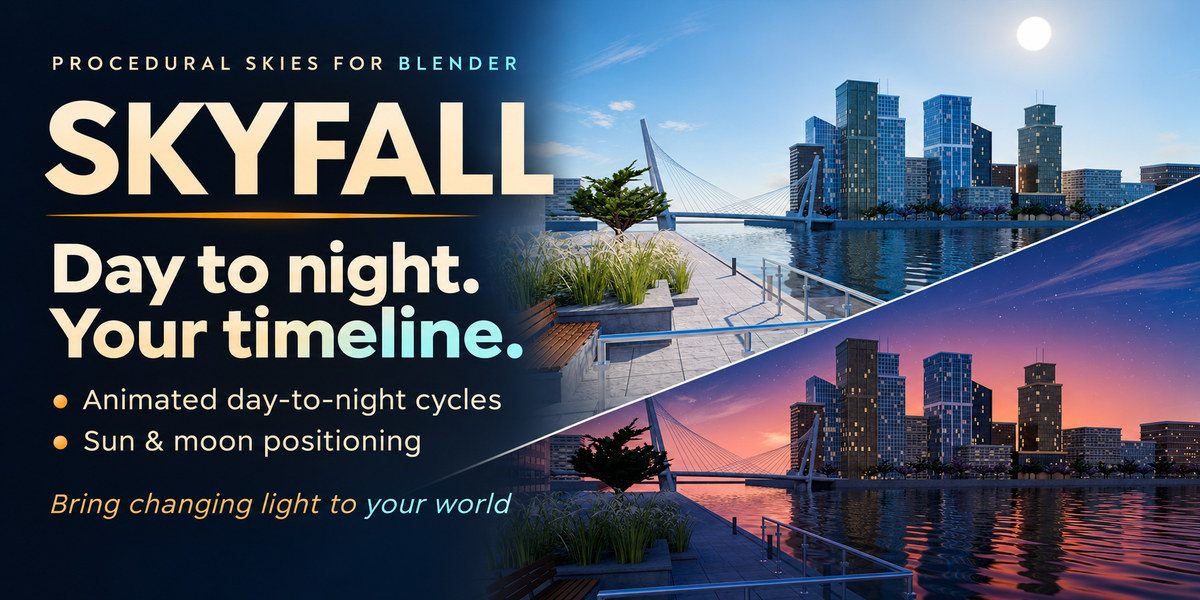
Light that follows your story
One scene. A changing day.
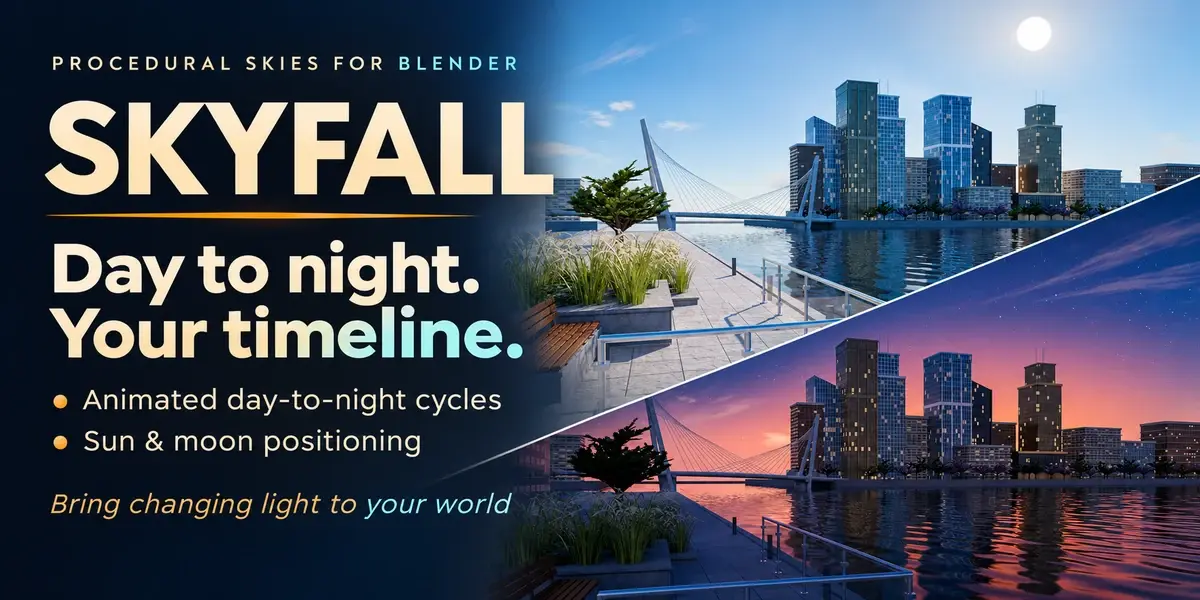
Use manual sun and moon angles for art direction, or switch to location and time controls for an astronomical setup. Animate the transition with the day-to-night time-lapse tools, and preview cloud evolution and sky motion from the sidebar.
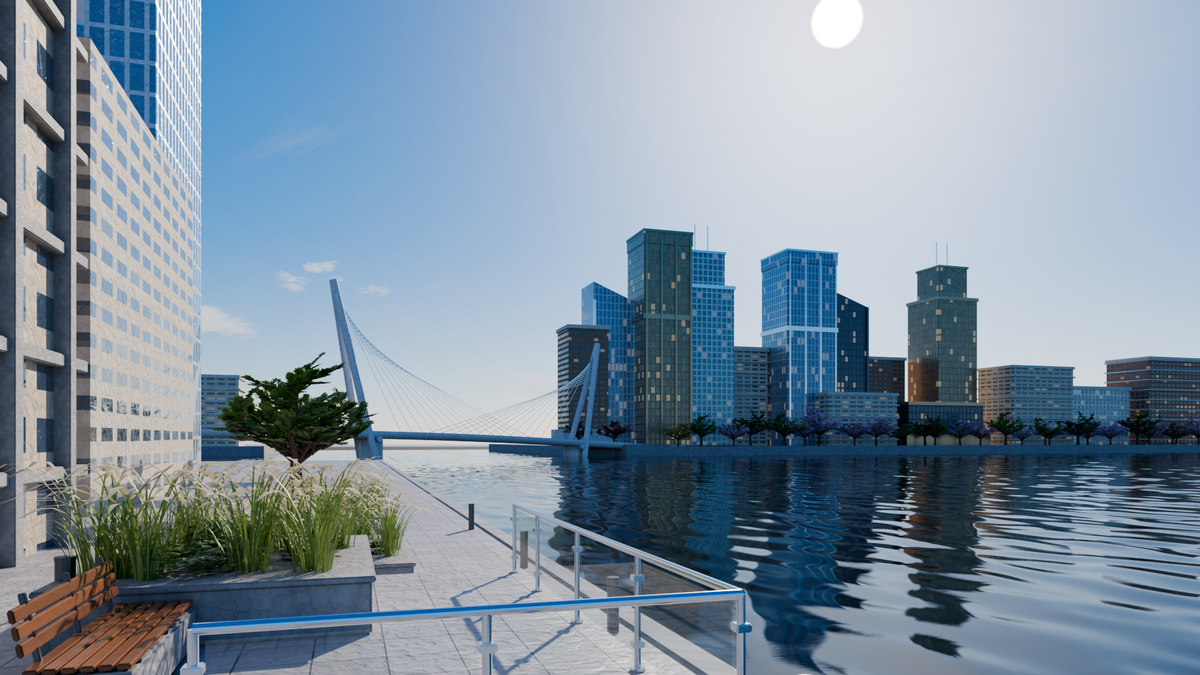
City in daylight
Natural light over the waterfront scene.
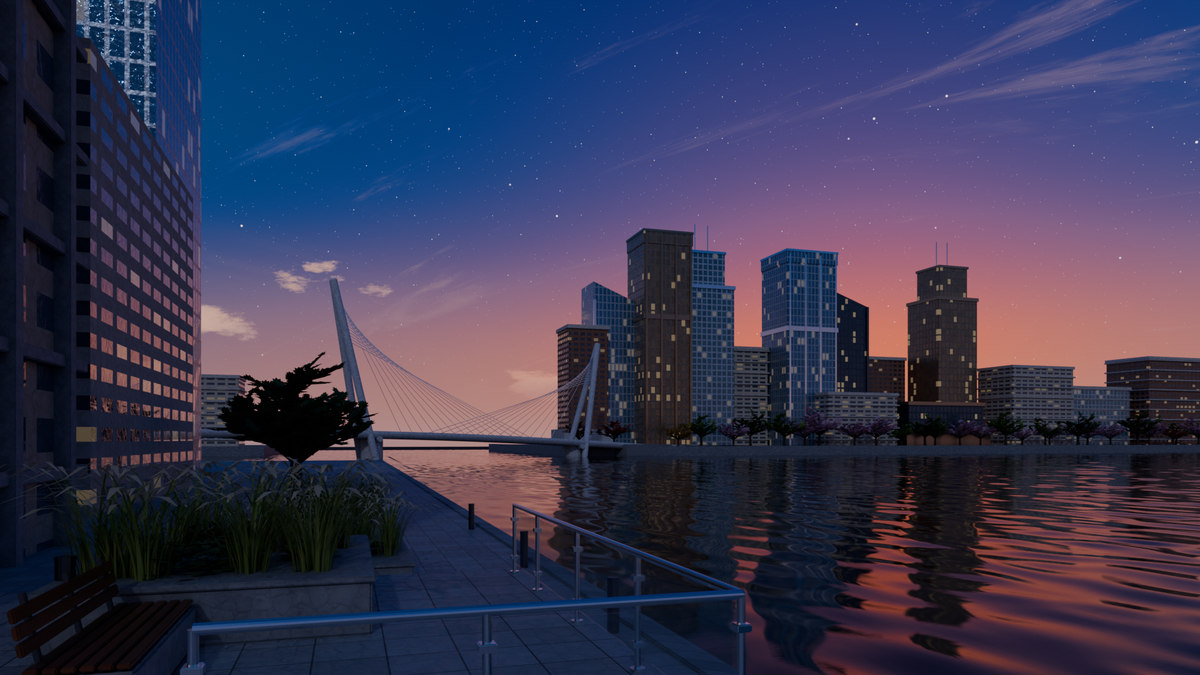
City at dusk
The waterfront under a cooler, star-lit sky.
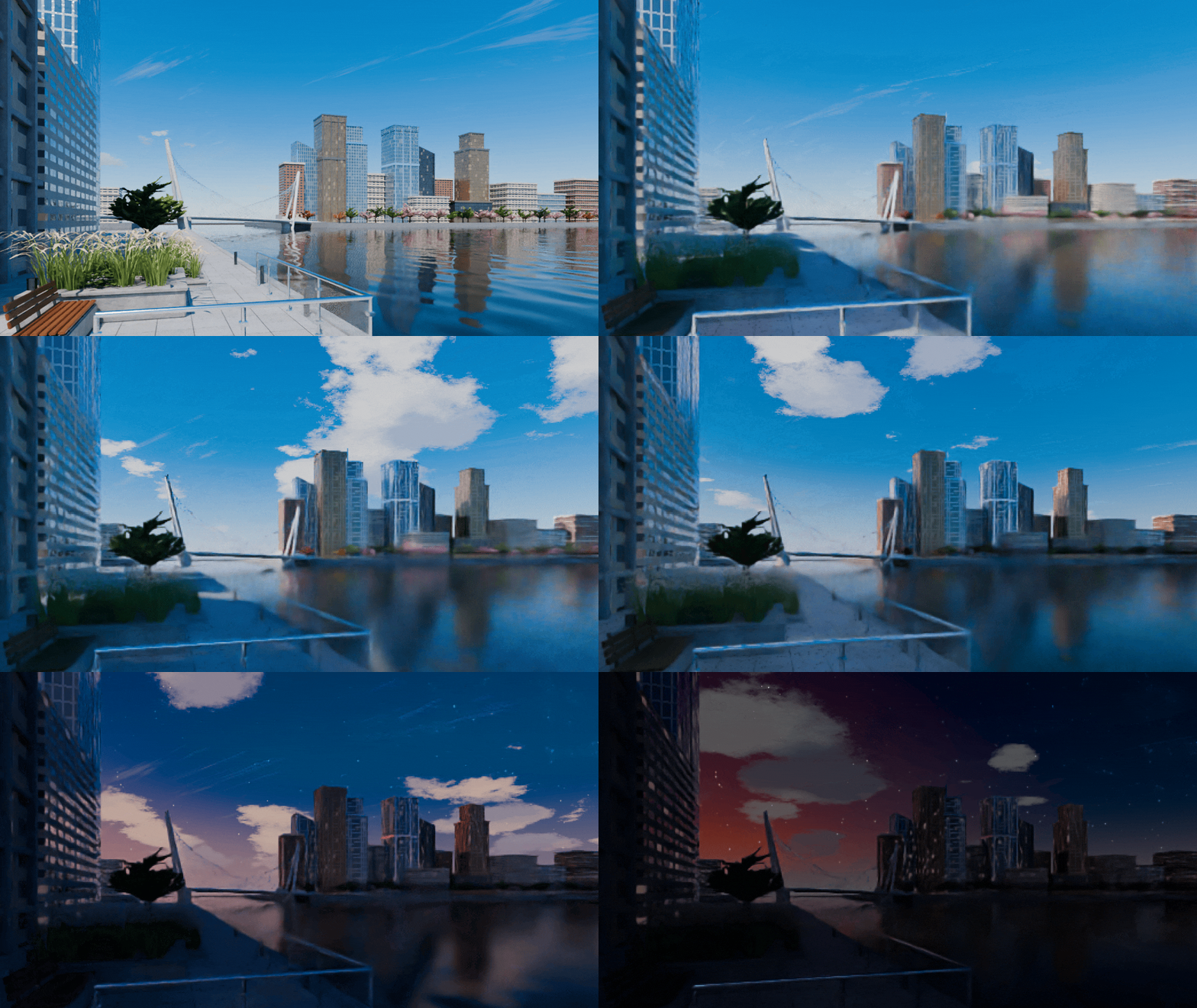
Watch the city change
Animated reference: the city through a day cycle.
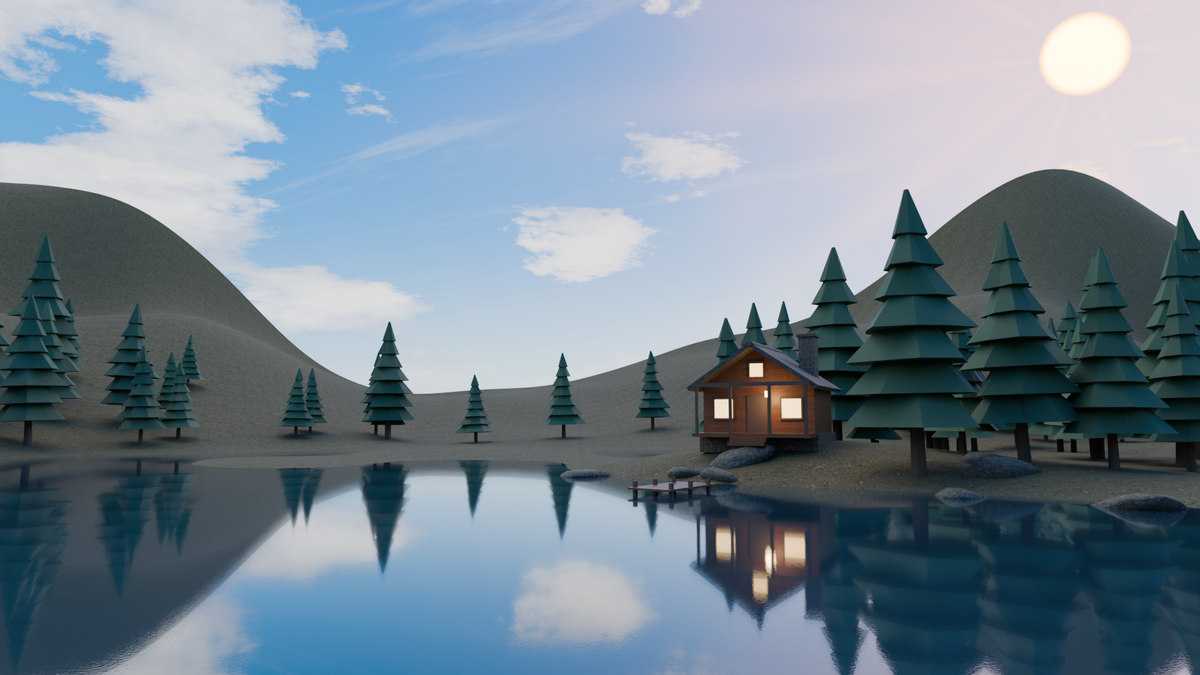
Cabin daylight
A daylight sky and lighting reference.
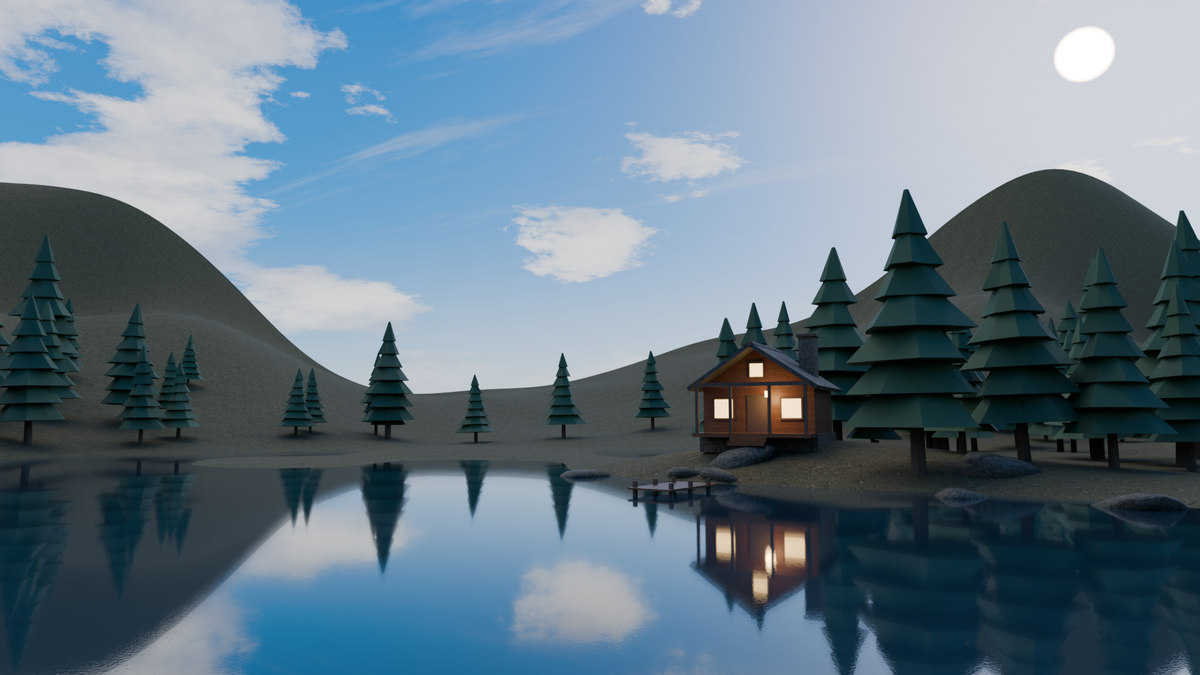
Another daylight frame
An additional still from the cabin reference set.
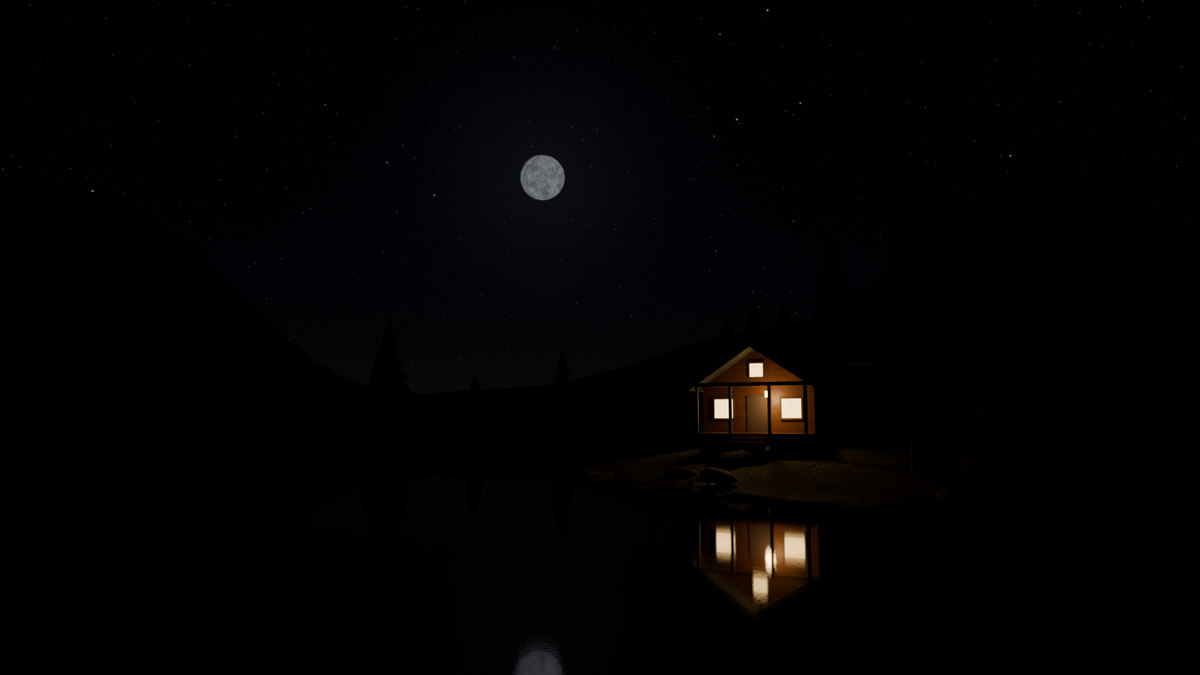
Cabin after dark
A night-time treatment of the cabin scene.
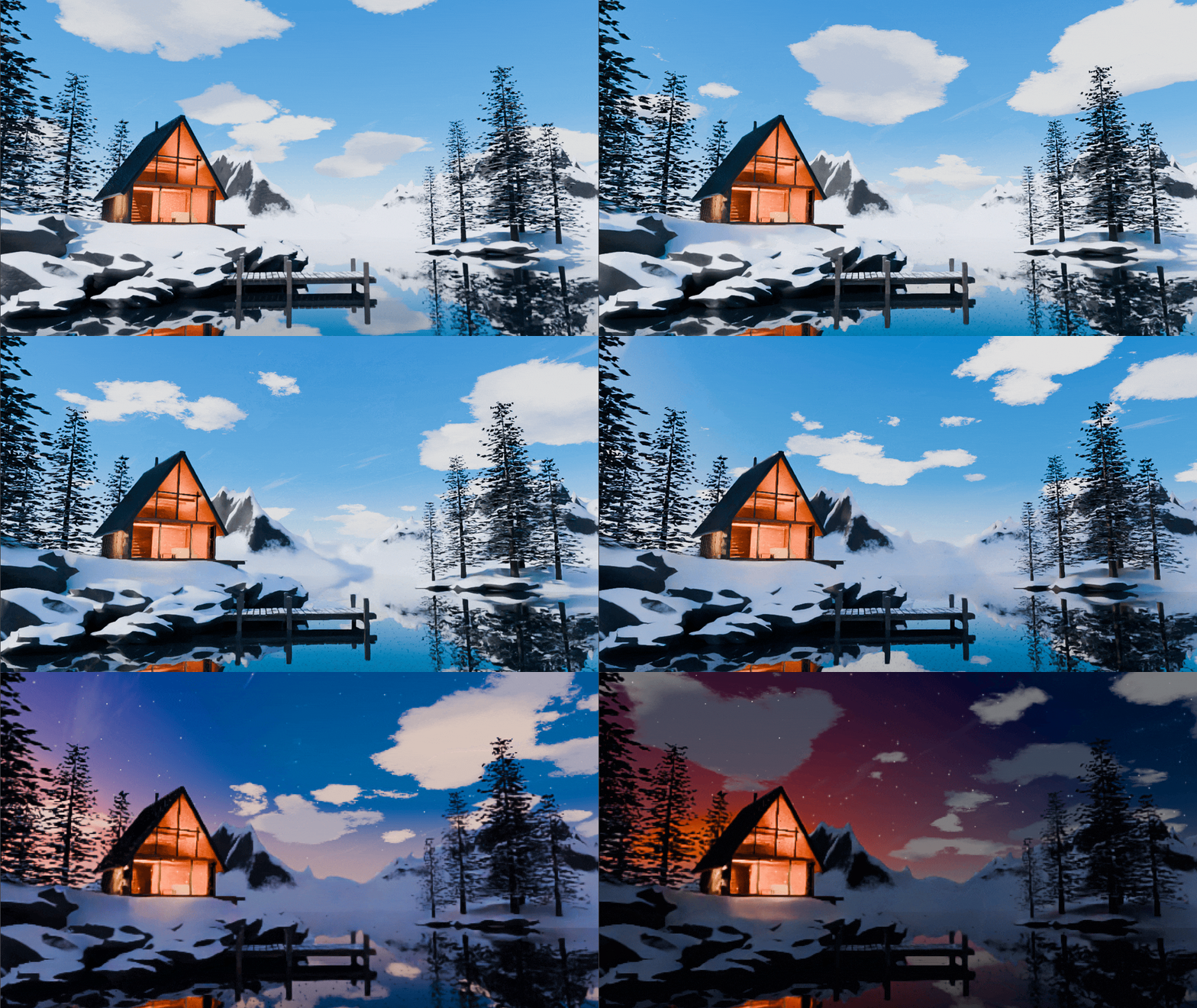
Watch the light move
Animated reference: changing daylight and atmosphere.
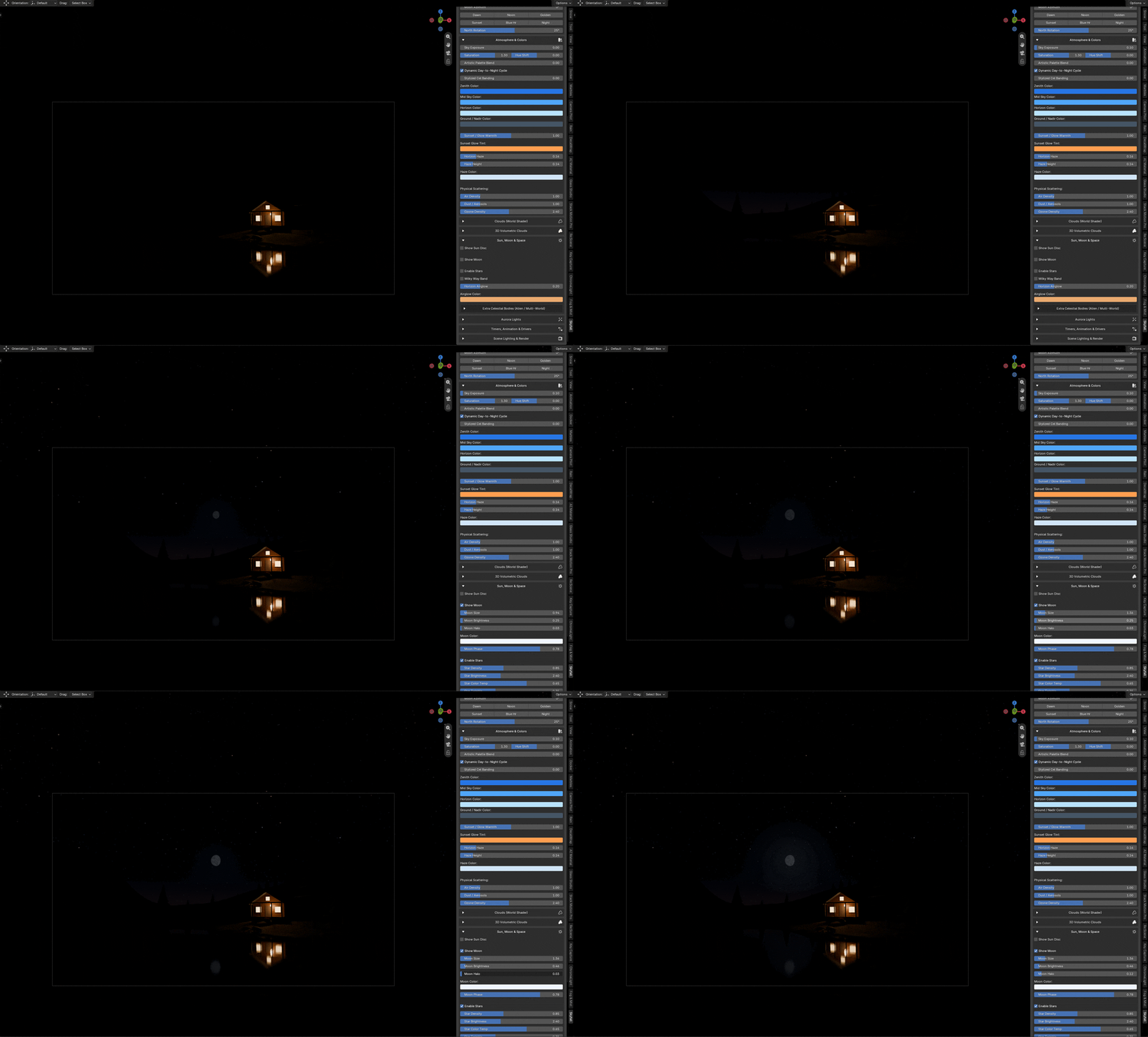
From light to dark
Animated reference: a darker cabin sky cycle.
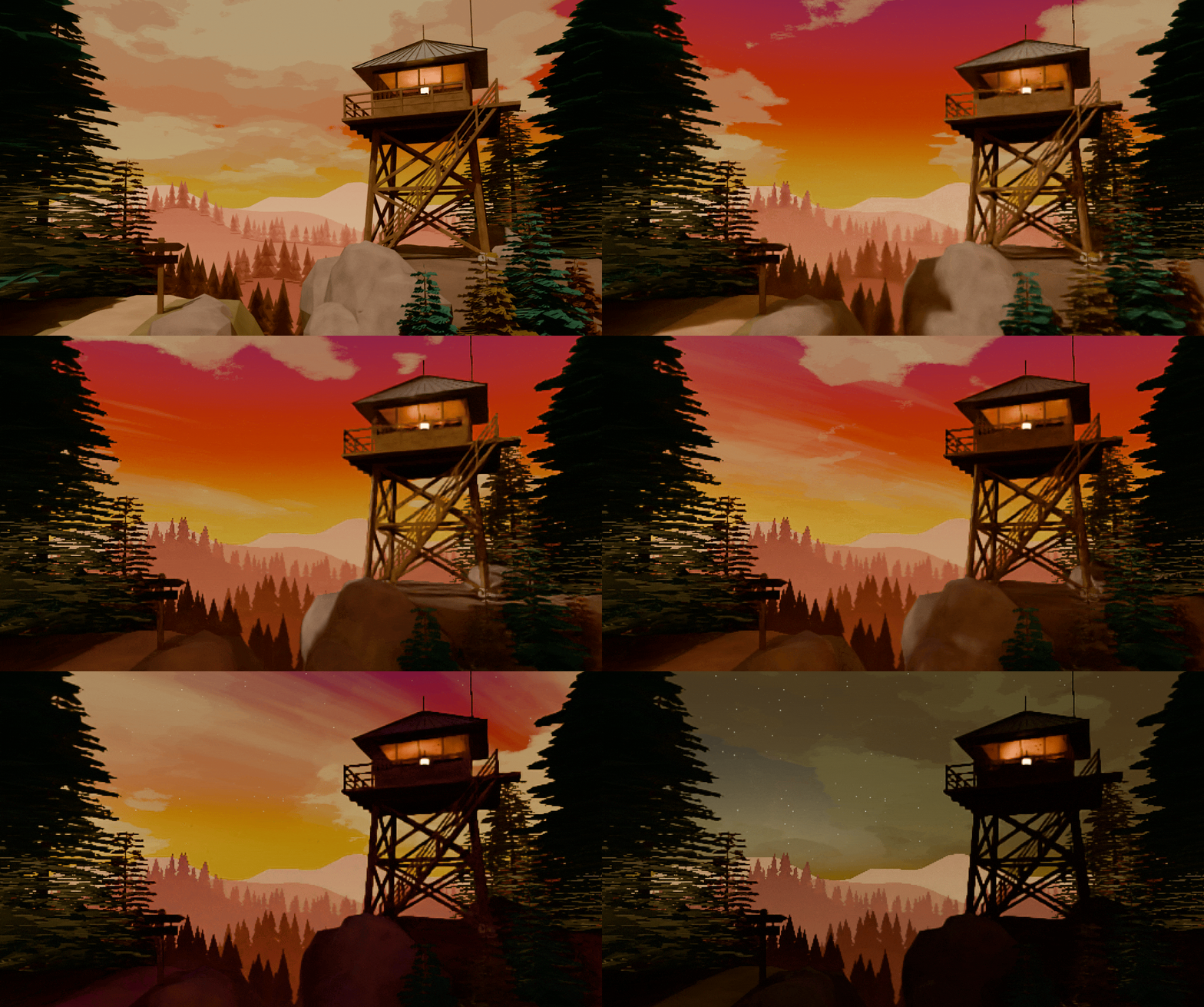
Lookout day cycle
Animated reference: the lookout through changing light.
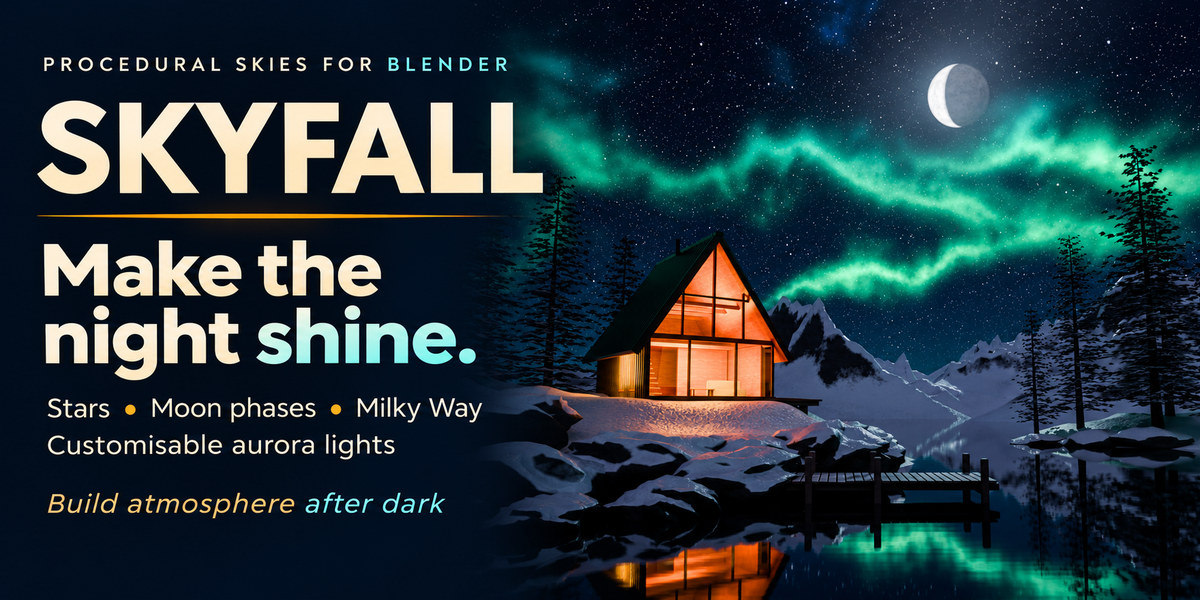
Atmosphere after dark
Give the night its own identity.
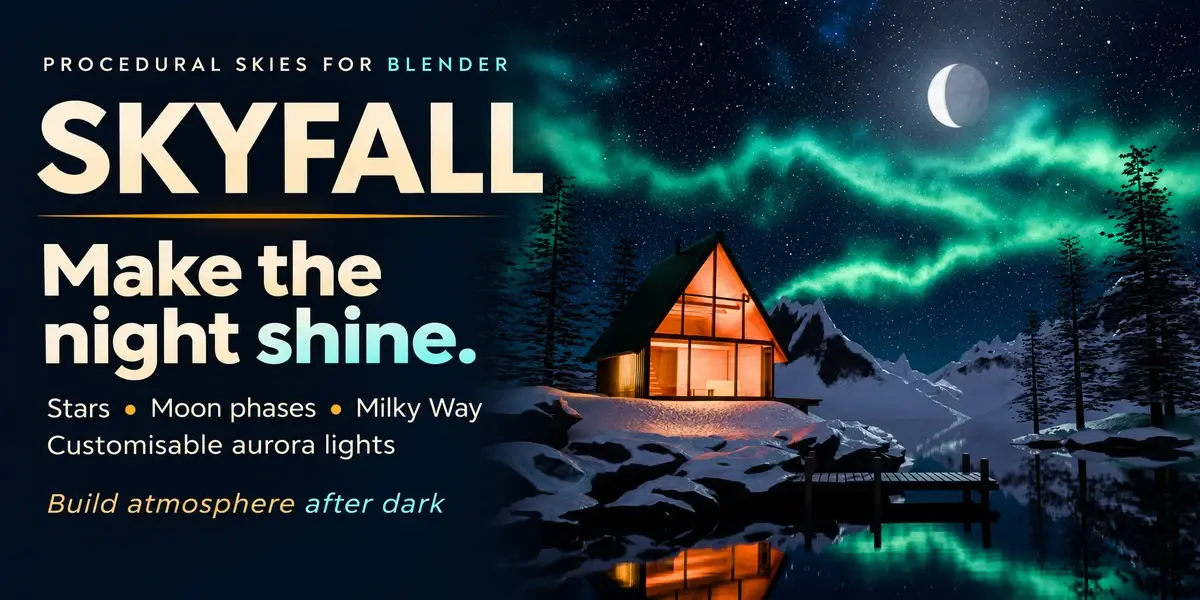
Layer stars, moon phases, a Milky Way band and aurora colours into a night sky. For a different mood, the Cyberpunk style adds vivid palettes and neon-lit cloud treatments.
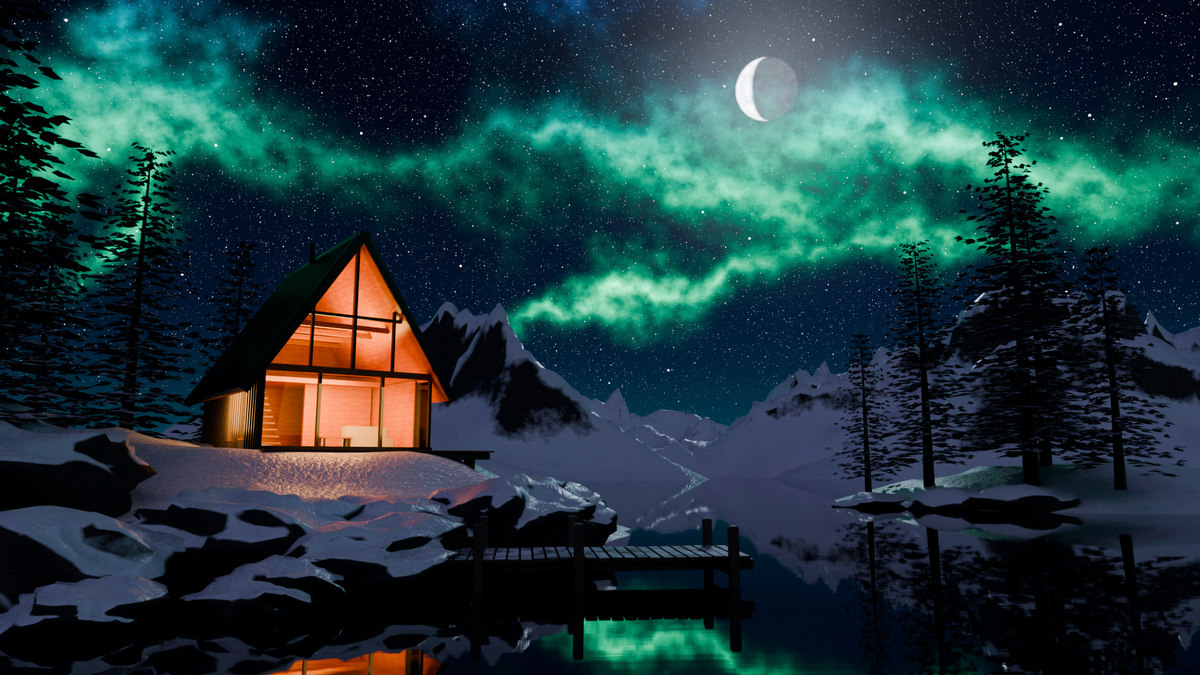
Aurora over the cabin
A moonlit arctic sky with turquoise aurora.
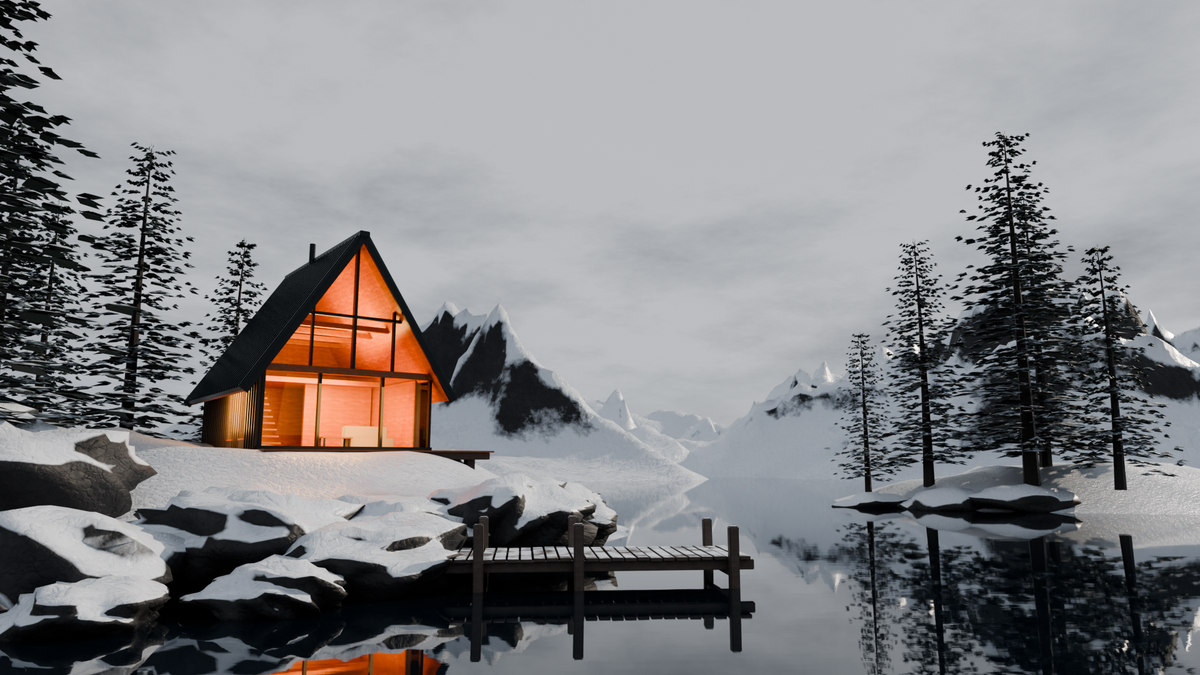
Northern variation
Another arctic night palette from the reference set.
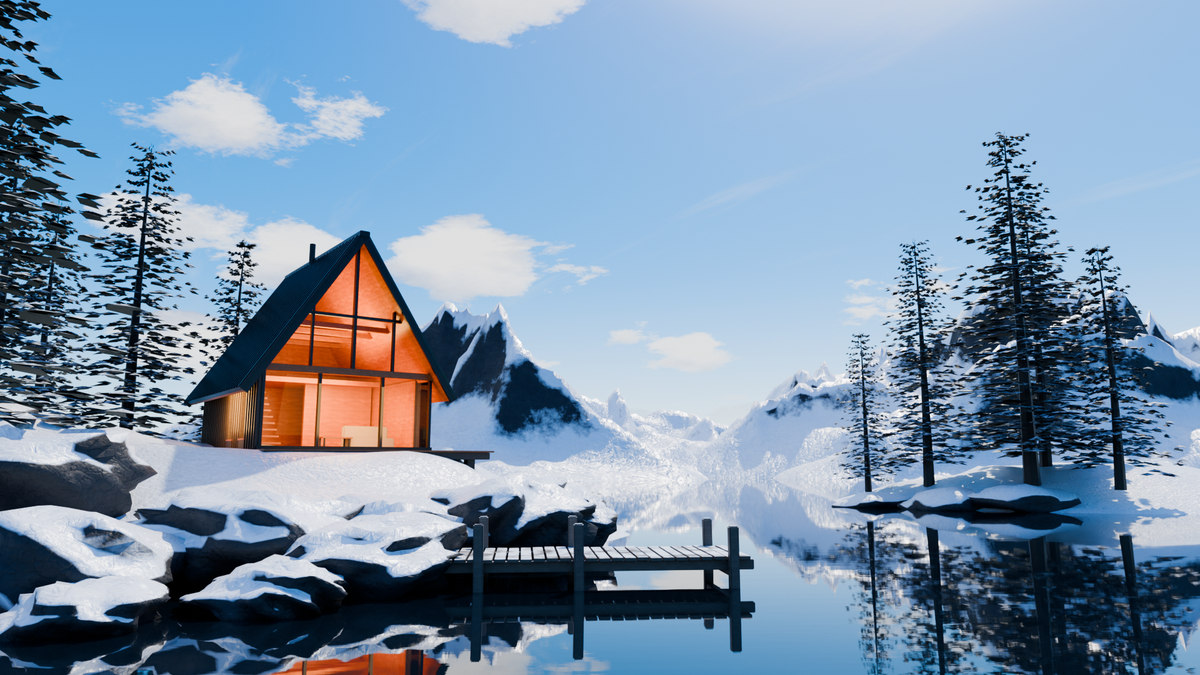
After-dark atmosphere
A third sky treatment for the arctic scene.
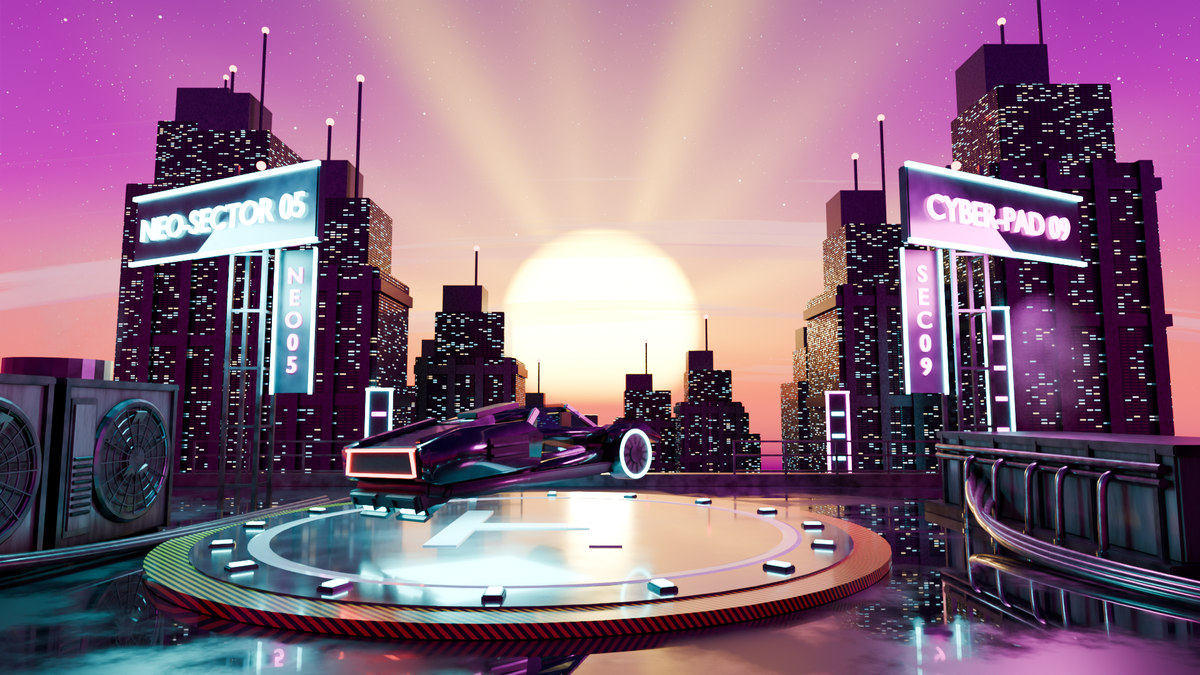
Neon nights
A cyberpunk sky and city-light reference.
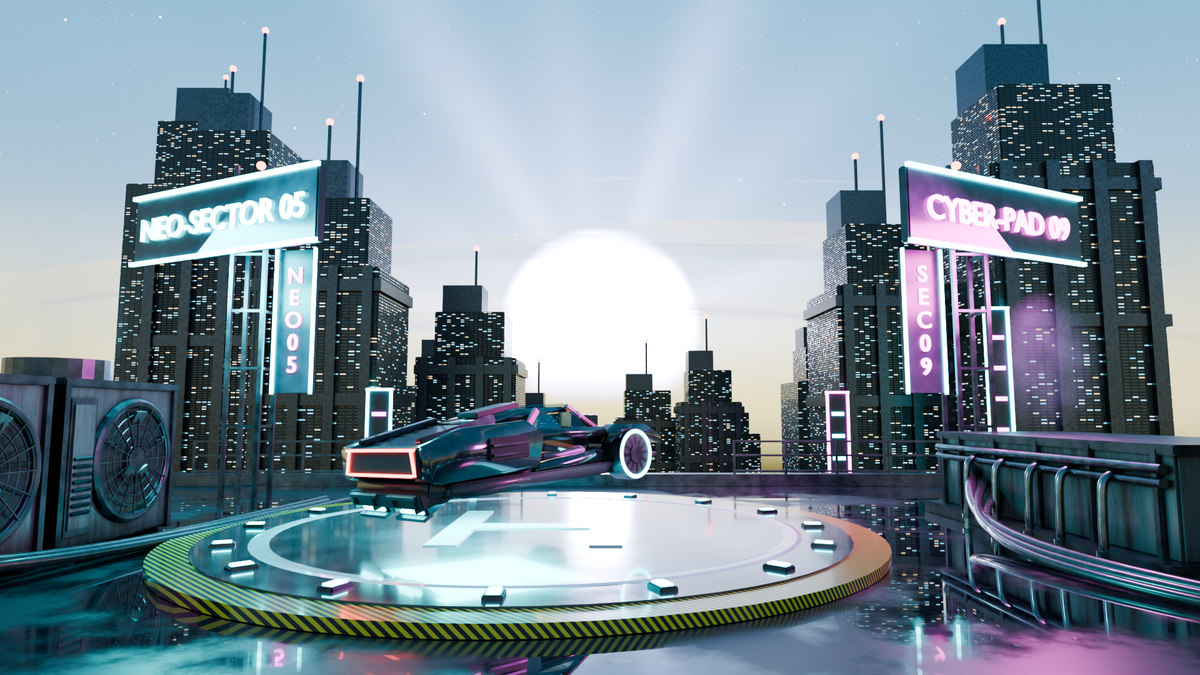
Electric variation
A second neon atmosphere for the rooftop scene.
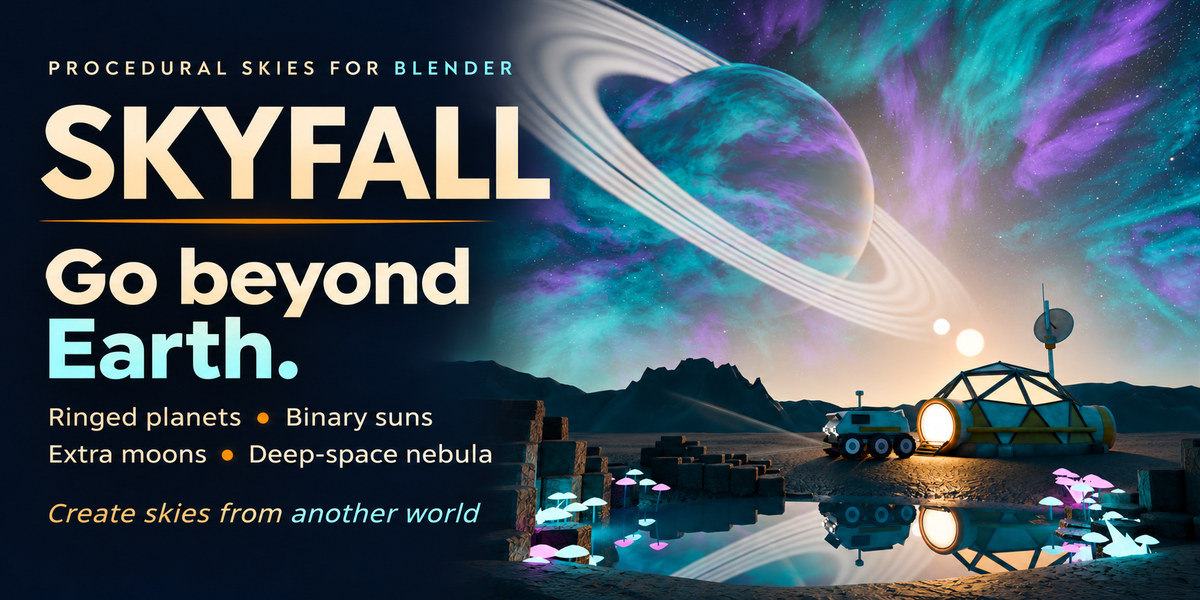
Go beyond Earth
Build a sky from another world.
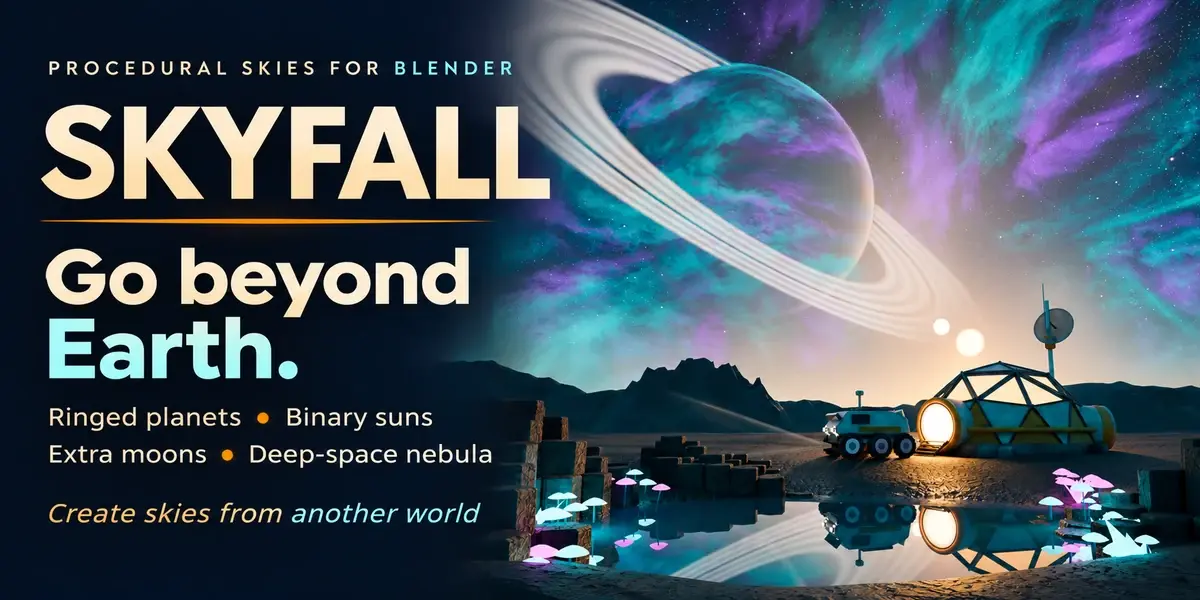
Combine a configurable planet, optional rings, a secondary sun, extra moons and deep-space nebula colours. Planet types include gas giant, rocky, ocean, ice, lava and ice giant, with separate surface and atmospheric controls.
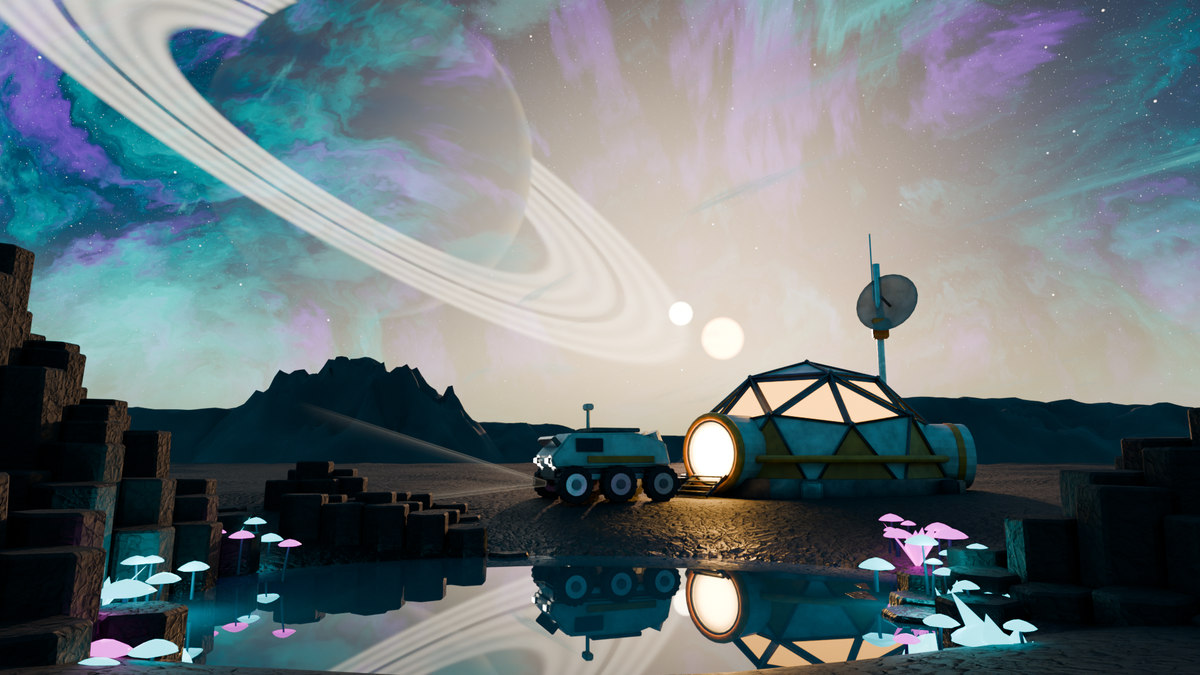
Ringed-world outpost
A planetary vista with a luminous deep-space backdrop.
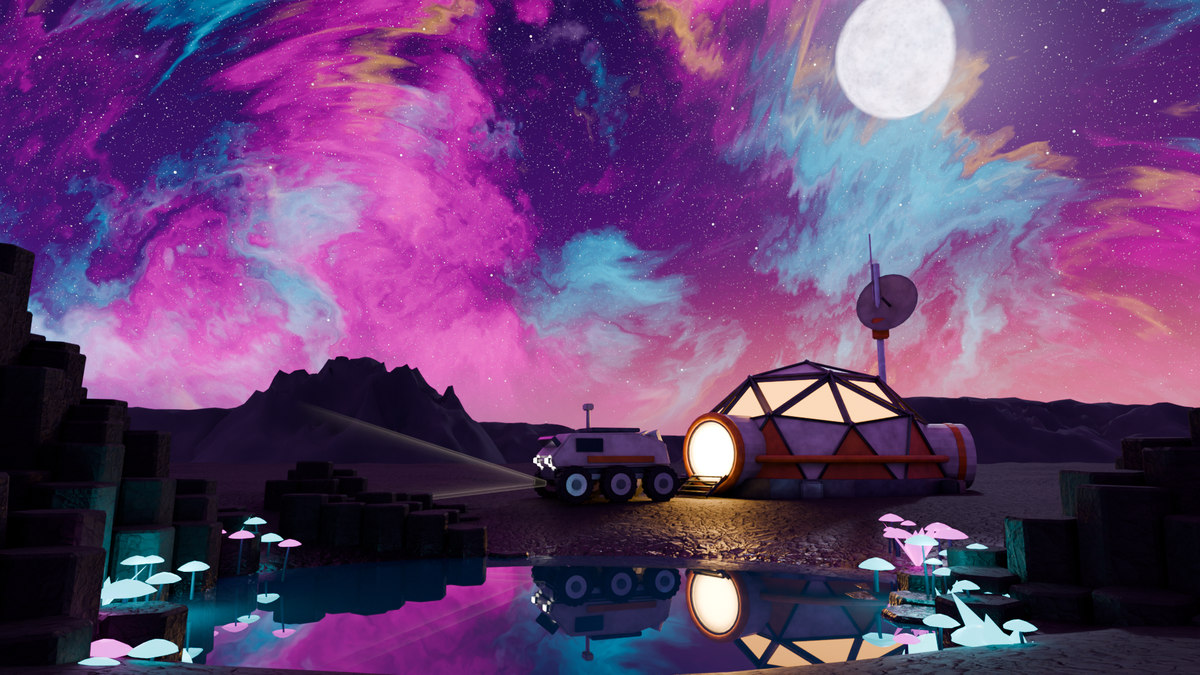
Beyond the familiar
A second planetary atmosphere from the reference set.
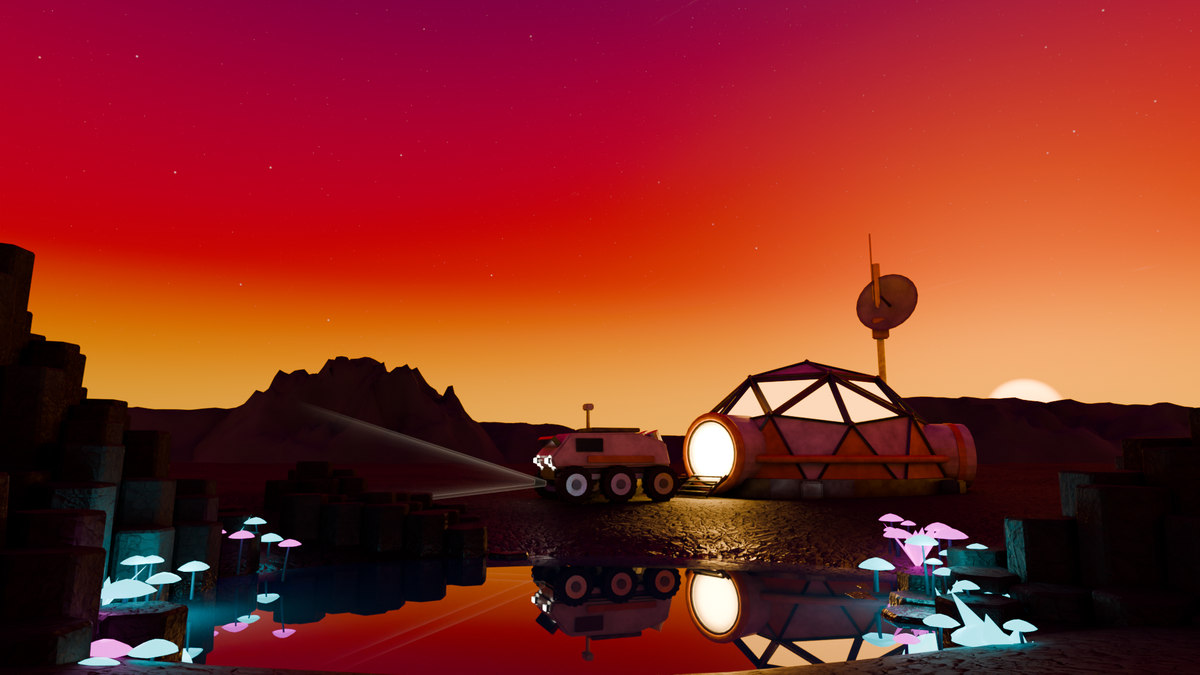
Another world, another sky
A third alien-world treatment.
Inside the addon
A clear control for every creative decision.
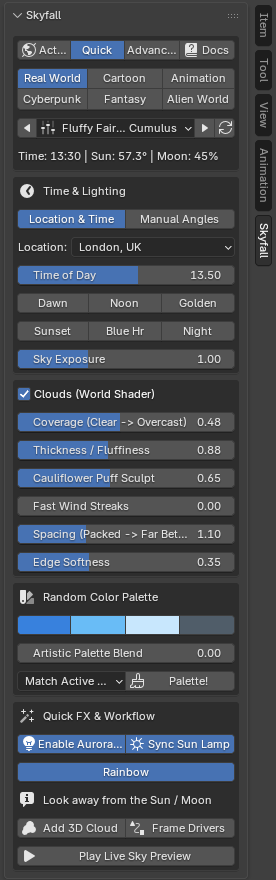
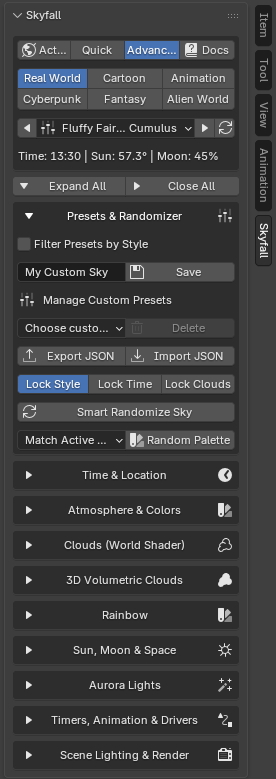
Open the 3D Viewport sidebar with N, then choose Skyfall. Use Quick mode for the main creative controls or Advanced mode for the individual drawers. These are real captures from the current add-on in Blender 5.2. Click a panel image to inspect it at full size.
Quick mode
Start with the six style buttons and preset selector, then adjust time, exposure, cloud coverage and your palette in one place.
Controls: style, preset, time, exposure, cloud shape, palette, quick effects.
Presets & Randomizer
Choose a built-in look, save your current settings as a custom JSON preset, or explore a new palette. Randomizer locks help preserve the parts you want to keep.
Controls: preset library, save/load, JSON import/export, randomizer locks.
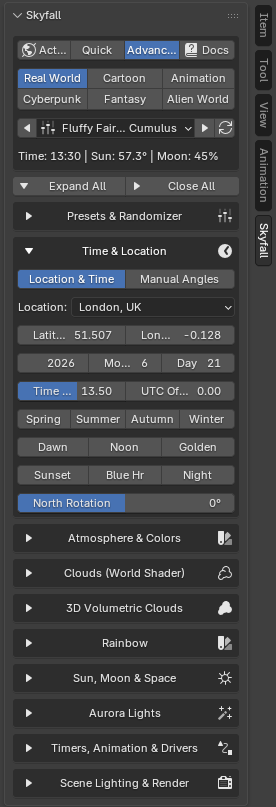
Time & Location
Choose Location & Time for latitude, longitude, date and time settings, or Manual Angles to place the sun and moon yourself.
Controls: location, date, time zone, time of day, sun/moon angles, north rotation.
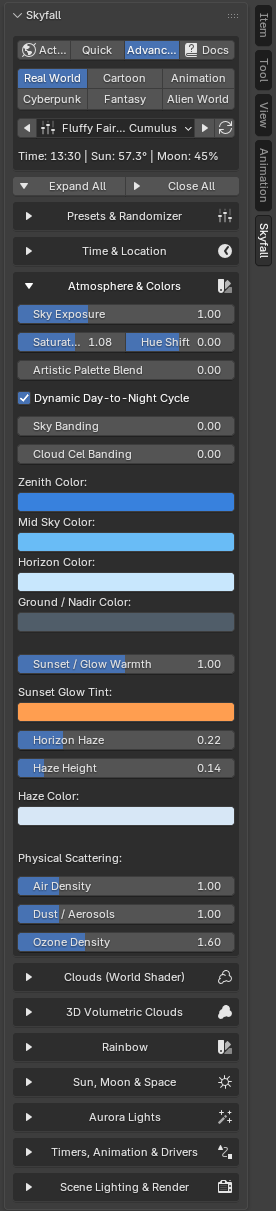
Atmosphere & Colors
Set the overall brightness, saturation and sky palette. Shape sunset warmth and haze, and keep sky banding independent of cloud cel shading.
Controls: exposure, hue, saturation, sky colours, sunset glow, haze, scattering.
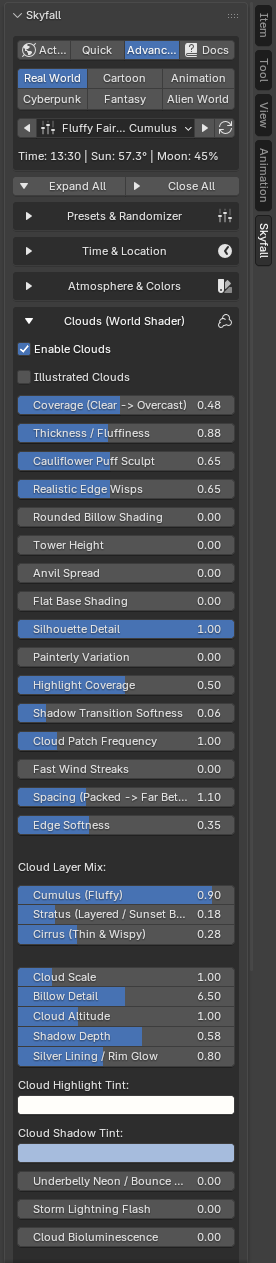
Clouds (World Shader)
Build a distant sky with coverage, thickness, billow shape, layer mix and shading. Wind and evolution controls animate the cloud pattern.
Controls: coverage, softness, billows, layer mix, highlights, shadows, wind, evolution.
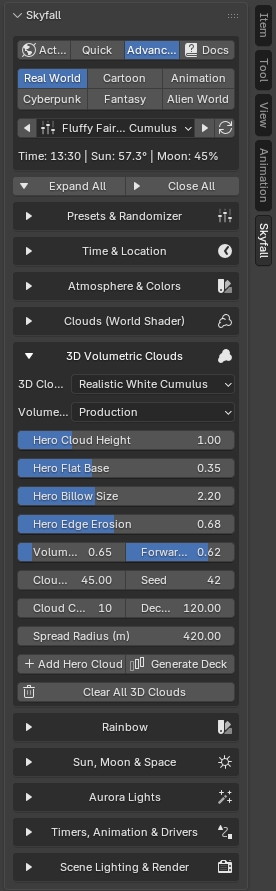
3D Volumetric Clouds
Set the material and volume properties, then add a hero cloud or generate a deck. Use these for clouds that need a physical presence in the scene.
Controls: preset, density, anisotropy, billow scale, height, count, altitude, spread.
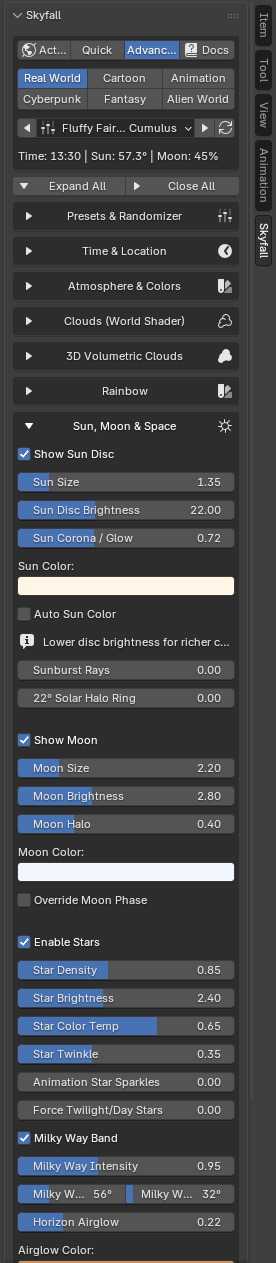
Sun, Moon & Space
Adjust the primary sun, moon and stars. Choosing Sun Color switches to manual colour; Auto Sun Color follows elevation. Extra celestial bodies live in a nested drawer.
Controls: sun size, brightness, colour, glow, rays, halo; moon phase and stars.
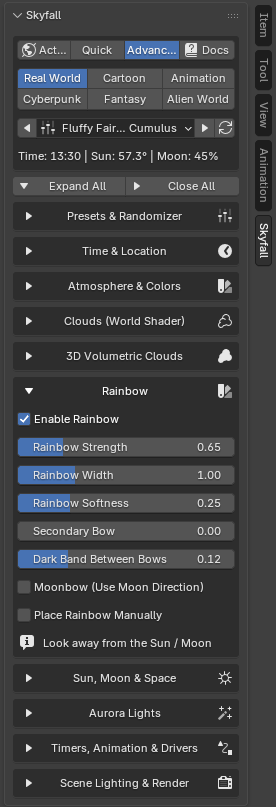
Rainbow
Open or close the Rainbow drawer independently of enabling the effect. Let the bow follow the sun or moon direction, or place it manually.
Controls: strength, width, softness, secondary bow, dark band, moonbow, placement.
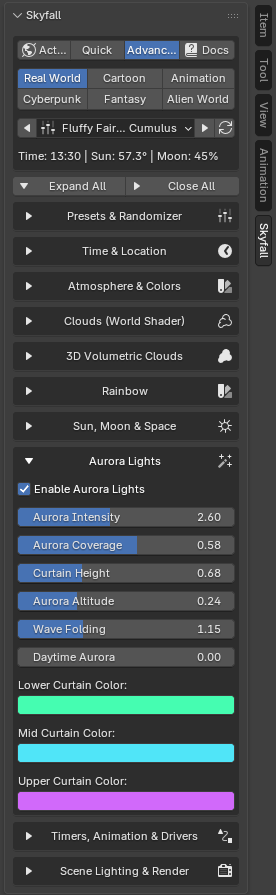
Aurora Lights
Shape aurora coverage and height, tune distortion, and choose the lower, middle and upper colours of the curtains.
Controls: enable, intensity, coverage, height, altitude, distortion, three colours.
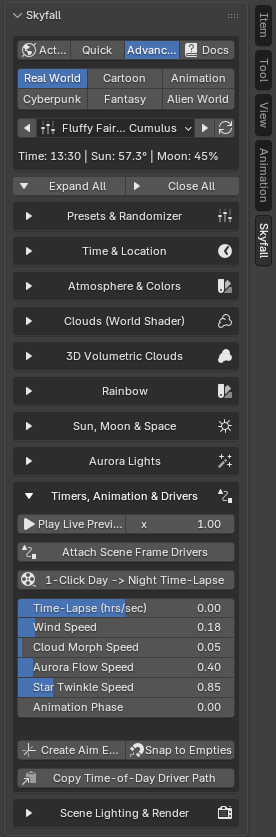
Timers, Animation & Drivers
Preview sky motion, attach frame drivers, or set up a day-to-night time-lapse. Tune cloud wind, morphing, aurora motion and star twinkle.
Controls: live preview, frame drivers, time-lapse speed, effect speeds, aim helpers.
Scene Lighting & Render
Keep optional sun and moon lamps aligned with the sky, adjust their strengths, and configure horizon mist and a view transform.
Controls: synced lamps, lamp strengths, mist visibility/height, colour-management helpers.
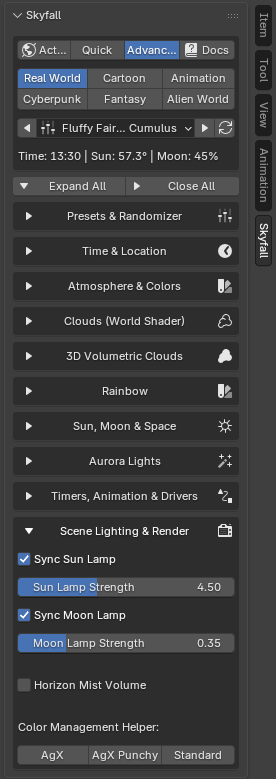
Advanced mode, organised
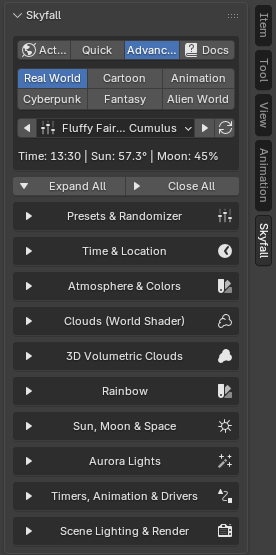
Each Advanced section has its own open/close drawer, including Rainbow. Expand All and Close All control the layout without enabling or disabling sky effects.
Drawers: presets, time, atmosphere, clouds, 3D clouds, rainbow, celestial, aurora, animation, lighting.
Ready for your next scene
Your world. Your atmosphere.
Install Skyfall, activate the sky, choose a starting look and make it your own. Save a favourite setup before switching presets so it is ready to use again.
Workflow
Quick and Advanced sidebar modes. Built-in styles and presets. User JSON presets. Palette tools, manual positioning and animation controls.
Compatibility
Designed for Blender 3.6 and newer, with Cycles and EEVEE support. The sidebar captures on this page were made in Blender 5.2.
The showcase scenes used in the addon images are included. Fine-tune the sky and save your own presets for a custom look. Rainbows are distant sky effects; use optional 3D clouds when a shot needs actual cloud geometry.