 SkdSam
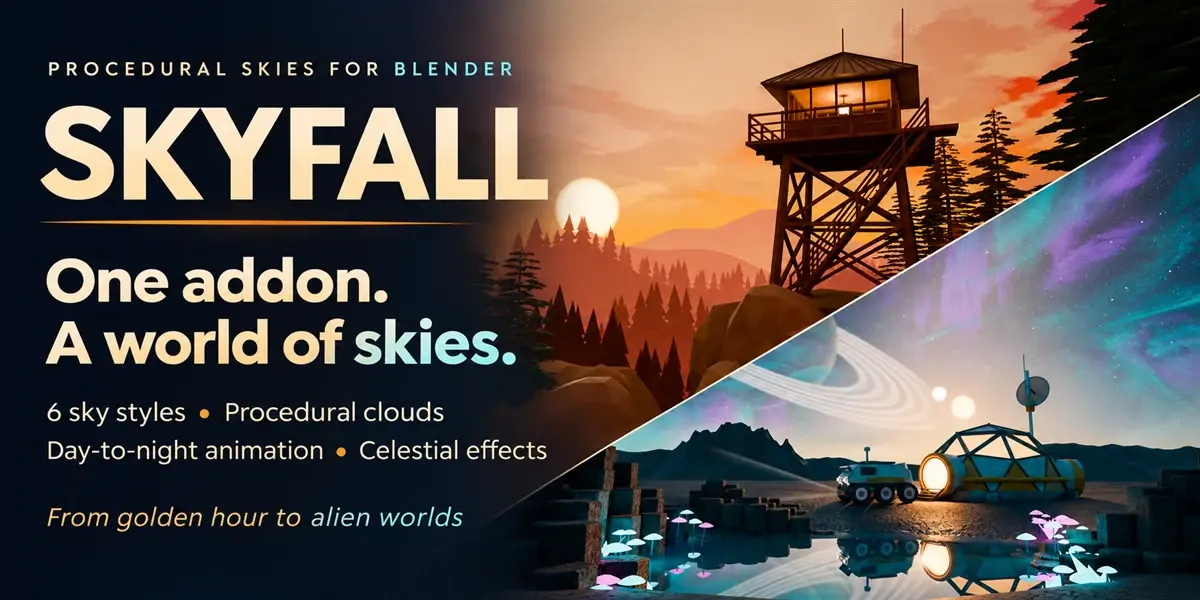
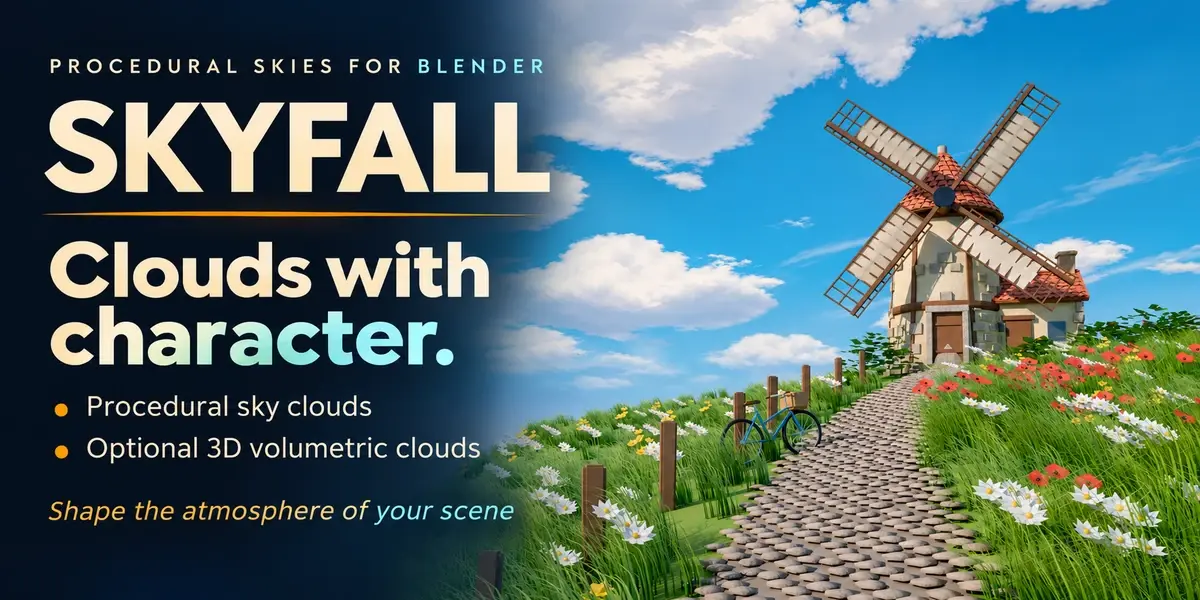
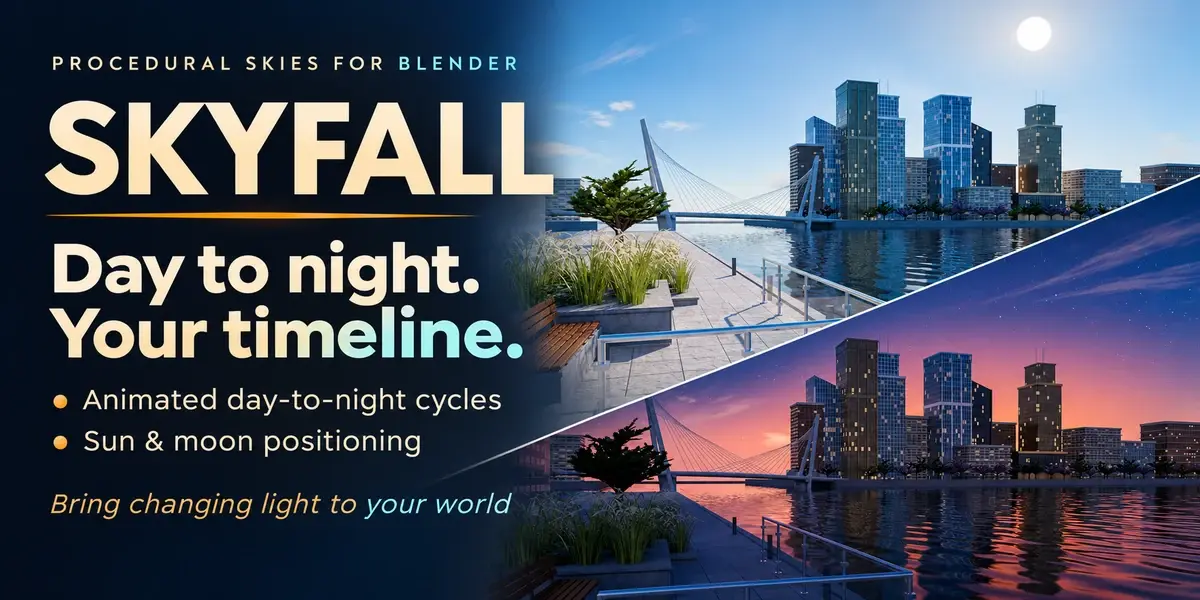
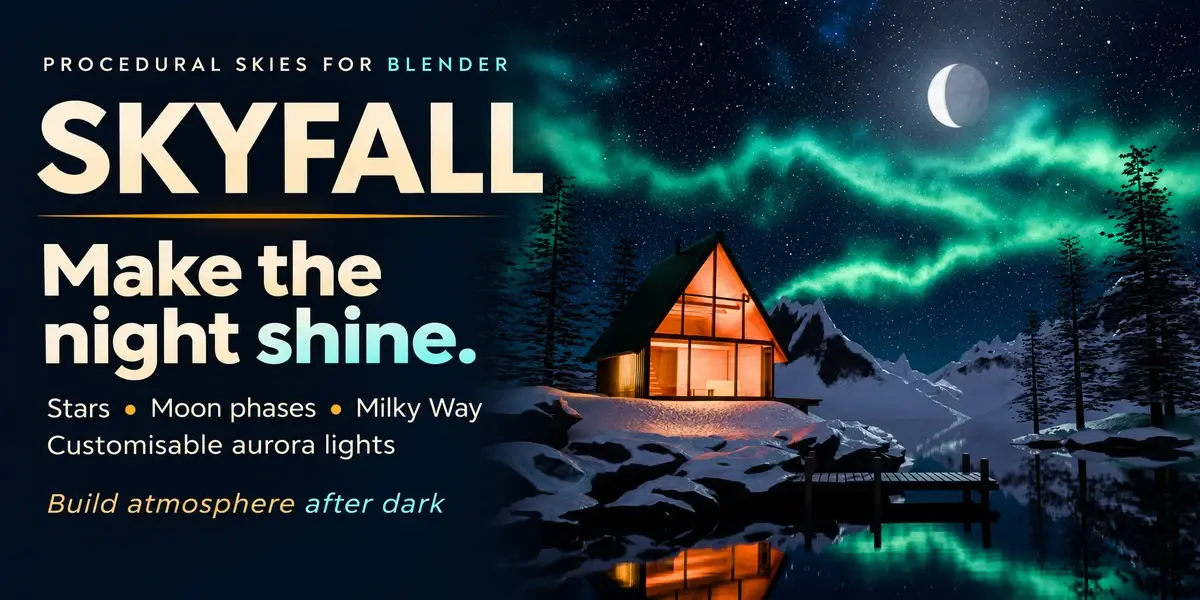
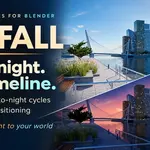
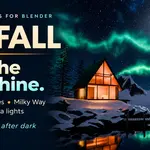

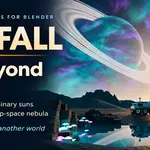
Skyfall — Quick Start Documentation
Full documentation is included with the addon. Your download comes with a complete guide covering every panel, preset, lighting workflow, cloud control, and animation driver in detail. Below is a quick overview to get you up and running in under a minute.
Installation
- Download
skyfall.zipfrom your product downloads. - In Blender, open Edit → Preferences → Get Extensions (Blender 4.2+) or Add-ons (Blender 3.6–4.1).
- Click Install from Disk…, select
skyfall.zip, and enable Skyfall. - Restart Blender if upgrading from an earlier version.
Where to Find Skyfall
-
3D Viewport Sidebar: Press
N→ Skyfall tab. - World Properties: Properties → World → Skyfall.
Quick Start Workflow
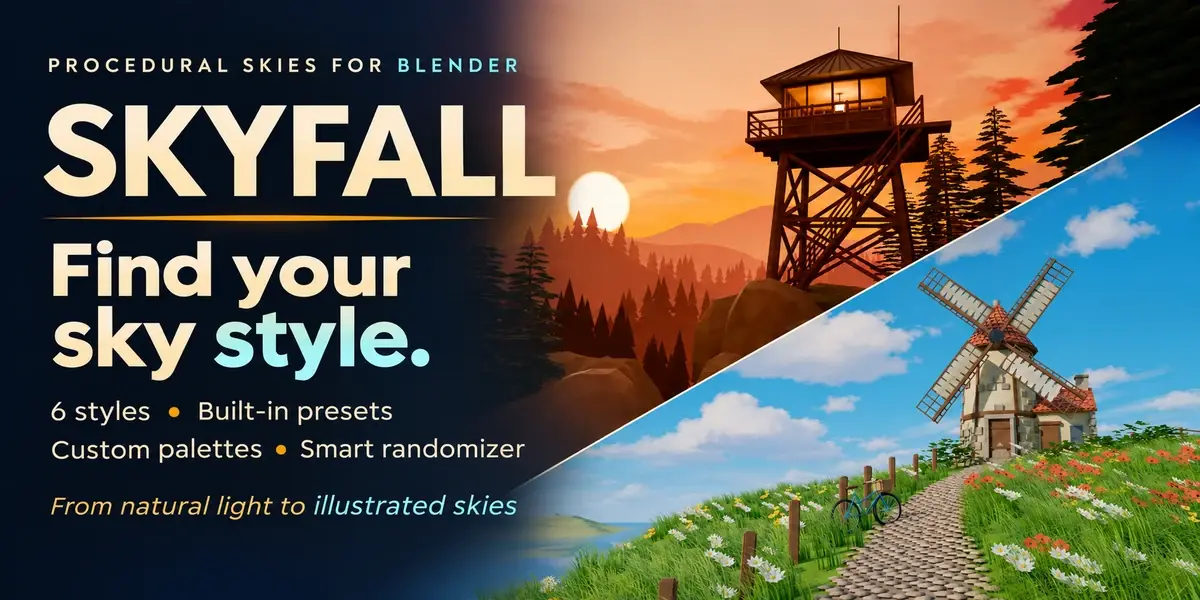
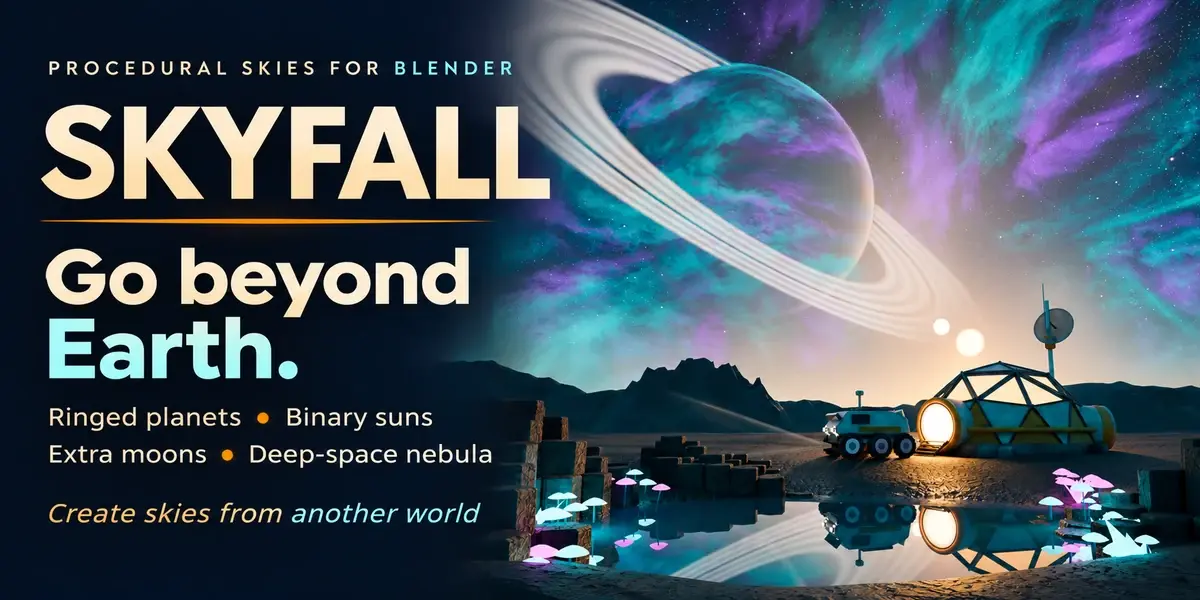
- Pick a Style or Preset: Choose one of the 6 sky styles (Real World, Cartoon, Animation, Cyberpunk, Fantasy, Alien World) or select from 70 built-in presets.
- Dial In Lighting & Time: Adjust Sun/Moon Elevation & Azimuth manually, use real-world Location & Time of Day, or click 1-Click Day → Night Time-Lapse for animated skies.
- Shape Your Clouds & FX: Fine-tune world parallax clouds directly in the panel, spawn optional 3D Volumetric Hero Clouds / Cloud Sky Decks for close-up camera interaction, or toggle Rainbows, Auroras, Stars, Milky Way, and Custom Planets.
- Save Your Own Looks: Export or save custom skies as JSON user presets anytime before switching to another preset.
Compatibility
- Blender Versions: Blender 3.6 LTS through 5.3+ (supports both Blender 4.2+ Extensions and Legacy Add-ons).
- Render Engines: Cycles, EEVEE, and EEVEE Next.
Need deeper parameter explanations, driver setups, or troubleshooting tips? Refer to the full documentation included inside your Skyfall download package.
Have questions about this product?
Login to message
| Blender Extension Compatible | Yes |
| Dev Fund Contributor | |
| Published | 13 minutes ago |
| Blender Version | |
| Extension Type | Add-on |
| Render Engine Used | Cycles, Eevee |
| License | GPL |
Discover more products like this
aurora borealis cyberpunk sky volumetric-clouds stylized sky anime sky Environment Lighting world-shader cartoon sky procedural sky skdsam blender addon sky generator.