◆ VOYDE PROCEDURAL / ADD-ON / BLENDER 5.2
SkyFlow
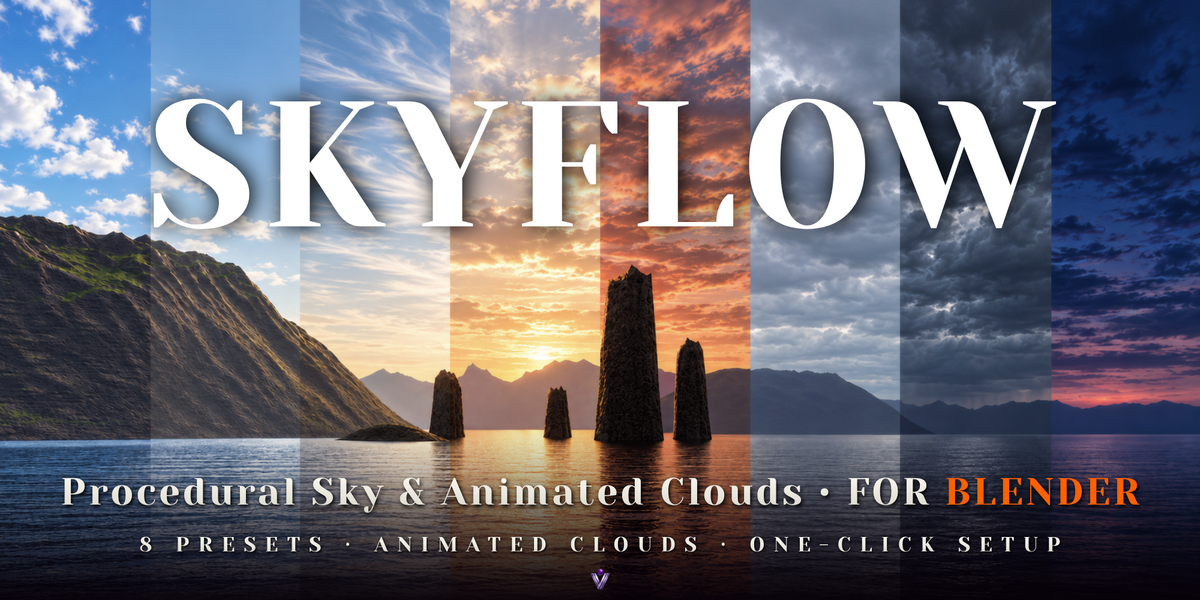
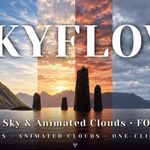
Procedural Sky & Animated Clouds
Create a complete animated sky in one click.
SkyFlow combines a physical sky, a synchronized Sun lamp and three layers of procedural clouds that drift and evolve with your timeline. Shape your sky, set the mood.
Everything is procedural, with no HDRIs or image textures required, and every control can be keyframed.
CYCLES & EEVEENO HDRIS OR TEXTURESEVERY CONTROL KEYFRAMABLERENDERS WITHOUT THE ADD-ON
3
PROCEDURAL CLOUD LAYERS
01 — ONE-CLICK SETUP
Start with a preset, make it your own
1Choose a preset.
2Press Setup SkyFlow. The add-on creates the World, the Sun lamp and the drivers that connect them. Your previous World stays available in the file.
3Make it your own: control sunlight, atmospheric haze, cloud shapes and motion from one sidebar panel.
02 — CONNECTED SUN & SKY
One slider moves the sun, the sky and the light
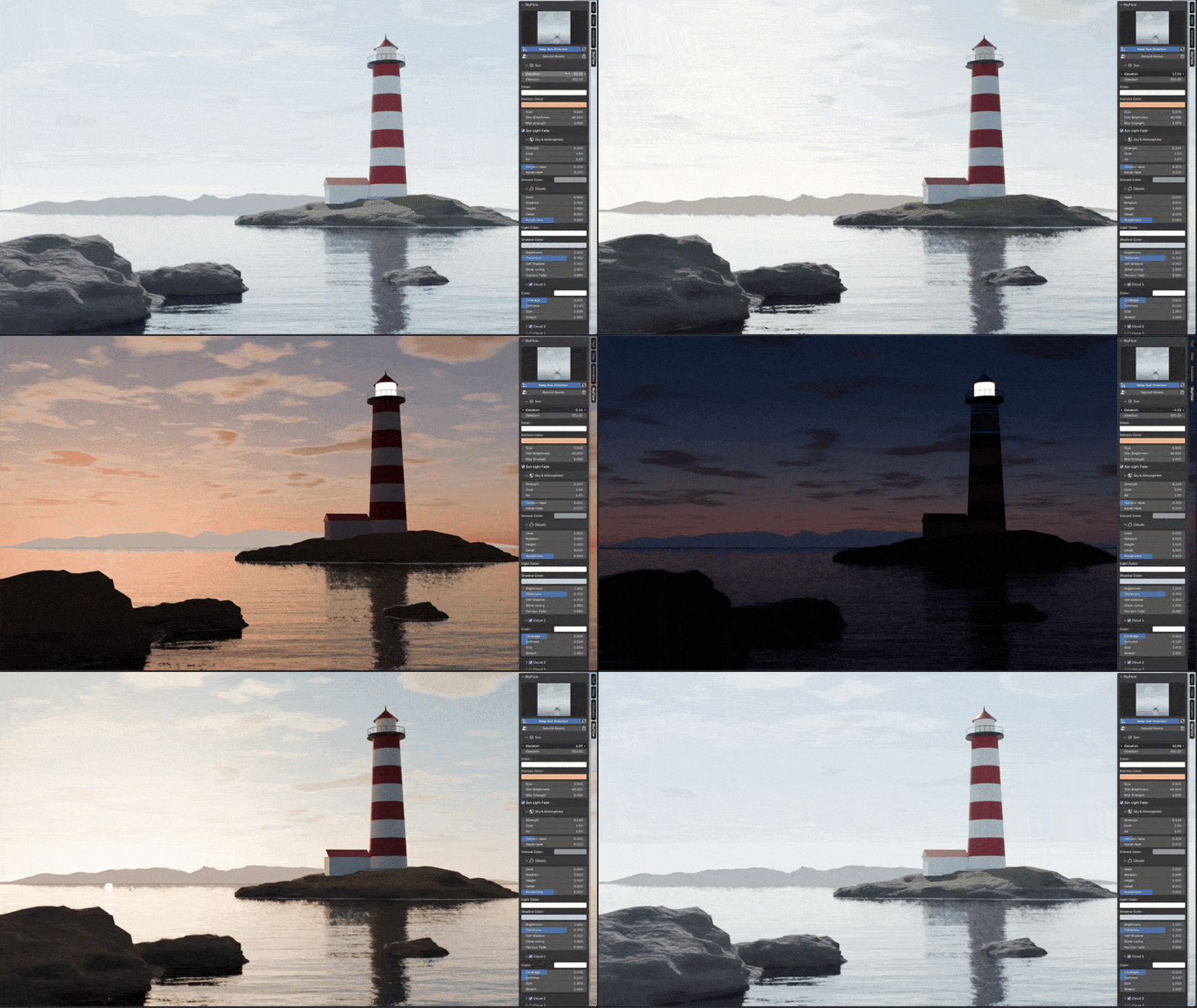
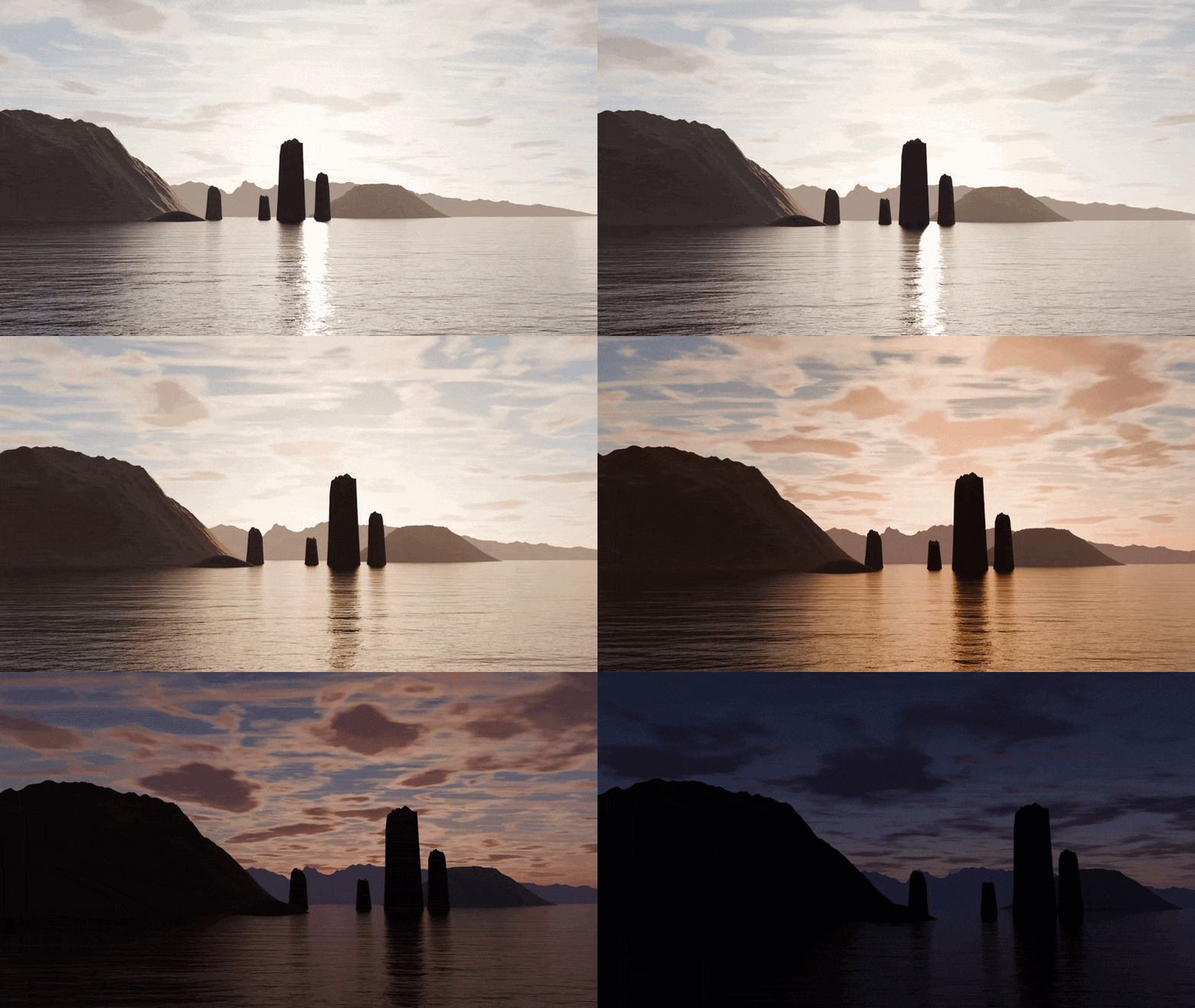
Change Sun Elevation to adjust the sky colors, the sun position and the synchronized lamp lighting together.
Customize sun direction, color, disc size and brightness, with optional automatic lamp fading at sunset.
03 — CLOUD LAYERS
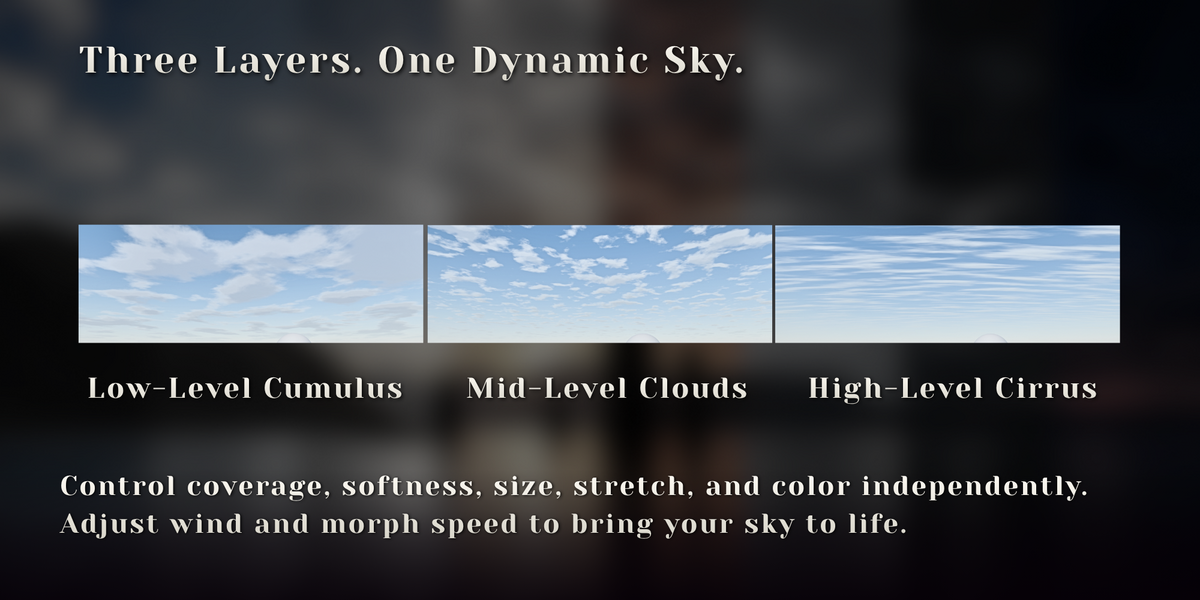
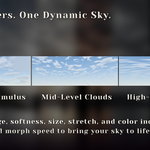
Three layers that drift and evolve
Build depth with three independently controlled cloud layers at different relative altitudes. Adjust each layer's color, coverage, softness, size and stretch, from scattered clouds to thin cirrus streaks.
Cloud drift and shape morphing run directly from the timeline. Adjust wind and morph speed for gentle movement or faster time-lapse sequences, and use the seed, rotation and position controls to refine your composition.
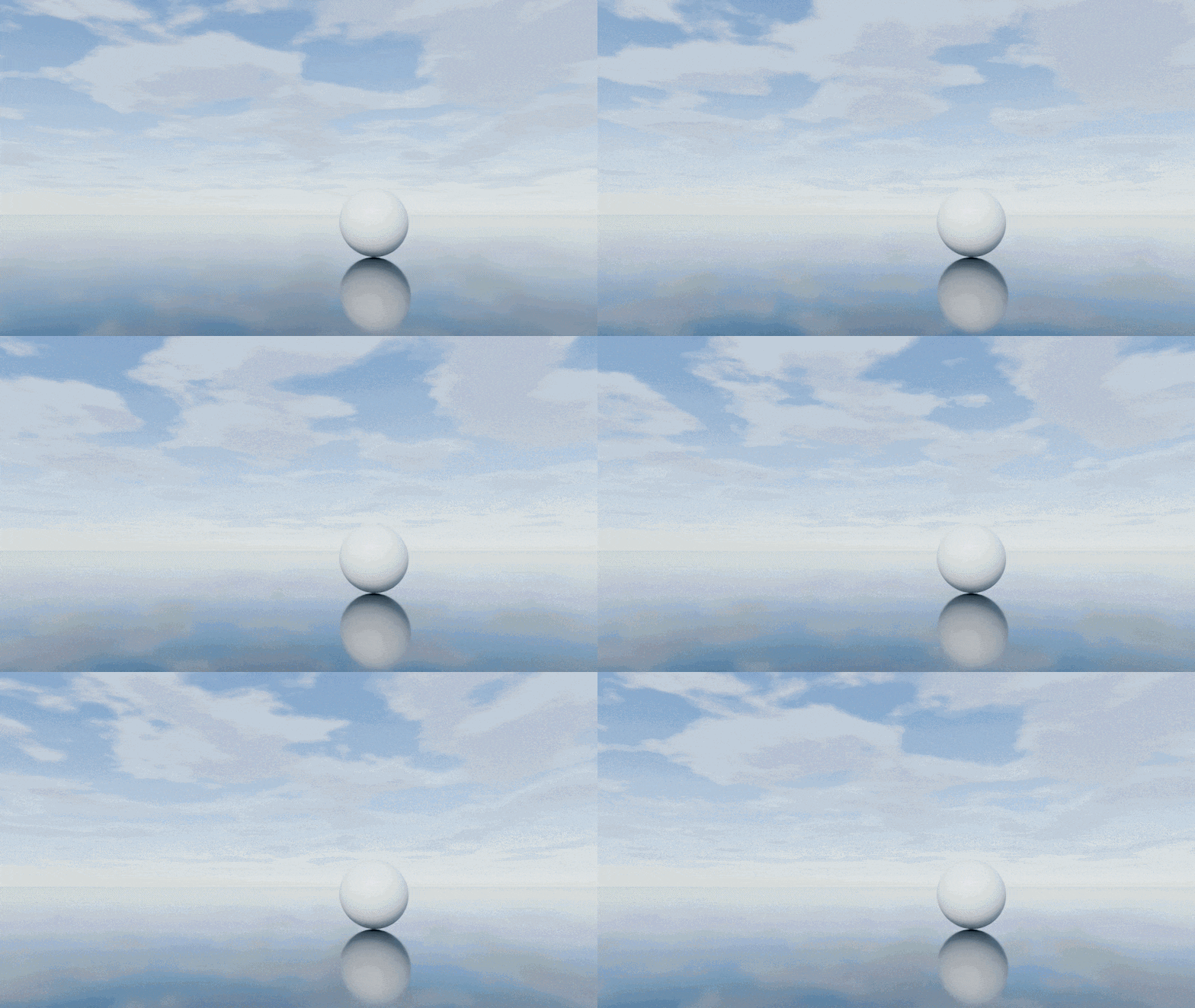
Low-level cumulus
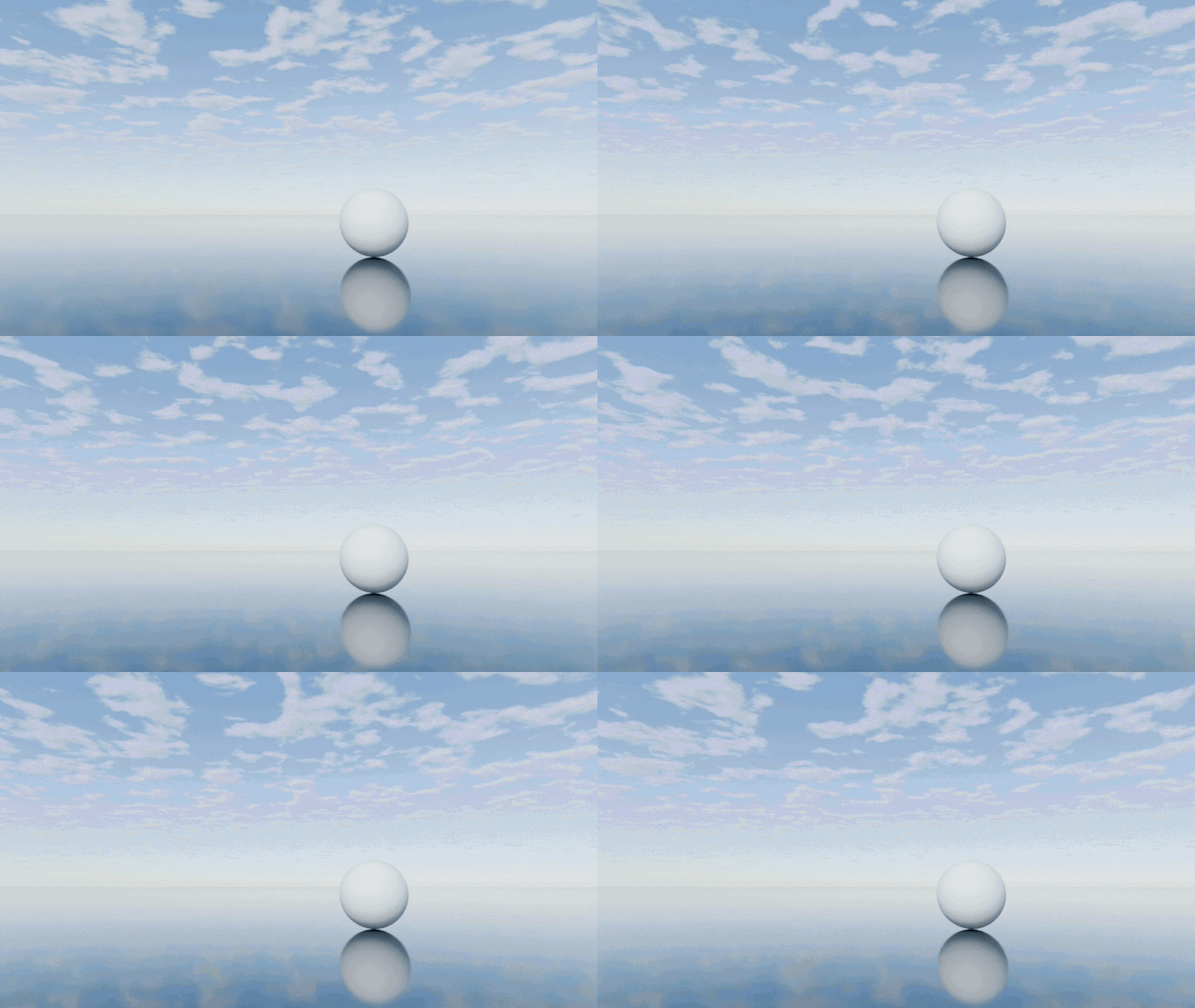
Mid-level clouds
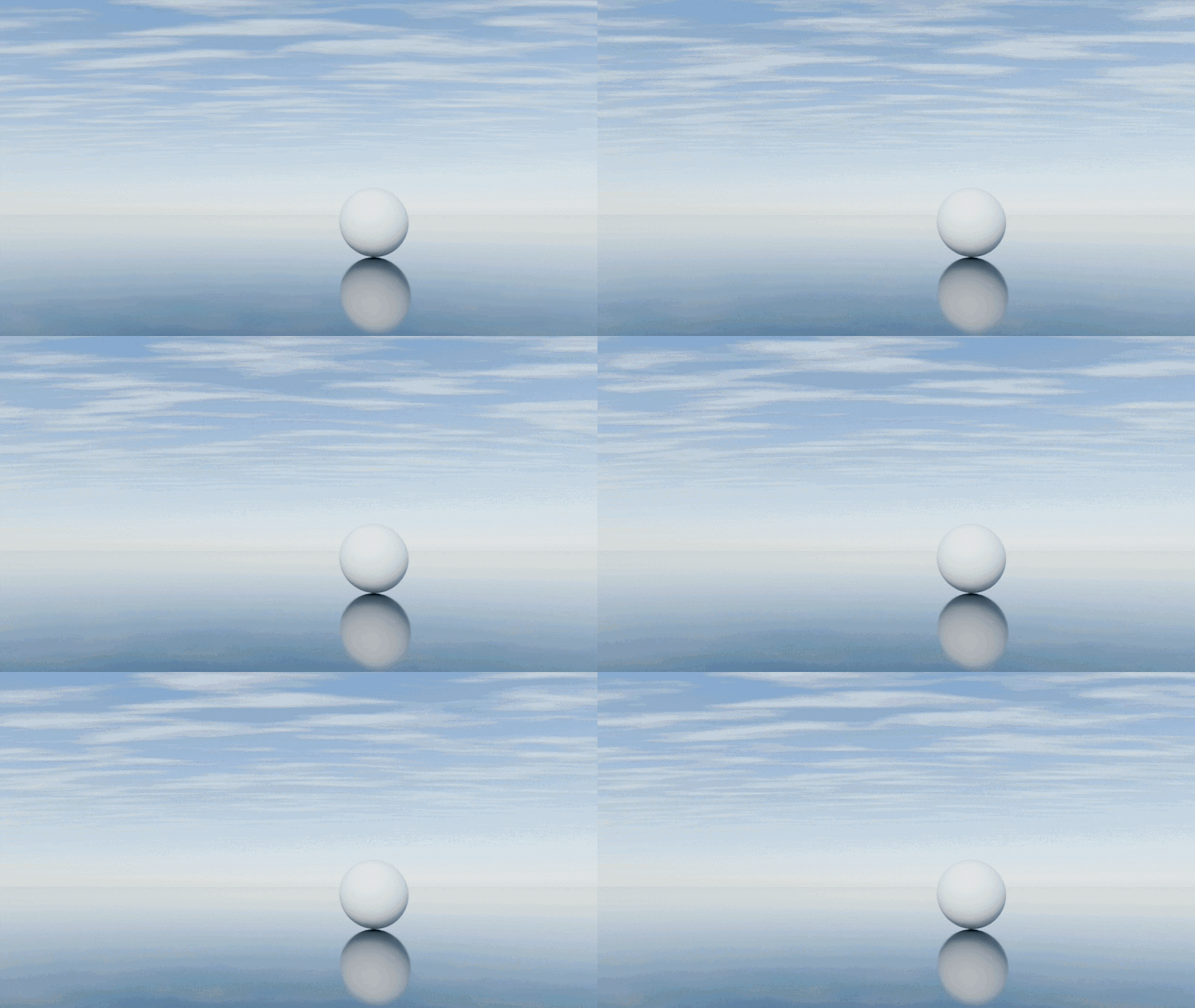
High-level cirrus
04 — LIGHT, HAZE & SHADING
Refine the atmosphere and the clouds
Shape the atmosphere with dust, air density and horizon haze.
Fine-tune cloud light and shadow colors, self-shadowing, dense-core darkening, silver lining and aerial haze.
05 — PRESETS
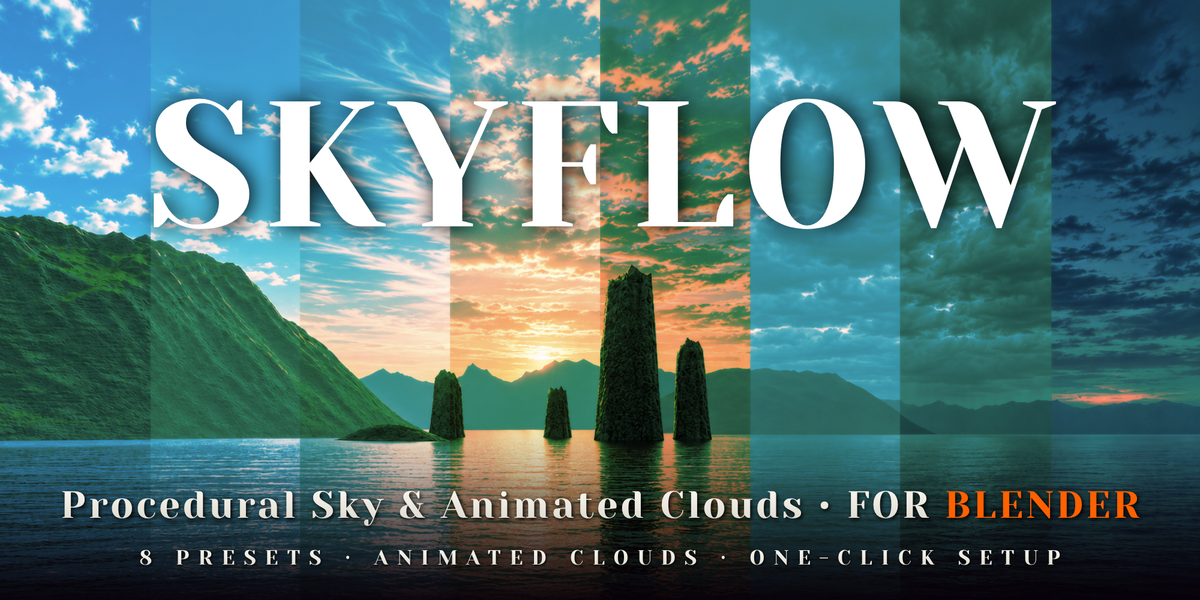
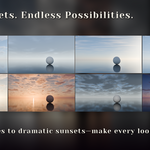
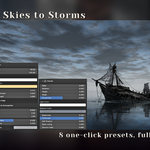
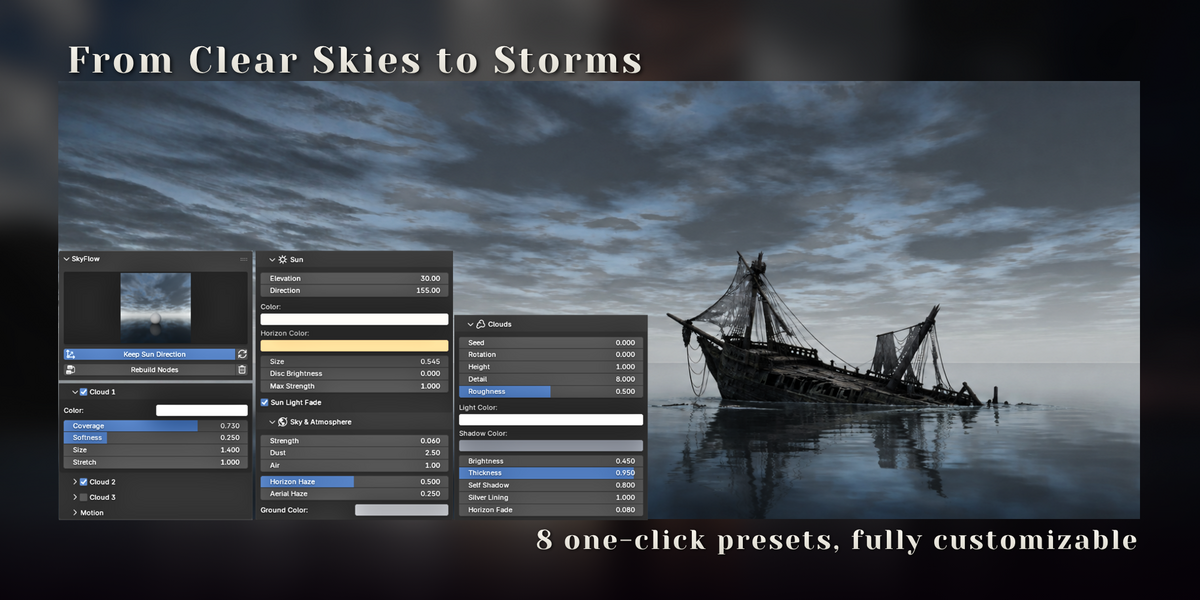
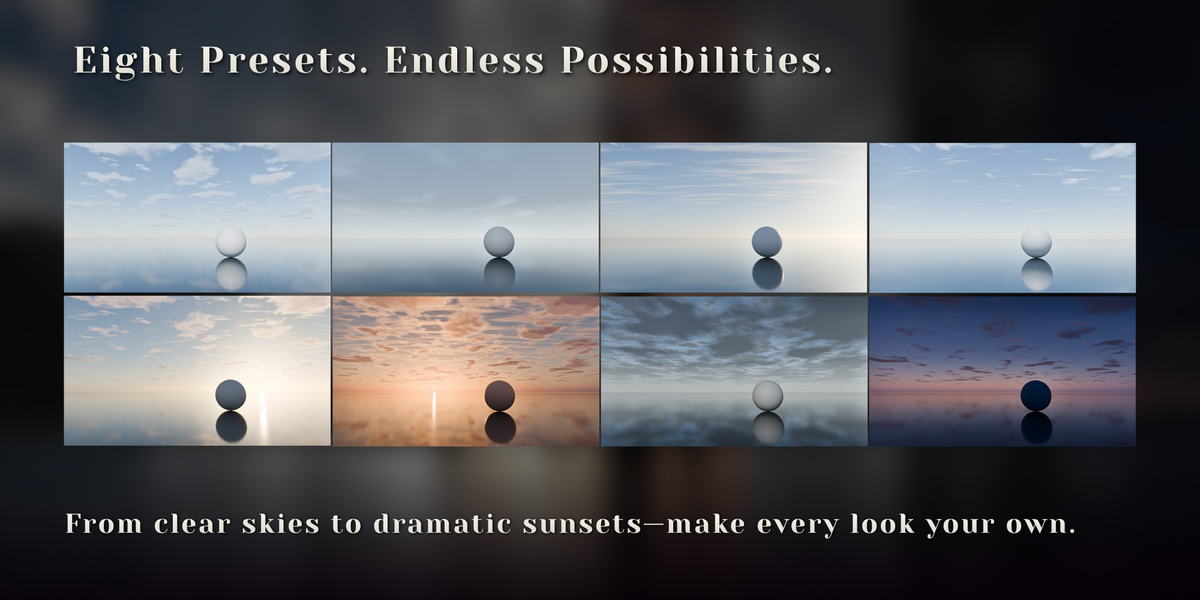
Eight editable presets
Preview looks in the thumbnail gallery. Enable Keep Sun Direction to preserve the sun direction, cloud rotation and cloud offset when switching presets.
◆Fair Weather◆Clear Noon◆Cirrus Morning◆Golden Hour◆Sunset Drama◆Overcast◆Storm◆Blue Hour
06 — PORTABLE
Save your scene, take your sky with you
SkyFlow builds nodes and standard drivers stored inside your .blend file. Once created, the sky keeps animating and rendering on compatible Blender installations and render farms without the add-on installed.
Python auto-run is not required.
07 — DETAILS
What you get
Included
◆SkyFlow 0.1.0 Blender extension
◆Eight presets with preview thumbnails
◆Coastal sunset showcase scene with a 30-second time-lapse animation
◆Bonus render script and launchers for the showcase scene
Requirements
◆Blender 5.2 or newer
◆Cycles and EEVEE
Current limitations
◆Clouds use projected shader layers and are not volumetric
◆Cloud layers do not provide positional parallax for large camera movements and cannot be flown through
◆Moving cloud shadows on the ground are not supported in version 0.1
◆Night skies and stars are not included; Blue Hour is the darkest preset
Credits
◆Developed by Voyde Procedural
◆Code written with AI assistance
◆No AI-generated images are included in the product
 Voyde Procedural
 VOYDE.PROCEDURALVOYDEPROCEDURAL.COM / ALL PRODUCTS / X / INSTAGRAM