 ZEG
ZEG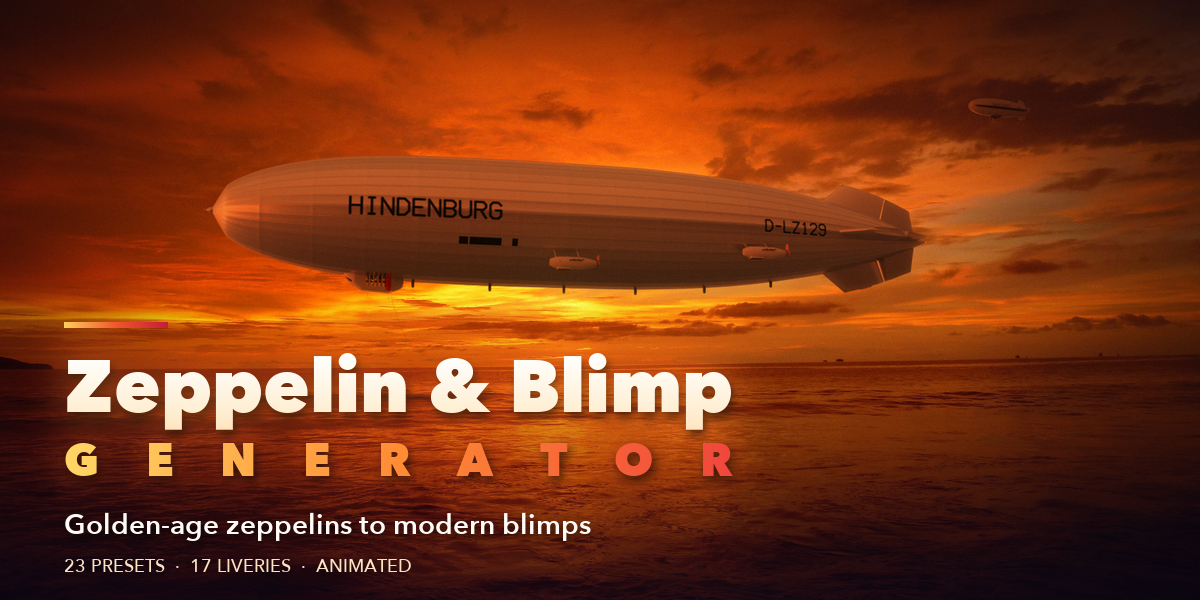





Installation
In Blender open Edit, Preferences, Get Extensions, then use Install from Disk and pick the zeppelin_generator zip.
Usage
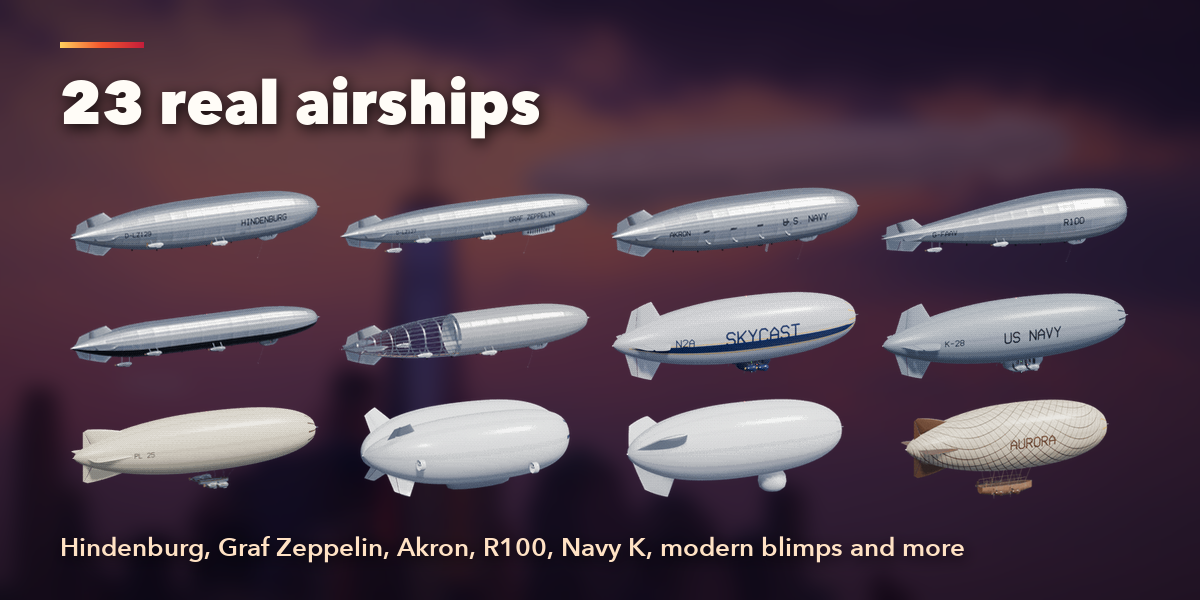
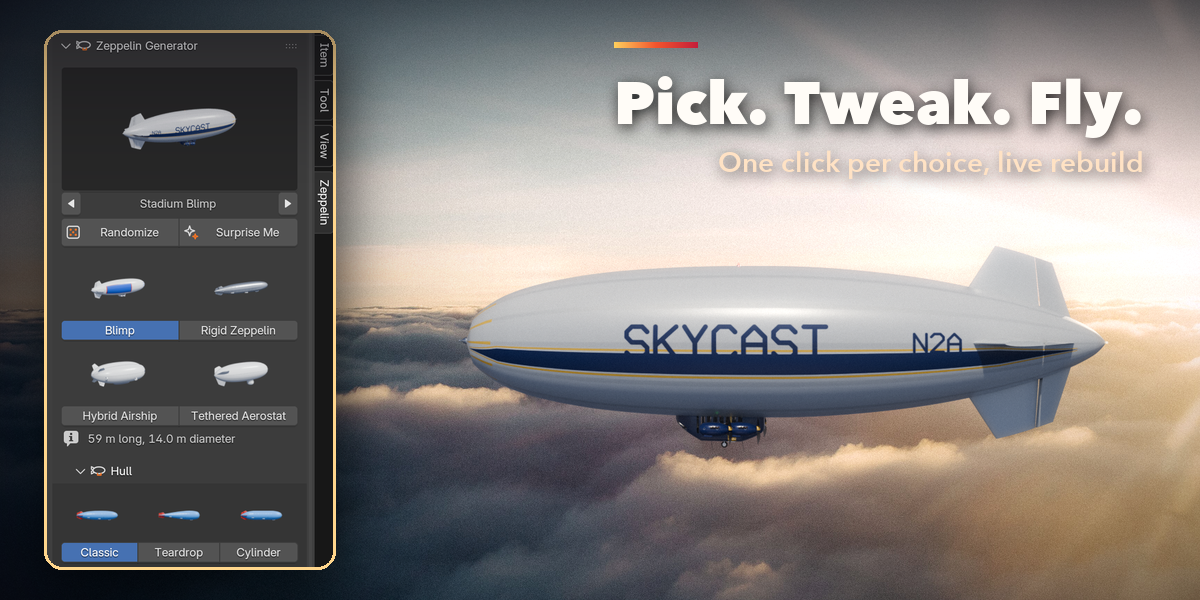
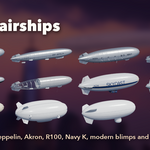
- Open the Zeppelin tab in the 3D viewport sidebar (N). Click the picture to choose a preset (or step with the arrows) and press Add to place the airship at the 3D cursor. You can also use Shift+A, Airship.
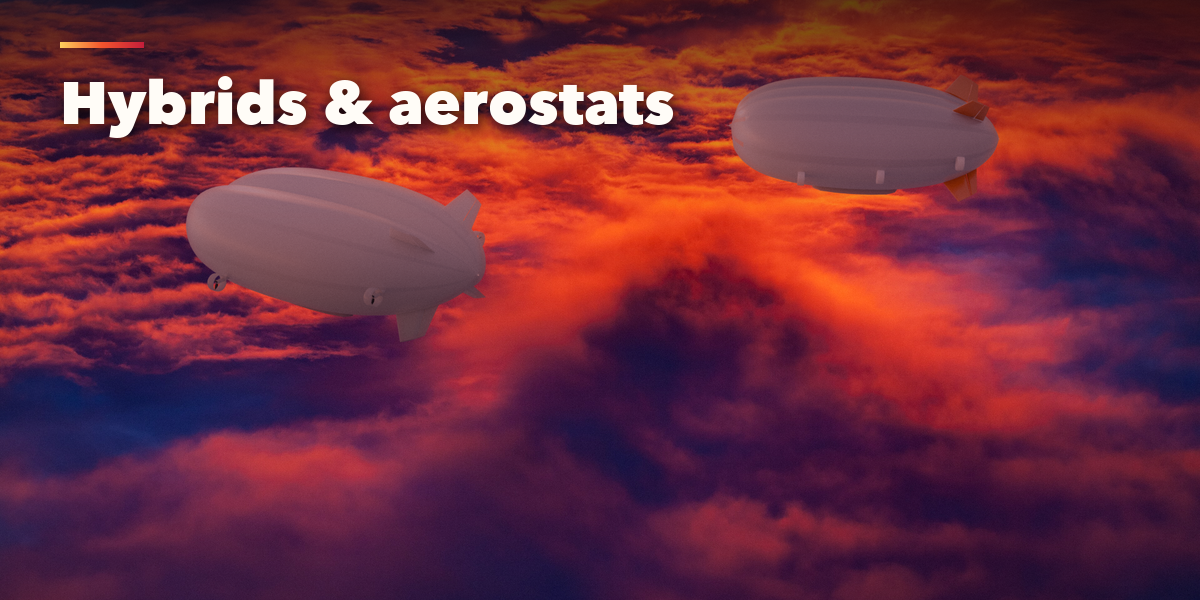
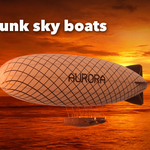
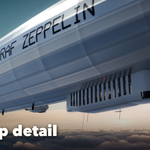
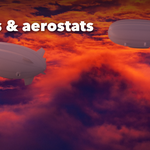
- With an airship selected, the picture applies another preset to it. Randomize makes a new airship of the same kind; Surprise Me can also change the kind. The four tiles switch between blimp, rigid zeppelin, hybrid airship and tethered aerostat.
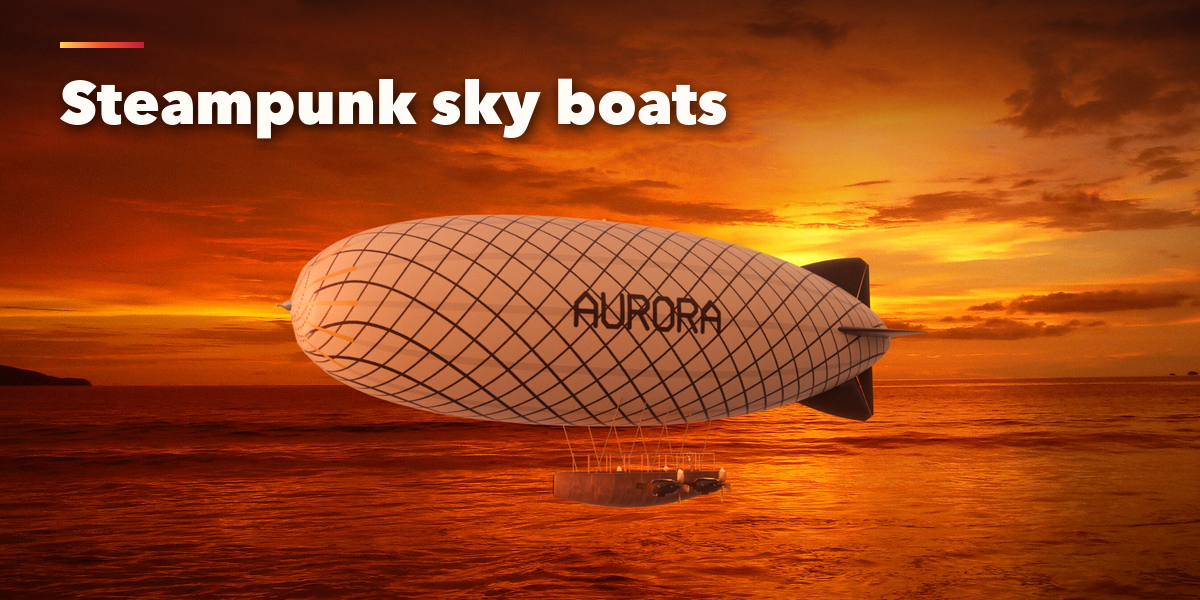
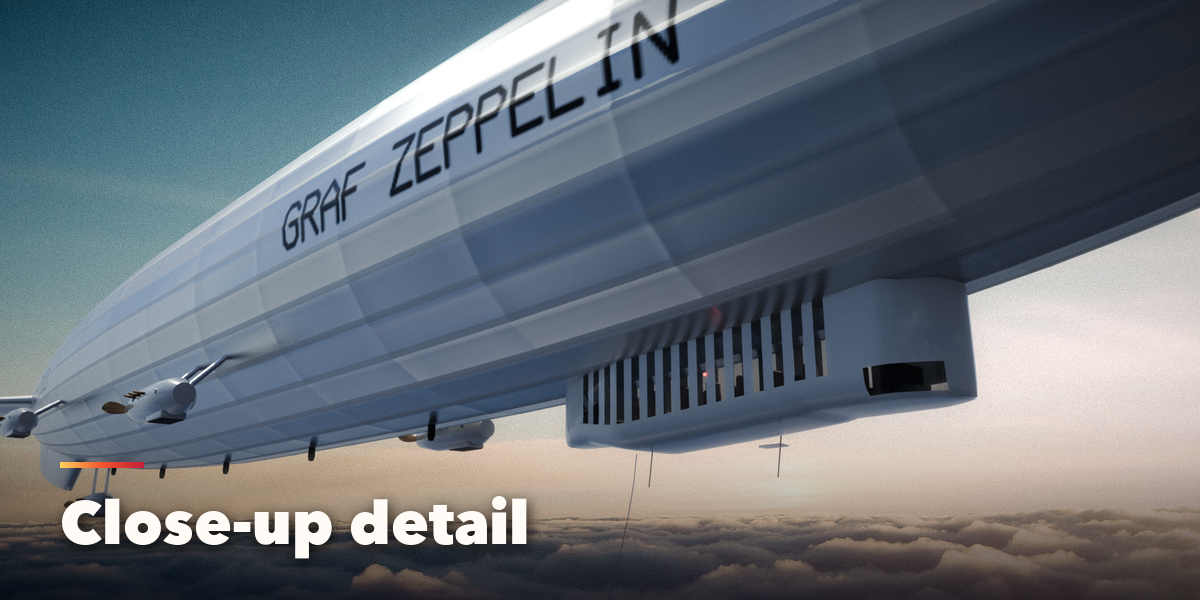
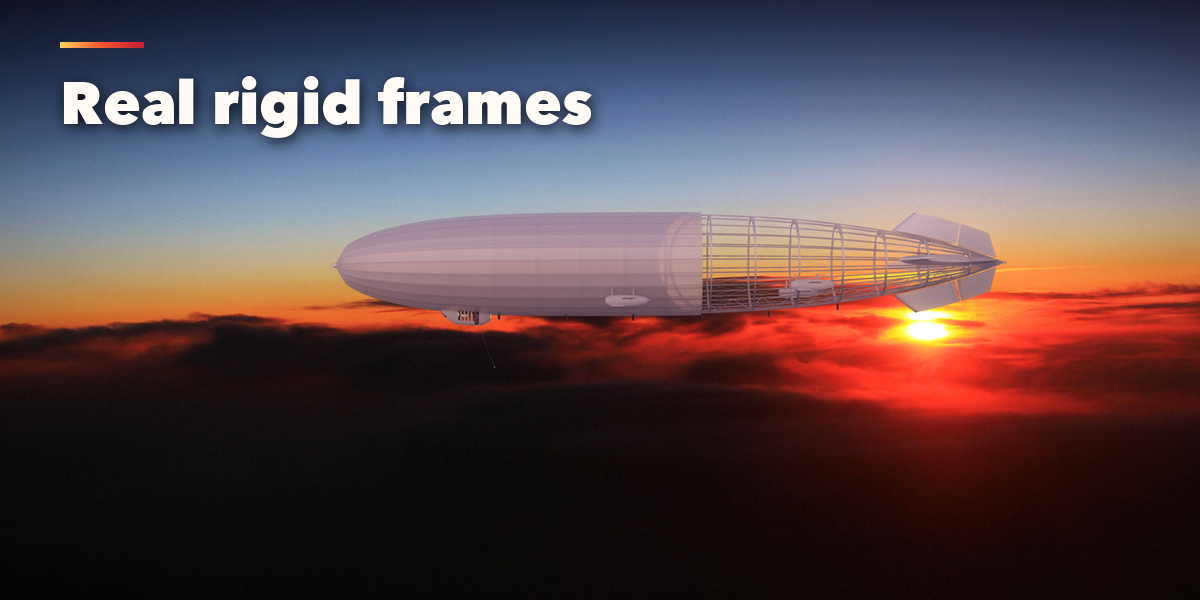
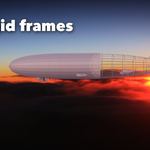
- Hull sets the shape, length and slenderness; Rigid Frame shows the girders and the cutaway. Gondola, Fins and Engines & Propellers pick their styles from pictures.
- Pattern & Colors picks one of 17 liveries and up to four colors. Name & Registration paints your own text on both flanks. Lights & Lines adds navigation lights, antennas and handling lines.
- Fabric, Flight & Animation and Seed & Output hold the finer settings: fabric finish, altitude, bobbing, drift, spinning propellers, seed, detail level, Rebuild and Make Static.
Every airship is built in meters at real-world size. Materials are Principled BSDF with image textures, so the meshes export to game engines; Make Static turns an airship into plain objects for export or hand editing.
Have questions about this product?
Login to message
| Blender Extension Compatible | Yes |
| Published | 2 days ago |
| Blender Version | 4.2 - 5.2 |
| Extension Type | Add-on |
| Render Engine Used | Cycles, Eevee |
| License | GPL |

Discover more products like this
Zeppelin game ready Airship Generator blimp procedural hindenburg aircraft vehicle dirigible aerostat Steampunk