 SiLi
SiLi
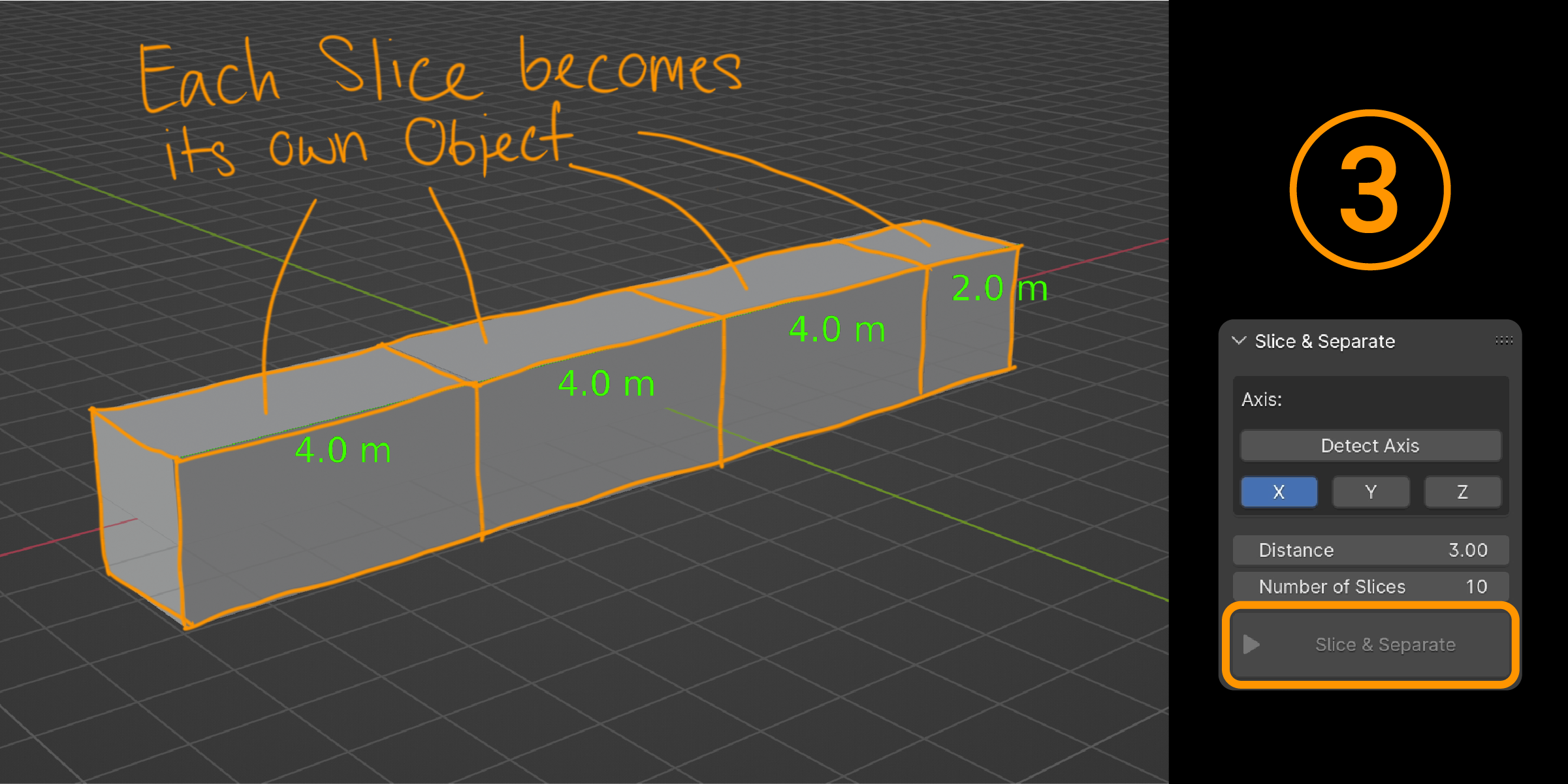
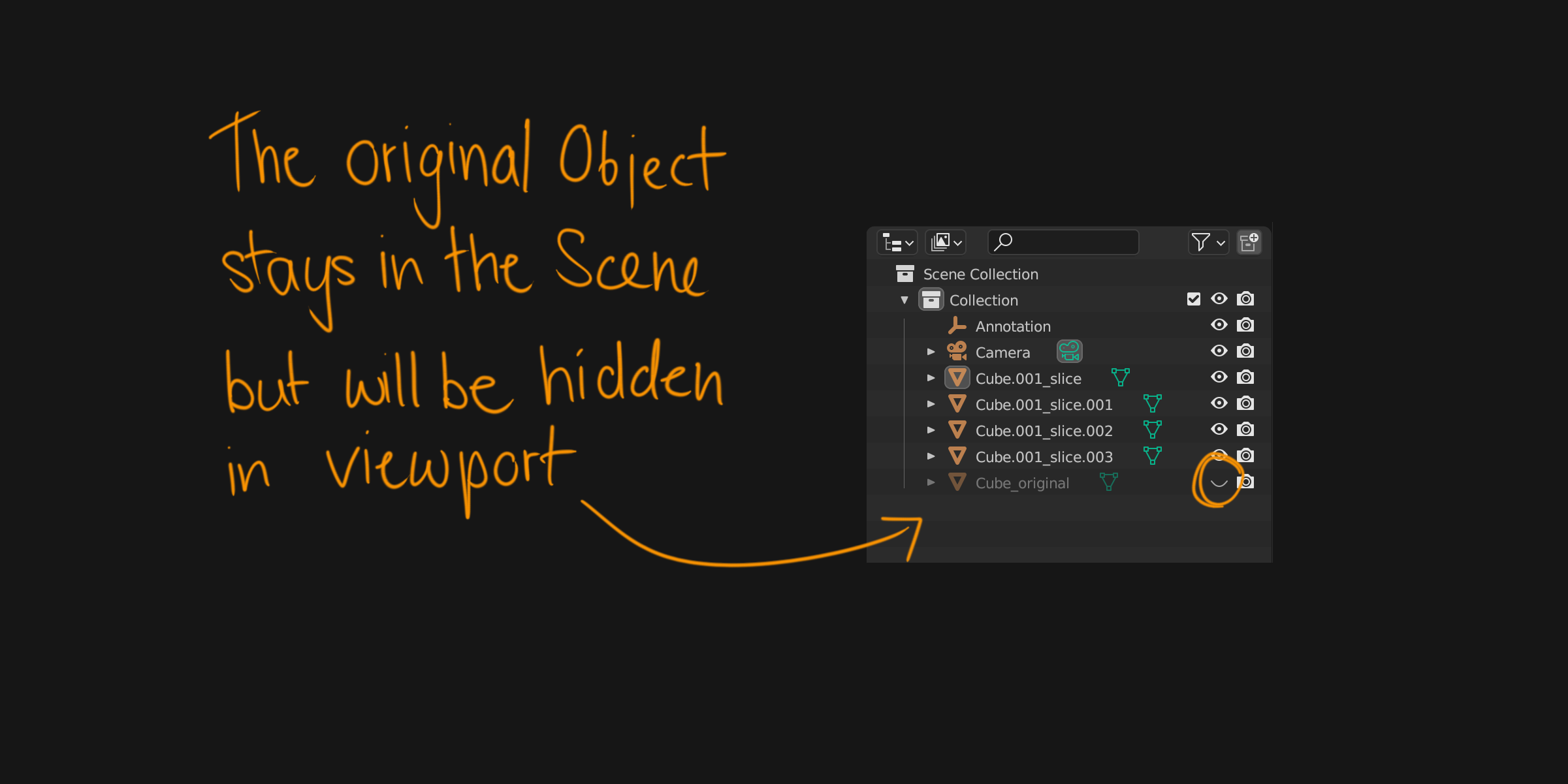

Slice & Separate
Version 1.1.0:
• Slice multiple objects at once
• Improved performance for objects with high triangle counts
• Progress bar for visual feedback
• Warning message and confirmation dialog for bigger calculations
• Added “Grid Mode” (can be enabled in the add-on preferences)
Version 1.0.1 (Demo: https://youtu.be/kVdyopwQVIw):
• Set default slicing method, distance and number of slices in the preferences
• Additional slider for number of slices
• Some bugfixes
This can be especially useful when using light baking / the GPU Lightmass in Unreal Engine. So instead of having one big mesh that will then require a very large lightmap texture, you can work with smaller meshes and smaller lightmap texture resolutions.
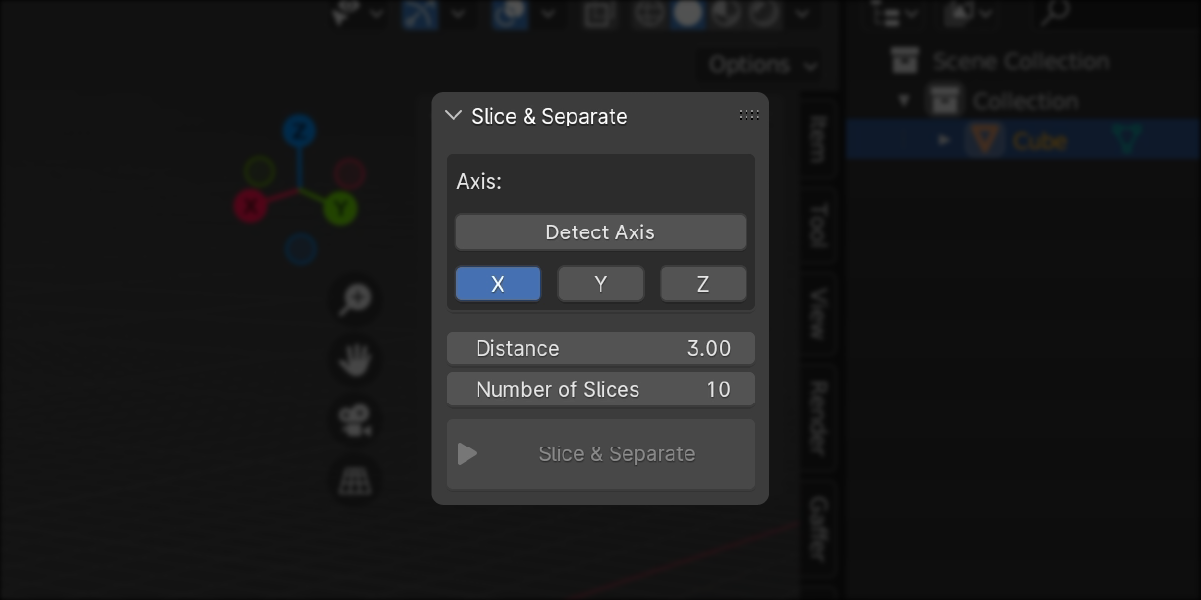
After the installation, there will be a new side panel named "Slice & Separate".
Steps
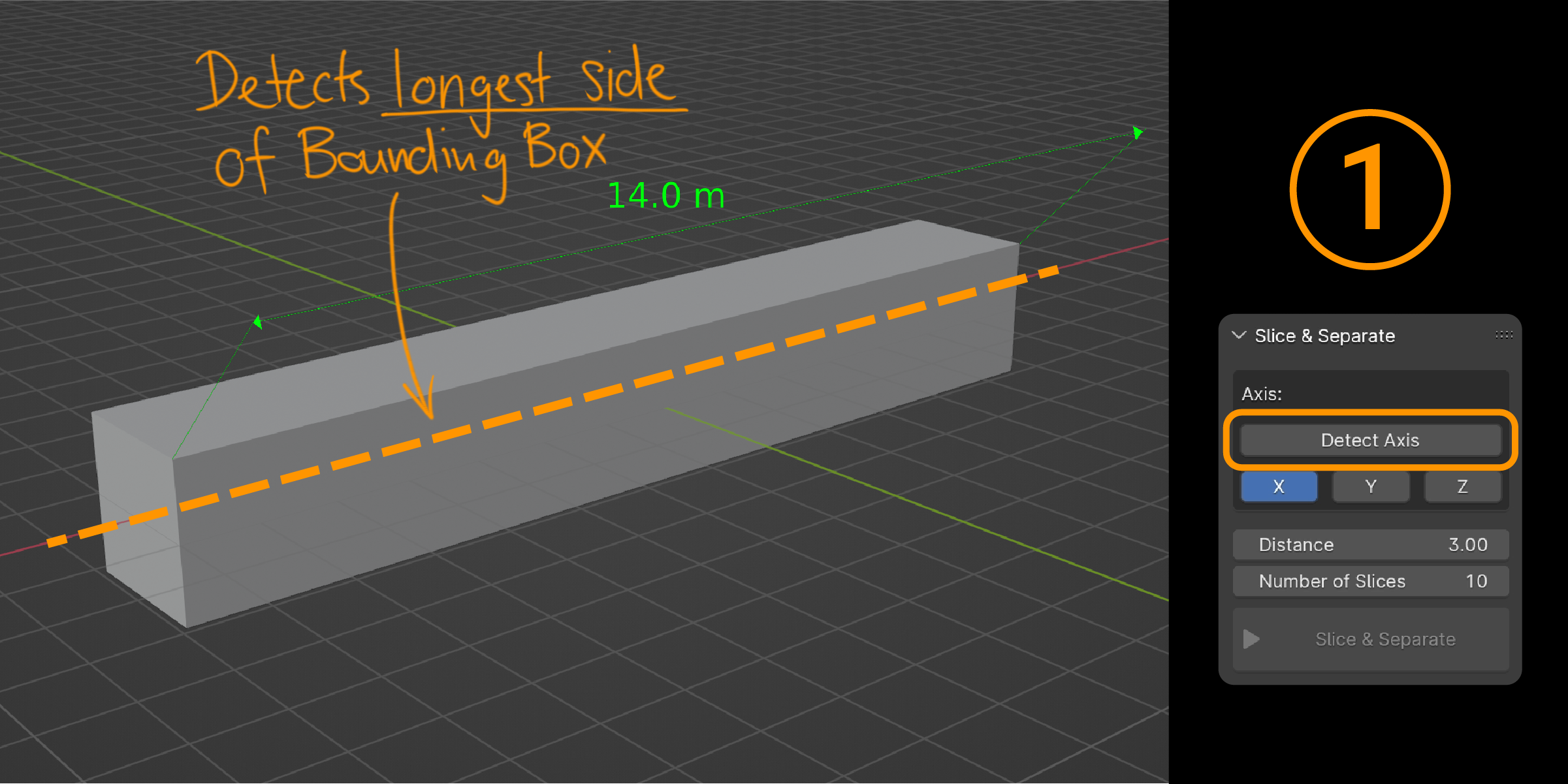
1. Select Object (Mesh)2. Set axis (... or detect the axis - axis will be parallel to the longest side of the object)
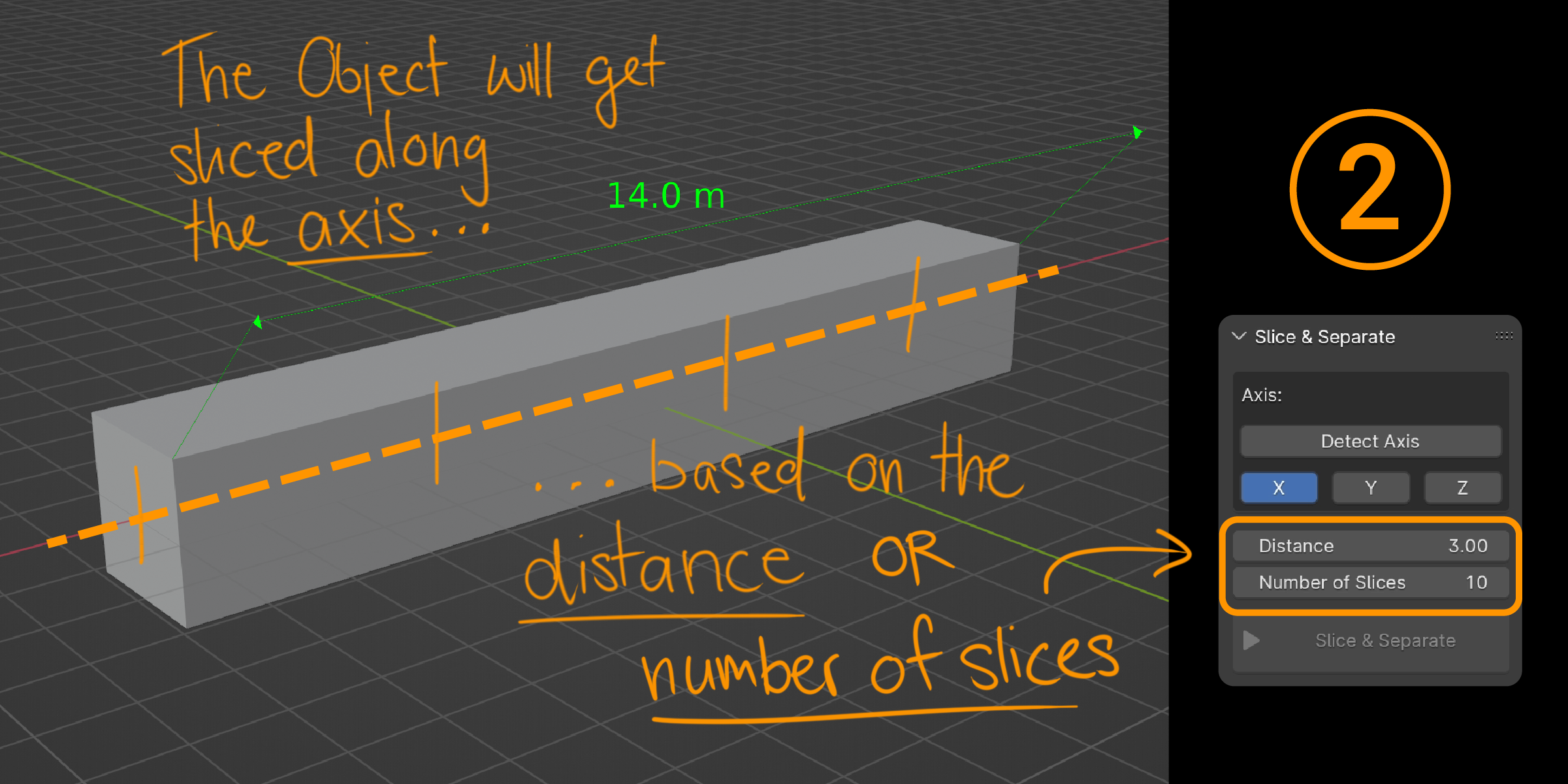
3. Set slicing distance or number of slices
4. Hit the button!

Future
Feedback and new ideas are always welcome! So please, hit me up :)
