 SiLi
SiLi
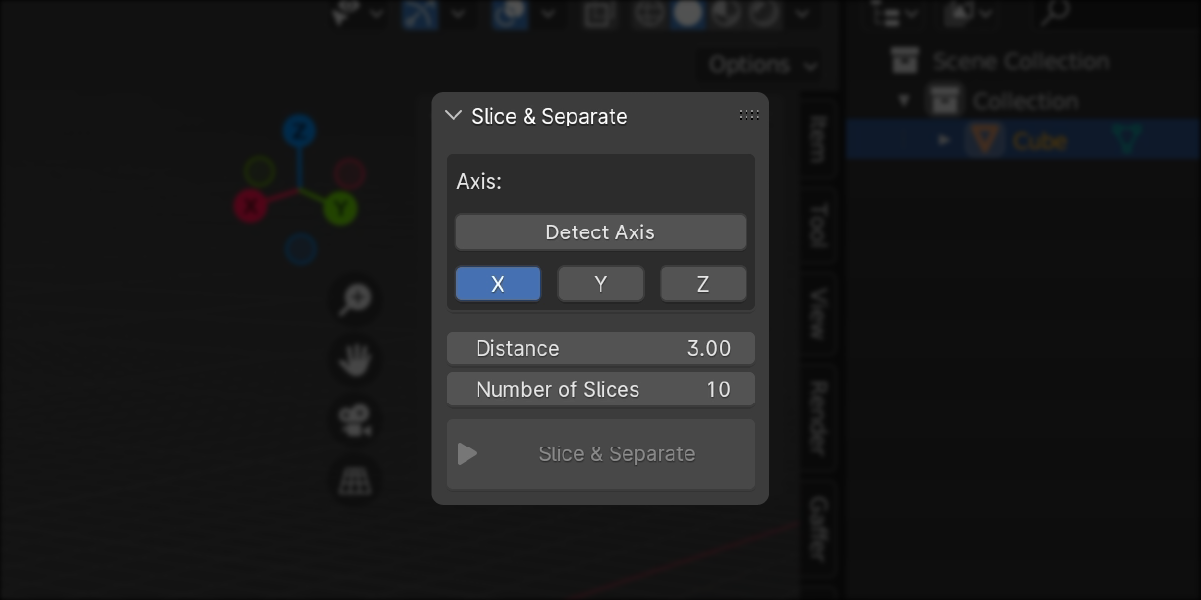
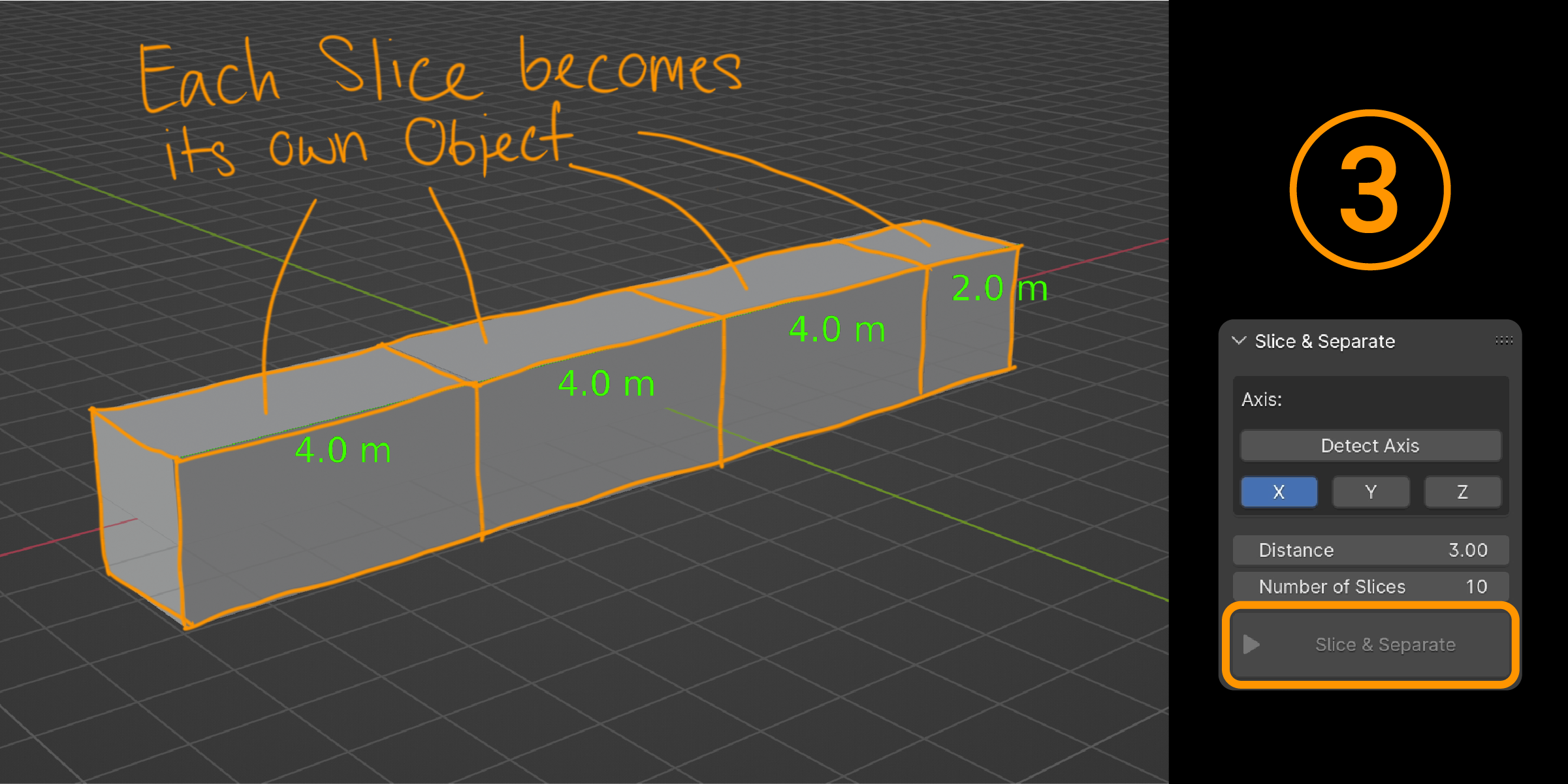
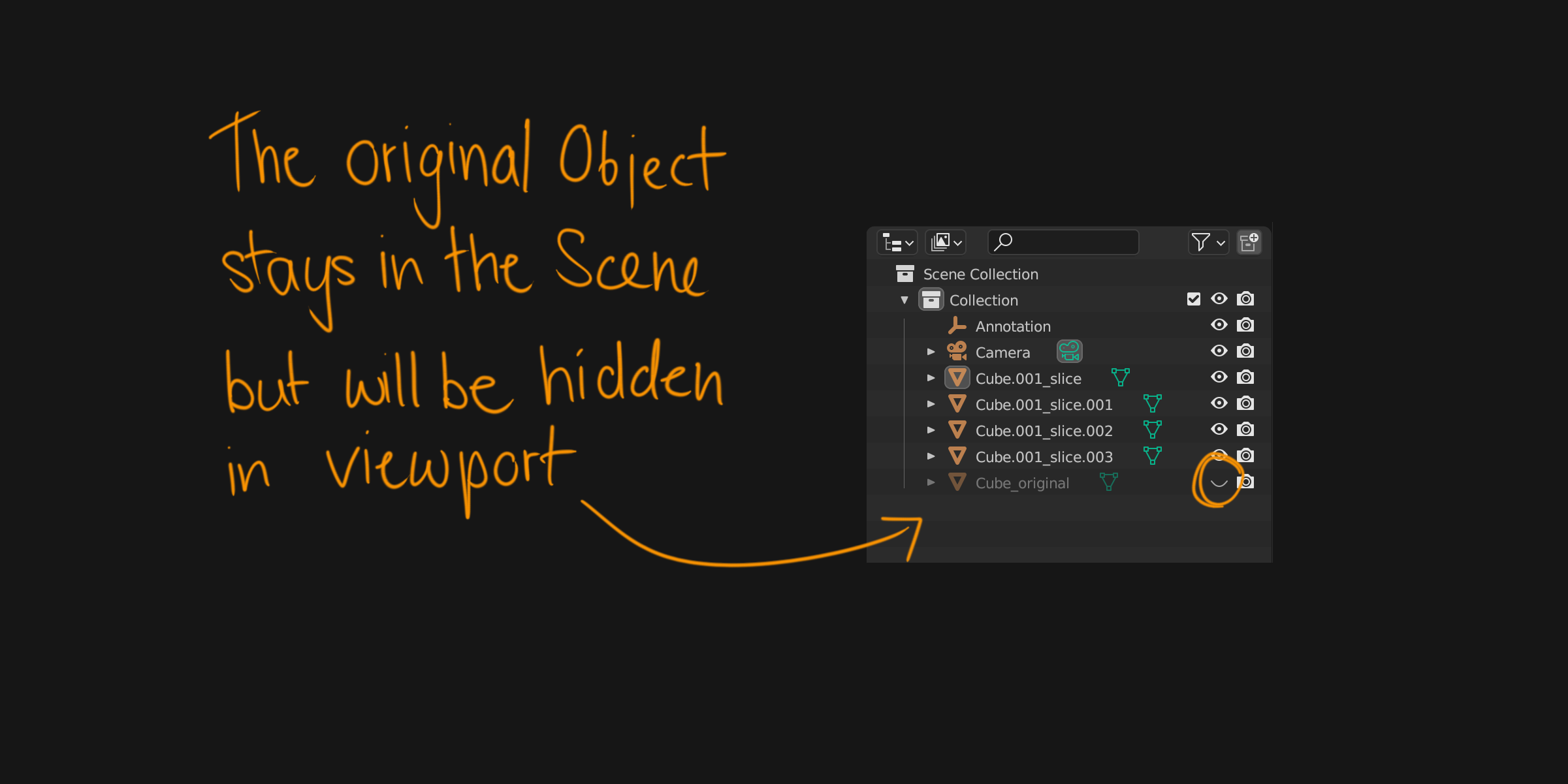

After Installation, there will be a new side panel named "Slice & Separate".
How to use it:
1. Select Object (Mesh)
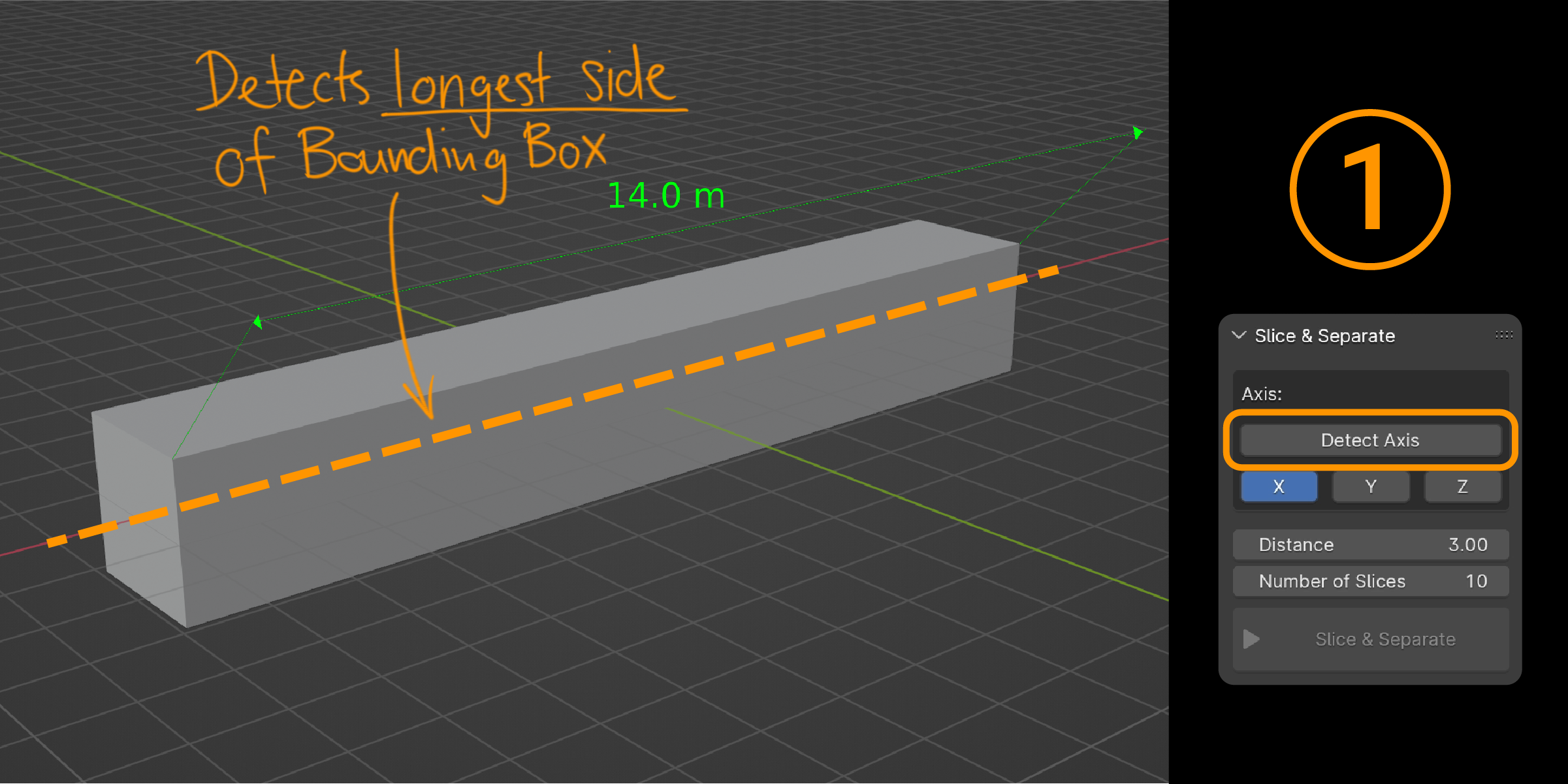
2. Set axis (... or detect the axis - axis will be parallel to the longest side of the object)
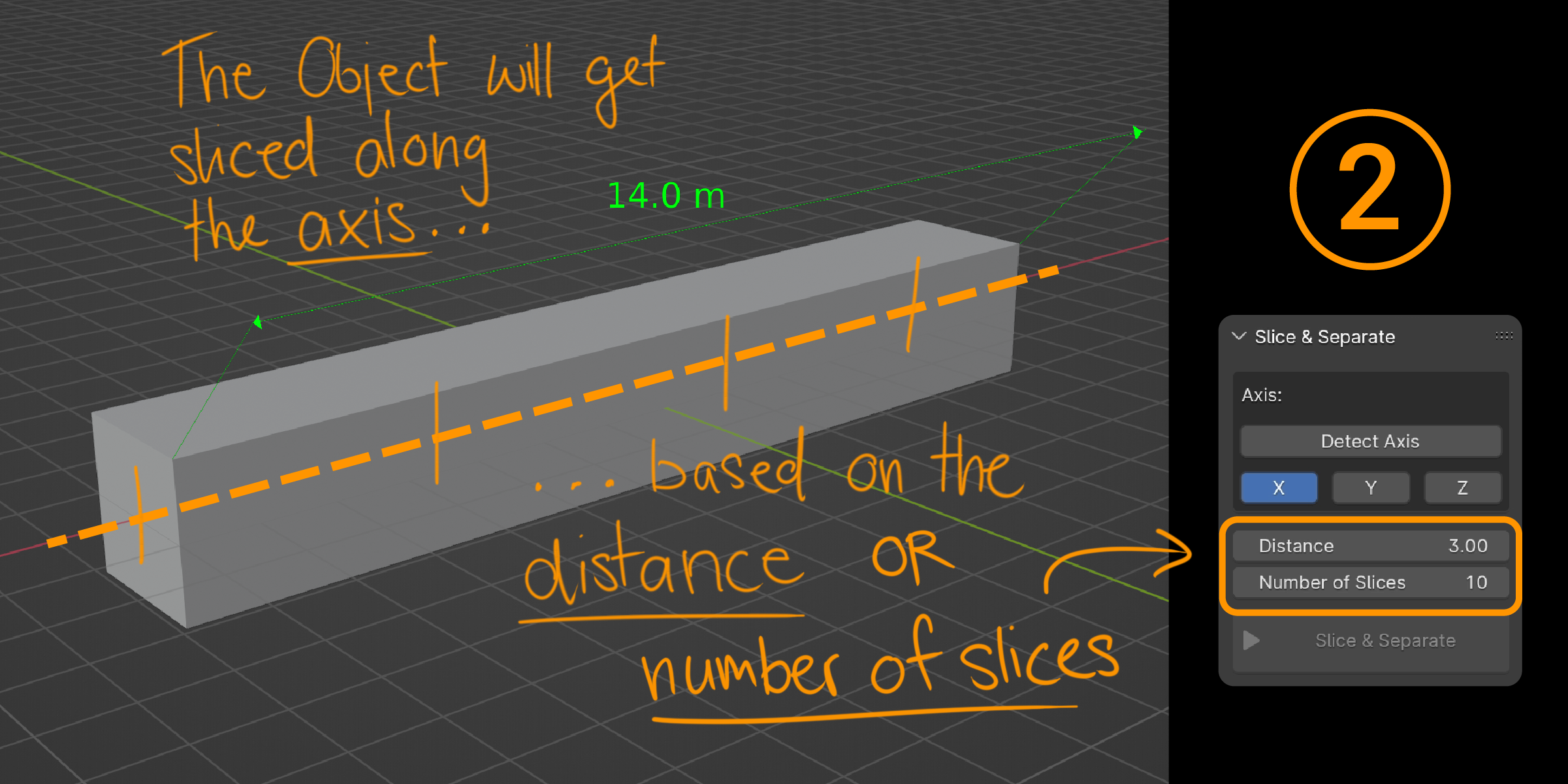
3. Set slicing distance or number of slices
4. Hit the button!
Please use the "Ask a Question" feature of Blendermarket to get in contact with me.
$5
Have questions about this product?
Login to message
| Sales | 30+ |
| Published | almost 3 years ago |
| Blender Version | 3.6 - 4.5 |
| Extension Type | N/A |
| License | GPL |
