 KushiroCG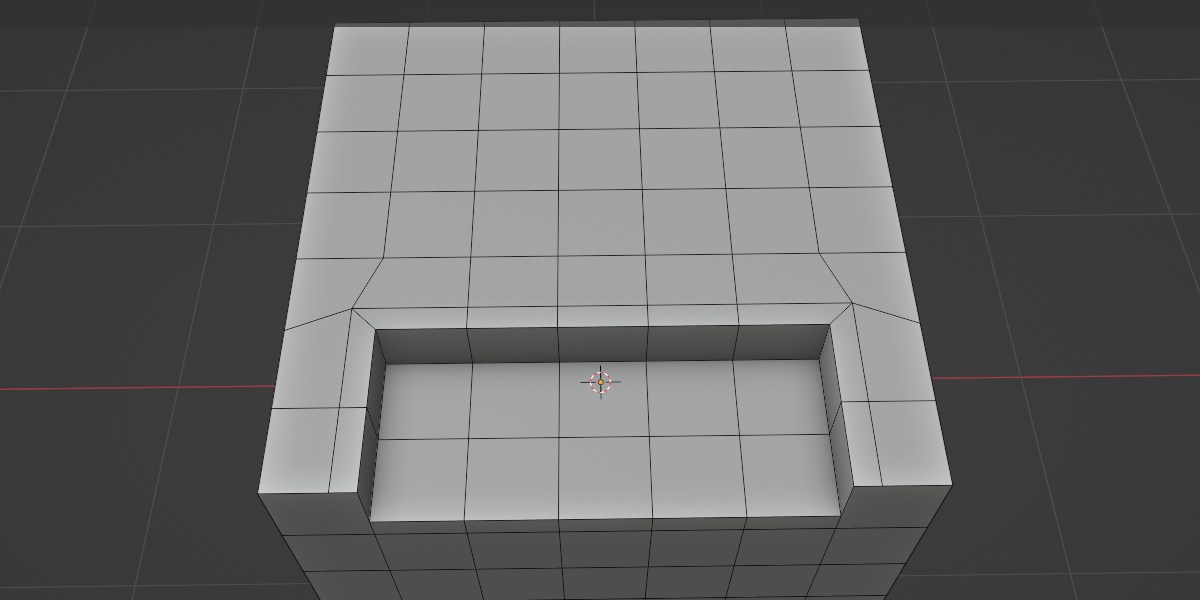
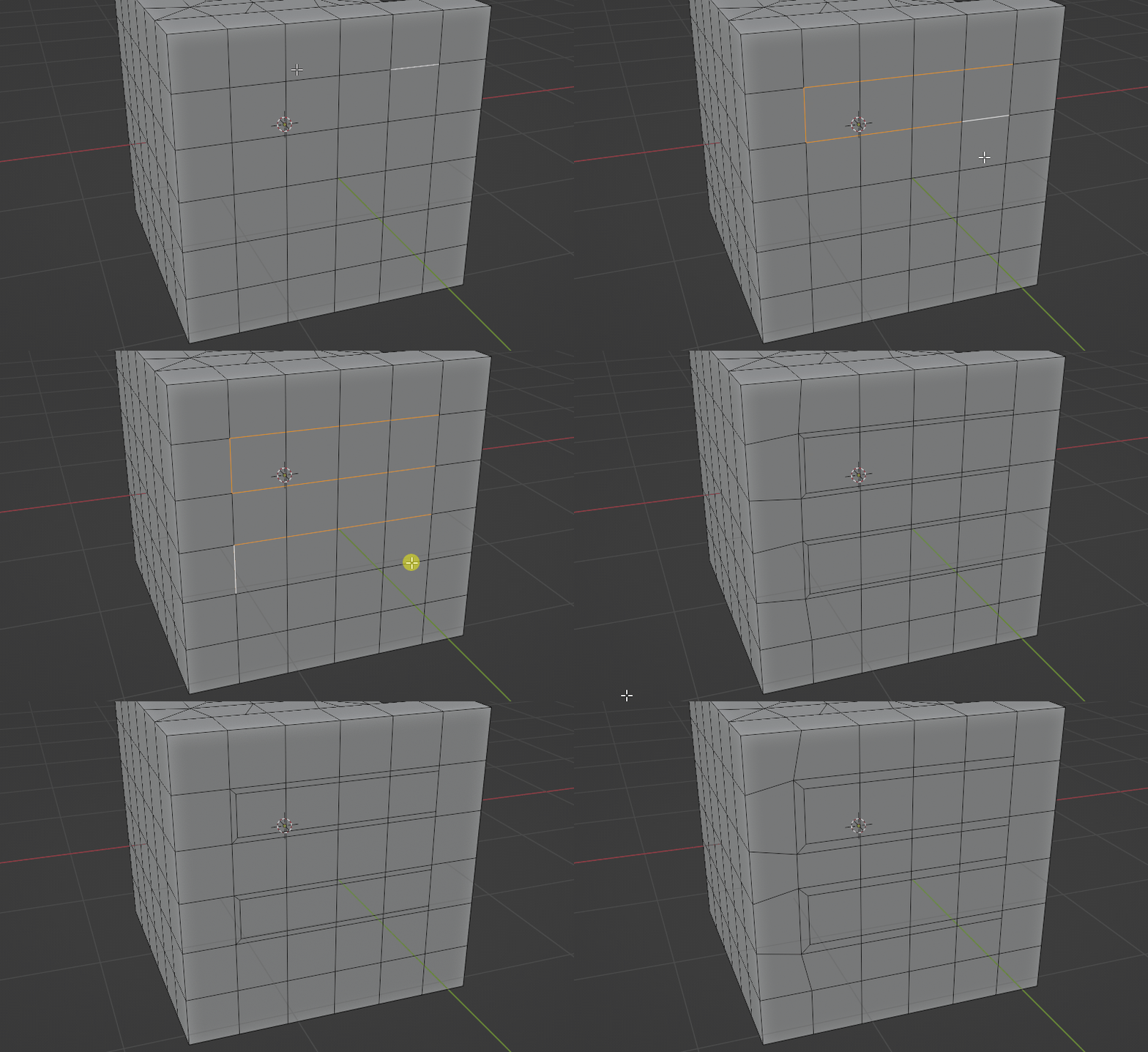
Usage
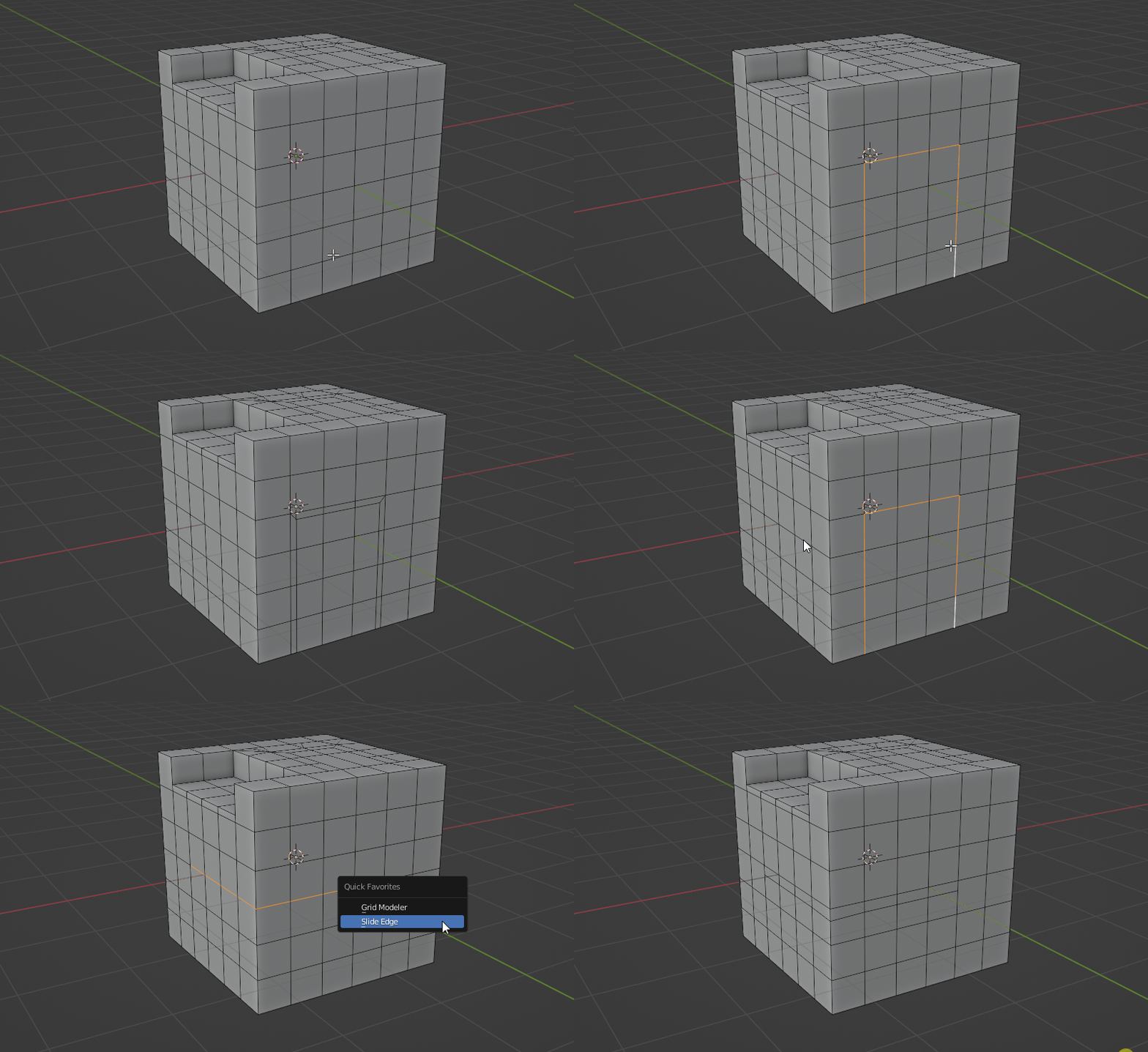
Switch to blender edit mode > edge mode
Select your edges
Right click on the 3d viewport (context menu pop up)
Select Slide Edge from the bottom of menu
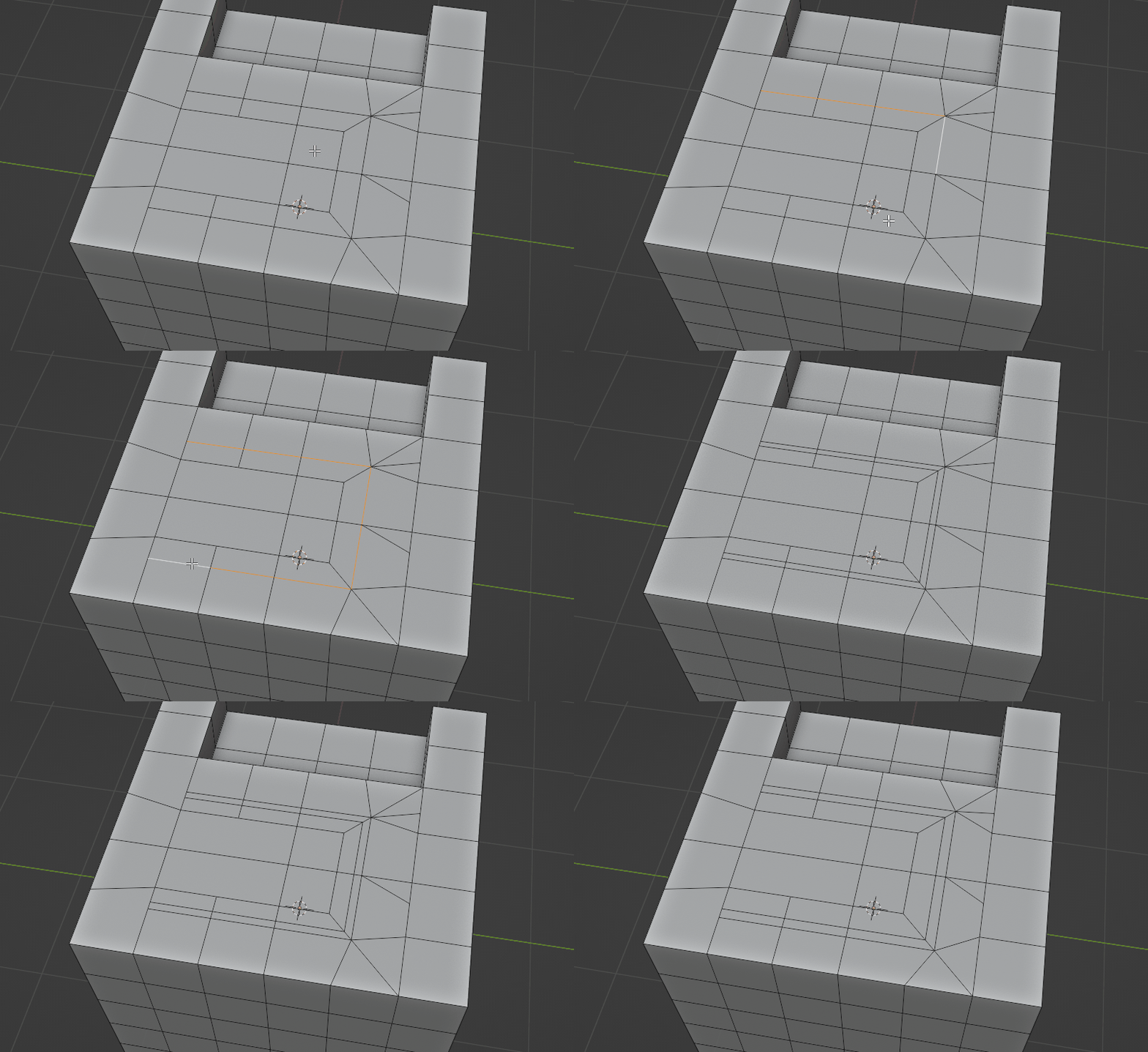
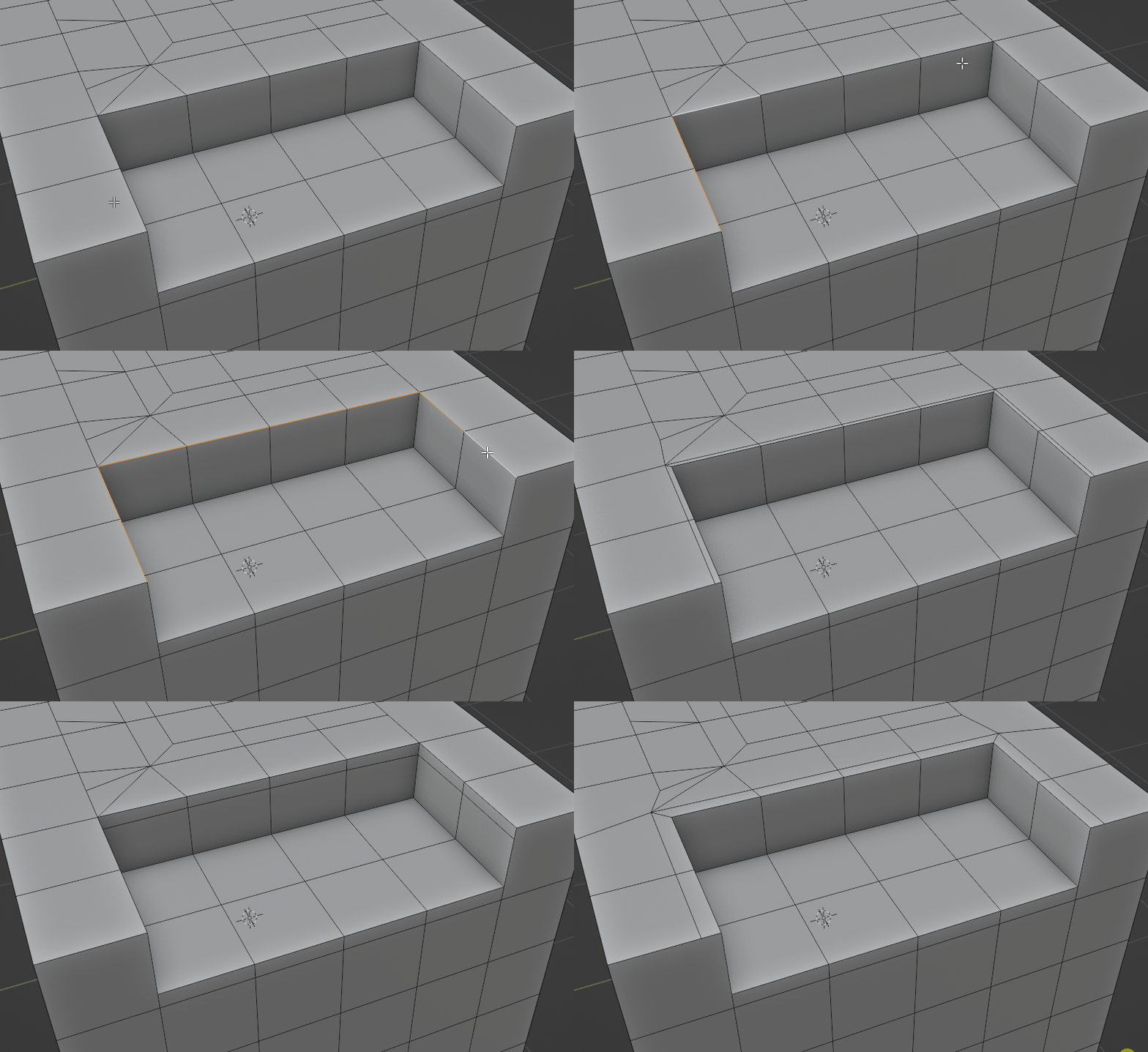
You can adjust the sliding distance (moving mouse cursor left and right)
You can hold Shift key to adjust slowly
Left click mouse to confirm
You can change the setting at the Left-bottom menu too
Have questions about this product?
Login to message
| Blender Extension Compatible | Yes |
| Sales | 1300+ |
| Rating | 13 ratings |
| Dev Fund Contributor | |
| Published | over 4 years ago |
| Blender Version | 2.83 - 5.2 |
| Extension Type | Add-on |
| License | GPL |
Discover more products like this
winter24 3d modeling spring24 bfcm24 summer24 quad-topology loveblender addon