Smart Asset Utilities
 Dreamy Art World


Is customer support available?
Yes. For bug reports, feature requests, visit the Support email provided in the documentation or the marketplace listing.
Can I delete objects using filters and search terms?
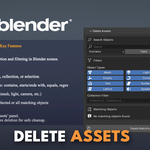
Yes. The Delete Assets tool supports advanced filtering, including:
Name-based searches (e.g., regex, contains, equals)
Object types (mesh, light, camera, etc.)
Specific collections
Does this addon preserve UVs, materials, and volume during optimization?
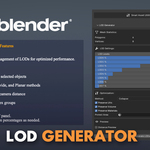
Yes. The LOD Generator allows toggling options to preserve UVs, volume, and materials, and you can even protect specific areas using vertex groups.
Can I generate multiple LODs automatically?
Yes. You can create up to 8 LOD levels with custom reduction percentages and choose from methods like Collapse, Un-Subdivide, and Planar depending on your mesh type.
Does it support exporting assets for Unity and Unreal?
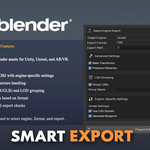
Yes. The Smart Export feature includes engine-specific options for:
Unity: LODGroup component and prefab generation
Unreal: LOD systems and blueprint generation
AR/VR: Mobile-optimized exports and manifest files
How do I install the add-on?
Open Blender
Go to Edit > Preferences > Add-ons
Click Install, select the .zip file, and enable the add-on
You will find it under the SmartAssets tab in the N-panel (3D Viewport)
Which version of Blender is required?
This add-on works with Blender 2.93 or later.
What is Smart Assets Utilities?
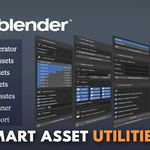
Smart Assets Utilities is a comprehensive Blender add-on that provides tools for managing, optimizing, and preparing 3D assets for game engines and real-time applications. It includes features like LOD generation, smart exporting, asset cleaning, and more.
-
$49.99
-
$149.99
Have questions about this product?
Login to message
| Published | over 1 year ago |
| Blender Version | 2.93 - 5.1 |
| Extension Type | N/A |
| License | GPL |

Discover more products like this
batch-rename mesh optimization 3d tools game asset tools Blender utilities Asset Cleaner asset management LOD Generator Blender Workflow blender addon Smart Export auto-smooth