Blender Procedural


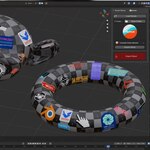
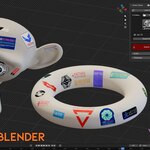
SMART DECAL is a powerful Blender addon that lets you quickly and easily place decals onto any object using a smart raycast based workflow. Instead of wasting time with manual alignment and complicated setups, you can import your decal and place it directly onto the surface with accurate positioning and rotation.
What Makes It Special?
SMART DECAL uses raycast placement to detect the surface under your mouse and align the decal automatically. This makes decal placement much faster, easier, and more precise compared to traditional manual workflows.
How It Works
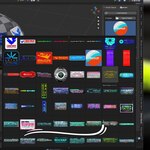
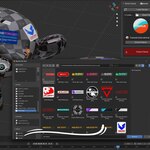
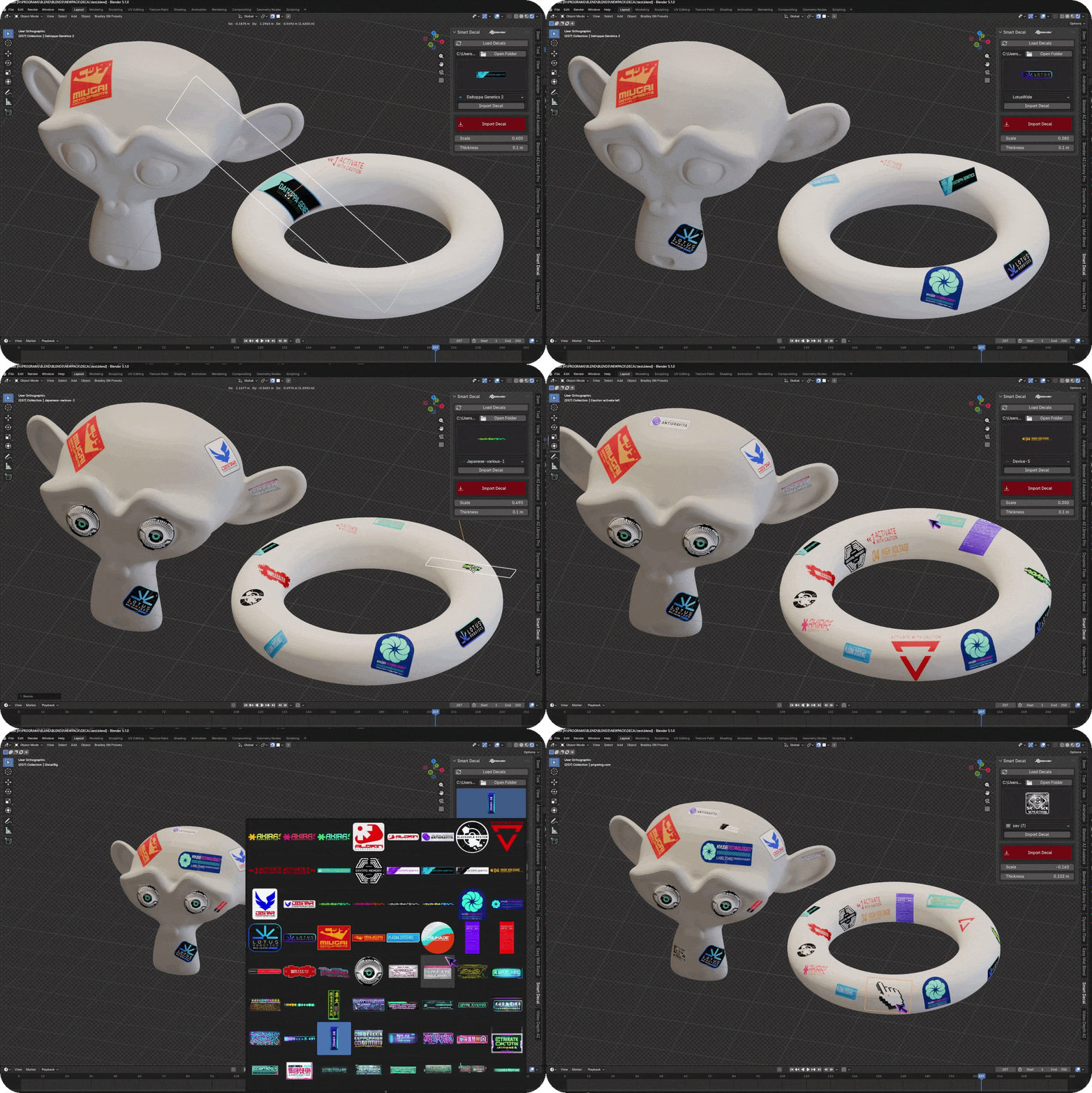
First, click the LOAD Decals button to load your decal library. Once your decals are loaded, choose the decal you want from the preview list and click Import Decal. The selected decal will be imported and ready to place onto your object.
If you use the red Import Decal button, you can directly choose decal maps from your files and automatically import them into Blender without needing to load them from the decal list first.

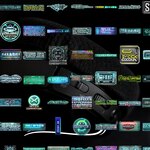
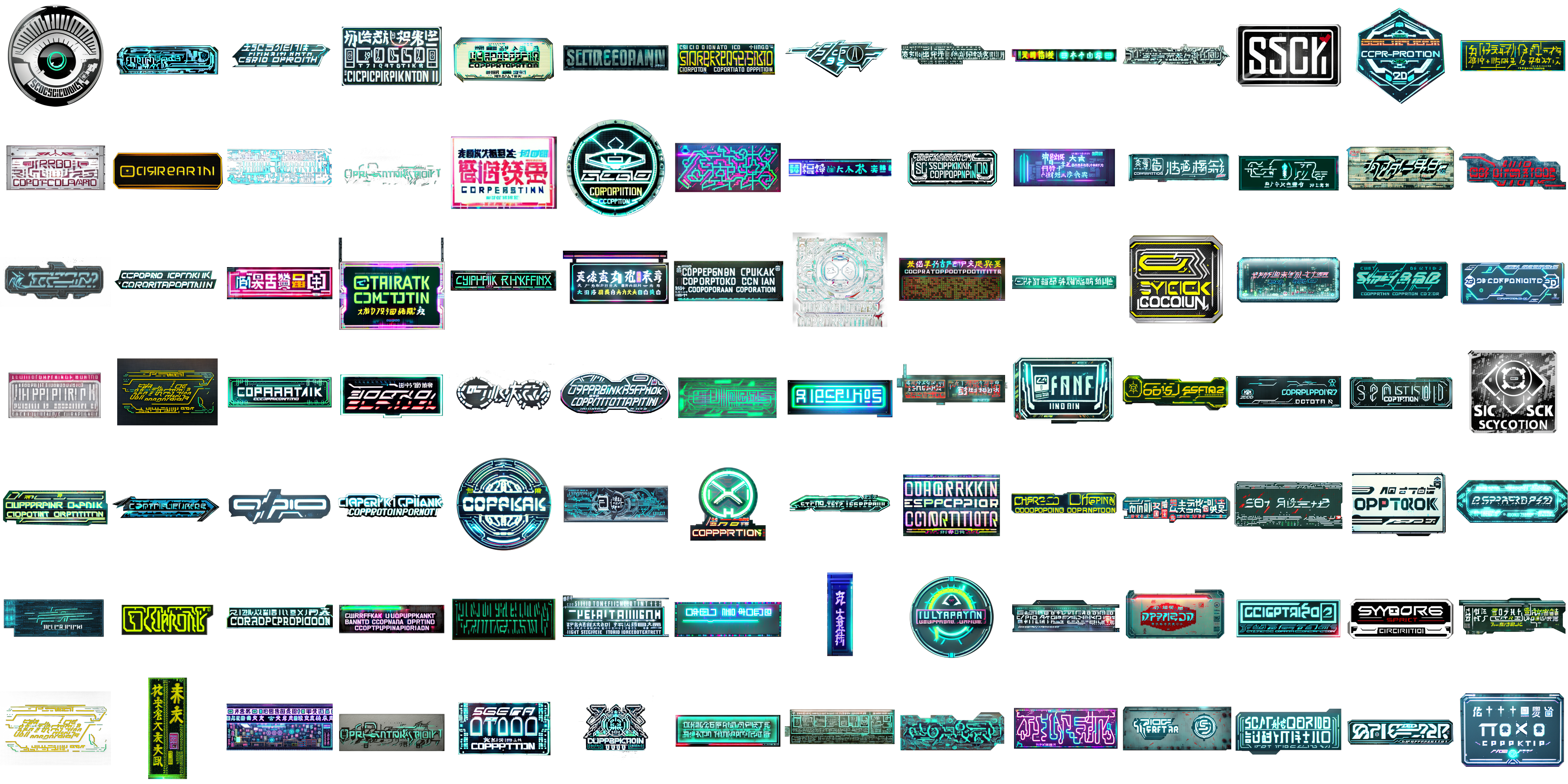
Bonus: 100+ Ready-to-Use Decals Included (Decal Maps Are AI Generated)
Main Features
• Raycast-based decal placement
• Smart surface alignment
• Fast and intuitive workflow
• Import decals from a loaded library
• Direct decal import from your own files
• Automatic material assignment
• Easy placement with snapping support
• Non-destructive workflow
Documentation
1. Click LOAD Decals.
2. Select the decal you want from the loaded list.
3. Click Import Decal to import the selected decal.
4. Move and place the decal onto your object using the smart raycast workflow.
5. Or click the red Import Decal button to select decal maps directly from your files and import them automatically.
Why Use SMART DECAL?
Traditional decal workflows can be slow, tedious, and difficult to control. SMART DECAL simplifies the entire process by giving you a clean and efficient system for importing, placing, and aligning decals directly inside Blender.
Perfect For
• Hard surface detailing
• Sci-fi panels and labels
• Damage and dirt decals
• Product visualization
• Environment detailing
• Game asset creation
SMART DECAL is a powerful Blender addon that lets you quickly and easily place decals onto any object using a smart raycast based workflow. Instead of wasting time with manual alignment and complicated setups, you can import your decal and place it directly onto the surface with accurate positioning and rotation.
What Makes It Special?
SMART DECAL uses raycast placement to detect the surface under your mouse and align the decal automatically. This makes decal placement much faster, easier, and more precise compared to traditional manual workflows.
How It Works
First, click the LOAD Decals button to load your decal library. Once your decals are loaded, choose the decal you want from the preview list and click Import Decal. The selected decal will be imported and ready to place onto your object.
If you use the red Import Decal button, you can directly choose decal maps from your files and automatically import them into Blender without needing to load them from the decal list first.
Bonus: 100+ Ready-to-Use Decals Included (Decal Maps Are AI Generated)
Main Features
• Raycast-based decal placement
• Smart surface alignment
• Fast and intuitive workflow
• Import decals from a loaded library
• Direct decal import from your own files
• Automatic material assignment
• Easy placement with snapping support
• Non-destructive workflow
Documentation
1. Click LOAD Decals.
2. Select the decal you want from the loaded list.
3. Click Import Decal to import the selected decal.
4. Move and place the decal onto your object using the smart raycast workflow.
5. Or click the red Import Decal button to select decal maps directly from your files and import them automatically.
Why Use SMART DECAL?
Traditional decal workflows can be slow, tedious, and difficult to control. SMART DECAL simplifies the entire process by giving you a clean and efficient system for importing, placing, and aligning decals directly inside Blender.
Perfect For
• Hard surface detailing
• Sci-fi panels and labels
• Damage and dirt decals
• Product visualization
• Environment detailing
• Game asset creation
🚀 Explore More by Blender Procedural