Smart Decal - One-Click Decal Projection & Surface Placement
 Blender Procedural


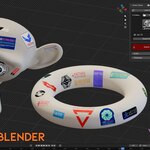
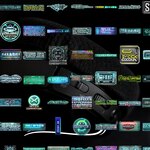
Documentation
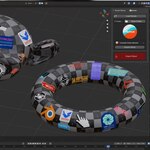
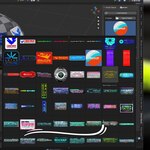
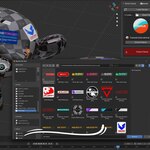
1. Click LOAD Decals.
2. Select the decal you want from the loaded list.
3. Click Import Decal to import the selected decal.
4. Move and place the decal onto your object using the smart raycast workflow.
5. Or click the red Import Decal button to select decal maps directly from your files and import them automatically.
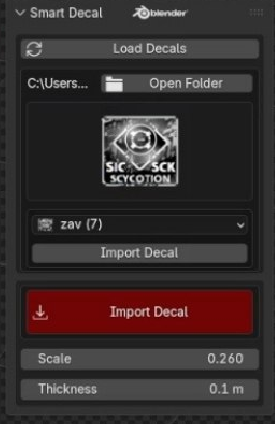
3. Click Import Decal to import the selected decal.
4. Move and place the decal onto your object using the smart raycast workflow.
5. Or click the red Import Decal button to select decal maps directly from your files and import them automatically.
$5$3.50
Have questions about this product?
Login to message
| Blender Extension Compatible | Yes |
| Sales | 30+ |
| Dev Fund Contributor | |
| Published | 6 months ago |
| Blender Version | 5.1 |
| Extension Type | Add-on |
| Render Engine Used | Cycles, Eevee |
| License | GPL |
Discover more products like this
Material asset environment instant decal decal tool auto decal game-dev Blender tool blender addon decals decal