 blenderVfxMaster
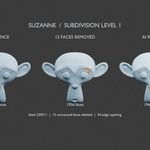
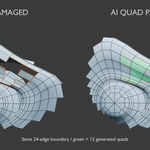
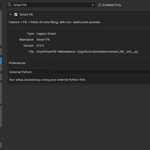
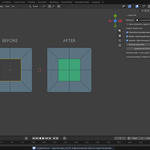
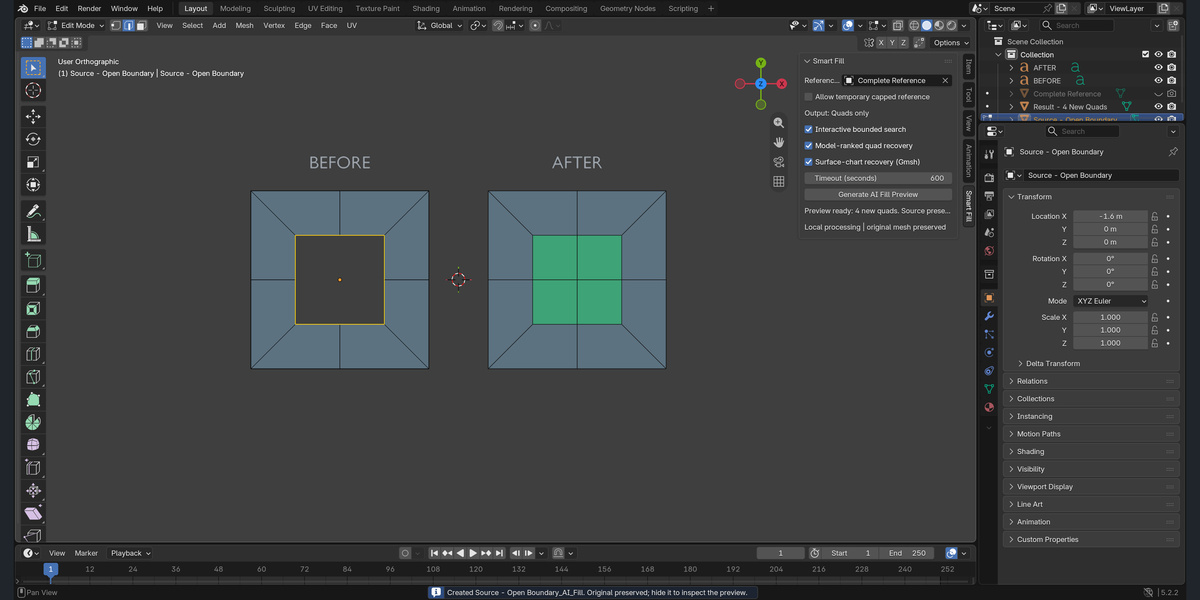
Fill an open boundary with a quad patch, while keeping your original mesh intact. Smart Fill creates a separate preview object so you can inspect the topology before adopting the result.
For Blender 5.2 on macOS Apple Silicon. A complete reference surface and an external Python backend are required for the intended workflow. This release requires a separate backend setup.
Quad Patches, Not Triangle Fill
Select one complete, even boundary loop and generate a quad-only candidate. Successful patches are checked for boundary closure and quad shape. If no acceptable patch is found, Smart Fill reports failure instead of silently filling the remaining area with triangles.
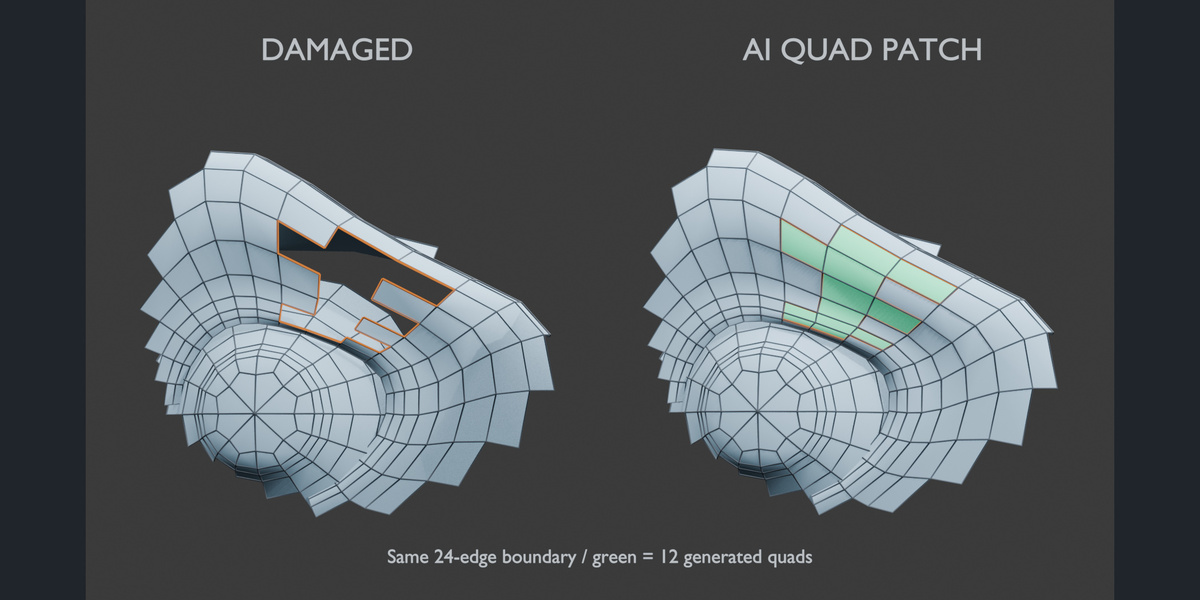
A Preview You Can Inspect
Your source vertices and faces stay unchanged. The result is a new object, making it easy to compare the original opening with the generated patch. Face counts and edge flow may differ from the removed region.
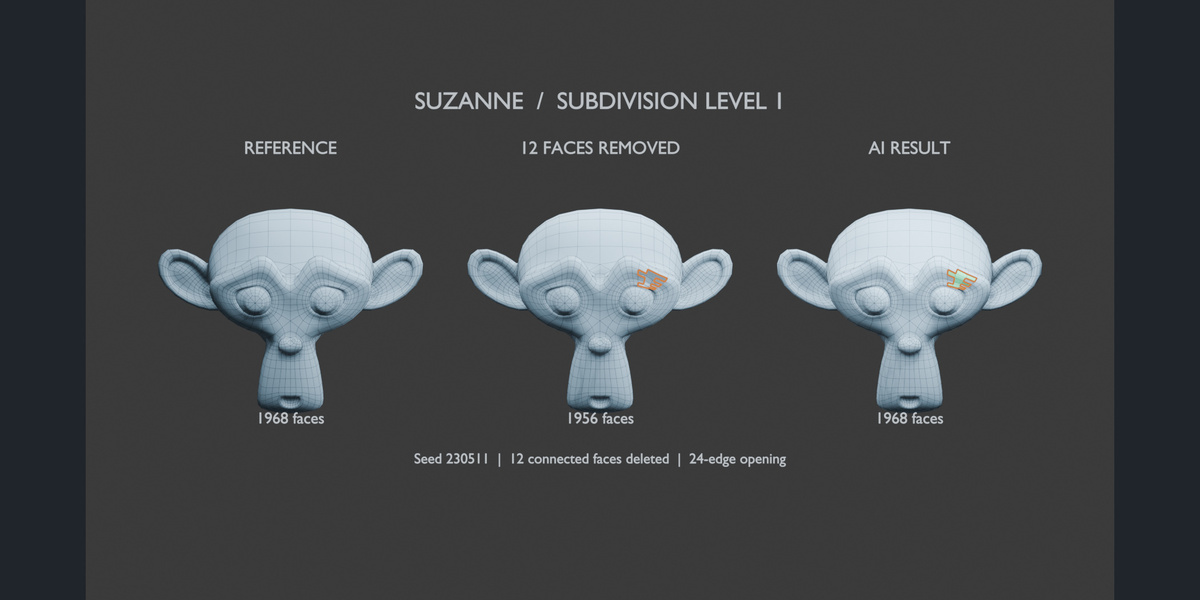
Focused Sidebar Controls
Choose your Reference Surface, use bounded search, enable optional enhanced surface recovery, and set a timeout from the Smart Fill sidebar. Processing runs locally in a separate process; Escape cancels an active operation.
Clear Backend Configuration
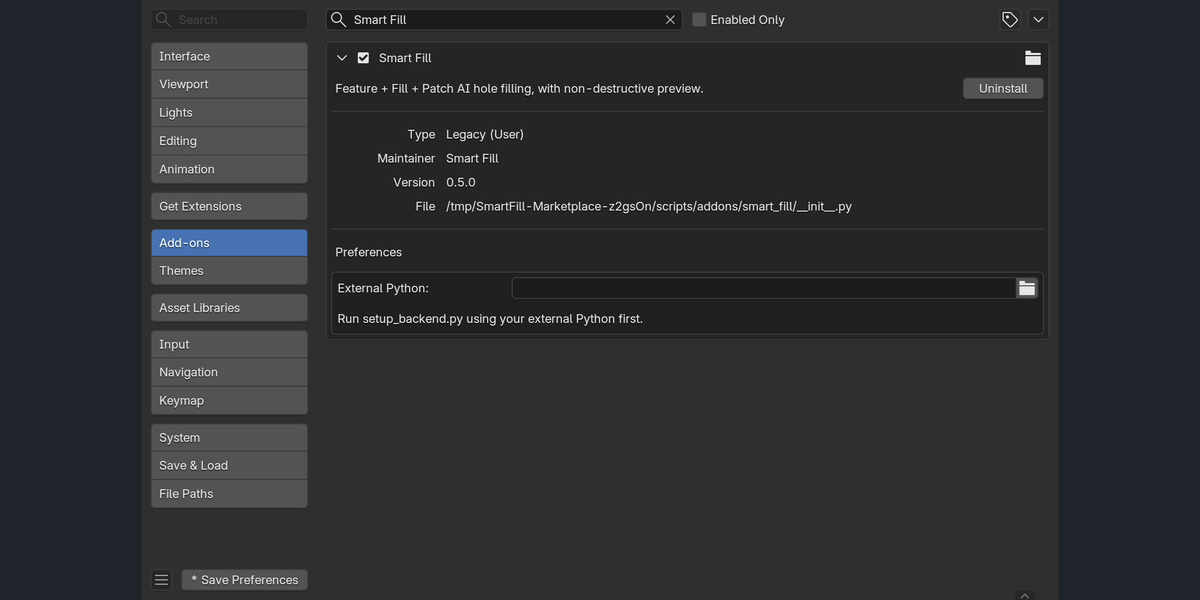
Point Smart Fill to an external Python environment with NumPy and PyTorch. Optional enhanced surface recovery also needs Gmsh 4.15.2. The package includes a setup helper and English documentation. Dependency downloads are separate from the add-on ZIP.
Compatibility and Scope
- Tested with Blender 5.2.2 on macOS Apple Silicon. Windows is not supported in this release; Intel macOS and Linux are not tested.
- One selected open boundary at a time, with an even count of 4 to 64 edges.
- A separate, complete reference surface is strongly recommended. The optional temporary cap is an approximation and cannot recover missing surface detail.
- Enhanced surface-chart recovery requires the boundary vertices and edges to coincide with the reference surface.
- Existing mesh UV and material data are retained in the preview. New faces need their own UV work and material review.
- Shape keys and multi-object Edit Mode are not supported. Modifier stacks, constraints and animation are not copied to the preview.
Know the Limits Before You Buy
Smart Fill is a single-hole patch tool, not full-object automatic retopology. Strong folds, self-occlusion, irregular boundaries and unsuitable reference surfaces can still fail. In a fixed development stress test, version 0.5 passed 11 of 15 larger-hole cases; four strongly folded cases remained unsuccessful. These figures are not a universal success guarantee.
The screenshots show actual Blender controls and generated results. The featured cover is conceptual artwork. Review every generated patch before using it in production.