Smart Fill — Quad Hole Filling for Blender (macOS)
 blenderVfxMaster

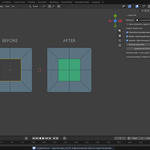
Quick Start
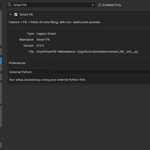
- Read INSTALLATION.txt in the download and configure an external Python 3.11+ environment with NumPy and PyTorch. For enhanced surface recovery, also install Gmsh 4.15.2.
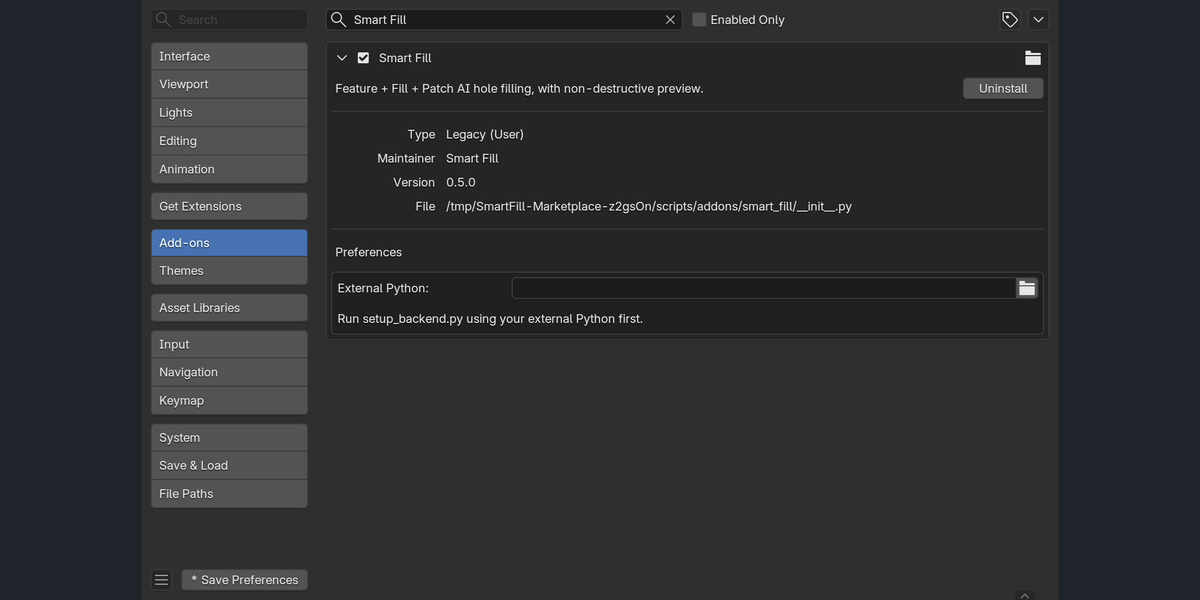
- Enable Smart Fill in Blender 5.2 on macOS Apple Silicon and set External Python in its add-on settings.
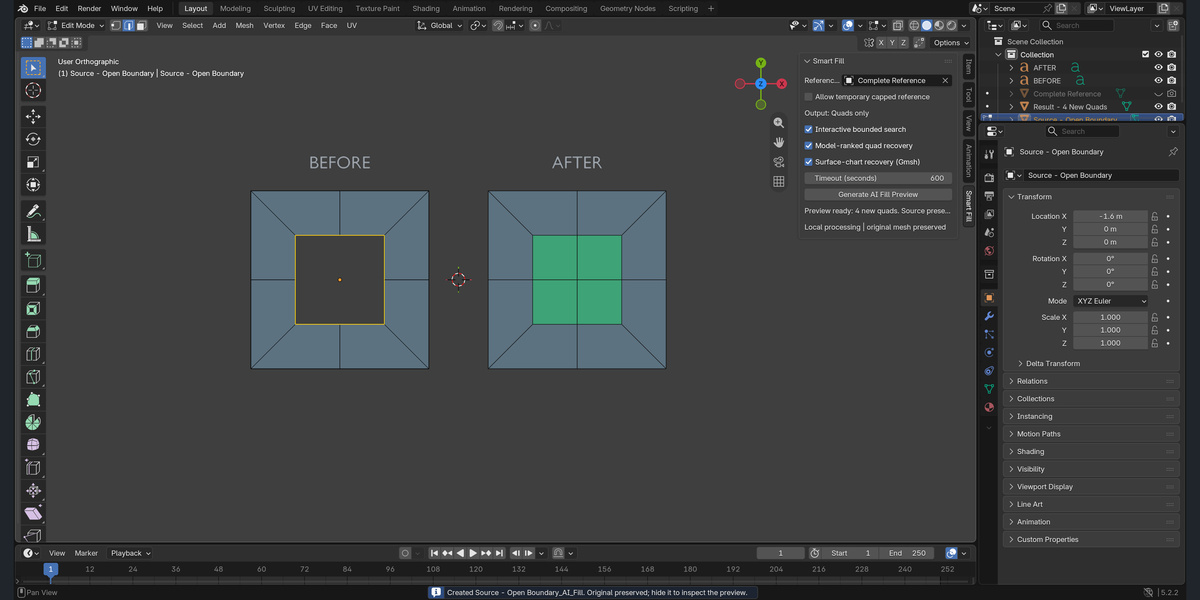
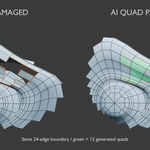
- In Edit Mode, select exactly one complete open boundary loop with an even count of 4-64 edges.
- Choose a separate complete Reference Surface and face the opening in the viewport.
- Generate the preview from the Smart Fill sidebar. Hide the source when inspecting the new object. Review the result before adopting it.
Escape cancels an active operation. If processing fails, the source is unchanged. Smaller holes and a suitable reference/view may help. New UVs require manual work. Windows is not supported in this release.
Have questions about this product?
Login to message
| Published | about 3 hours ago |
| Blender Version | 5.2 |
| Extension Type | N/A |
| Render Engine Used | Cycles, Eevee |
| License | GPL |
Discover more products like this
modeling blender addon mesh repair apple silicon quad-topology hole filling macos retopology