 blenderustad
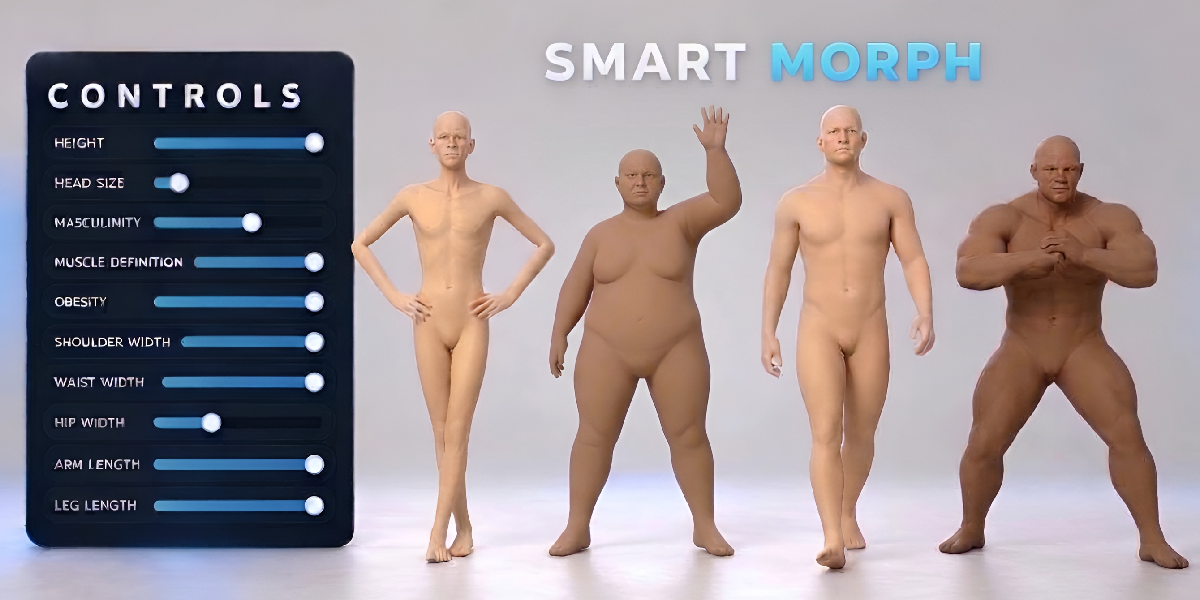
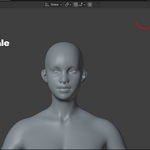
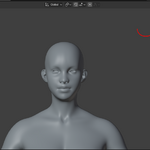
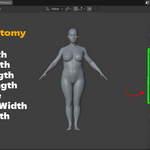
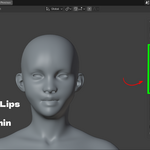
The problem: reshaping a base mesh takes too long
You have a base mesh, but every new character needs a different body. Taller, heavier, more muscular, older, a wider jaw, smaller eyes. In plain Blender that means sculpting, proportional editing, or building your own shape keys one by one. It is slow, hard to repeat, and easy to break.
The solution: body shape sliders in one sidebar panel
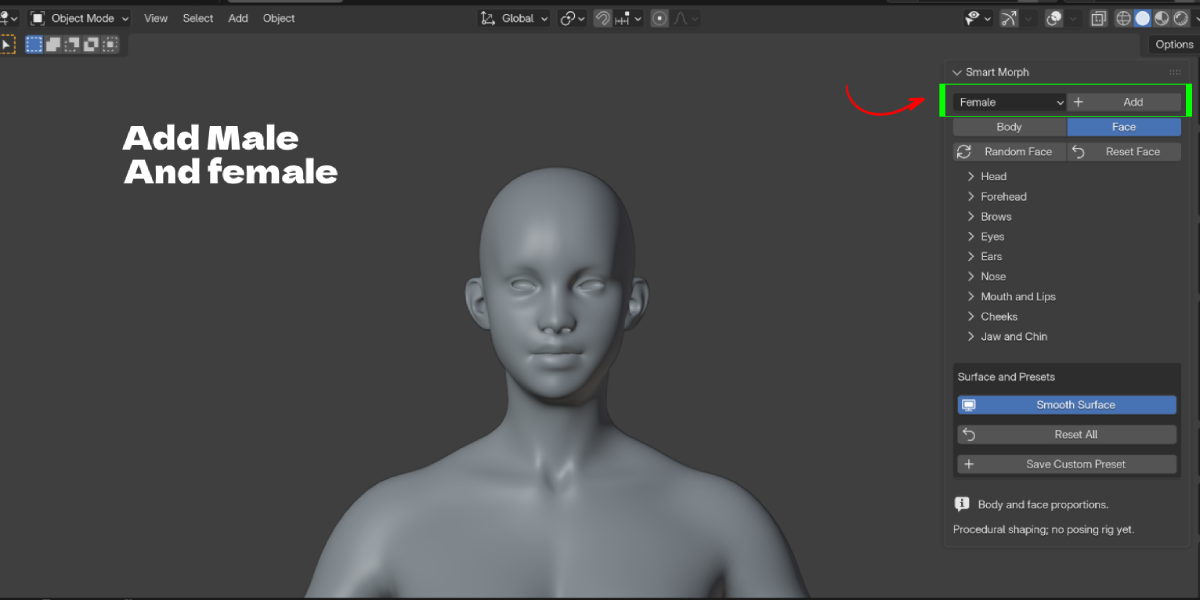
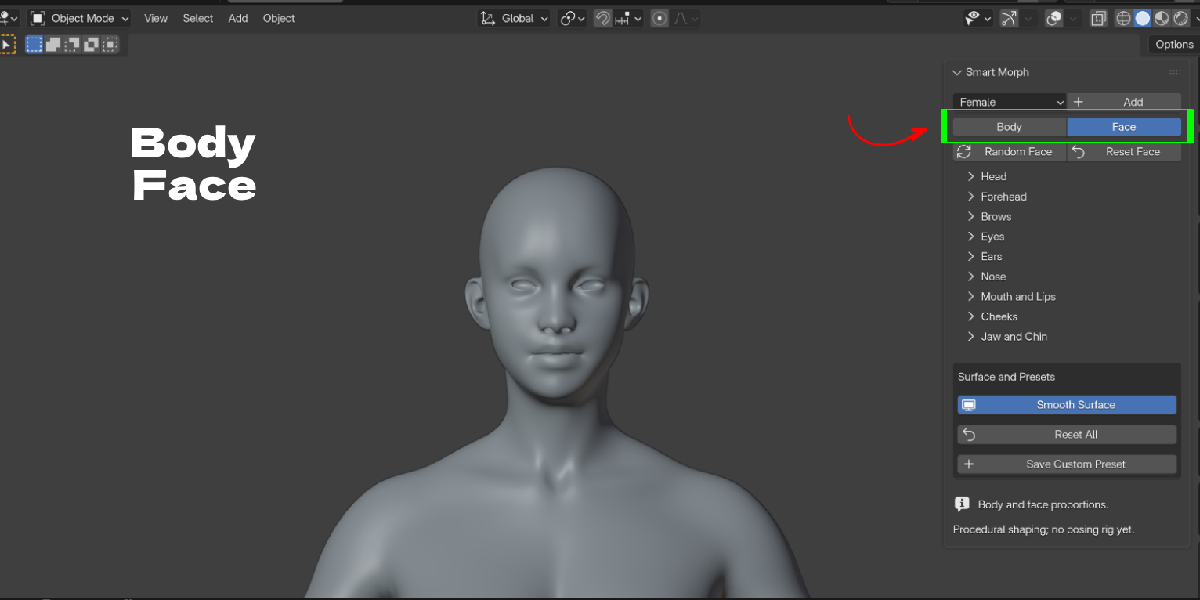
Smart Morph gives you a female and a male base mesh with proportion sliders already built in. Add a character, pick Body or Face, and drag sliders. Zero is neutral, negative makes a part smaller, positive makes it bigger. Left and right sides stay linked, so the body stays symmetrical.
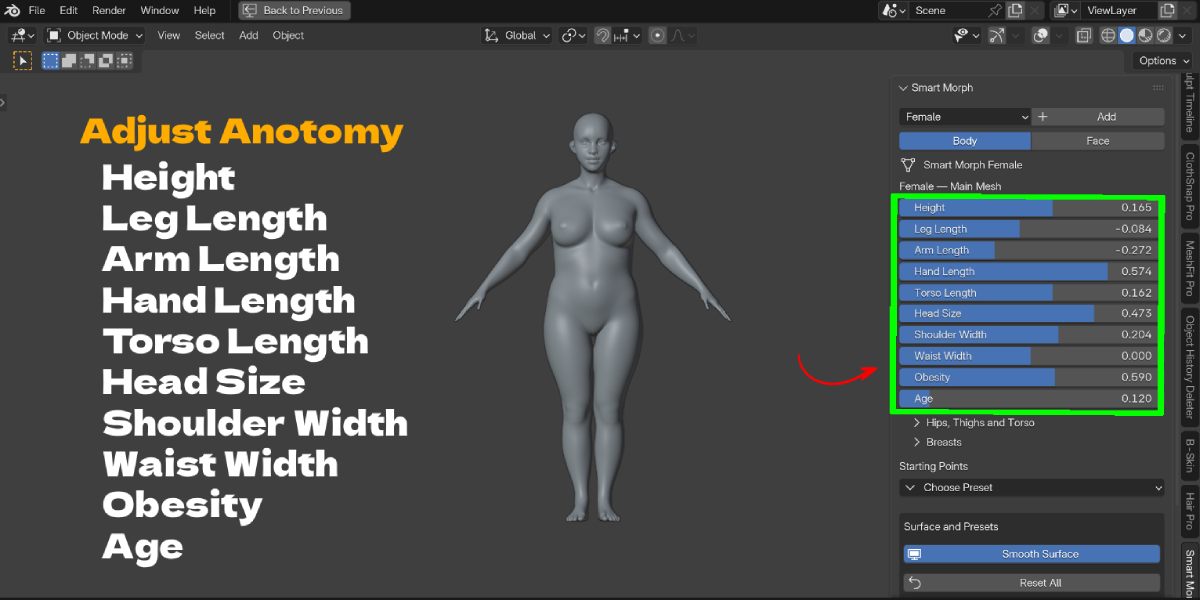
Change body proportions without sculpting
Height, leg length, arm length, hand length, torso length, head size, shoulders, waist, hips, torso depth, thighs, glutes, obesity, age, belly size and belly drop. Feet stay on the ground when you change leg length, hands follow the arms, and the head and arms follow the torso. The female body adds breast volume, spacing, projection, fullness and hang. The male body adds masculinity and muscle definition.
Face shape sliders for every part of the head
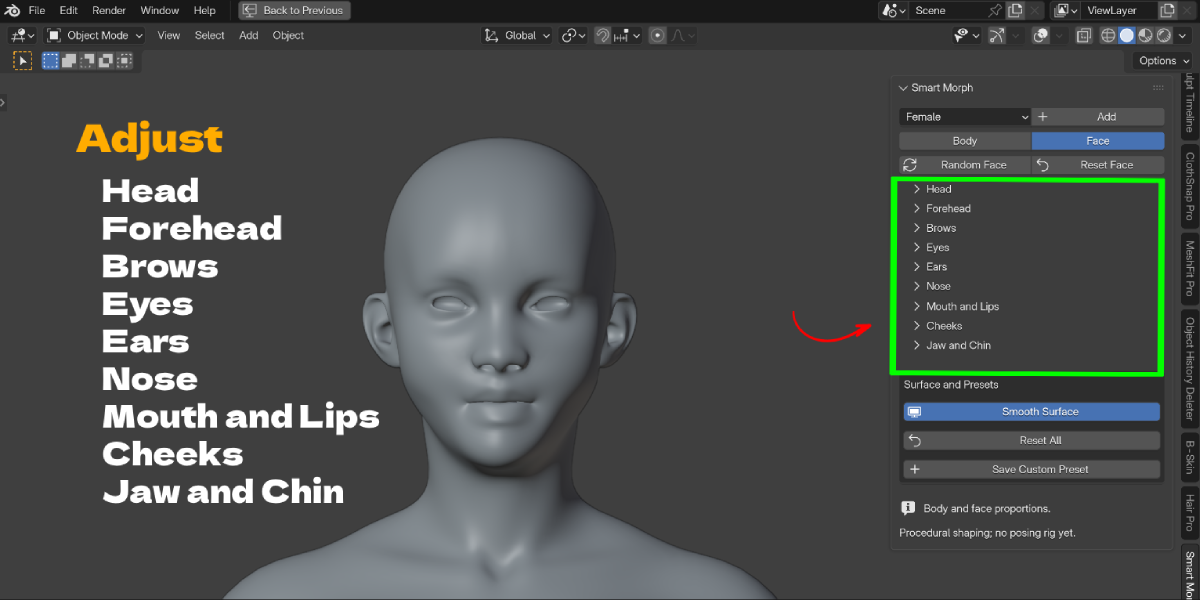
39 face sliders grouped into Head, Forehead, Brows, Eyes, Ears, Nose, Mouth and Lips, Cheeks, and Jaw and Chin. Eyes, ears and cheeks also have left and right offsets for natural asymmetry. Not sure where to start? Click Random Face to get a new face without touching the body.
Body type presets as starting points
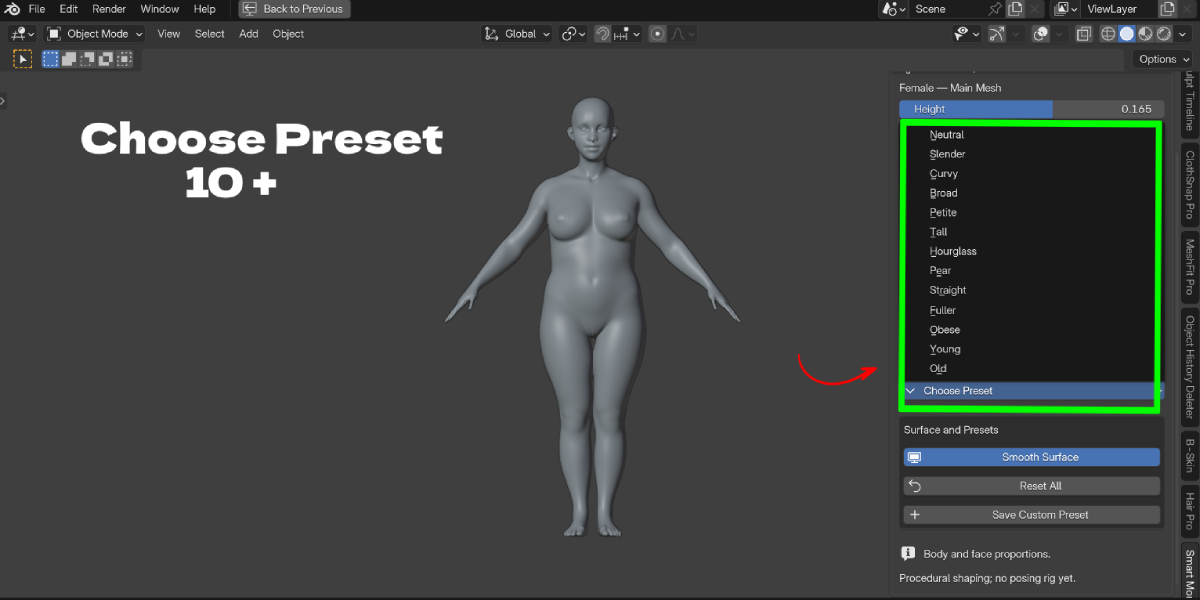
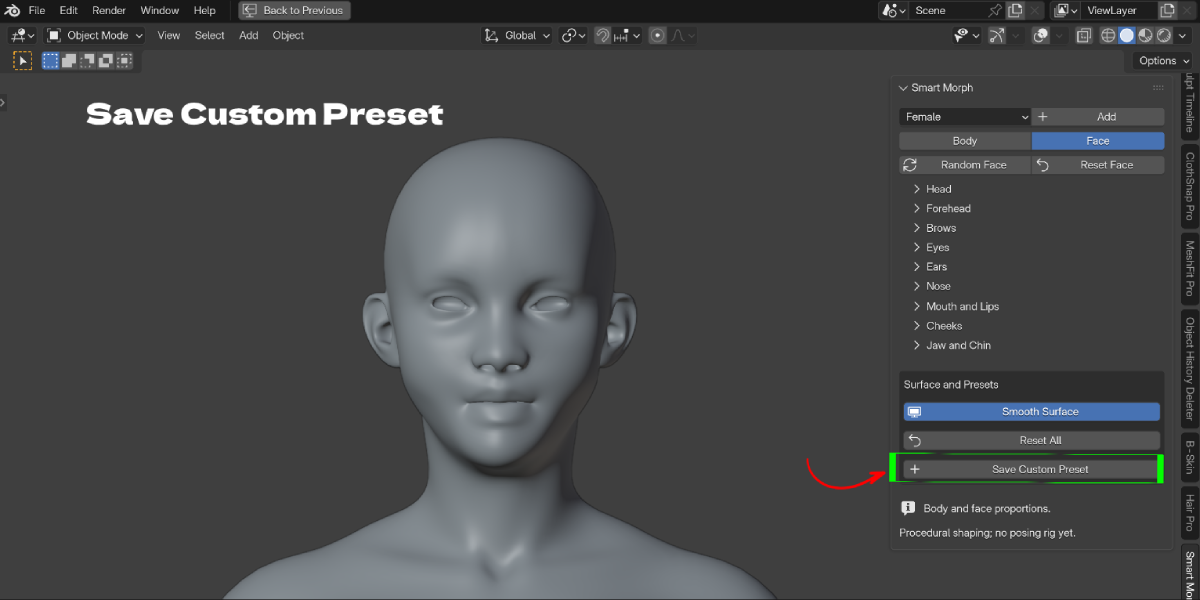
Choose from 13 female presets (Neutral, Slender, Curvy, Broad, Petite, Tall, Hourglass, Pear, Straight, Fuller, Obese, Young, Old) and 9 male presets (Neutral, Athletic, Bodybuilder, Strongman, Obese, Slender, Broad, Young, Old). Then fine tune with the sliders and save your own presets on the character.
Key Features
- Female and Male base meshes: add either one at the 3D cursor with one click. Benefit: no hunting for a base mesh or importing files.
- Body proportion sliders: height, limb lengths, torso, head size, shoulders, waist, hips and more. Benefit: change body proportions without sculpting.
- Smart length controls: feet stay grounded, hands follow arm length, head and arms follow the torso. Benefit: no manual repositioning after each change.
- Body build controls: obesity, age, belly size and belly drop on both bodies; masculinity and muscle definition on the male. Benefit: heavy, athletic or older characters from the same mesh.
- Female specific controls: breast volume, spacing, projection, upper and lower fullness, and hang. Benefit: varied female body types without extra modeling.
- 39 face shape sliders: head, forehead, brows, eyes, ears, nose, mouth and lips, cheeks, jaw and chin. Benefit: each character gets a different face.
- Left and right offsets: for eyes, ears and cheeks. Benefit: subtle asymmetry that makes faces look less like a template.
- Random Face: creates a new face and leaves body proportions, transforms and presets alone. Benefit: quick variations for crowds and background characters.
- 22 body type presets: 13 female and 9 male Starting Points. Benefit: a sensible start instead of a blank neutral body.
- Custom presets saved on the character: save body and face values by name, load them with one click, delete with X. Benefit: reuse a look across scenes once the .blend is saved.
- Auto framing: clicking Body frames the full character from the front; clicking Face frames a close up. Benefit: no fiddling with the viewport between steps.
- Smooth Surface toggle and Reset controls: turn viewport subdivision on or off, Reset Face, or Reset All. Benefit: a light viewport and a fast way back to neutral.
Workflow Benefits
- Before: import a base mesh, enter Sculpt mode, pull proportions by hand, then fix symmetry. With Smart Morph: click Add, open Body, drag sliders.
- Before: sculpt a new face for each character. With Smart Morph: open Face, click Random Face, then adjust the groups you care about.
- Before: remember the settings you used last time. With Smart Morph: save a custom preset on the character and load it later.
- Every change is a slider value, so you can go back with Blender Undo, Reset Face or Reset All instead of undoing sculpt strokes.
- Turn Smooth Surface off when the scene gets heavy and back on for previews.
Who it is for
- Character artists who need a quick body and face blockout before sculpting detail.
- Game developers and indie studios making several NPC body types from one base.
- Illustrators and concept artists who want a quick reference body shape in the right proportions.
- Animators and previs artists filling a scene with varied background characters.
- Fashion and clothing designers testing garments on different body types.
- Students learning human proportions by comparing body types side by side.
Limits (please read)
Smart Morph is a proportion tool. It is not a posing rig or facial animation system. It does not include UVs, skin textures, an expression library or separate eyeballs. Extreme slider combinations may need artist cleanup.
