 blenderVfxMaster



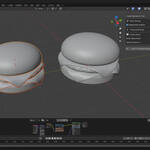
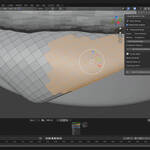
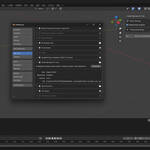
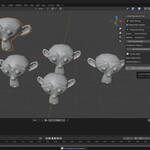


Smart Normals Fix Tool – Intelligent Mesh Normal Repair
🎯 One-Click Solution for All Your Normal Issues
Transform your mesh workflow with the most intelligent normal-fixing tool for Blender.
Say goodbye to tedious manual adjustments—welcome automated perfection.

✨ Key Features
🧠 Smart Analysis Engine
-
Detects flipped normals, duplicate vertices, and mesh issues
-
Recommends optimal auto-smooth angles based on geometry complexity
-
Provides real-time feedback on problems and solutions
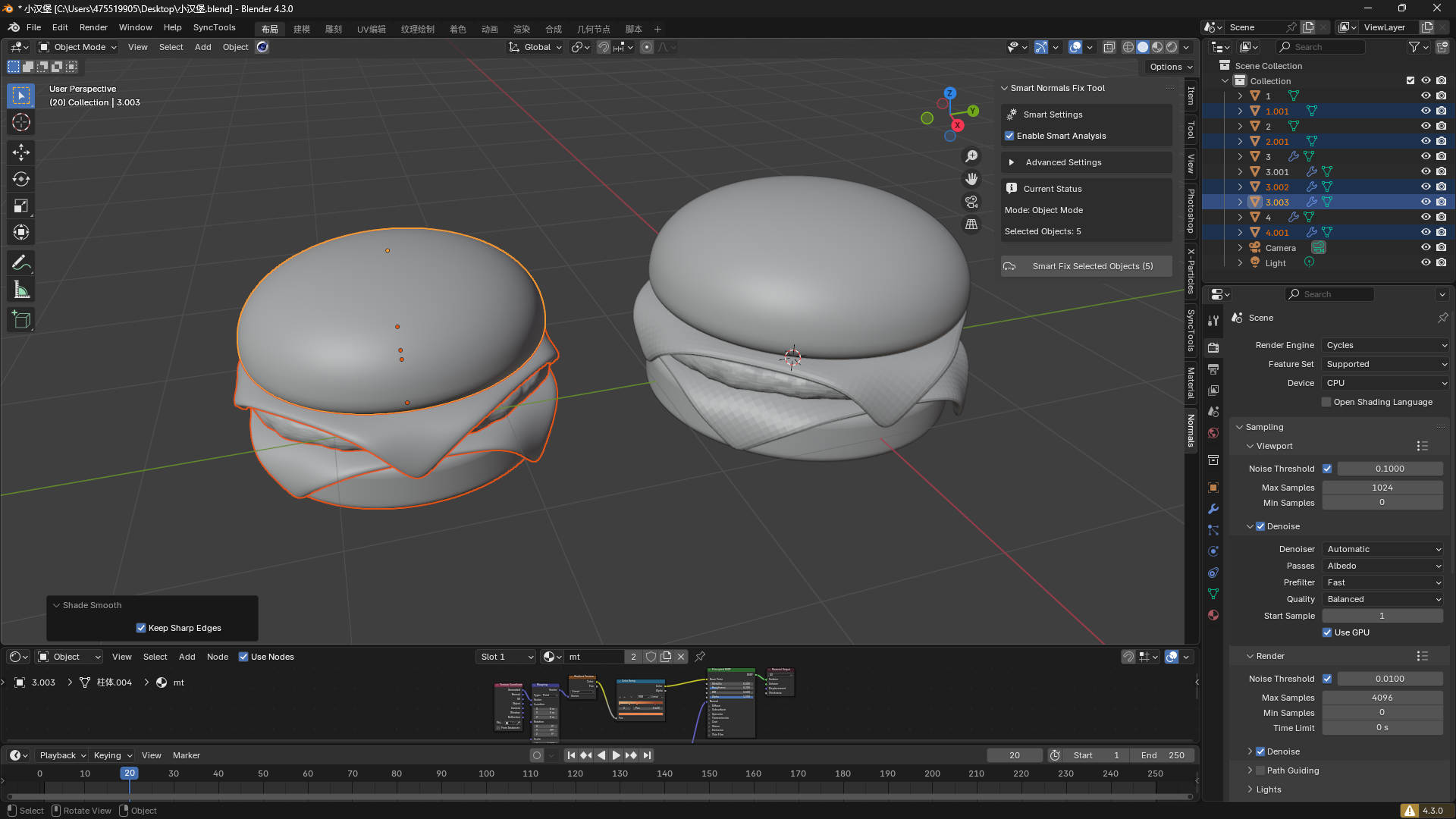
⚡ Context-Aware Operation
-
Face-Level Precision: Fix selected faces in Edit Mode
-
Object-Level Processing: Handle multiple objects at once
-
Scene-Wide Cleanup: Process all meshes with one click
-
Smart Detection: Auto-determines the best scope based on your selection
🔧 Advanced Processing Options
-
Clear custom split normals
-
Intelligent vertex merging with distance control
-
Recalculate outside normals
-
Auto-smooth with smart angle recommendations
-
Apply smooth shading
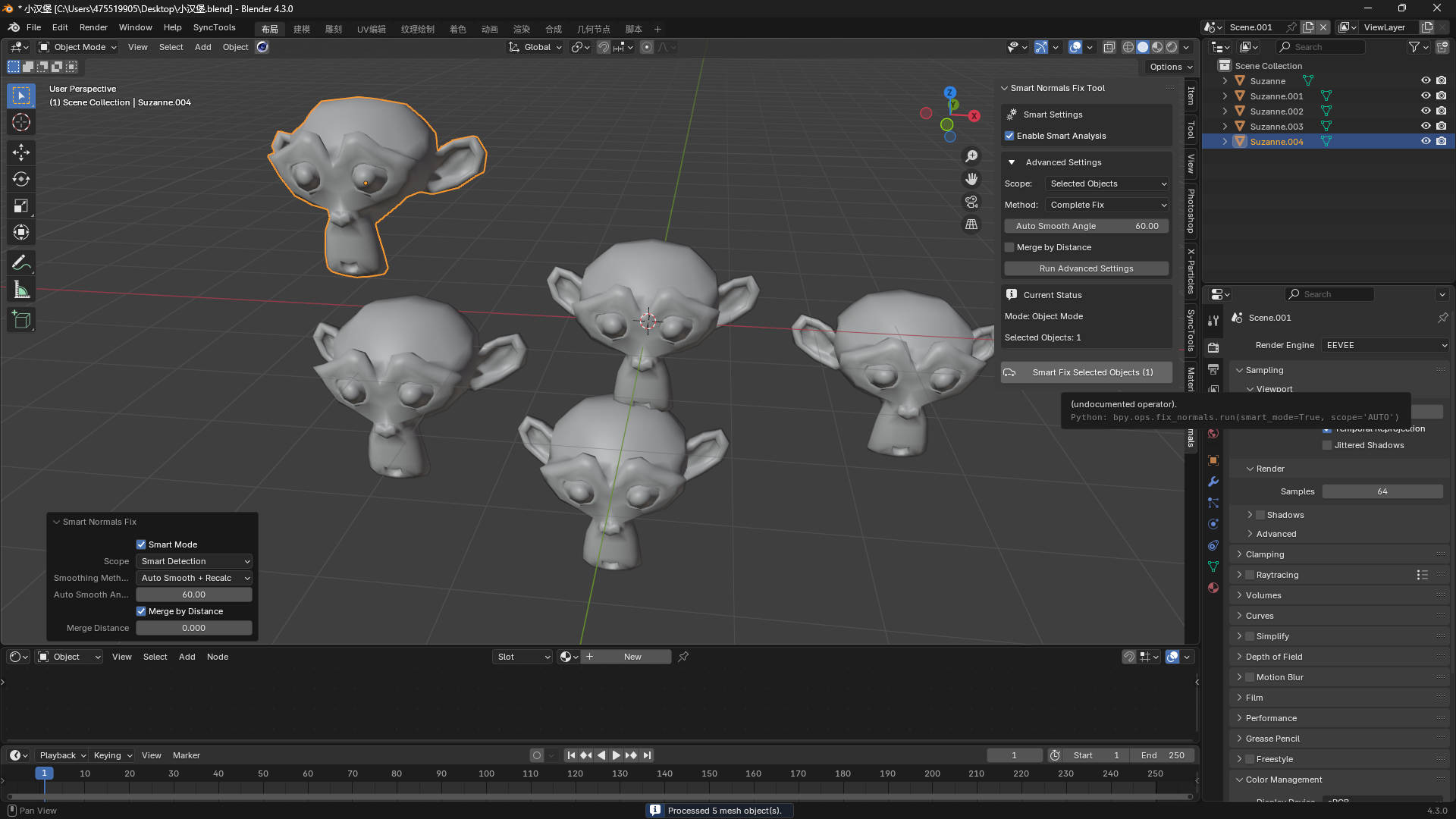
🎨 Intuitive User Interface
-
Clean and professional panel design
-
Collapsible advanced settings for power users
-
Real-time status updates
-
One-click smart fixes for common scenarios
🚀 Why Choose Smart Normals Fix Tool?
Save Hours of Work
-
No more face-by-face fixing
-
Eliminate guesswork on auto-smooth angles
-
Batch process multiple objects seamlessly
Professional Results
-
Industry-standard algorithms
-
Mesh integrity preserved
-
Consistent results across geometry types
Beginner to Pro Friendly
-
One-click simplicity for beginners
-
Advanced controls for technical artists
-
Smart defaults that “just work” 99% of the time
📋 Perfect For
-
Game asset preparation
-
3D printing cleanup
-
Architectural visualization
-
Product rendering
-
Animation-ready meshes
-
CAD import optimization
🔧 Technical Specifications
-
Blender Version: 3.0+
-
Category: Mesh Tools
-
Installation: Single .py file
-
Performance: Optimized for large meshes
-
System Impact: Lightweight, minimal memory usage
🎬 Common Use Cases
Game Development
-
Clean imported FBX/OBJ files
-
Prepare low-poly models for engines
-
Fix normal map issues
3D Printing
-
Ensure manifold geometry
-
Correct inside-out normals
-
Clean messy topology
Architectural Visualization
-
Process CAD imports
-
Batch fix building components
-
Optimize render-ready meshes
💡 Smart Features in Action
-
Recommends 30° auto-smooth for fine detail
-
Suggests 80° for rough geometry
-
Finds duplicate vertices and suggests merge
-
Clears custom split normals when needed
🏆 What Users Say
"This tool saved me hours. The smart detection is incredibly accurate!"
"Finally, a normal tool that understands my workflow. Face-level editing is a game-changer."
"Perfect for CAD imports. One click and everything works."
📦 What’s Included
-
Complete Python addon file
-
Installation instructions
-
User guide with examples
-
Lifetime updates for Blender 3.0+
🛠 Installation & Setup
-
Download the .py file
-
Go to Edit > Preferences > Add-ons
-
Click Install and select the file
-
Enable Smart Normals Fix Tool
-
Find it in 3D Viewport > N-Panel > Normals tab
🔄 Regular Updates
We continuously improve algorithms and add features based on feedback.
Your purchase includes all future updates.
Transform your normal workflow today.
Get Smart Normals Fix Tool and experience the future of mesh processing in Blender.
✔ Blender 3.0+ Compatible | 📥 Instant Download | 💸 30-Day Money-Back Guarantee