 Baris Arslan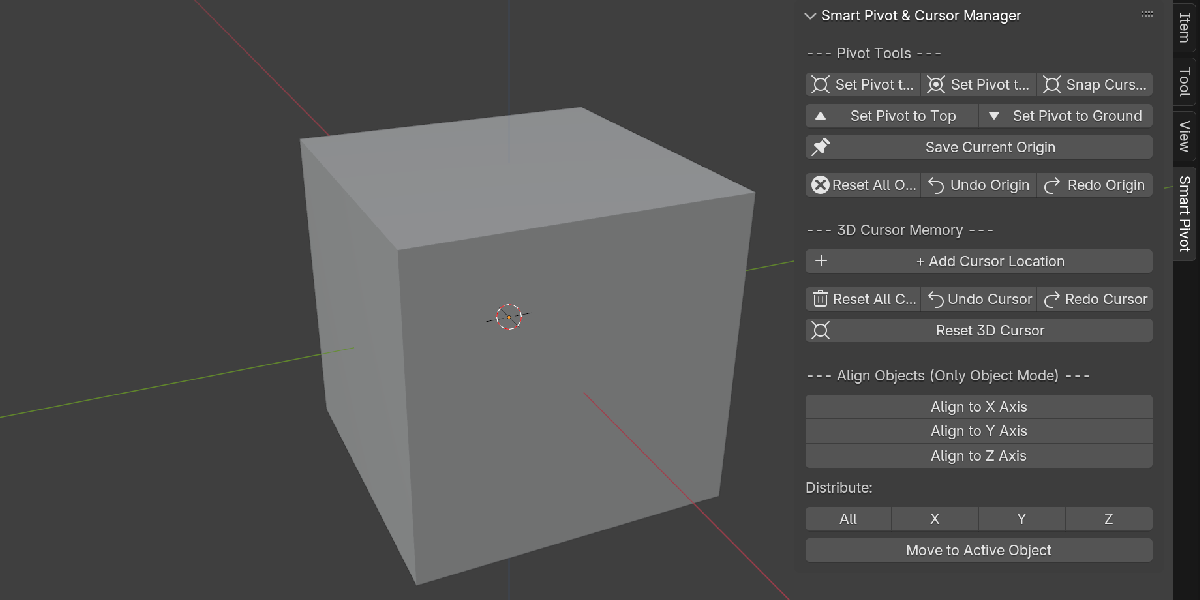
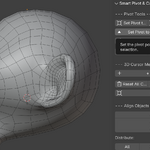
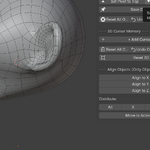
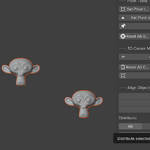
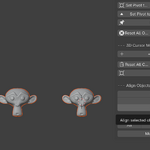
Smart Pivot & Cursor Manager PRO v4.8
A faster, more visual way to manage origins, pivots and the 3D Cursor in Blender.
Smart Pivot & Cursor Manager PRO brings Blender’s essential pivot, origin and 3D Cursor tools together in one clean and intuitive N-panel.
Save and recall locations, position pivots visually, move selections on individual axes, align or distribute objects, and manage reusable Cursor and Origin presets without interrupting your workflow.
Whether you are modeling, rigging, building modular environments, placing assets or preparing objects for export, Smart Pivot & Cursor Manager PRO helps you work with greater precision and fewer repetitive steps.
What’s New in v4.8
Interactive Preview Mode
Pivot and 3D Cursor placement is now faster and more intuitive with the improved Preview Mode.
A visible arrow handle lets you position the Pivot or 3D Cursor directly in the viewport using Blender’s standard transform and snapping tools.
While Preview Mode is active:
- G — Move the preview handle
- R — Rotate the preview handle
- Enter — Apply the new position
- Esc — Cancel without making changes
Clear on-screen instructions are displayed in both the viewport and Blender’s status bar, so you always know when Preview Mode is active.
Only one preview session can be active at a time, preventing overlapping Pivot and Cursor preview handles.
Delete Individual Saved Locations
Saved Cursor and Origin presets can now be removed individually.
Each saved location has its own delete button, allowing you to clean up a list without resetting every preset. Individual deletions also work with the add-on’s Undo and Redo system.
Improved Axis Distribution
The X, Y and Z distribution tools now automatically sort selected objects by their position on the chosen axis before distributing them.
This produces consistent results regardless of object selection order and makes spacing multiple objects considerably more predictable.
Cleaner Panel Layout
Saved Origin and Cursor presets are now displayed on separate rows with dedicated delete controls. Cursor actions have also been reorganized for better readability and faster access.
Visual Pivot and Cursor Placement
Stop guessing coordinates or repeatedly switching between Blender tools.
Use the Pivot Preview or 3D Cursor Preview handle, position it with Blender’s regular transform controls and snapping system, then confirm the result.
Preview placement works naturally with your existing Blender workflow:
- Move and rotate with Blender shortcuts
- Use snapping for precise positioning
- Apply or cancel directly from the keyboard
- Return automatically to the previous object and editing context
Cursor and Origin Memory
Create reusable Cursor and Origin presets directly inside your Blender scene.
- Save multiple Origin positions
- Save multiple 3D Cursor locations
- Store 3D Cursor rotation on supported Blender versions
- Recall any saved position with one click
- Rename saved Cursor and Origin presets
- Delete individual presets
- Clear an entire list when needed
- Undo and redo list changes
- Keep saved positions visually synchronized with viewport markers
This is especially useful when working with modular assets, repeated placement points, mechanical parts, rigging setups and frequently reused transform locations.
Visual Marker System
Every saved Cursor or Origin location can be represented by a clearly labeled viewport marker.
- Color-coded Empty and text markers
- Active markers appear orange
- Inactive markers appear gray
- Independent visibility controls for Cursor and Origin markers
- Adjustable global marker scale
- Individual active-marker size controls
- Automatic synchronization of marker names, positions and colors
The markers make saved locations easy to identify even in complex scenes.
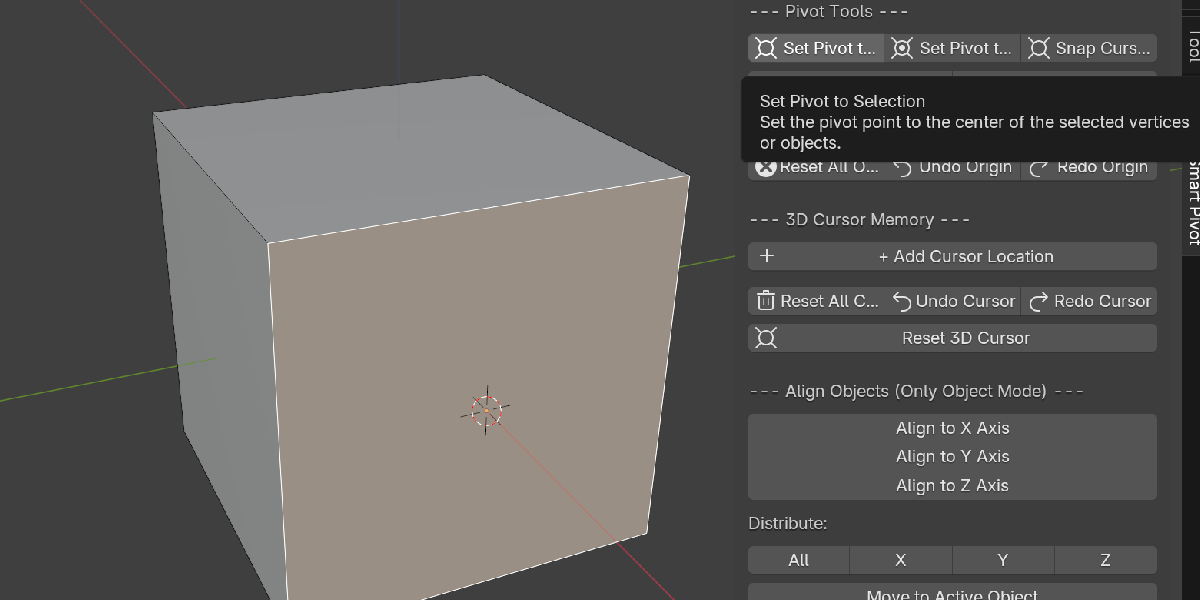
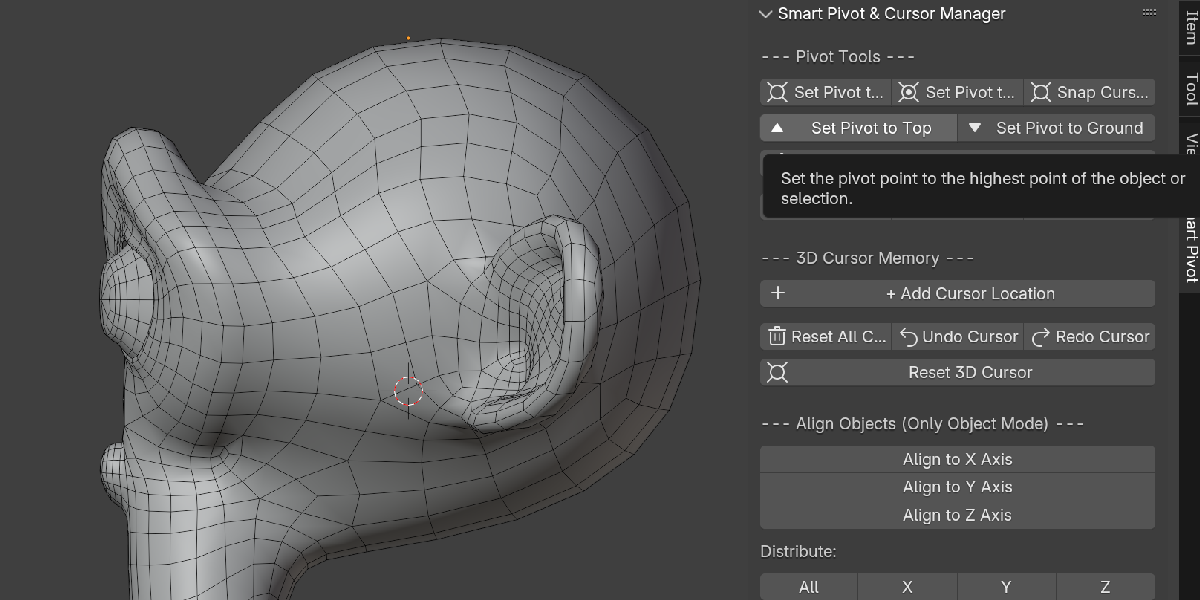
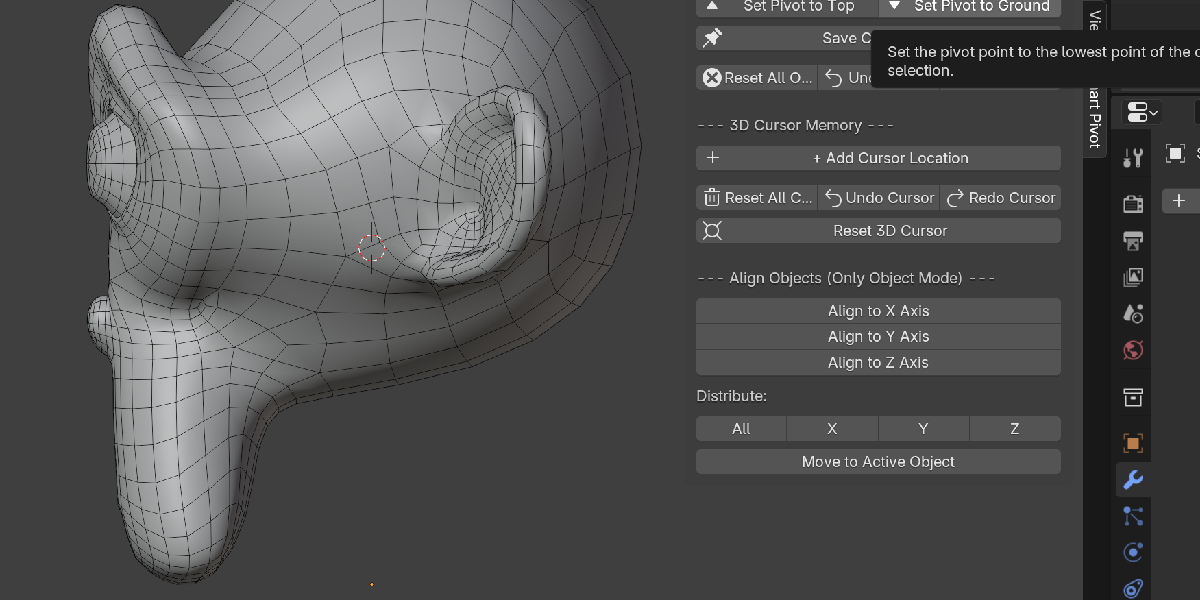
Advanced Pivot Tools
Quickly place an object’s pivot at commonly needed locations:
- Set Pivot to Selection
- Set Pivot to 3D Cursor
- Set Pivot to Top
- Set Pivot to Ground
- Position Pivot Visually with Preview Arrows
The Top and Ground tools use object geometry to find the appropriate highest or lowest point, making them useful for object placement, asset preparation and export workflows.
Pivot tools support Mesh and Curve workflows where applicable.
Move to the 3D Cursor
Move selected objects or editable elements directly to the 3D Cursor.
- Move on all axes
- Move only on the X axis
- Move only on the Y axis
- Move only on the Z axis
- Move the Cursor to the current selection center
- Reset the 3D Cursor to the world origin
Axis-specific movement allows you to match one coordinate without changing the selection’s position on the other two axes.
Supported workflows include:
- Object Mode
- Mesh Edit Mode
- Armature Edit Mode
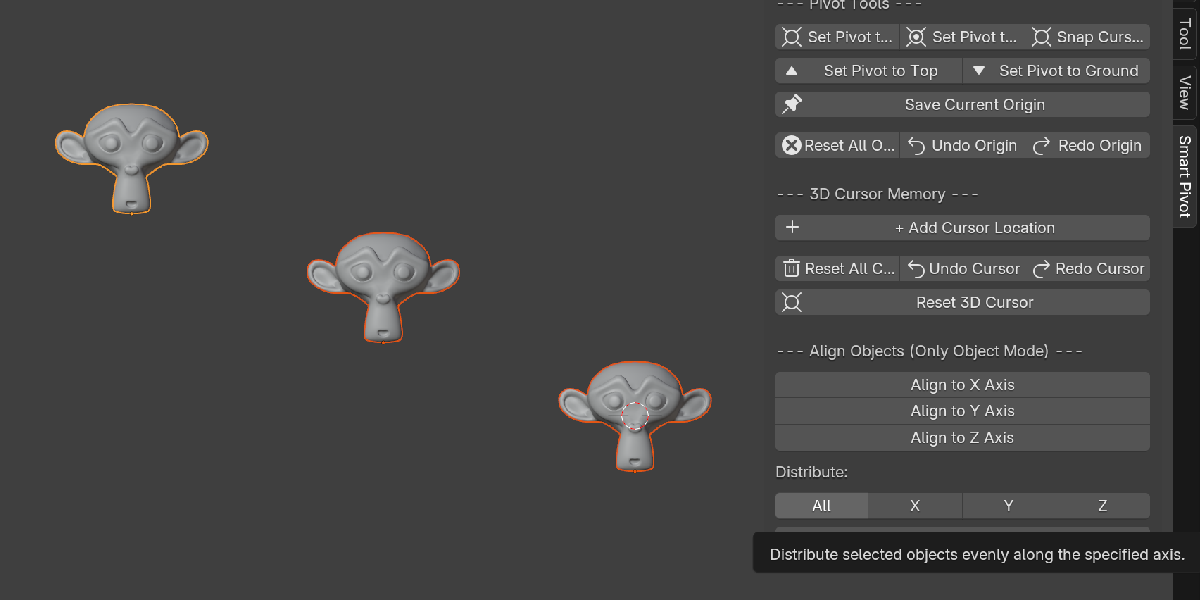
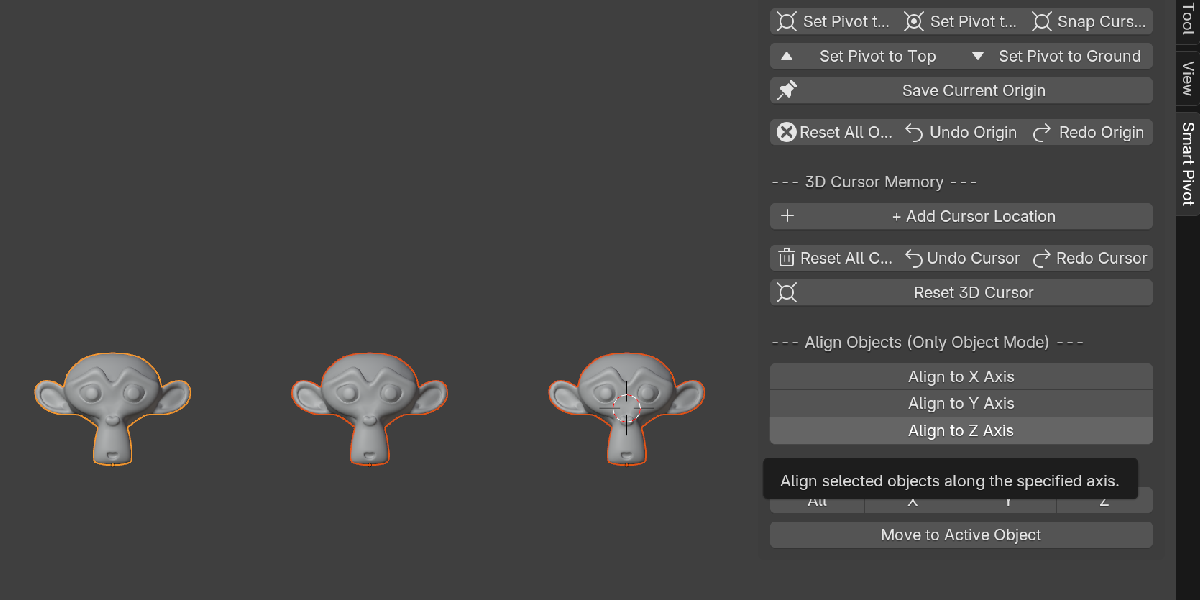
Alignment and Distribution
Organize multiple objects quickly without manually entering coordinates.
- Align selected objects on X, Y or Z
- Distribute objects evenly on all axes
- Distribute objects evenly on a single axis
- Automatically sort objects before axis-based distribution
- Move selected objects to the active object’s position
These tools are ideal for architecture, environment art, product visualization, level design and modular modeling.
Everything in One Panel
All features are available from:
3D Viewport → N-Panel → Smart Pivot
The panel is divided into focused sections for:
- Pivot Tools
- Origin Memory
- 3D Cursor Memory
- Visual Markers
- Object Alignment
- Object Distribution
No complicated setup or separate editor is required.
Ideal For
-
Hard-surface modeling
-
Modular environment creation
-
Architecture and ArchViz
-
Product visualization
-
Asset placement
-
Rigging workflows
-
Game asset preparation
-
Technical modeling
-
Artists who regularly work with pivots and the 3D Cursor
Compatibility
Designed for Blender 3.x and Blender 4.x.
3D Cursor rotation presets require Blender 2.93 or newer.
Always check the supported Blender versions listed in the product details before purchasing.
Spend less time managing transforms and more time creating.
Smart Pivot & Cursor Manager PRO turns Blender’s scattered Pivot, Origin and 3D Cursor operations into one fast, visual and reusable workflow.