Blender Procedural


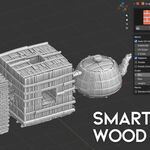
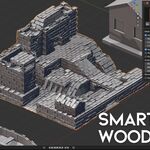
Automatic Wood & Brick Placement System
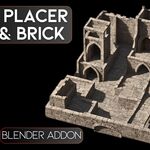
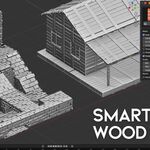
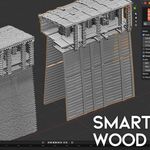
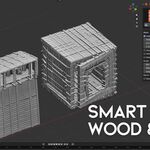
Smart Wood & Brick Placer is a Blender Geometry Nodes tool designed to quickly generate stylized brick, stone, wood, plank and modular surface details on your models.
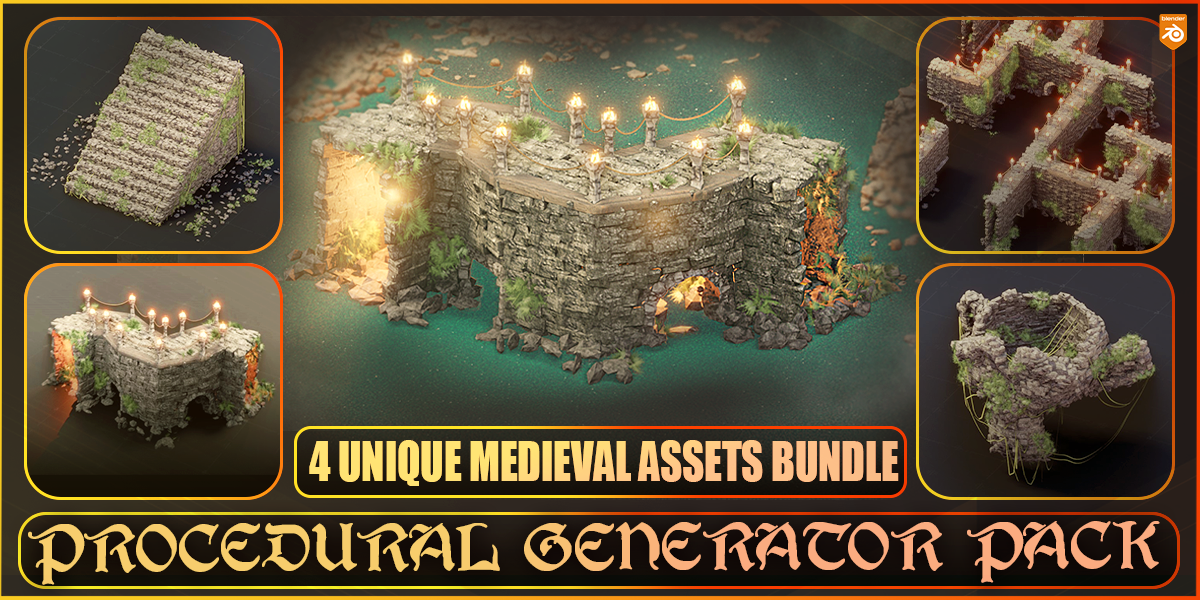
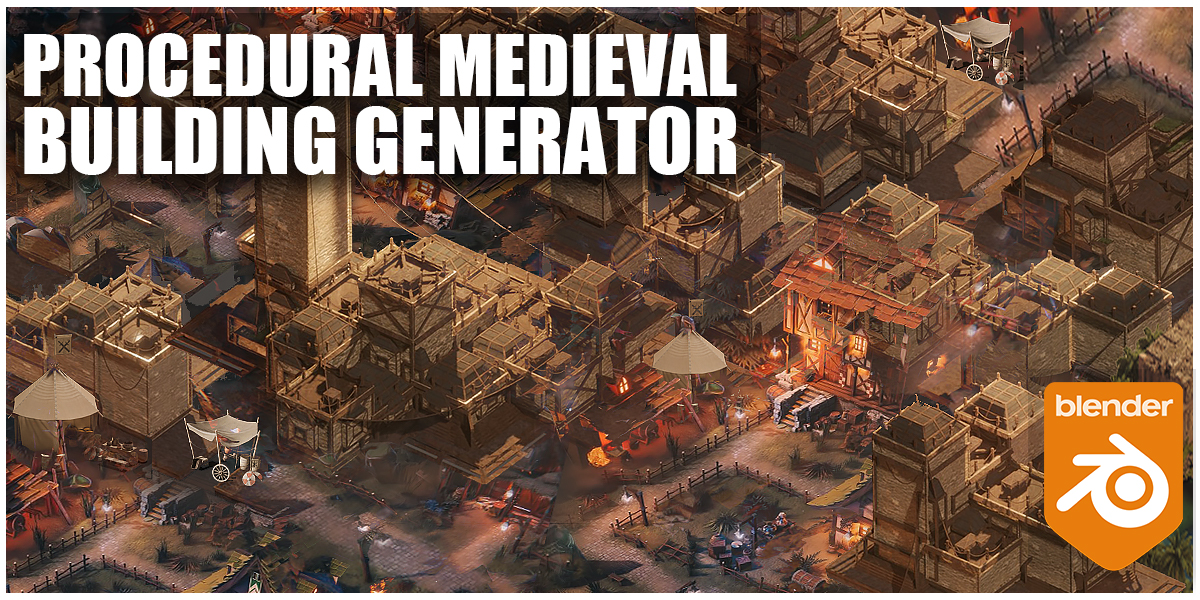
Turn simple meshes into detailed walls, roofs, ruins, medieval buildings, stylized environments and game-ready assets with just a few clicks.

Main Features
- Automatic brick and wood placement on selected meshes
- Geometry Nodes based procedural workflow
- Works with custom brick, stone, plank or wood meshes
- Auto UV unwrap option
- Append mode for adding procedural details non-destructively
- Scale controls for X, Y and Z direction
- Random scale variation with minimum and maximum values
- Optional rotation controls
- Random rotation option for more natural results
- Subdivide and UV scale controls
Perfect For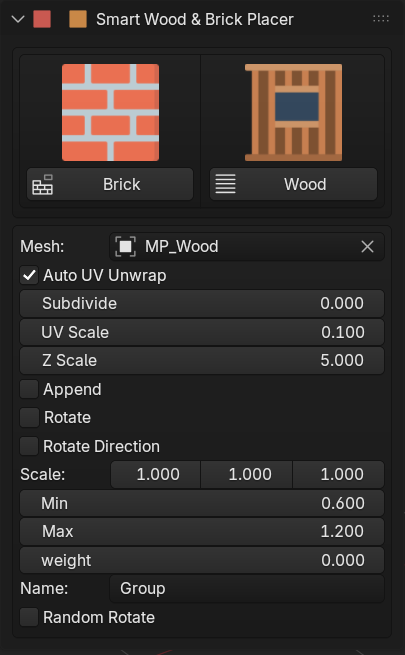
- Medieval castles
- Fantasy villages
- Ruined buildings
- Stylized brick walls
- Wooden structures
- Game environments
- Concept art scenes
- Procedural asset creation
Easy Workflow
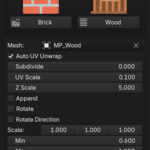
Select your target object, choose a brick or wood mesh, then adjust the placement settings directly from the modifier panel or the addon UI.
The tool automatically distributes the selected mesh across the surface and gives you controls for UVs, scale, variation, rotation and placement style.
Procedural Control
Because the system is powered by Geometry Nodes, you can keep your workflow flexible. Change the source mesh, modify the scale, increase variation, rotate pieces, adjust UV scale or swap between brick and wood elements without manually rebuilding your model.
Included
- Smart Brick placement system
- Smart Wood placement system
- Geometry Nodes modifier setup
- Custom mesh slot support
- Easy UI panel for fast control
- Example setup for testing the workflow
Why Use It?
Smart Wood & Brick Placer helps you create complex-looking surfaces from simple base meshes. It is especially useful for artists who want to build detailed assets quickly without spending hours placing individual bricks, stones or planks by hand.
Automatic Wood & Brick Placement System
Smart Wood & Brick Placer is a Blender Geometry Nodes tool designed to quickly generate stylized brick, stone, wood, plank and modular surface details on your models.
Turn simple meshes into detailed walls, roofs, ruins, medieval buildings, stylized environments and game-ready assets with just a few clicks.
Main Features
- Automatic brick and wood placement on selected meshes
- Geometry Nodes based procedural workflow
- Works with custom brick, stone, plank or wood meshes
- Auto UV unwrap option
- Append mode for adding procedural details non-destructively
- Scale controls for X, Y and Z direction
- Random scale variation with minimum and maximum values
- Optional rotation controls
- Random rotation option for more natural results
- Subdivide and UV scale controls
Perfect For
- Medieval castles
- Fantasy villages
- Ruined buildings
- Stylized brick walls
- Wooden structures
- Game environments
- Concept art scenes
- Procedural asset creation
Easy Workflow
Select your target object, choose a brick or wood mesh, then adjust the placement settings directly from the modifier panel or the addon UI.
The tool automatically distributes the selected mesh across the surface and gives you controls for UVs, scale, variation, rotation and placement style.
Procedural Control
Because the system is powered by Geometry Nodes, you can keep your workflow flexible. Change the source mesh, modify the scale, increase variation, rotate pieces, adjust UV scale or swap between brick and wood elements without manually rebuilding your model.
Included
- Smart Brick placement system
- Smart Wood placement system
- Geometry Nodes modifier setup
- Custom mesh slot support
- Easy UI panel for fast control
- Example setup for testing the workflow
Why Use It?
Smart Wood & Brick Placer helps you create complex-looking surfaces from simple base meshes. It is especially useful for artists who want to build detailed assets quickly without spending hours placing individual bricks, stones or planks by hand.
🚀 Explore More by Blender Procedural