 auron3d

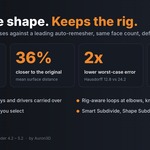
NEW: version 1.4 is a major update. Topology Library is now built in.
Stamp ready-made, production-quality quad topology (eye, mouth, navel and kneecap loops, 3/5/6 poles, circles, grids, or your own saved stamps) straight onto any mesh, with a live preview and exact Mirror X. This comes on top of the 1.3 speed work: a faster engine, an optional GPU solver and much better handling of hard-surface and thin-walled models. It is a free update for every owner, and more is on the way.
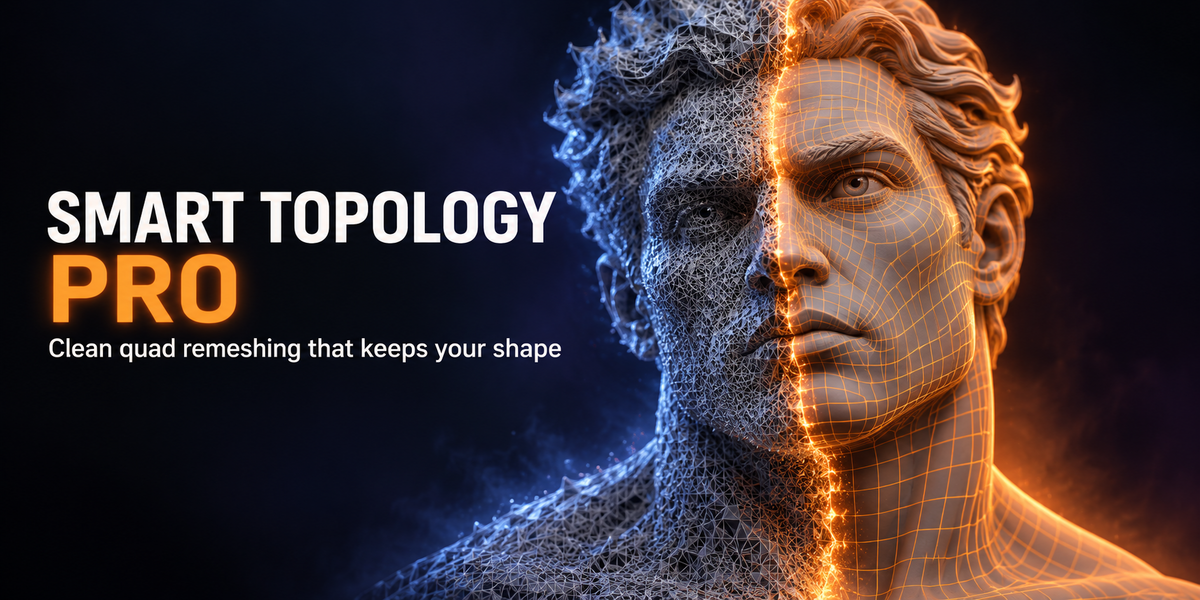
Smart Topology Pro: shape-true quad remeshing for rigged characters.
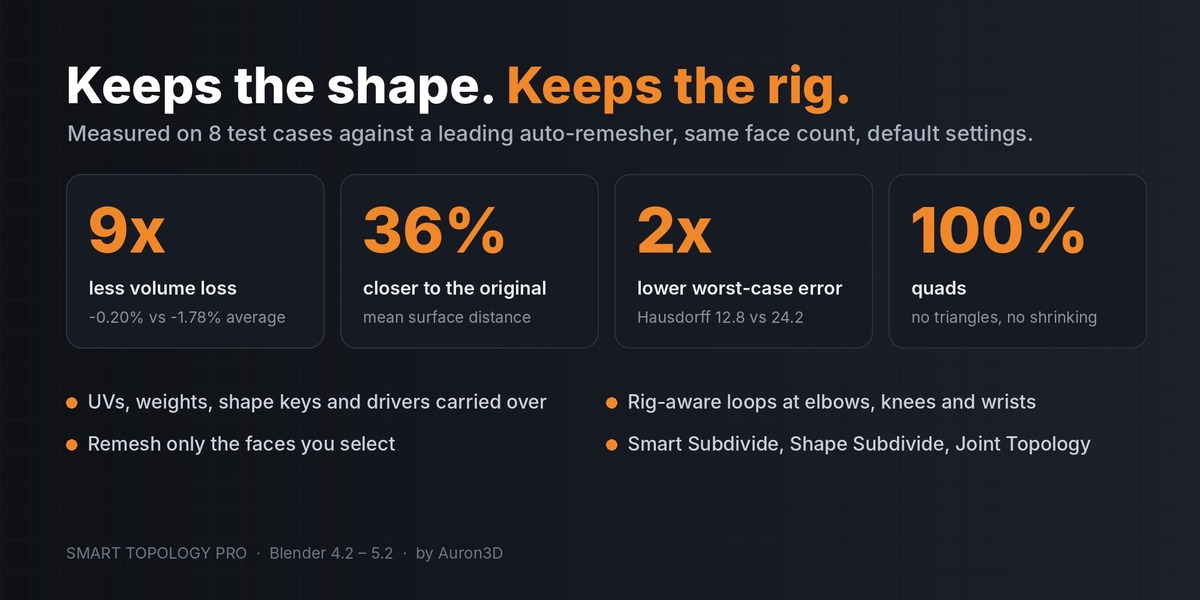
Turn any mesh into clean, all-quad topology without losing its shape or volume. In side-by-side tests it lost about 8x less volume than Smart Remesh 3.0.0 and stayed about 37% closer to the original surface. The result stays production-ready: UVs, materials, vertex groups, every shape key, drivers and the armature setup carry over automatically.
What sets it apart
- Preserve Volume: models never shrink; hard edges snap back into place.
- Rig-aware flow: loops follow the limbs, with exact loops at elbows, knees, wrists and knuckles.
- Remesh Selection: rebuild only the faces you select and stitch them into the untouched mesh around them, with weights, shape keys and UVs carried over.
- Exact X/Y/Z symmetry, density painting, and guide curves or marked edges that steer the edge flow.
- Edit Mode topology tools: Smart Subdivide; Shape Subdivide with exact shapes or your own curves, plus mirror and Blender-style S/R/G; Joint Topology; Auto Bevel; reusable topology templates.
- Topology Library (new in 1.4): stamp ready-made quad topology onto any mesh in Edit Mode with a live preview: circle, grid, 3/5/6 poles, eye, mouth, navel and kneecap loops, plus your own saved stamps. Only the faces under the stamp are rebuilt; the mesh around it never moves, and weights, shape keys and UVs carry over. Mirror X builds an exact mirrored pair.
- Shape keys stay live in Edit Mode: every topology edit carries over to all keys.
- Hard surface too: loops lock onto creases, and Keep Thin Walls adds density where the model is thinner than the target edge so thin parts stay closed.
- Background and non-destructive: auto-picks the best of several variants while Blender stays usable, with Restore and Compare in one click.
Good to know before you buy
- It runs on the CPU. The engine is pure Python, built for shape fidelity and data transfer, not for raw speed. An optional GPU Field Solver is included as an experimental setting (tested on NVIDIA with OpenGL only).
- Typical times on a 32-thread desktop CPU, full run with data transfer: about 4 to 10 seconds for sources up to 120k triangles at 2,000 to 5,000 faces, about 17 to 27 seconds for a 396k-triangle hard-surface model at 20,000 faces, and 34 to 39 seconds for a 1-million-triangle source.
- Very dense sources take longer. Time grows with the source size and with the face count you ask for. Sources above about 2 million triangles have not been benchmarked and can take many minutes; decimating a copy first is recommended.
- Thin walls need enough faces. A wall stays closed when its faces are no longer than about 1.4 times its thickness. When your face count is too low for the thinnest parts, the add-on tells you roughly how many faces are needed.
- Topology Library needs room. A stamp is refused, with a message saying why, when the part is narrower than the stamp or the spot is too close to an open edge of the mesh; on very uneven areas it is made smaller to fit.
The full list is in the documentation under Performance and limits.
Works on Windows, macOS and Linux, entirely inside Blender: the engine is pure Python, with no compiled code and nothing extra to install. Blender 4.2 to 5.3. Current version: 1.4.0.
