 ZEG
ZEG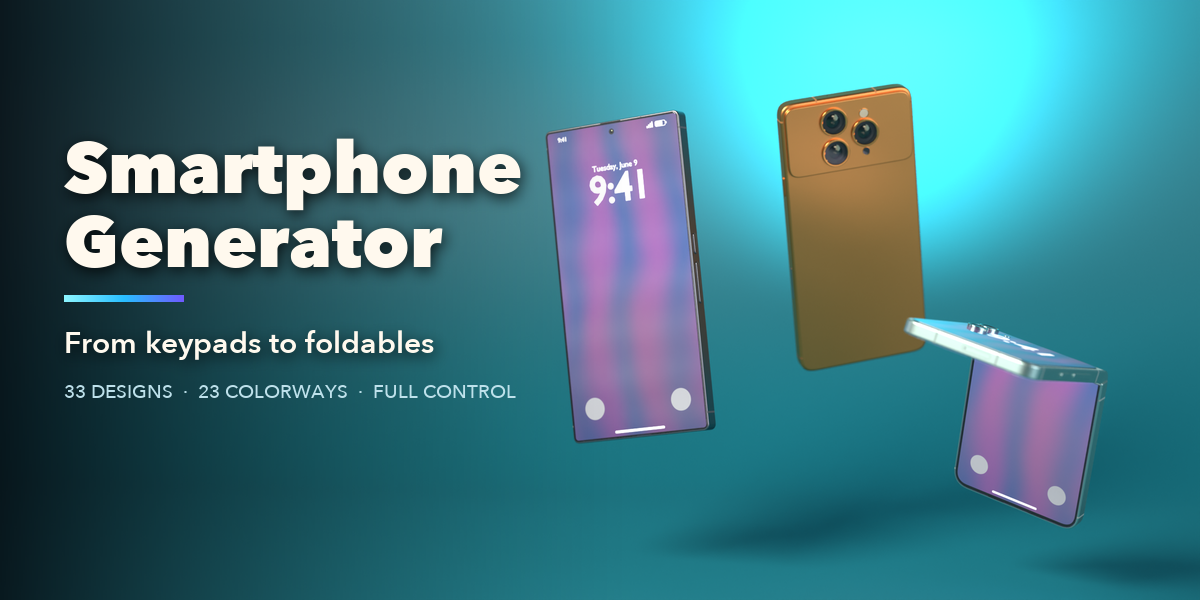
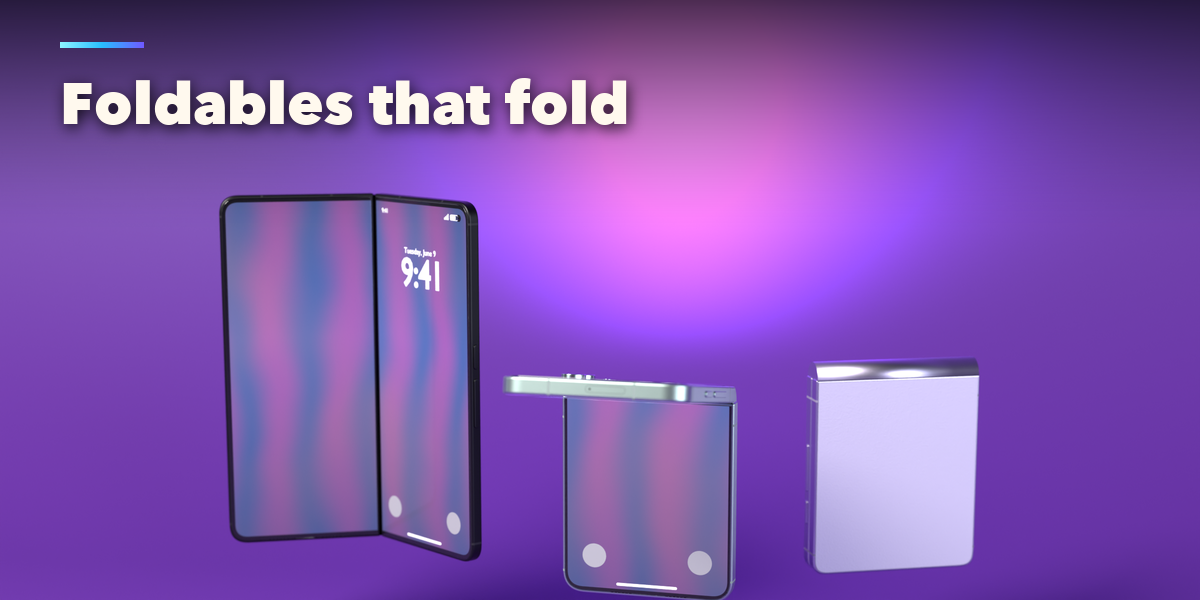
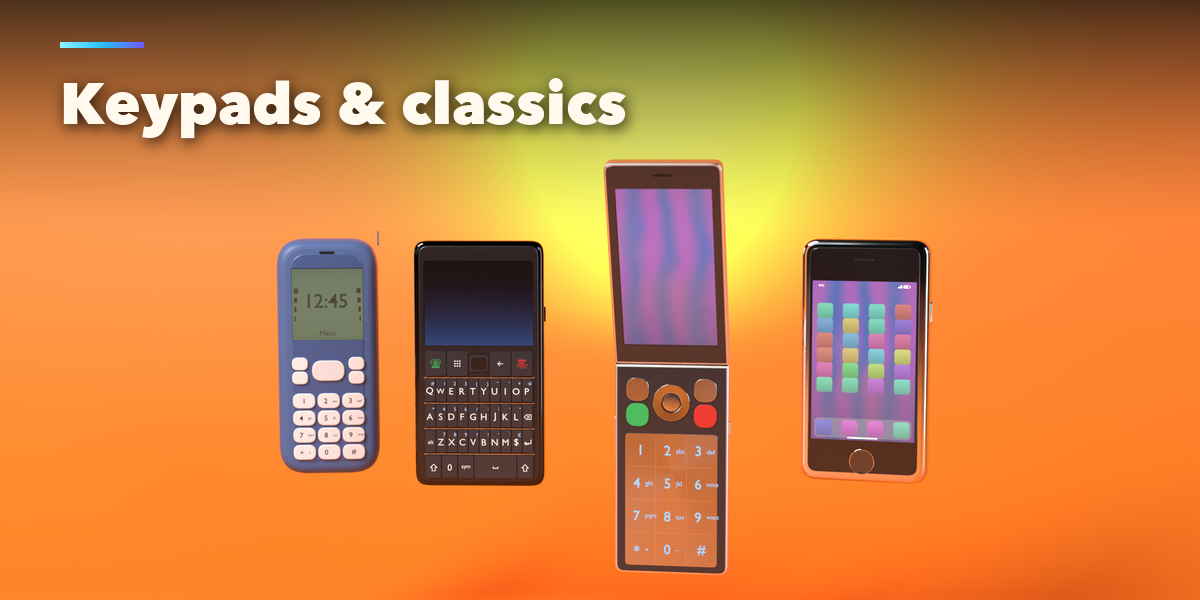
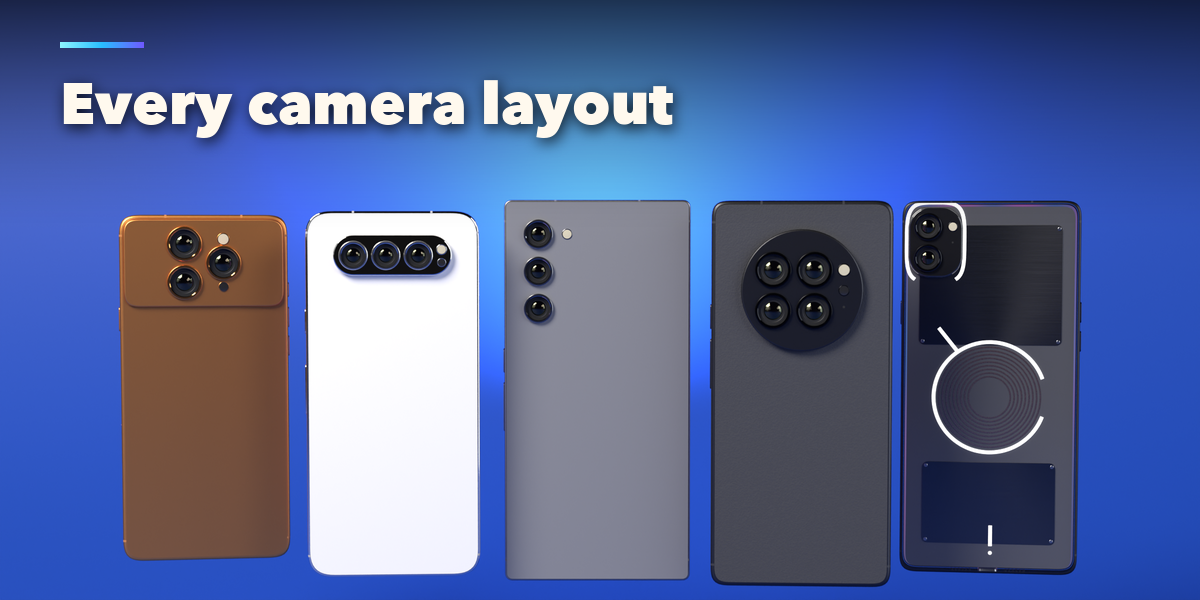
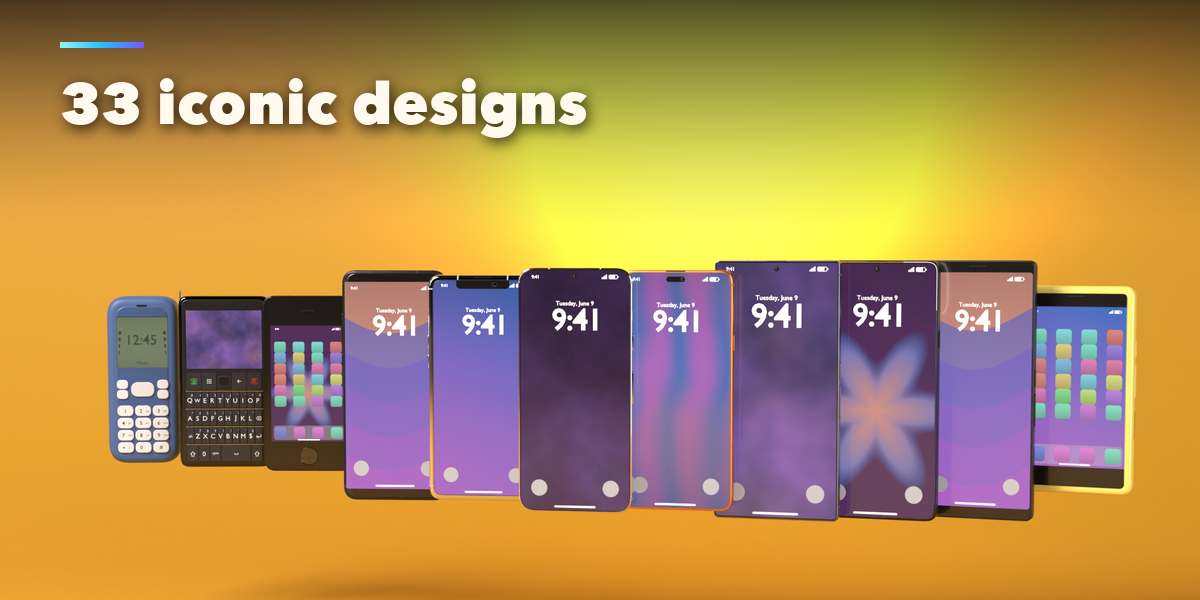
Installation
In Blender open Edit, Preferences, Get Extensions, then use Install from Disk and pick the smartphone_generator zip.
Usage
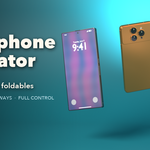
- Open the Smartphone tab in the 3D viewport sidebar (N) and pick a design to add it at the 3D cursor. You can also use Shift+A, Mesh, Smartphone.
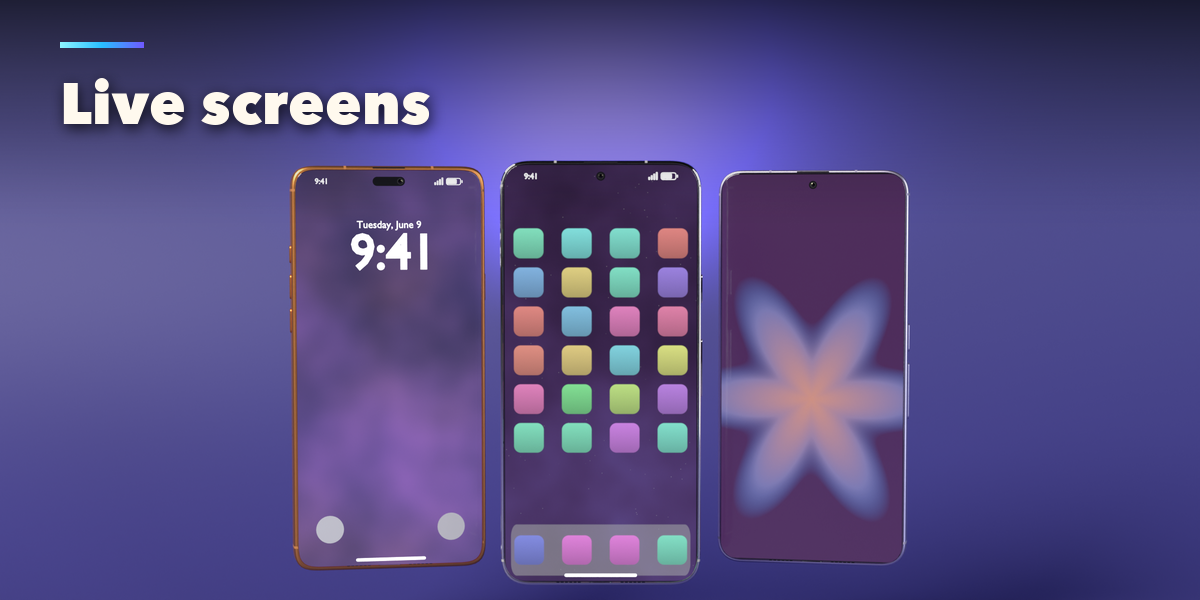
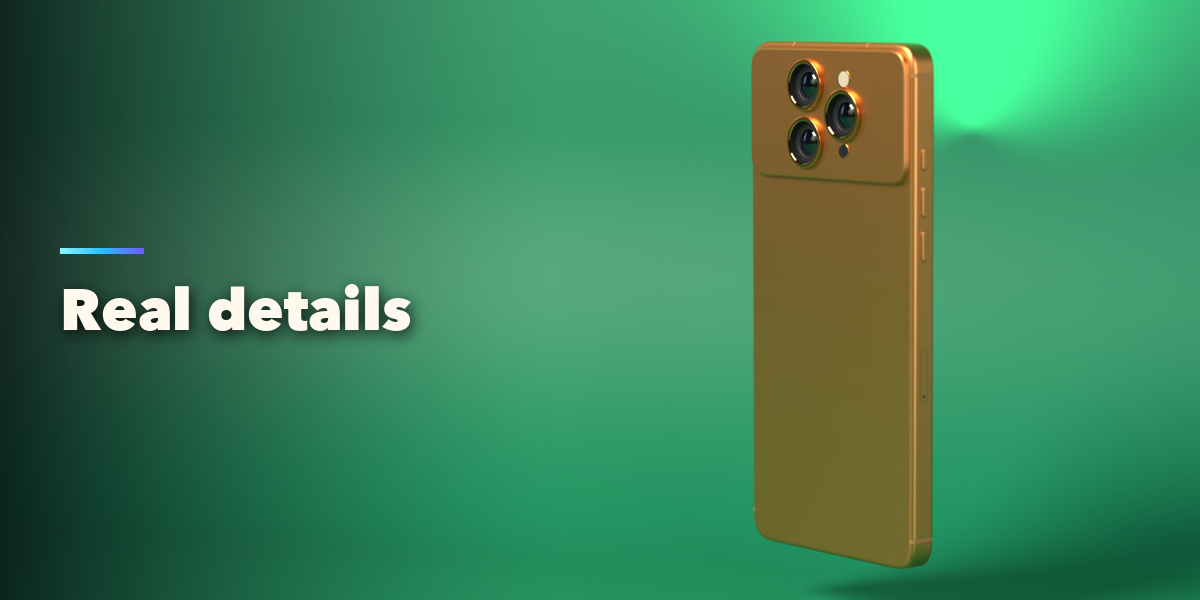
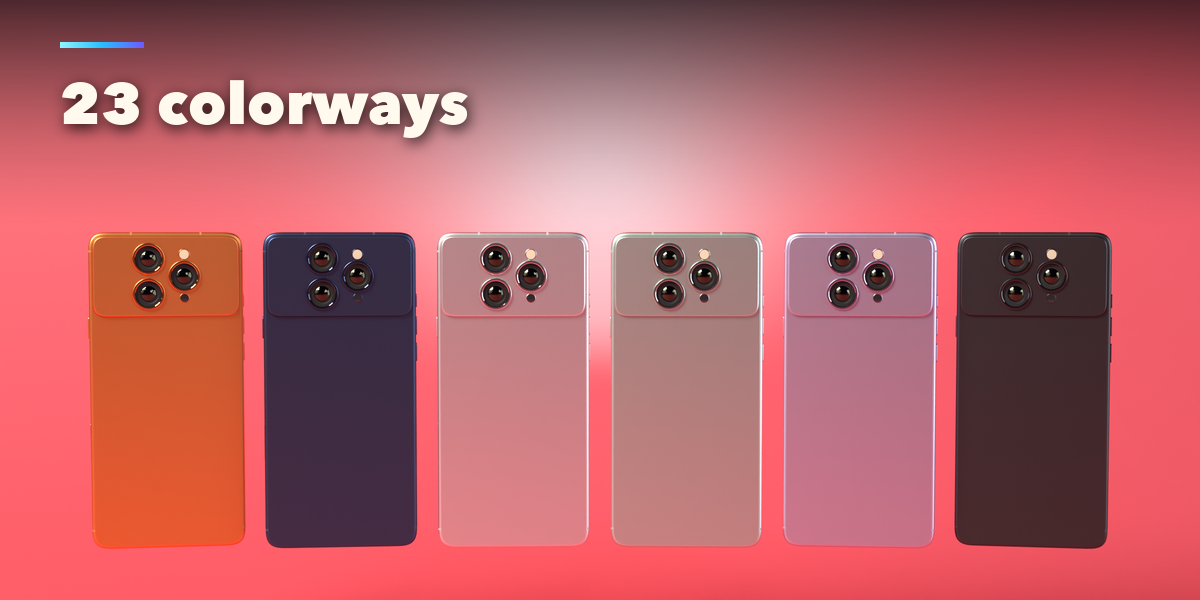
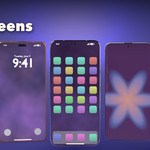
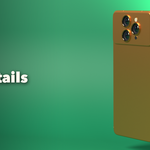
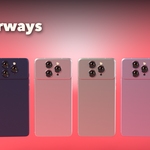
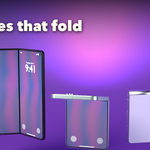
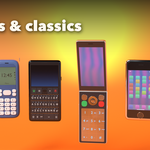
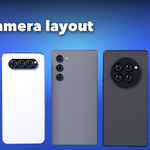
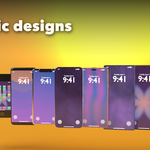
- The tabs hold every setting: Body (form, size, corners, edges, fold), Screen (bezels, cutout and what the screen shows), Camera (layout, bump, lenses), Buttons & Ports, Finish (colorway and materials) and Extras (logo, lights, keypad and export).
- Randomize makes a new phone, Reset to Design brings back the picked design. Foldables open and close with the Fold slider.
- Convert to Mesh keeps the phone as plain meshes; Delete removes it with all its parts.
Have questions about this product?
Login to message
| Blender Extension Compatible | Yes |
| Published | about 11 hours ago |
| Blender Version | 4.2 - 5.2 |
| Extension Type | Add-on |
| Render Engine Used | Cycles, Eevee |
| License | GPL |

Discover more products like this
keypad Electronics device product retro smartphone mobile procedural props foldable Generator phone