 Skava
Skava

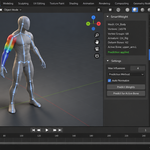
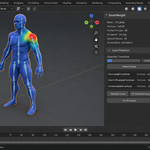
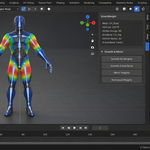
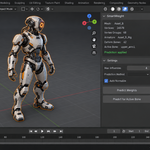
SmartWeight — Documentation
v1.2.0 · Blender 4.2 LTS and later · Windows / macOS / Linux
1. Install
- Download the zip and leave it zipped — install it through Add-ons preferences.
- Press N in the 3D Viewport → SmartWeight tab.
2. Quick start
- Parent your mesh to the armature (no auto-weights).
- Select the mesh, then shift-select the armature, make sure the mesh is active.
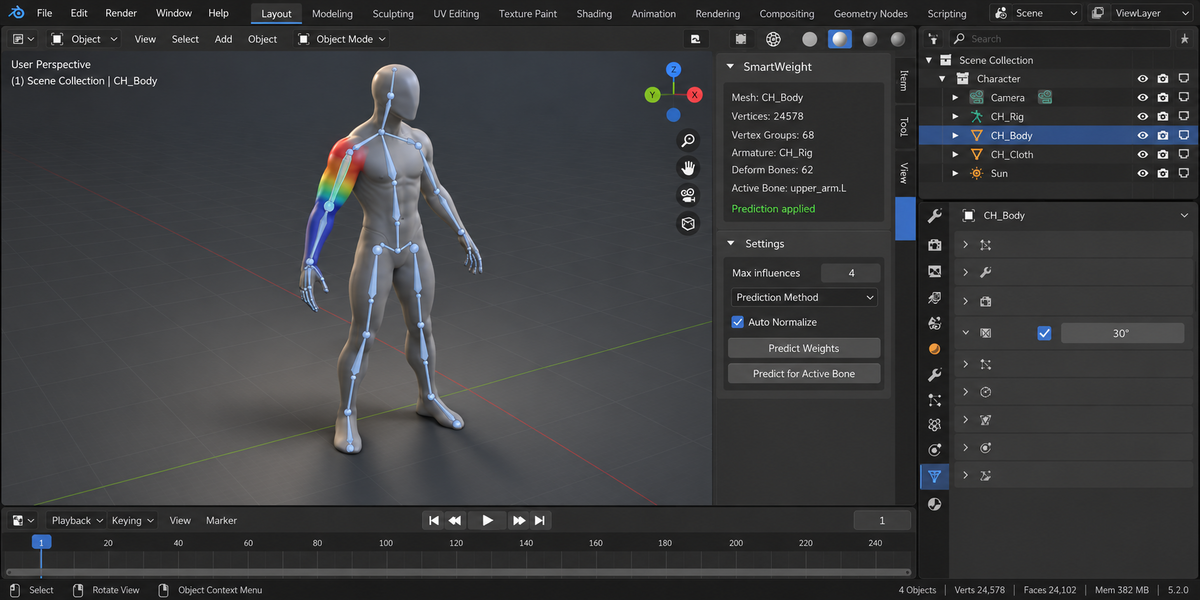
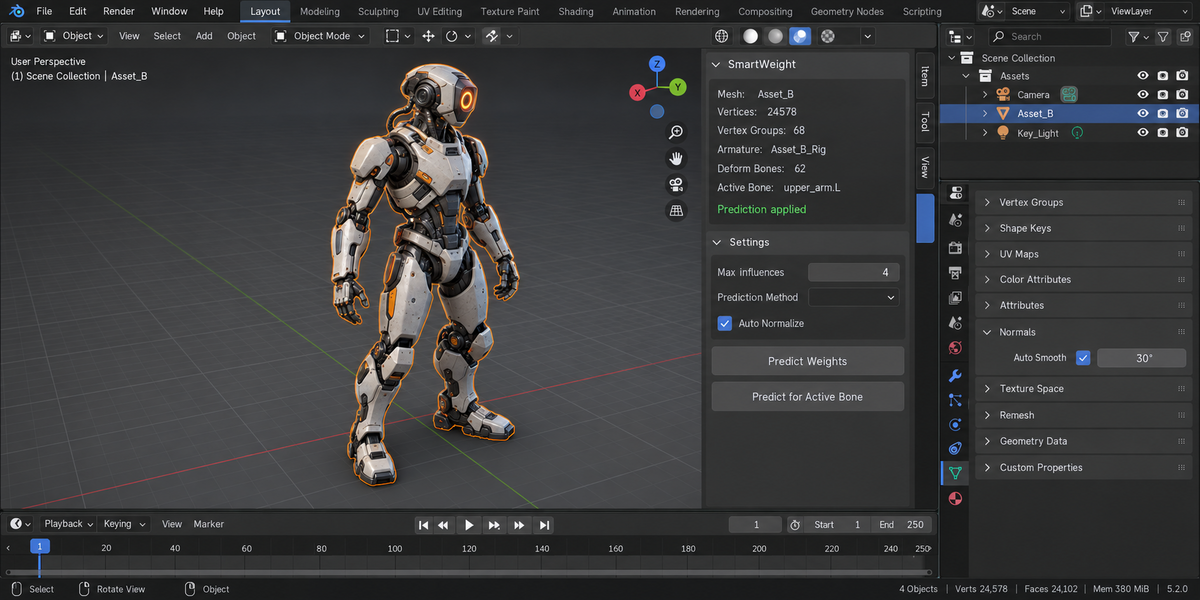
- Pick a Prediction method: HEAT or HYBRID.
- Click Predict Weights.
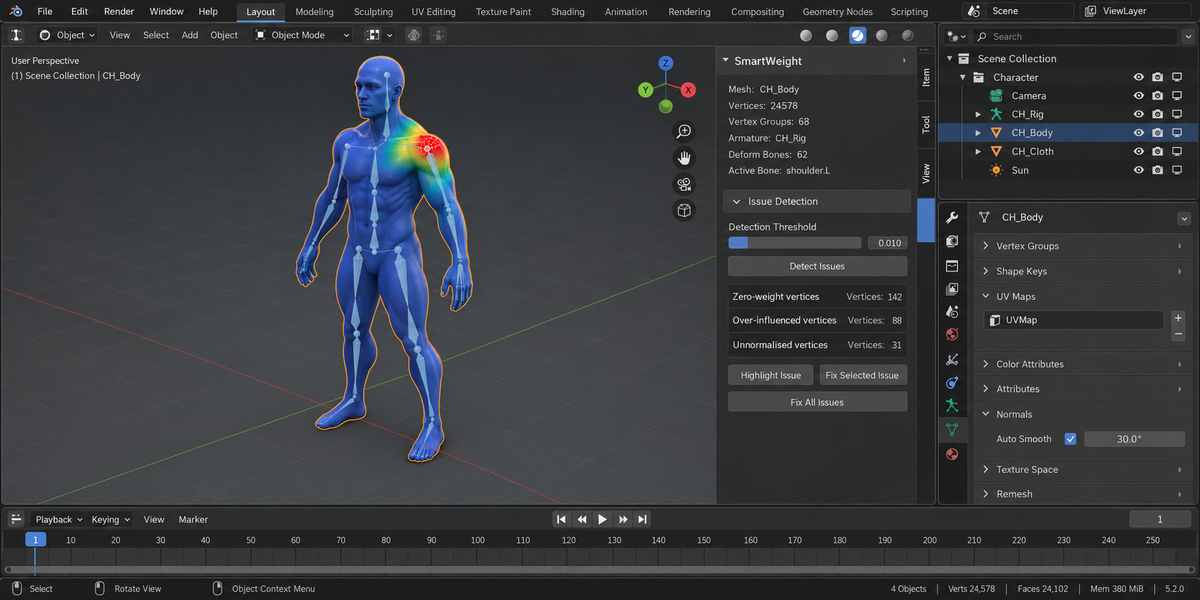
- Click Detect Issues to scan for candy-wrapper / volume loss / weight leak / asymmetry.
- Click Fix Selected on any flagged issue.
3. Prediction methods
- DISTANCE — pure inverse-square bone proximity. Fast, good starting point for organic shapes.
- HEAT — distance + bone-axis falloff. Better at long thin bones (fingers, tail).
- HYBRID — proximity + heat combined. Slowest but cleanest on average.
4. Per-bone prediction
For surgical fixes: select a single bone in pose mode, click Predict for Active Bone. Only that bone's vertex group is rewritten; other groups are untouched.
5. Issue detection
| Issue | What it catches |
|---|---|
| Candy wrapper | Joints where the parent / child have ~50/50 weight on the same vertex — produces the "twist collapse" deformation |
| Volume loss | Vertices that lose volume in bent pose because they're 100% weighted to one bone with no neighbour contribution |
| Weight leak | A bone's vertex group reaches into the opposite half of the body (e.g. left hand bone has weight on right arm vertices) |
| Asymmetric L/R | Left bones and right bones have different vertex counts / total weight |
Leak Distance sets how far a bone's weight may reach before it counts as a leak. Left at 0 it is worked out from the size of the rig — a fixed distance in metres cannot serve a 1.8 m character and a 20 m creature at once, and a scene built in centimetres breaks it completely. The panel always shows the distance a scan will use and whether it came from the rig or from you, so a clean report can be trusted rather than guessed at.
6. Fix tools
Each issue type has a targeted fix operator. The fix uses the surrounding topology to redistribute the problematic weights — for example, candy wrapper is fixed by mixing parent and child weights linearly along the joint axis.
7. Mirror weights
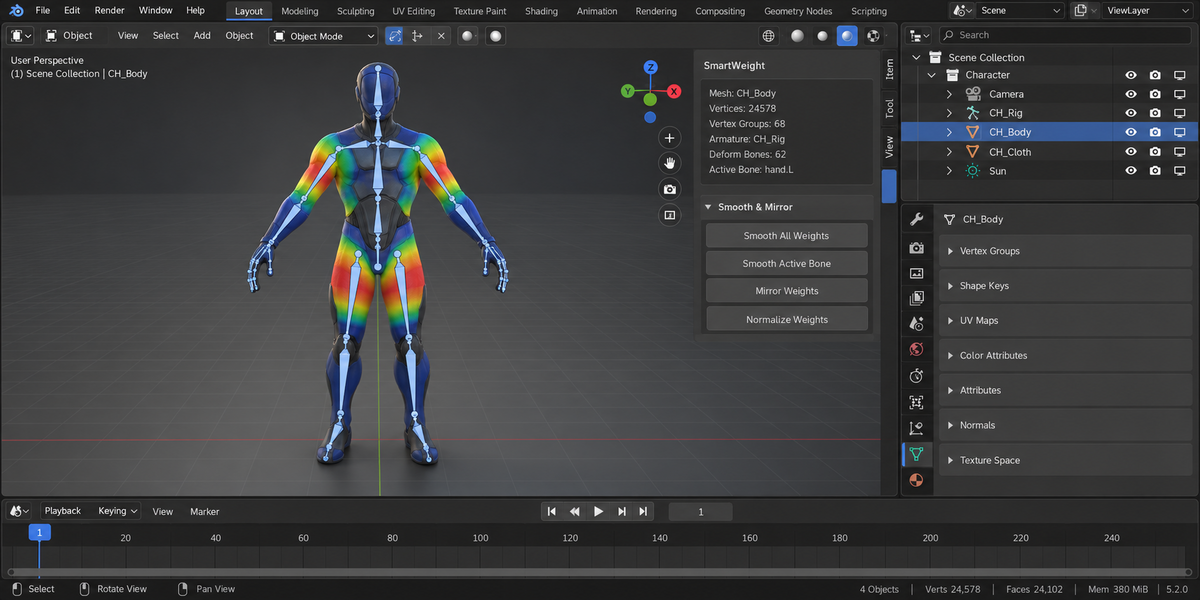
L→R or R→L mirroring with fuzzy point matching (tolerance is configurable). Handles slight asymmetry in modelling that breaks Blender's built-in mirror.
8. Smooth weights
Laplacian smoothing with an edge-aware falloff so sharp creases (jaw, knuckles) stay defined while broad areas (chest, thigh) get cleaner deformation.
9. Auto-normalize
Cleans up the result: each vertex's total weight sums to 1.0, with the top N influences retained (default 4 for game rigs that target 4-bone-per-vertex GPU skinning).
10. Troubleshooting
"Predicted weights look noisy" — try HYBRID instead of DISTANCE, or run Smooth Weights after Predict.
"Mirror fails on my asymmetric mesh" — bump the match tolerance up. Default 0.001 is for clean symmetric topology.
"Auto-normalize zeroed some vertices" — those vertices had no top-4 influences with non-zero weight. Predict for those bones again or paint them manually.
11. Limitations
- Prediction assumes humanoid topology; quadrupeds may need post-Predict smoothing.
- Issue detection thresholds are heuristics — extreme rigs (e.g. tentacles) may report false positives.
12. Support & License
Through marketplace messaging. GPL-3.0.
Have questions about this product?
Login to message
| Published | 4 days ago |
| Blender Version | 4.2 - 5.2 |
| Extension Type | N/A |
| Render Engine Used | Cycles, Eevee |
| License | GPL |
Discover more products like this
Character rigging normalize weight mirror bone-weights auto weights weight painting deformation game rig skin weights volume loss candy wrapper rigging