 Sander Joon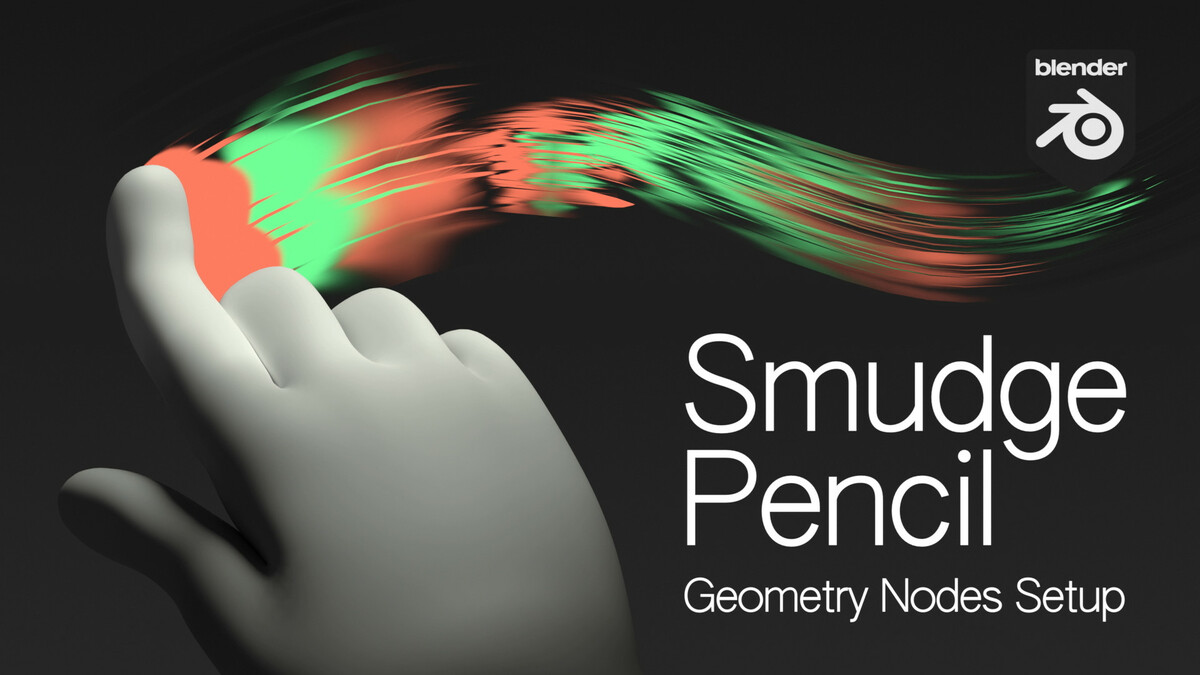


For Blender 4.3 and above.
What is Smudge Pencil?
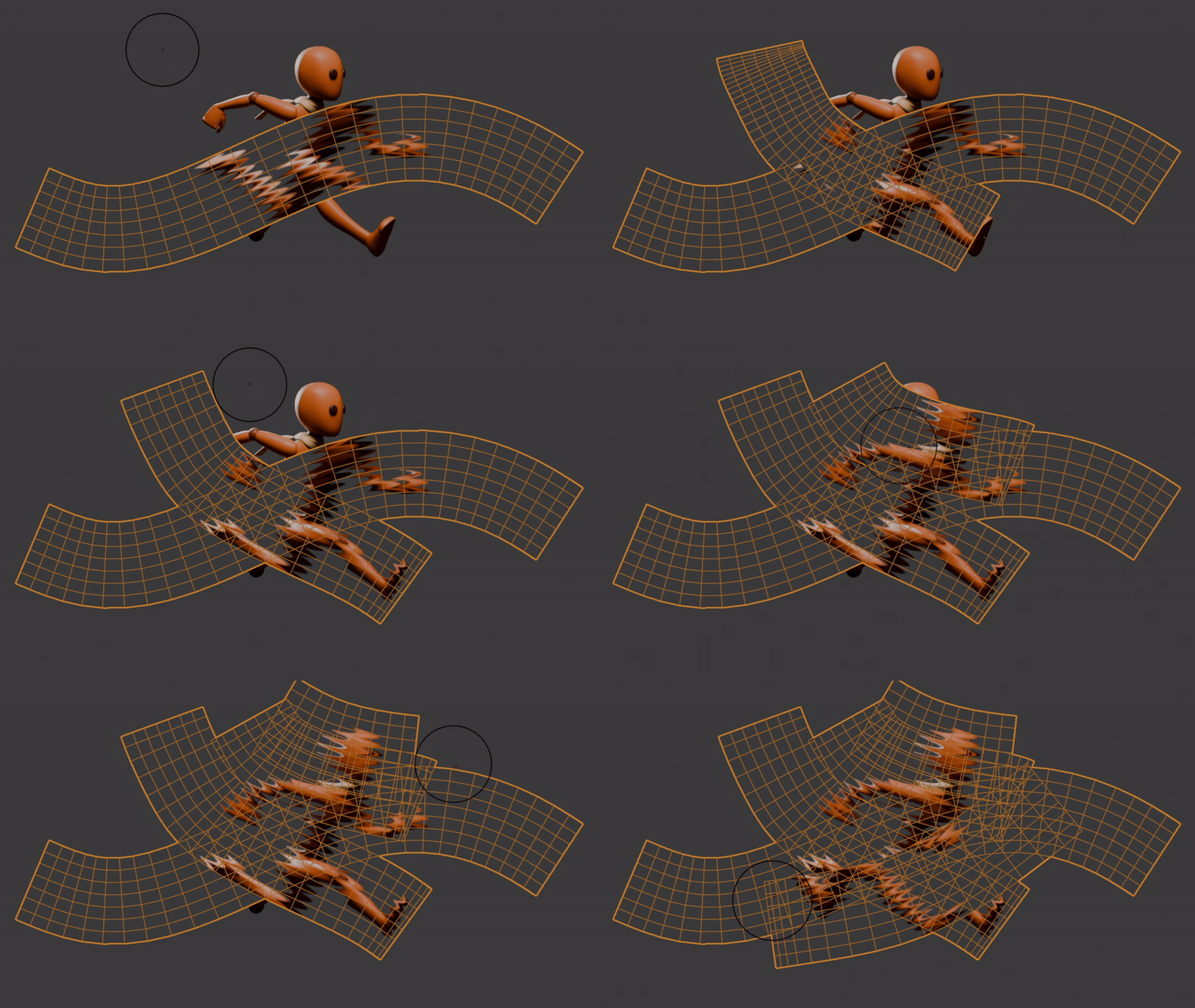
Smudge Pencil is a Grease Pencil object with a Geometry Nodes setup.
This setup generates mesh lines based on the Grease Pencil strokes and applies a refraction shader. The shader smudges the objects behind the lines, influenced by the size and strength of the Grease Pencil strokes.
Additionally, the Grease Pencil object is constrained to the camera, making it easy to apply smudging effects in your camera view.

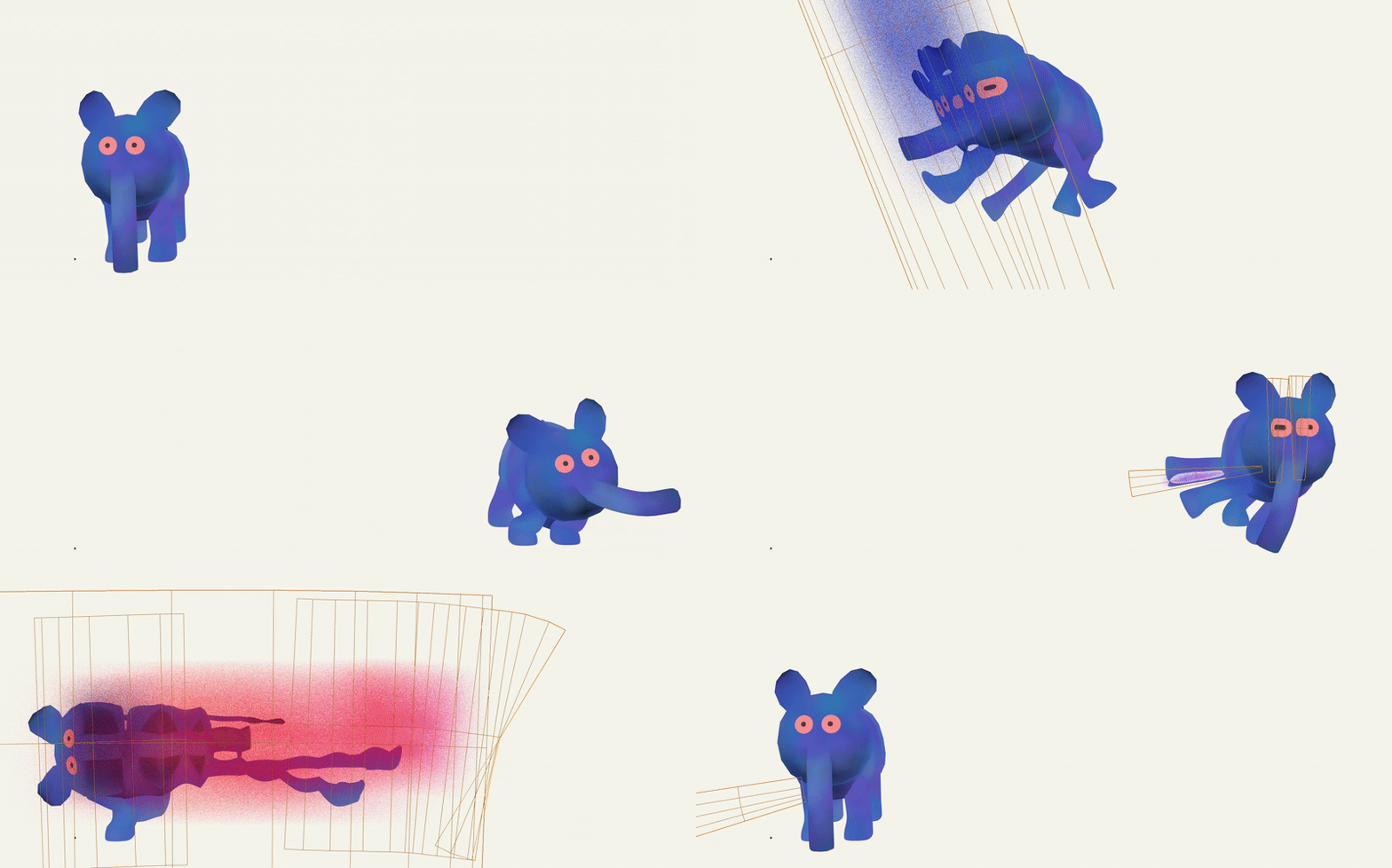
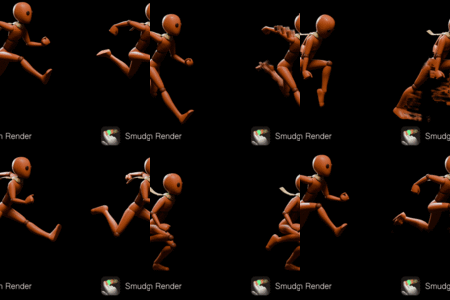
Smears added frame by frame with the Smudge Pencil
It's not an "automatic motion blur". Instead, the smear frames must be created manually by the user, frame by frame. While this process might seem tedious, it delivers a hand-crafted quality that I personally strive for. Which brings me to...
Why I Created This
I'm the director of a short called Sierra. In the film, I used Krita's smudge brush to create smears on fast movements. I was honestly baffled when I found this method in Blender.

Technical Limitations
Smudge Pencil relies on refraction, which means it does not smudge Grease Pencil lines directly. To work around this, you can either:- Convert Grease Pencil lines into geometry using Blender Studio's Brushstroke Tools, or
- Apply the smudge effect to a rendered image sequence or video (an example file is included for reference).
For scenes with foreground, middle-ground, and background layers, smudging requires rendering in Cycles for alpha transparency. Separate the animation into different ViewLayers and composite them using "Alpha Over" nodes (an example file is included).
System Requirements, Compatibility & EEVEE* limitations
- Smudge Pencil requires a decent GPU. I tested with RTX 3090, but it should work alright with low-tier GPUs.
- Works with EEVEE* & Cycles
- Blender version 4.3+ (Windows, MacOS, Linux)
* EEVEE is limited to only 1 layer of refractions, so you can't smudge a smudge.
* EEVEE doesn't support alpha transparency in refractions. A workaround could be keying out a bright-colored background.
What's Included
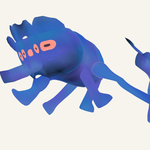
 One of the example scenes
- The smudge Pencil Object w/ Geometry Nodes Setup
- A simple Smudge Scene with an image plane for optimized smudging. (EEVEE and Cycles)
- A scene with a compositing setup separating smudges in foreground, middle-ground, and background. Cycles only. (EEVEE doesn't support Alpha in Refractions.)
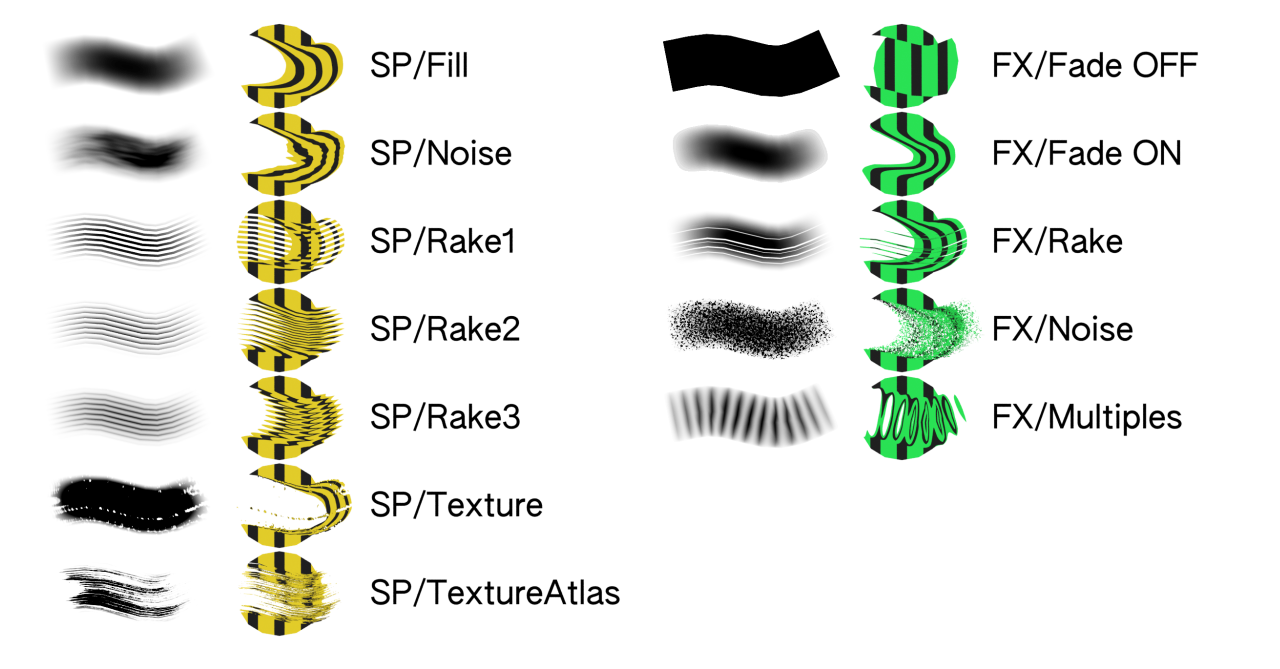
- 7 Adjustable Brushes & Effects
Required User Skills
I set up the nodes with beginners in mind. Still, a certain degree of understanding of Geometry Nodes and Shaders will be useful. If it's your first time opening Geometry Nodes, this could be an exciting dive into the nodes! Tweaking and switching up the connections and node types is part of the fun and lets you invent your style for the smudges.
Credits
Smudge Pencil combines parts of Blender Studio's Brushstroke Tools and a modified refraction shader from Dillon Goo's Mesh Trails Add-on. The shader was tweaked to work in camera view and follow stroke direction. I streamlined the Brushstroke Tools for smudging and added features to prevent overlapping strokes, which would break the refraction rendering.
Feedback & Help
Feel free to reach out to me here or at [email protected] for any suggestions, questions, or assistance with the setup. I’d be happy to help! 🤗
