Smudge Pencil
 Sander Joon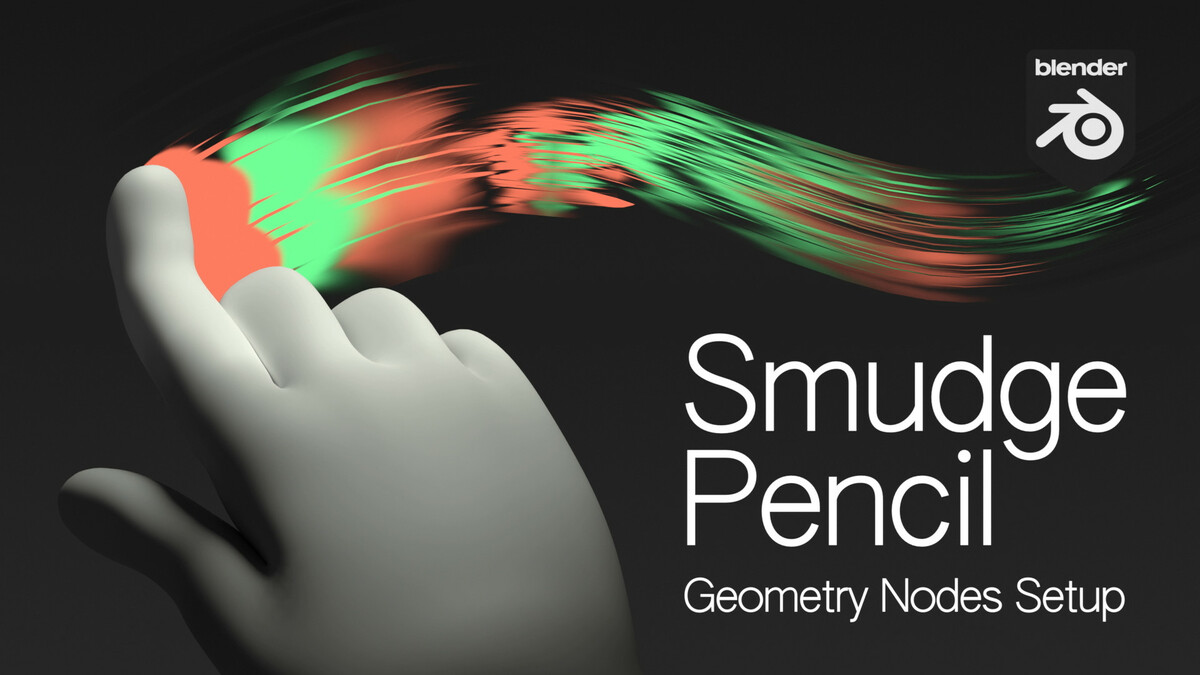



Install
- Copy the "SmudgePencil Asset" folder to a folder where you keep your assets (for example: /Documents/Blender/SmudgePencil Asset/)
- In Blender, add the folder to: Preferences > File Paths > Asset Libraries > [+]
- Set the Import Method: Append
Getting Started
- From the Asset Browser, Drag & Drop the SmudgePencil asset to your scene
- In the Constraints tab, Set the Target Camera
- In the Modifiers tab, adjust the Distance from Camera
- Switch to Active Camera View, and Draw Mode, and make the brush radius a bit bigger
- Smudge!
- Adjust the Settings in the Modifiers tab
- (EEVEE) Activate Raytracing in Render Settings
$1
Have questions about this product?
Login to message
| Sales | 30+ |
| Published | over 1 year ago |
| Blender Version | 4.3 |
| License | GPL |
