 ORM3DCreations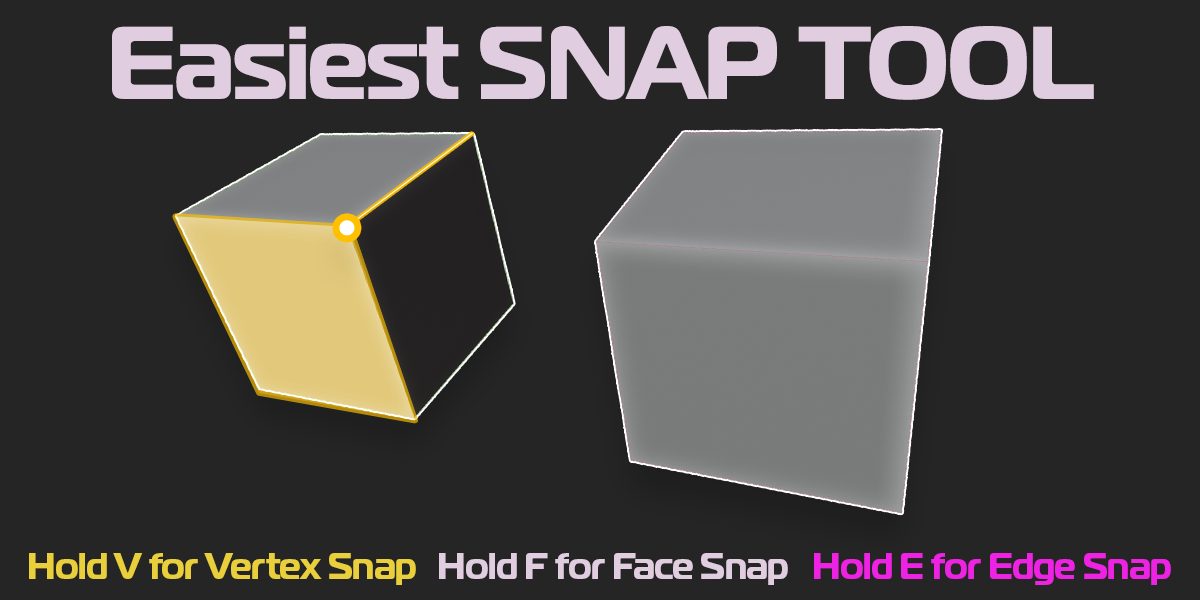
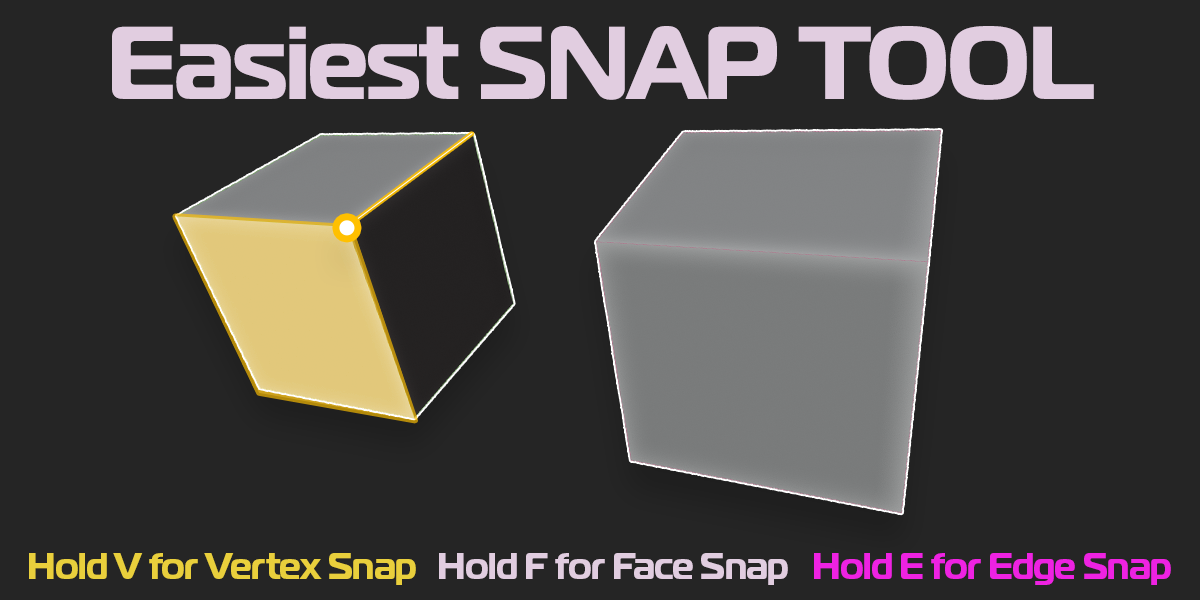


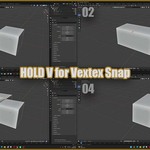
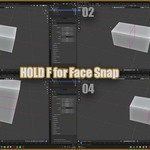
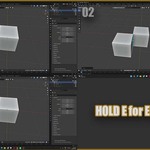
Bring fast, intuitive Unity-style snapping directly into Blender!
Unity Style Smart Snap allows object snapping using hotkeys, featuring persistent color-coded GPU overlay highlights and automatic rotation alignment for smooth scene building.
✨ Features:
• Vertex Snapping (V Key): Snap vertices with an orange overlay indicator.
• Edge Snapping & Auto-Rotation (E Key): Align edge-to-edge with cyan highlights and automatic parallel alignment.
• Face Snapping & Normal Alignment (F Key): Snap face-to-face with magenta loop highlights and automatic inverted normal alignment.
• Real-time Visual Feedback: Highlights stay visible during dragging until you release or confirm your snap.
🎮 How to Use:
1. Select an object in Object Mode.
2. Hold 'V' (Vertex), 'E' (Edge), or 'F' (Face) over the source point.
3. Left-Click and drag to your target geometry.
4. Release to confirm, or press Right-Click / ESC to cancel.
⚙️ Compatibility:
• Blender 4.0+
• Object Mode