 Ennio Pirolo
REQUIREMENTS
Please make sure you can use the plugin before buying it. SnapMesh requires an Intel Mac with 16GB RAM, an AMD GPU of at least 4GB VRAM, or any Mac with an M1 (or above) chip.
The Pro Version requires MacOS Sequoia.
What is SnapMesh?
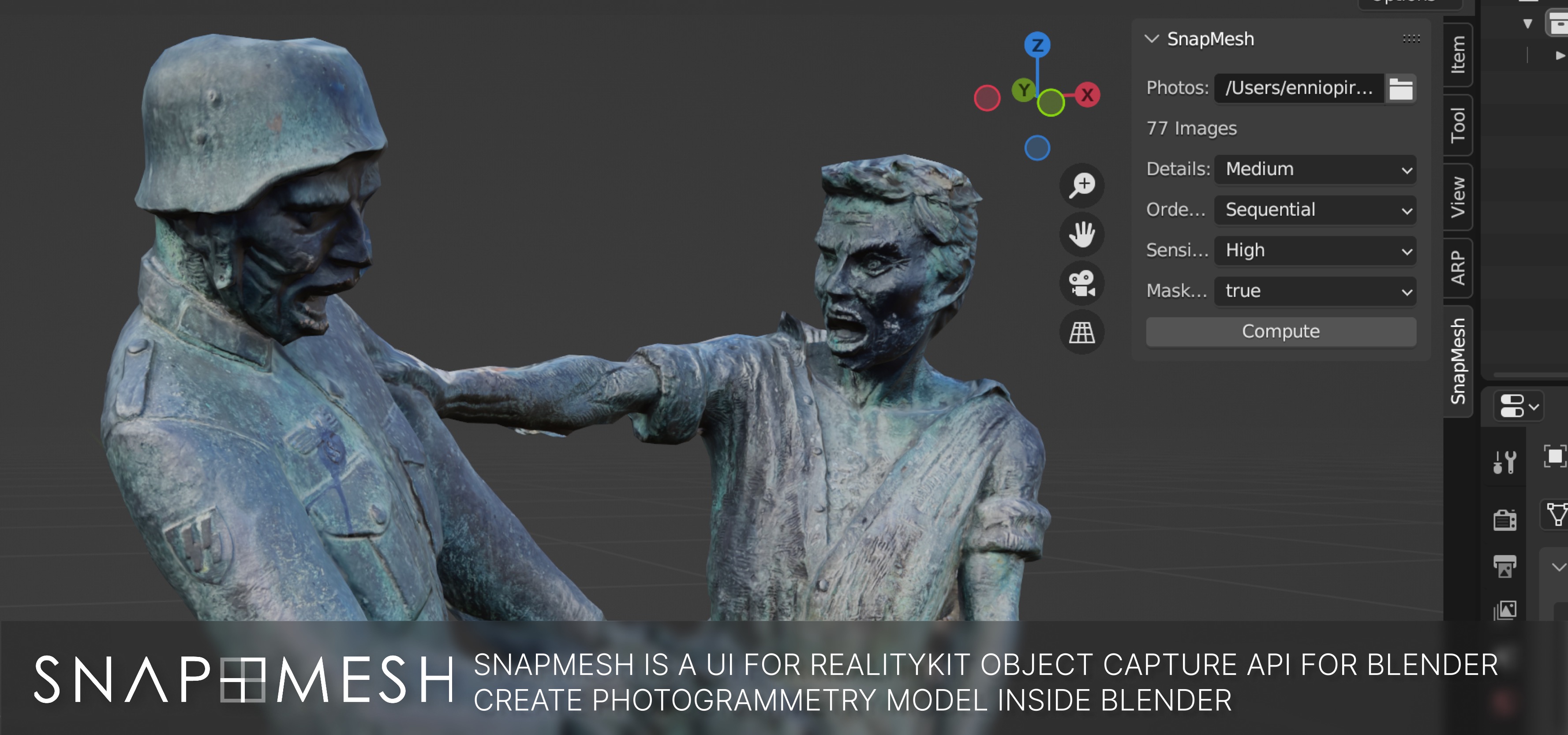
SnapMesh brings the power of Apple Object Capture APIs directly into Blender. Create photorealistic 3D models from your photos in just a few clicks, fully leveraging the speed of Apple Silicon chips.
Sample models:
- Puppy: photos + sample blend file - Sketchfab
- Statue: photos + sample blend file - Sketchfab - Edited Model
- Makita Drill: photos + sample blend file - Sketchfab
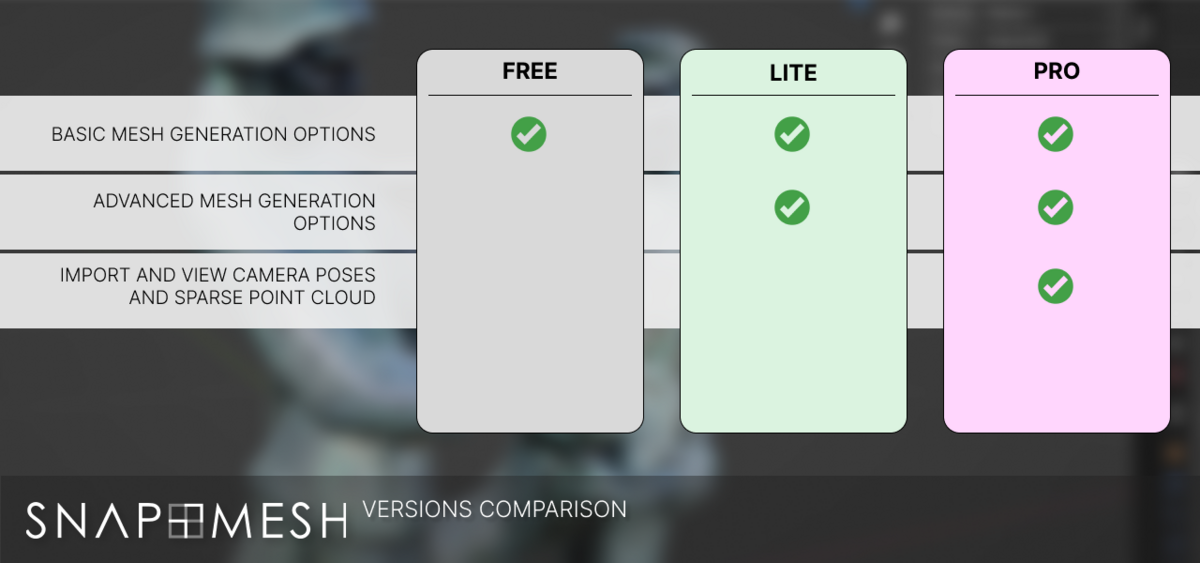
We have restructured SnapMesh to fit every need, from simple hardware testing to complex professional pipelines. Choose the version that suits you best:
Editions
| Feature/Version | Tester | Lite | Pro |
| Quality Settings | preview, reduced, medium, full | preview, reduced, medium, full, raw, Custom | preview, reduced, medium, full, raw, Custom |
| Ordering | Unordered | Unordered, Ordered | Unordered, Ordered |
| Feature Sensitivity | Normal | Normal, High | Normal, High |
| Masking Enabled | true, false | true, false | true, false |
| File Types | jpg, png | jpg, png | jpg, png, tiff, heif |
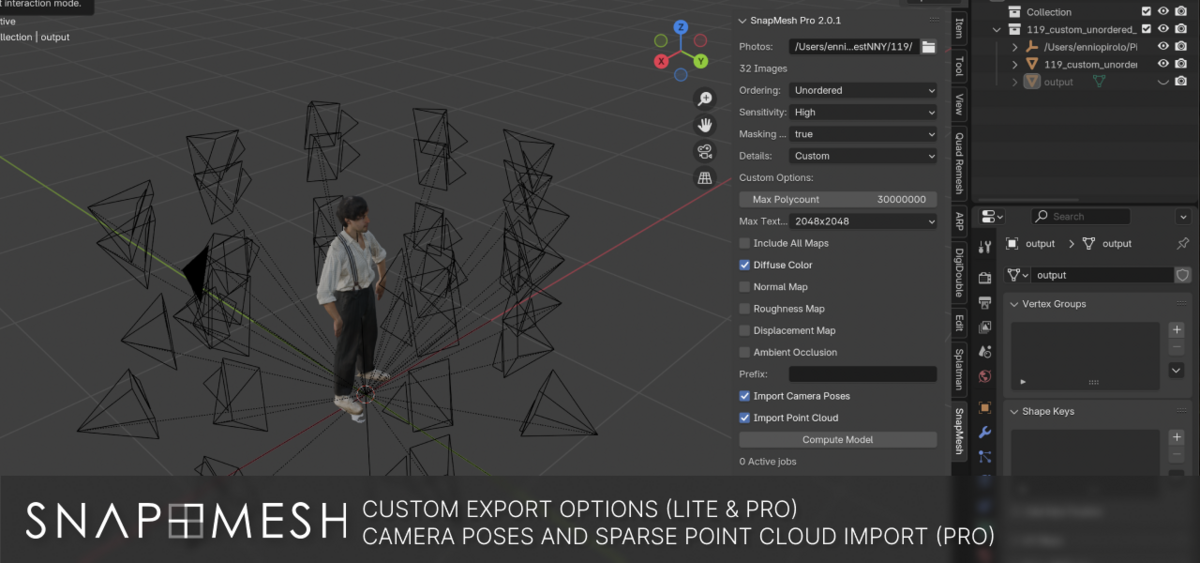
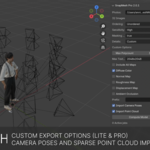
| Import Camera Poses and Sparse Point Cloud | no | no | yes |
| Import quads instead of tris | no | no | yes |
| Settings presets | no | no | yes |
| Post-processing workflow operations | no | no | yes |
How it works
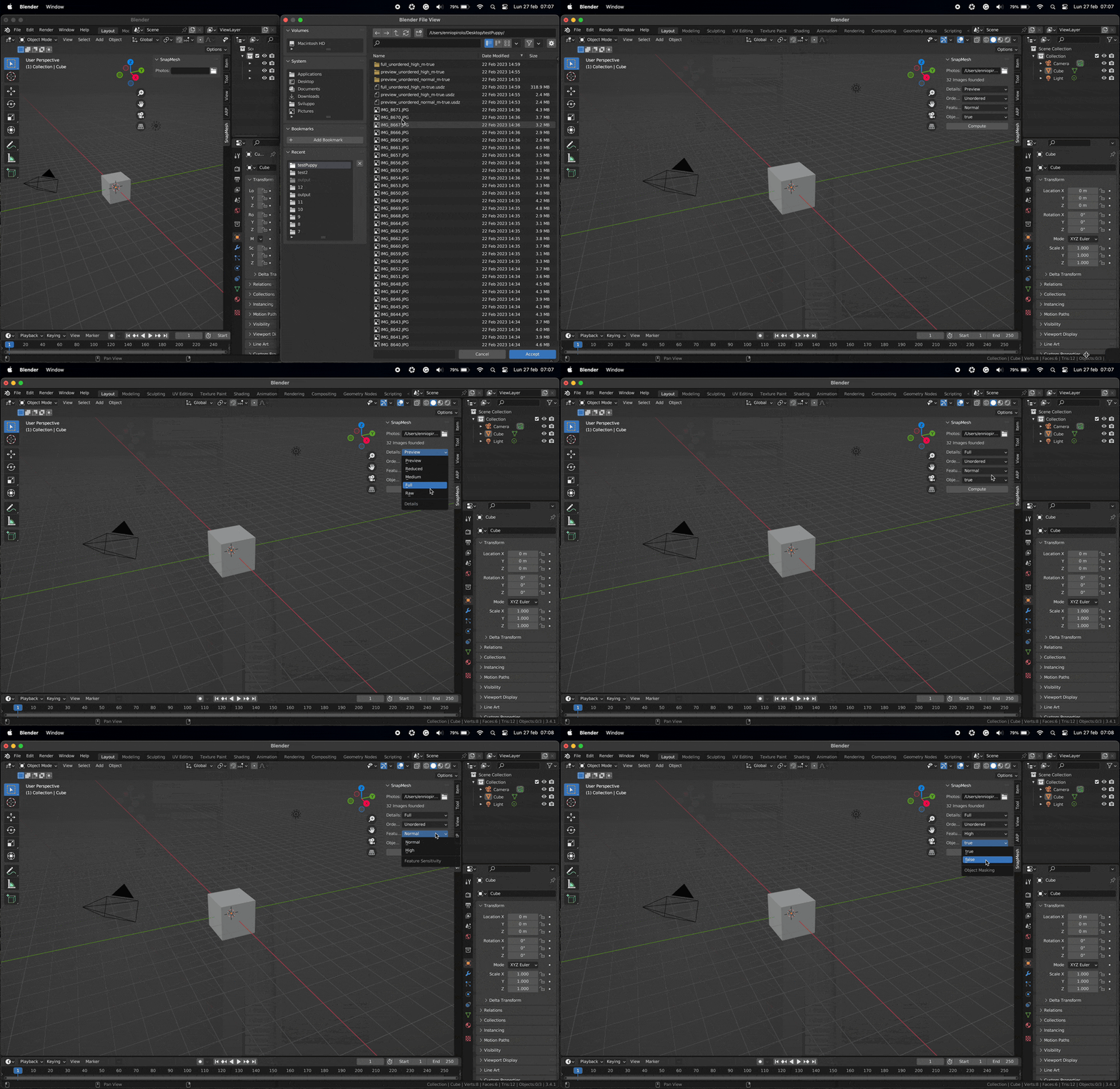
The plugin features a user-friendly interface that guides you through the entire process, from importing your photos to generating a detailed 3D model. You can also customize the settings to achieve the level of detail and accuracy you need.
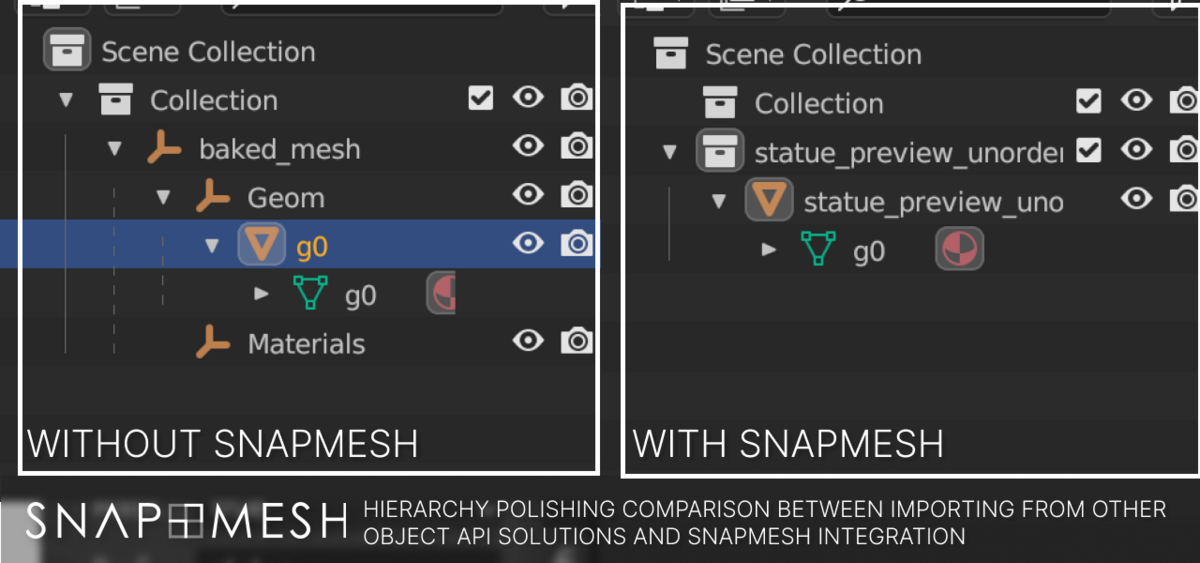
When you're happy with the settings, you can start the computation that starts a background process without locking the Blender UI. When the computation is complete, the output model is imported into Blender and is ready to use.
The Input
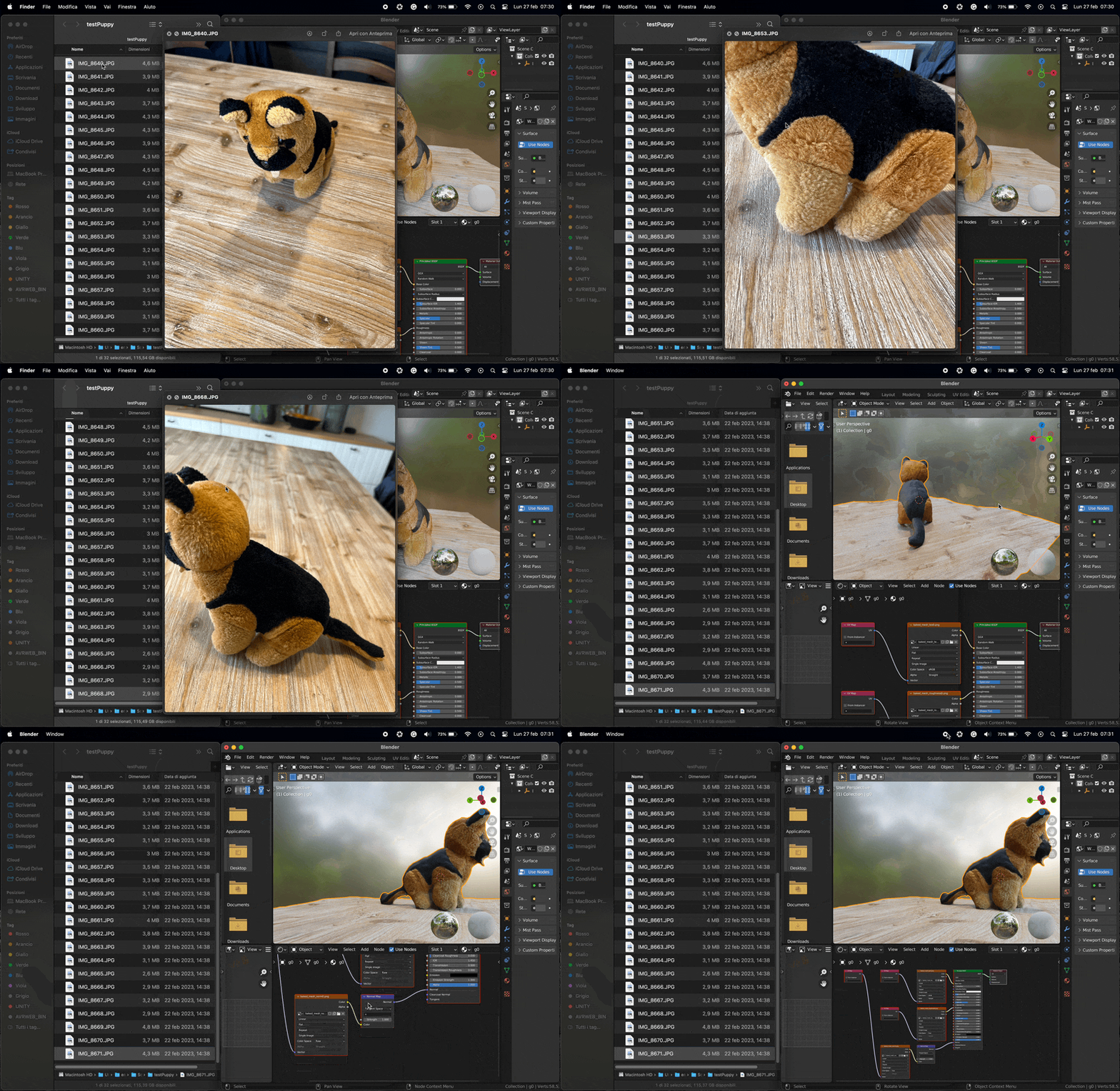
SnapMesh is compatible with a wide range of cameras, allowing you to use the device of your choice. Whether you're using a DSLR, mirrorless camera, or even your smartphone, you can create stunning 3D models with ease.
The RealityKit API used by SnapMesh is powerful but flexible, giving you pretty good results even with a few images.
The Output
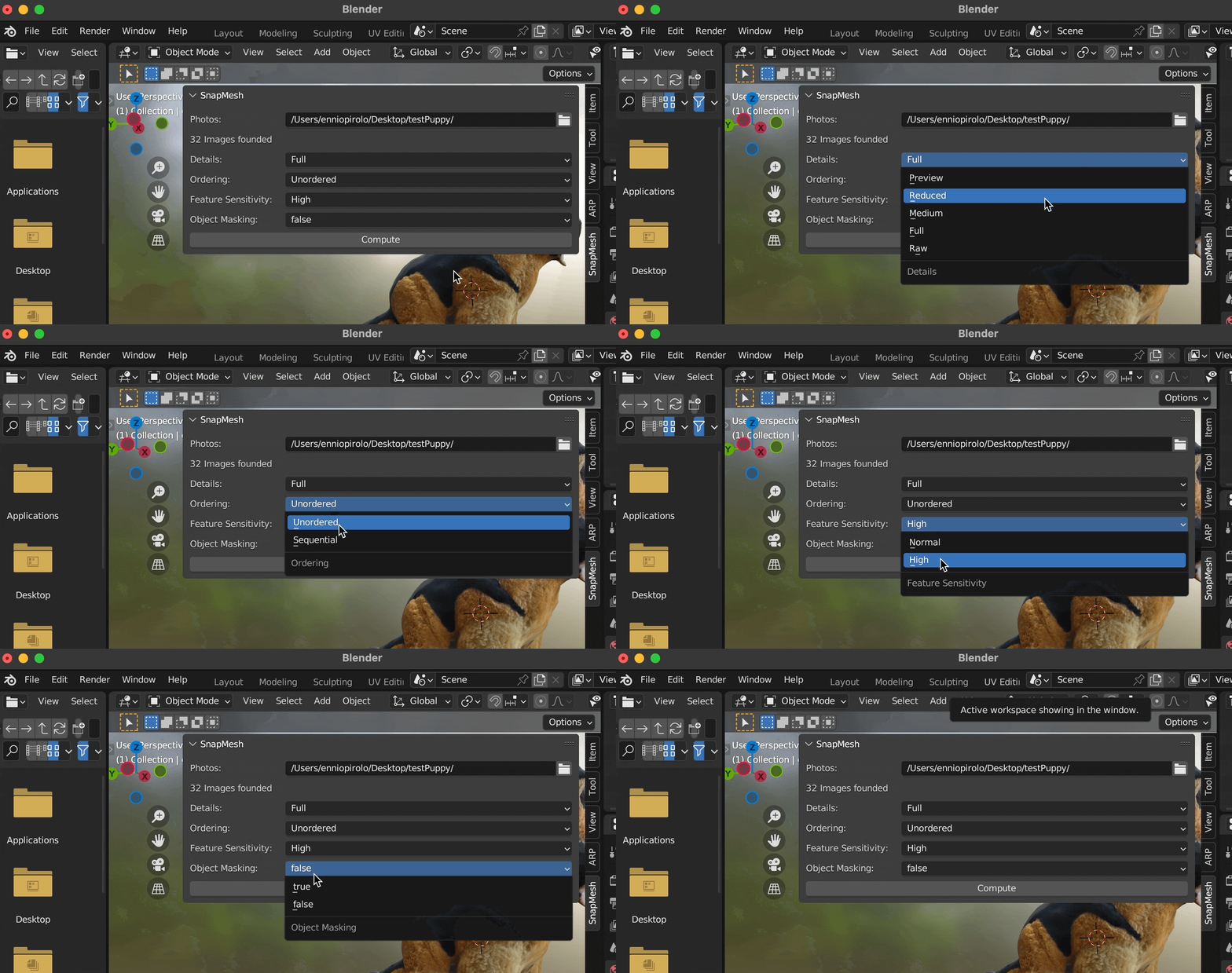
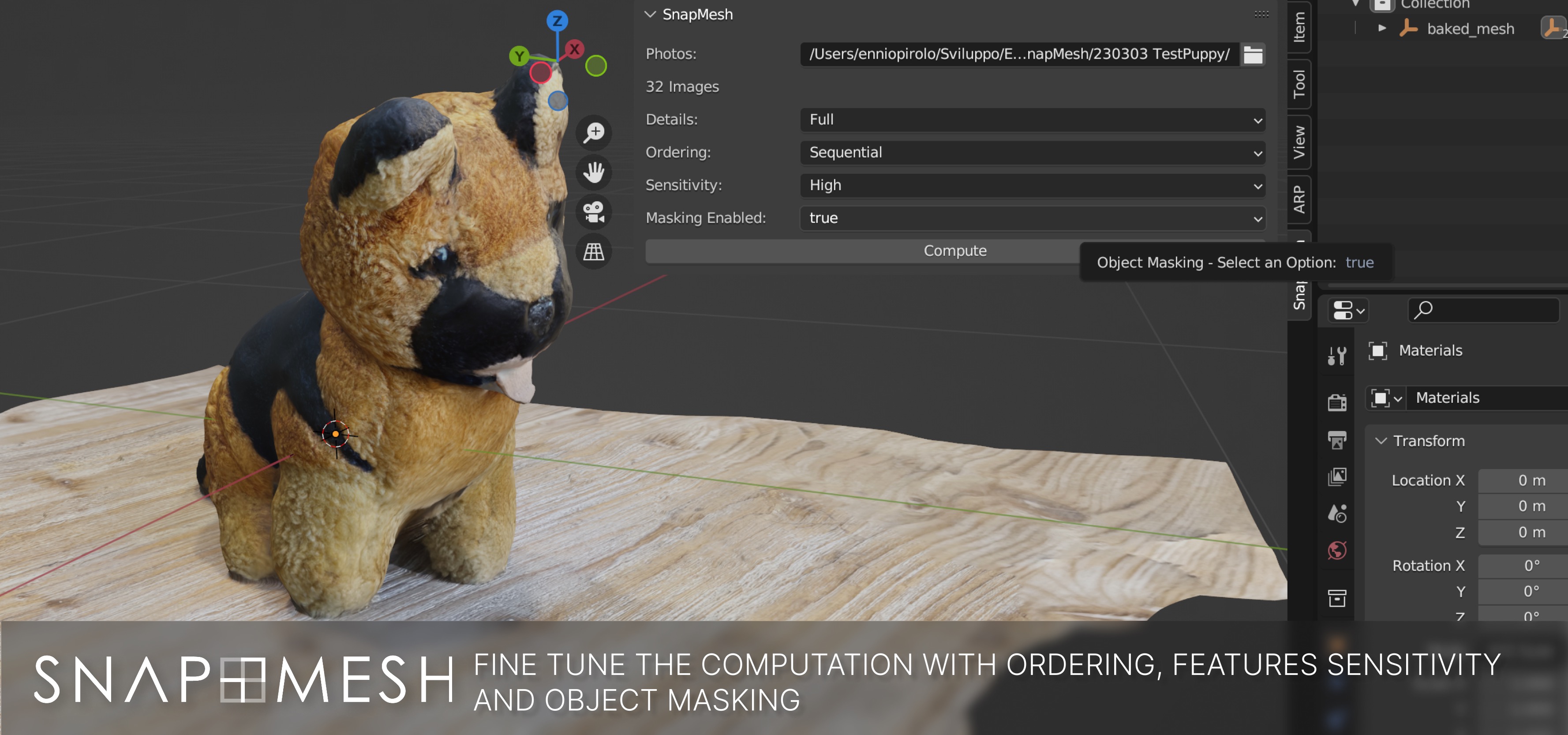
SnapMesh exposes the main four options of Object Capture API:
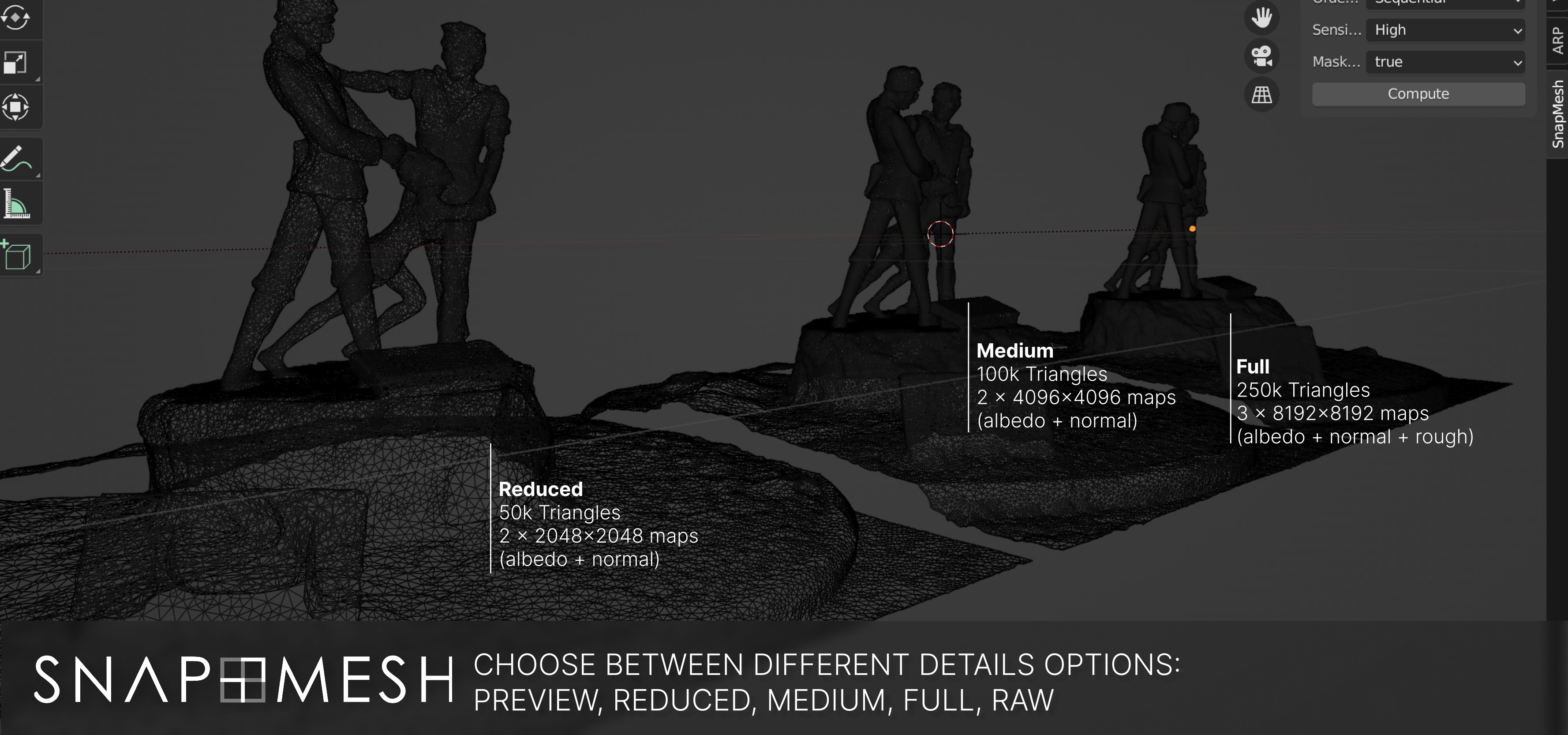
Details
The Details option will automatically limit the number of triangles and textures in your file, trying to limit the final file size.
For more please checkout the table below.
| Detail level | Triangles | Est. File Size (.usdz file) | Texture size | Generated maps |
| Preview | <25k | 5MB | 1024x1024 | diffuse, normal |
| Reduced | <50k | 10MB | 2048x2048 | diffuse, normal |
| Medium | <100k | 30MB | 4096x4096 | diffuse, normal, AO, roughness, displacement |
| Full | <250k | 100MB | 8192x8192 | diffuse, normal, AO, roughness, displacement |
| Raw | <30M | Varies | 8192x8192 | diffuse, normal, AO, roughness, displacement |
Ordering
If you're providing images in order, with adjacent images next to each other in order, you can specify Ordering = sequential to speed up the process. This setting has no impact on the quality of the output.
Feature Sensitivity
The photogrammetry process relies on finding identifiable landmarks in the overlap between images. Landmarks can be hard to identify if the images don’t have enough contrast, aren’t in focus, or if the object is all one color and lacks surface detail.
When Feature Sensitivity is set to high, it instructs RealityKit to search an image for landmarks using an algorithm that analyzes an image closely and in detail. This slower, more sensitive process can produce an accurate 3D object even when landmarks are difficult to discern.
Object Masking
When a photograph of an object includes surrounding objects, such as plants, buildings, or people in an outdoor space, and Object Masking is set to true RealityKit attempts to create a mask algorithmically. If it’s unable to create a mask, RealityKit reverts to reconstructing the object using the entire image. RealityKit doesn’t attempt to separate the sample foreground from the background if this value is false.
Exclusive PRO Features:
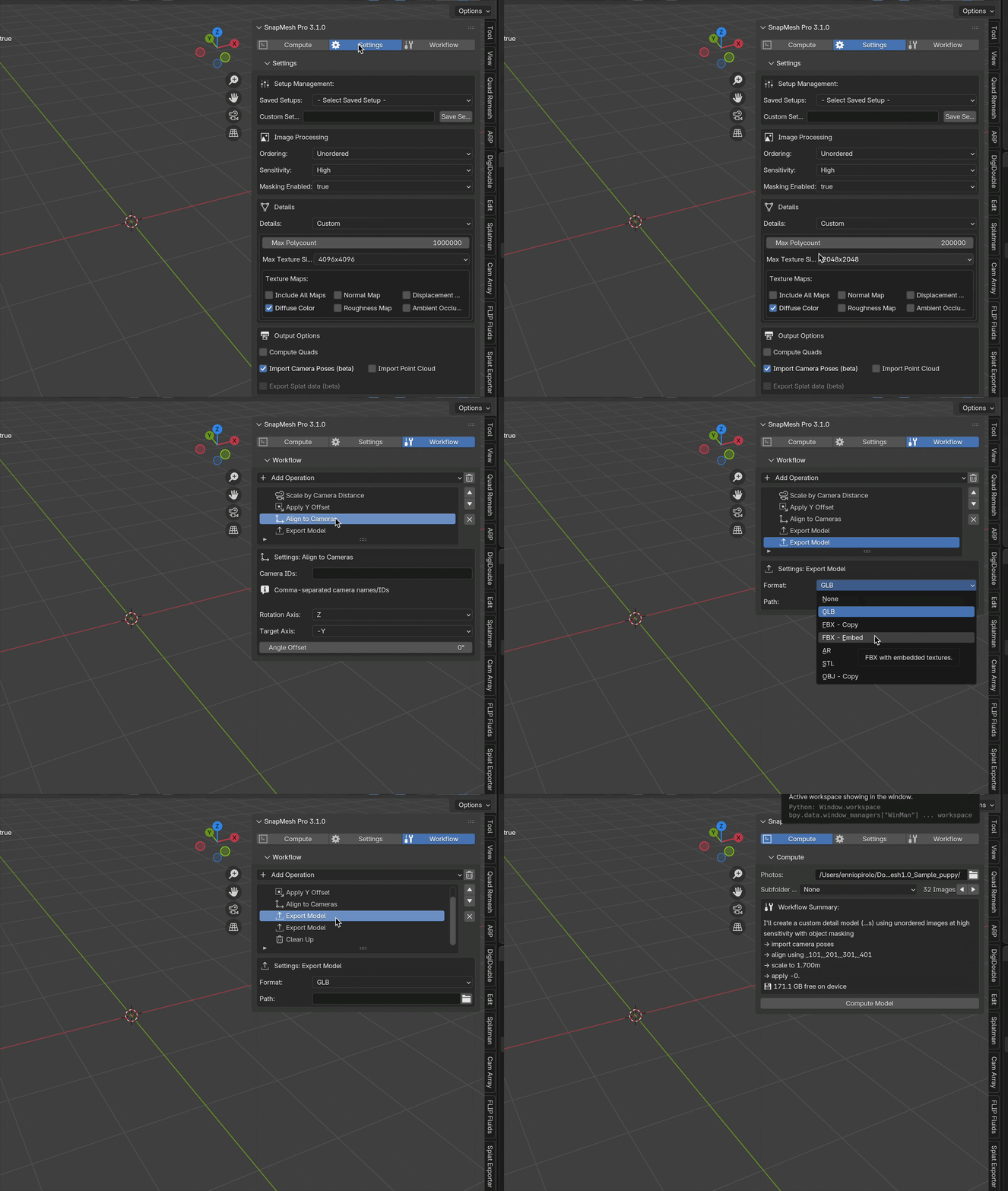
-
Dedicated Workflow Automation:
Don't just generate a mesh—build a processing pipeline. Create a "chain" of operations that run automatically after computation. We have added 6 workflor operations to let you create complex pipelines, some of them:
- Auto Scale & Align: Scale to target bounding box or align to cameras automatically.
- Export Operations: Automatically save your assets to disk after model computation in GLB, USDZ, FBX with embedded or organized textures formats
- Clean up: useful to start a new model computation and free up memory
-
Advanced Management
- Computation presets: Save and load presets for different object types (e.g., "Shoes," "Furniture").
- Disk Monitoring: Real-time tracking of storage space to prevent failed batches.
-
Next-Gen Features:
Export Splat Data (Beta): Export PLY data for Gaussian Splatting visualization.
Compute Quads: Generate quad-based topology instead of triangles for better editing.
Visual Debugging: Import camera poses and point clouds to verify accuracy.
Updates and support
You can check the docs page for the full changelog.
If you have problems or questions, please say hi on my discord server!
