 TB Elements


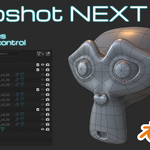
Snapshot Next –
We’ve all been there: a bad Boolean ruins your mesh, or you hit the undo limit andcan’t get back to that one specific state you need.
Snapshot Next is designed to eliminate that stress.
With a single click, you can create versions of your work,
safely tucked away in organized background collections.
Keep your creative flow going without worrying about destructive operations.
Key Features:
One-Click Snapshots:
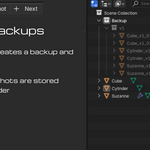
Instantly creates a copy of your selected obejct in a dedicated backup collection.Smart Versioning:
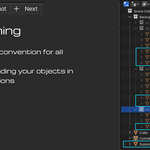
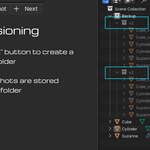
Use the "Next" button to jump to a new milestone (e.g., from blockout to detailing) and start a fresh version folder.Clean Outliner:
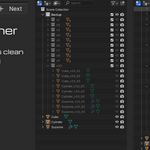
Backups are automatically hidden and systematically named, so your viewport stays clutter-free.Multi-Object Support:
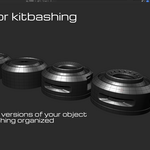
Works seamlessly with entire sets of objects at once.Perfect for Kitbashing:
Experiment with different variations and keeps all iterations in one single file.*Don´t forget to safe your blend. file form time to time
Installation
Drag and drop the downloaded ZIP file into the Blender window or install it via the Add-on settings.
Search for "Snapshot NEXT" in the Preferences and enable the checkbox.
safe preferences
Drag and drop the downloaded ZIP file into the Blender window or install it via the Add-on settings.
Search for "Snapshot NEXT" in the Preferences and enable the checkbox.
safe preferences