 SkdSam
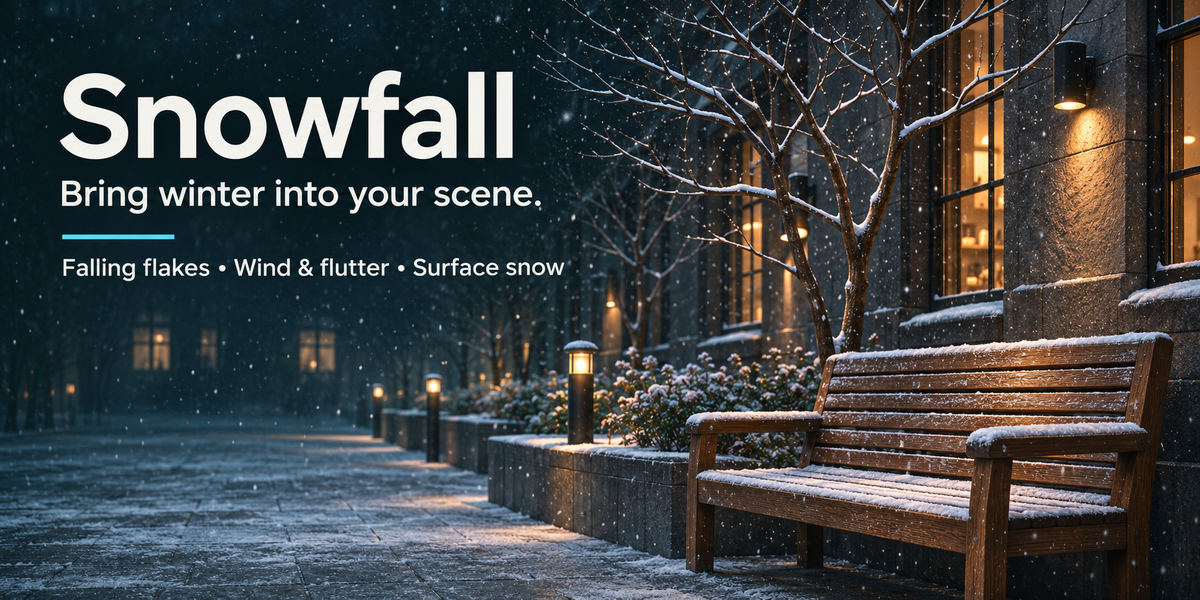


A colder scene.
A warmer story.
A quiet courtyard. Bare branches outside a window. Flakes catching the light on a winter street. Give your existing Blender scenes a sense of season with procedural falling snow and controllable surface coverage.
Start with a preset. Choose which objects interact. Shape the flakes, wind and snow-covered surfaces until the atmosphere fits your shot.
Explore SnowfallSee what is included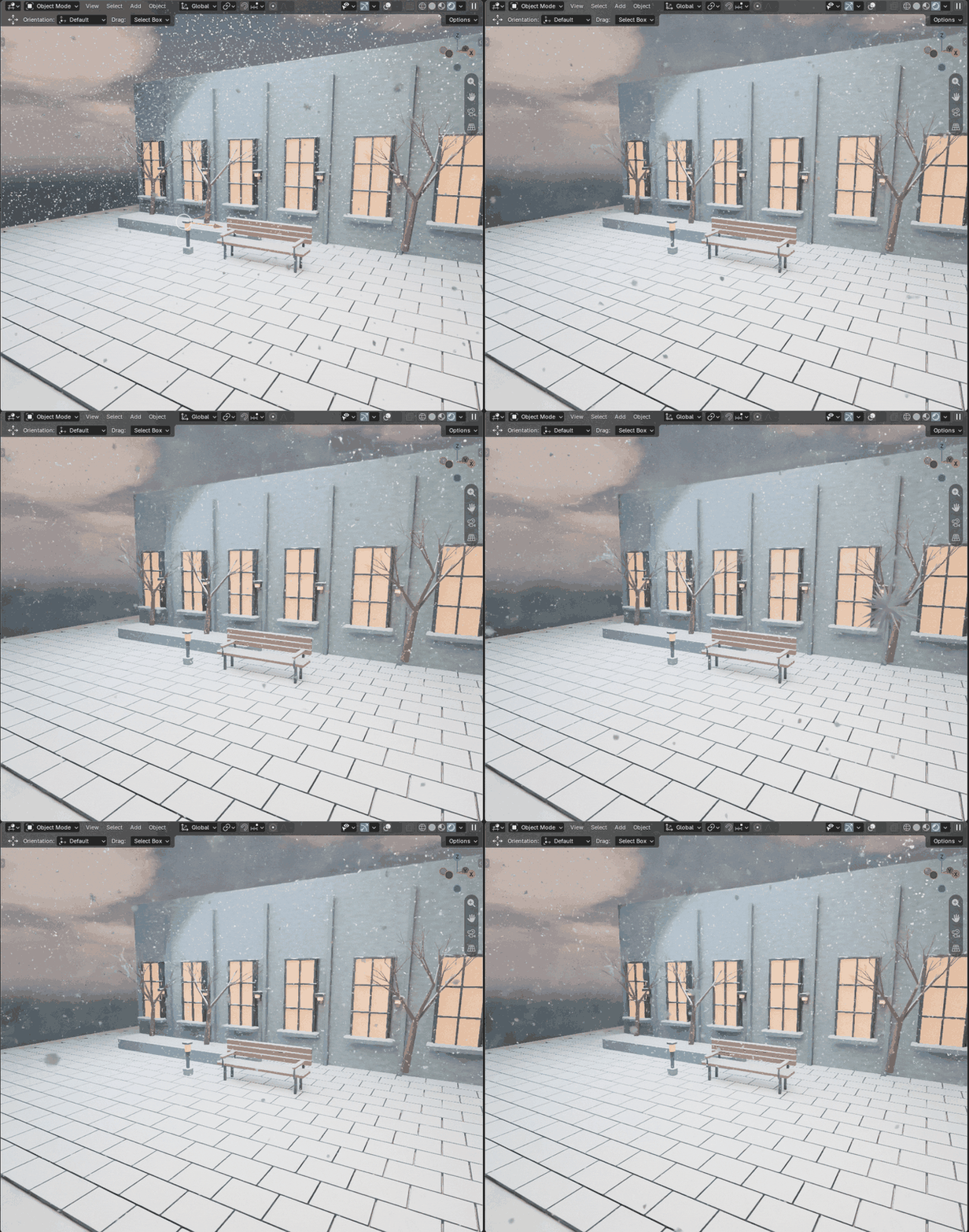
Realtime 3D viewport · Daylight snowfall
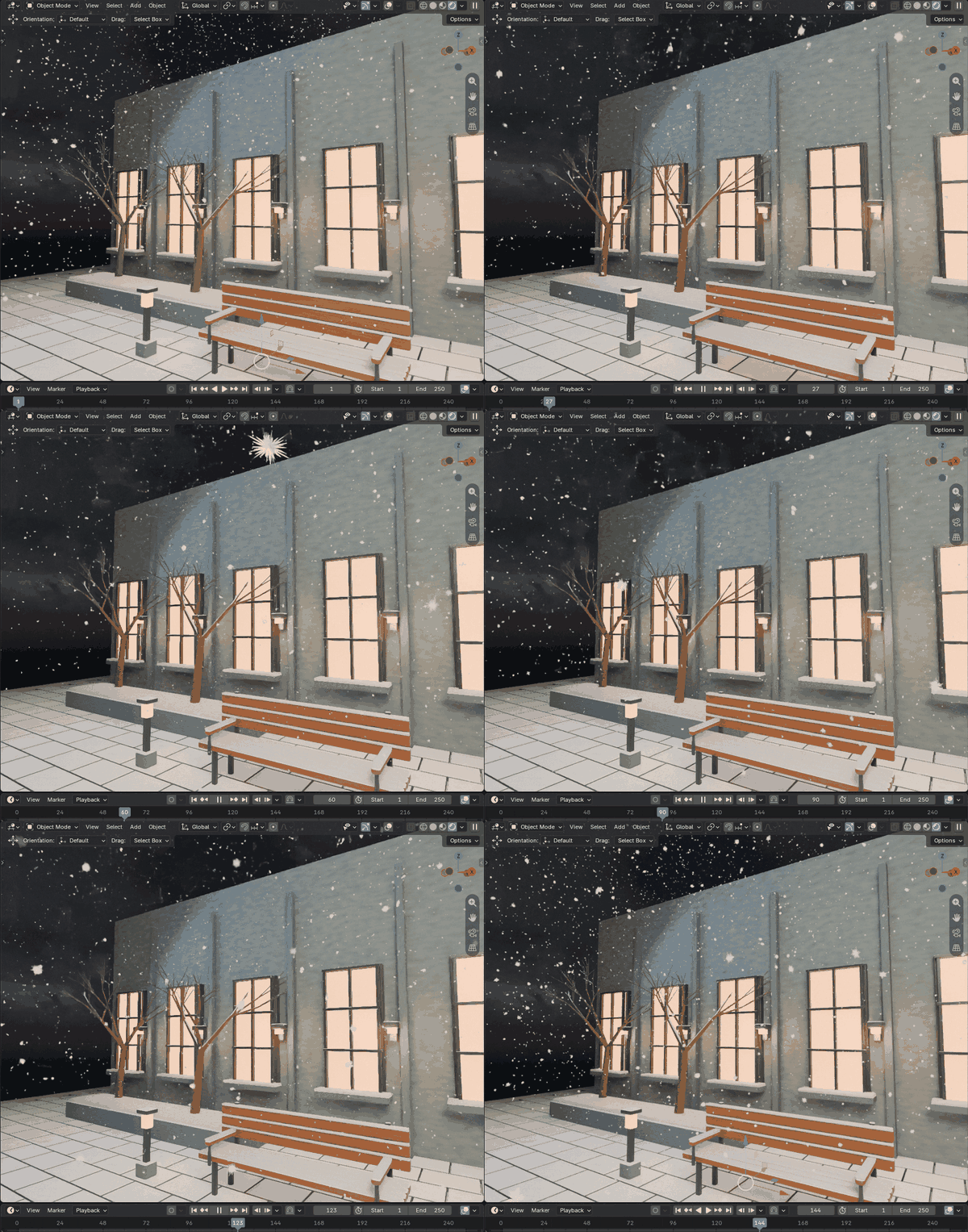
Realtime 3D viewport · Night snowfall
These GIFs show the Blender 3D viewport playing in realtime at reduced quality for demonstration only. Final renders produce higher-quality results than these viewport previews.
Flakes & motion
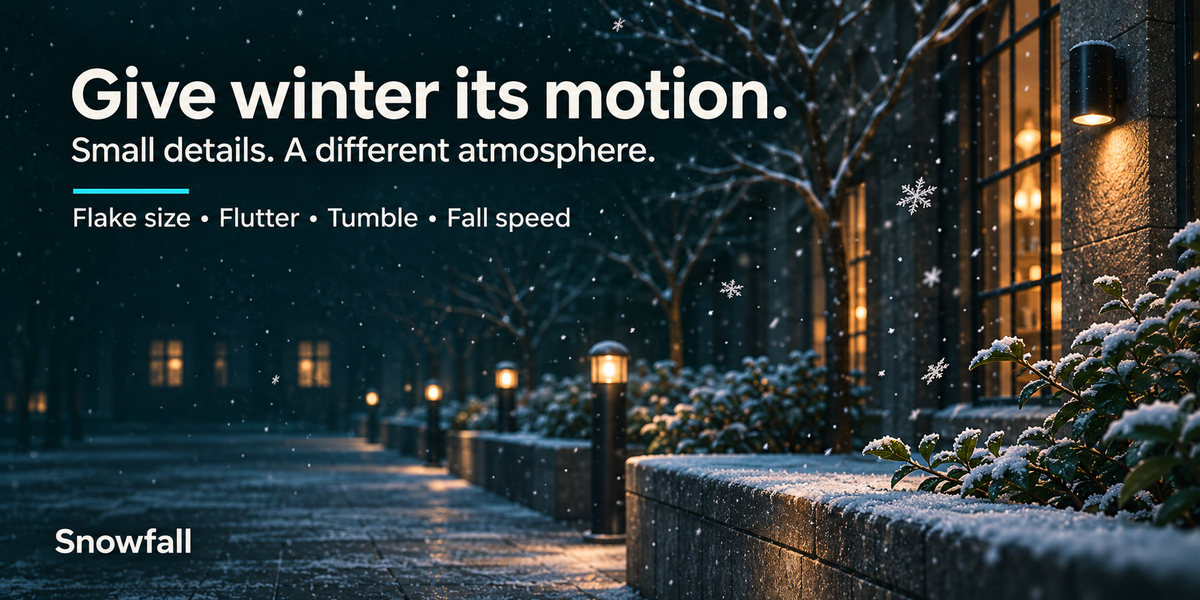
Make every flake part of the shot.
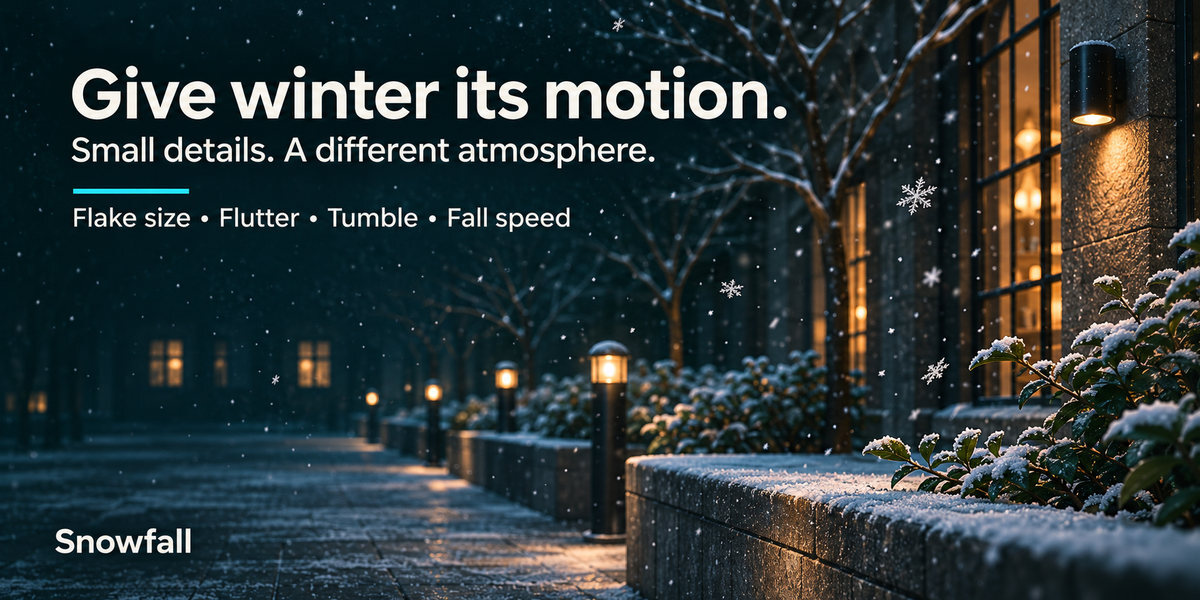
A few drifting flakes can make a scene feel still. A denser fall can fill the space between the camera and your subject. Tune the scale and motion to complement your scene rather than rebuilding it.
Small variations, richer motion
Control flake radius, size variation, fall speed and speed variation. Flutter adds horizontal wavering; tumble speed changes individual flake rotation.
A consistent starting point
Seeded, time-driven positions let you revisit the same moment on the timeline. Adjust the opacity and use Blender’s render motion blur when the shot calls for it.
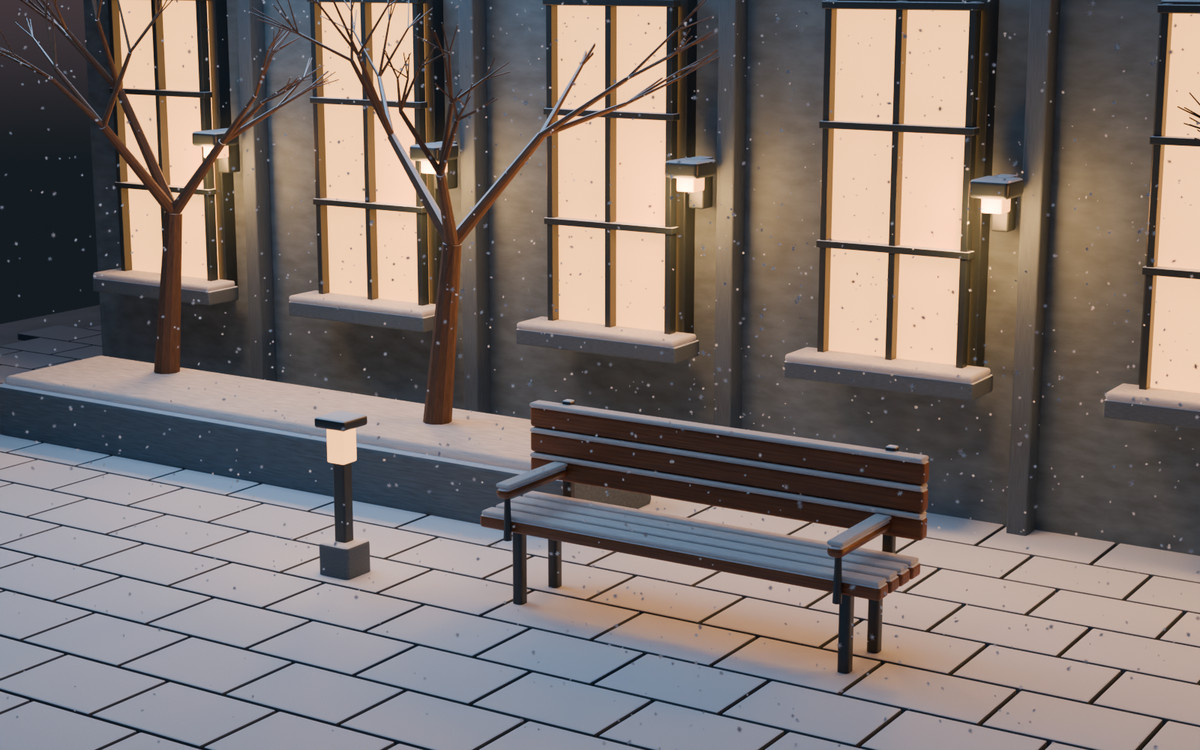
Actual Blender render · Night atmosphere / Cycles · Blender 5.2.4 LTS
Wind & air
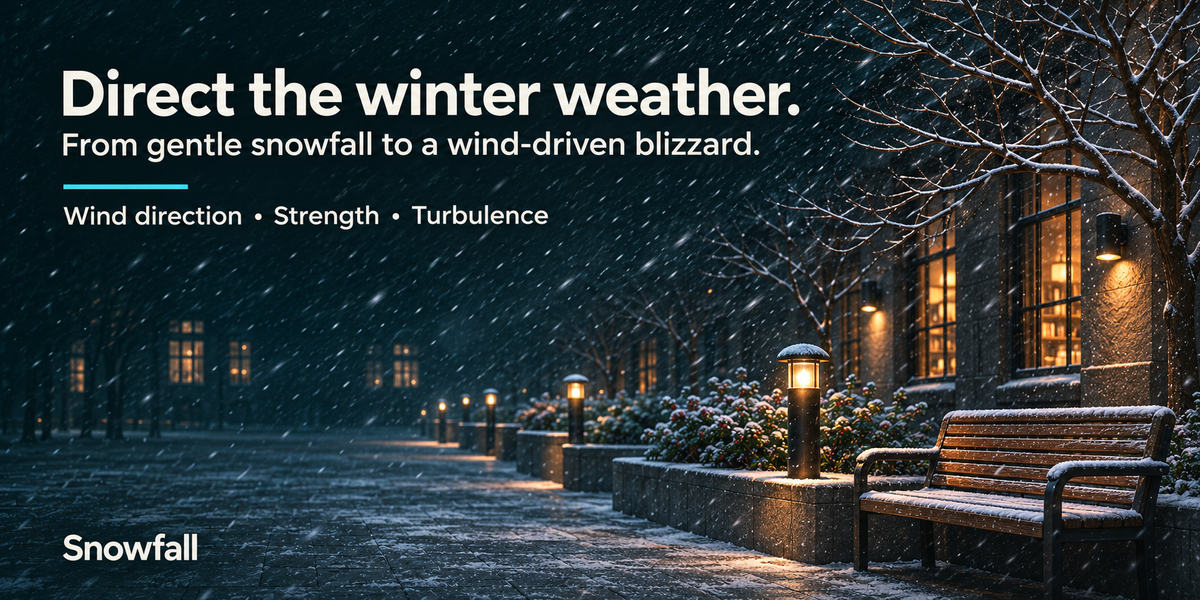
From a quiet fall to a restless sky.
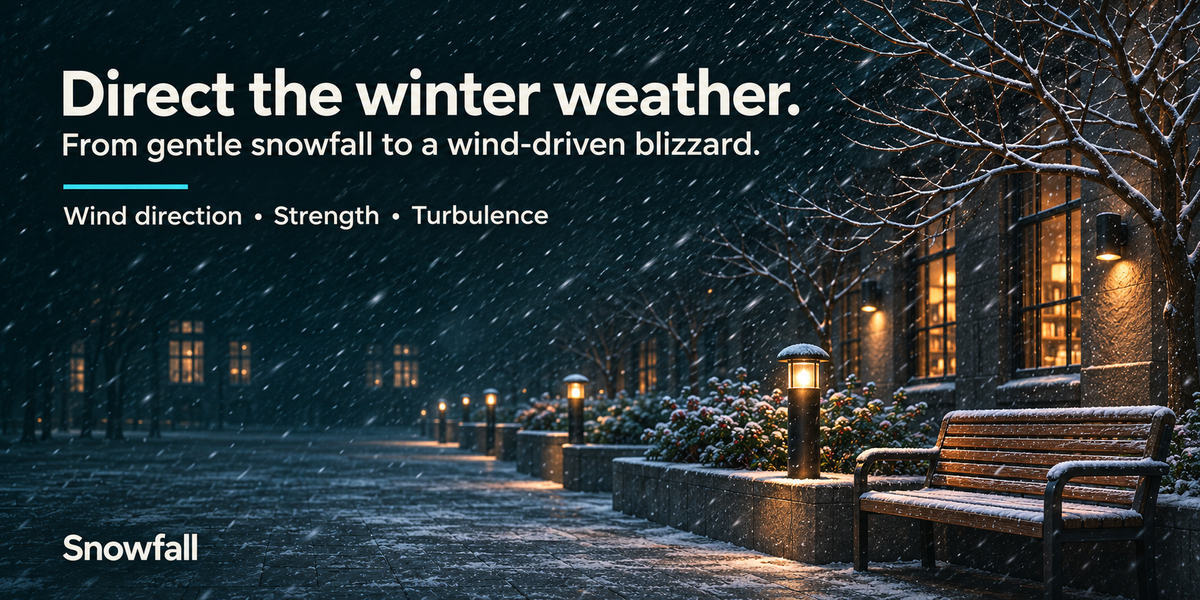
Set a direction for the weather. Push a gentle snowfall across the frame or use the Blizzard preset as the starting point for a more energetic winter scene.
Shape the air
Wind direction and strength establish the overall movement. Turbulence and flutter add variation so the fall feels less uniform.
Keep the weather where you need it
Position the emitter, resize its area and height, and use the bounds display to inspect the configured volume. Wind can carry flakes beyond those bounds; check the shot after tuning it.
Object interaction
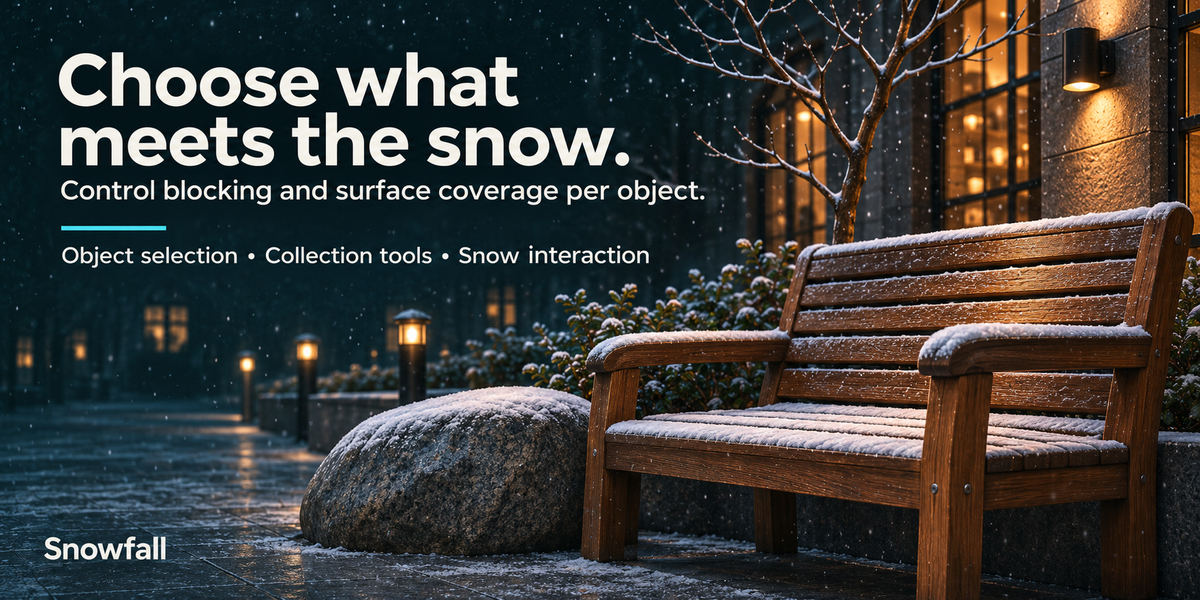
Choose the surfaces that meet the snow.
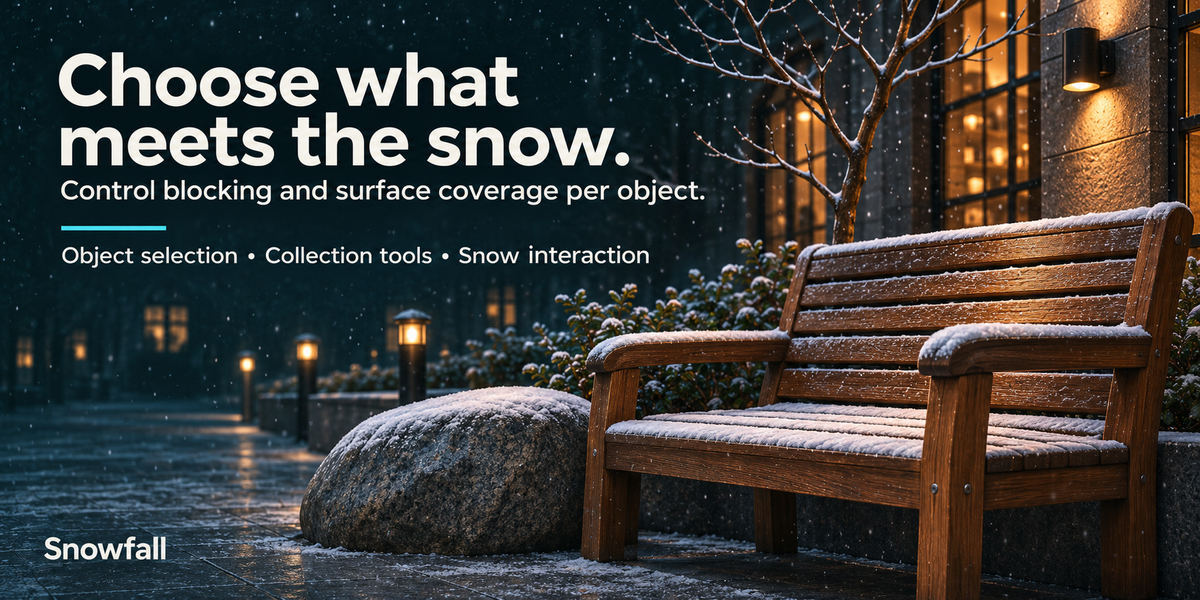
Benches, branches, stones and architectural details each tell a different winter story. Choose individual objects or a collection, then control how they block flakes and receive surface snow.
Add selected objects or whole collections
Use Interactive Colliders in the Snow sidebar. Collection tools include child collections in the current scene, making it easier to prepare a group of objects.
Separate blocking from appearance
Block Snow controls flake collision culling. Receive Surface Snow and the per-object Coverage Multiplier control the material effect independently. Collision culling does not simulate flakes piling up.
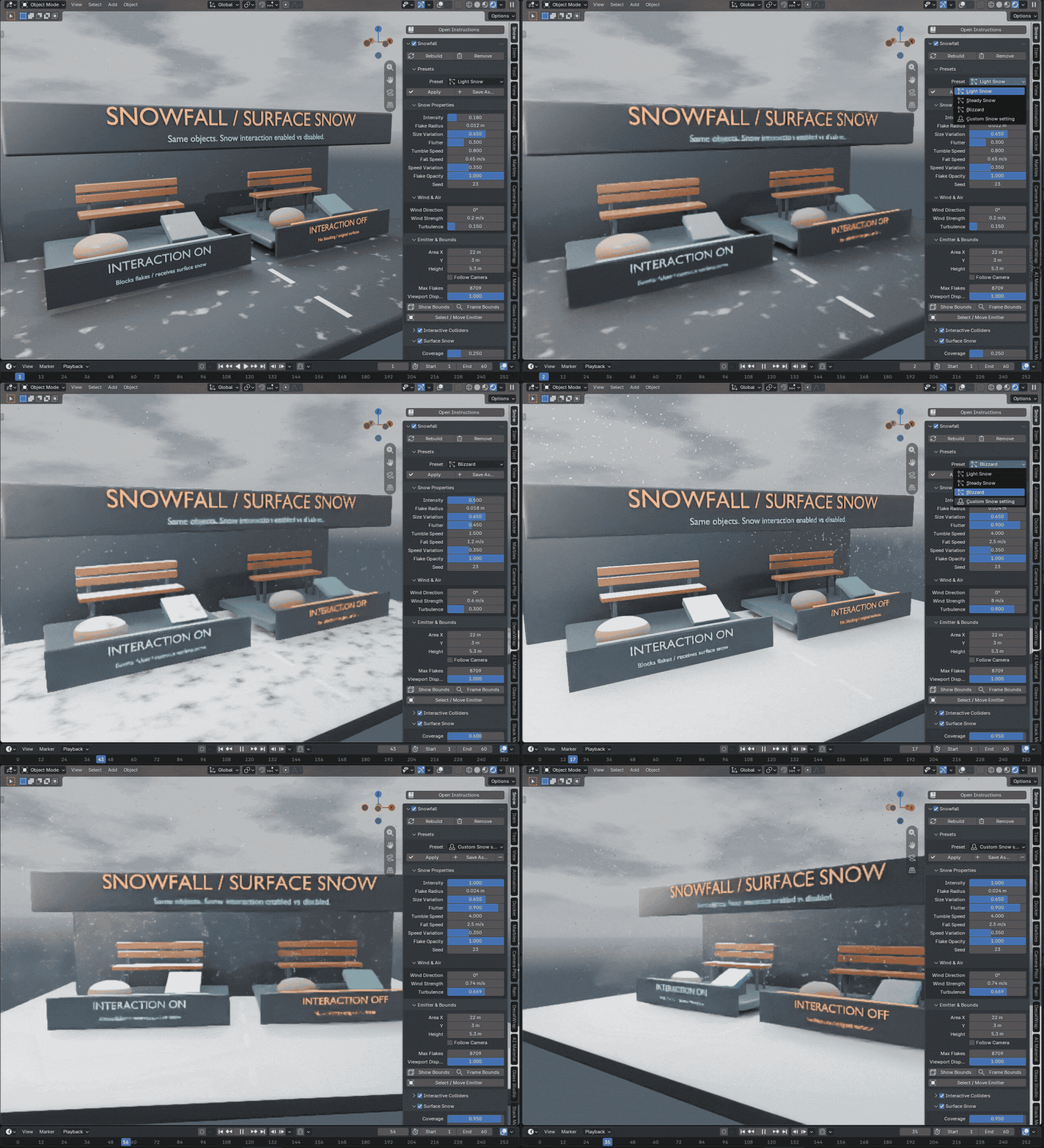
Actual Blender demonstration ? Light Snow, Steady Snow and Blizzard presets
Surface snow & masks
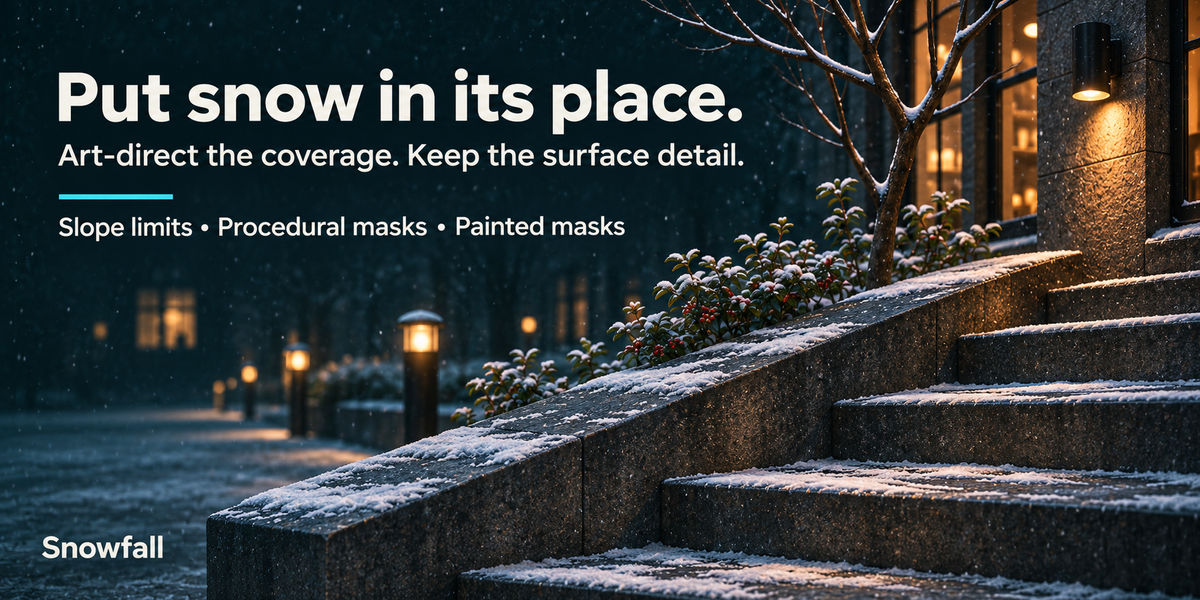
A winter finish, with room for your materials.
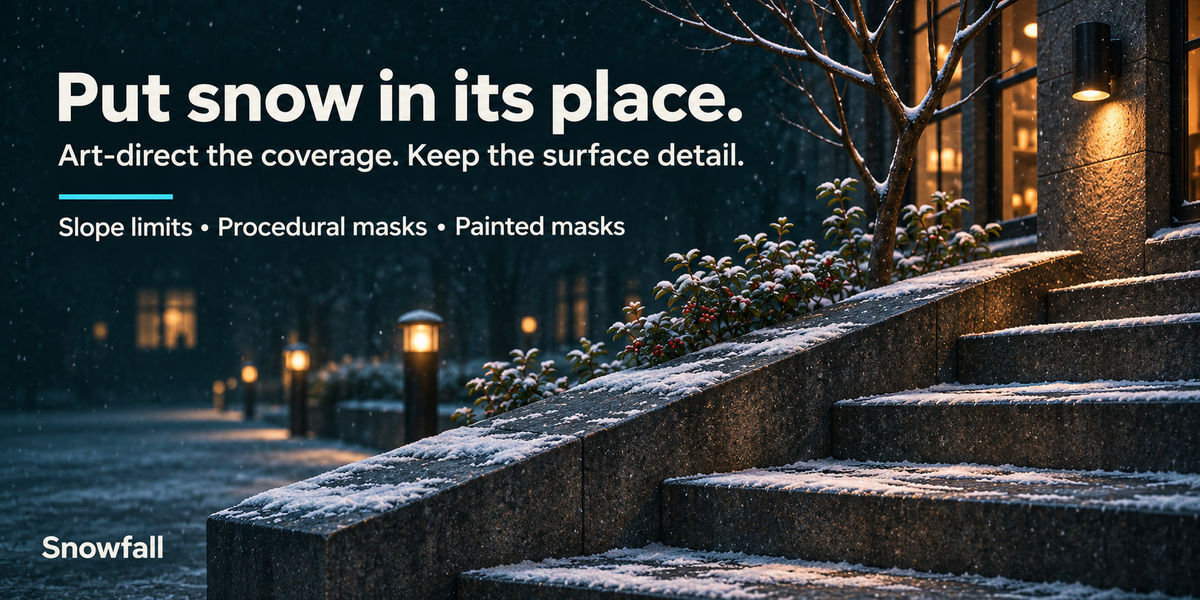
Add a pale dusting to upward-facing surfaces while keeping exposed wood, stone and metal in the composition. Use slope limits and masks to decide where that winter finish belongs.
Direct the coverage
Adjust coverage, patch scale and edge softness. Use procedural noise, painted vertex-color masks, or both together. Painted masks need enough mesh vertices for the detail you want.
Keep the original shader underneath
The snow wrapper mixes with the existing output shader. Tune snow colour and roughness, use world or object space, and change the coverage per receiving object.
Surface shading, not snow-depth simulation
Surface Snow is a static material effect. It does not add geometric thickness, change silhouettes, accumulate over time, melt, or create frost on glass.
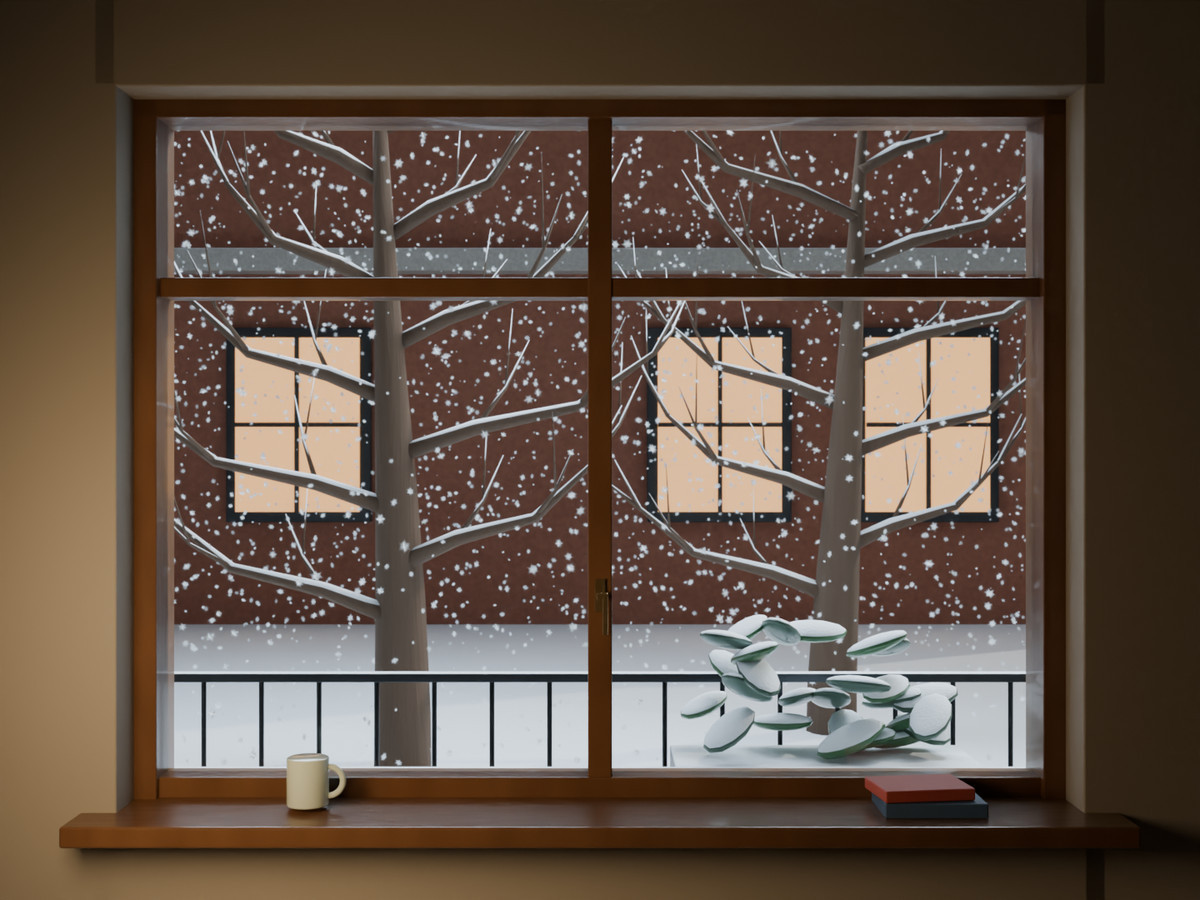
Actual Blender render · Winter window / Cycles · Blender 5.2.2 LTS
Presets & workflow
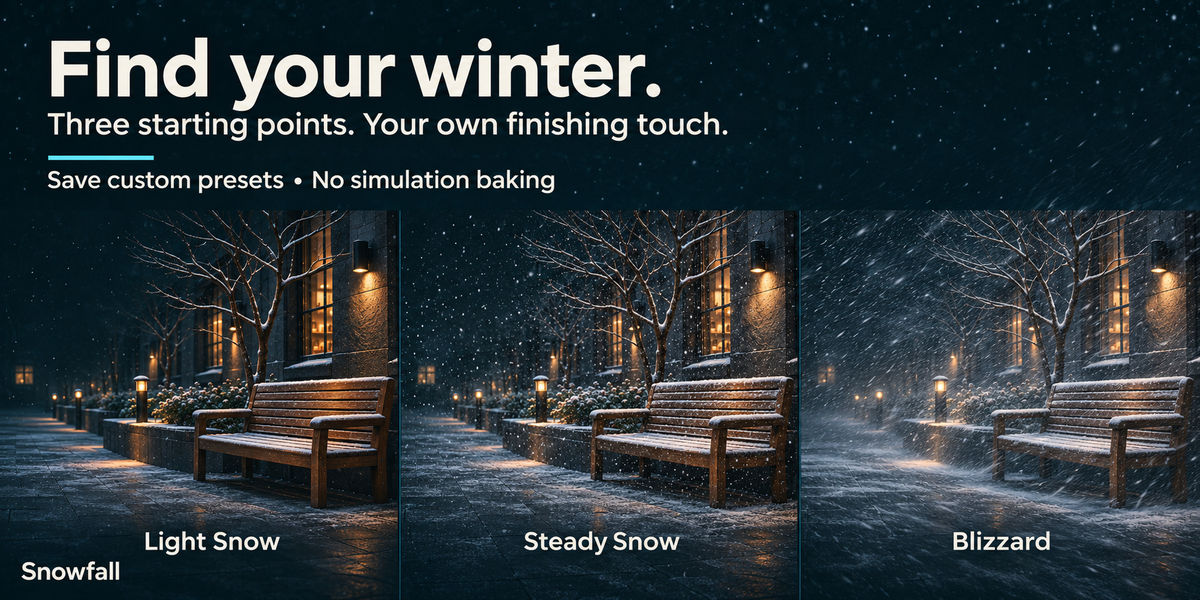
Start with the weather. Finish with your eye.
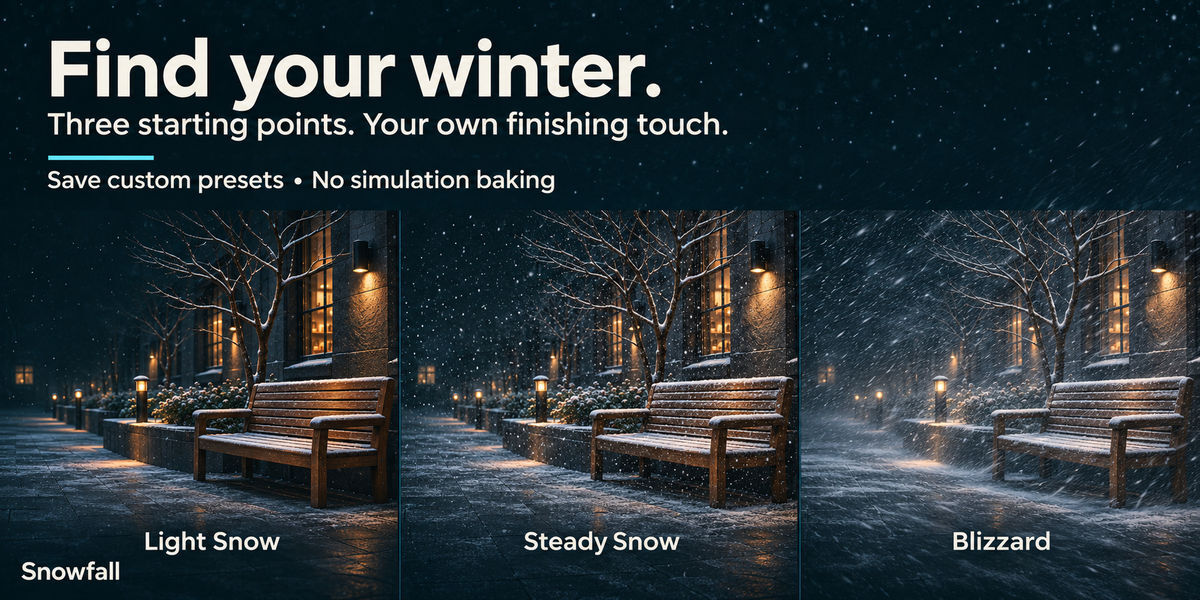
Choose Light Snow, Steady Snow or Blizzard, then tune the result to your scene. Save your own Snowfall presets when you find a combination you want to reuse.
Three useful starting points
Light Snow keeps the fall sparse. Steady Snow gives you a fuller atmosphere. Blizzard increases the intensity, wind and movement. Each is a starting point you can adjust.
Work at the scale of your shot
Use camera following for emitter placement, viewport sampling for lighter previews and Max Flakes for a population cap. Scene complexity, collisions and rendering settings still affect performance.
Scrub without a simulation cache
Falling motion uses scene time and a seed. Play or scrub the timeline to review it without a baking step. Surface coverage is controlled separately from that motion.
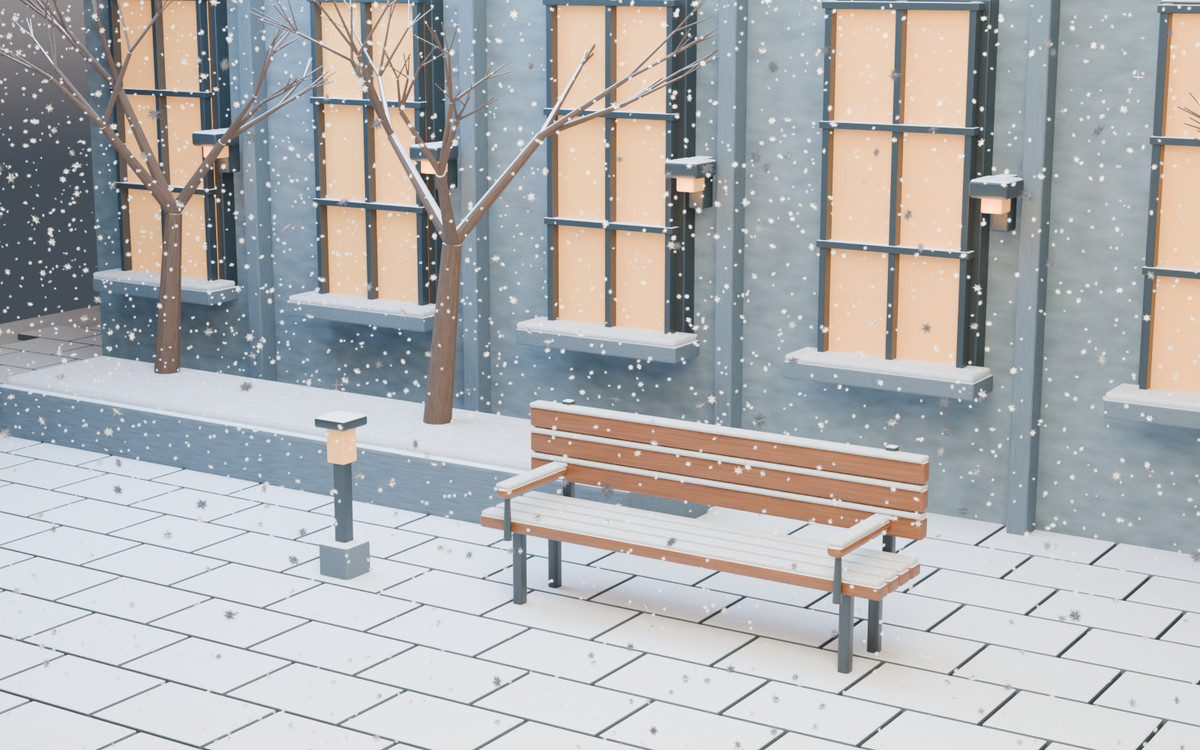
Actual Blender render · Daylight / Cycles · Blender 5.2.4 LTS
From installation to the first snowfall.
Use the supplied snowfall.zip package. Blender’s installation wording varies between legacy Add-ons and the Extensions interface.
- Install and enable Snowfall. Install the ZIP using Add-ons installation, or Install from Disk in the Extensions interface on applicable versions.
- Open the Snow tab. In the 3D View sidebar, choose Snow and select Create Snow System.
- Choose a preset and set the bounds. Apply Light Snow, Steady Snow or Blizzard, then position and resize the emitter for your scene.
- Add your receiving objects. Select geometry and use Add Selected under Interactive Colliders. Enable Surface Snow and tune the coverage.
- Play, scrub and refine. Adjust the flakes, air and materials while checking your camera view.
One addon. A set of winter tools.
The Snowfall package brings together procedural falling flakes, wind and motion controls, collision tools, static surface snow, masks and three built-in presets. It includes legacy and extension metadata, plus in-addon instructions.
Blender compatibility
The project targets Blender 3.6–5.2. Automated runtime checks are documented for Blender 5.2.4 LTS; the updated window and comparison renders on this page were also created in 5.2.2 LTS. Other target releases remain unverified.
Alongside Rainfall
Snowfall uses separate operators, generated assets and preset storage. Rainfall coexistence and both removal orders were checked in Blender 5.2.4 LTS.
Plan one setup per file
This release shares Snowfall assets, collider membership and surface settings across scenes in a .blend file. Use separate files for independent Snowfall configurations.
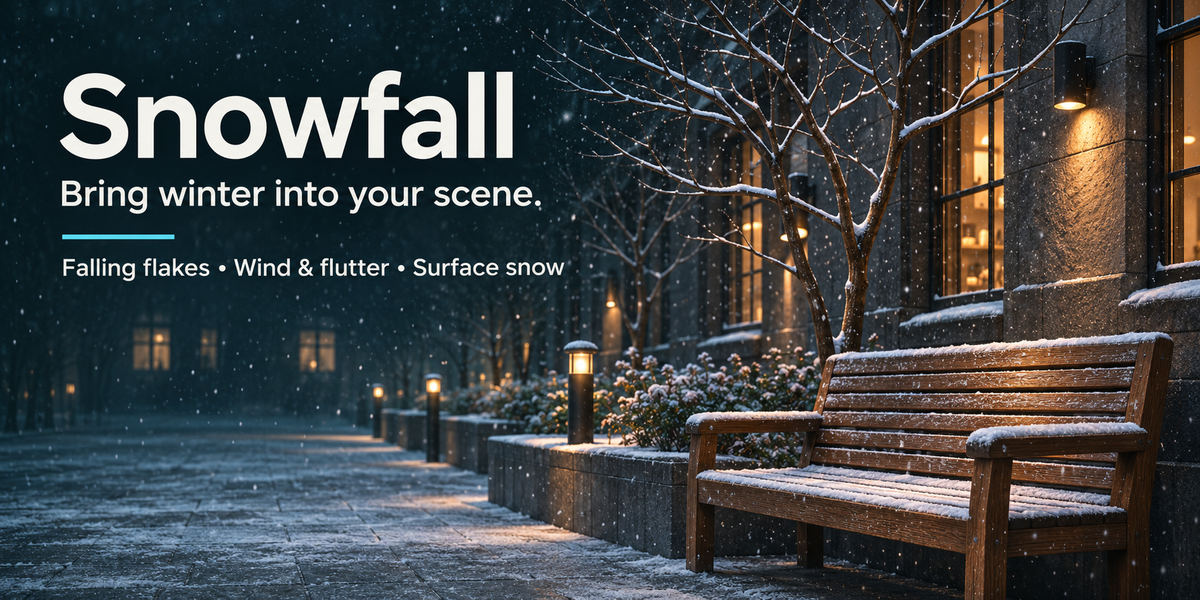
The six feature banners are AI-generated promotional illustrations. Images captioned “Actual Blender render” show addon output. Demonstration imagery does not imply that the pictured scenes are included in the addon ZIP.
A few things to know before the first flake.
Does snow accumulate as the animation plays?
No. Falling flakes are time-driven, while surface snow is a static shader effect. There is no accumulation simulation or growing snow depth.
Can I keep snow off some objects?
Yes. Choose which objects participate, switch surface receiving on or off, use the Coverage Multiplier, and restrict the shader with slope limits or procedural and painted masks.
What happens when flakes meet an object?
Objects with Block Snow enabled participate in collision culling. The system removes intersecting flakes; it does not simulate resting particles, physical deposits or snow piles.
Will it replace my original material?
Surface snow wraps the original output shader rather than replacing its Principled inputs. The addon’s restoration tools reconnect the underlying shader when removing the snow wrapper.
Is this a frost, ice or melting addon?
No. Snowfall focuses on falling flakes and static surface snow coverage. Frosted glass, ice formation, melting and geometric snow buildup are outside its scope.
How can I reduce preview cost?
Reduce Viewport Display, narrow the emitter volume, lower Max Flakes and use simple collision geometry where appropriate. Performance depends on your scene and hardware.
Can I save my own weather settings?
Yes. Save custom Snowfall presets after adjusting the controls. They are stored separately from Rainfall presets.
Bring winter into your next scene.
Start with a few flakes, choose your surfaces, and build the atmosphere your shot needs.
Review the setup stepsBack to Snowfall