 SkdSam






❄️ Getting Started
- Install the supplied snowfall.zip and enable the add-on.
- Press N in the 3D Viewport, open the Snow tab and click Create Snow System.
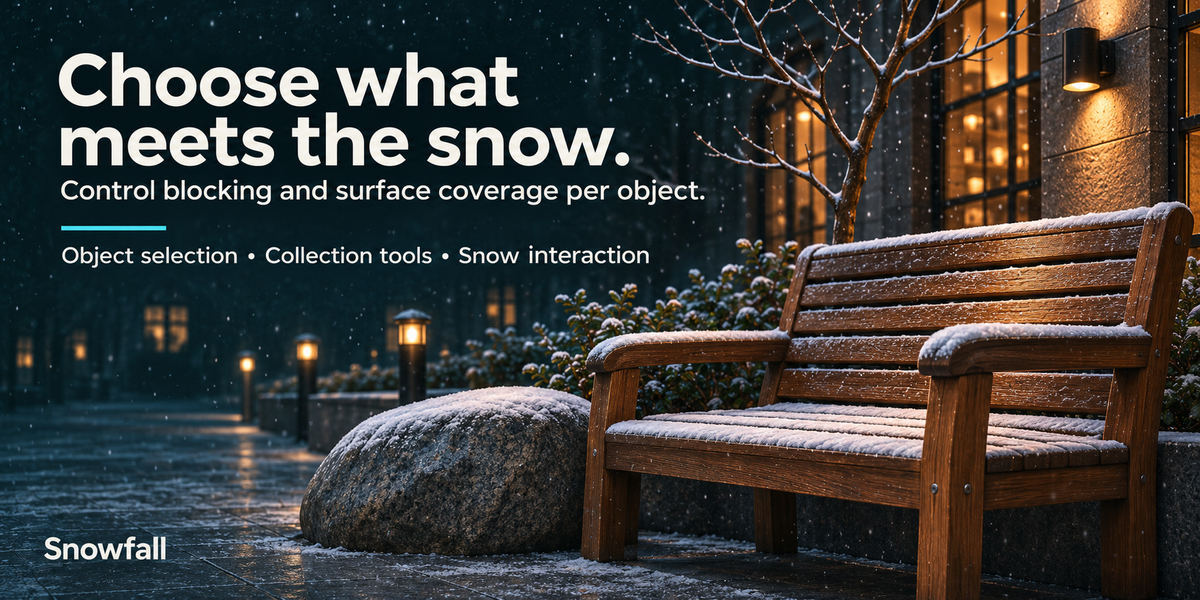
- Select your ground and other surfaces, then click Add Selected under Interactive Colliders.
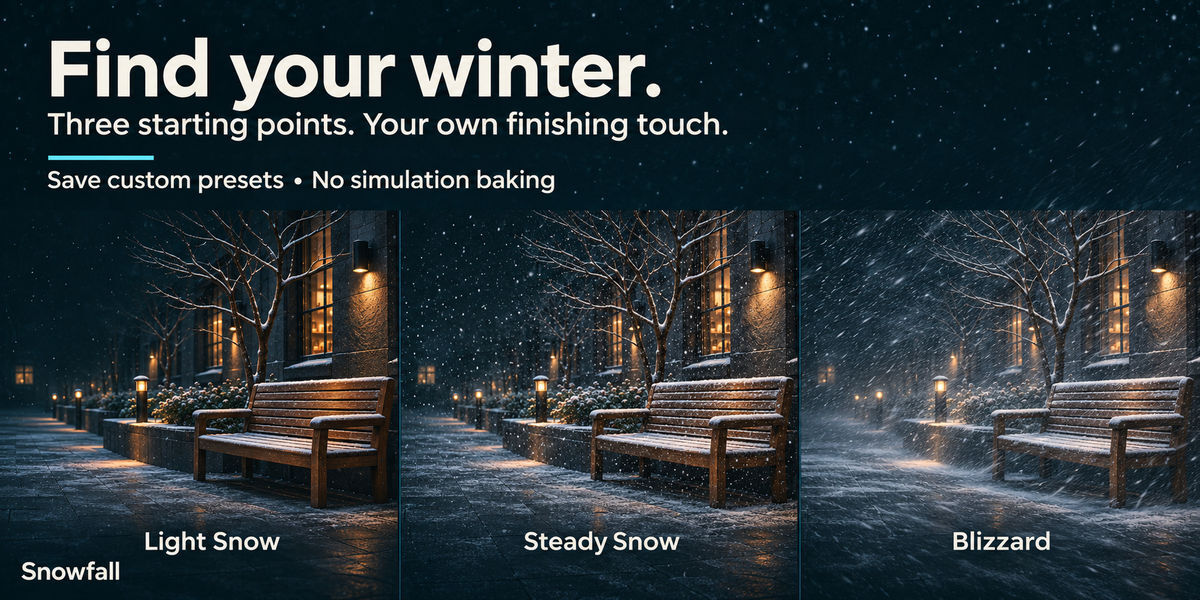
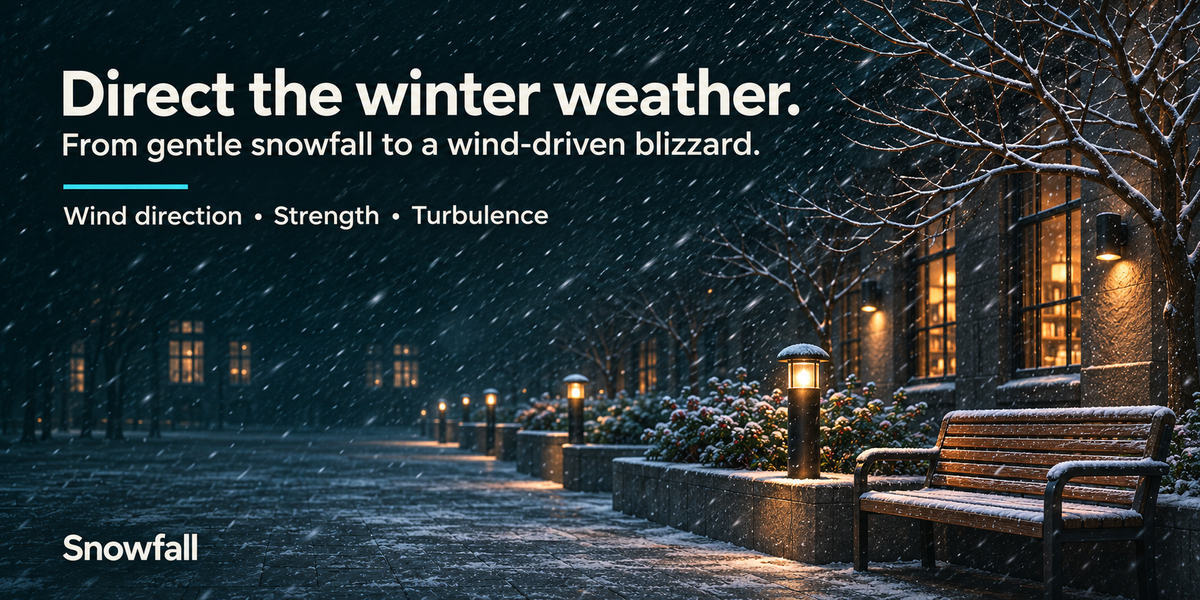
- Choose Light Snow, Steady Snow or Blizzard and click Apply. Use Show Bounds to check the emitter’s position and coverage.
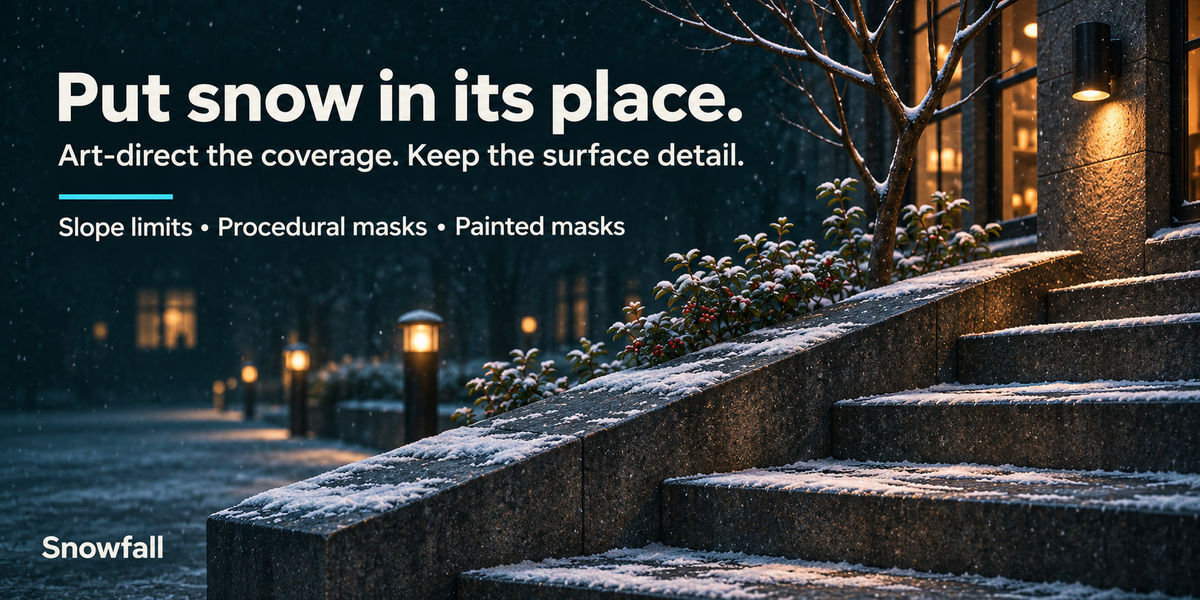
- Enable Surface Snow and adjust coverage and slope limits to control where snow appears.
- Switch to Material Preview or Rendered shading, then play or scrub the timeline.
📖 Built-in Instructions
Snowfall includes an offline user guide covering its features and controls. Click Open Instructions at the bottom of the Snow sidebar to open it in your browser.
Have questions about this product?
Login to message
| Blender Extension Compatible | Yes |
| Published | about 2 hours ago |
| Blender Version | 3.6 - 5.2 |
| Extension Type | Add-on |
| Render Engine Used | Cycles, Eevee |
| License | GPL |