Snowflake Conductor
 Valeriia Orlova






Are updates free? Is there support?
Free updates for existing customers. Includes 12 months of support.
Can I use it in commercial projects?
Yes. The asset comes with a Royalty Free license, so you may use it in personal, educational and commercial projects. Redistribution or resale of the original .blend file or any part of it is not allowed. The Lobster and Pacifico fonts are under the SIL Open Font License, which also allows commercial use.
How heavy is it?
The demo scene has about 2,900 snowflakes and takes about 19 ms per frame to calculate on my 24-thread CPU. With Density 20000 it's about 4,200 snowflakes and 33 ms. Render time depends on your scene and hardware.
Does it work in Cycles and Eevee?
Yes. I tested the demo scenes in both.
Where's the glow from the demo?
The glow is a Glare node in the compositor of the demo scene. A compositor belongs to the scene, so it doesn't come with the asset. The documentation shows how to add the same Glare node to your scene.
Can I export it to a game engine or to FBX?
Turn on Realize for Export, then apply the modifier or export to FBX, glTF or OBJ. For the animation use Alembic (.abc) export. The number of snowflakes stays the same in every frame, so that works fine.
Can I use my own snowflakes or other objects?
Yes. Put the objects into a collection, lay them flat in the XY plane and choose the collection in Custom Collection. Each object becomes one shape.
How do I make a loop without a visible seam?
Keep Loop on. One cycle lasts Fall + Gather + Hold + Scatter seconds. Render from Start Frame for exactly that many seconds (in the demo frames 1 to 252 at 24 fps) and the last frame leads into the first.
Does it need baking? Can I jump to any frame?
No baking. There's no simulation, every frame is calculated from the frame number. You can scrub the timeline in any direction and render any single frame.
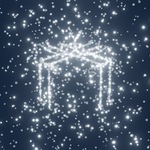
How did you make the video where snow fills a Christmas tree from the bottom up?
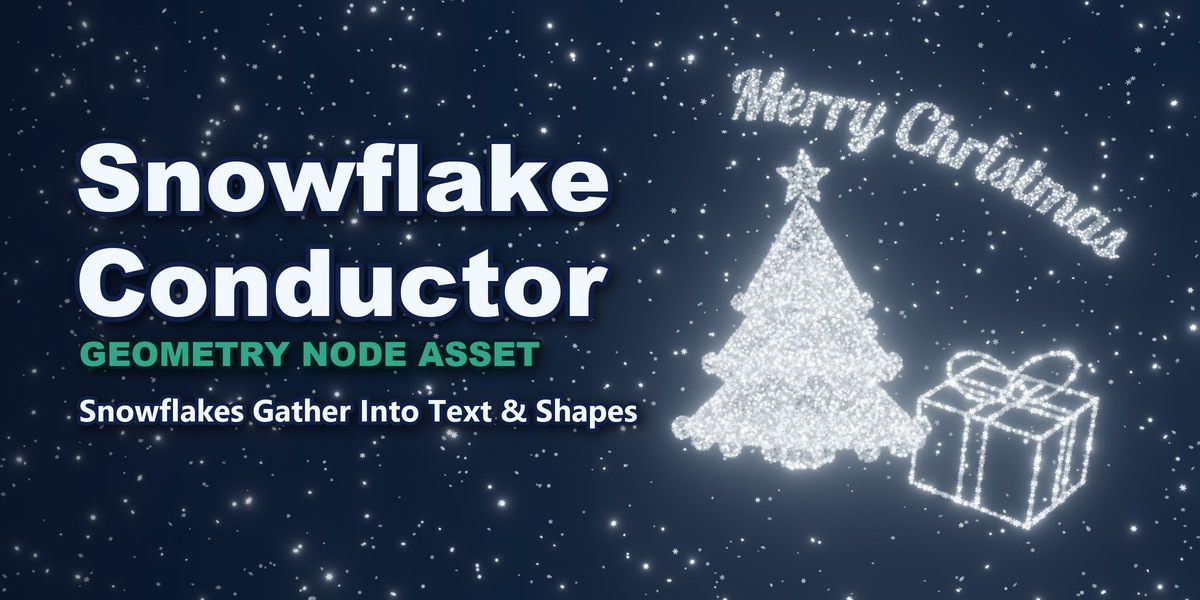
I rotated the snowflakes object by -90° around Y. Gather Order works in the local coordinates of the snowflakes object, so after the rotation its X axis points up and Left to Right fills the shape from the bottom up. The tree itself stands upright and is hidden in the render, it's only the target. The falling snow around it is a second snowflakes object with Fall set to the whole cycle.
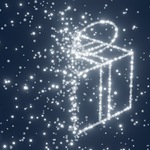
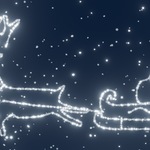
Can the snowflakes form a logo or a shape instead of text?
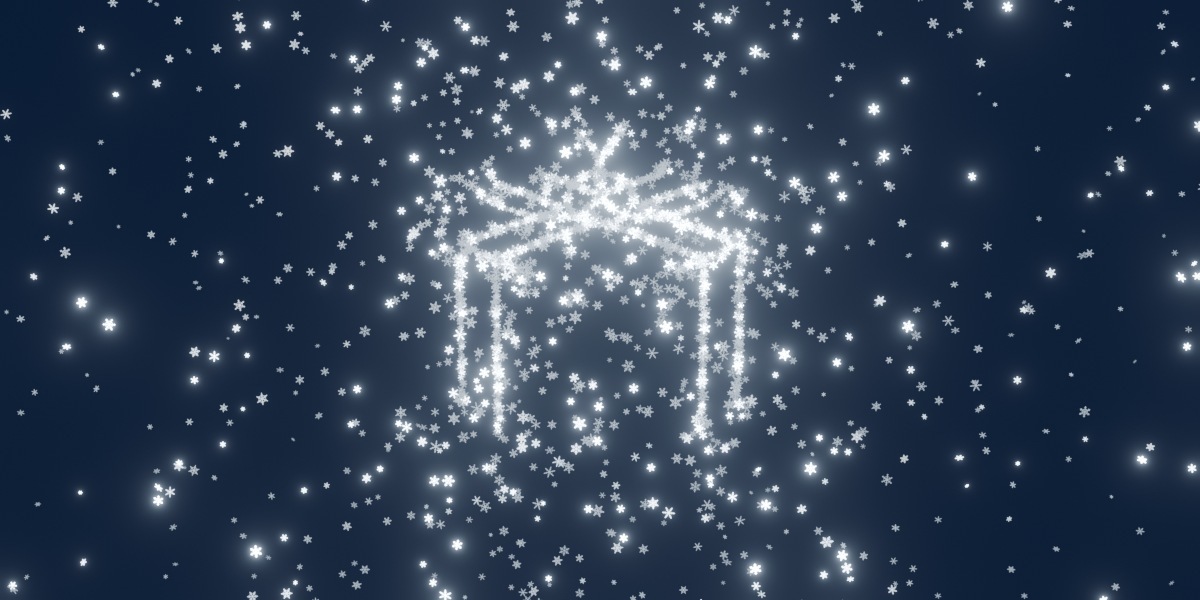
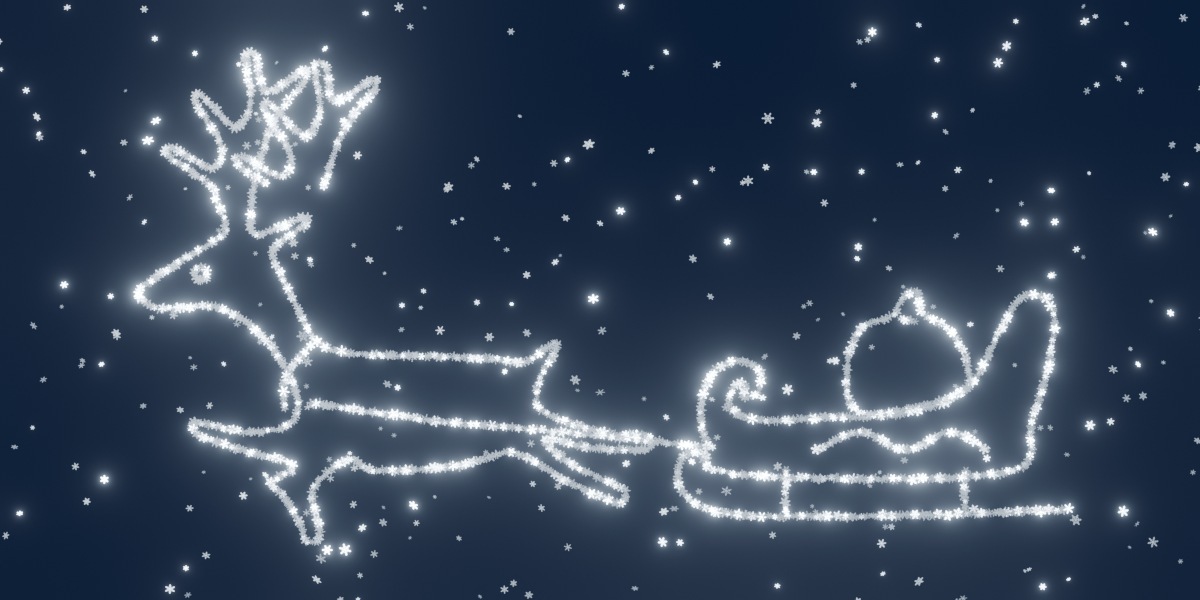
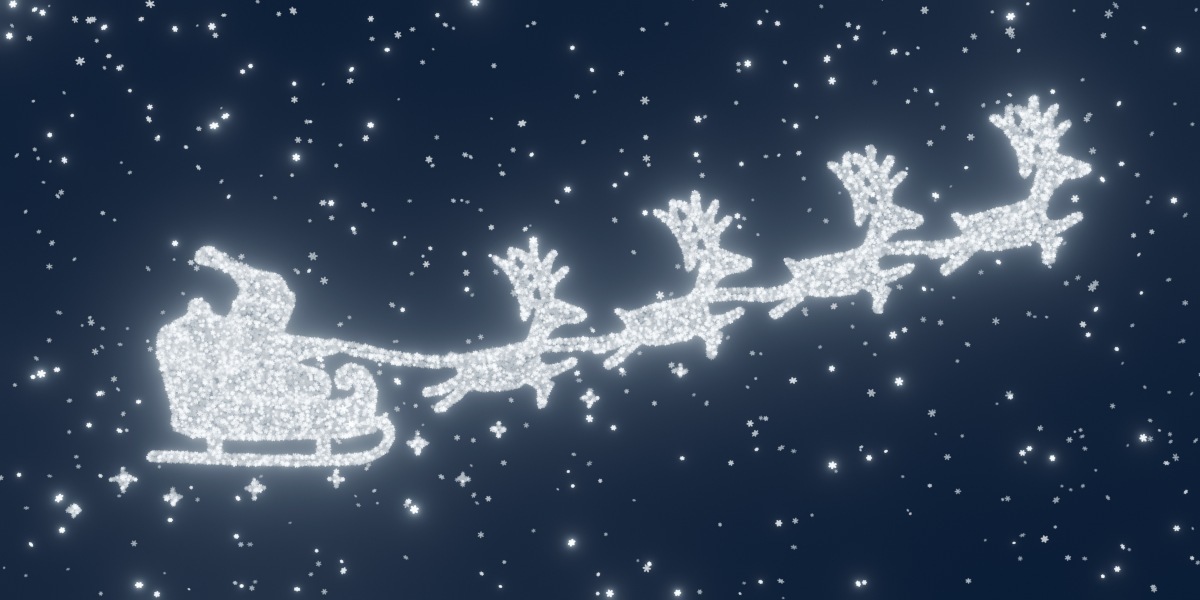
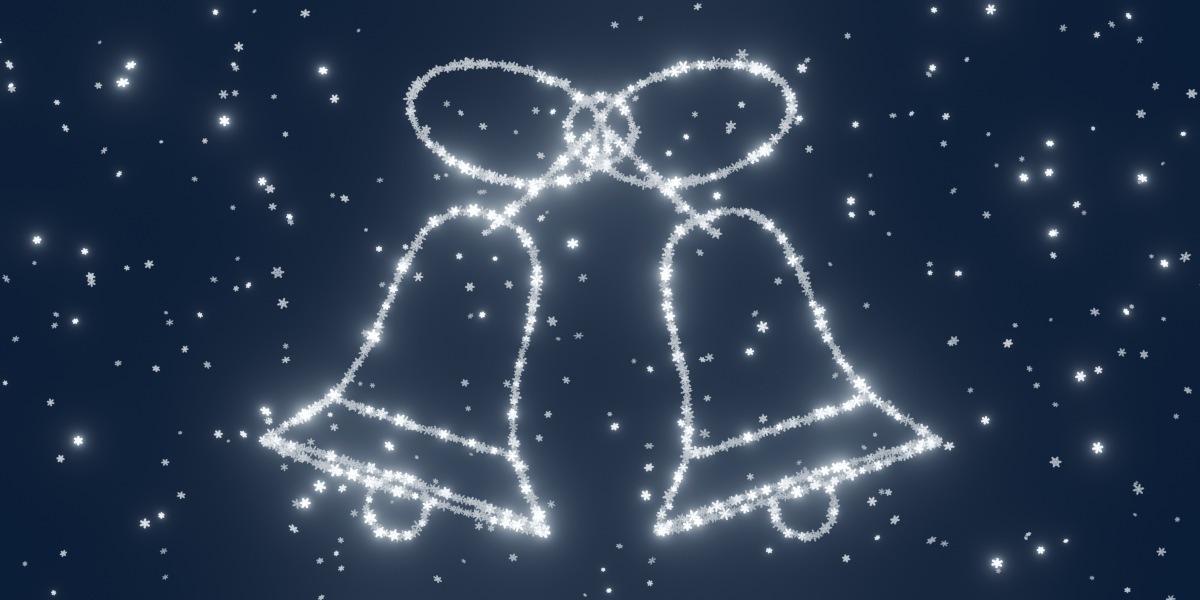
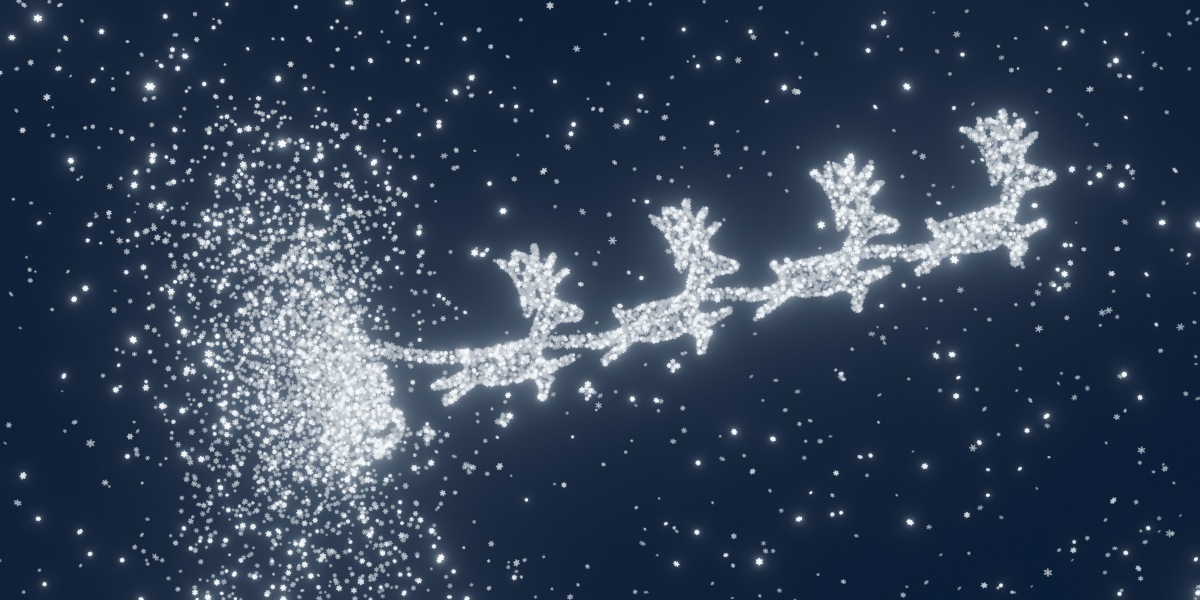
Yes. Set Type to Object and pick any mesh, curve or text object. Fill covers the shape, Outline puts the flakes along its edges. Move, rotate or scale the object and the shape follows.
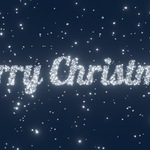
Can I use my own font?
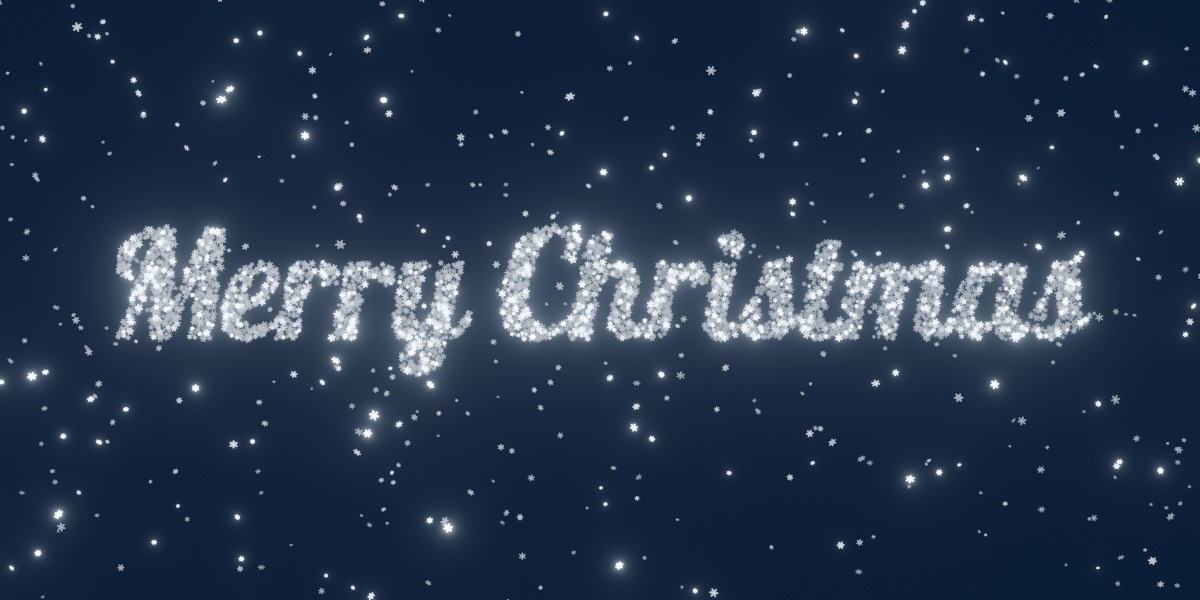
Yes. In Blender 5.2 set Font to Custom and open your font file in the Custom Font field. Blender 4.5 has no font field for Geometry Nodes, so there you add a Text object, choose your font in it, type your words and pick it in Custom Text Object (Font: Custom). The documentation has the steps.
 Included
Includes 12 months of
- Support from Valeriia Orlova
- Product updates
Extend this product’s Support Period +12 months: 50% of product price
Have questions before purchasing?
Login to message
| Published | 14 minutes ago |
| Blender Version | 4.5 - 5.2 |
| Render Engine Used | Cycles, Eevee |
| License | Royalty Free |
Discover more products like this
logo reveal greeting card Text animation winter holidays particles snowflakes Procedural Animation snow motion graphics geometry nodes new year