Soccer Goal
 Next Level Models
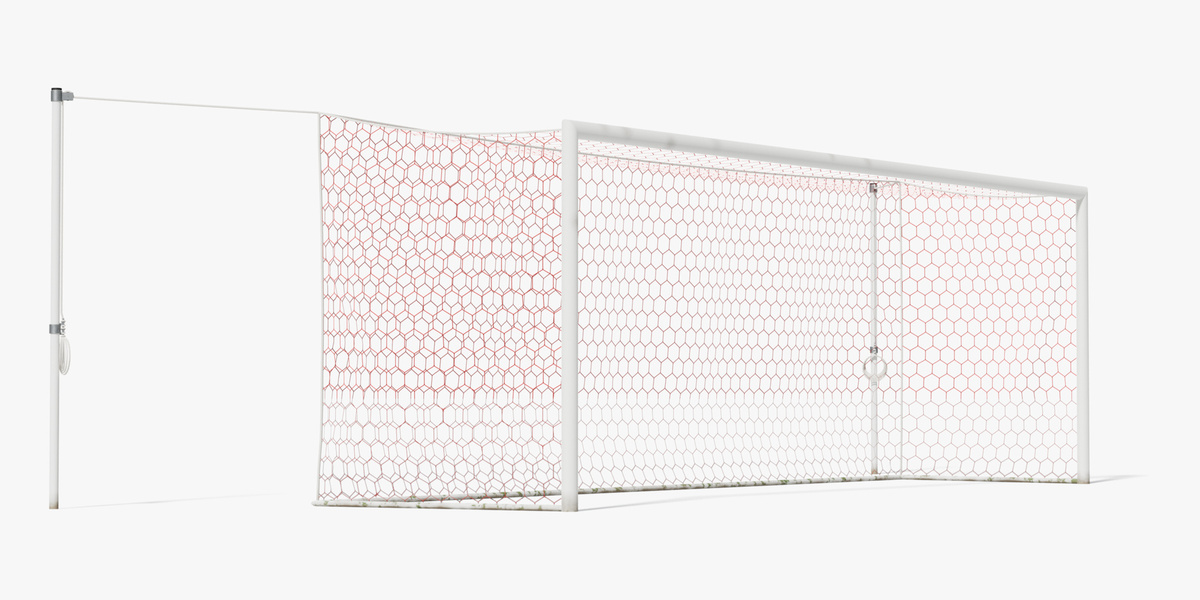
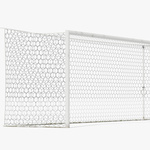
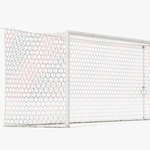
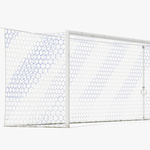
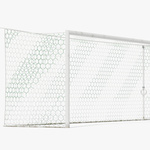
Getting started
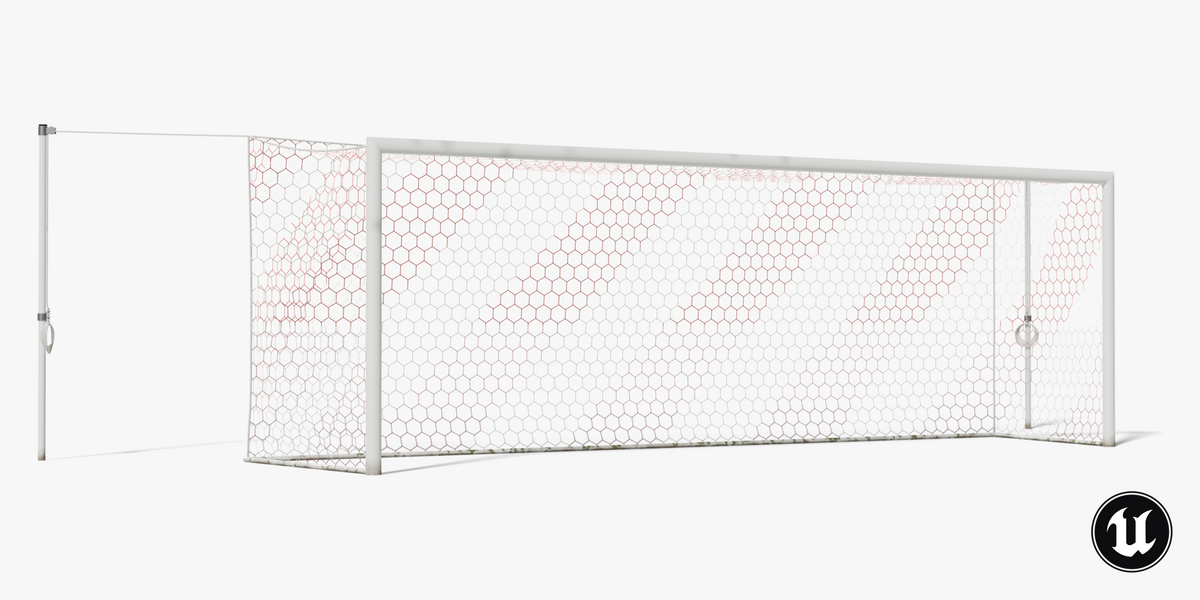
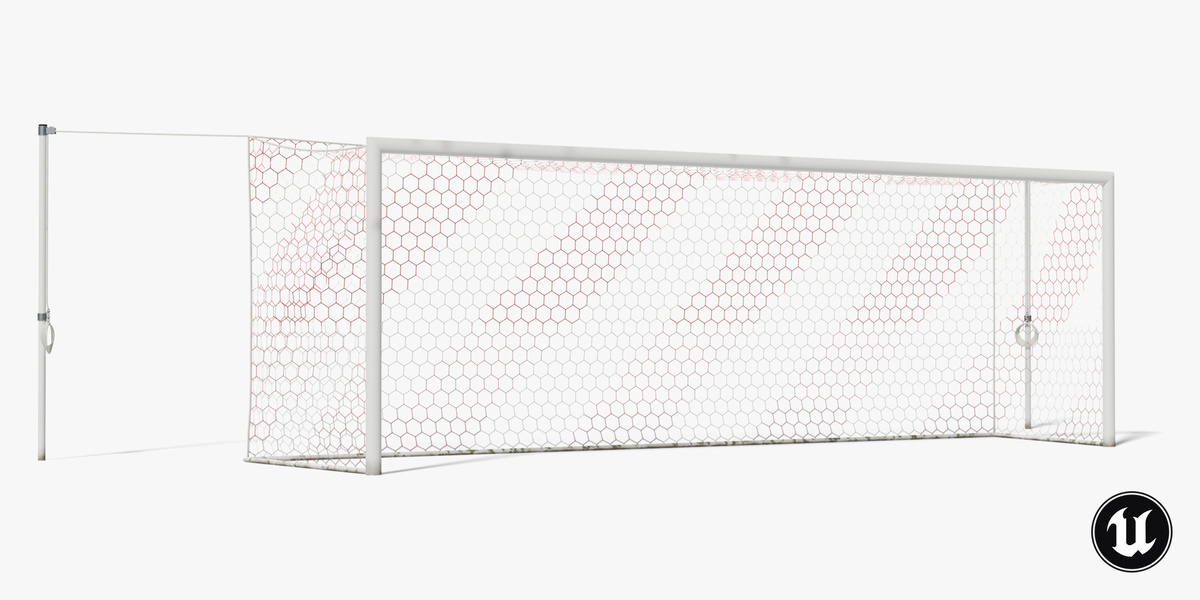
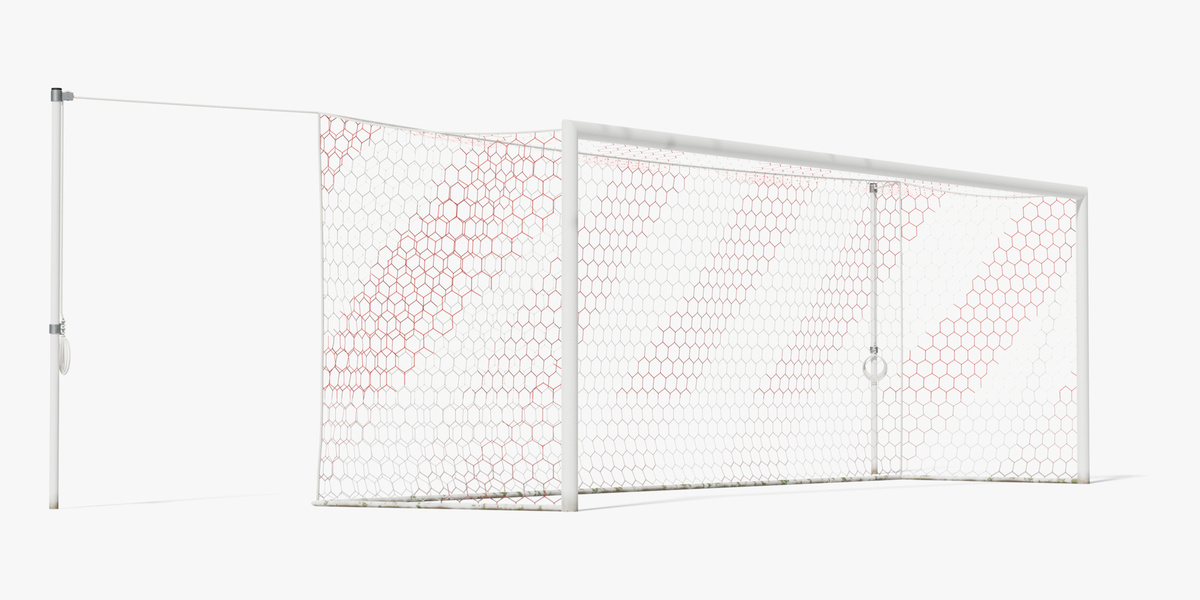
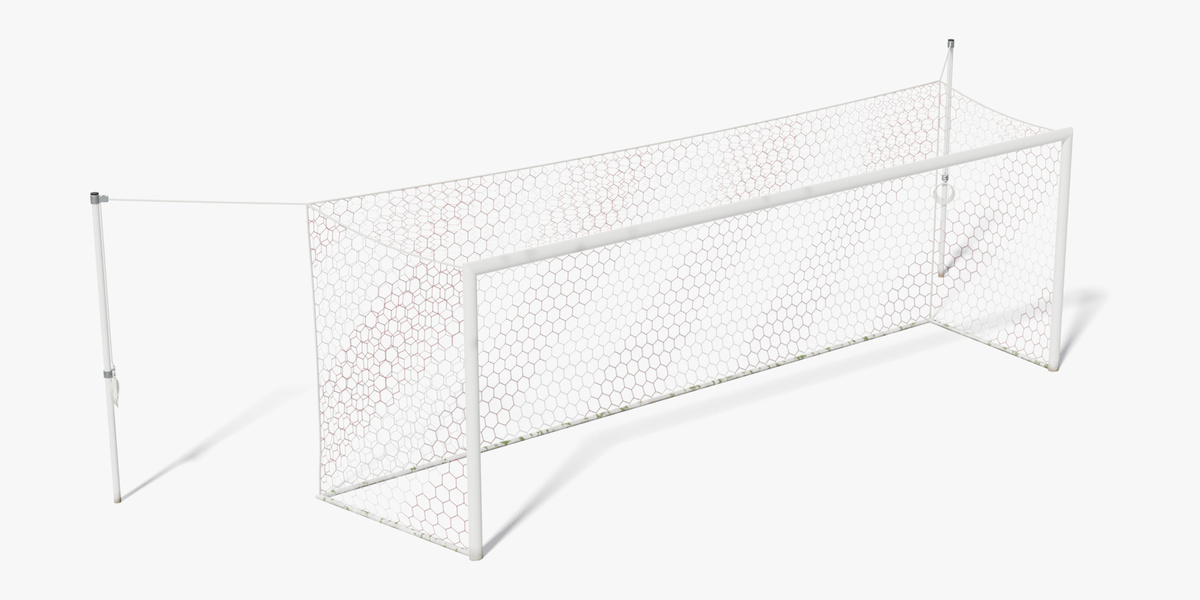
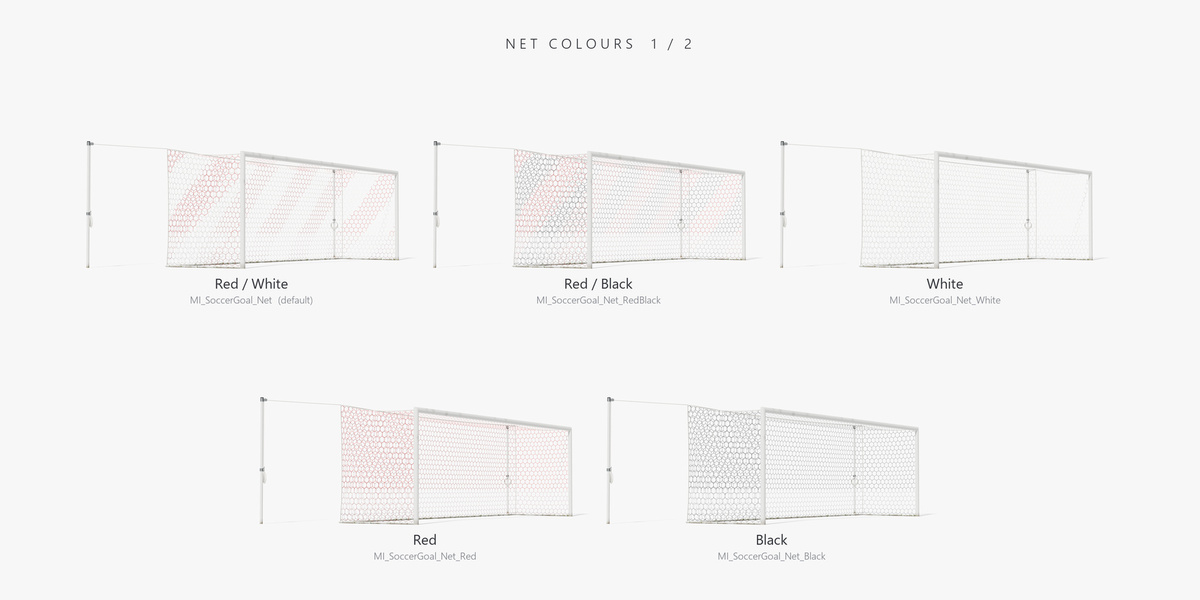
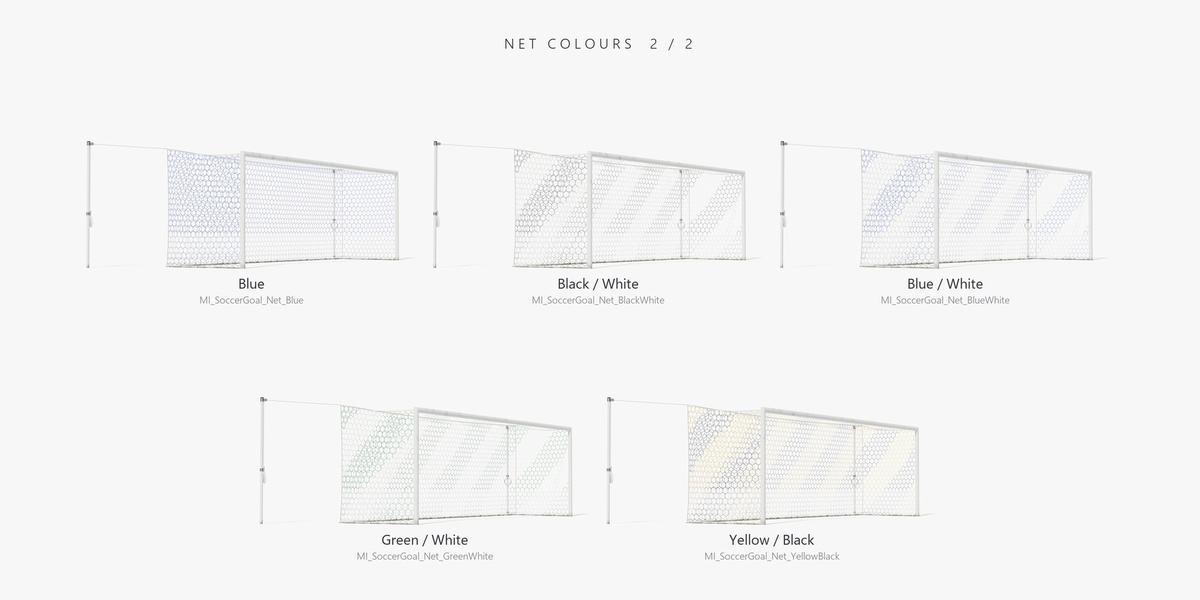
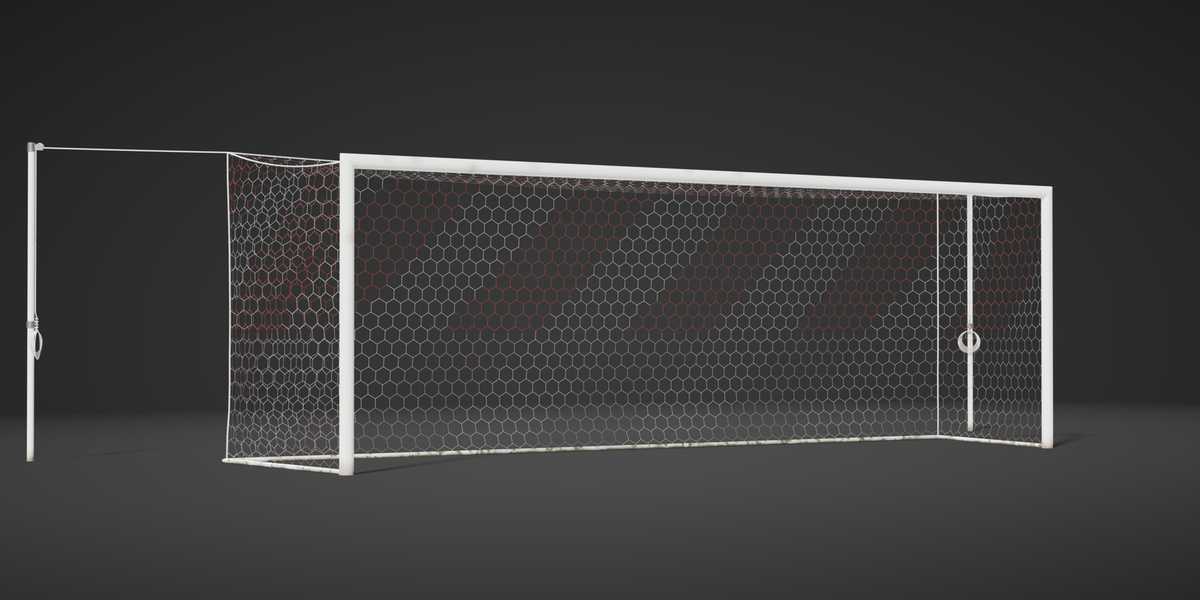
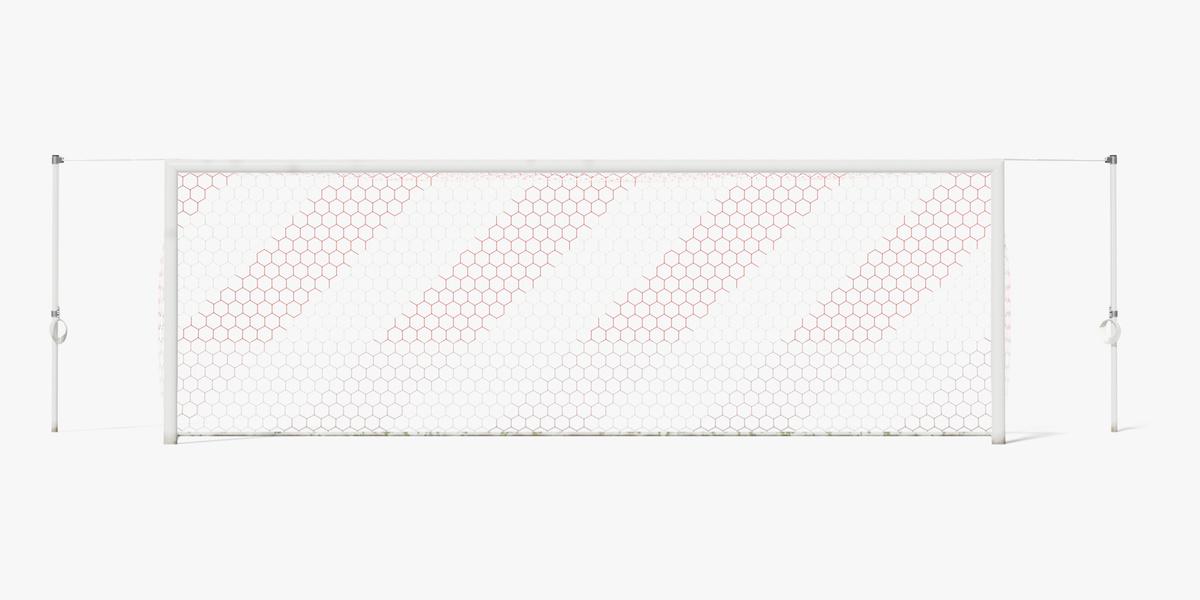
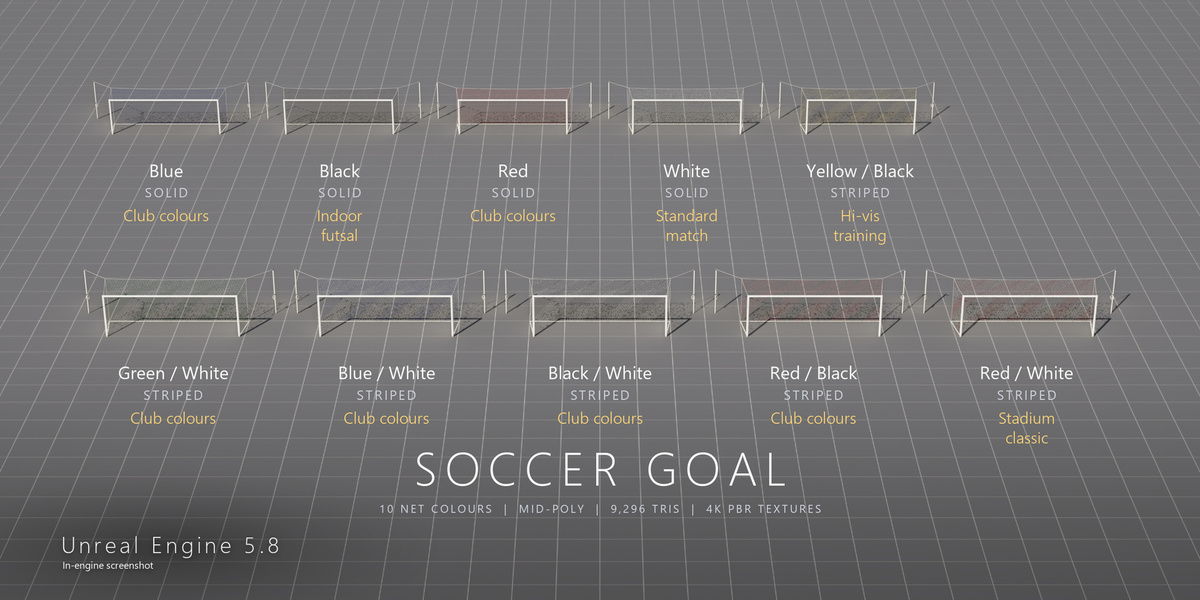
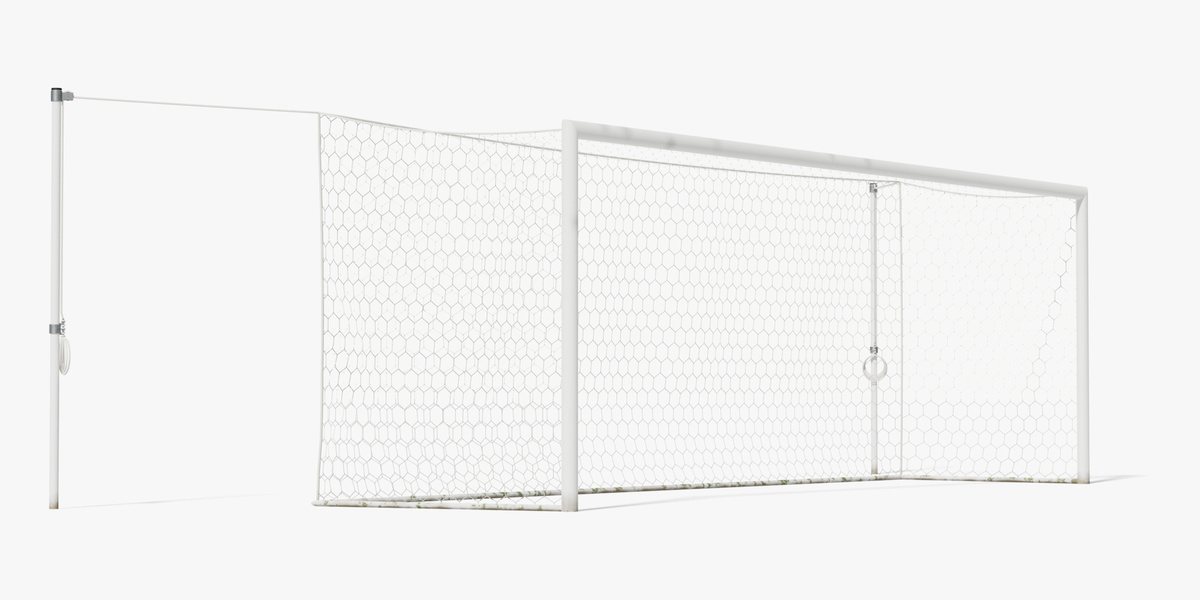
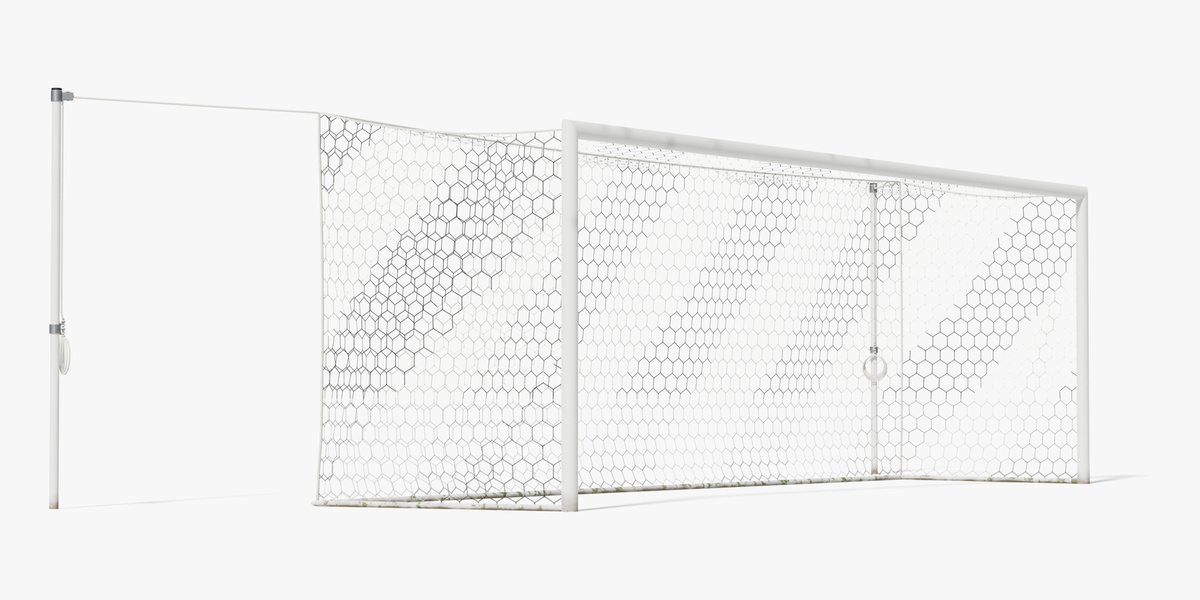
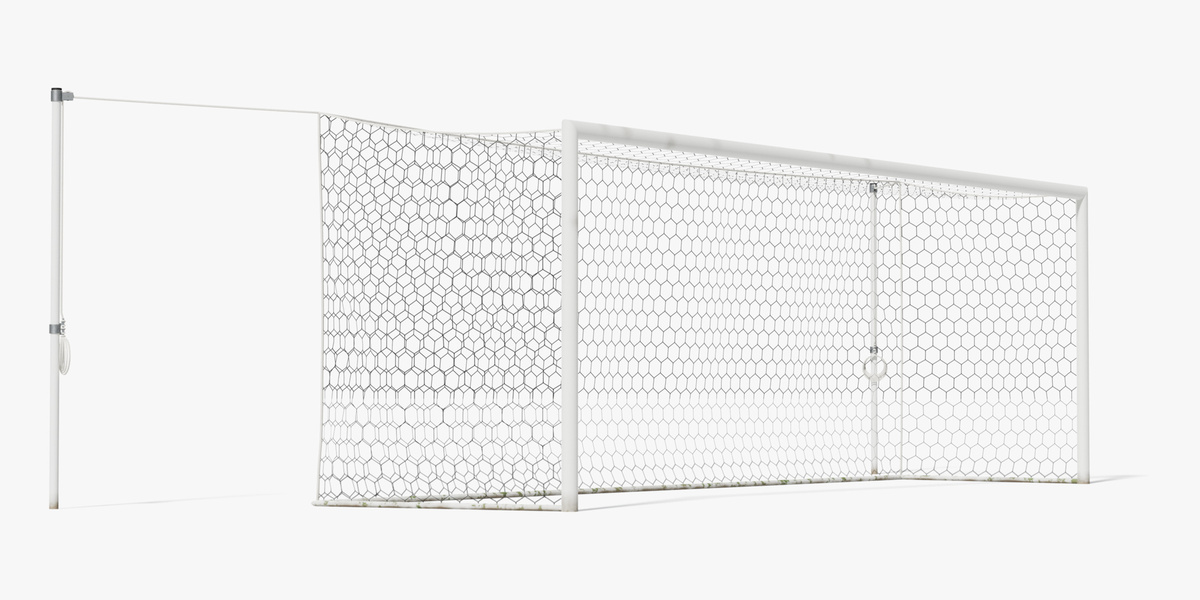
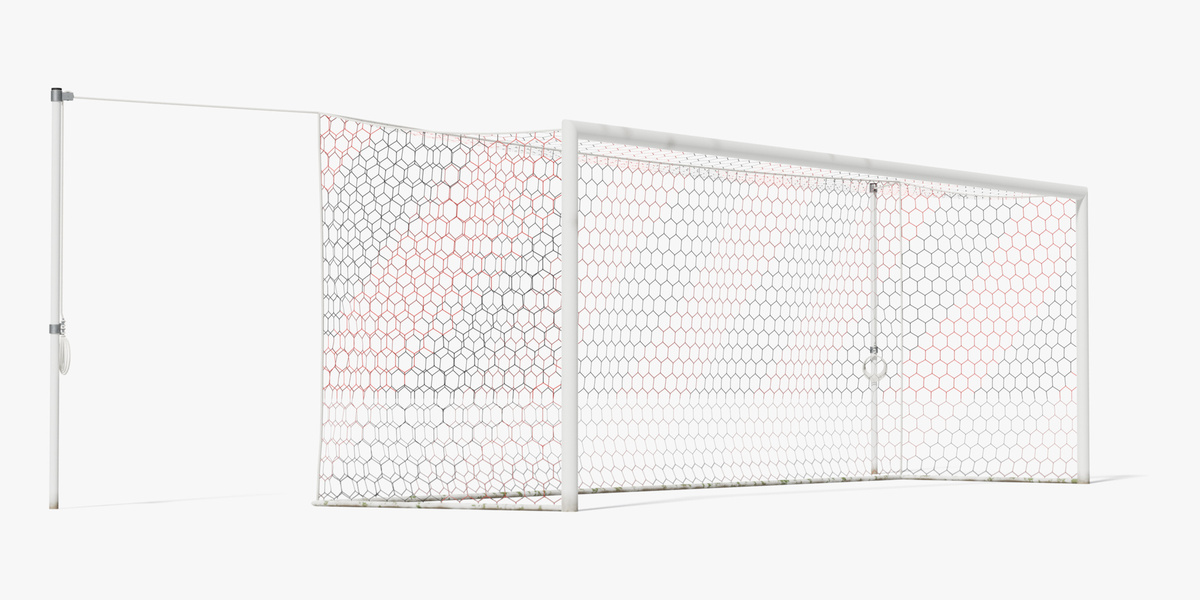
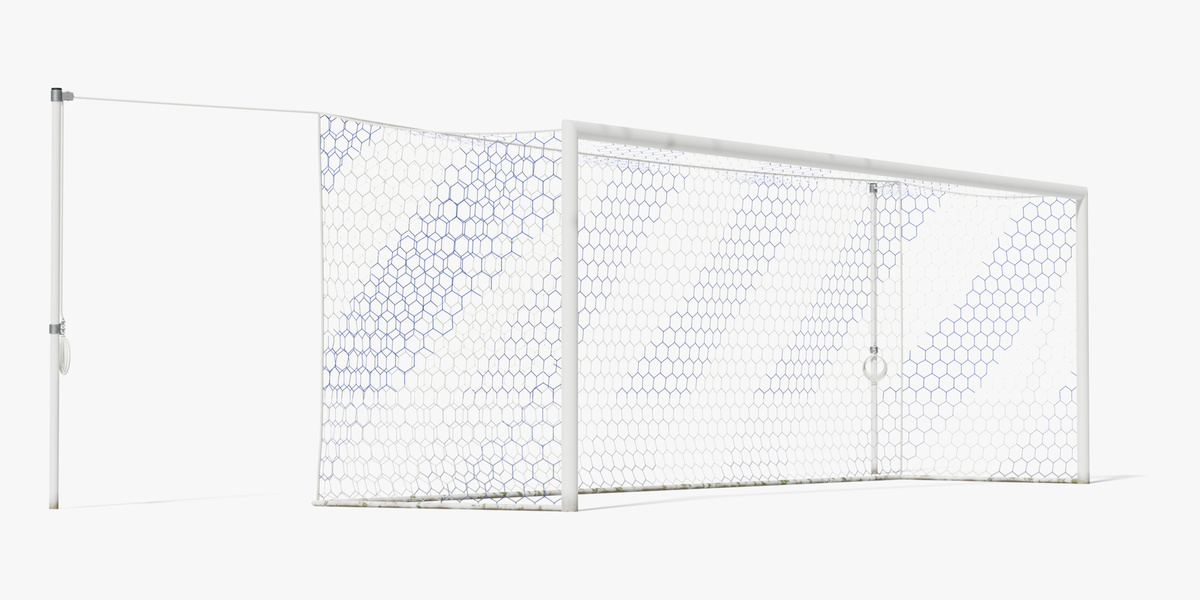
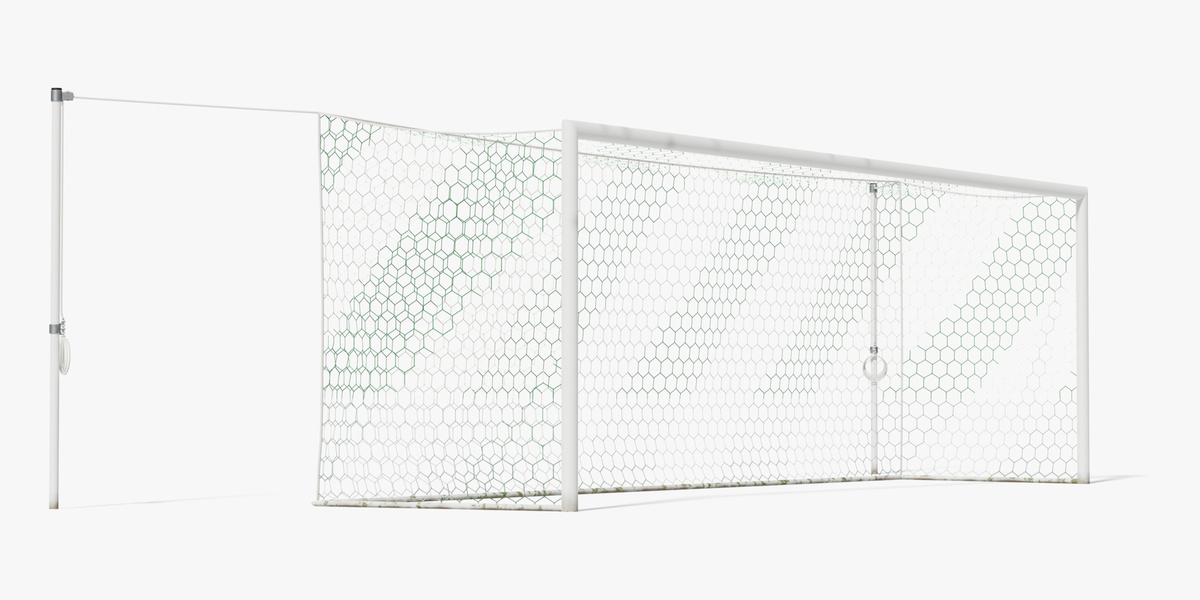
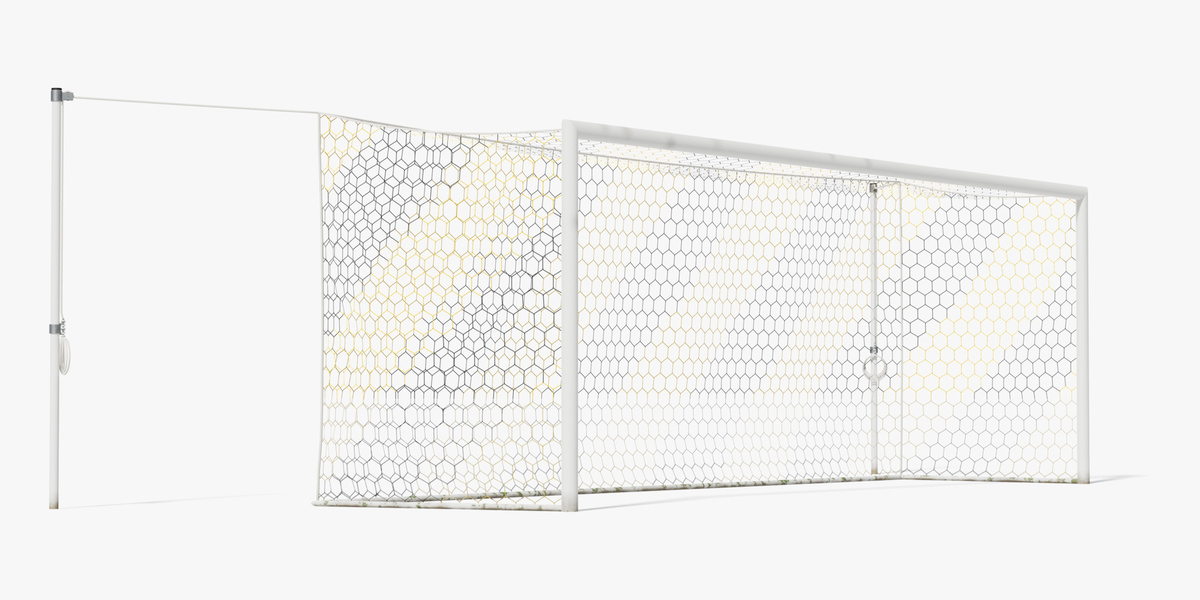
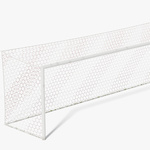
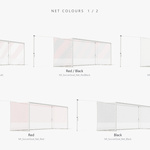
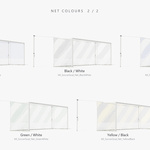
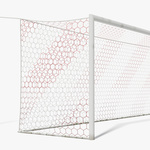
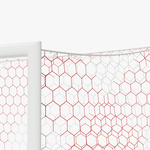
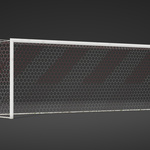
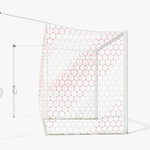
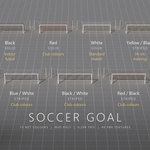
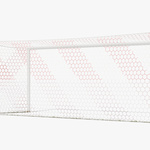
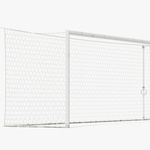
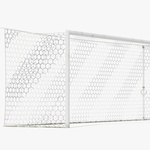
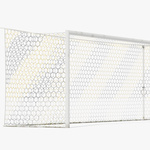
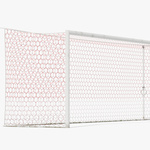
- Open the .blend file (Blender 5.2): the scene shows ten goals in a row, one per net colour; all textures are packed in the file.
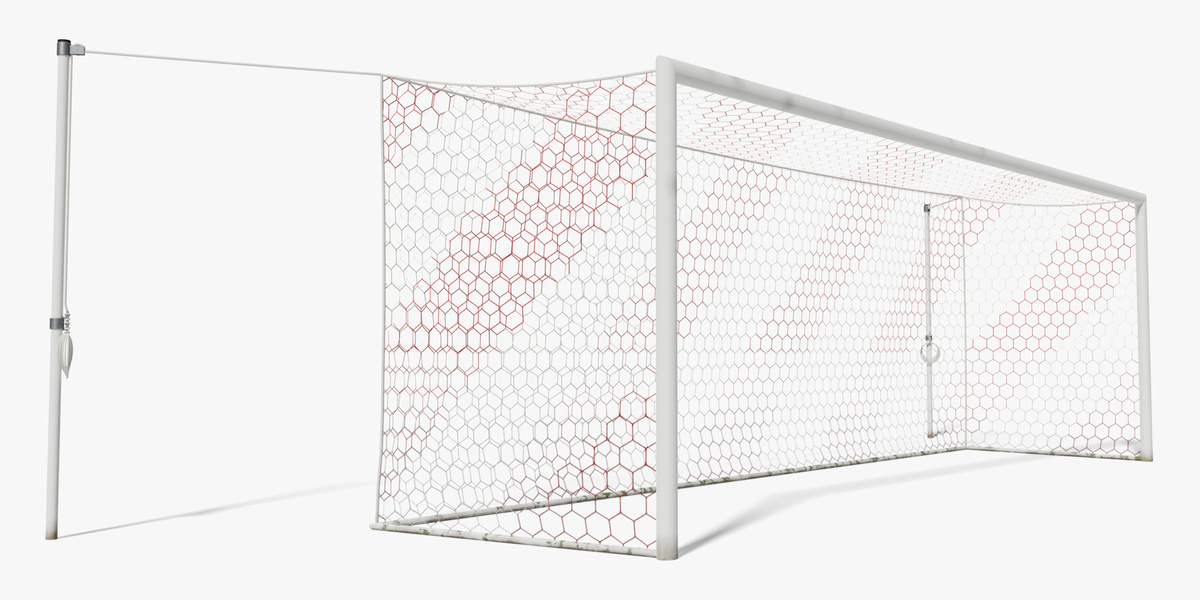
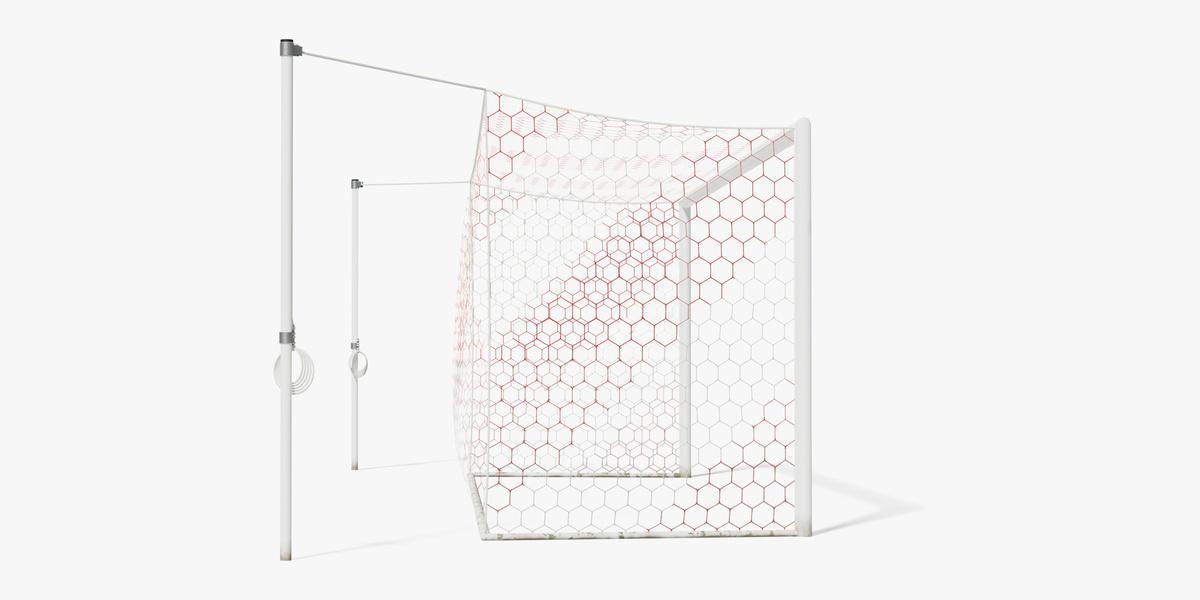
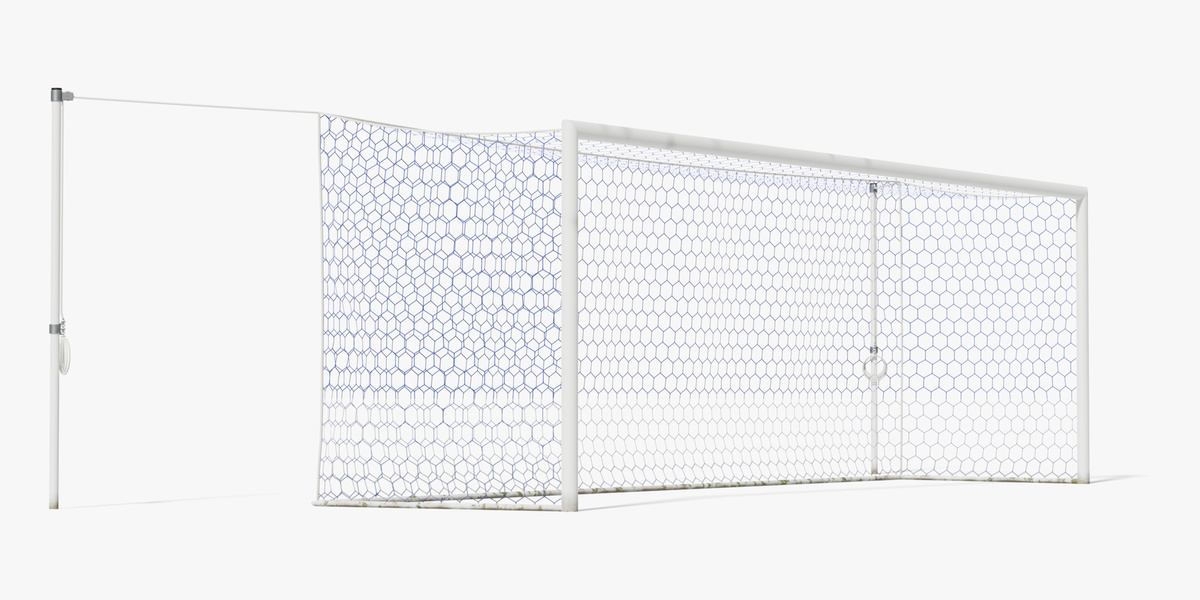
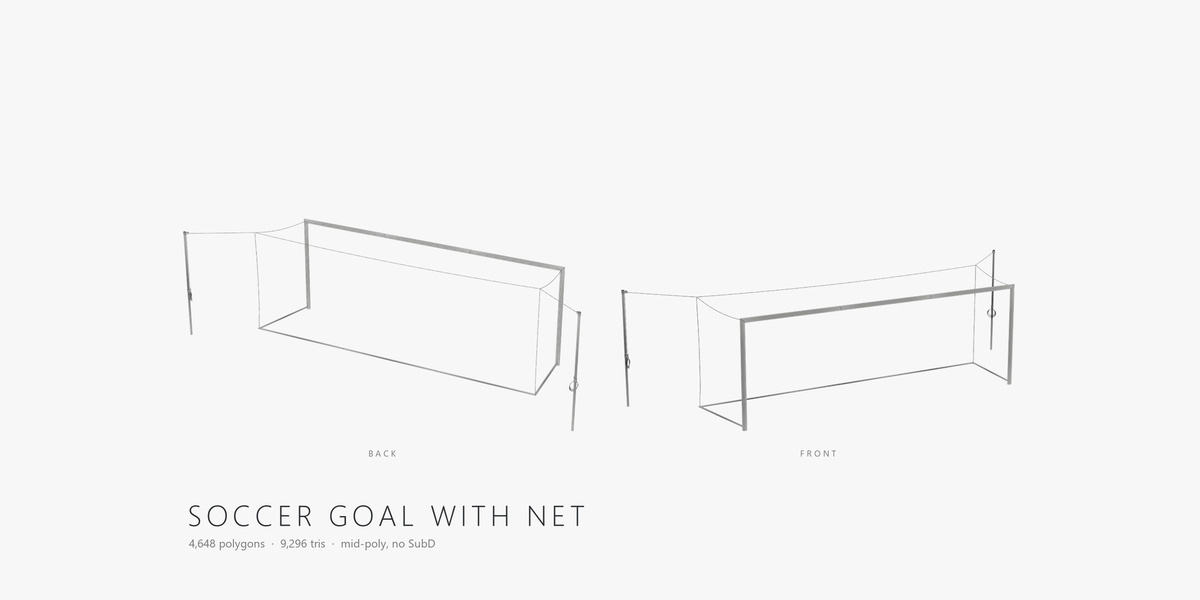
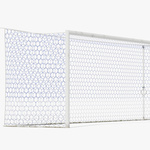
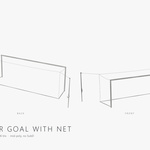
- To use one goal, append the frame and the net objects you need (File > Append > Object).
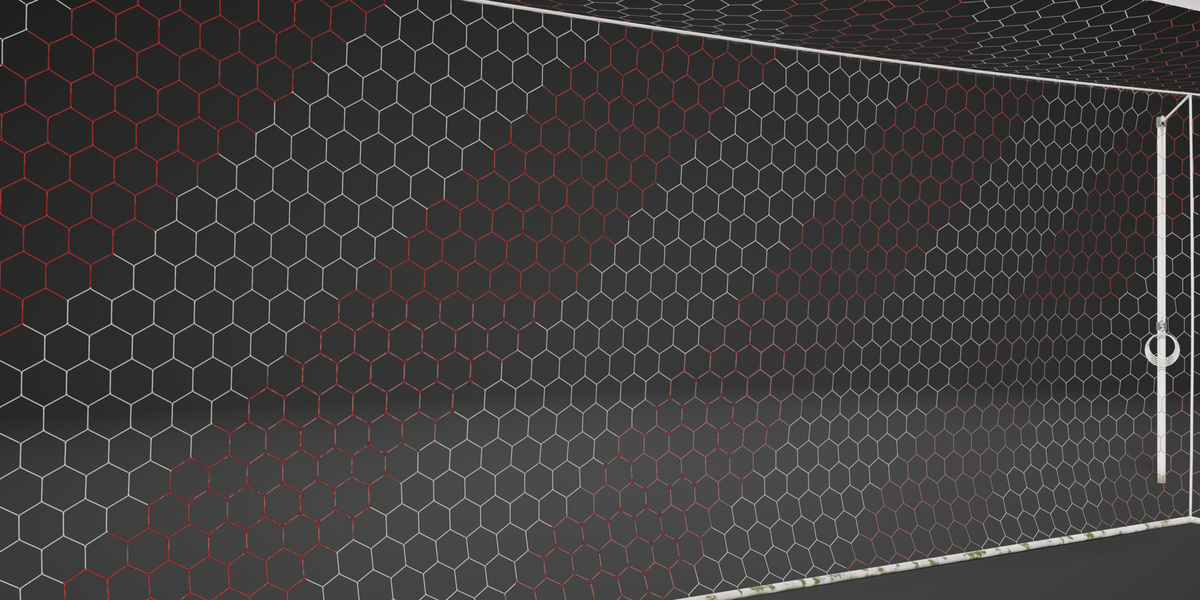
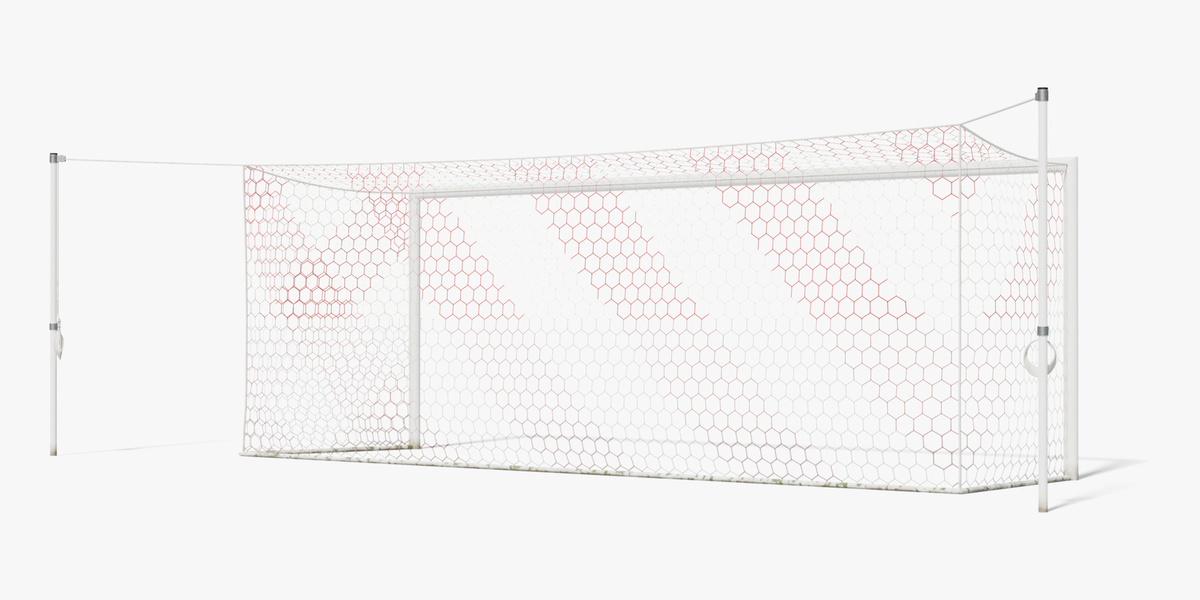
- To change a net colour, open the net material and swap the Base Color image for another T_SoccerGoal_Net_<Colour>_BaseColor map; the other net maps are shared.
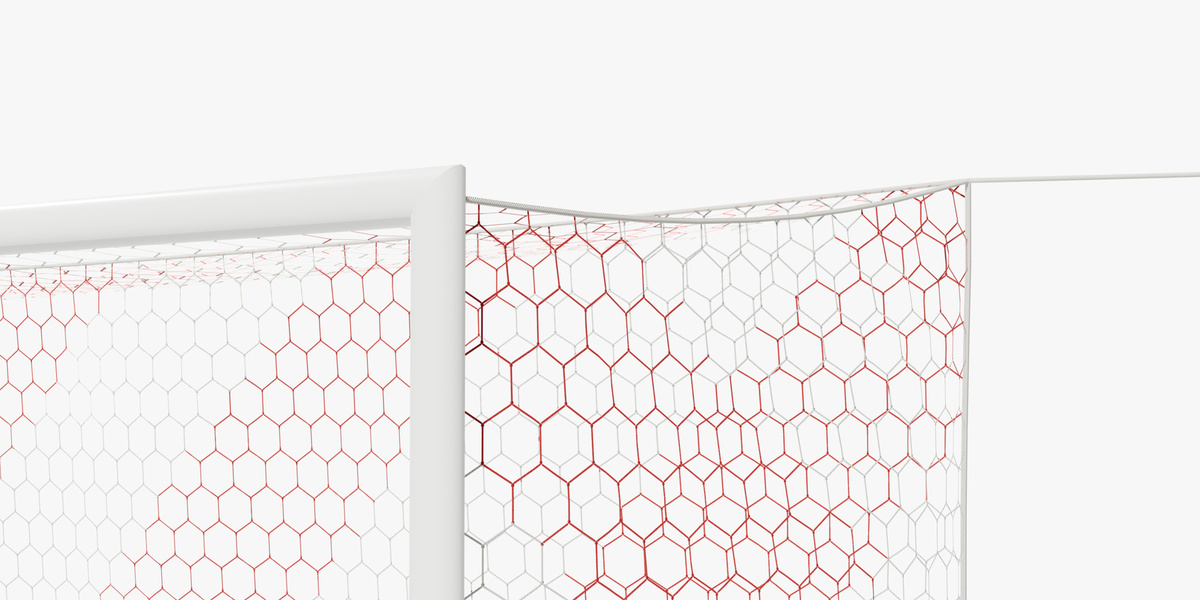
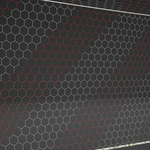
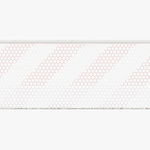
- The net is alpha-masked (Opacity map) and two-sided.
- FBX, OBJ and DAE read their maps from the shared Textures folder - keep it next to them. GLB carries its textures inside.
- Unreal Engine 5.8: open the .uproject; the showcase level holds the ten nets.
Have questions about this product?
Login to message
| Published | about 9 hours ago |
| Blender Version | 5.2 |
| Render Engine Used | Cycles, Eevee |
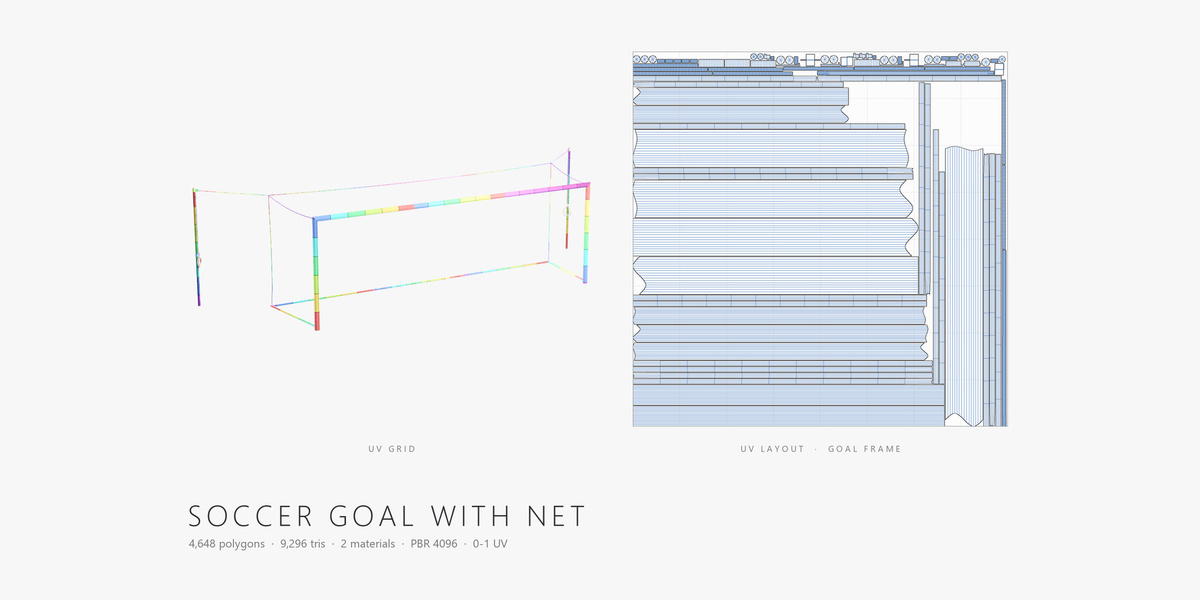
| Misc Data | Uvs-Unwrapped, Normal-Mapped, Textured |
| License | Royalty Free |
Discover more products like this
goal soccer goal sports equipment goal net soccer game ready crossbar football stadium goalpost soccer field football goal