Sofa Amoenus Soft
 treedrewlife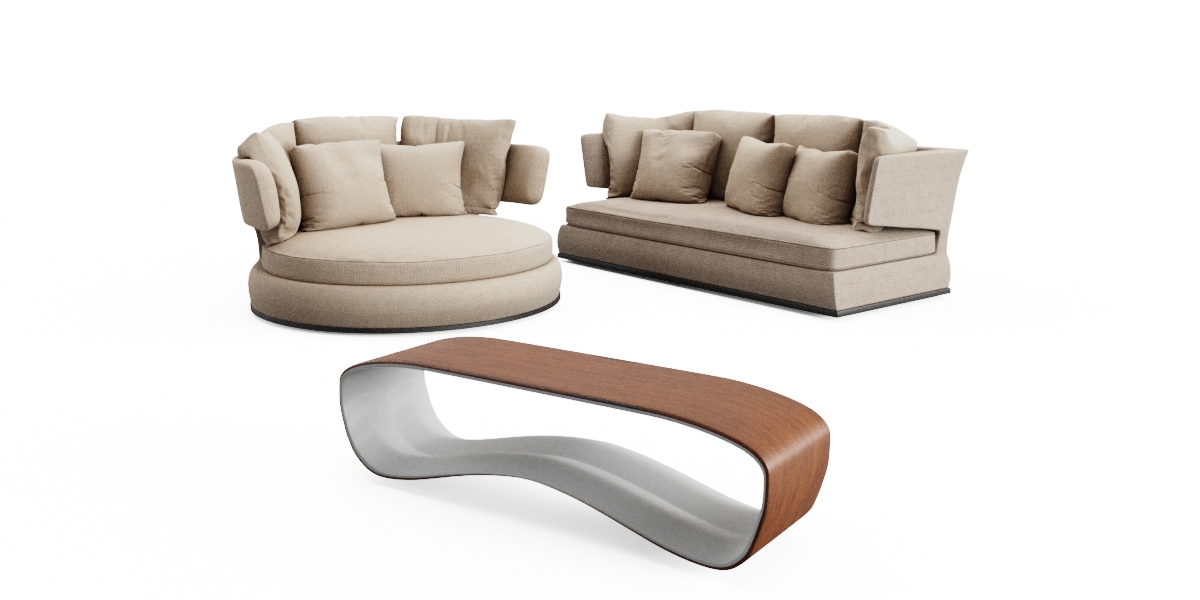

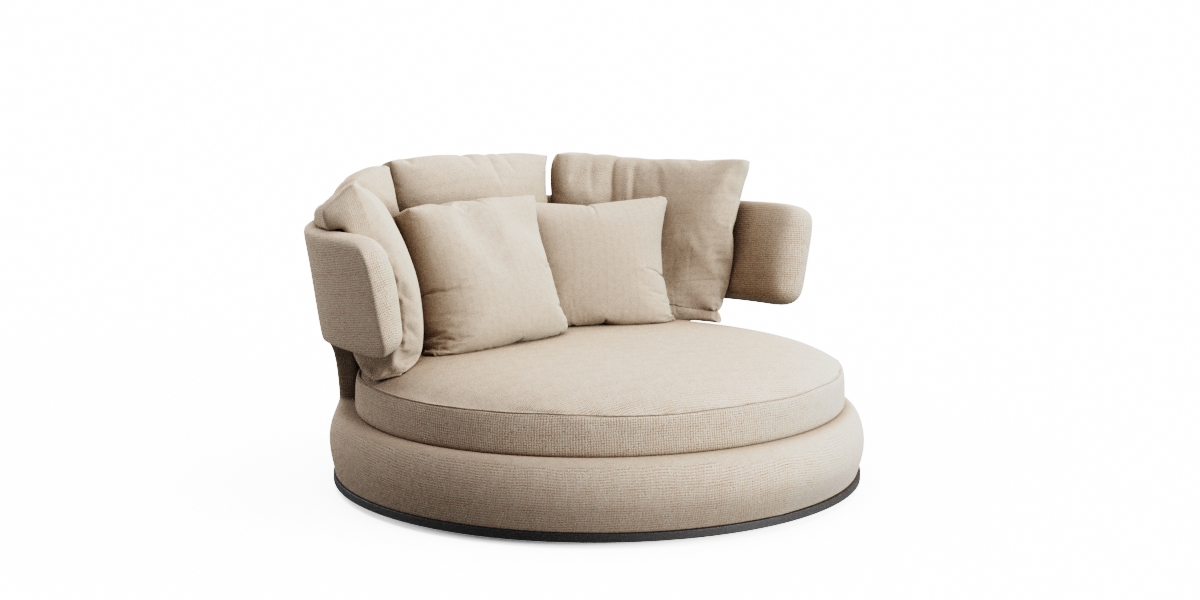
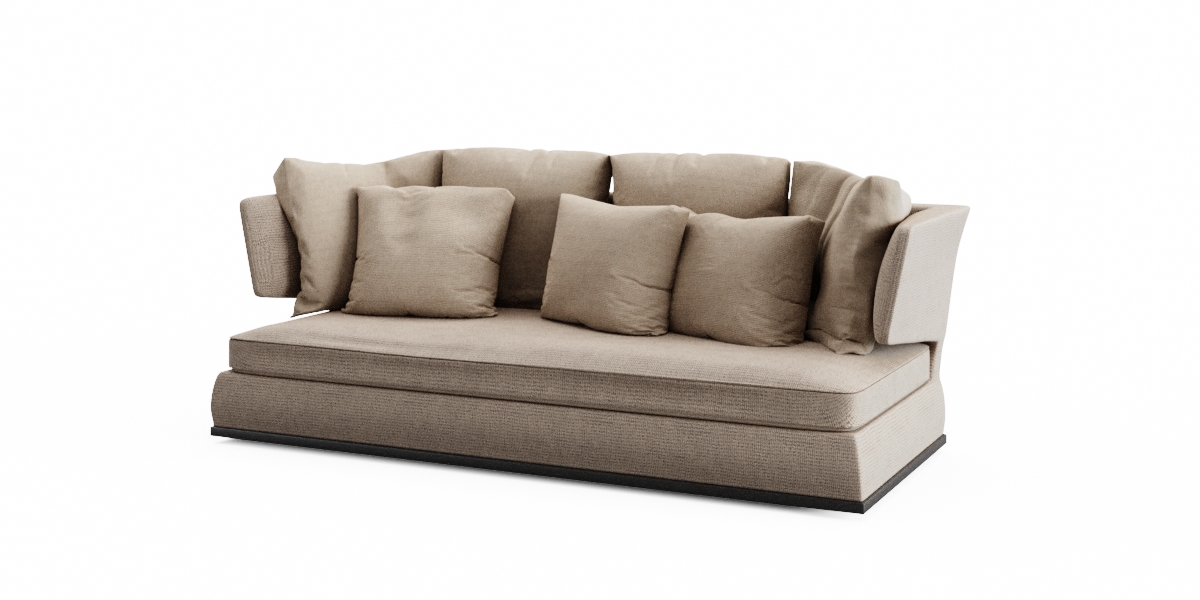
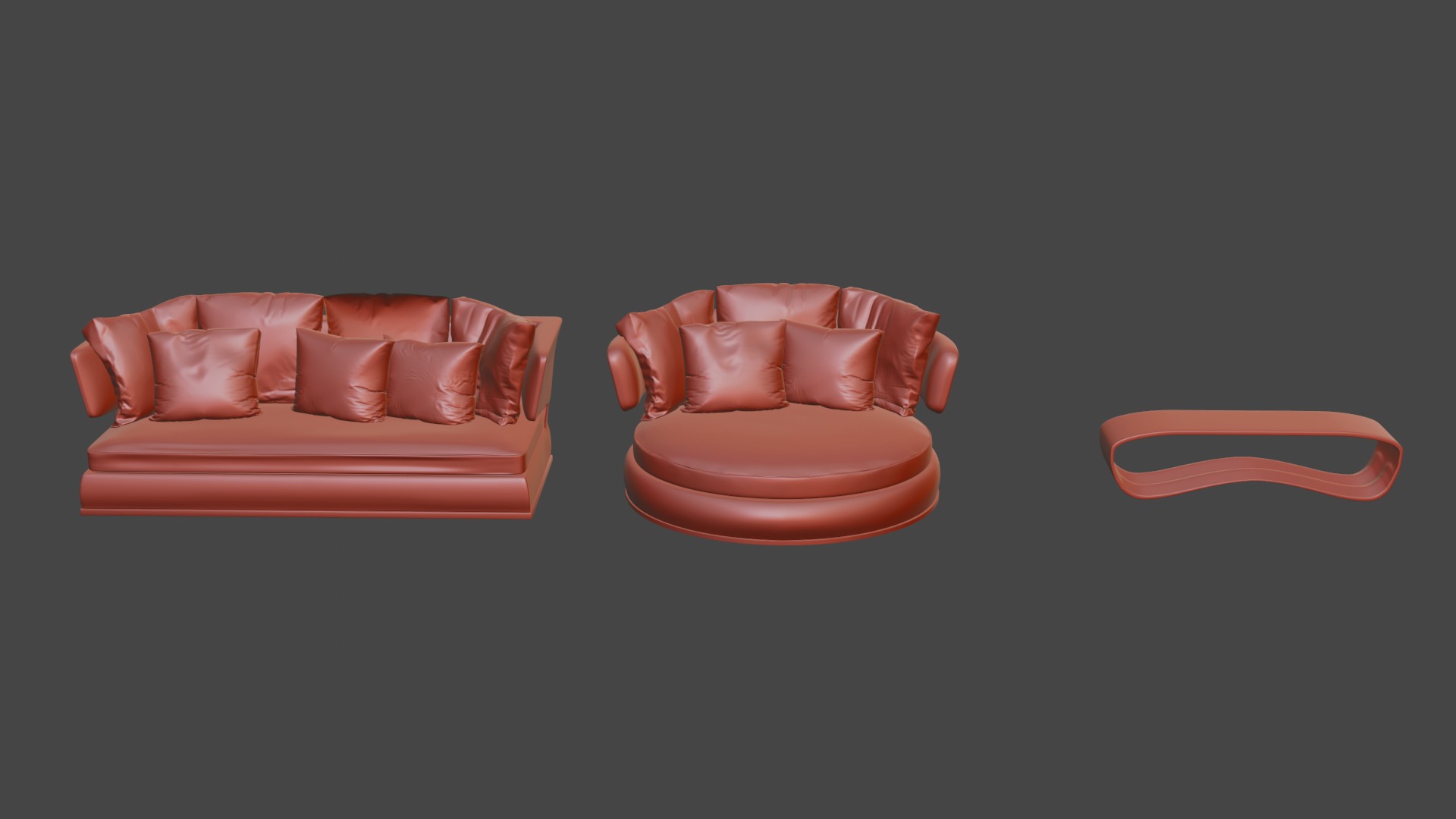
To use the templates, unzip the file to a directory of your choice. Then go to Blender and click on File> Attach. Then browse to the downloaded product and click on the .blend file. You can then browse to Collections or Objects and attach any items you want from this .blend file. also be able to open the file and simply select and copy it using CTRL + C and in your scene by pressing CTRL + V.
$3
Have questions about this product?
Login to message
| Published | about 4 years ago |
| Blender Version | 2.7x - 4.4 |
| Render Engine Used | Cycles, Eevee |
| Misc Data | Uvs-Unwrapped, Normal-Mapped, Textured |
| License | Creative Commons |
Discover more products like this
interior furniture 3D couch sofa model modern sofa realistic-sofa living room asset high poly furniture soft furniture amoenus sofa for rendering blender furniture Sofa