 Eyus Vila


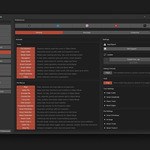
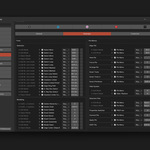
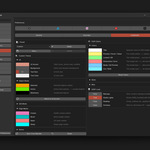
CORE covers the day-to-day modeling workflow: the Smart Tools 2 pie (Cursor Loop, Slide Merge Live, Merge by Distance, Insert Vert), Modal Seam, Attach Tool, and the SORT, View, Focus, Align, Selection, Hide, Primitives, Connect, Apply and Arrange pies. It also includes the selection and modeling actions, Stack Tools, Echo Selection, Geo Instance and Camera Turntable. It's designed for artists whose editing bottleneck is repetitive edits and clean seam / attach work.
NEXUS adds the Smart Tools 1 pie — the full arsenal: Quick Loops, Resample, Arc Circle, Bend Face, Smart Slide, the Slide Merge modal, Loop / Line Projection, Curve Stretch and Diamond Poke. Plus Edge Cutter, in Edit Mode and in Object Mode (Shift + W). Plus every new feature as it ships.
Yes. Install the NEXUS zip over the existing CORE installation — no uninstall step needed. Both editions share the same internal identifier. Your preferences, custom hotkeys, and settings carry over.
Two places: the full overview, a narrated walkthrough of every tool, pie menu and setting on YouTube, and the full documentation, with every tool, mode and option in detail. Both are coming soon.
No telemetry, no phone-home, no external network calls. SORT Tools works fully offline.
The optional Support System opens local files and your default email client to draft a report — no data leaves your machine without your action.
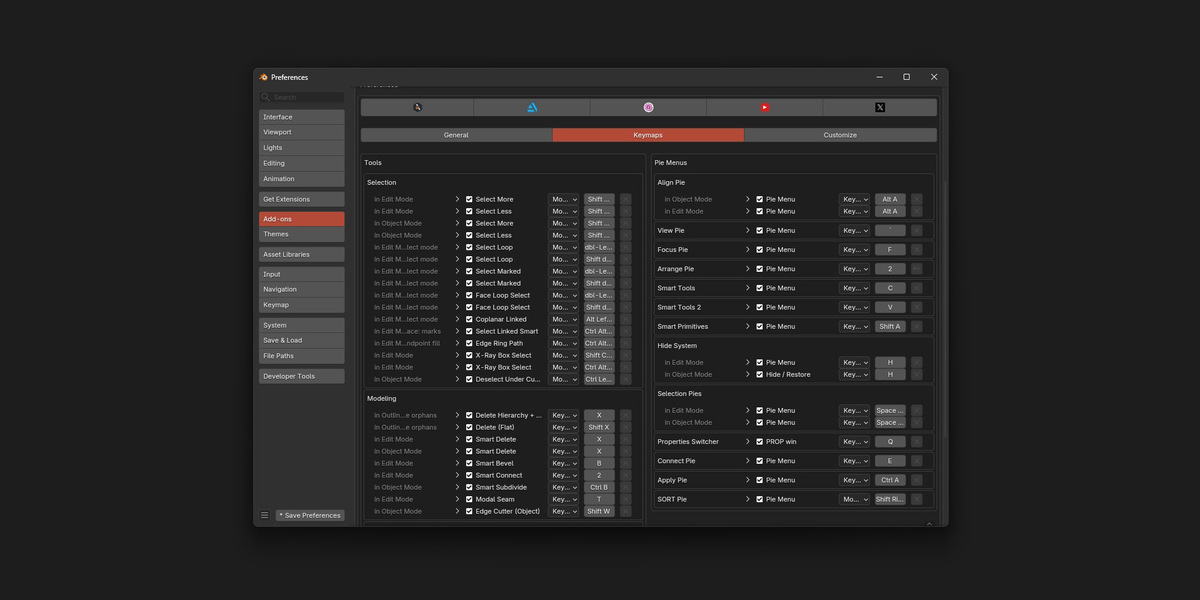
Yes, every hotkey. Open Preferences → SORT Tools → Keymaps and rebind any pie, tool, or action.
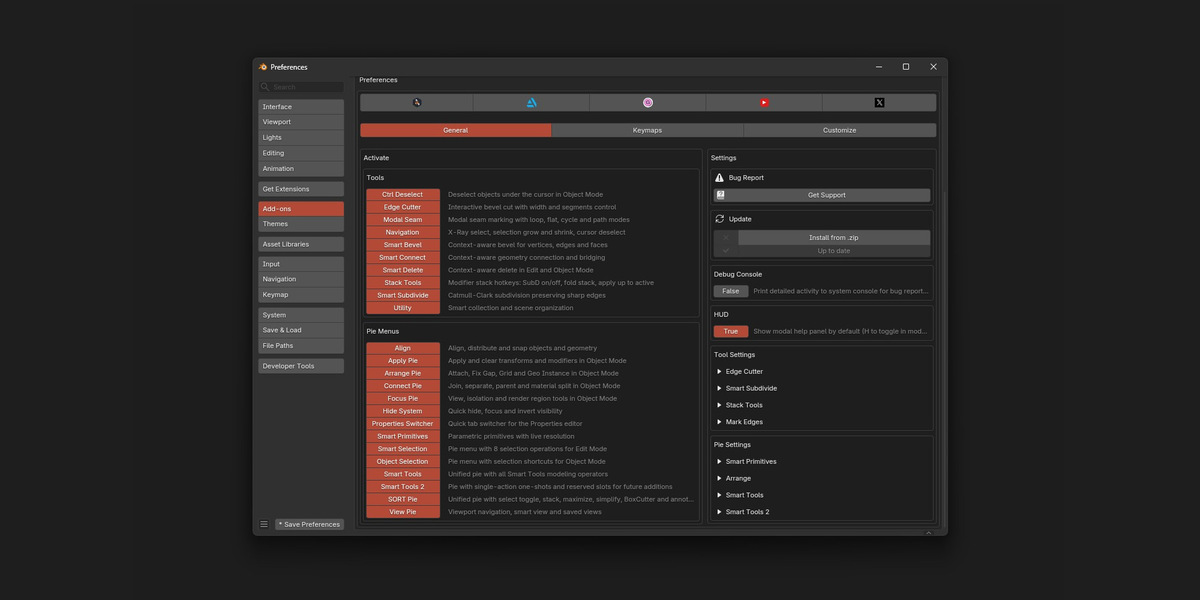
No. Start with the three or four that fix your own bottlenecks. Anything you don't use can be turned off in Preferences → SORT Tools → General → Activate; a tool that's off has no hotkeys.
Blender 4.3.0 and newer, up to 5.2. Older Blender versions (4.2 and below) are not supported.
SORT Tools is designed to coexist with other modeling addons. There are no functional conflicts by design.
If a hotkey overlaps with another add-on's binding, remap it from Preferences → SORT Tools → Keymaps. The SORT Pie also has a BoxCutter slot that opens BoxCutter when it's installed.
SORT Tools is in constant development: bug fixes, performance work and new features keep coming. NEXUS receives every new feature; CORE receives fixes, compatibility updates and selected features.
On SuperHive, every purchase includes a 12-month Support Period: the updates and support released during that year are included, and everything you download stays yours. After that, you can renew for another year at a discount. It's optional, and it's not a subscription.
Yes. Personal, freelance, studio, and commercial projects are all covered. A single purchase covers one user across all their machines.
For team licensing (multiple users in the same studio), reach out through the Support System — team seats are handled per case.
Early Access runs from October 22 to November 12, 2026. It's a workflow validation phase: the arsenal is technically functional and internally tested. Early adopters help validate the workflows across diverse production contexts, and receive a discounted price during the entire Early Access window.
From November 13, 2026, SORT Tools moves to its regular price. Everyone who purchased during Early Access keeps their edition, with the same 12-month Support Period as any purchase.
Refunds follow SuperHive's policy. If you have a specific concern before purchasing, feel free to reach out first — the goal is that the tool fits your workflow, not friction on the exit.
Open Preferences → SORT Tools → General → Bug Report → Get Support. The addon auto-generates a system info file and opens a local guide with the exact steps to file the report.
During the Early Access window (October 22 – November 12, 2026), bug reports and workflow feedback are prioritized — they shape the v1.0 baseline. Reports with full info (steps + console screenshot + .blend repro when possible) usually get a first response within 48–72 hours.
 Included
Includes 12 months of
- Support from Eyus Vila
- Product updates
Extend this product’s Support Period +12 months: 25% of product price
Have questions before purchasing?
Login to message
| Blender Extension Compatible | Yes |
| Published | 1 day ago |
| Blender Version | 4.3 - 5.2 |
| Extension Type | Add-on |
| Render Engine Used | Cycles |
| License | GPL |