 Yatima



SOUND REAKTOR PRO 3.0
Sound Reactive animation for Blender.
ANIMATE WITH SOUND
Sound Reaktor Pro turns an audio file into animation inside Blender. It analyzes the sound with real signal processing and writes the result into the scene, using keyframes or drivers, in sync with the music.
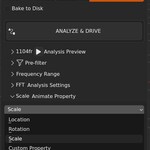
Six analysis methods read different aspects of the sound: the energy of a frequency band, the beats, the volume, and the character of the sound itself. The result can drive Location, Rotation and Scale, or, through the Custom target, any numeric property in Blender: shader values, Geometry Nodes inputs, lights, cameras, modifiers, constraints and shape keys. Spectral Bins splits the spectrum into nine bands at once, delivered as node groups for Geometry Nodes and the Shader Editor.
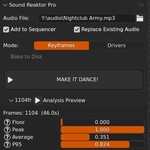
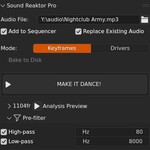
The basic workflow is three steps: an audio file, a target, and one click on MAKE IT DANCE! No audio background is needed for a first result, and Easy Mode keeps the panel down to the essentials.
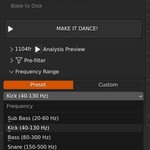
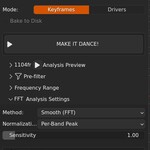
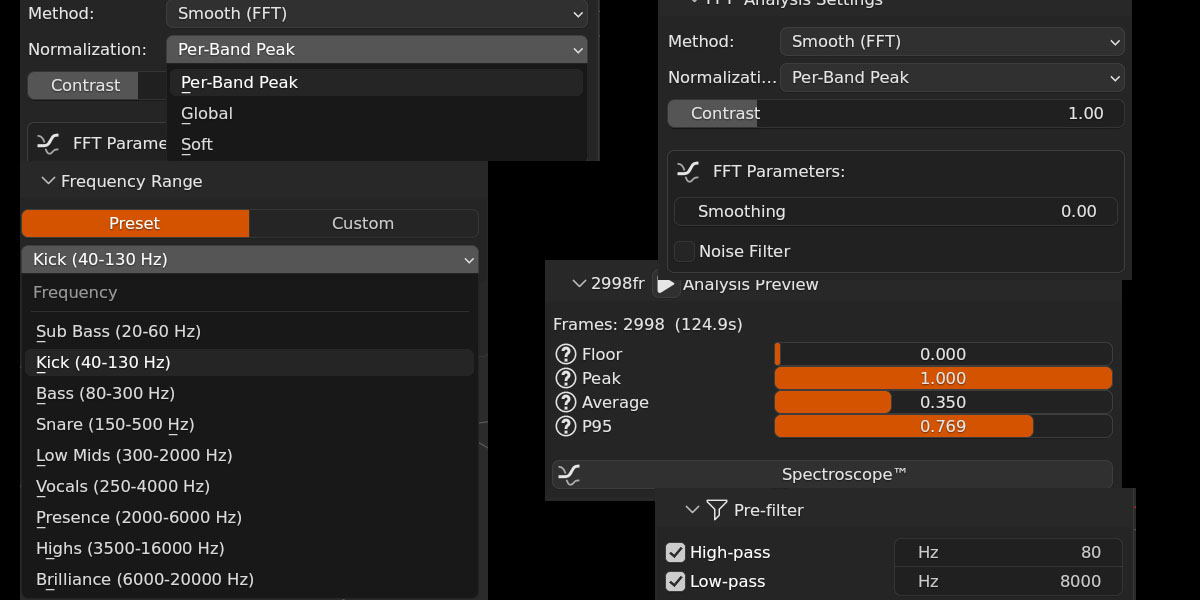
Behind that button sits a complete toolkit: frequency presets, pre-filters, Contrast, smoothing, noise filtering, three normalization modes, configurable FFT size, window function and audio channel. Any setup can be saved as a preset.
SIX ANALYSIS METHODS
ANIMATE ANYTHING
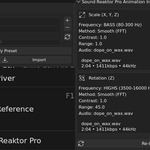
Location, Rotation and Scale work per axis, with a base value and a range. Bipolar mode swings both ways around the rest position, and Accumulative rotation keeps spinning, faster on loud passages.
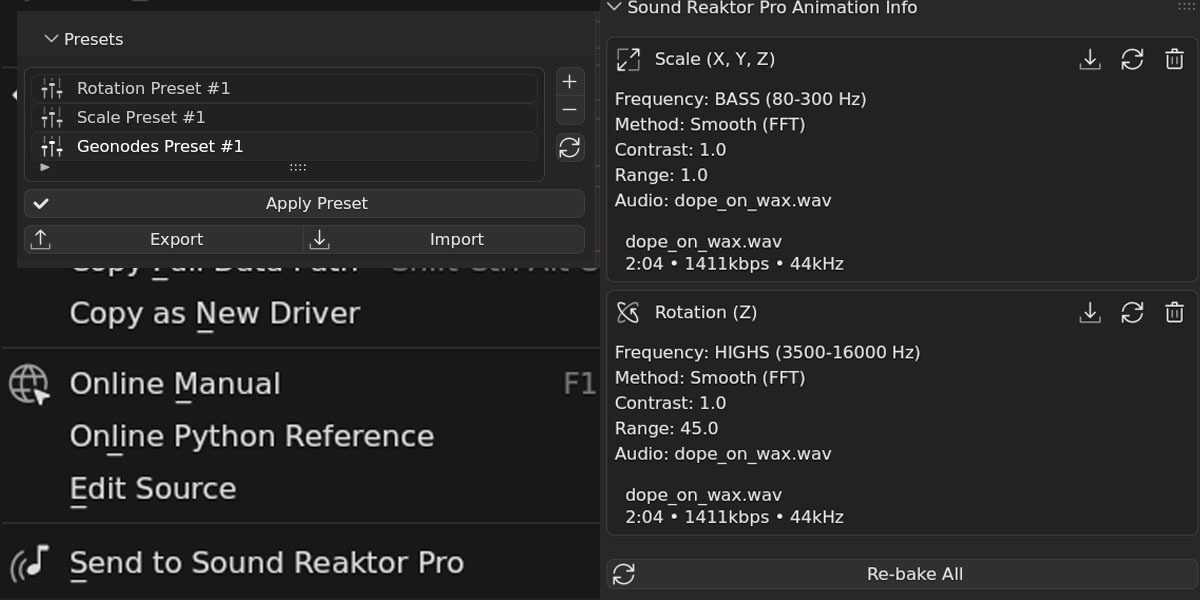
The Custom target reaches any numeric property: material emission, light energy, modifier values, Geometry Nodes inputs, camera focal length... A right-click on the property and Send to Sound Reaktor Pro sets it as the target, with no data paths to copy by hand.
Apply to Selected animates every selected object from a single analysis (Location, Rotation and Scale), each around its own transform. Time Offset delays each object a few frames more than the previous one, ordered by distance from the active object, for waves across a whole selection.
KEYFRAMES OR DRIVERS
Two ways to deliver the animation, which can live side by side in the same .blend.
Keyframes
Keyframes are written straight into the F-curves. They play without the addon installed, render on any machine and export like any other animation.
NEW IN 3.0Keyframe Step writes one keyframe every N frames for lighter files, with Linear, Constant or Bezier interpolation.
|
Drivers
Drivers read the analysis in real time: scrubbing is immediate and nothing is baked until the result is right. An optional disk cache keeps the analysis between sessions, and Bake to Keyframes freezes the drivers into keyframes when the animation is final.
|
Spectral Bins analyzes nine frequency bands at once, from Sub Bass to Brilliance, and delivers them as a node group for Geometry Nodes and another for the Shader Editor, one output per band. The bands can also be baked to keyframes, so the result plays without the addon.
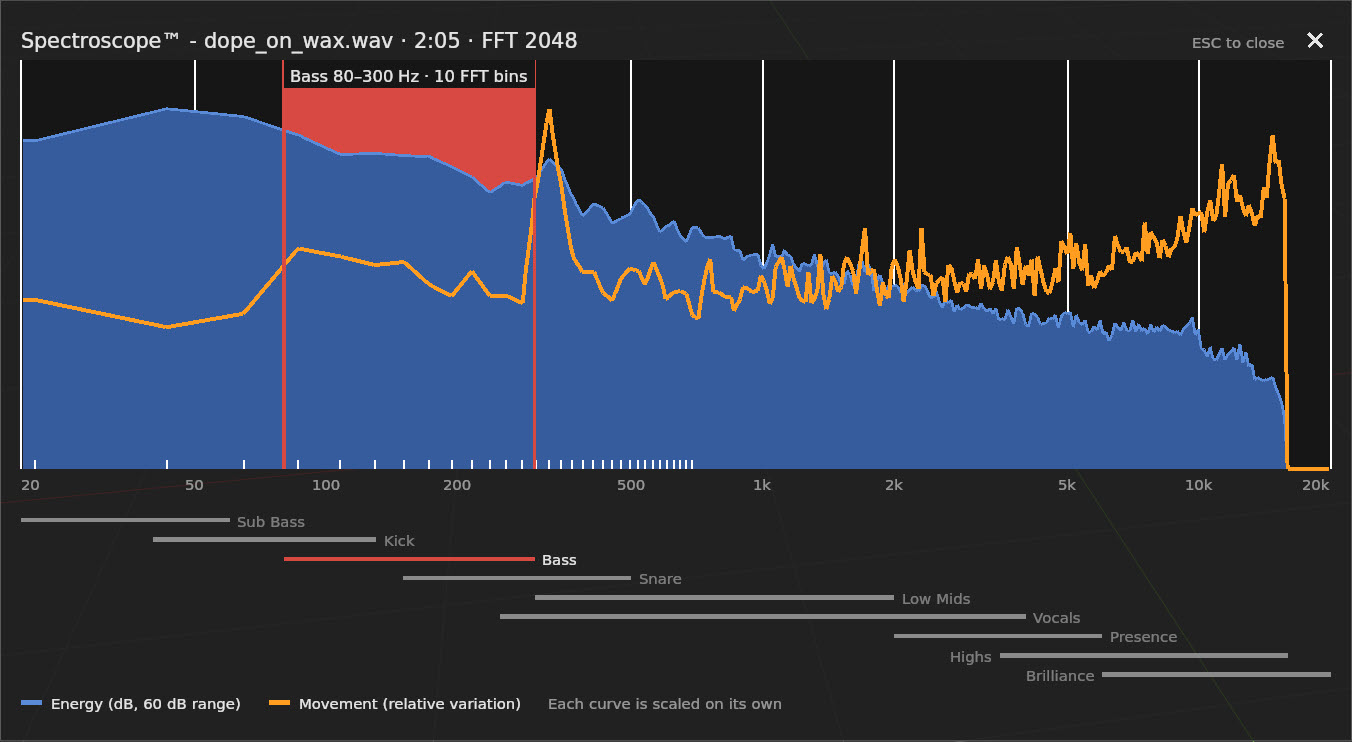
SPECTROSCOPE™
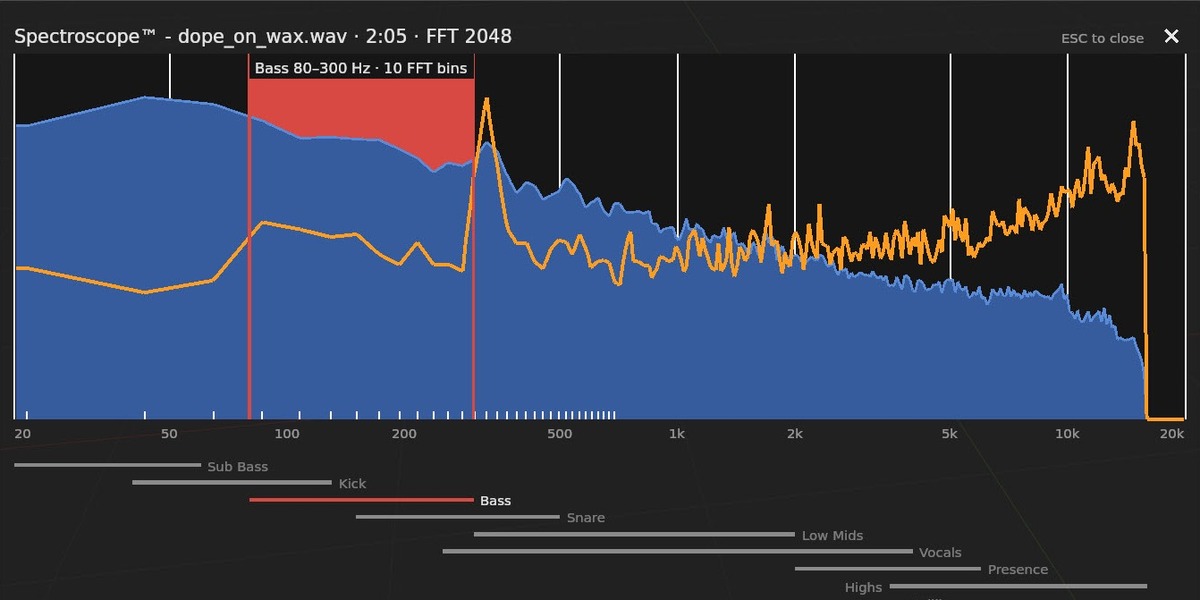
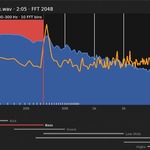
NEW IN 3.0Unless you use external tools, choosing a frequency band is typically a matter of trial and error. The Spectroscope™ replaces the guesswork with a picture.
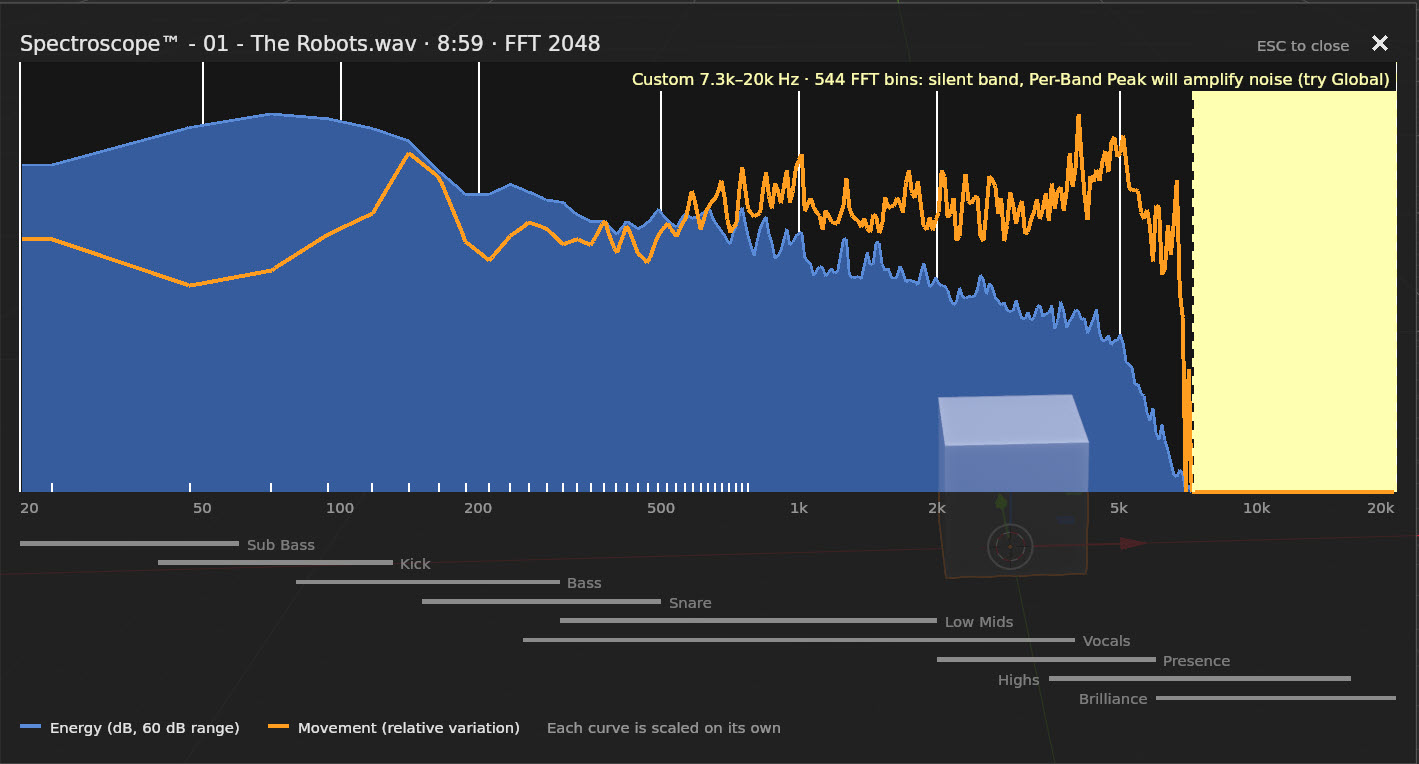
It draws the spectrum of the whole track over the 3D Viewport with two curves: Energy, where there is sound, and Movement, where the sound changes. Movement is what Sound Reaktor Pro animates, so the bands that will really move stand out before anything is baked.
The band about to be animated is marked in red, next to the nine presets, and follows the Frequency Range settings live. A pale yellow warning flags bands that would come out flat: bands too narrow for the current FFT resolution, and bands with no sound in them.
SR UTILITIES
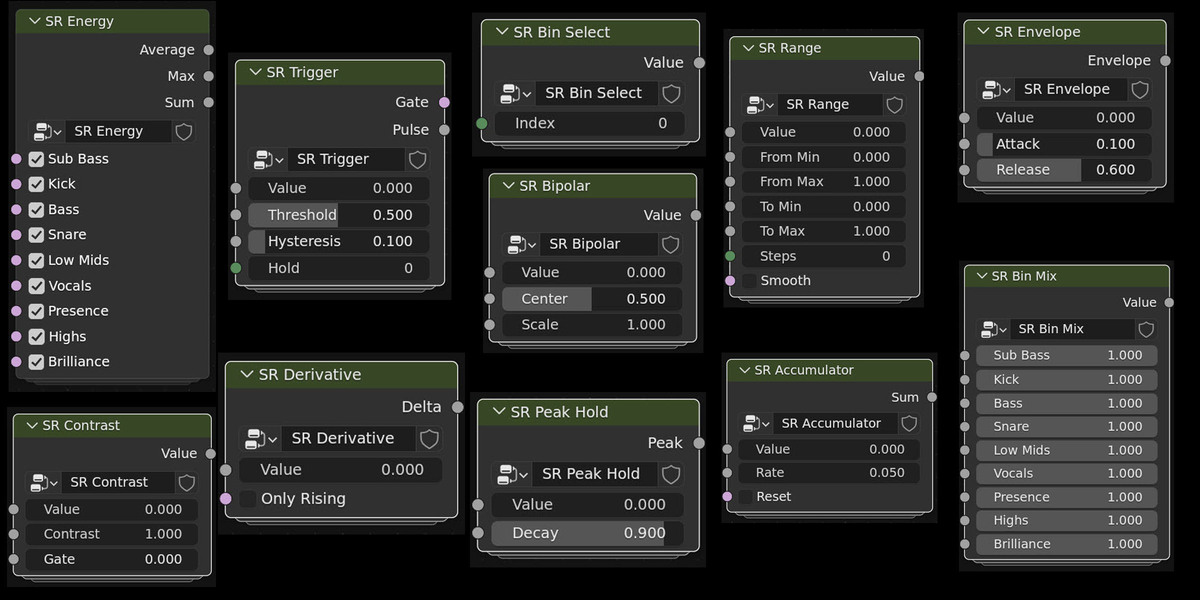
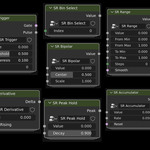
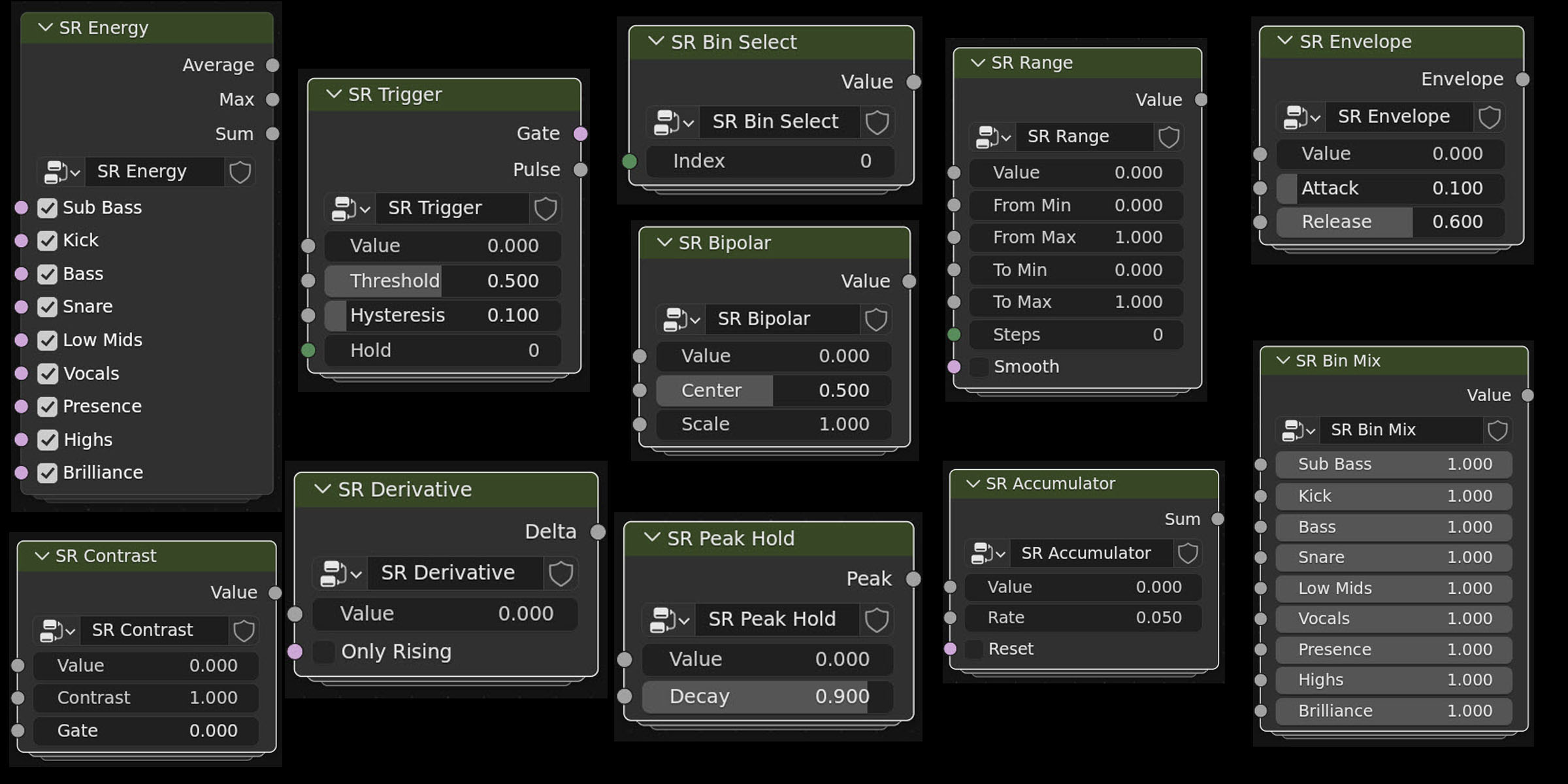
NEW IN 3.0They are eleven ready-made node groups for the most common audio-reactive tricks, available from Add › Sound Reaktor in the Geometry Nodes editor. Seven of them also work in the Shader Editor, for materials, World and lights.
They accept any float as input: a Spectral Bins band, a value baked by Sound Reaktor Pro, or the output of Blender's own Sample Sound Frequencies node.
SHAPE THE SIGNAL
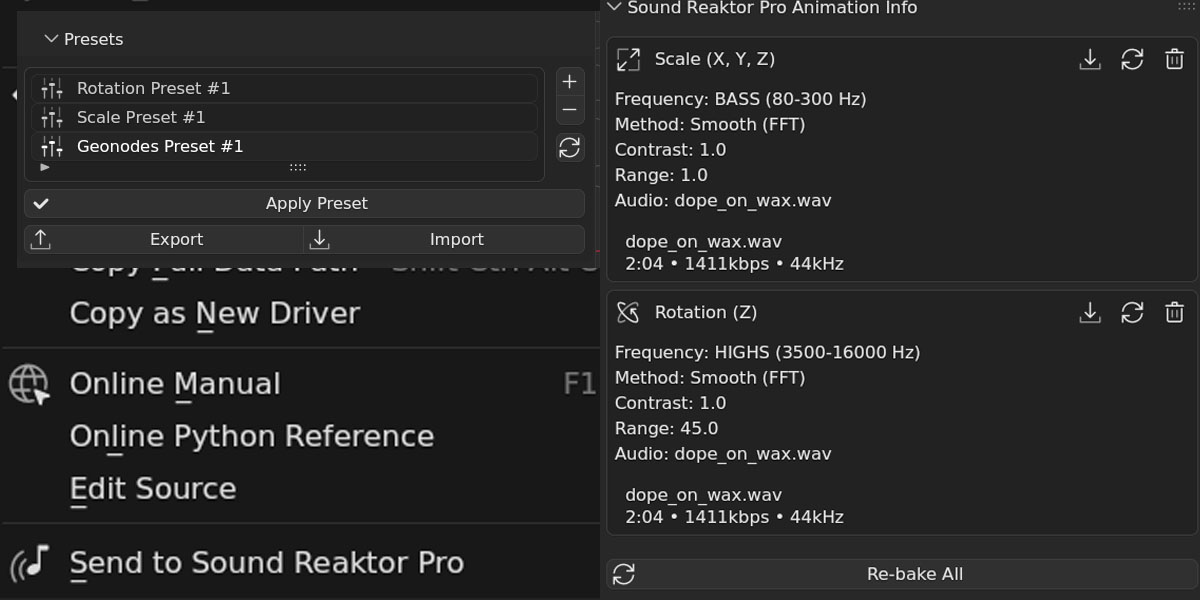
WORKFLOW TOOLS
.json file to reuse across projects.SOUND REAKTOR PRO VS BLENDER'S SOUND NODE
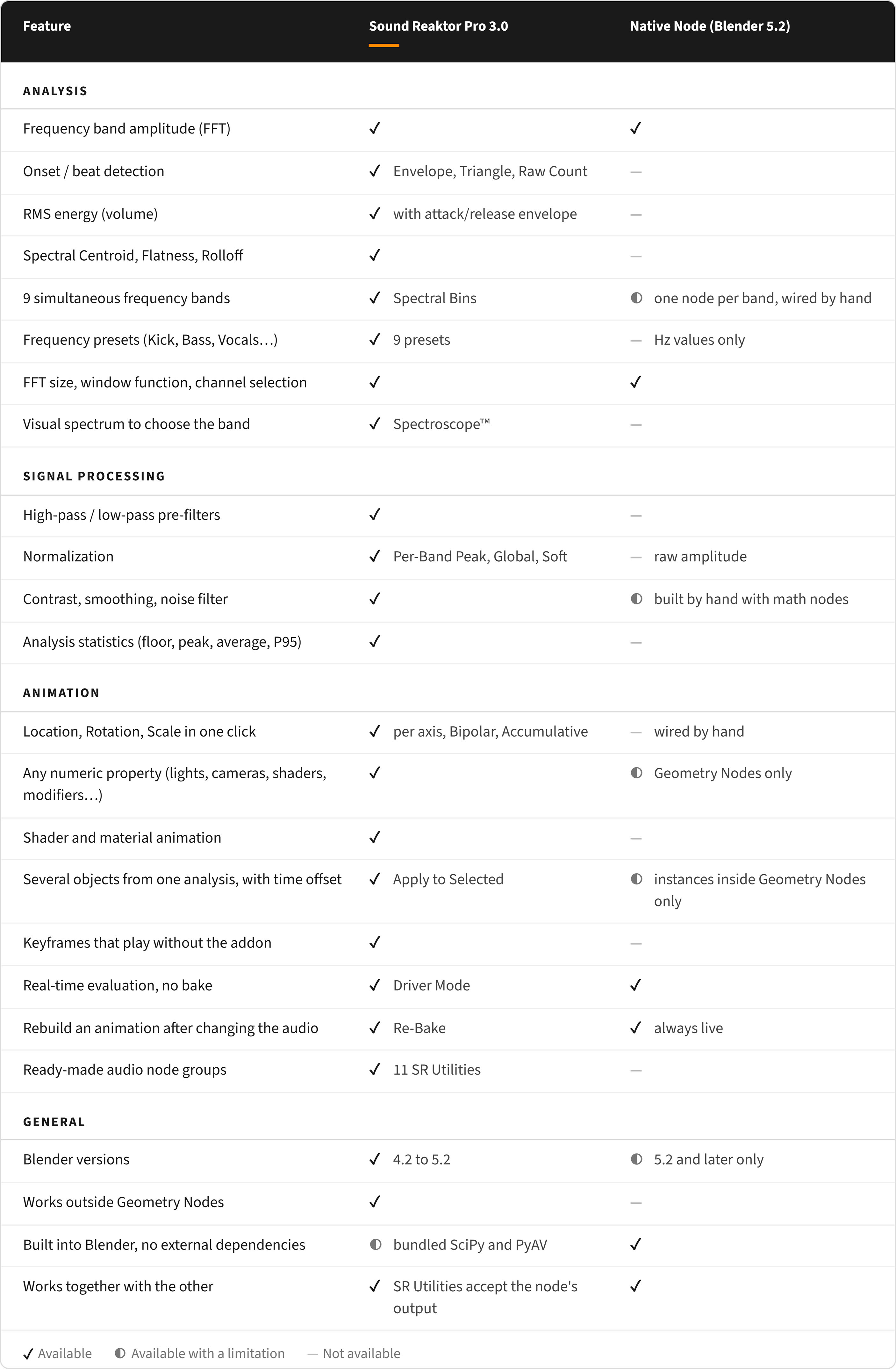
Blender 5.2 includes the Sample Sound Frequencies node for Geometry Nodes. It returns the raw amplitude of a frequency range, live inside the node graph and with no dependencies, and it is a good introduction to sound-driven effects.
Sound Reaktor Pro covers the rest of the workflow: six analysis methods, post-processing, animation of any property outside Geometry Nodes, keyframes that play without the addon, and support from Blender 4.2. The two also work together: SR Utilities accept the native node's output.
The table below compares both.
SOUND REAKTOR PRO 3.0 UPDATE (2026/10/02)
The biggest Sound Reaktor Pro update so far.
.blend files.Upgrading from 2.x: presets and baked animations convert automatically from Sensitivity to Contrast. Animations already baked are never modified. Re-analyzing an older project can give a different result, because several analysis fixes change the numbers.
COMPATIBILITY & SUPPORT
|
Supports Blender 4.2 to 5.2, tested on Blender 5.2 LTS. Windows (x64), macOS (Apple Silicon) and Linux (x64). Dependencies are bundled with the extension, with no separate installation step. Full documentation, video tutorials, and direct contact with the developer at blenderartists.org or [email protected]. |
TECHNICAL SPECIFICATIONS
Version3.0
Blender4.2 to 5.2
Python3.11 and 3.13
PlatformsWindows (x64), Linux (x64), macOS (Apple Silicon)
LicenseGPL-3.0
|
Professional audio analysis for Blender.