 ZEG
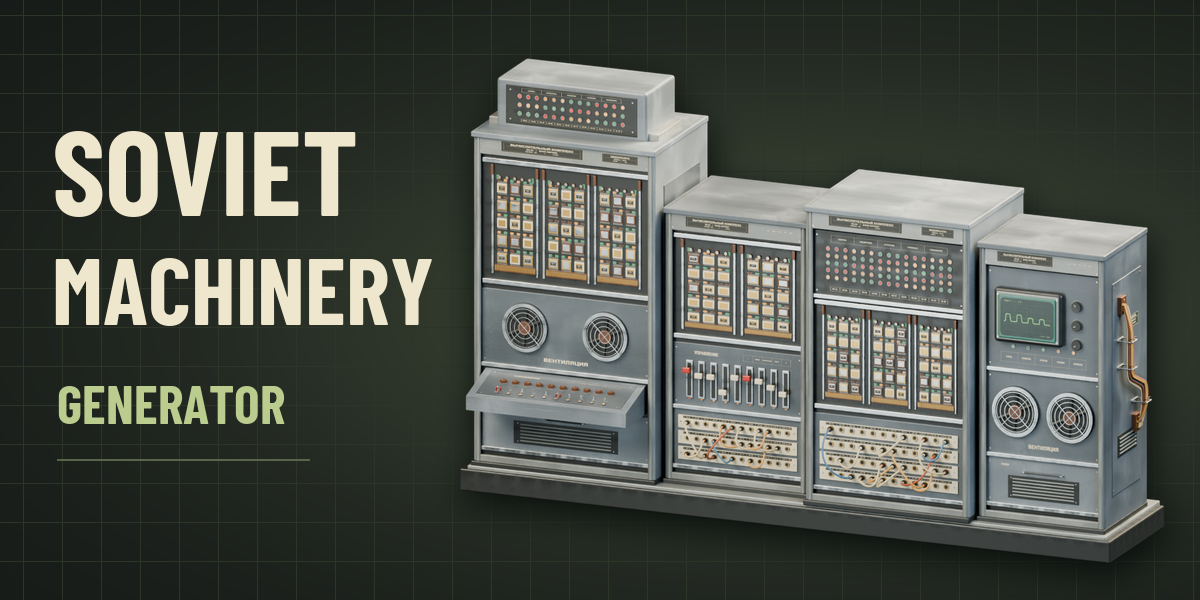
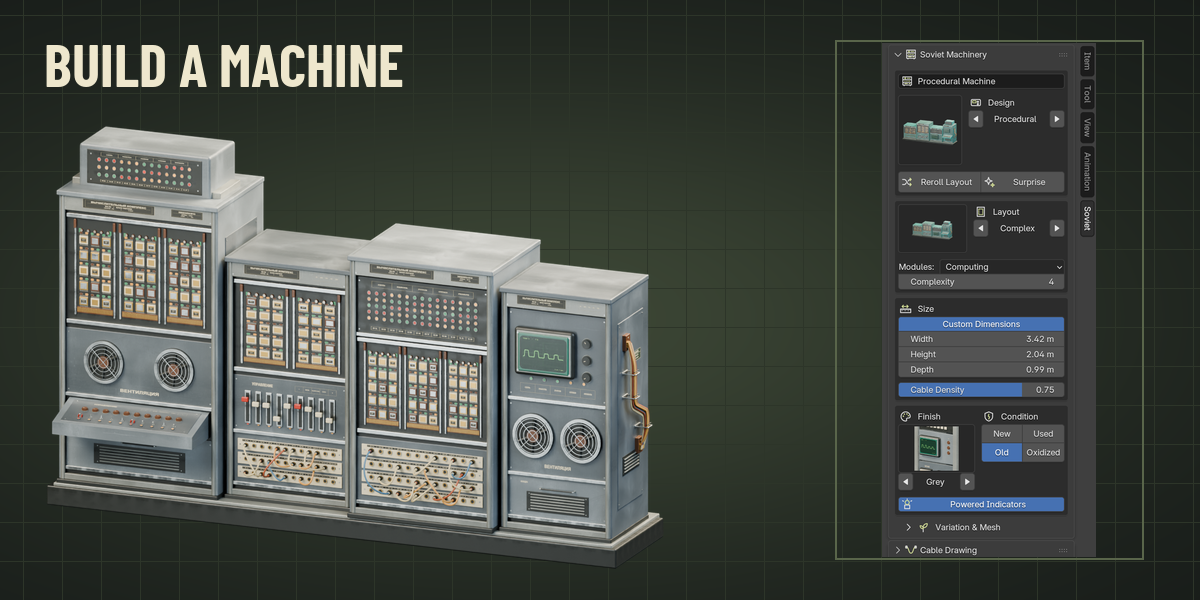
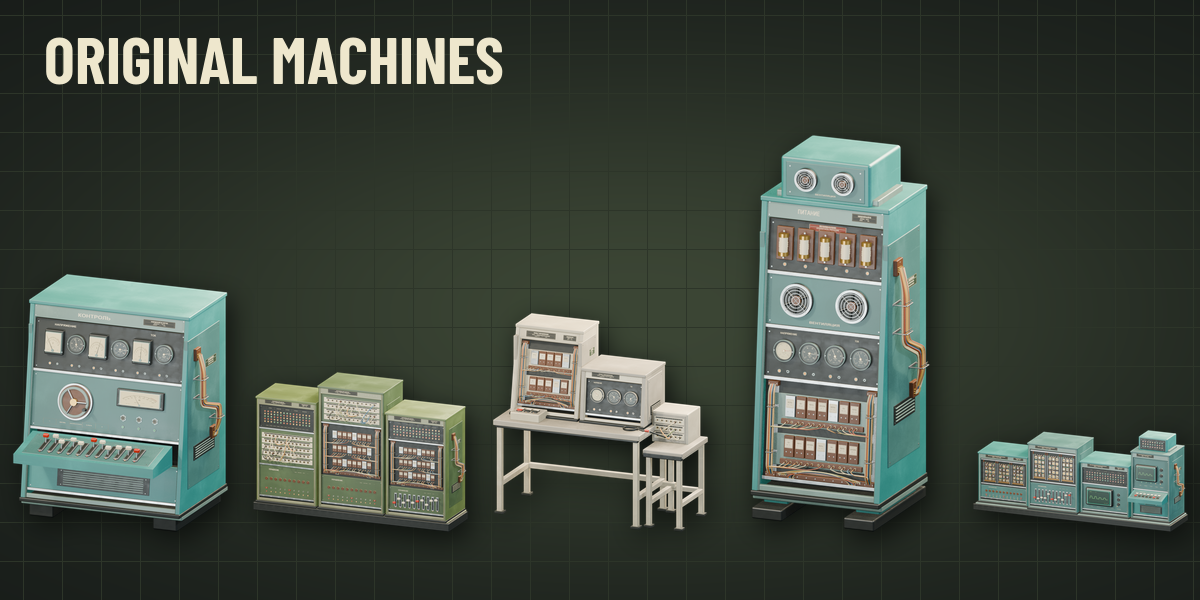
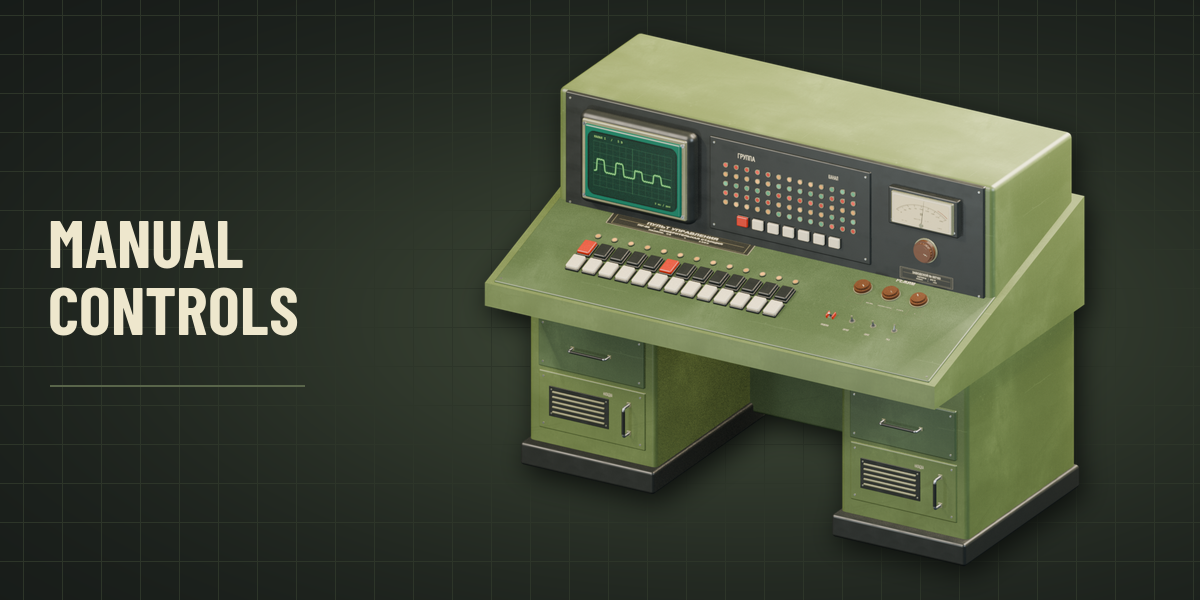
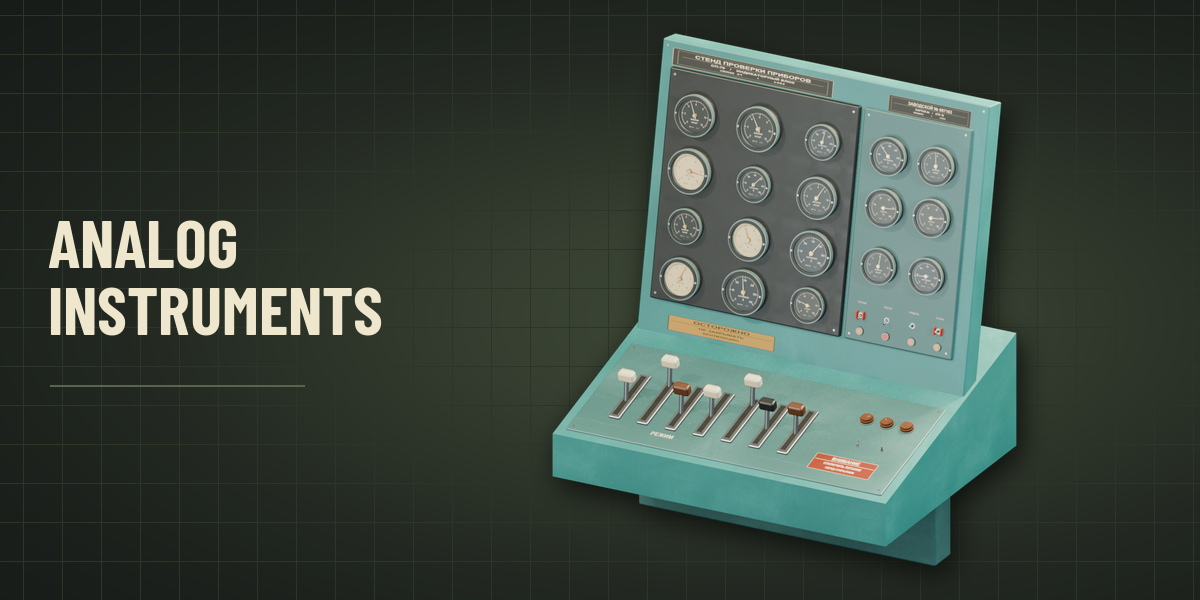
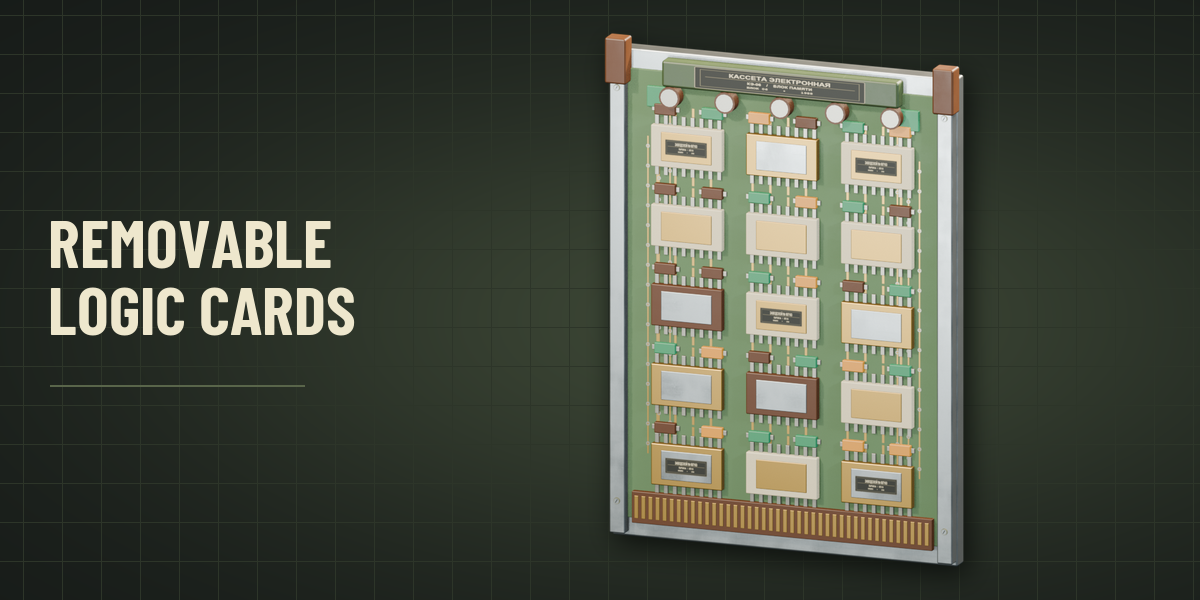
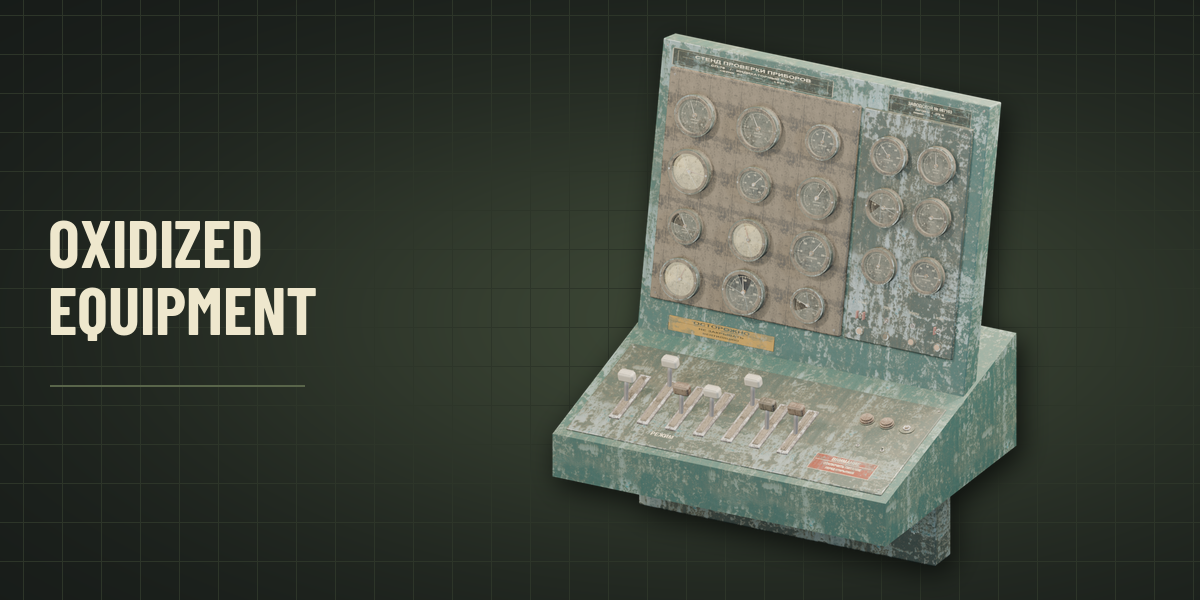
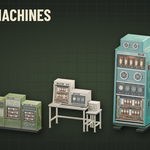
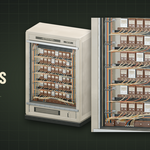
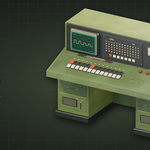
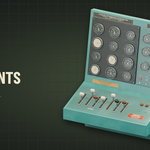
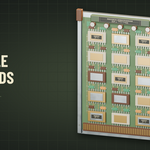
Populate a machine room, control station or workshop with original equipment inspired by late Soviet electronics. Procedural Machine assembles new equipment from a seed, varying the enclosure, bay layout, work surface and mix of operator controls, power units, relay drawers, logic cards and instrument panels. Build a narrow tower, a benchtop test workstation or a multi-bay control complex. Five fixed presets are also available.
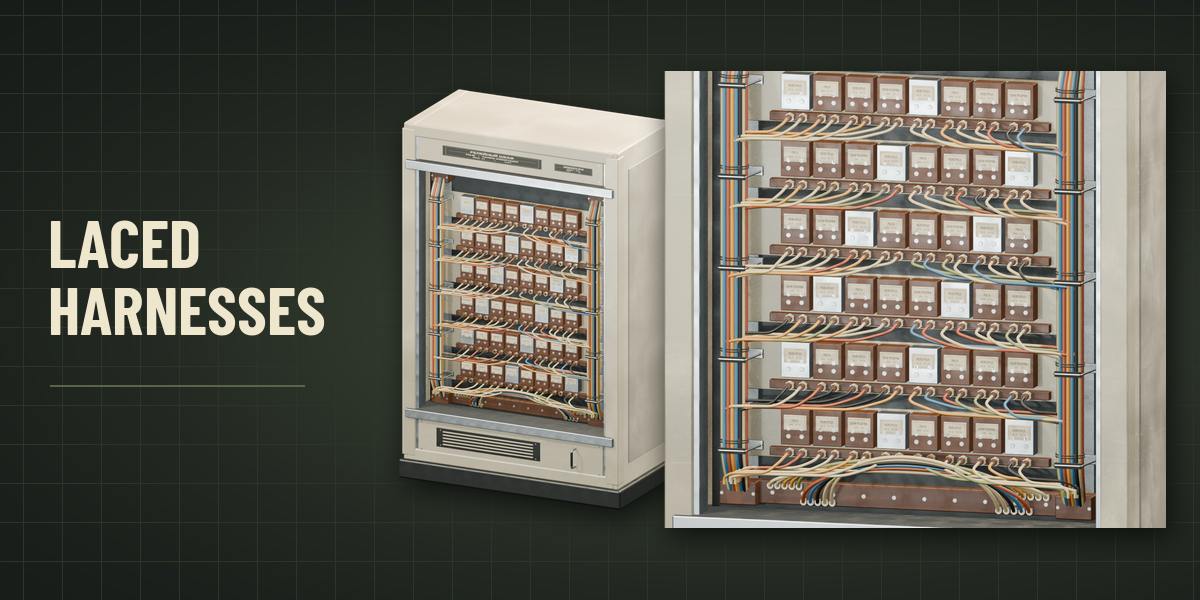
Each design comes with UVs, editable geometry and PBR materials. Inspect the numbered terminals, stepped instrument housings, slotted screws, bakelite knobs and printed Cyrillic legends up close. Set an overall width, height and depth in meters, choose the equipment mix, and adjust the amount of hardware and exposed wiring. Set the enamel finish and condition independently. Oxidized equipment adds cloudy and fractured glazing, tarnished fittings, failed controls and missing or damaged wiring. Dense cable looms use multiple depth layers, restraining hardware and service loops. Use the same seed and settings to reproduce a design, or reroll the layout in place.
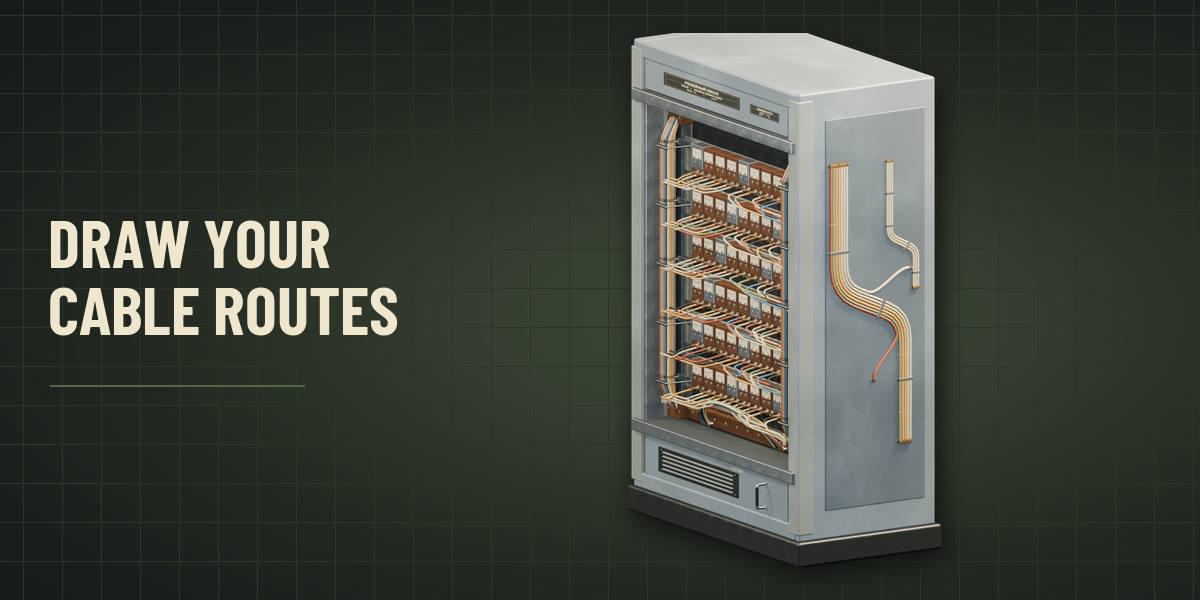
Hold and drag in the viewport to guide a cable route over nearby meshes. Choose from 12 cable assemblies with rendered thumbnails, including avionics looms, motor conduits and shipboard ladders. Change the bundle layout, size, jacket, condition and support hardware before drawing. Cables follow supported surfaces and hang with adjustable slack across gaps. The resulting cable is editable geometry parented to the first mesh the stroke touches.
Requires Blender 4.2 or newer. Tested on Blender 4.2, 4.5 and 5.2 LTS.
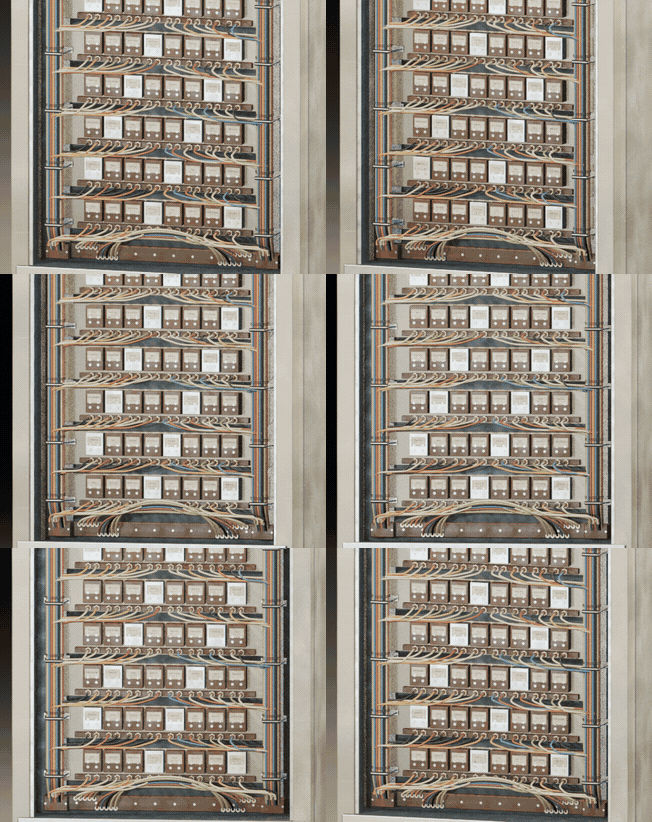
Wiring You Can Follow
Laced trunks, clipped branch runs and service loops terminate at detailed connectors.
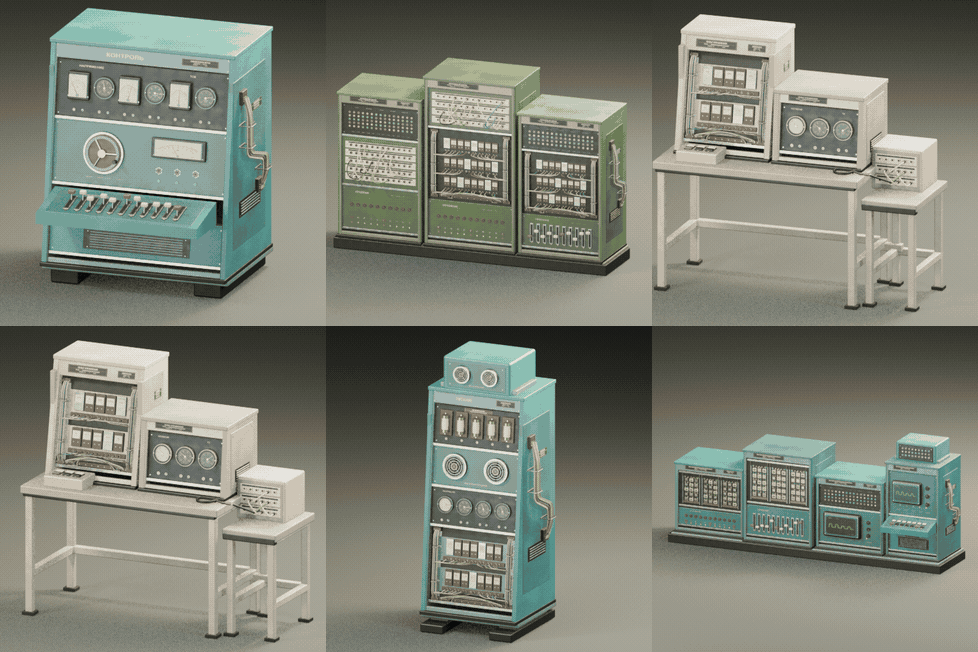
New Machines With Every Seed
Generate a workstation, upright tower or multi-bay control complex and vary the modules inside.
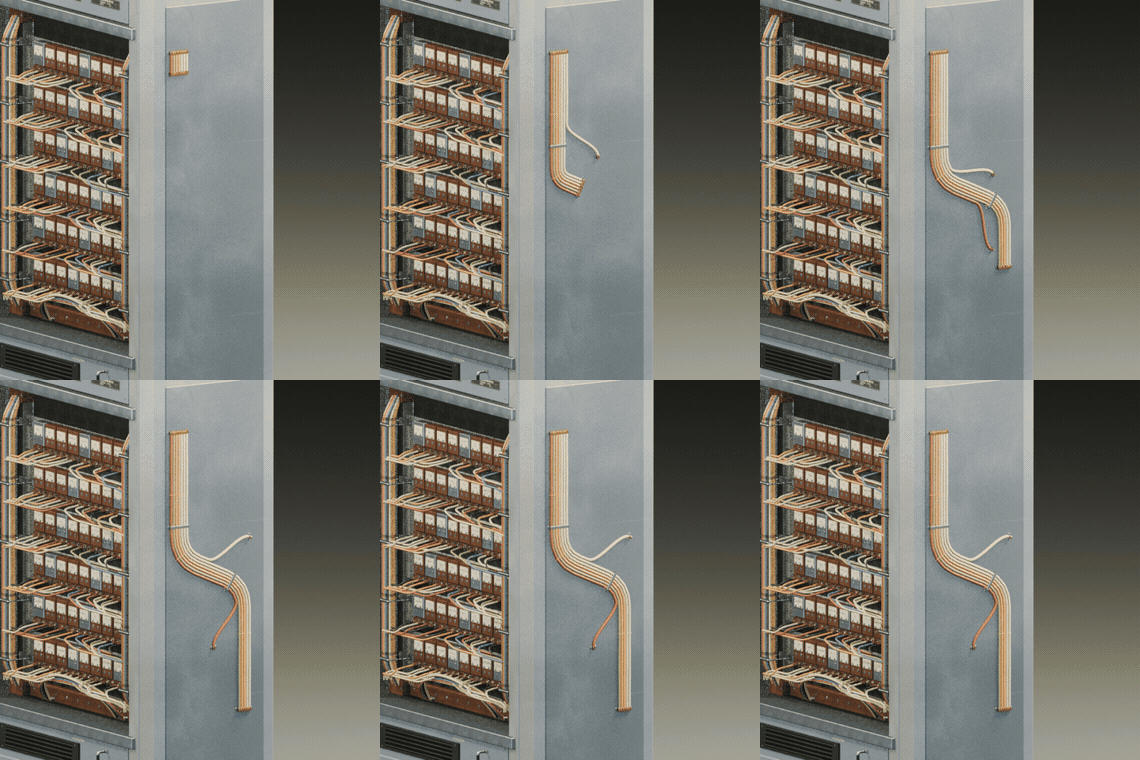
Draw Cables on Your Models
Guide a cable bundle across a surface with a freehand stroke.
