 ZEG
Installation
Open Blender Preferences, choose Get Extensions, then use Install from Disk and select the ZIP.
Usage
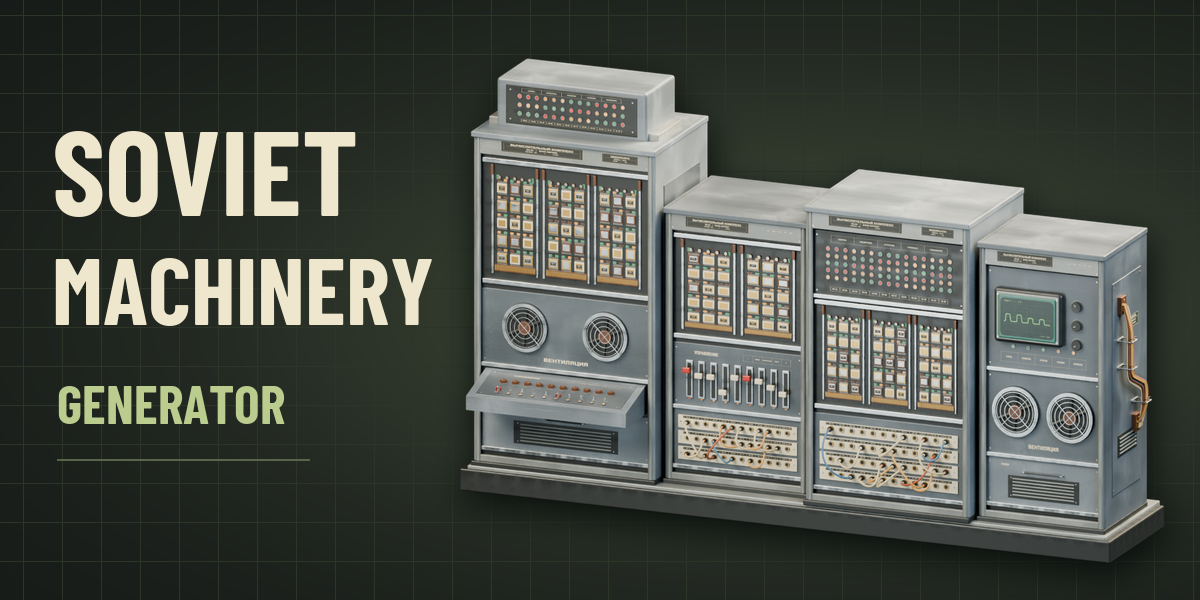
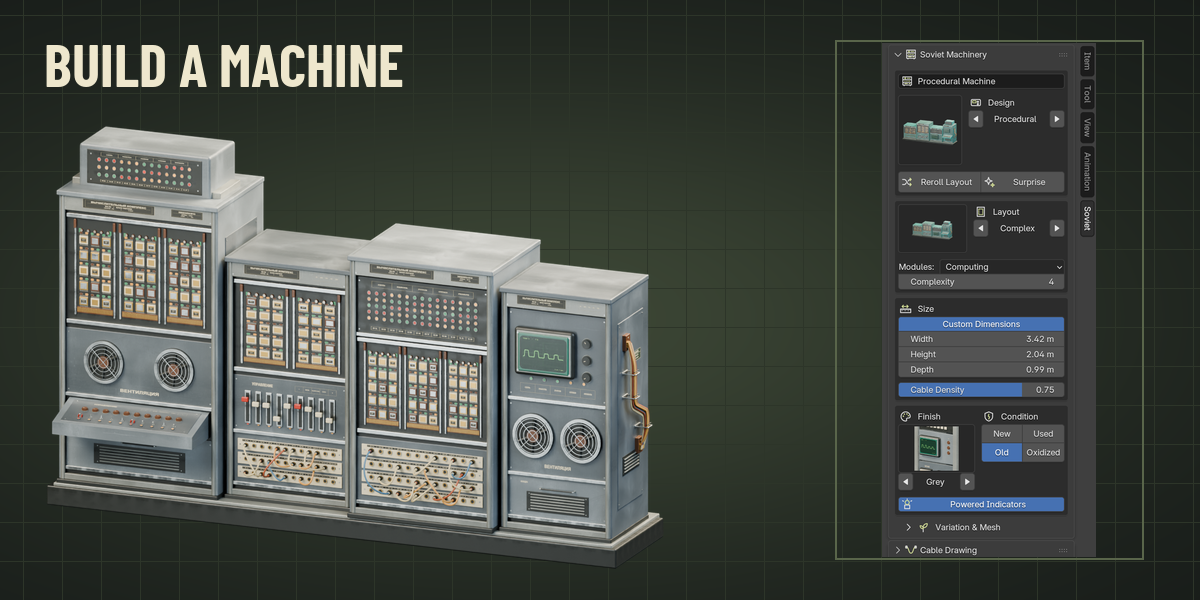
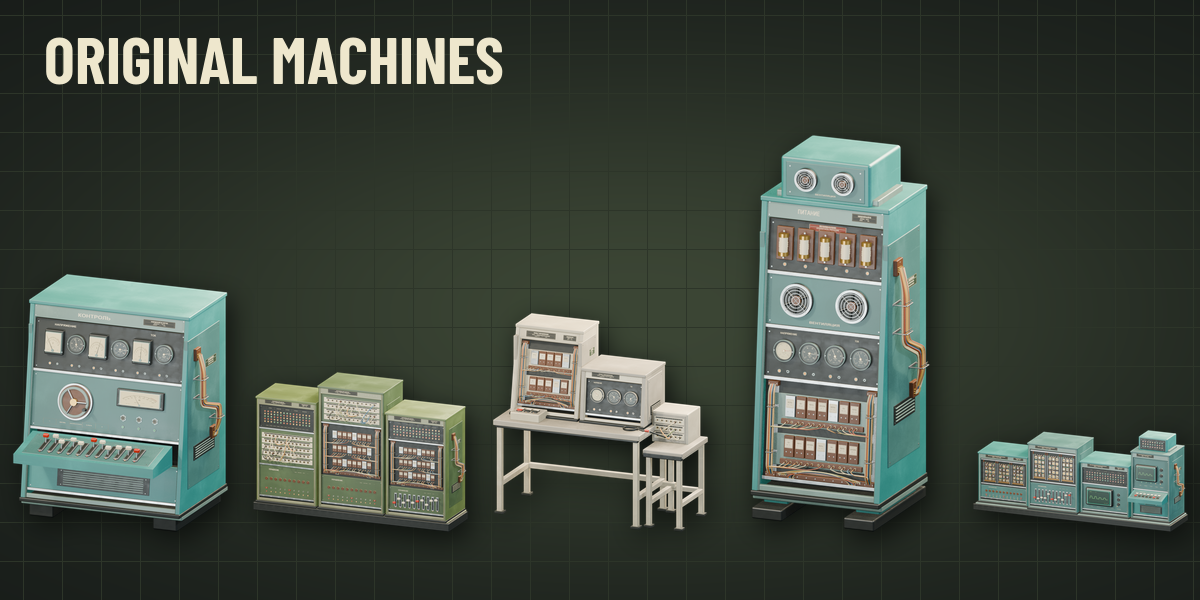
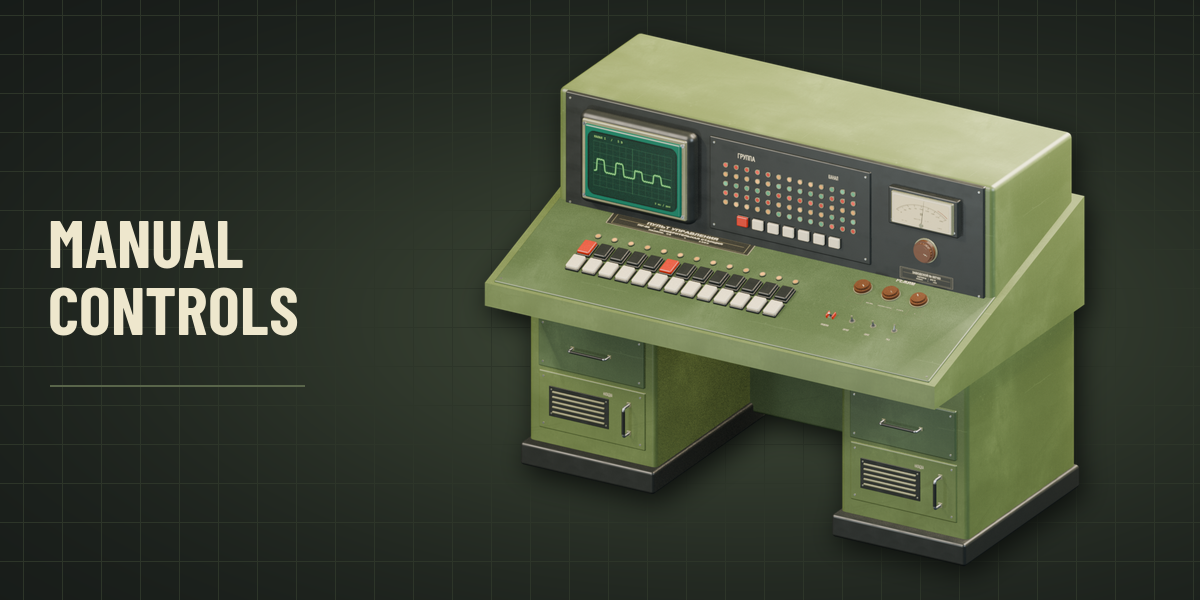
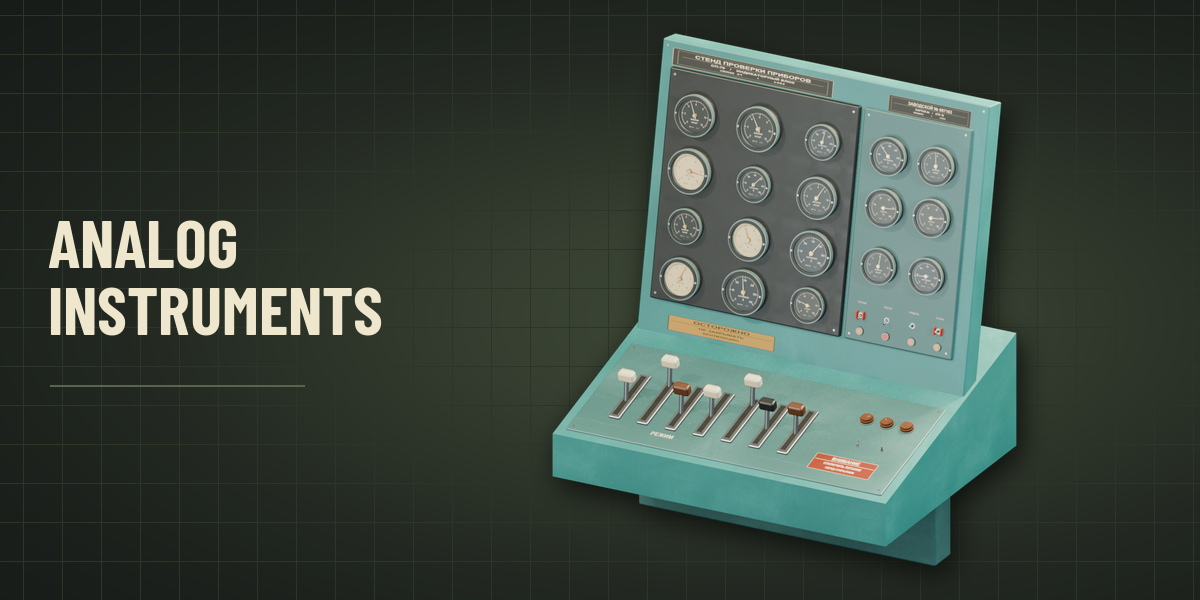
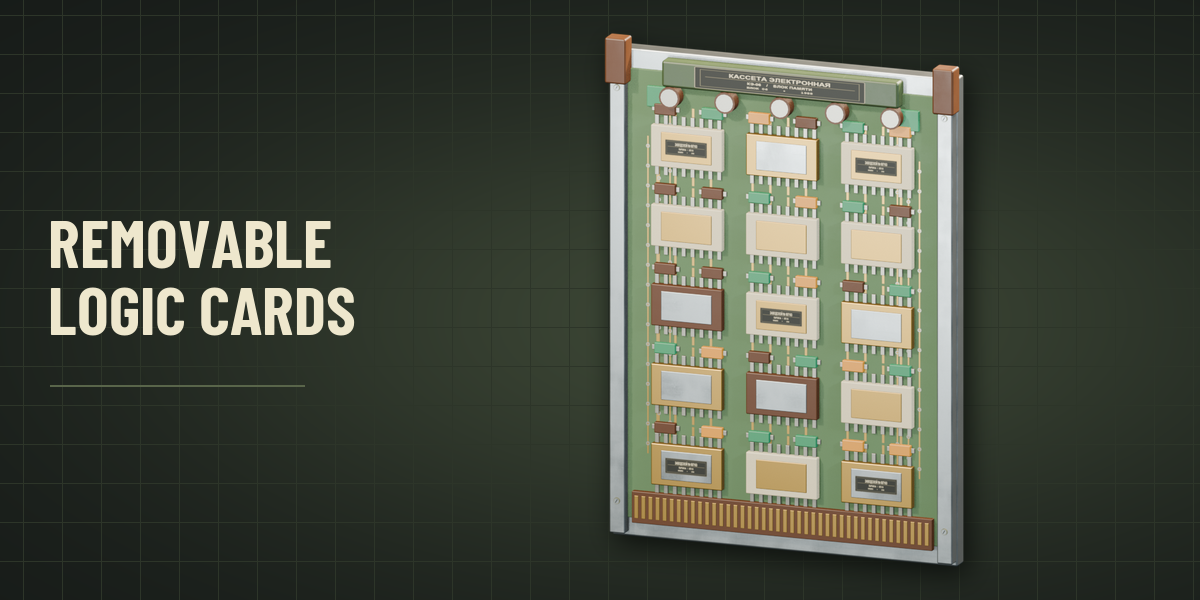
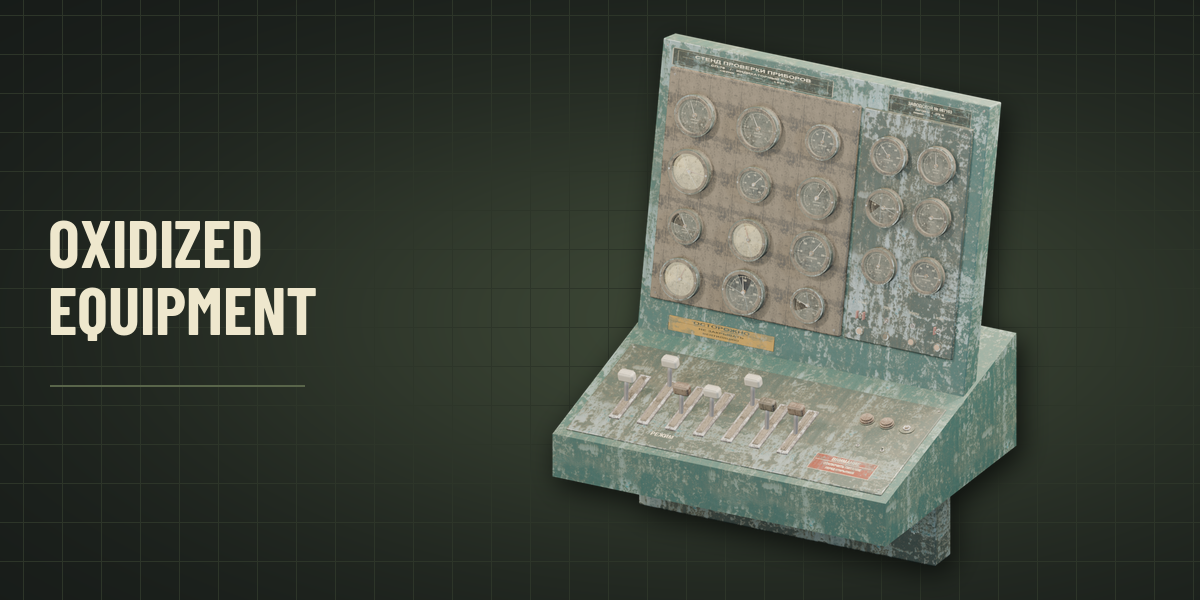
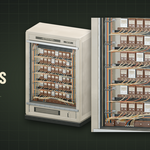
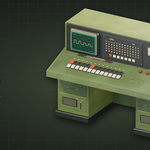
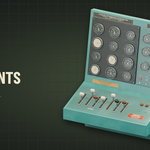
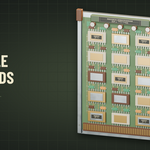
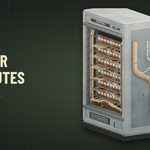
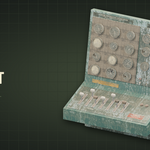
Open the 3D Viewport sidebar with N and choose Soviet. Choose Procedural Machine and click Generate Machine. Pick a layout and equipment mix or leave both on Automatic. Enable Custom Dimensions to set the width, height and depth. Select a machine and click Reroll Layout for a new seed. Open Variation to see the seed, add a machine using a supplied seed, or apply the result as a mesh.
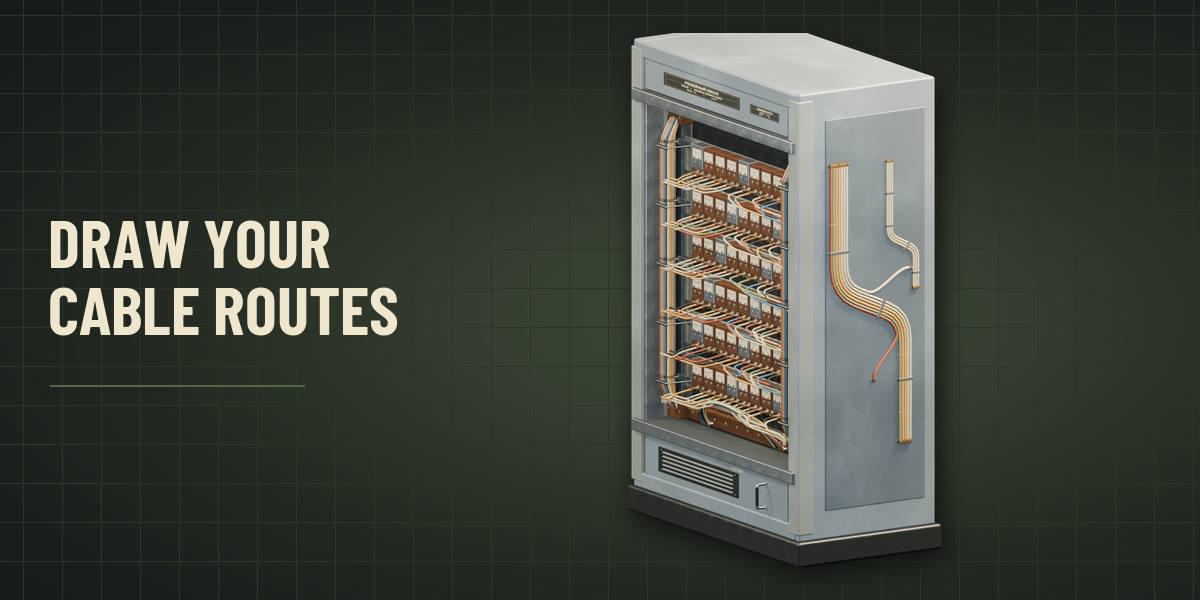
Draw cables on a mesh
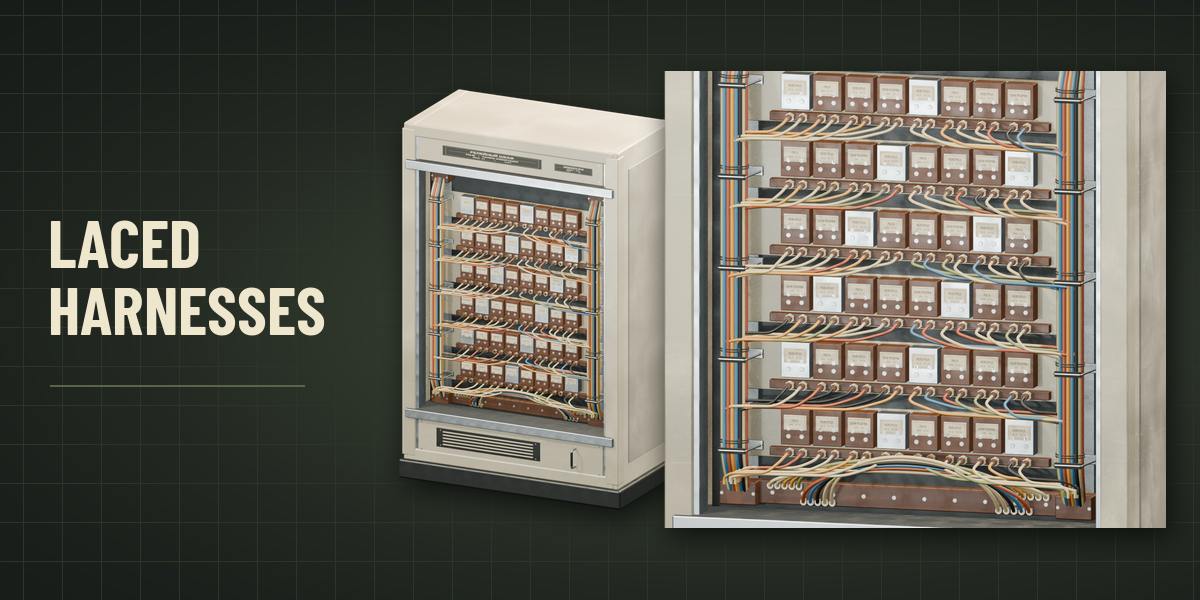
Open Cable Drawing in the Soviet tab and click the Cable Type thumbnail to browse preset assemblies. Set the bundle size, strand count, layout, jacket, support and condition. Press Draw Cables, hold the left mouse button and drag across visible meshes. Release to build the harness. Open Routing Details to adjust Slack and Harness Details to control hanging runs, lacing and branches. Press Esc to cancel an unfinished stroke.
Have questions about this product?
Login to message
| Blender Extension Compatible | Yes |
| Published | about 2 hours ago |
| Blender Version | 4.2 - 5.2 |
| Extension Type | Add-on |
| Render Engine Used | Cycles, Eevee |
| License | GPL |

Discover more products like this
generators Computer machinery hard surface analog industrial Electronics cables vintage