Crys
Crys


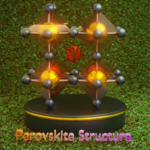
1) Understanding Space Groups
In crystallography, space groups describe the full symmetry of a crystal structure by combining translational and point symmetries. They define how a simple arrangement of atoms can be repeated in space to generate an entire crystal.
There are 230 unique space groups, each encoding specific symmetry operations such as rotations, reflections, inversions, and screw axes. These symmetries are fundamental to determining the physical properties of materials,.
By leveraging space groups, complex crystal structures can be constructed from minimal information—typically a unit cell and a small number of atomic positions—making them an essential tool for both research and visualization.
2) The file
The proposed file contains 230 nodes corresponding to the different space groups, along with 6 additional nodes for generating unit cells, spins, and more. For space groups with multiple settings, the nodes systematically use setting 2 for the generated representations.
2.1) The systems :
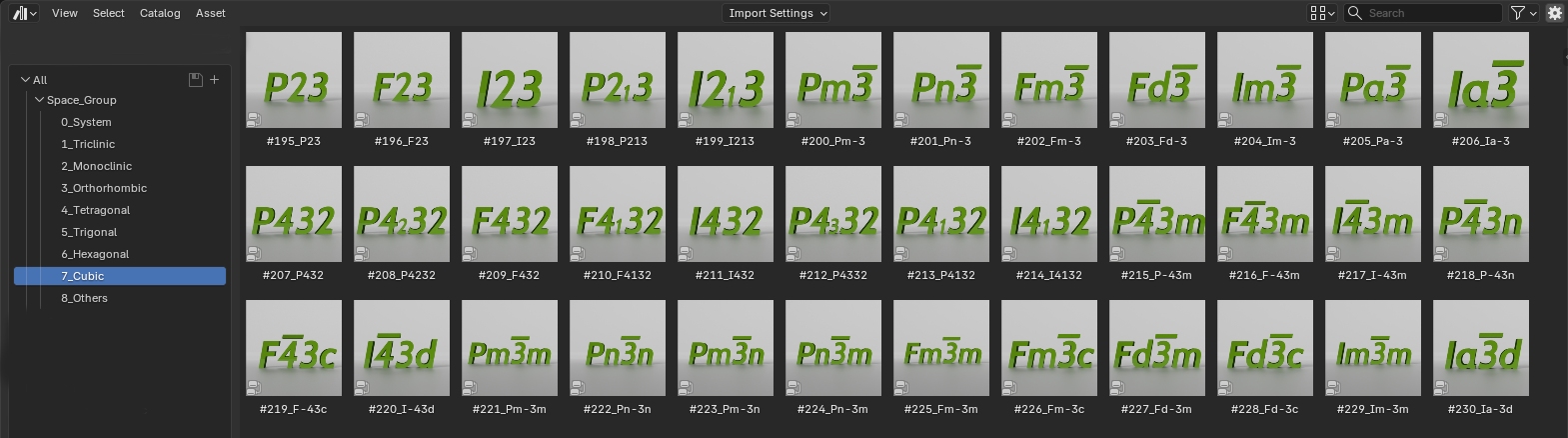
The first category of nodes is organized around the seven crystal systems. Each system groups together all the corresponding space group nodes, providing a clear, modular and structured way to navigate crystallographic symmetries.
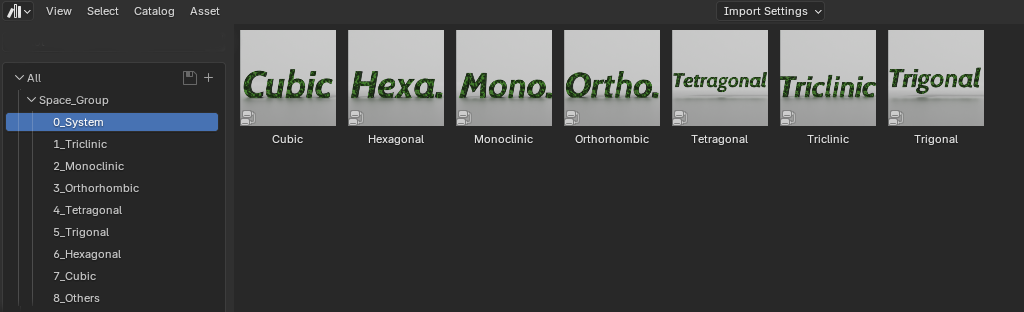
This is followed by the seven crystal systems, each containing their respective space groups.
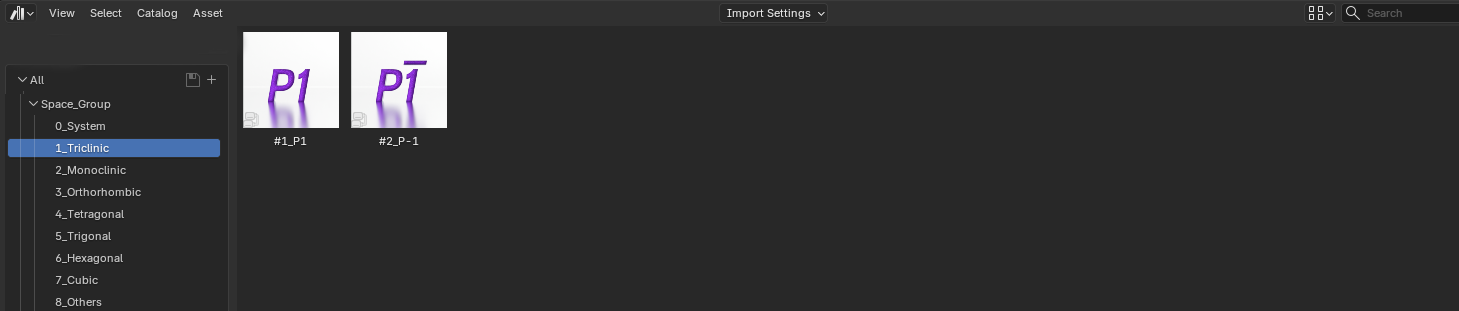
2.2) The Triclinic system :
2.3) The Monoclinic system :

2.4) The Orthorhombic system :
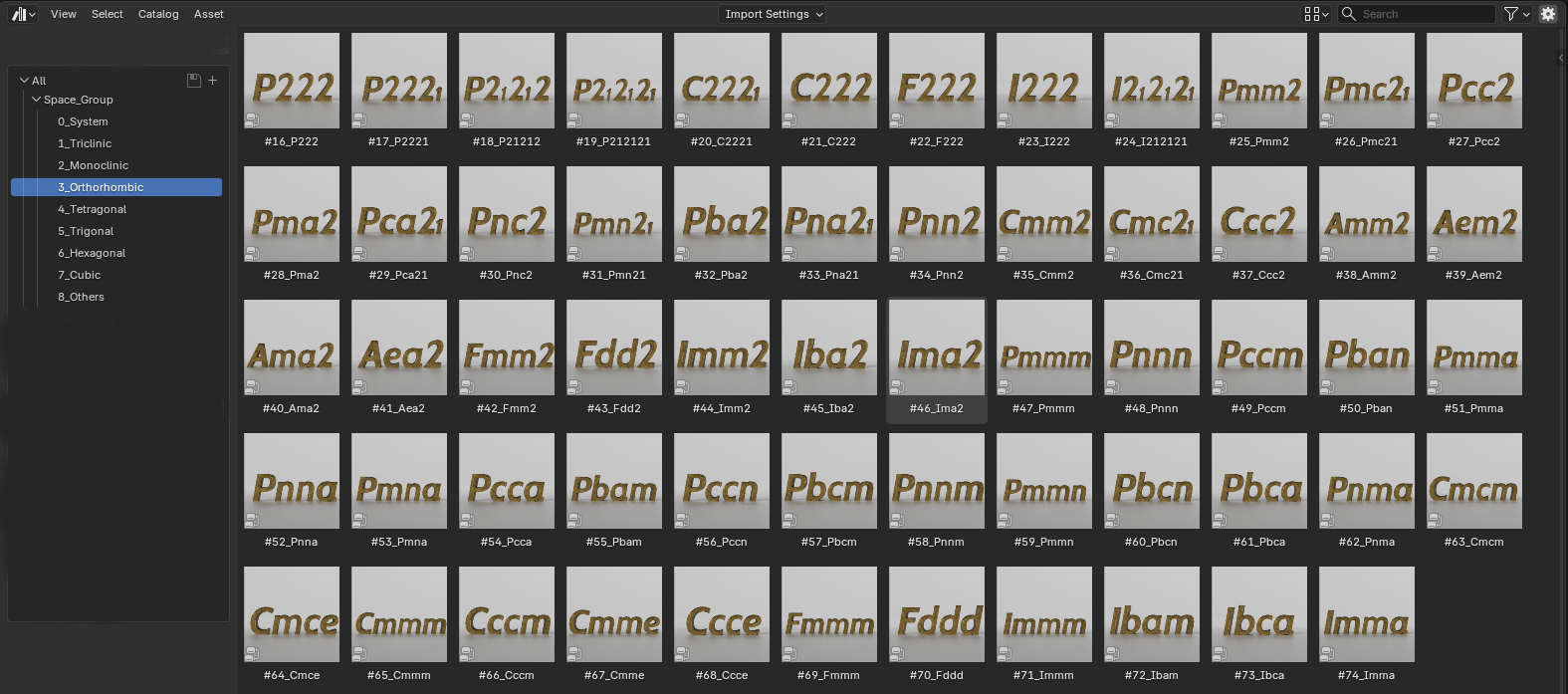
2.5) The Tetragonal system :
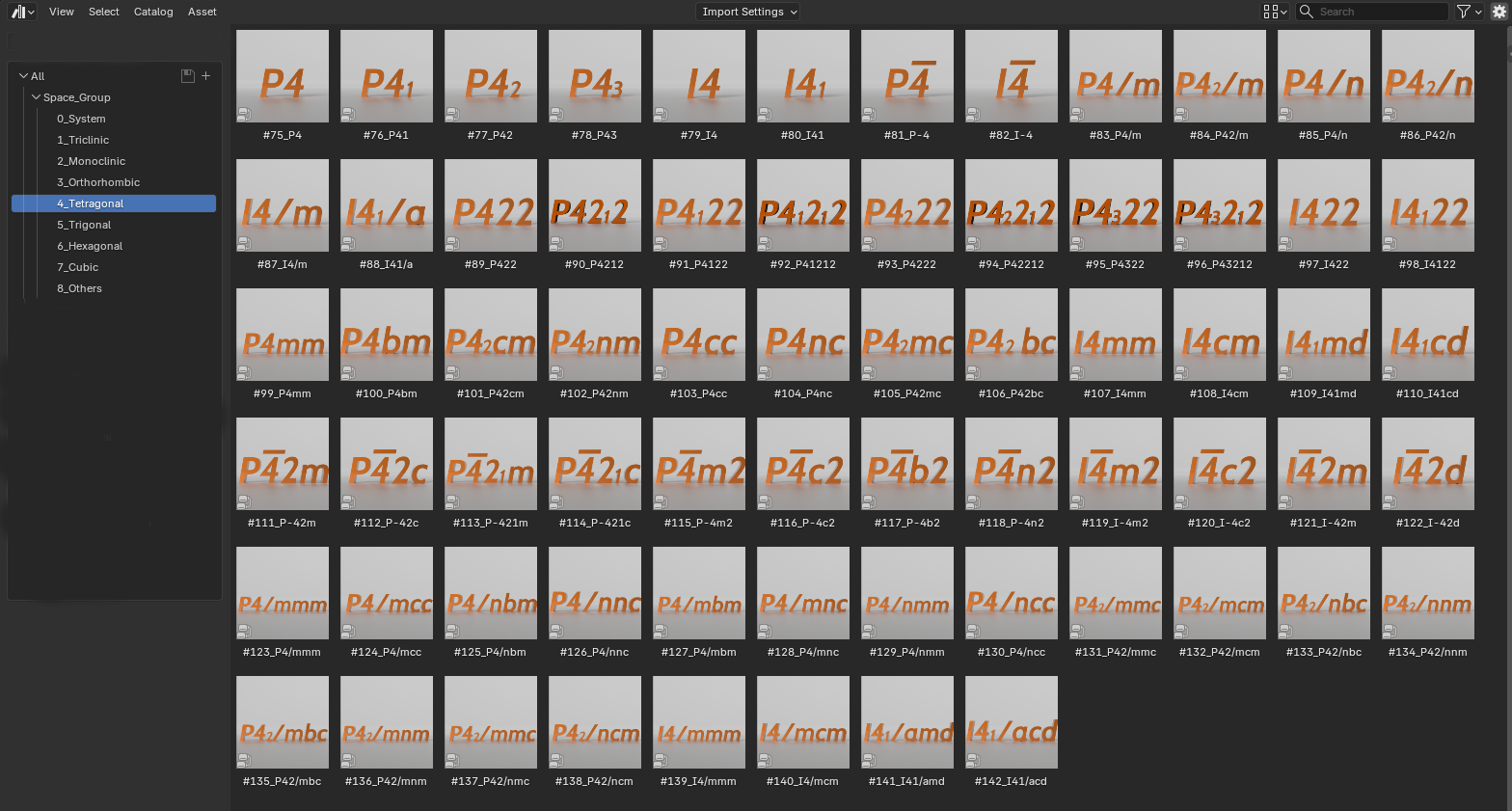
2.6) The Trigonal system :
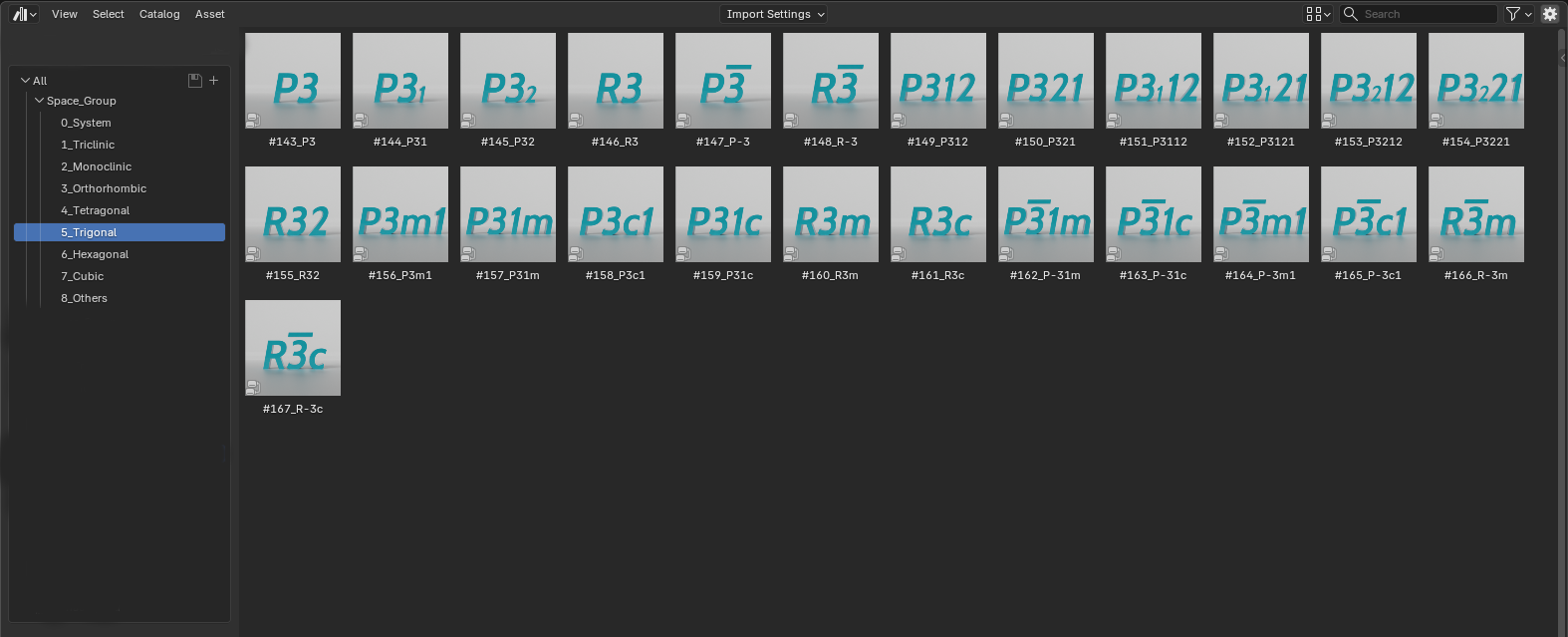
2.6) The Hexagonal system :
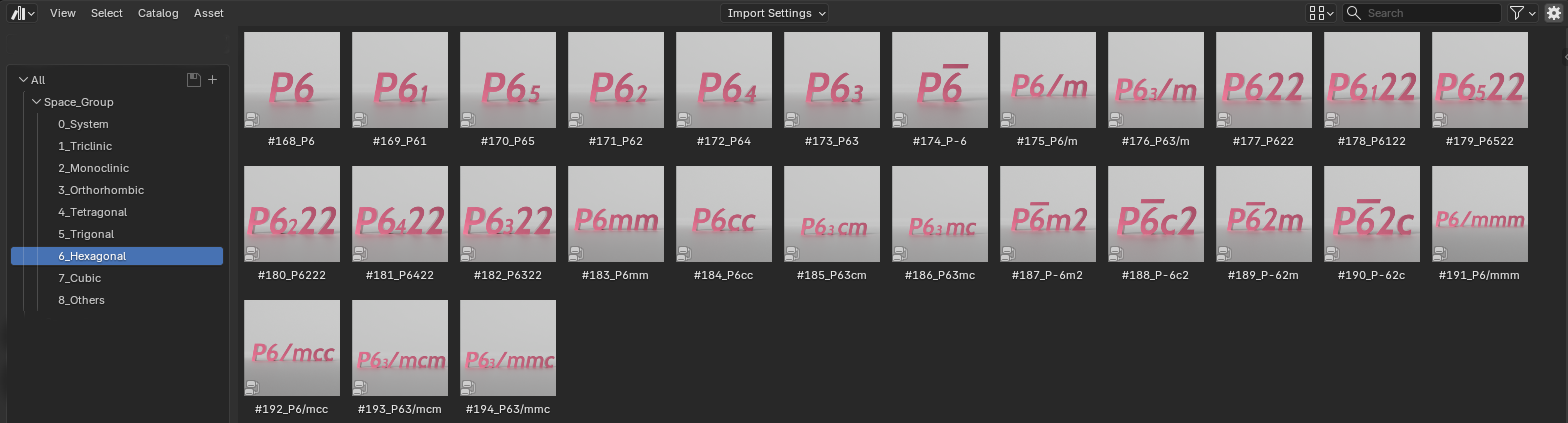
2.7) The Cubic system :
2.8) The additional nodes :

2.8.1) The "Atom" node :
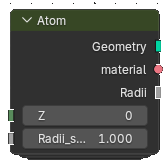
The Atom node generates an atom based on its atomic number (Z), allowing for quick and accurate element selection directly within your workflow. Each atom is automatically assigned its standard CPK color, ensuring a consistent and recognizable visual representation widely used in chemistry and crystallography.
2.8.2) The "Link Atoms" node :
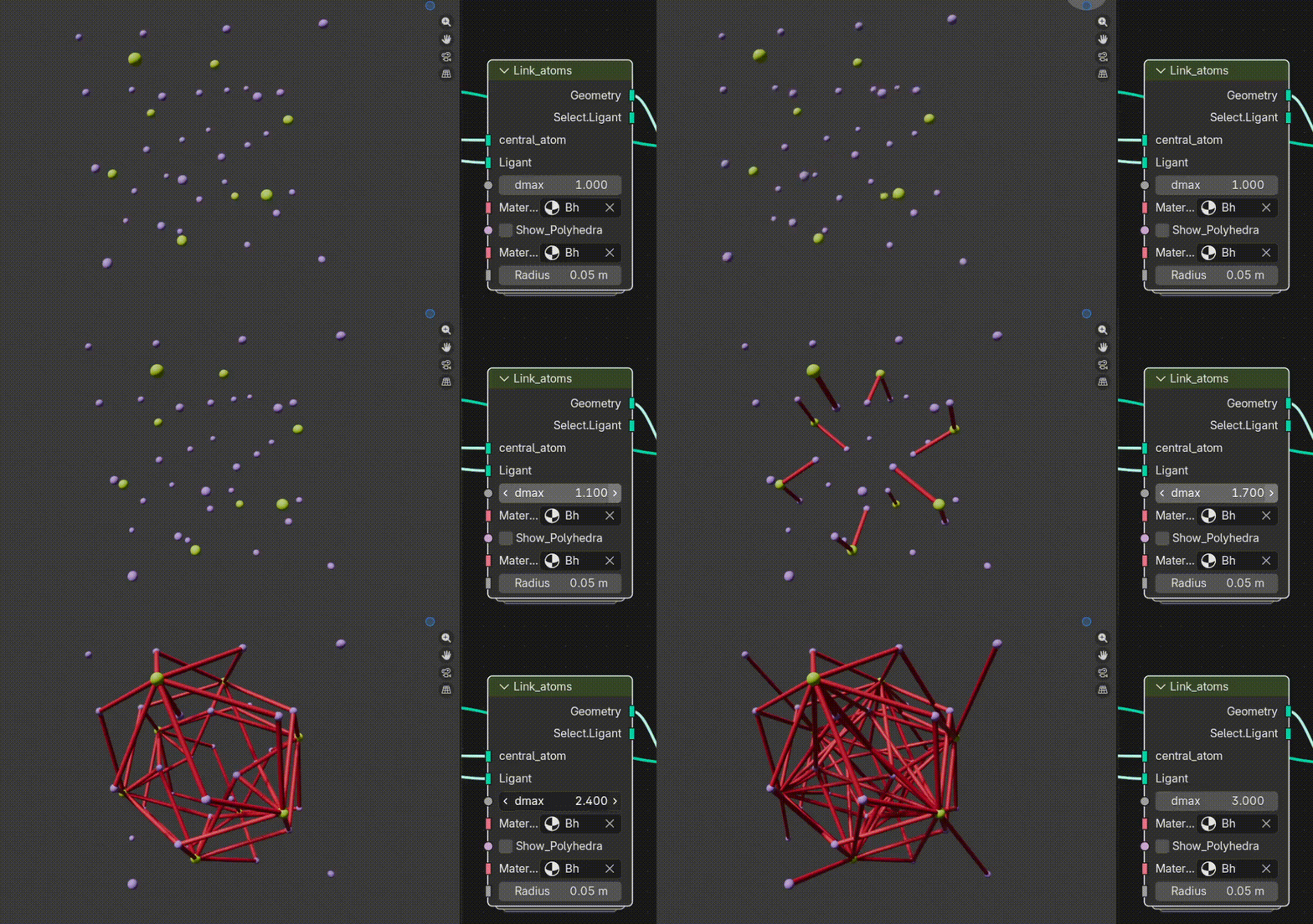
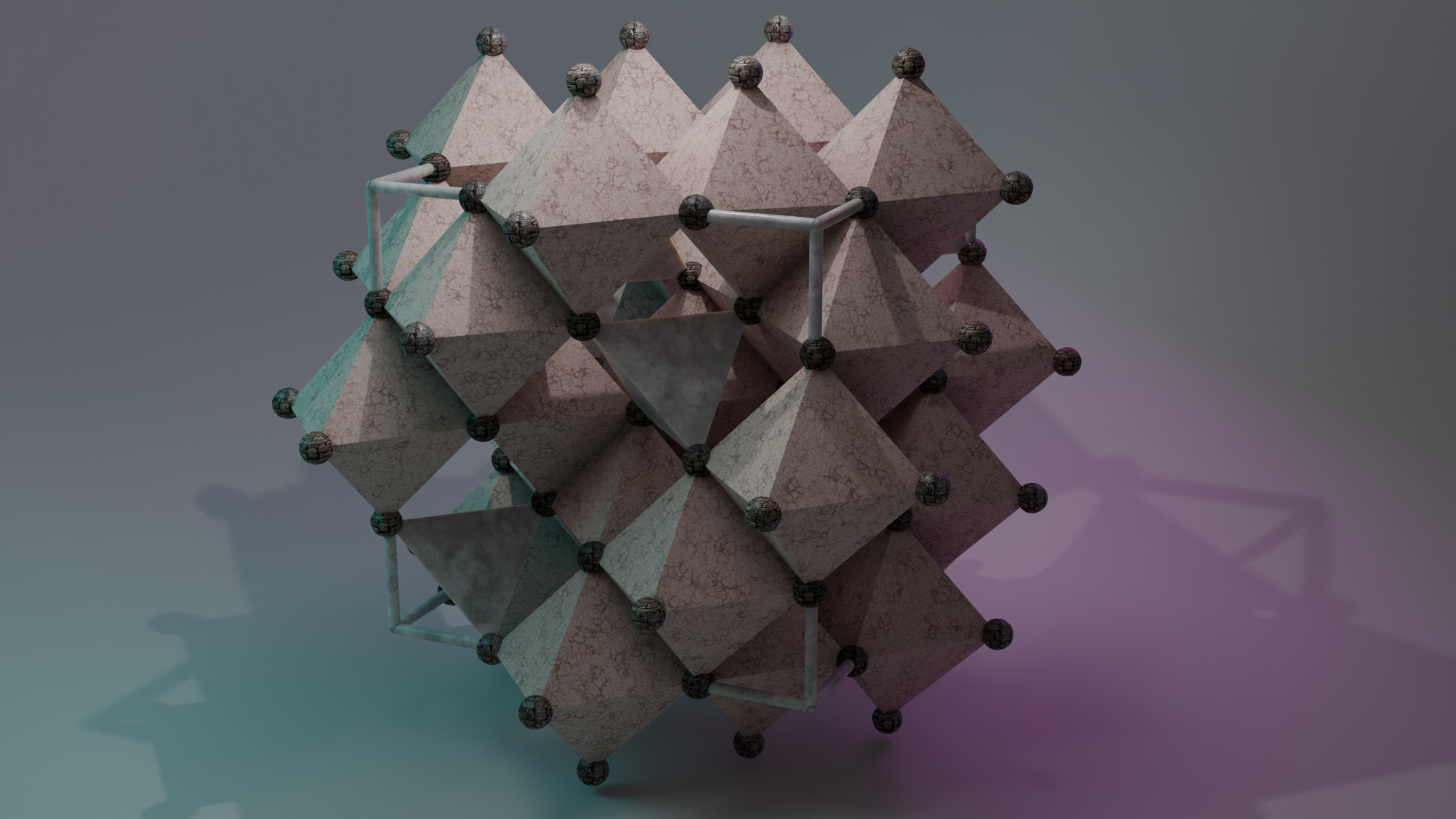
The Link Atoms node creates bonds between a central atom and its surrounding ligands based on a distance criterion (d ≤ d_max), enabling automatic identification of coordination environments. The Show Polyhedra option generates the corresponding coordination polyhedron using a convex hull approach, providing a clear visualization of the local geometry.
2.8.3) The "Multiply cell" node :
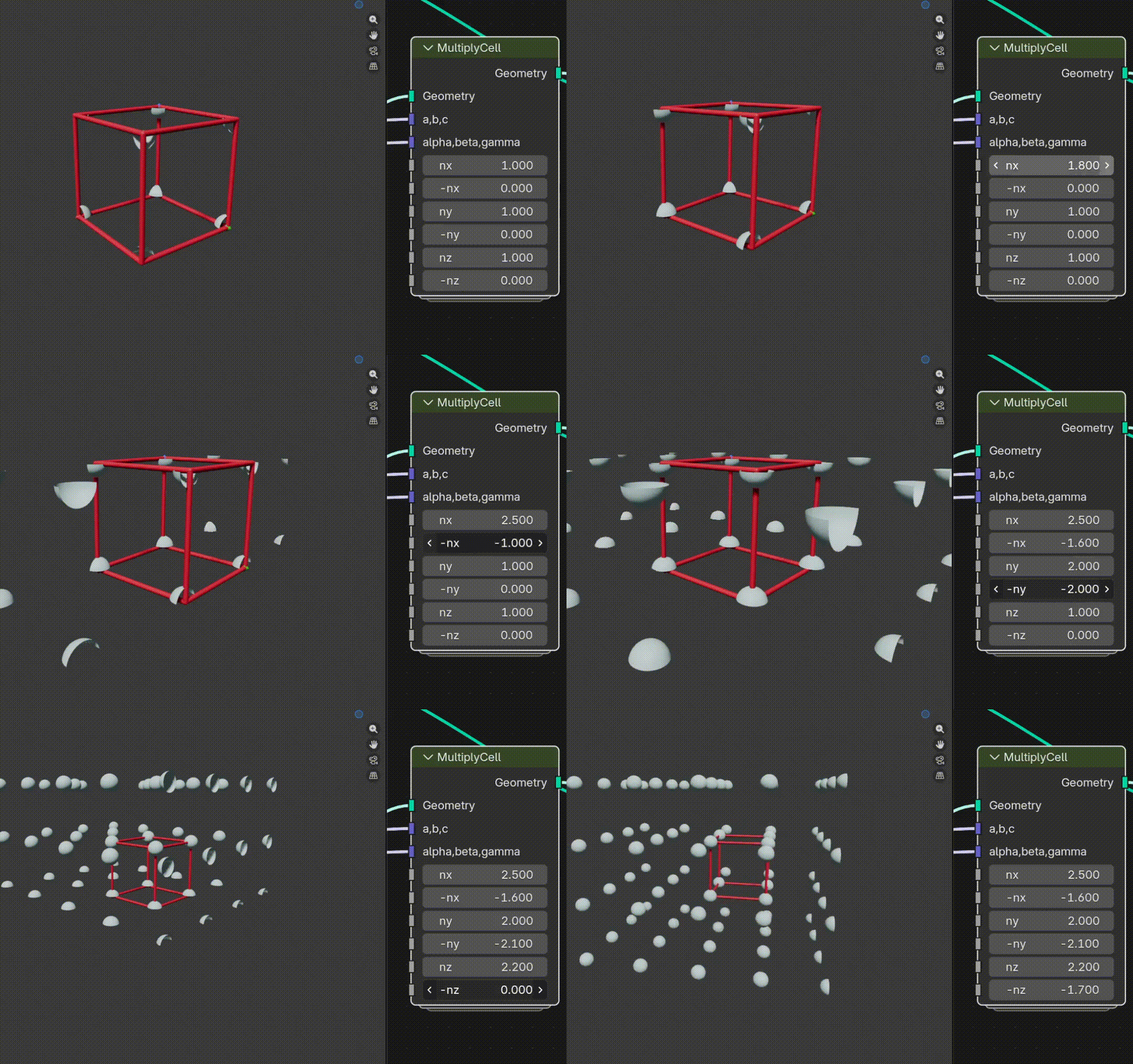
The Multiply Cells node replicates the unit cell along the three spatial directions, allowing you to easily build extended crystal structures from a single cell.
2.8.4) The "Reciprocal unit cell" node :
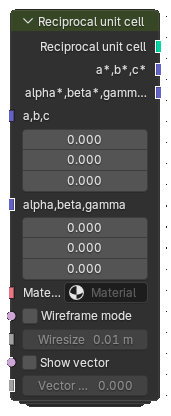
Generate the reciprocal lattice from a unit cell
2.8.5) The "Spin" node :
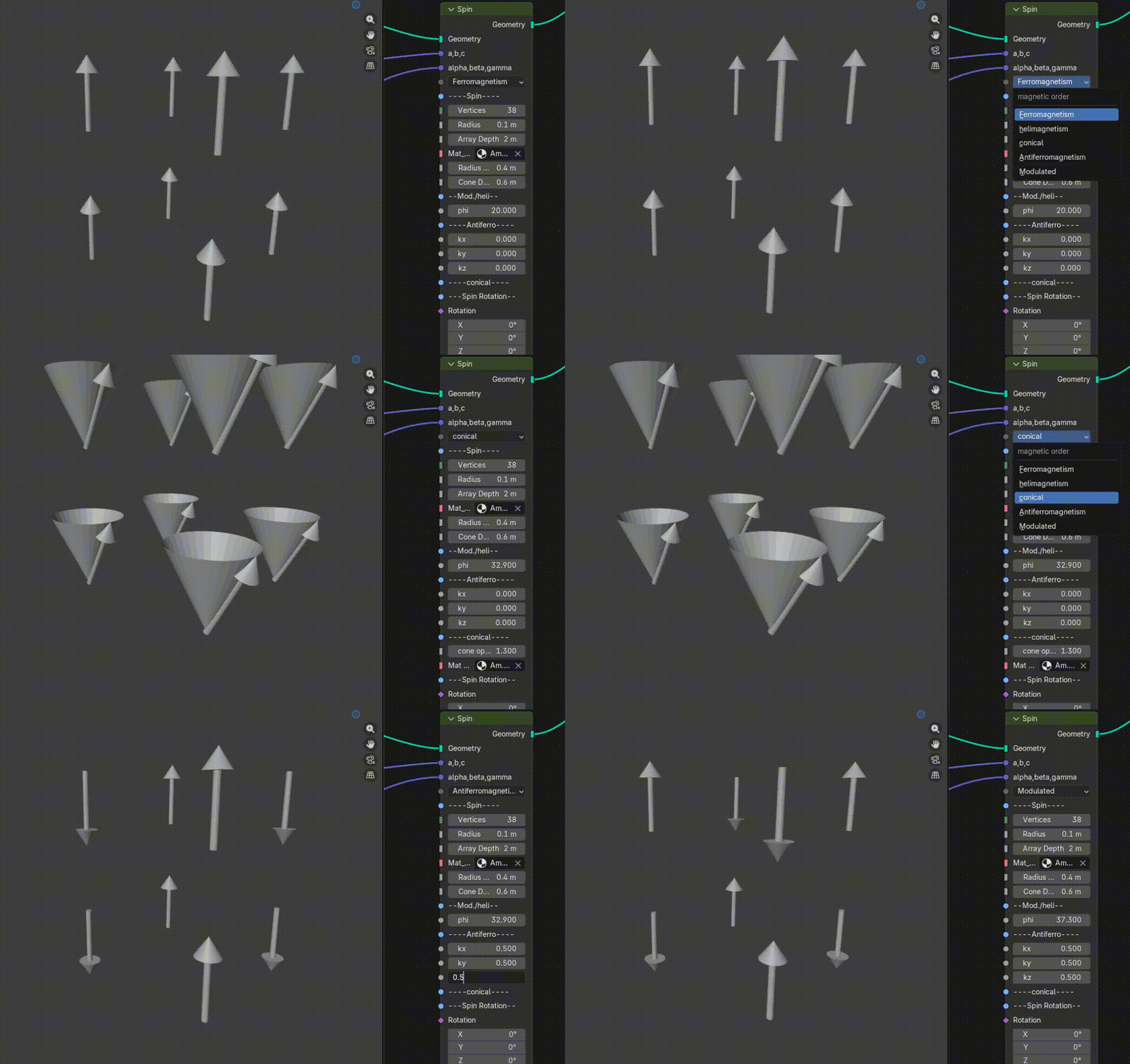
The Spin node enables the generation of magnetic structures by assigning spin orientations to atoms. It supports a variety of magnetic orders, including ferromagnetic, antiferromagnetic, helical, modulated, and conical configurations.
2.8.6) The "unit_cell" node :
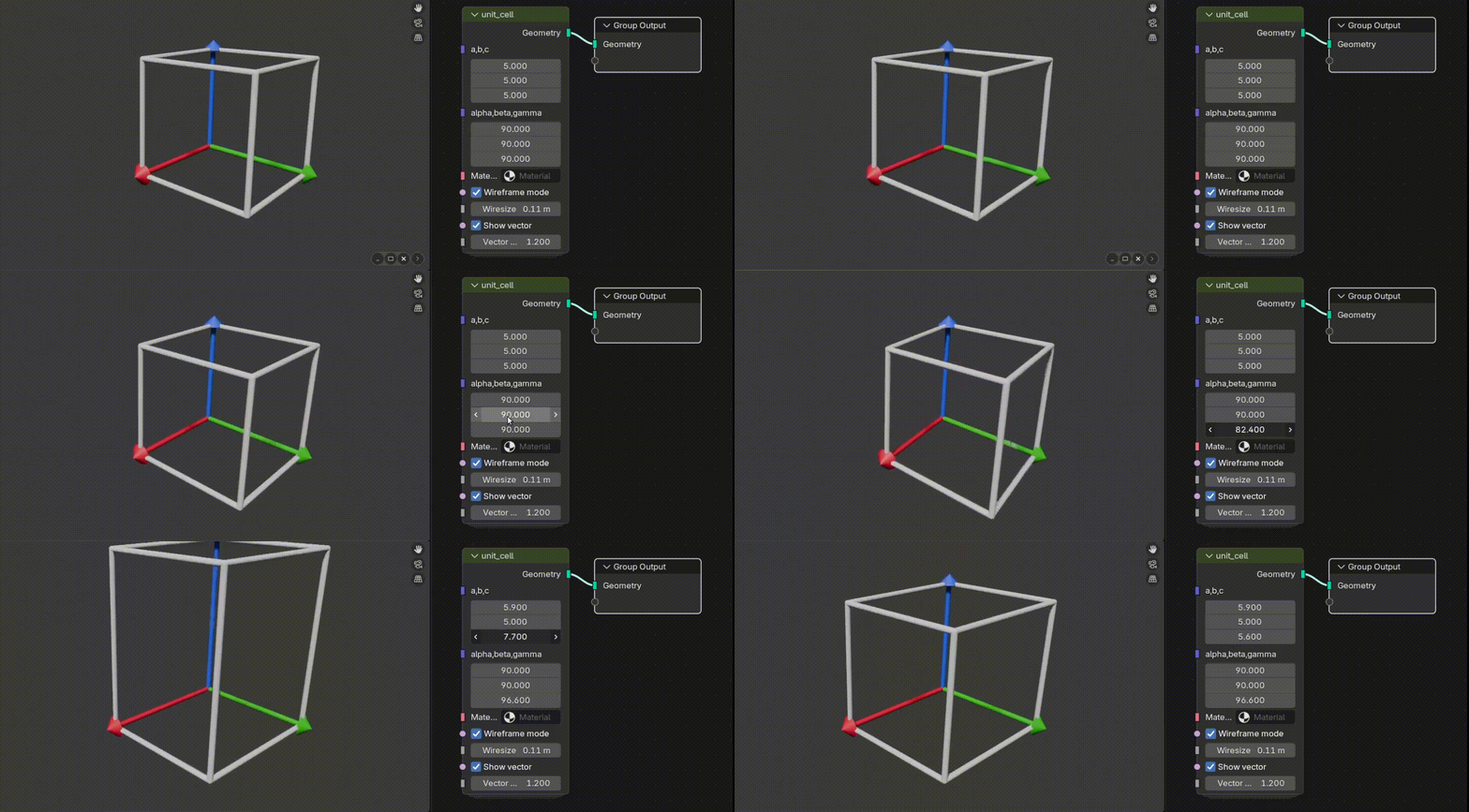
The Unit Cell node generates a visual representation of the unit cell, including its lattice vectors, providing a clear framework for understanding the geometry of the crystal structure.
3) Tutorial
In this tutorial (Tutorial Spinel), you will learn how to build the spinel structure step by step using the add-on. From selecting the correct space group to placing atoms and generating bonds, the workflow highlights the formation of tetrahedral and octahedral sites within the lattice.